AI 모델 · 이 페이지에서 만들기

Seedream 4.5

4크레딧부터 · photo-real images에 적합

Create a photo-real image from a text prompt with ByteDance's Seedream 4.5, or upload a photo and describe what to change. 4 credits either way.

약 20~60초

By uploading, you confirm you have the right to use this photo (see Acceptable Use).

화면 비율
아이디어 — 클릭해서 해 보기
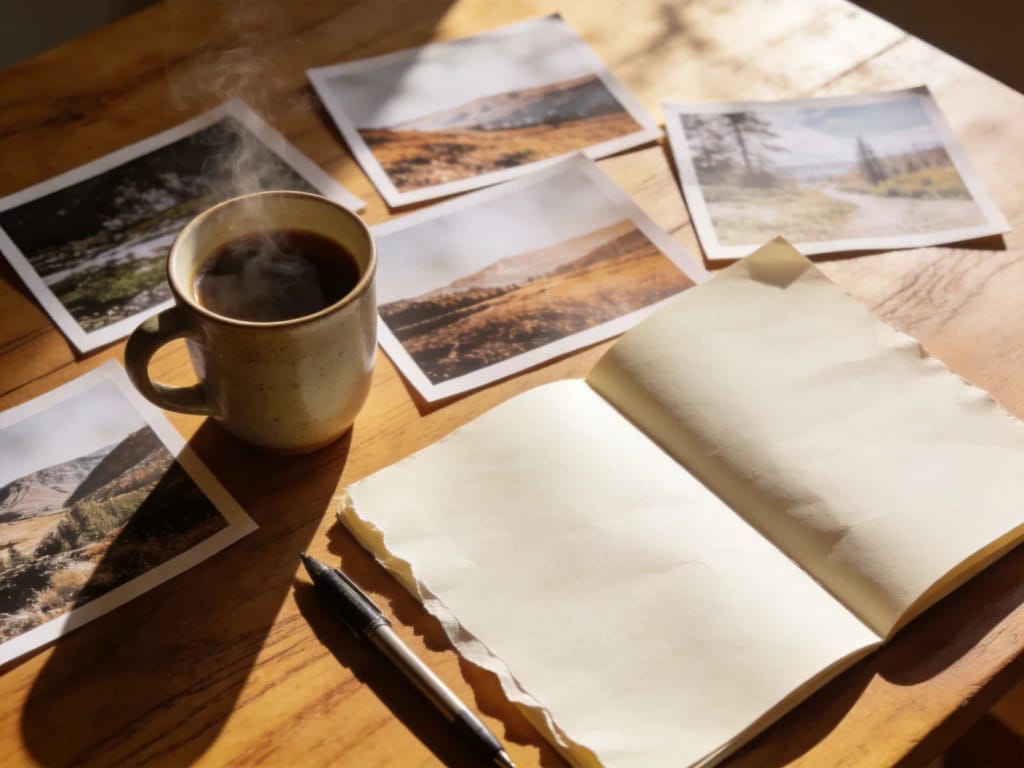
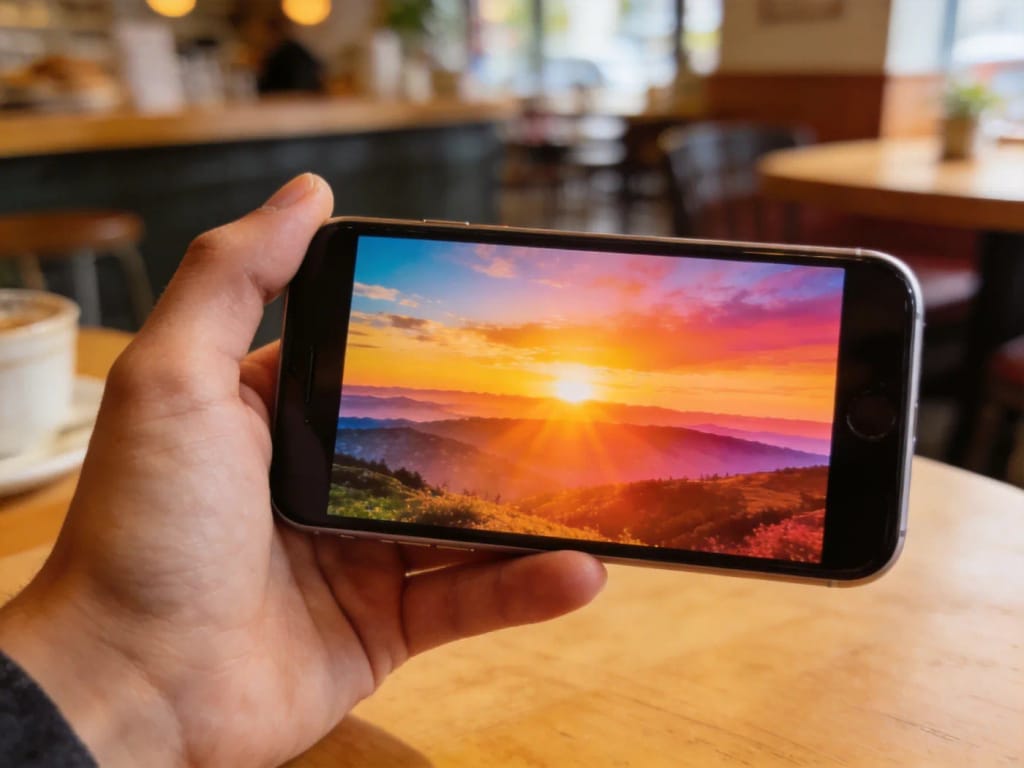
Inspiration 1
Inspiration 2
Inspiration 3
이미지당 4크레딧 · 가입 시 6 크레딧
모델: Seedream 4.5 · 보통 20~60초

Eidora's Seedream 4.5 page runs ByteDance's Seedream 4.5, the version before Seedream 5, through kie.ai. Type a prompt to create an image or upload a photo and describe the change; each result uses 4 credits, and a free account's sign-up credits cover your first one. A result usually takes about a minute.

프롬프트와 결과

프롬프트에서 이미지로

“A cozy ceramic coffee cup with latte art on a linen cloth beside a window, soft morning light, shallow depth of field, photorealistic”

프롬프트
입력
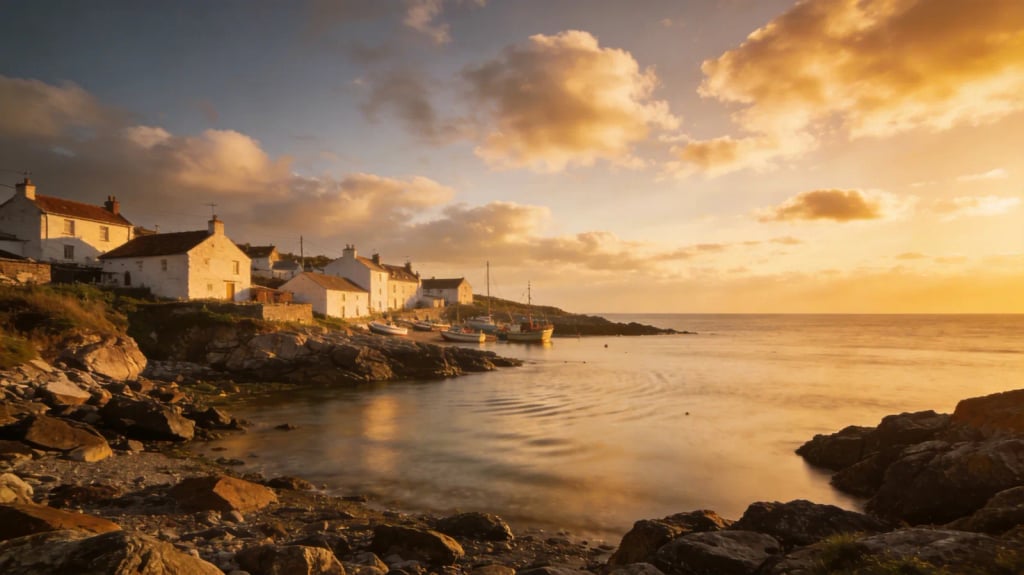
Seedream 4.5 result: a latte in a ceramic cup on linen in morning window lightSeedream 4.5 result: a coastal fishing village with white houses at golden hour
샘플 결과
후
모델 포지셔닝
Seedream 4.5 overview

About this model

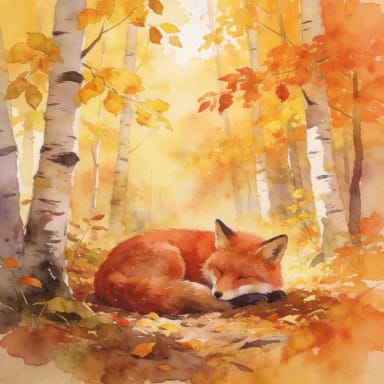
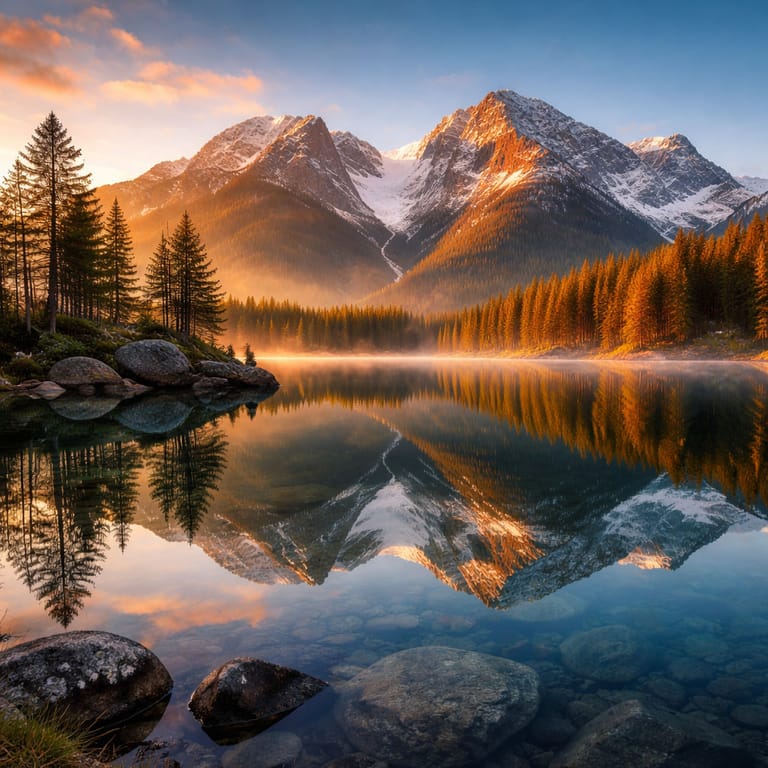
Seedream 4.5 is ByteDance's image generation and editing model, the version before Seedream 5. On this page you can type a prompt to create an image, or upload a photo and say what to change. In our own test runs it made natural-looking photos, a landscape and a watercolor illustration, and it kept a person's face, hair and clothes when we changed only the background. Eidora runs it through kie.ai at its basic quality setting; every result uses 4 credits.

  • Photo-real light and detail
  • Same price from text or photo
  • Keeps the person when the background changes
  • Landscapes and illustration too
추천 용도: Product shots, landscapes and portrait background swaps when you want a photo-style result for fewer credits.
활용 사례

당신이 만들 수 있는 것

Seedream 4.5 use case - Product and Food Shots

Product and Food Shots

Describe a cup, a bottle or a dish in good light and get a clean, photo-style picture for a menu, a shop page or a post, without a photo shoot.

Landscapes and Wallpapers

Create a wide coastal, mountain or city scene for a wallpaper, a banner or a travel post, and pick a 16:9 shape before you generate.

New Background for a Photo

Upload a portrait and ask for a park, a studio or a street behind you. In our tests the face, hair and clothes stayed the same.

왜 Eidora인가

만드는 방식이 다르고, 결과가 더 좋습니다

Same Price from Text or Photo
An image from text and an edit of your photo both use 4 credits, so you can try either without a paid plan.
Photo-Real Looks
In our test runs, Seedream 4.5 produced natural light and believable detail in photos of objects, places and people.
Edit a Photo by Describing It
Upload a photo and say what to change, such as the background or the light. We kept the same face and clothes in our tests.
이용 방법

세 단계, 약 1분.

Seedream 4.5: Enter Your Prompt
  1. Enter Your Prompt

    Type what you want to see: the subject, the place, the light and the style. Or upload a photo and describe the change.

  2. Generate Your Image

    Press Generate. Seedream 4.5 usually takes about a minute.

  3. Download and Use

    Save the image to your device, or change the prompt and generate again.

지금 Seedream 4.5 써 보기
✦ 생성 · 4 크레딧
자주 묻는 질문

자주 묻는 질문

알아야 할 모든 것. 찾는 답이 없나요?

아직 궁금한 점이 있나요?
지원팀이 기꺼이 도와드립니다.
지원팀 문의
Seedream 4.5 is ByteDance's image generation and editing model, the version before Seedream 5. It creates images from a text prompt and can edit an uploaded photo.
Yes. Your prompt is sent to ByteDance's Seedream 4.5 through kie.ai, a model hosting provider. Eidora is not affiliated with ByteDance.
You can start with a free account: 6 credits when you sign up, enough to use this tool once (4 credits per image), with 2 left over. Free results carry an eidora.io watermark. After that, credits start at $1.99: a new account can buy 40 credits for $1.99 once, within 72 hours of signing up; credit packs start at $4.99 for 100 credits and plans at $9.9/month. Once you have paid, your results have no badge.
On Eidora the price differs: Seedream 4.5 uses 4 credits for an image from text, Seedream 5 uses 8 credits and needs a paid plan or a credit pack. Photo edits use 4 credits on both. Seedream 5 is the newer model and runs Seedream 5.0 Pro through fal.ai for text prompts; Seedream 4.5 runs through kie.ai at its basic quality setting. We have not run a controlled side-by-side test, so we do not claim that one looks better.
Not in every case, and we cannot say which is better for your picture. Seedream 5 is newer and costs more for text prompts. If you want a photo-style result for 4 credits, Seedream 4.5 is a good first try; if the result is not what you wanted, you can try the same prompt on the Seedream 5 page.
Yes. Upload an image and describe the change; the upload goes to Seedream 4.5's edit mode, which also uses 4 credits.
Usually about a minute, a little longer at busy times. We have not published a measured average for this model yet.
In our own test runs, a square image came out at 2048×2048, a 4:3 image at 2304×1728 and a 16:9 image at 2848×1600. Pick the shape in the studio before you generate. ByteDance has not published a fixed size for the basic setting that we can quote.
It depends on applicable law and the model provider's current terms. An Eidora plan changes generation limits and history retention; it does not grant extra intellectual-property rights.
Your uploads, prompts and results are saved privately to your history so you can view and download them later, and only you can open them. To create a result, your input is sent to the AI model provider that runs the generation. We do not sell your content or use it to train AI models.
가입 시 6 크레딧
만들 준비가
되셨나요?
이미지당 4크레딧 · 가입 시 6 크레딧 · 카드 필요 없음
가입 시 6 크레딧 · 카드 필요 없음
약 20~60초
가입 시 6 크레딧