Celebrity Signature Filter

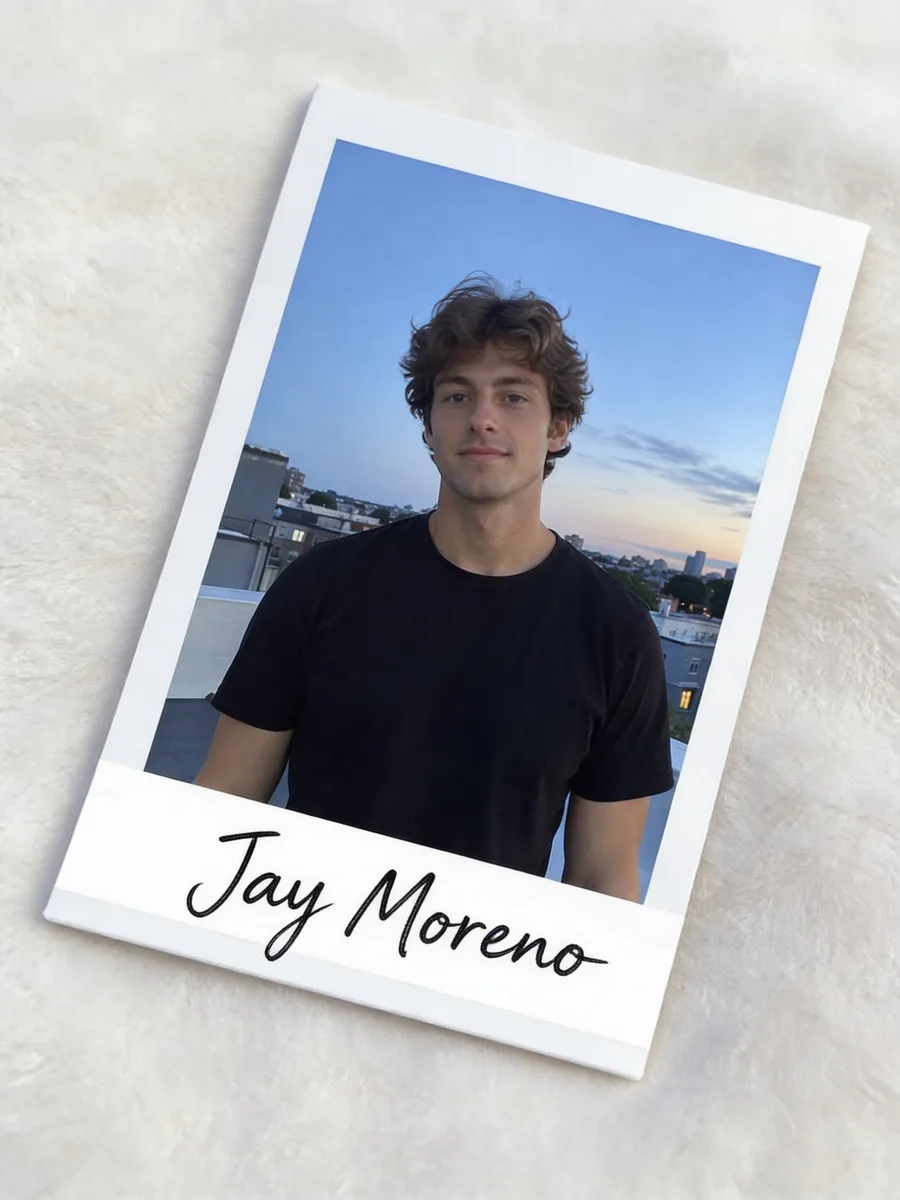
Upload your photo, type a name in the Custom tab, pick a pen look, and get your picture back with a handwritten autograph on it, like a signed print.

4 styles
~20–60 seconds
ExampleThe same photo in each style
✦ Sign My Photo
Celebrity Signature Filter AI result example✦ AI Result
Original photo
Original
Upload your photo

By uploading, you confirm you have the right to use this photo (see Acceptable Use).

Try with an example:
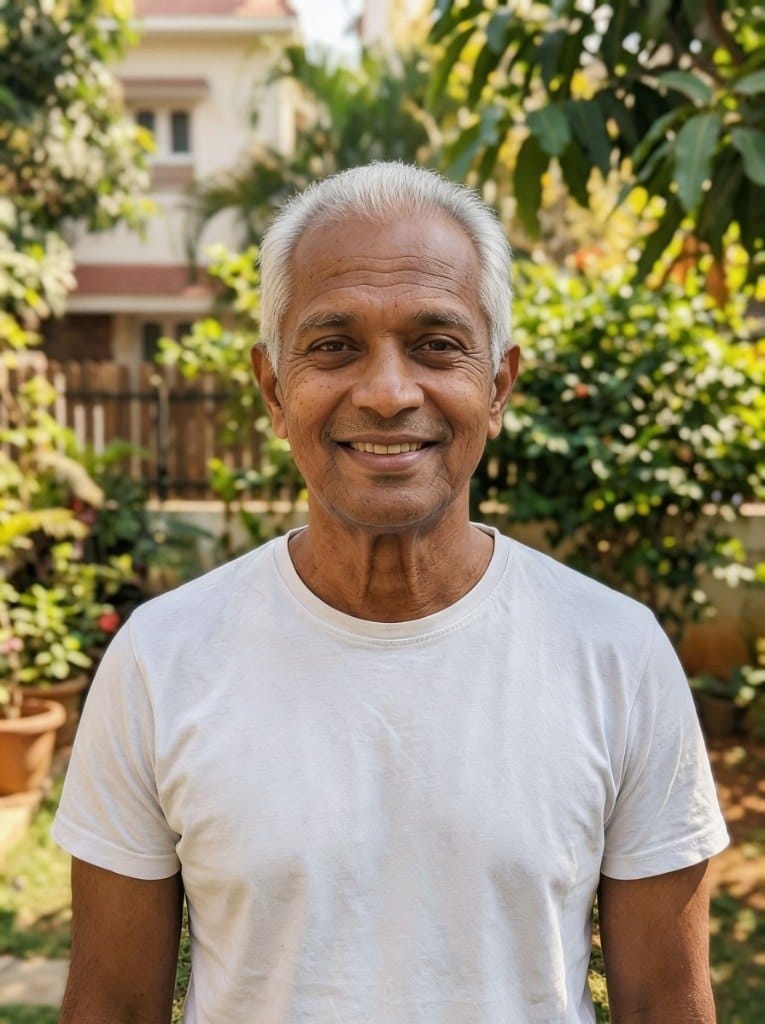
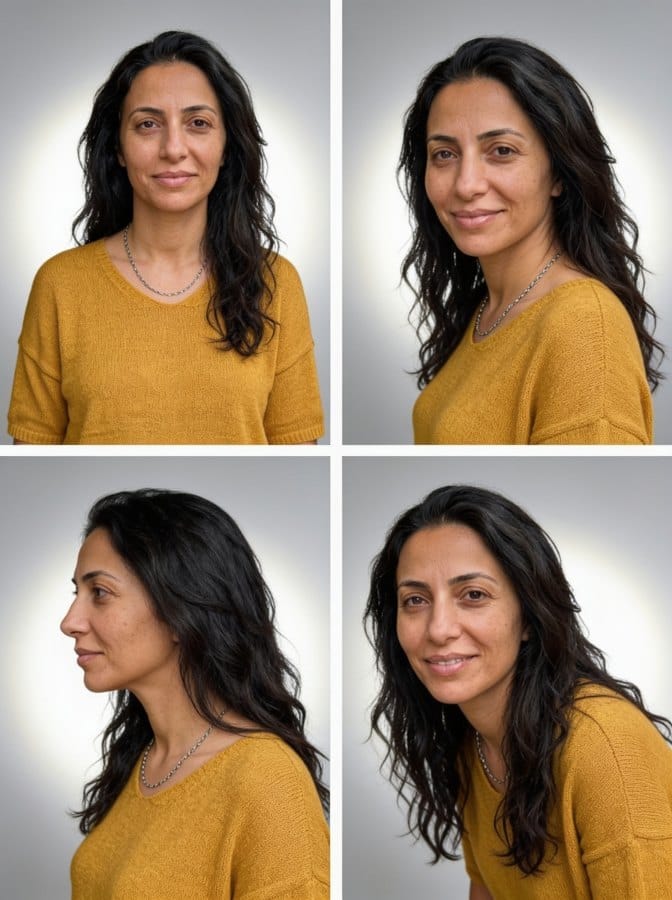
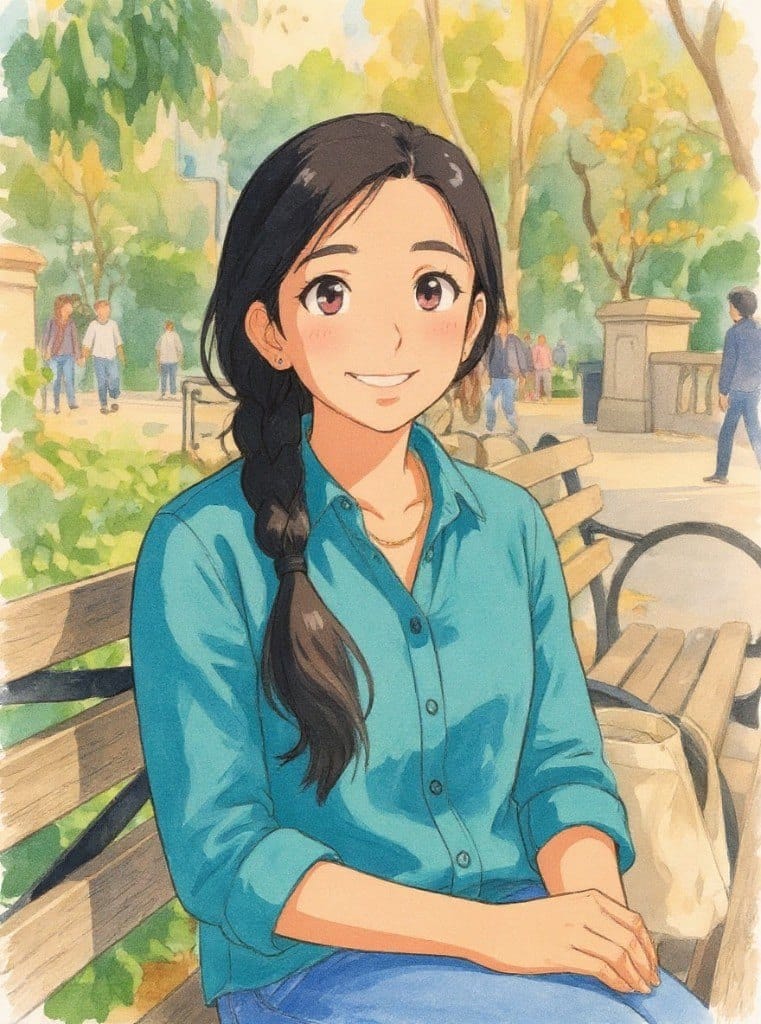
Example photo 1Example photo 2Example photo 3
Choose style
4 credits per image · sign up free · first image free
Model: GPT Image 2.5 · Usually 20-60 seconds

Eidora's Celebrity Signature Filter turns your own photo into a signed autograph photo: you type a name in the Custom tab and pick one of 4 looks (black marker, gold pen, white ink or polaroid), and the AI writes that name as a made-up handwritten signature on your picture. GPT Image 2.5, OpenAI's image model, keeps your face and photo the same and adds only the signature, usually in 20 to 60 seconds. It does not copy any real person's signature, and the result is a still image. Sign up free to start; each image uses 4 credits.

Before & After

See the transformation

Original photo before Celebrity Signature Filter - Black Marker styleOriginal photo before Celebrity Signature Filter - Gold Pen style
Original photo
Before
AI result in Black Marker style - Celebrity Signature FilterAI result in Gold Pen style - Celebrity Signature Filter
AI result
After
Black Marker Style
Celebrity Signature Filter · Eidora AI
What Is This Tool
Celebrity Signature Filter overview

What Is Celebrity Signature Filter?

A celebrity signature filter, also called a celebrity signature video effect or celebrity signature generator, is the TikTok and CapCut photo trend where a picture looks as if it was signed by hand, like an autograph on a fan photo. On Eidora it is a still-image version made with your own photo and a name you type: upload a photo, switch to the Custom tab and type the name to sign, pick one of 4 looks (Black Marker, Gold Pen, White Ink or Polaroid), and the AI writes a made-up handwritten signature on the picture. The AI is told to keep your face, hair, clothes and background exactly as they are and to add only the signature. The signature is invented for the name you type; it is not a copy of any real person's autograph. This is an unofficial tool, not affiliated with or endorsed by any celebrity, and the result is a picture, not an animation of the pen writing.

Use Cases

What you can create

Celebrity Signature Filter use case - TikTok and Instagram Posts

TikTok and Instagram Posts

Post the signed-photo trend with your own picture: a quick autograph look for a profile post, a story or a carousel.

Fun Gifts and Cards

Sign a photo of a friend, a team or a family member with their name for a birthday card, a joke gift or a group chat.

Creators and Small Brands

Give your own portraits a signed-print finish for a thumbnail, a link-in-bio picture or a thank-you card to your followers.

Why Eidora

Built different, built better

Your Photo, Your Name
The picture is yours and so is the name. Type your own name, a friend's or a nickname, and it is written as a handwritten signature on the photo.
4 Pen Looks
A bold black marker, a metallic gold pen, thin white gel ink, or a Polaroid print signed on its white strip. Switch the look and run it again to compare.
Face and Photo Stay the Same
The AI adds only the signature. Your face, hair, clothes, pose and background are kept as in your upload.
How it works

Three steps. About a minute.

Celebrity Signature Filter: Upload Your Photo
  1. Upload Your Photo

    A clear photo of you or a friend works best. Half-body and full-body photos work too; the signature goes in a lower corner.

  2. Type the Name and Pick a Look

    Open the Custom tab and type the name to sign, exactly as you want it spelled. Then choose Black Marker, Gold Pen, White Ink or Polaroid.

  3. Generate and Download

    Generate your signed photo and download it. To compare looks, run the same photo again with another look, one look per run.

Try Celebrity Signature Filter Now
✦ Try It Free Now
FAQ

Frequently
asked questions

Everything you need to know. Can't find what you're looking for?

Still have questions?
Our support team is happy to help.
Contact Support
It is a TikTok and CapCut photo trend where a picture looks like it was signed with an autograph. Here you upload your own photo, type a name, and the AI writes a made-up handwritten signature on it.
No. The signature is invented for whatever name you type, in a handwriting style from the look you pick. It does not copy any real person's autograph, and the tool is unofficial and not affiliated with any celebrity.
No. It is made for fun photos with your own name or a friend's. Do not use it for documents, memorabilia sales or anything that claims a famous person signed something.
Switch to the Custom tab and type the name, spelled the way you want it. If you leave it empty, the photo is signed "Alex". Short names of one or two words come out most reliably, so check the spelling in the result.
Black Marker is a bold glossy marker signature in the lower corner. Gold Pen is a looping metallic gold signature. White Ink is a thin white gel-pen signature. Polaroid turns the photo into a Polaroid-style print signed on its white strip.
The AI is told to keep your face, hair, clothes, pose and background and to add only the signature. Results can vary, so if something changed, run it again, or try a different look; a clear photo with a plain lower corner works best.
No. You get one still picture of the signed photo. It does not animate the pen writing.
Free to try: a free account starts with 6 credits, enough to try this tool once (4 credits per image), with 2 left over. Free results carry a small eidora.io badge. After that, credits start at $1.99: a new account can buy 40 credits for $1.99 once, within 72 hours of signing up; credit packs start at $4.99 for 100 credits and plans at $9.9/month. Once you have paid, your results have no badge.
Your uploads and results are saved privately to your history so you can view and download them later, and only you can open them. To create a result, your photo is sent to the AI model provider that runs the generation. We do not sell your content or use it to train AI models.
Your first one is free
Ready to create
your masterpiece?
4 styles · 4 credits per image · Free to try · no card needed
Free to try · no card needed
~20–60 seconds
Sign up free · first image free