Modelo de IA · faça nesta página

Qwen Image

A partir de 8 créditos · Ideal para outfit and background swaps

Upload a photo and describe the change. Alibaba's Qwen Image 3 edits exactly what you ask, such as clothing, objects or background, and keeps the rest of the photo the same.

Planos pagos e pacotes de créditos
3 estilos
~1–2 minutos
8 créditos por imagem
ExemploExemplo
Como fazer um assim
Tool
Qwen Image
Formato
Not recorded
✦ Try Qwen Image Now
Como fazer um assim
Tool
Qwen Image
Formato
Not recorded
Qwen Image AI result exampleExemplo
Foto original
Original
Envie sua foto

By uploading, you confirm you have the right to use this photo (see Acceptable Use).
Experimente com um exemplo:
Exemplo 1
Escolha o estilo
8 créditos por imagem · precisa de um pacote de créditos (a partir de $1.99) · opção gratuita: AI Image Editor
Modelo: Qwen Image 3 · Normalmente 1-2 minutos

Eidora's Qwen Image page runs Alibaba's Qwen Image 3: upload a photo, describe the change in English or Chinese, and it edits that part, such as clothing, an object or the background, while keeping the rest the same. Choose Edit Image, Image Analysis for an annotated review sheet, or Creative Gen for a more stylized look. It needs a paid plan or a credit pack; each image uses 8 credits.

Antes e depois

Veja o antes e o depois

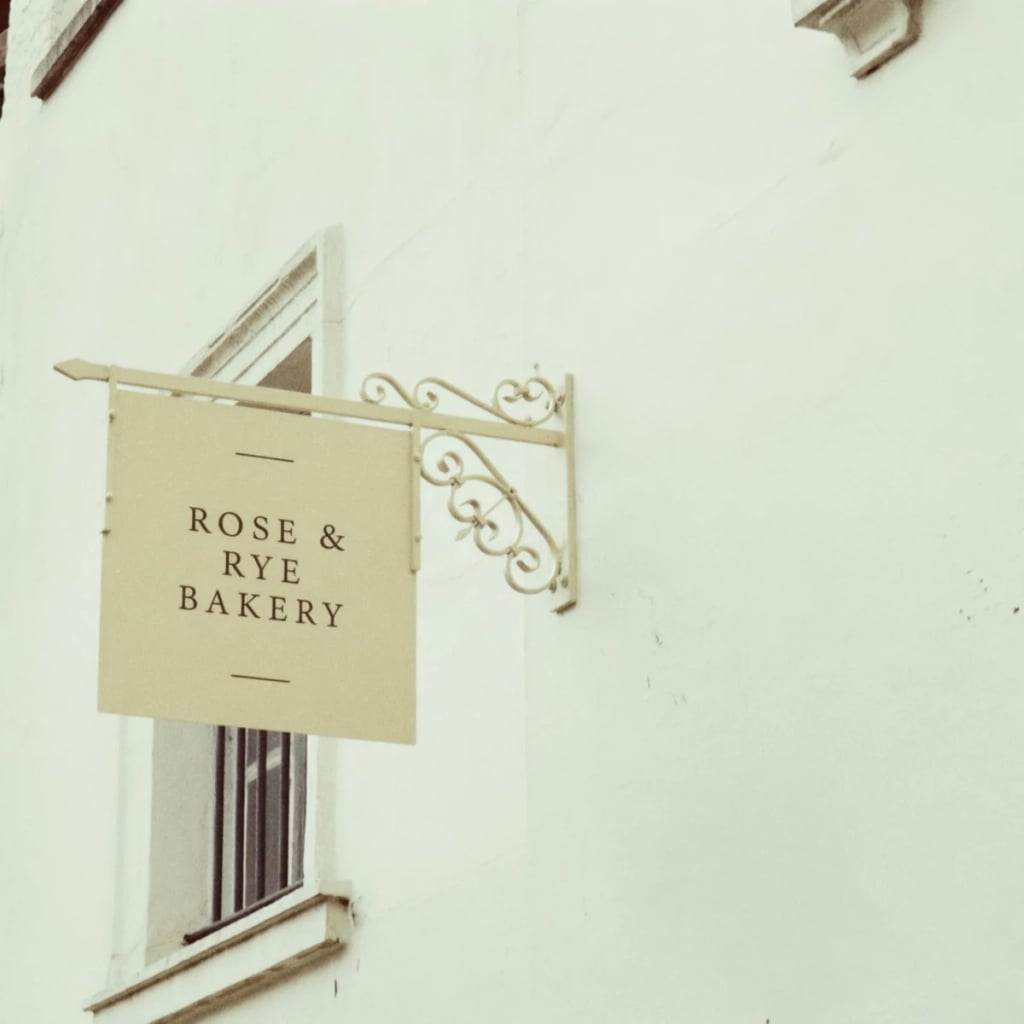
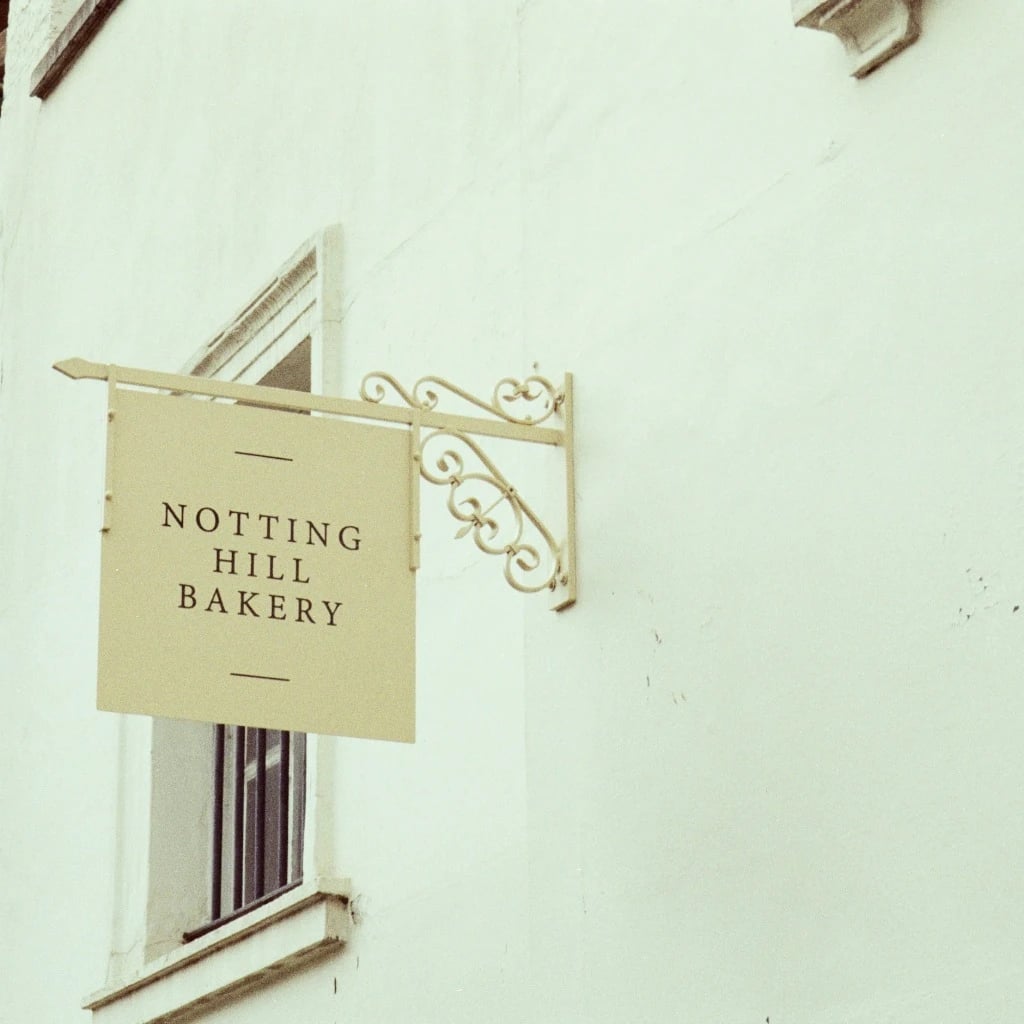
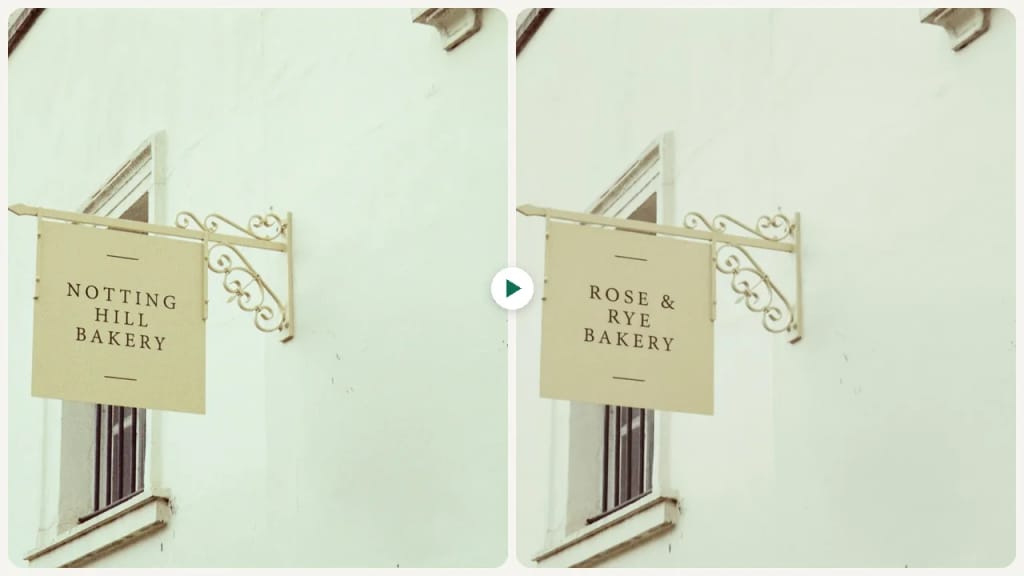
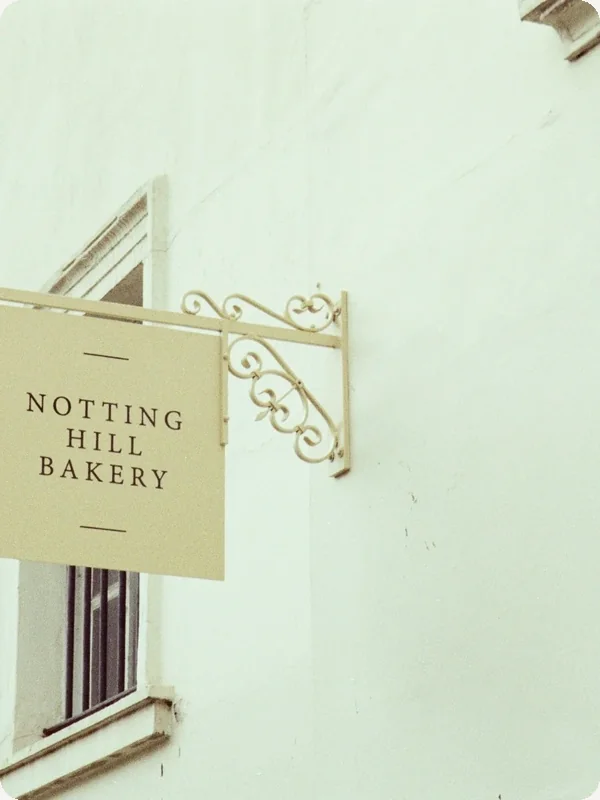
Original photo before Qwen Image - Edit Image style
Foto original
Antes
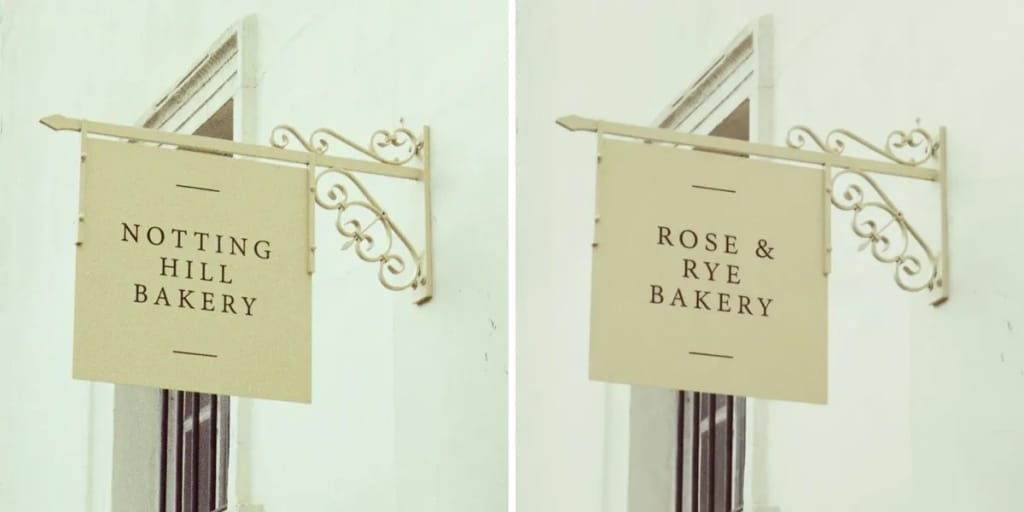
AI result in Edit Image style - Qwen Image
Resultado de exemplo
Depois
Estilo Edit Image
Qwen Image · Eidora AI
Posicionamento do modelo
Qwen Image overview

About this model

Qwen Image is the image model family from Alibaba's Qwen team. This page runs the current version, Qwen Image 3, in edit mode: upload a photo, describe the change in a sentence ("change her red top into a denim jacket"), and it edits that part while keeping the face, pose and background. It also understands prompts in Chinese. Eidora runs Qwen Image 3 through fal.ai.

  • Edits only what you describe
  • Keeps face, pose and background
  • Clothing, object and background changes
  • Understands English and Chinese prompts
Ideal para: Outfit changes, product and object swaps, background changes and other precise photo edits.
Casos de uso

O que você pode editar

Qwen Image use case - Visuals for Content Creation

Visuals for Content Creation

Content creators can take a photo they already have and change the outfit, props or background to fit a blog post or social post, instead of hunting for a stock photo that almost fits.

Refining Product Photography

E-commerce Sellers can upload existing product photos to enhance their quality, adjust lighting, or modify backgrounds. Qwen Image helps make product listings more professional and appealing without extensive manual editing.

Design Concept Exploration

Designers and artists can upload a photo or a rough sketch and describe a change, such as a new color scheme or material, to try a design direction, then run it again with a different instruction.

Por que o Eidora

Feito diferente, feito melhor

Keeps What You Don't Mention
Qwen Image 3 changes the part you describe and keeps the face, pose and background, so the photo still looks like the original. Edits usually take a minute or two.
Edit Existing Images
Upload your photos and guide Qwen Image to alter elements, styles, or compositions with text prompts.
Three Modes
Edit Image makes the change you describe, Image Analysis turns the photo into an annotated review sheet with composition, lighting and color notes, and Creative Gen gives it a more stylized, art-directed look.
Como funciona

Três edições. Resultados claros.

Qwen Image: Upload Your Photo
  1. Upload Your Photo

    Upload the photo you want to edit. JPG, PNG, WebP or GIF up to 10MB; a clear, well-lit photo works best.

  2. Describe the Change

    Write the change in one sentence, e.g. "make the jacket red", then press Generate.

  3. Generate and Download

    Check the result and download the image. Not quite right? Run it again.

Experimente Qwen Image agora
✦ Começar agora
Perguntas frequentes

Perguntas frequentes

Tudo o que você precisa saber. Não encontrou o que procura?

Ainda tem dúvidas?
Nossa equipe de suporte terá prazer em ajudar.
Falar com o suporte
Qwen Image is the image generation and editing model family from Alibaba's Qwen team. This page runs Qwen Image 3, the current version.
Yes. Your photo and instruction are sent to Alibaba's Qwen Image 3 through fal.ai, a model hosting provider. Eidora is not affiliated with Alibaba.
This model needs a paid plan or a credit pack: Pro is $9.9/month for 300 credits, or buy a one-time pack (the $4.99 Starter pack has 100 credits), and each image uses 8 credits. A free account's credits work on the 4-credit tools.
Specific changes to one part of the photo: clothing, colors, objects, text or the background. Say what to change and what to keep, for example "replace the sky with a starry night, keep the people the same".
Yes. Qwen Image 3 understands both English and Chinese instructions.
Most edits finish within a minute or two. At busy times Qwen Image can take a few minutes; the page keeps checking and shows the result when it's ready.
It depends on applicable law and the model provider's current terms. An Eidora plan changes generation limits and history retention; it does not grant extra intellectual-property rights.
Your uploads, prompts and results are saved privately to your history so you can view and download them later, and only you can open them. To create a result, your input is sent to the AI model provider that runs the generation. We do not sell your content or use it to train AI models.
Pacote Starter: 100 créditos por $4.99
Pronto para fazer
o seu?
3 estilos · 8 créditos por imagem · Planos pagos e pacotes de créditos
Planos pagos e pacotes de créditos
~1–2 minutos
8 créditos por imagem