AI 모델 · 이 페이지에서 만들기
Qwen Image
8크레딧부터 · outfit and background swaps에 적합
Upload a photo and describe the change. Alibaba's Qwen Image 3 edits exactly what you ask, such as clothing, objects or background, and keeps the rest of the photo the same.
같은 결과 만드는 방법
- Tool
- Qwen Image
- 비율
- Not recorded
같은 결과 만드는 방법
- Tool
- Qwen Image
- 비율
- Not recorded
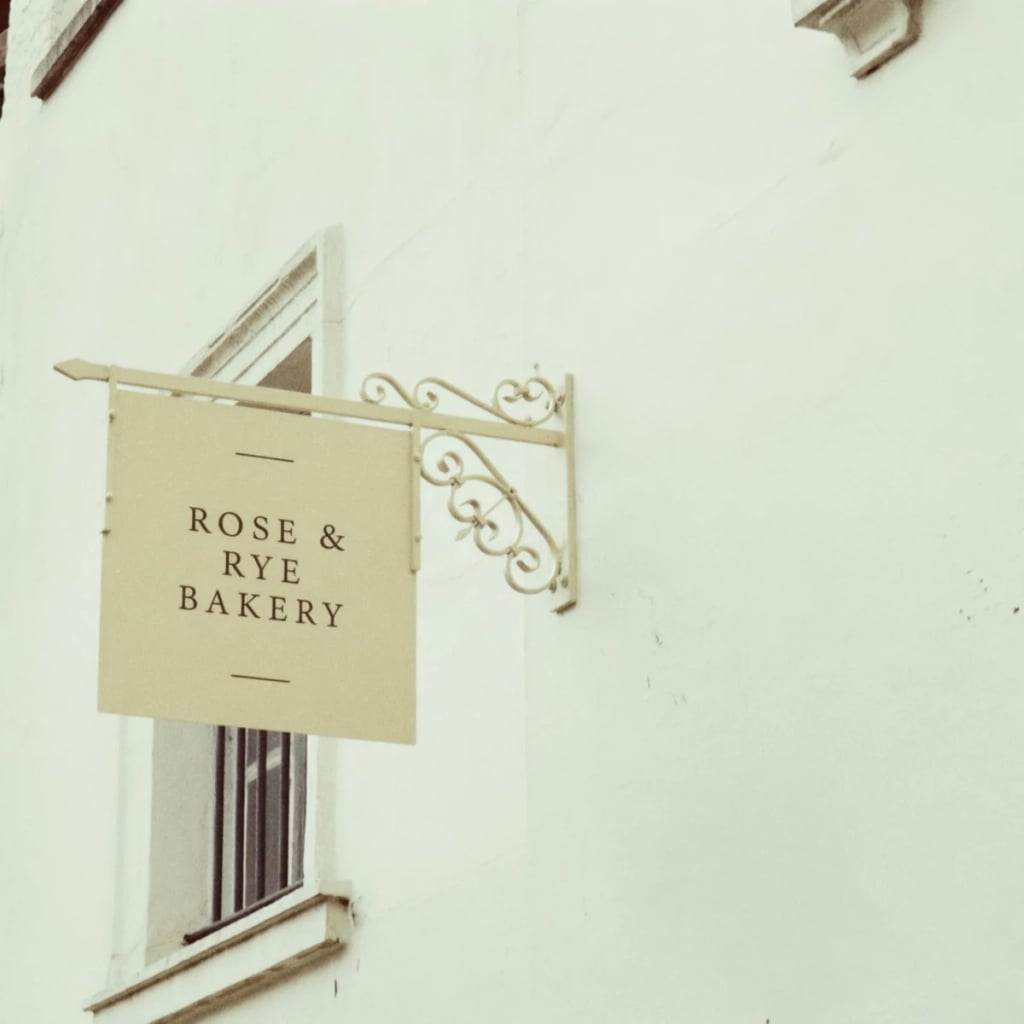 샘플
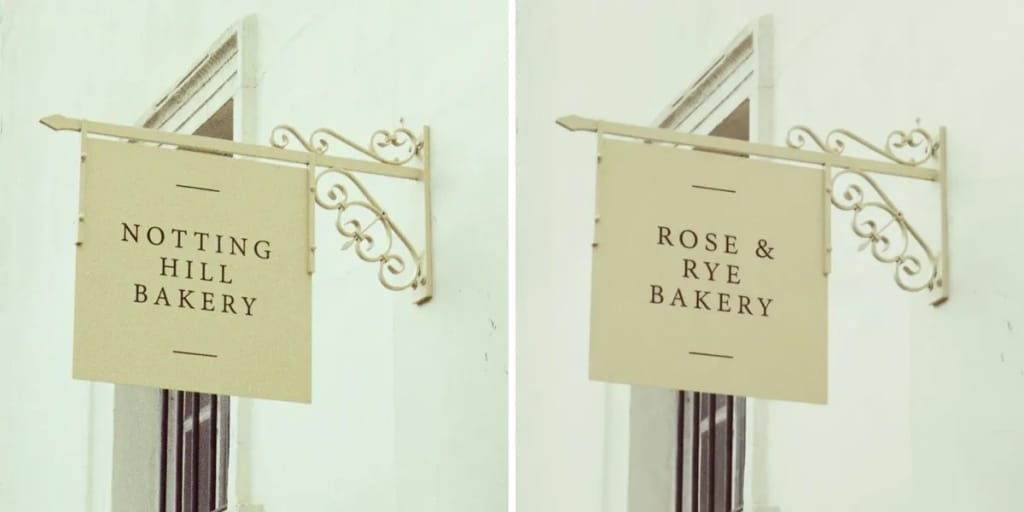
Eidora's Qwen Image page runs Alibaba's Qwen Image 3: upload a photo, describe the change in English or Chinese, and it edits that part, such as clothing, an object or the background, while keeping the rest the same. Choose Edit Image, Image Analysis for an annotated review sheet, or Creative Gen for a more stylized look. It needs a paid plan or a credit pack; each image uses 8 credits.
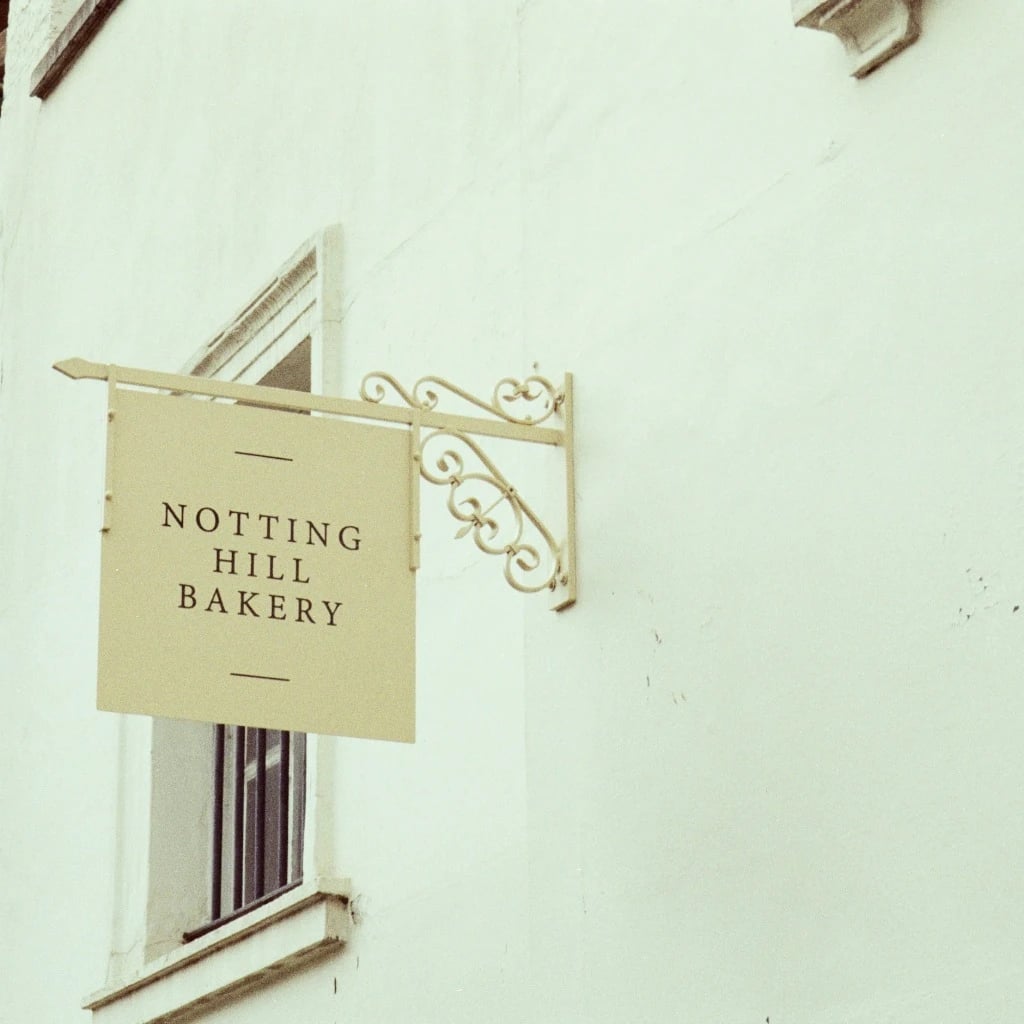
수정 전 & 수정 후
About this model
Qwen Image is the image model family from Alibaba's Qwen team. This page runs the current version, Qwen Image 3, in edit mode: upload a photo, describe the change in a sentence ("change her red top into a denim jacket"), and it edits that part while keeping the face, pose and background. It also understands prompts in Chinese. Eidora runs Qwen Image 3 through fal.ai.
- Edits only what you describe
- Keeps face, pose and background
- Clothing, object and background changes
- Understands English and Chinese prompts
당신이 편집할 수 있는 것
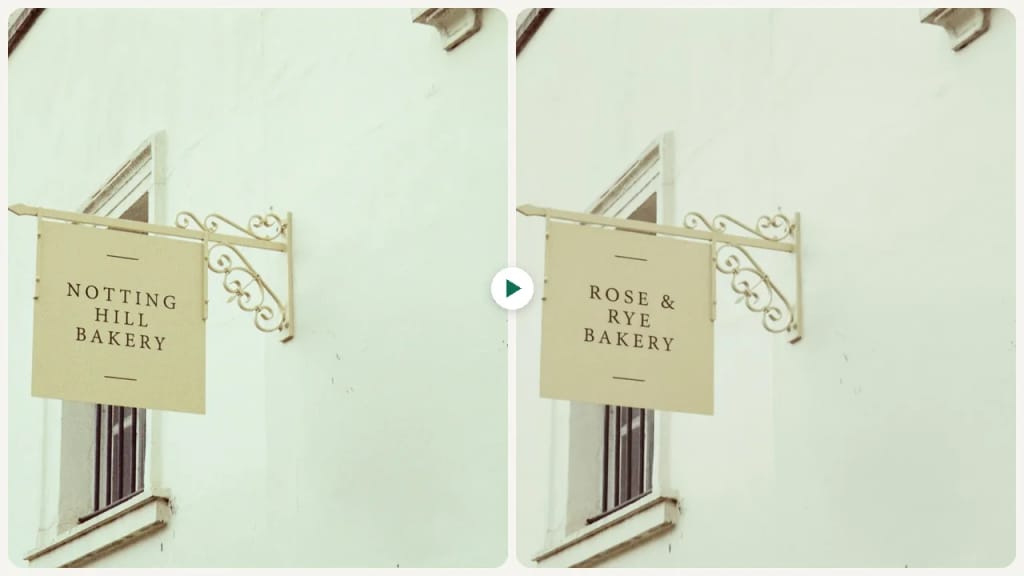
Visuals for Content Creation
Content creators can take a photo they already have and change the outfit, props or background to fit a blog post or social post, instead of hunting for a stock photo that almost fits.
Refining Product Photography
E-commerce Sellers can upload existing product photos to enhance their quality, adjust lighting, or modify backgrounds. Qwen Image helps make product listings more professional and appealing without extensive manual editing.
Design Concept Exploration
Designers and artists can upload a photo or a rough sketch and describe a change, such as a new color scheme or material, to try a design direction, then run it again with a different instruction.
만드는 방식이 다르고, 결과가 더 좋습니다
세 번의 편집, 선명한 결과.
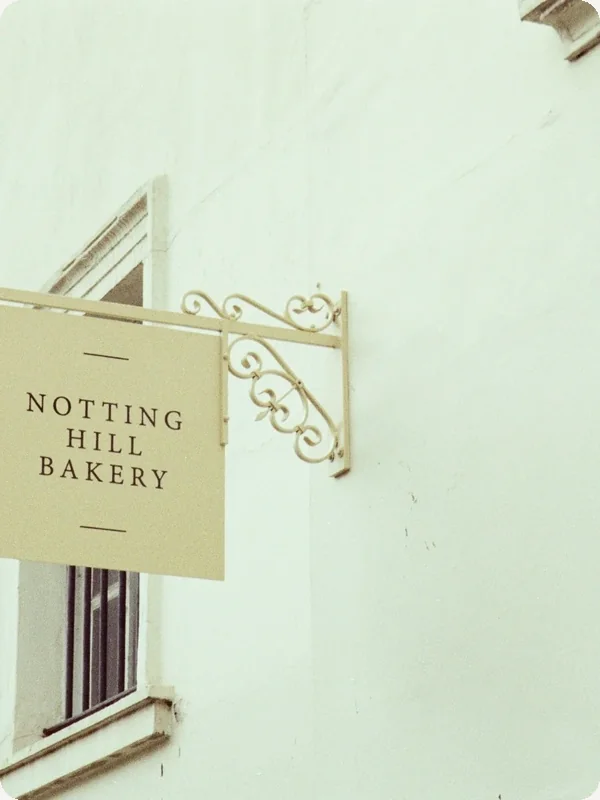
Upload Your Photo
Upload the photo you want to edit. JPG, PNG, WebP or GIF up to 10MB; a clear, well-lit photo works best.
Describe the Change
Write the change in one sentence, e.g. "make the jacket red", then press Generate.
Generate and Download
Check the result and download the image. Not quite right? Run it again.

되셨나요?