Selecciona o suelta hasta 10 fotos para usar las mismas opciones en cada una.
By uploading, you confirm you have the right to use this photo (see Acceptable Use).

Cómo hacer uno así
- Tool
- AI Background Remover
- Estilo
- Transparent
- Proporción
- Not recorded
Modelo: BiRefNet · Normalmente 5-20 segundos
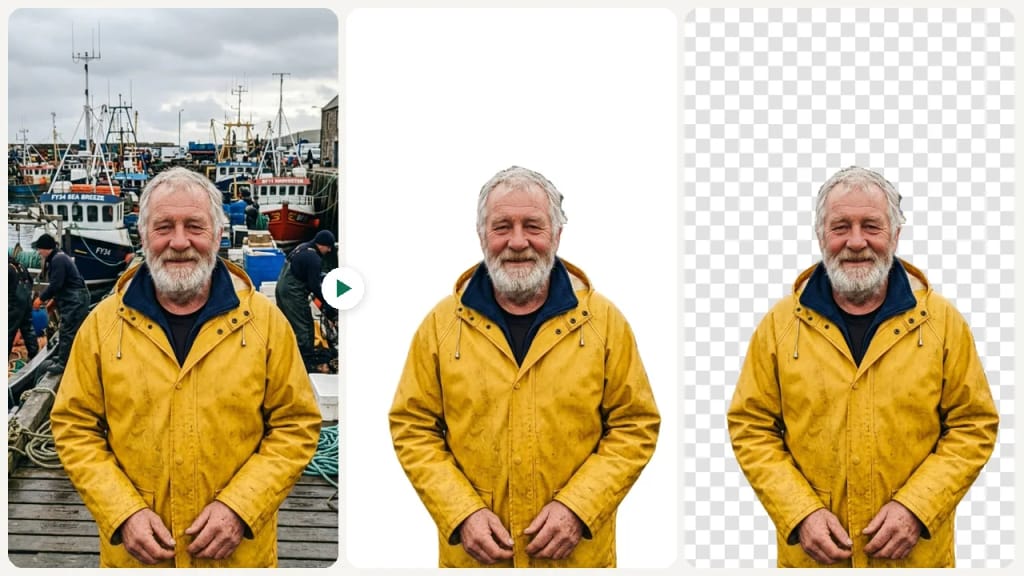
Eidora's AI Background Remover cuts the main subject, a person, a product or a pet, out of an image with the BiRefNet model and gives you a transparent PNG or a JPG on plain white, usually in 5 to 20 seconds, with no tracing by hand. Upload a JPG, PNG, WebP or GIF up to 10MB; 6 credits when you sign up, and each image uses 1 credit.
Mira la transformación
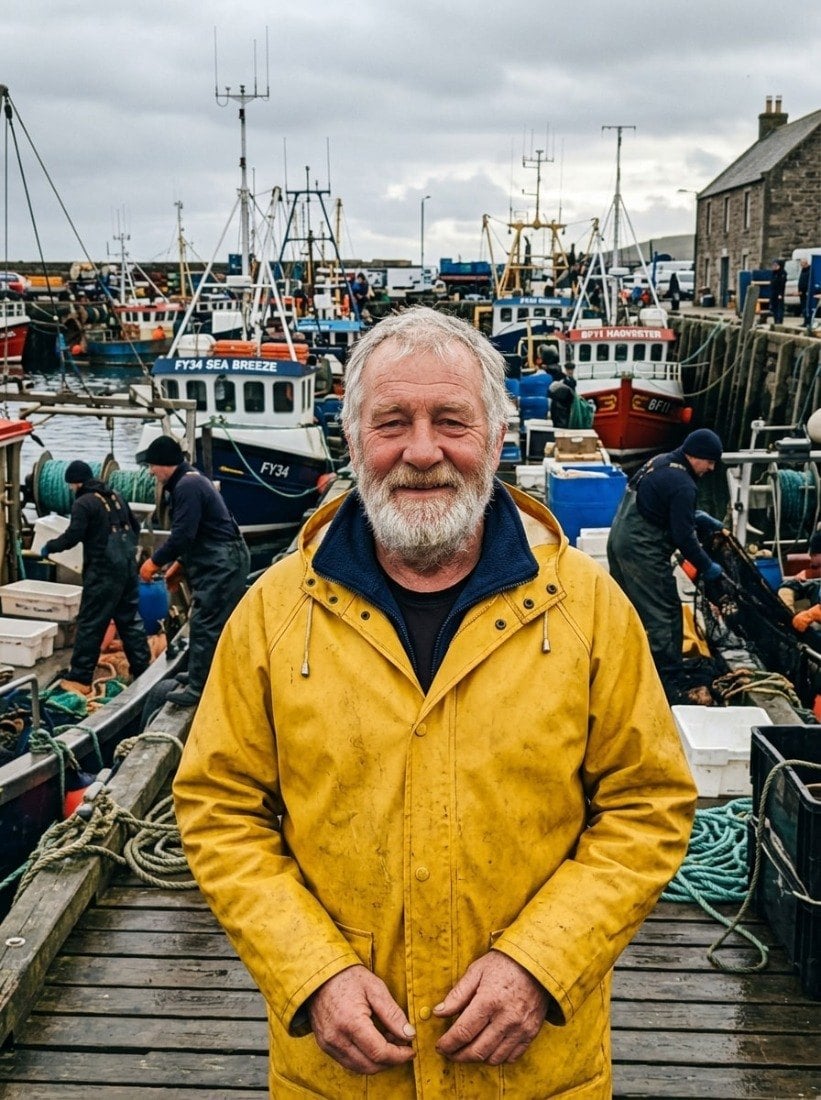
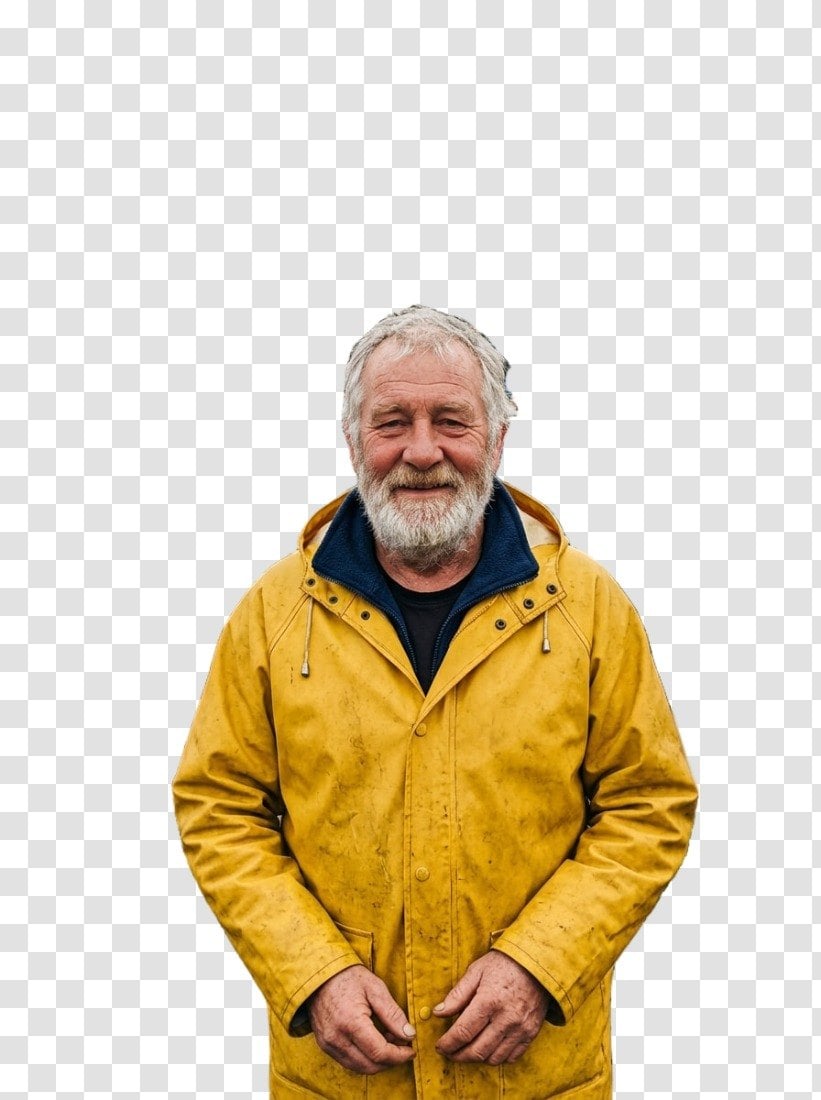
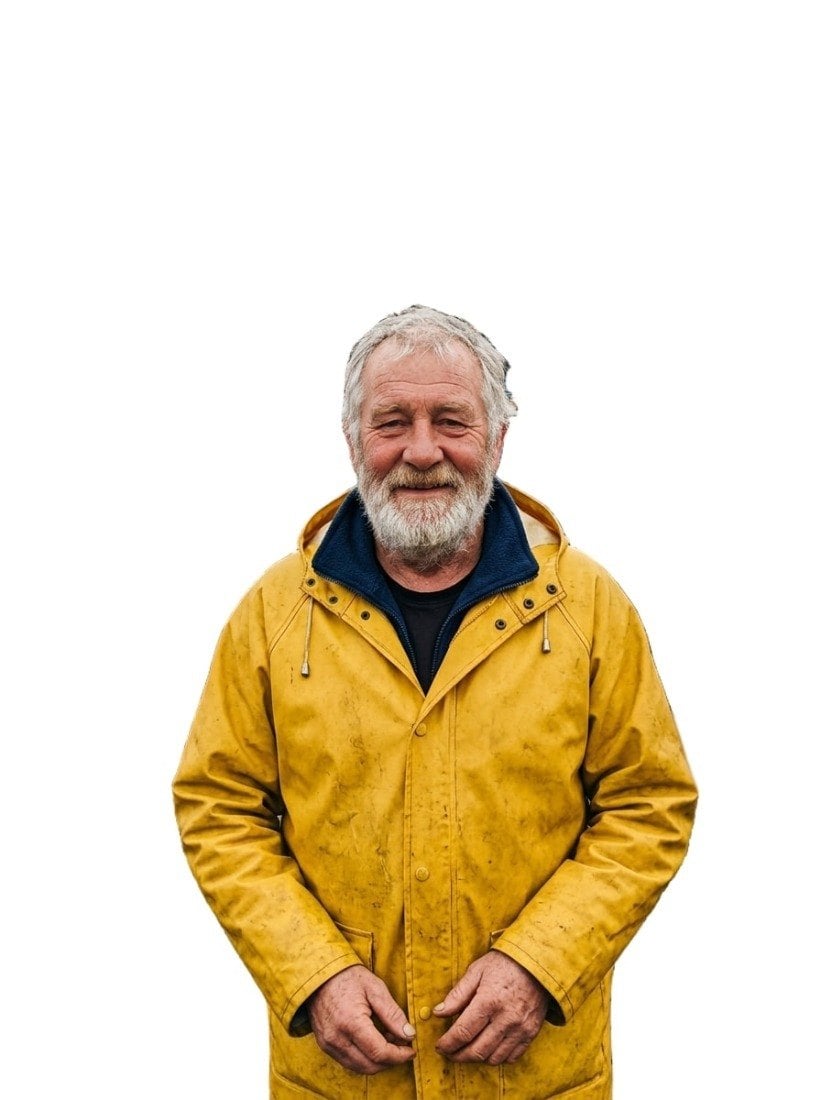
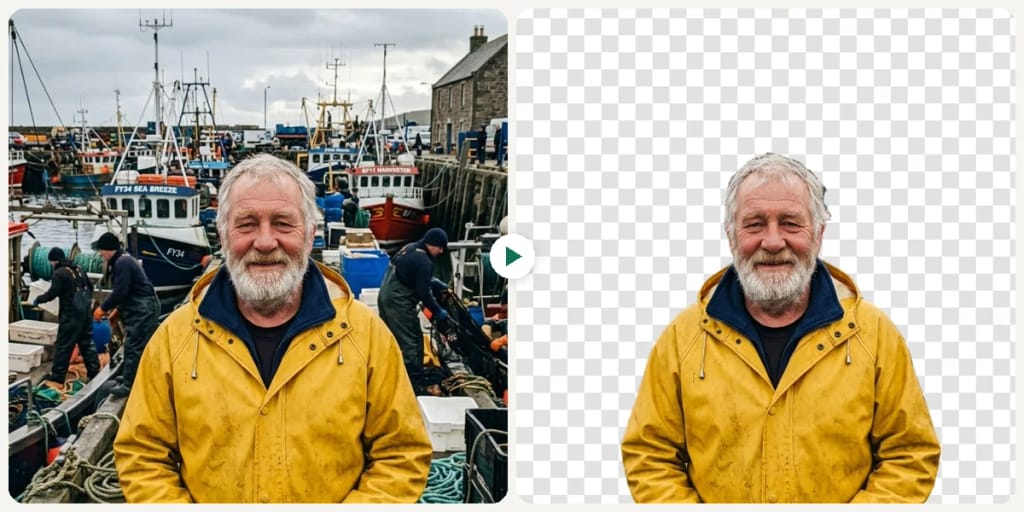
¿Qué es AI Background Remover?
Background Remover is an AI cutout tool that isolates the main subject of an image as a transparent PNG or a JPG on white.
This AI background remover lets you remove the background from an image without tracing anything by hand. The BiRefNet model finds the main subject, such as a person, a product or a pet, and cuts it out as a transparent PNG or a JPG on plain white, usually in 5 to 20 seconds. You can upload a JPG, PNG, WebP or GIF up to 10MB, and each image uses 1 credit.
Lo que puedes crear
E-commerce Product Photos
Clean white backgrounds for Amazon, Shopify, and Etsy listings.
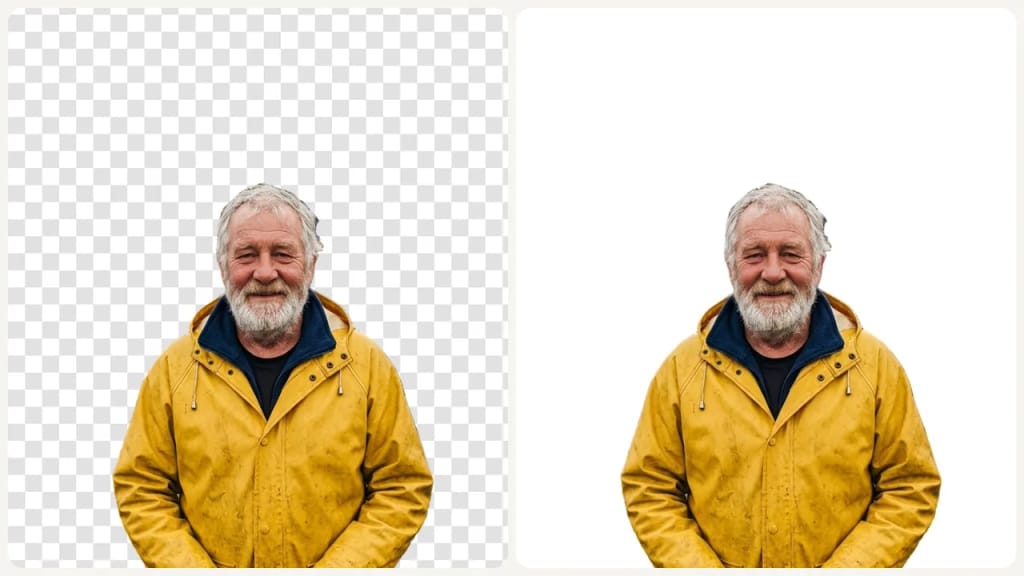
Professional Profile Pictures
Remove distracting backgrounds from headshots.
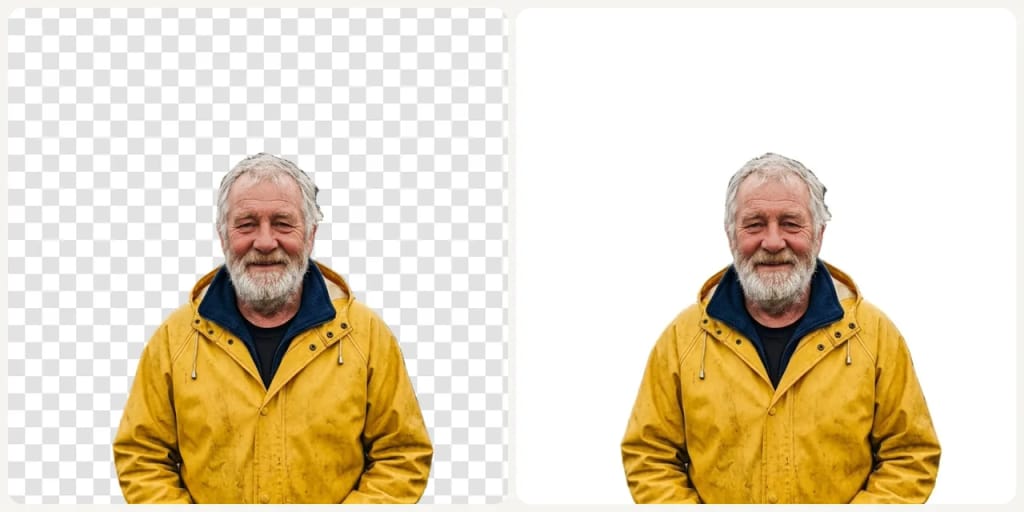
Social Content Cutouts
Create clean subject cutouts for thumbnails, ads, and social posts.
Hecho distinto, hecho mejor
Tres pasos. Más o menos un minuto.

Upload Your Image
Drop a JPG, PNG, or WEBP file.
Choose a Background
Pick one of the 2 backgrounds (Transparent, White Background), then press Generate.
Download Your Result
Download your result: a transparent PNG, or a JPG if you picked White Background.
Preguntas frecuentes
Todo lo que necesitas saber. ¿No encuentras lo que buscas?
También te puede gustar
 Portraits
 Edit
 Edit
 Edit
 Rooms
 Edit
el tuyo?