Image · effect

AI Background Remover

Cut out the subject

1 credit per imageBiRefNet

사진을 최대 10장까지 선택하거나 끌어다 놓으면 각각 같은 옵션을 적용합니다.

이미지 업로드

By uploading, you confirm you have the right to use this photo (see Acceptable Use).

예시로 해 보기:
예시 1
결과 미리보기
샘플
아이디어를 보여 주는 샘플입니다. 이미지를 올리고 아래 버튼을 누르면 직접 만들 수 있습니다.
같은 결과 만드는 방법
Tool
AI Background Remover
스타일
Transparent
비율
Not recorded
출력 형식
전체 크기 결과를 다운로드합니다.
이미지당 1 크레딧 · 가입 시 6 크레딧
모델: BiRefNet · 보통 5~20초

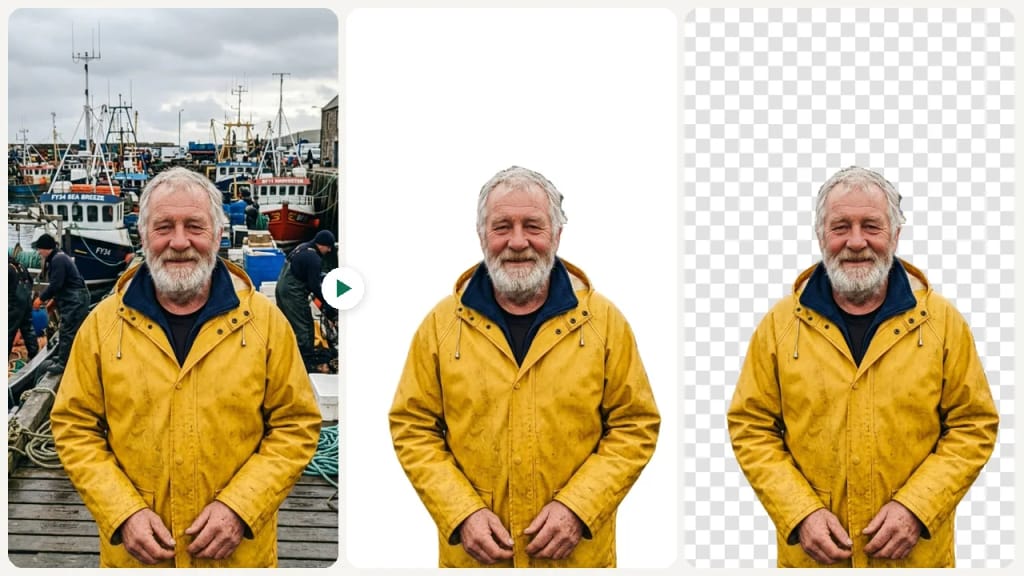
Eidora's AI Background Remover cuts the main subject, a person, a product or a pet, out of an image with the BiRefNet model and gives you a transparent PNG or a JPG on plain white, usually in 5 to 20 seconds, with no tracing by hand. Upload a JPG, PNG, WebP or GIF up to 10MB; 6 credits when you sign up, and each image uses 1 credit.

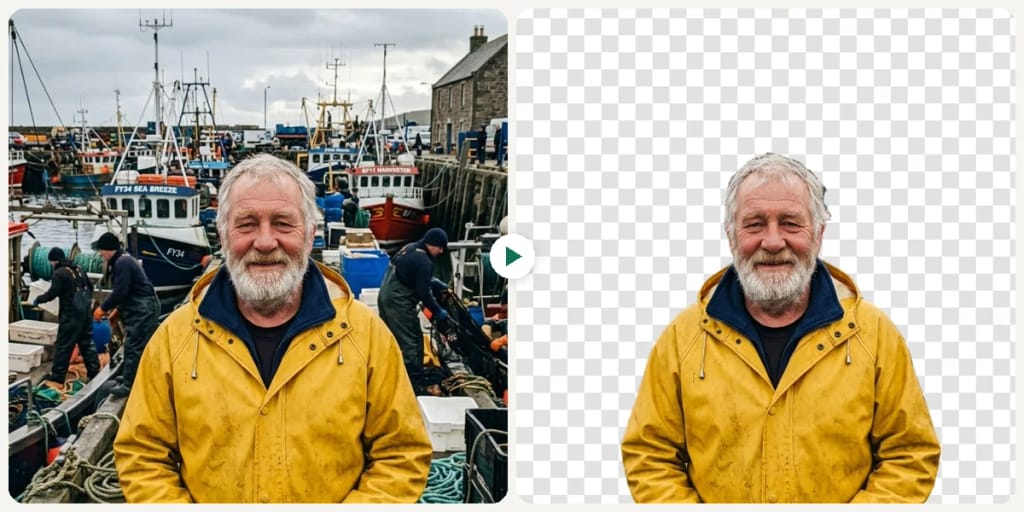
전후 비교

확인해 보세요, 이 변화

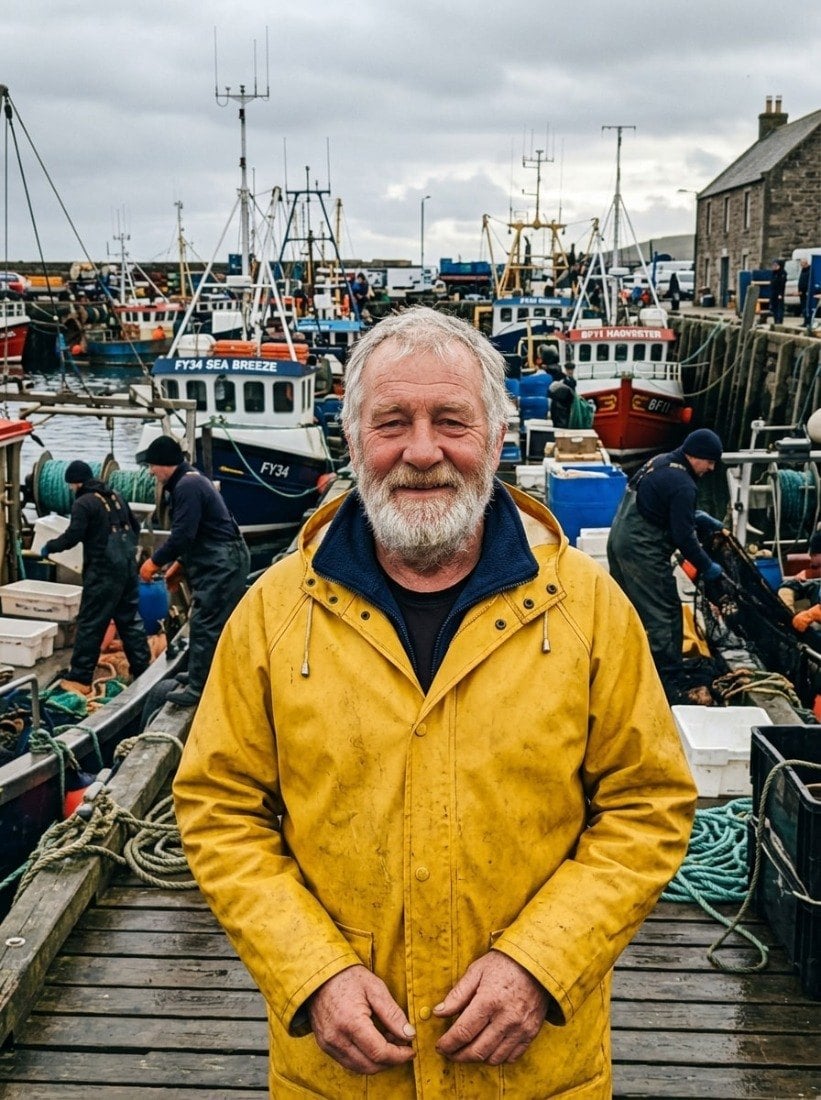
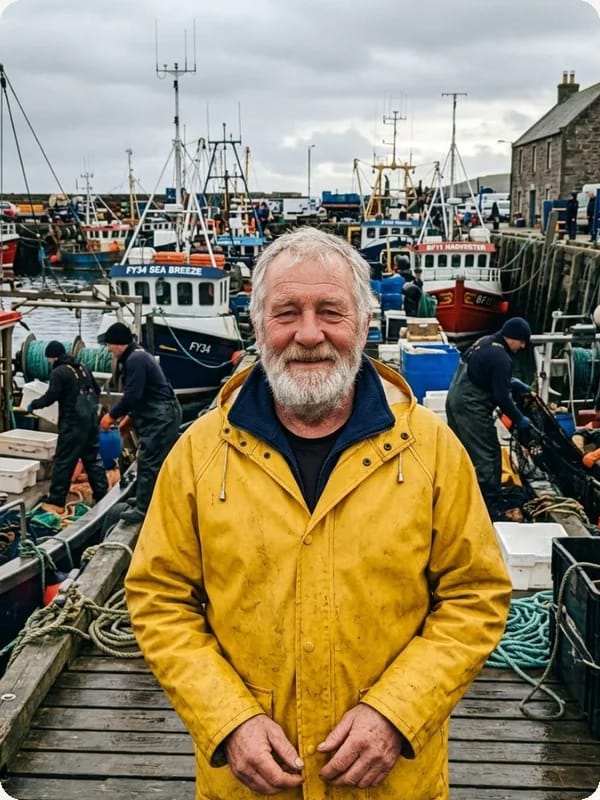
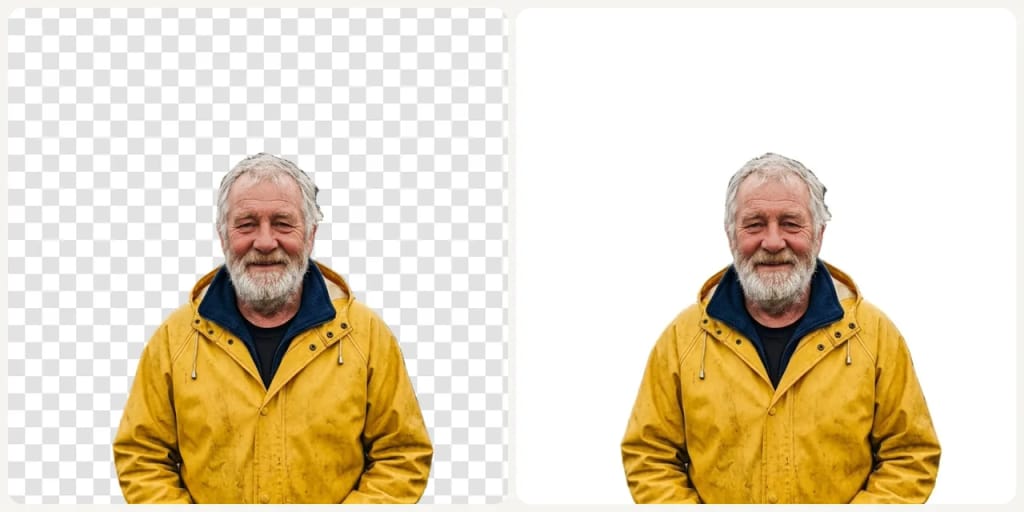
Original photo before AI Background Remover - Transparent styleOriginal photo before AI Background Remover - White Background style
원본 사진
전
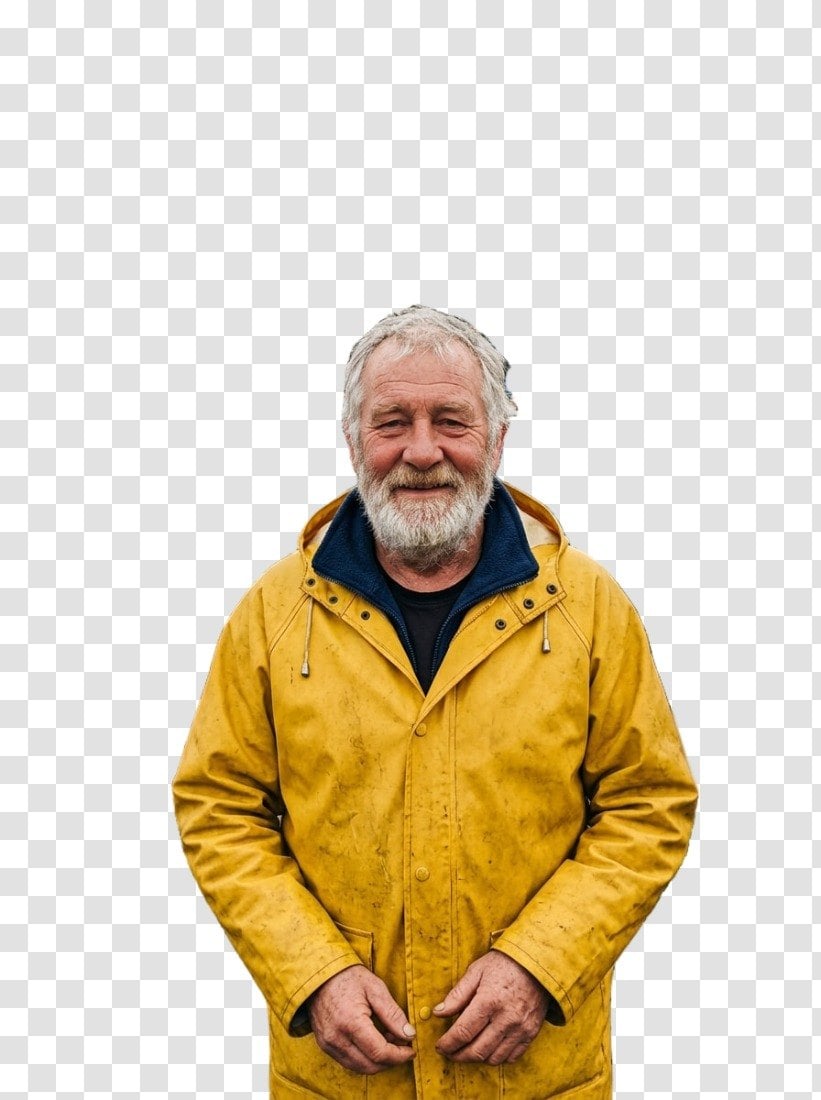
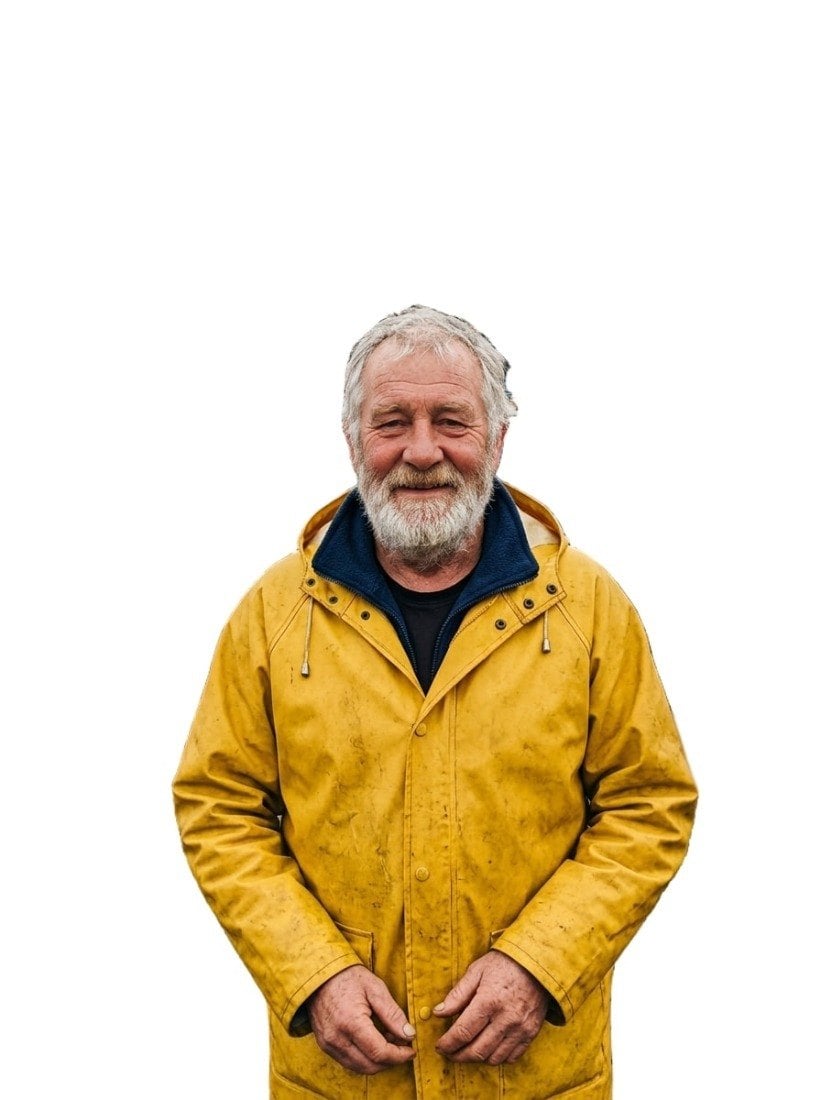
AI result in Transparent style - AI Background RemoverAI result in White Background style - AI Background Remover
샘플 결과
후
Transparent 스타일
AI Background Remover · Eidora AI
이 도구 소개
AI Background Remover overview

AI Background Remover란?

Background Remover is an AI cutout tool that isolates the main subject of an image as a transparent PNG or a JPG on white.

This AI background remover lets you remove the background from an image without tracing anything by hand. The BiRefNet model finds the main subject, such as a person, a product or a pet, and cuts it out as a transparent PNG or a JPG on plain white, usually in 5 to 20 seconds. You can upload a JPG, PNG, WebP or GIF up to 10MB, and each image uses 1 credit.

활용 사례

당신이 만들 수 있는 것

AI Background Remover use case - E-commerce Product Photos

E-commerce Product Photos

Clean white backgrounds for Amazon, Shopify, and Etsy listings.
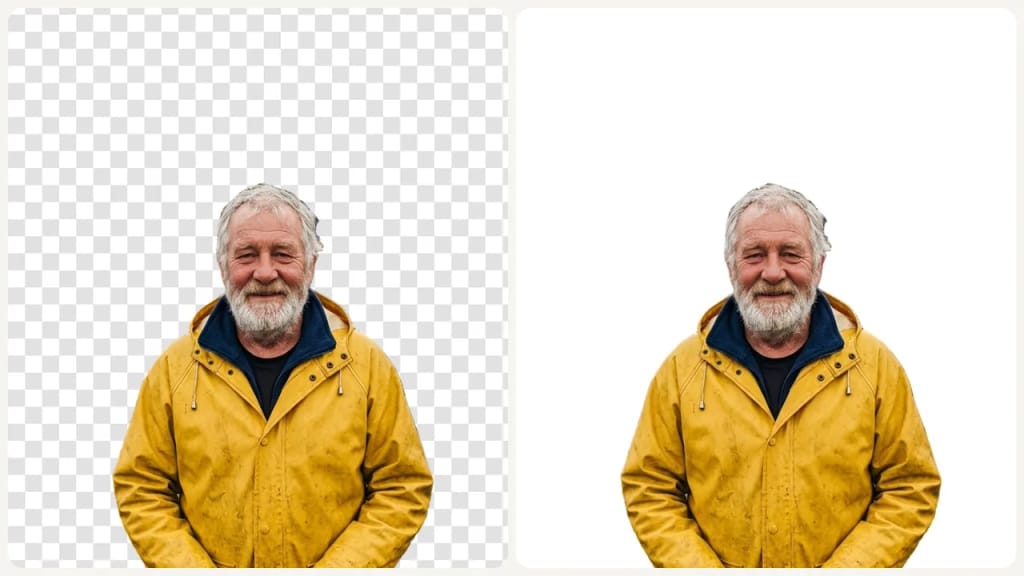
AI Background Remover use case - Professional Profile Pictures

Professional Profile Pictures

Remove distracting backgrounds from headshots.
AI Background Remover use case - Social Content Cutouts

Social Content Cutouts

Create clean subject cutouts for thumbnails, ads, and social posts.

왜 Eidora인가

만드는 방식이 다르고, 결과가 더 좋습니다

Automatic Subject Detection
AI identifies the main subject with precision, no manual tracing needed.
PNG or JPG Download
Transparent results download as a PNG with a see-through background; White Background results download as a JPG on plain white.
Precise Edge Cutouts
Handles hair, fur, and fine lines cleanly for a natural look.
이용 방법

세 단계, 약 1분.

AI Background Remover: Upload Your Image
  1. Upload Your Image

    Drop a JPG, PNG, or WEBP file.

  2. Choose a Background

    Pick one of the 2 backgrounds (Transparent, White Background), then press Generate.

  3. Download Your Result

    Download your result: a transparent PNG, or a JPG if you picked White Background.

지금 AI Background Remover 써 보기
✦ 생성 · 1 크레딧
자주 묻는 질문

자주 묻는 질문

알아야 할 모든 것. 찾는 답이 없나요?

아직 궁금한 점이 있나요?
지원팀이 기꺼이 도와드립니다.
지원팀 문의
Upload an image and press Generate. The BiRefNet model finds the main subject and removes everything behind it, so you get the subject on a transparent or white background.
Two: Transparent gives you a PNG with a see-through background, and White Background gives you a JPG on plain white. There are no other colors or custom backgrounds.
No. The subject is cut out, not redrawn, so faces, products and any text on them stay as they were. Only the background is removed.
A clear subject with distinct edges that stands out from the background, such as a product on a table, a person or a pet. You can upload a JPG, PNG, WebP or GIF up to 10MB.
Usually 5 to 20 seconds, a little longer at busy times.
You can start with a free account: 6 credits when you sign up, enough for 6 images here (1 credit each). Free results carry an eidora.io watermark. After that, credits start at $1.99: a new account can buy 40 credits for $1.99 once, within 72 hours of signing up; credit packs start at $4.99 for 100 credits and plans at $9.9/month. Once you have paid, your results have no badge.
Your uploads, prompts and results are saved privately to your history so you can view and download them later, and only you can open them. To create a result, your input is sent to the AI model provider that runs the generation. We do not sell your content or use it to train AI models.
You must have the necessary rights to the original photo. Permitted uses of the result also depend on applicable law and the selected third-party model or provider terms.
It only removes the background. It can't erase other objects in the photo (use the Magic Eraser) or add a colored background or a new scene (use the AI Background Changer). Wispy hair, see-through objects like glass and subjects that blend into the background can come out with rough edges, so check them before use.
가입 시 6 크레딧
만들 준비가
되셨나요?
이미지당 1 크레딧 · 가입 시 6 크레딧 · 카드 필요 없음
가입 시 6 크레딧 · 카드 필요 없음
약 5~20초
가입 시 6 크레딧