AI 背景移除器
AI 背景移除器
去掉任意图片的背景,通常 5~20 秒。可以得到透明 PNG 或白底 JPG,适合电商商品图、头像等用途。
免费试用 · 每天送 4 积分
约 5~20 秒
第一次出图后再登录
输出透明 PNG
上传图片
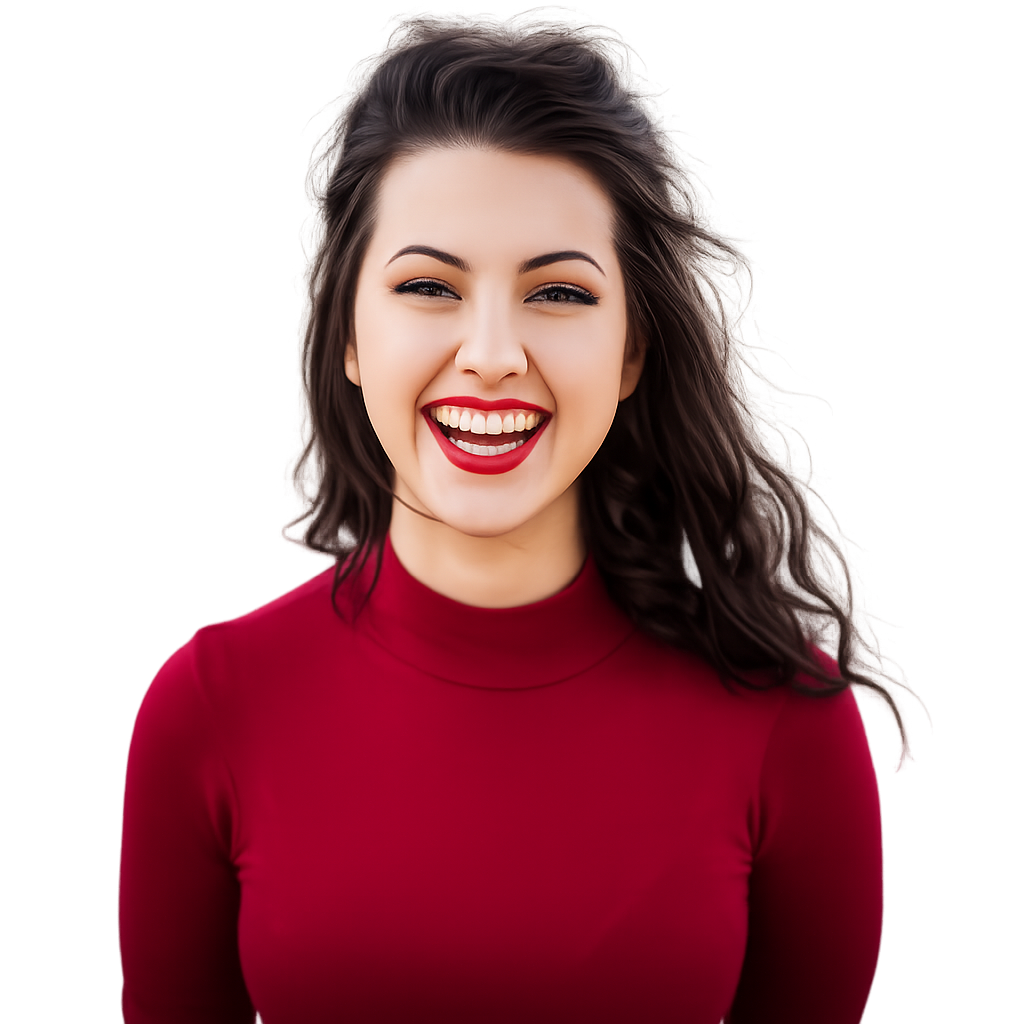
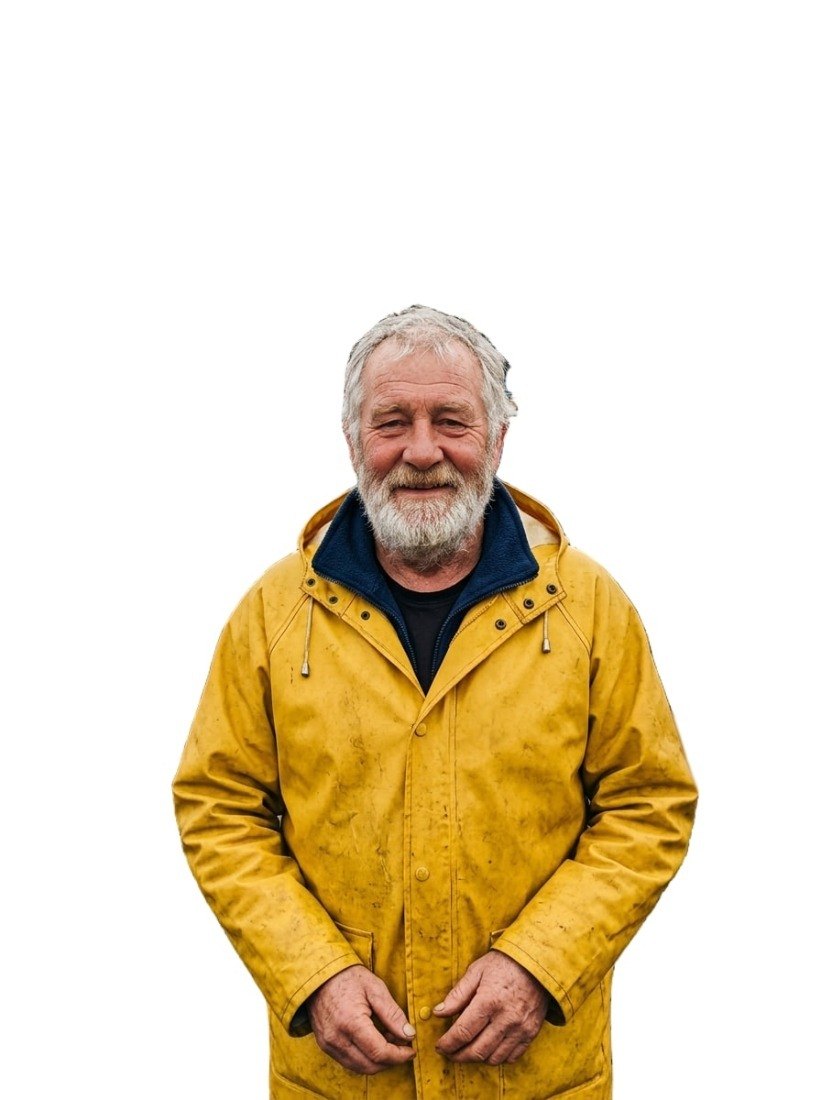
试试示例:

结果预览
上传图片后预览结果
输出格式
下载的是原始输出文件。免费账号每天送 4 积分。
1 积分/次 · 免费试 1 次,下载时免费注册
模型:BiRefNet · 通常需要 5-20 秒
模型:BiRefNet · 通常需要 5-20 秒
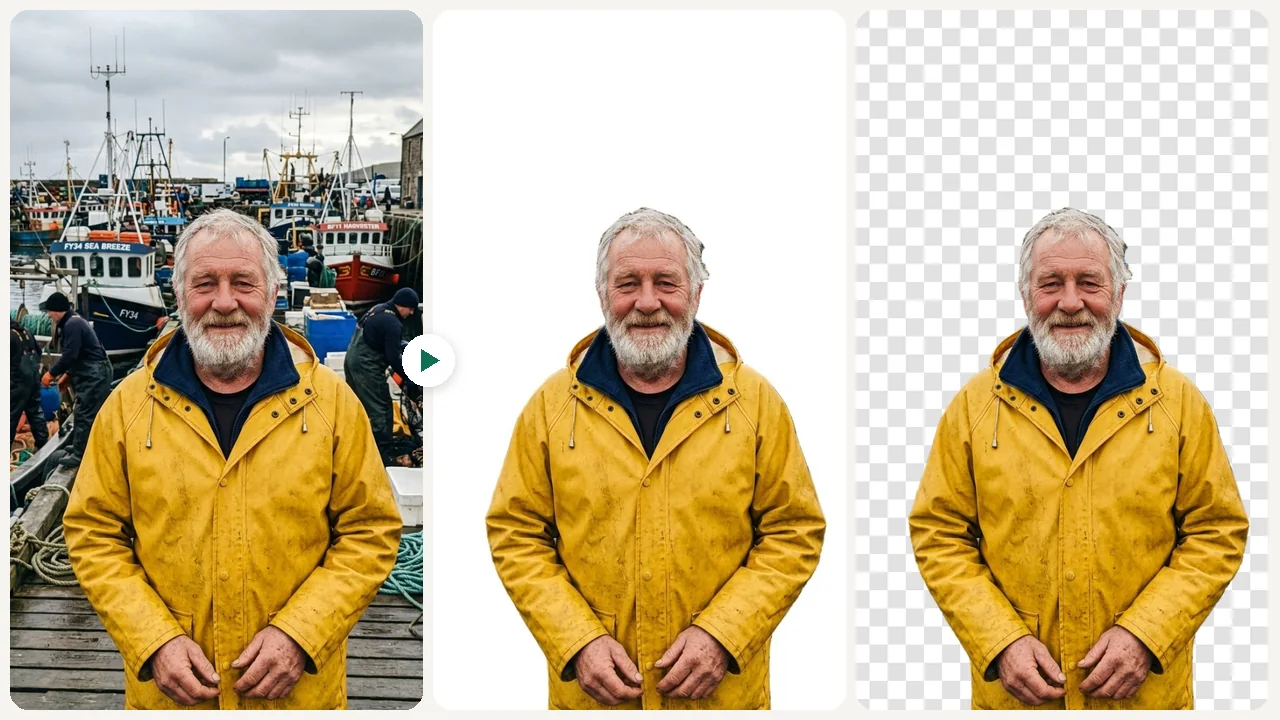
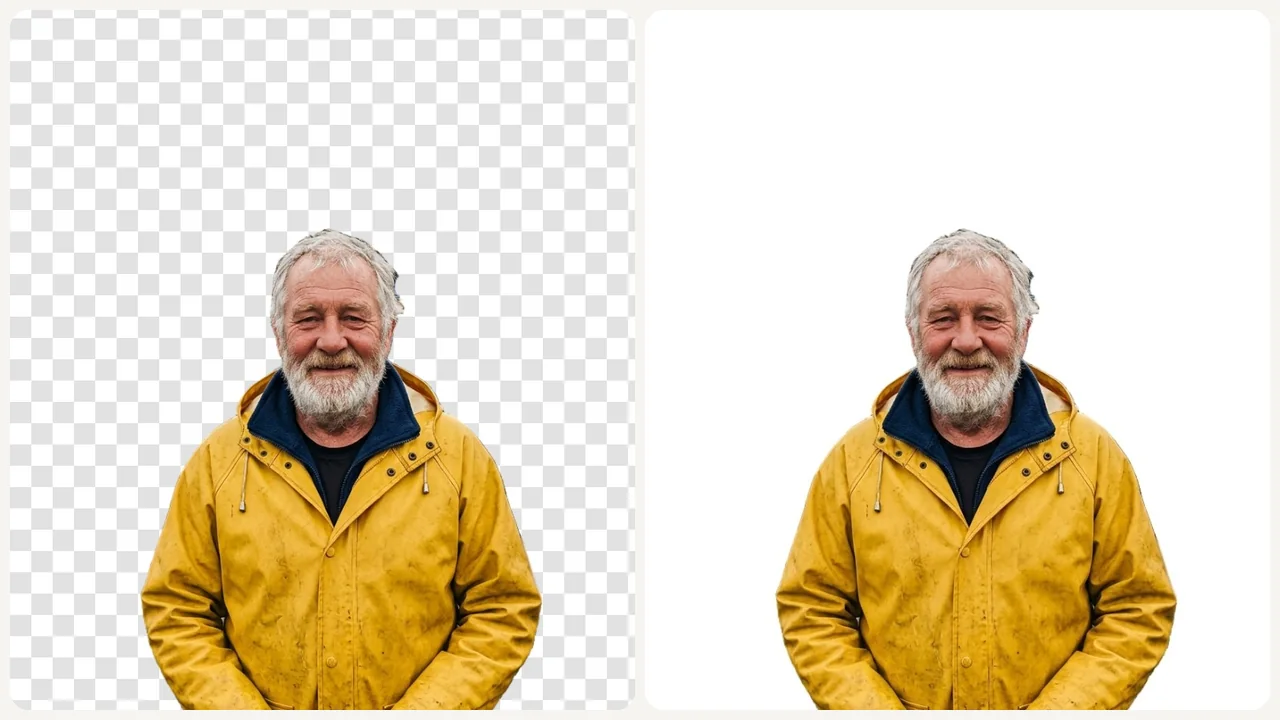
处理前后
看看 变化效果
工具介绍
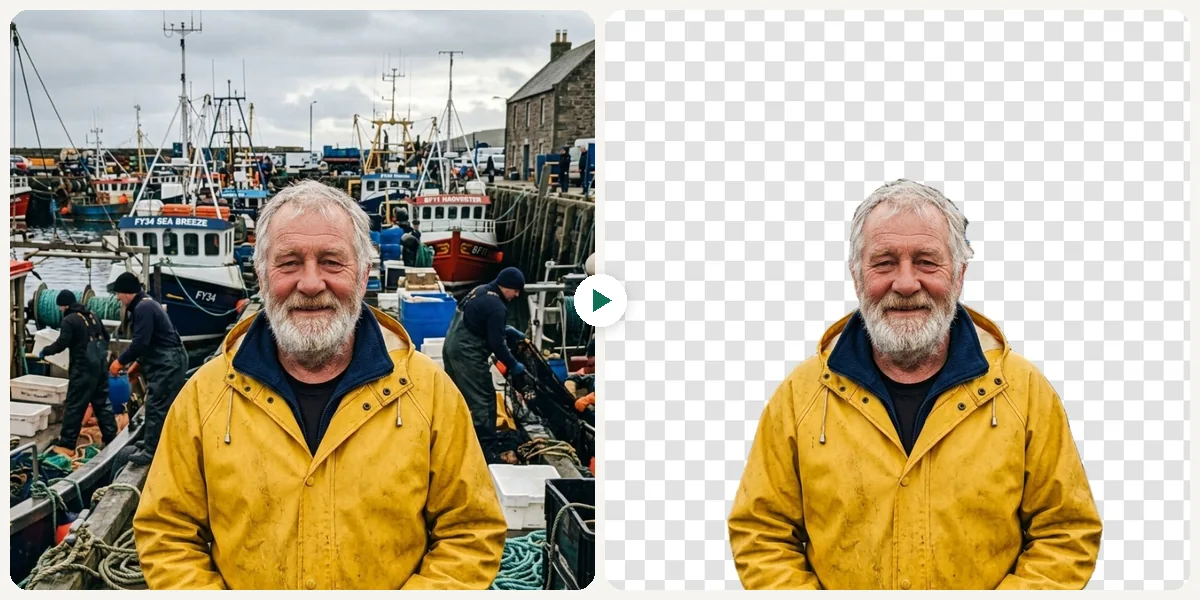
什么是AI 背景移除器?
AI 背景移除器用 BiRefNet 模型自动找出图片里的主体,比如人物、商品或宠物,把背景去掉,得到透明背景的 PNG 或纯白底的 JPG,通常 5~20 秒,不用手动描边。支持上传 JPG、PNG、WebP 或 GIF,单张最大 10MB,每张图用 1 积分。
使用场景
你可以 做什么
电商产品图处理
电商卖家可以一键去除产品照片背景,生成干净的白底或透明底图片,适合淘宝、京东、亚马逊等电商平台的产品展示要求。
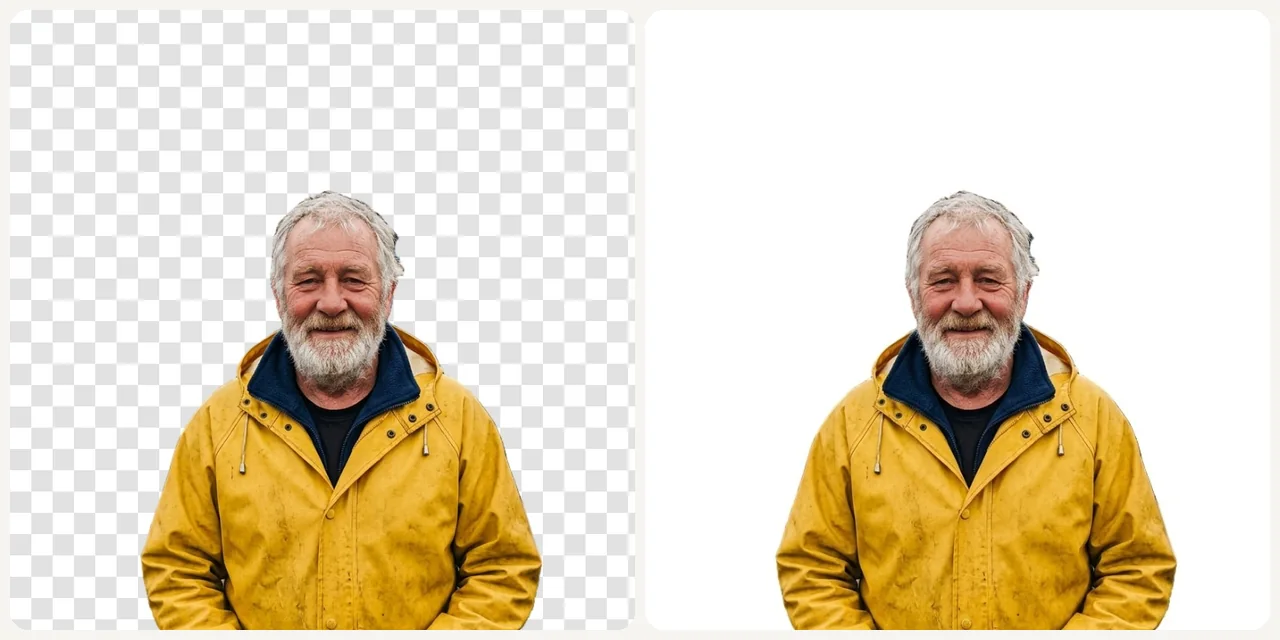
专业头像制作
快速去除照片背景,换成透明或白色背景,适合简历头像、LinkedIn 个人照片和各类社交平台的专业头像制作。
社交媒体素材制作
自媒体运营和内容创作者可以快速去除照片背景,制作干净的产品展示图、拼贴素材和创意合成图,提升社交媒体内容的视觉品质。
为什么选 Eidora
做法不一样,结果更好
自动识别主体
AI 会自动找出图片中的主体,不需要手动描边或涂抹。
透明或白底任选
选「透明背景」得到 PNG 透明图,选「白色背景」得到白底 JPG,下载后就能直接使用。
边缘处理细致
头发、毛发和细线条等复杂边缘也能处理得比较干净,抠图效果更自然。
使用方法
三步完成, 大约一分钟。
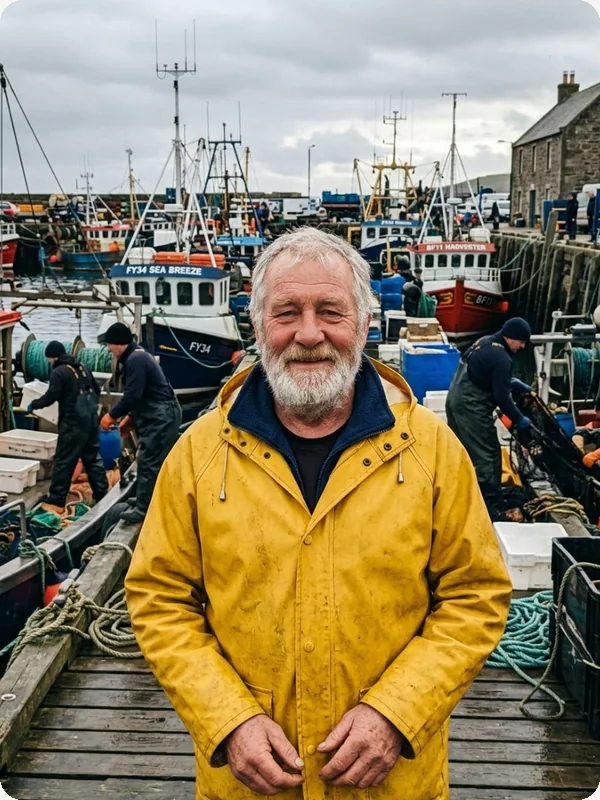
01
上传你的图片
上传图片。支持 JPG、PNG、WebP,最大 10MB;清晰、光线好的照片效果最好。
02
选择背景
从透明背景、白色背景这 2 种背景里选一种,然后点生成。
03
下载你的结果
满意就下载图片;想换个效果,选另一种背景再生成一次。
立即试用 AI 背景移除器
✦ 免费试用上传图片后点生成,BiRefNet 模型会找出图片里的主体,把它后面的背景全部去掉,得到透明背景或白色背景的主体图。
两种:「透明背景」得到背景透明的 PNG,「白色背景」得到纯白底的 JPG。没有其他颜色,也不能自定义背景。
不会。主体是抠出来的,不是重新画的,人脸、商品和上面的文字都保持原样,只去掉背景。
主体清晰、边缘分明、和背景区别明显的图片,比如桌上的商品、人物或宠物。支持上传 JPG、PNG、WebP 或 GIF,单张最大 10MB。
通常 5~20 秒,高峰时段会稍久一些。
可以。不注册也能先免费试 1 次;注册免费账户先送 16 积分,之后每天送 4 积分,这个工具每张图只用 1 积分。免费账户和未登录时生成的图片右下角有一个小的 eidora.io 标识,付费套餐没有。
你上传的内容和生成结果会私密保存在你的历史记录里,方便之后查看和下载,只有你自己能打开(未登录时与当前浏览器绑定)。为了生成结果,内容会发送给负责生成的 AI 模型服务商处理。我们不会出售你的内容,也不会用它训练 AI 模型。
能否商用取决于你对上传内容的权利、适用法律,以及模型提供方的现行条款;照片里有其他人时,请先征得本人同意。Eidora 的套餐只改变生成次数和历史保存时间,不额外授予知识产权。
它只负责去背景:不能去掉照片里的其他物体(可以用魔术橡皮擦),也不能换成彩色背景或新场景(可以用 AI 背景更换器)。很细的发丝、玻璃等透明物体,以及和背景颜色接近的主体,边缘可能不够干净,使用前请检查。
No, you do not need to create an account for casual use. We want to make the process as fast and frictionless as possible. You can visit our website, upload your image, and download the result immediately without any sign-up required. This is perfect for one-off tasks or for testing the tool's capabilities. We may require account creation for accessing premium features in the future, such as processing history, batch uploads, or higher daily limits. But for the core functionality of removing a background from a single image, you can start right away.
Getting a clean white background is simple with our tool. First, upload your product photo. The AI will automatically remove the original background, leaving your product on a transparent layer. From there, a simple editor will appear. Just select the 'white' color swatch from the background options, and the transparent area will be instantly filled with pure white. Then, you can download the image as a JPG or PNG. This is perfect for meeting the requirements of e-commerce platforms like Amazon and for creating a consistent, professional look across your online store.
Yes, our AI model is trained on a diverse dataset that includes thousands of images of animals. It's highly effective at identifying and cutting out pets like cats and dogs, even with challenging features like fur and whiskers. The algorithm recognizes the animal as the main subject and precisely removes the background, whether it's a living room floor or a grassy park. This is great for creating fun pet portraits, custom merchandise, or memorializing a beloved animal. Just upload the photo as you would any other, and the AI will handle the rest, delivering a clean cutout of your furry friend.

每天都有免费积分
准备好
开始创作了吗?
开始创作了吗?
1 积分/次 · 免费试用 · 每天送 4 积分
免费试用 · 每天送 4 积分
约 5~20 秒
直接下载