AI Halloween Photo Generator

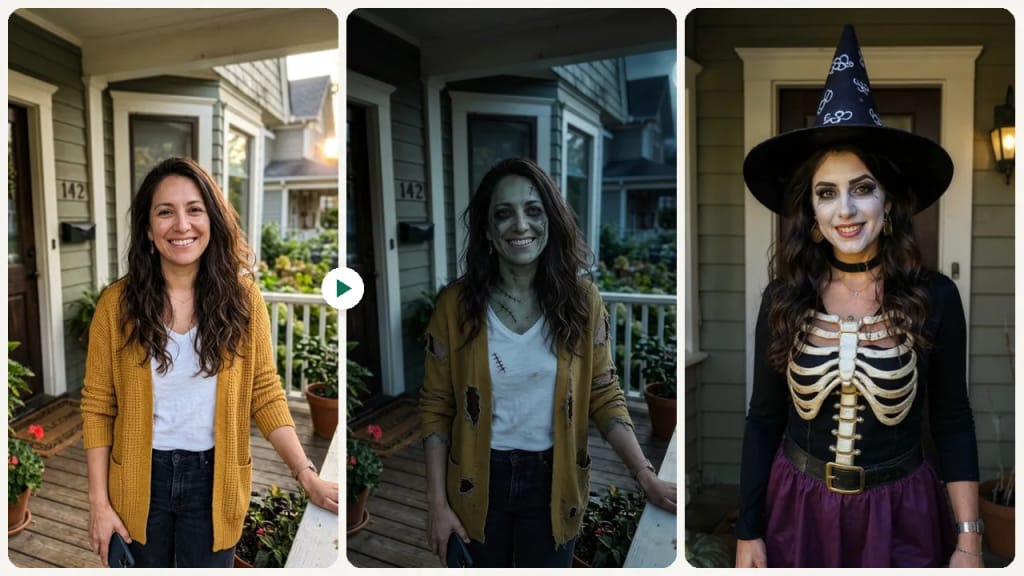
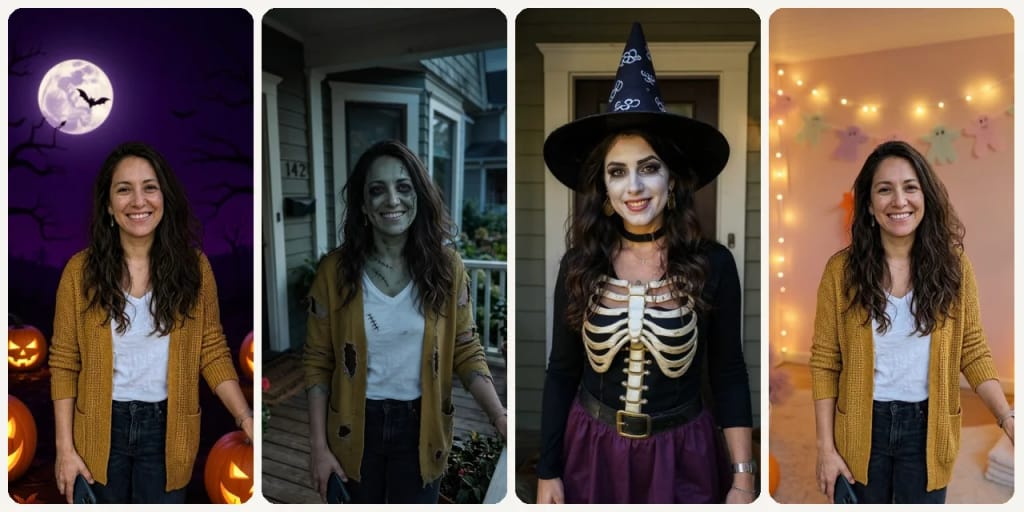
Upload one photo and get it back as a Halloween picture in one of 9 styles, from Cute to Zombie, usually in under a minute.
9 styles
~20–60 seconds
ExampleThe same photo in each style
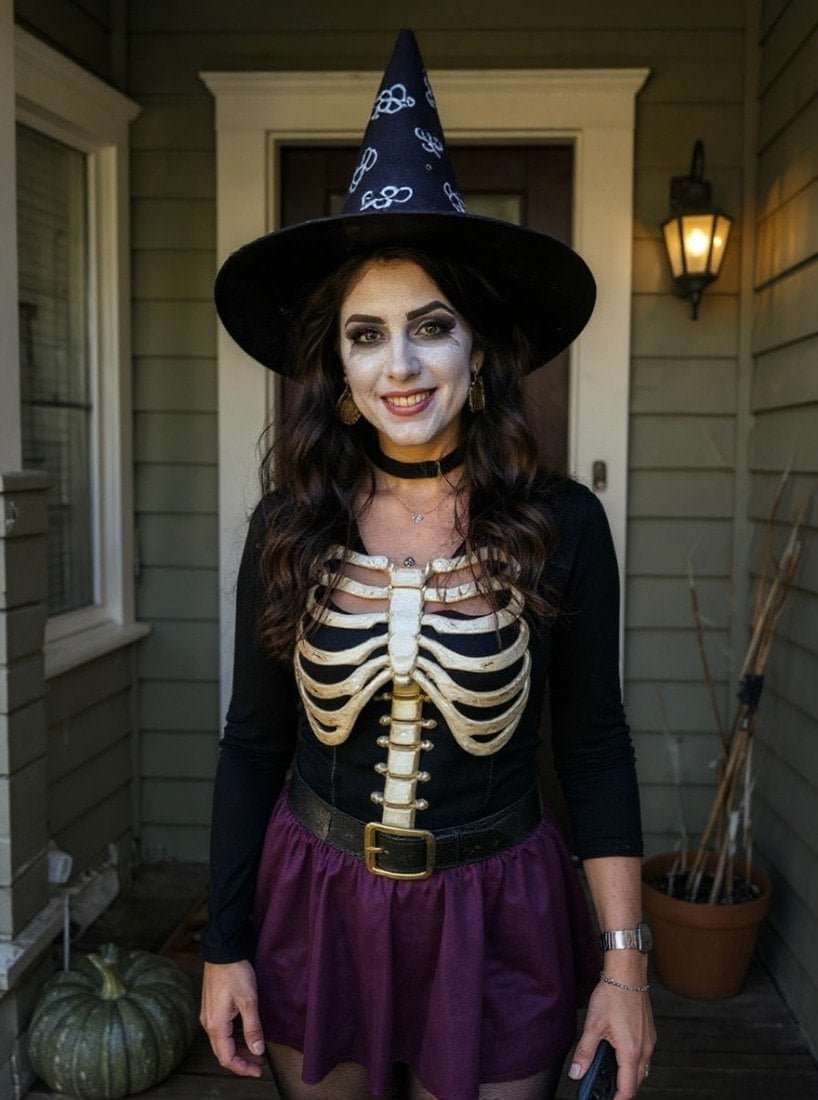
AI Halloween Photo Generator AI result example✦ AI Result
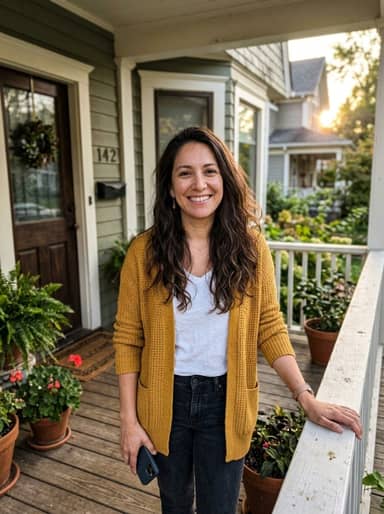
Original photo
Original
Upload your photo

By uploading, you confirm you have the right to use this photo (see Acceptable Use).
Try with an example:
Example photo 1
Choose style
4 credits per image · sign up free · first image free
Model: Seedream 4.5 · Usually 20-60 seconds

Eidora's AI Halloween Photo Generator turns one photo into a Halloween picture in one of 9 styles, such as Classic, Cute, Harvest Festival, Haunted House, Spooky Fog or Zombie. Spooky Fog and Zombie run on Seedream 4.5, ByteDance's image model, and can take 20 to 60 seconds; the other 7 styles run on FLUX.1 Kontext Pro, Black Forest Labs' image-editing model, usually in 10 to 30 seconds. Sign up free to start; each photo uses 4 credits.

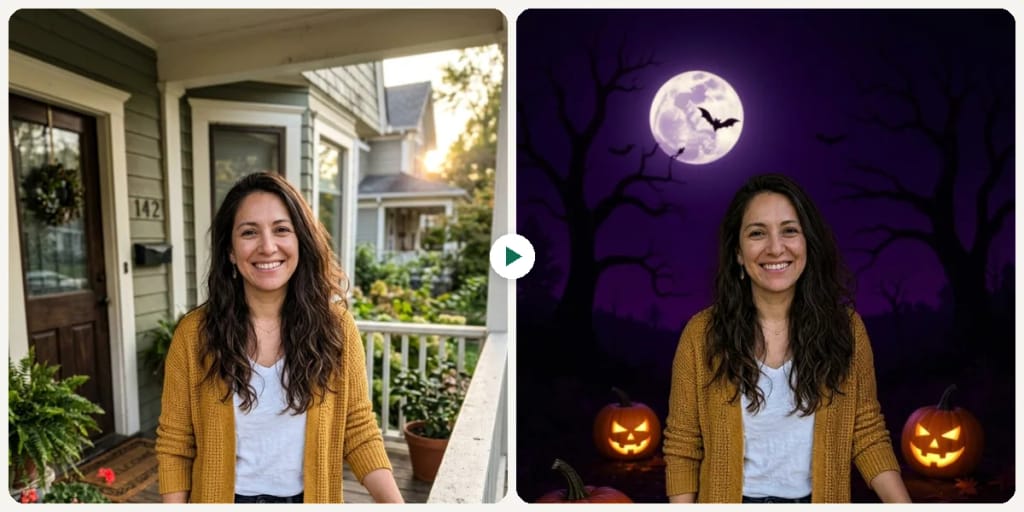
Before & After

See the transformation

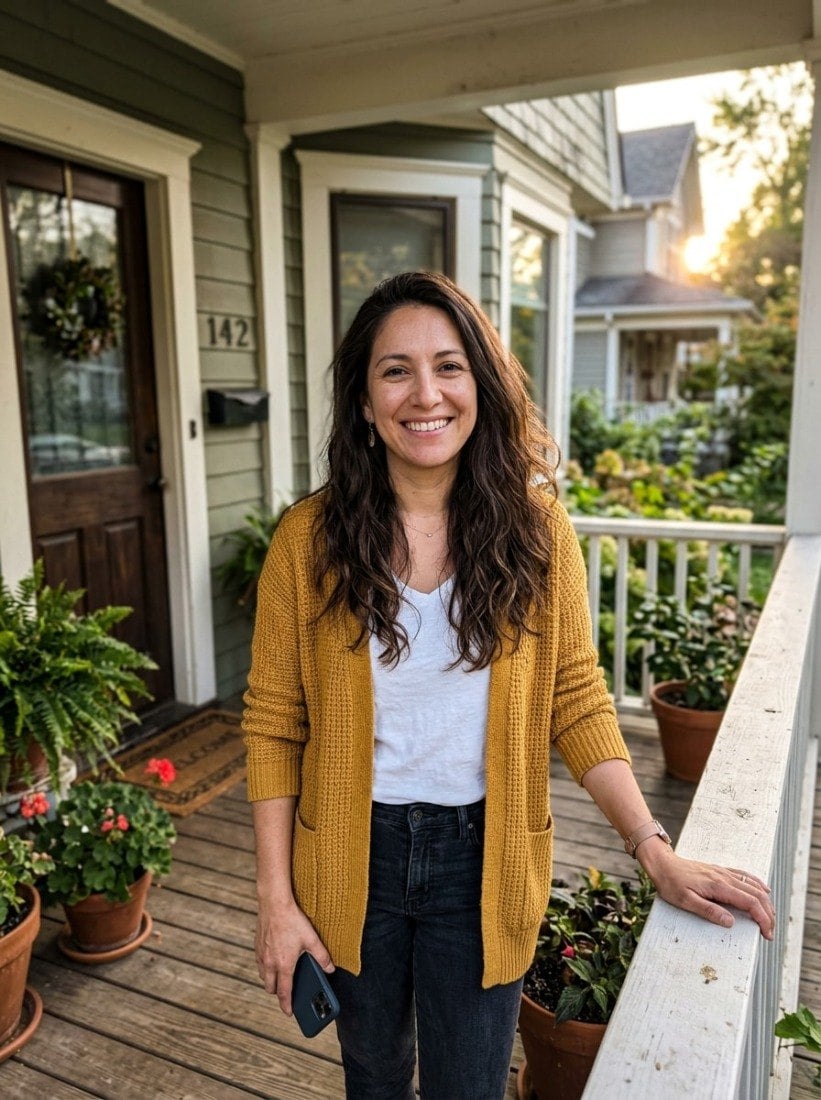
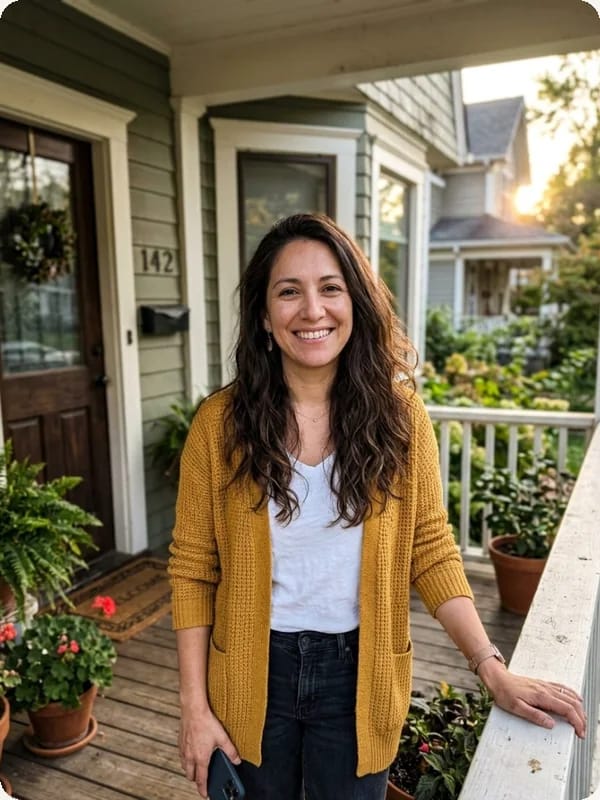
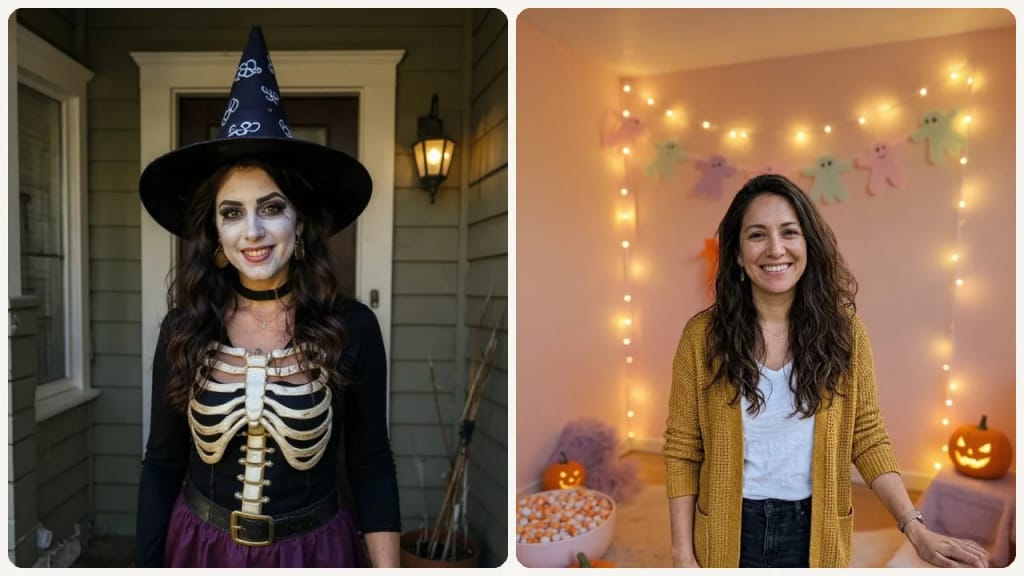
Original photo before AI Halloween Photo Generator - Costume styleOriginal photo before AI Halloween Photo Generator - Classic style
Original photo
Before
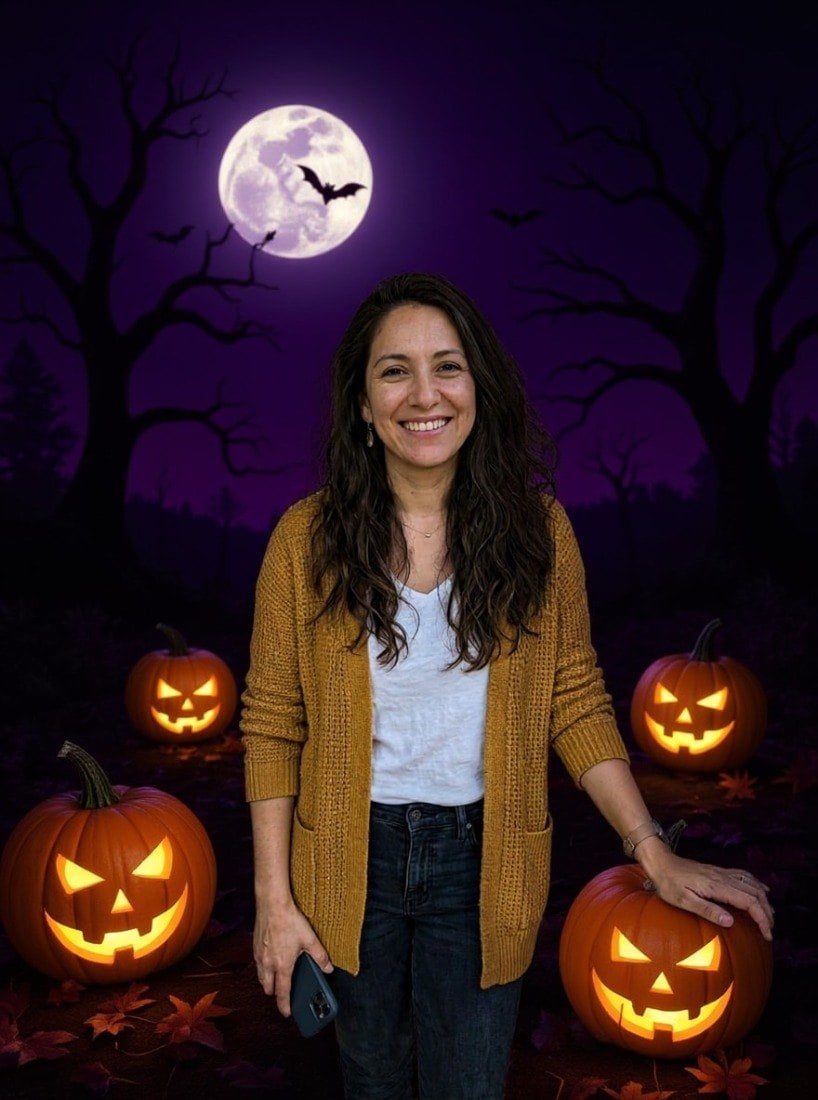
AI result in Costume style - AI Halloween Photo GeneratorAI result in Classic style - AI Halloween Photo Generator
AI result
After
Costume Style
AI Halloween Photo Generator · Eidora AI
What Is This Tool
AI Halloween Photo Generator overview

What Is AI Halloween Photo Generator?

Choose from 9 Halloween worlds that span the entire scare spectrum — from Cute (a cosy party room with smiling pumpkins, a felt ghost garland and candy corn) to Zombie (gray-green skin, sunken eyes, tattered clothing with practical-effects realism). The AI doesn't just paste a background: it recolors lighting to match each scene, adjusts skin tones for moonlit or candlelit environments, and composites props like trick-or-treat buckets or fog machines into the scene naturally. Spooky Fog wraps your subject in dense ground mist with moonlight shafts; Harvest Festival shifts to golden-hour autumn warmth with hay bales and pumpkin patches; Haunted House places you in front of a crumbling Victorian mansion with lightning. Glasses, piercings and other accessories usually carry over, though costume styles may restyle hats and clothing. Built for last-minute costume content, neighborhood event flyers, pet Halloween accounts, and anyone who wants 9 distinct October looks from a single upload. For this season's viral looks, a witch flying on a broomstick and the zombie couple video, see AI Halloween Photos.

Use Cases

What you can create

AI Halloween Photo Generator use case - Personal Halloween Portraits

Personal Halloween Portraits

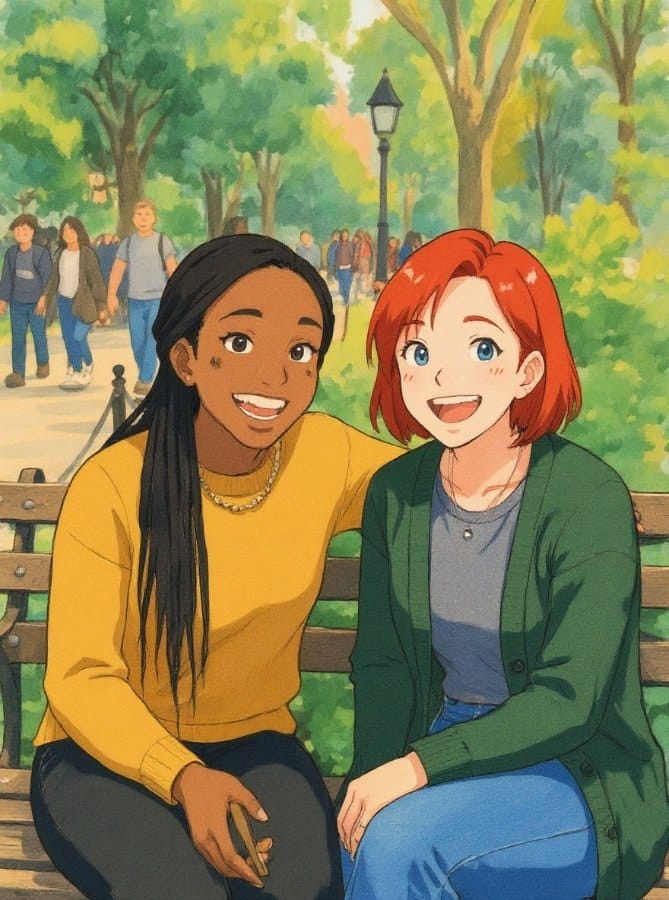
Individuals can effortlessly turn their favorite photos into fun Halloween-themed pictures without needing costumes or elaborate setups. This tool solves the problem of wanting festive seasonal content for social media or personal keepsakes without the time or expense of a real photoshoot.
AI Halloween Photo Generator use case - Event Marketing Graphics

Event Marketing Graphics

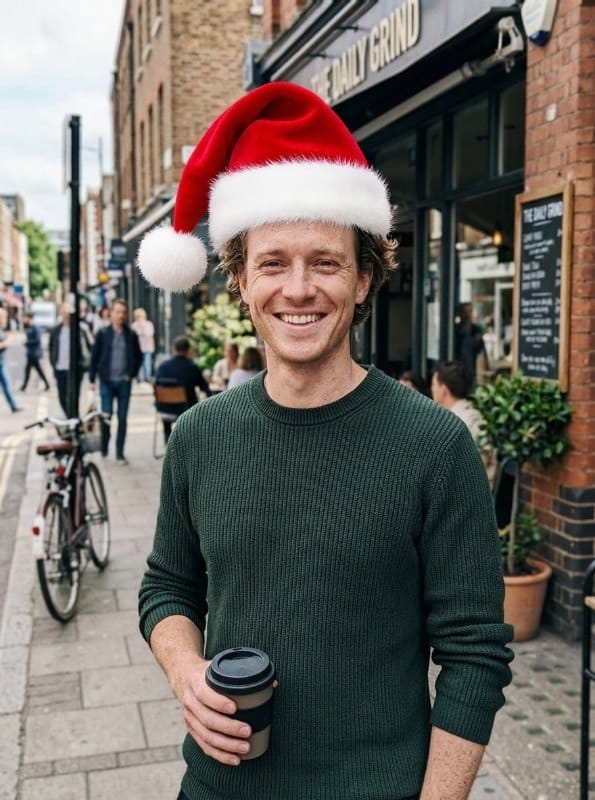
Event Organizers can transform existing images of their venue or team into spooky or whimsical visuals for Halloween party promotions. This helps them quickly create engaging social media posts, flyers, and invitations that capture the holiday spirit and attract attendees.
AI Halloween Photo Generator use case - Festive Small Business Content

Festive Small Business Content

Small Business Owners can easily add a Halloween touch to photos of their products, storefronts, or staff for seasonal marketing campaigns. This allows them to generate unique, holiday-themed content to promote special offers and connect with customers during the festive period.

Why Eidora

Built different, built better

No Costumes Needed
Appear in a Halloween costume and setting in under a minute without buying or creating any physical outfits.
Skip the Setup
Forget about elaborate decorations, lighting, or finding the perfect spooky location for your photoshoot.
Save Time & Money
Avoid the expense and hours typically spent on Halloween preparations for photos, getting results in under a minute.
How it works

Three steps. About a minute.

AI Halloween Photo Generator: Upload Your Photo
  1. Upload Your Photo

    Select and upload a clear image of yourself or the subject you wish to transform into a Halloween scene.

  2. Choose Your Spooky Theme

    Pick one of the 9 styles (Classic, Cute, Fun, Spooky Fog, Harvest Festival, Costume, Zombie, Trick or Treat, Haunted House), then press Generate.

  3. Generate & Download

    Click to generate your AI Halloween photo, then download your unique, festive image directly to your device.

Try AI Halloween Photo Generator Now
✦ Try It Free Now
FAQ

Frequently
asked questions

Everything you need to know. Can't find what you're looking for?
Still have questions?
Our support team is happy to help.
Contact Support
Free to try: a free account starts with 6 credits, enough to try this tool once (4 credits per image), with 2 left over. Free results carry a small eidora.io badge. After that, credits start at $1.99: a new account can buy 40 credits for $1.99 once, within 72 hours of signing up; credit packs start at $4.99 for 100 credits and plans at $9.9/month. Once you have paid, your results have no badge.
For the best results, upload a clear, well-lit photo where the subject's face is visible and facing forward. Full-body or half-body shots usually yield more creative outcomes.
Absolutely! Our tool can skillfully integrate your beloved pets into various Halloween themes, creating adorable and spooky pet portraits for the season.
Nine styles: Classic, Cute, Fun, Spooky Fog, Harvest Festival, Costume, Zombie, Trick or Treat and Haunted House.
Usually 10 to 30 seconds; Spooky Fog and Zombie can take 20 to 60 seconds.
Permitted uses depend on input rights, pictured-person consent, applicable law, and the selected third-party model or provider terms. Eidora plans do not themselves grant additional rights.
If the initial result isn't exactly what you envisioned, you can try selecting a different theme, uploading another photo, or adjusting your original image for a better outcome.
Your uploads, prompts and results are saved privately to your history so you can view and download them later, and only you can open them. To create a result, your input is sent to the AI model provider that runs the generation. We do not sell your content or use it to train AI models.
Yes, a free account. It gets 6 credits to start, and each photo uses 4 credits.
JPG, PNG, WebP or GIF up to 10MB. A clear, well-lit photo works best.
Yes, once you upload a photo, you can experiment with different Halloween themes and styles to create multiple unique festive images from the same original picture.
It works on credits: each photo uses 4 credits. A free account starts with 6 credits. Free results carry a small eidora.io badge.
Your first one is free
Ready to create
your masterpiece?
9 styles · 4 credits per image · Free to try · no card needed
Free to try · no card needed
~20–60 seconds
Sign up free · first image free