AI Gives You Outfit
Upload a photo, pick an occasion or let the AI choose, and see yourself in a new outfit picked for you, with the same face, pose and background.
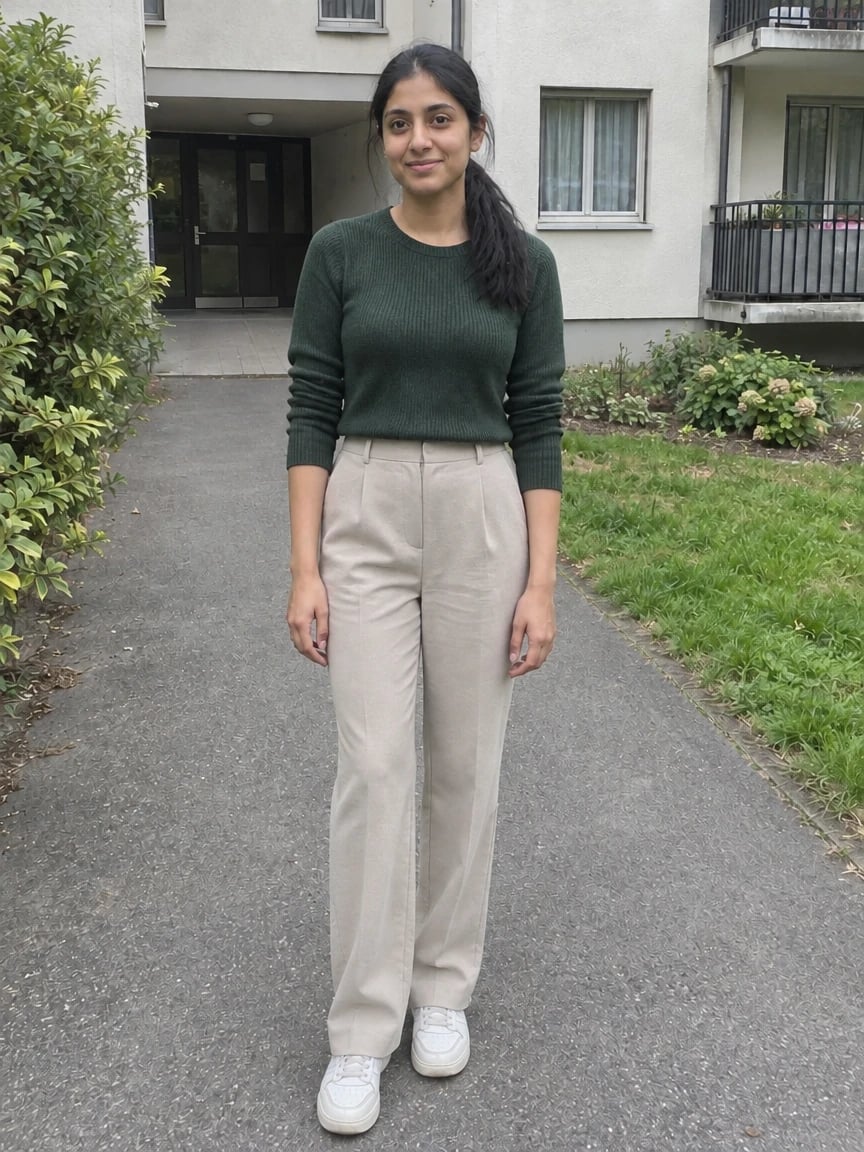 ✦ AI Result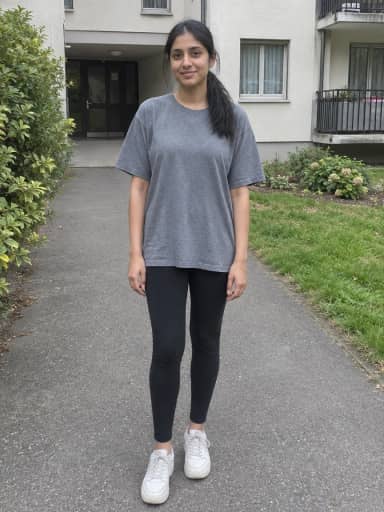
By uploading, you confirm you have the right to use this photo (see Acceptable Use).



Model: GPT Image 2.5 · Usually 20-60 seconds
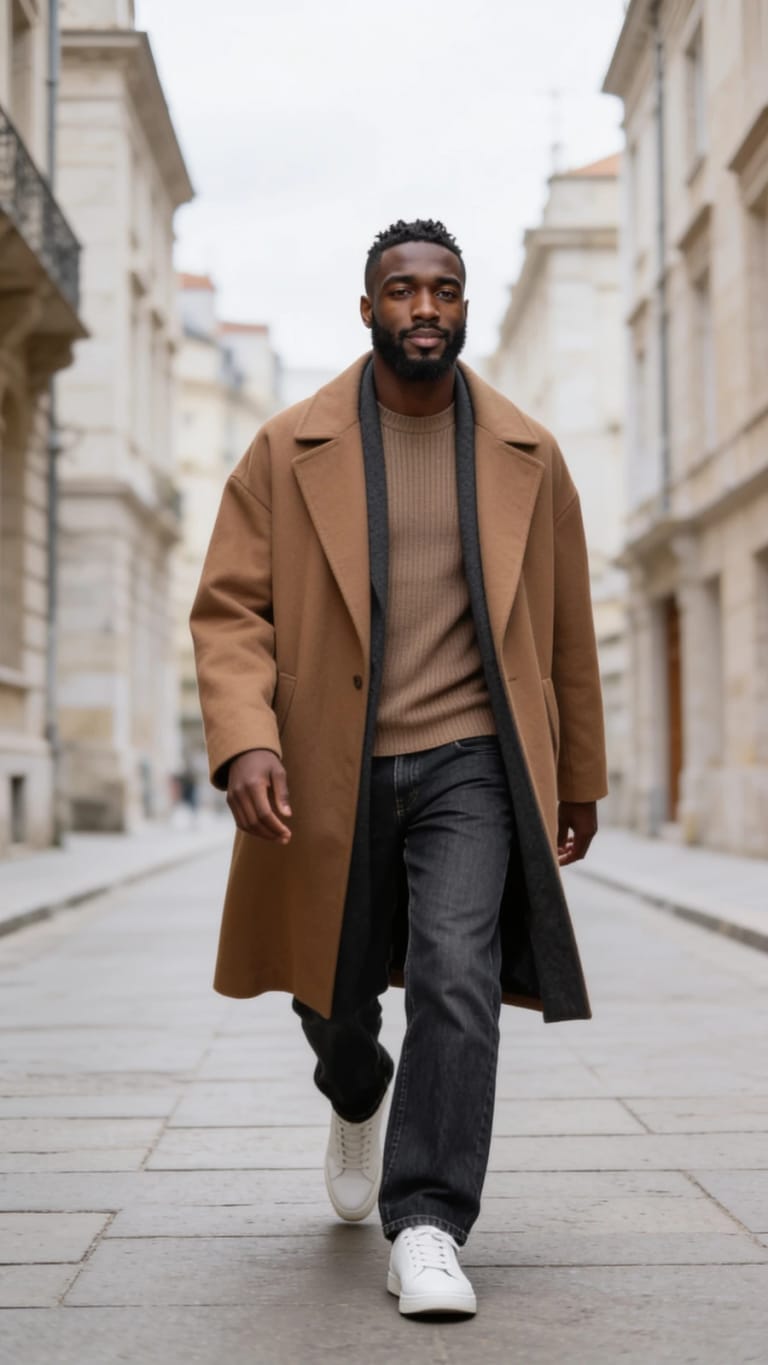
Eidora's AI Gives You Outfit tool lets the AI pick a new outfit for you and puts it on your own photo. Choose AI's Pick or one of 5 occasions (date night, office, party, wedding guest or streetwear), and GPT Image 2.5, OpenAI's image model, changes only the clothes while keeping your face, pose, framing and background, usually in 20 to 60 seconds. Sign up free to start; each outfit uses 4 credits.
See the transformation
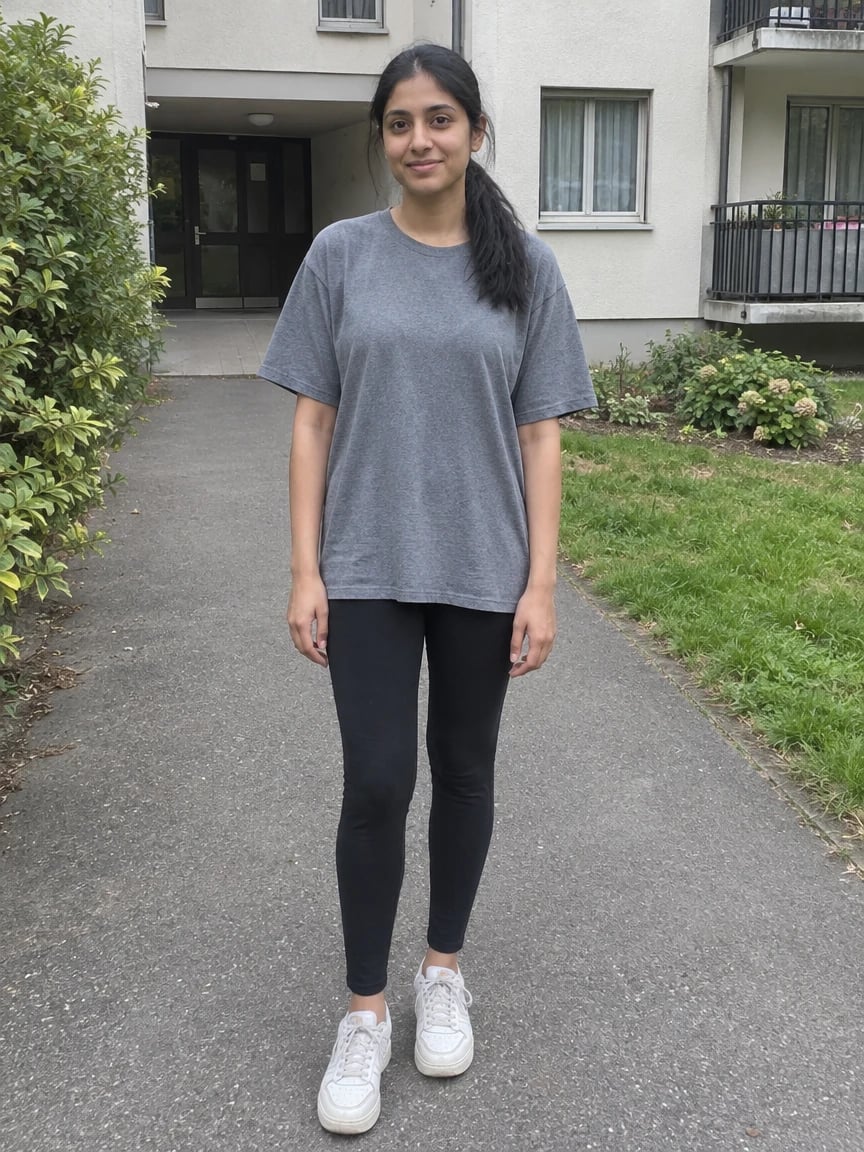


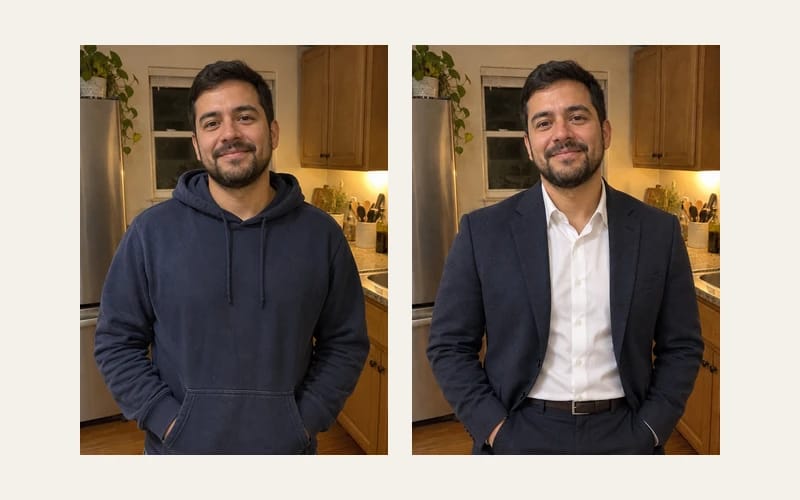
What Is AI Gives You Outfit?
"AI gives you outfit", also called an AI outfit changer or AI clothes filter, is the idea behind the CapCut filter videos on TikTok: you upload a photo and the AI gives you a new outfit. Here you choose AI's Pick, where the AI chooses the whole look that it thinks suits you, or one of 5 occasions (Date Night, Office, Party, Wedding Guest or Streetwear), where it picks the pieces for that occasion. The outfit is adapted to your own gender presentation, age and body. Only the clothes change: your face, hair, skin tone, glasses, pose, framing, lighting and background stay as they are, so a selfie stays a selfie and a full-length photo shows the new shoes too. Each run makes one image, usually in 20 to 60 seconds. It is a picture of a look, not a shopping list or a size guide.
What you can create
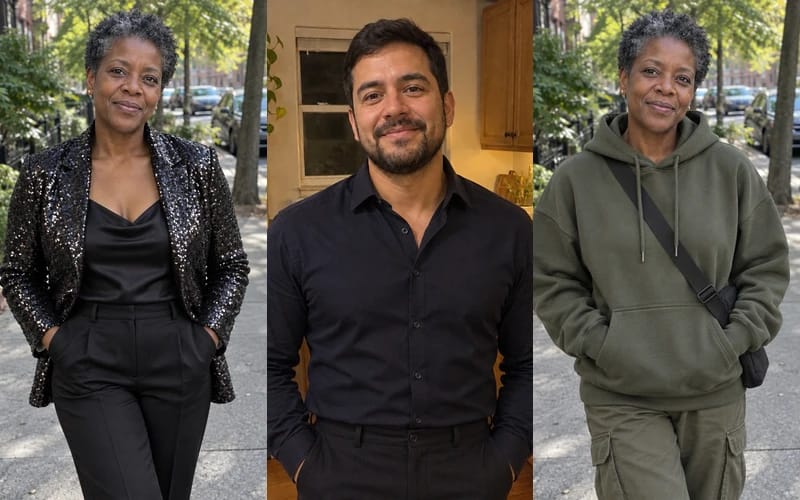
Date or Night Out
Try Date Night or Party on your own photo before you decide between a dress and a blazer.
Work and Interviews
See yourself in a polished office look before a first day, an interview or a work photo.
Wedding Guest Plans
Get a wedding guest outfit idea on your own photo before you shop for the occasion.
Built different, built better
Three steps. About a minute.
Upload Your Photo
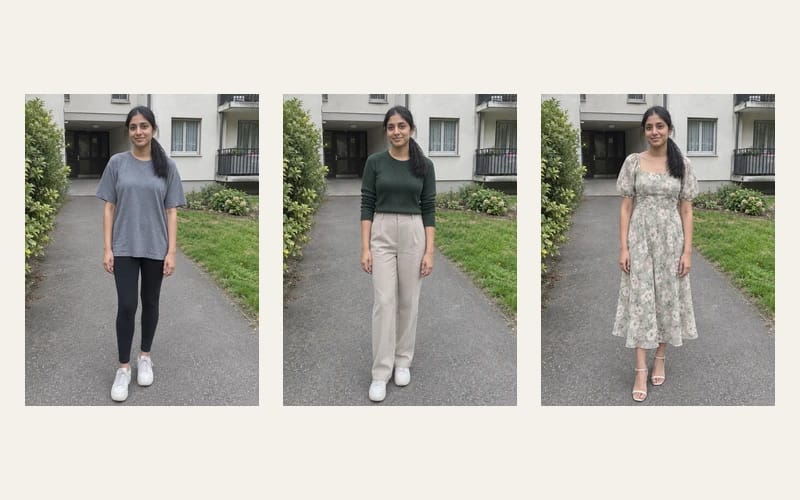
A selfie works, but a half-length or full-length photo shows more of the outfit. The result keeps your framing.
Pick an Occasion or AI's Pick
Choose AI's Pick to let the AI decide, or Date Night, Office, Party, Wedding Guest or Streetwear. In the Custom tab you can add a wish, such as a colour.
See It and Download
See yourself in the outfit the AI picked and download it. To compare, run the same photo with another occasion, one per run.
Frequently
asked questions
Everything you need to know. Can't find what you're looking for?


your masterpiece?