Selecciona o suelta hasta 10 fotos para usar las mismas opciones en cada una.
By uploading, you confirm you have the right to use this photo (see Acceptable Use).



Cómo hacer uno así
- Tool
- Black Hair Filter
- Estilo
- Jet Black
- Proporción
- Not recorded
Modelo: Seedream 4.5 · Normalmente 20-60 segundos
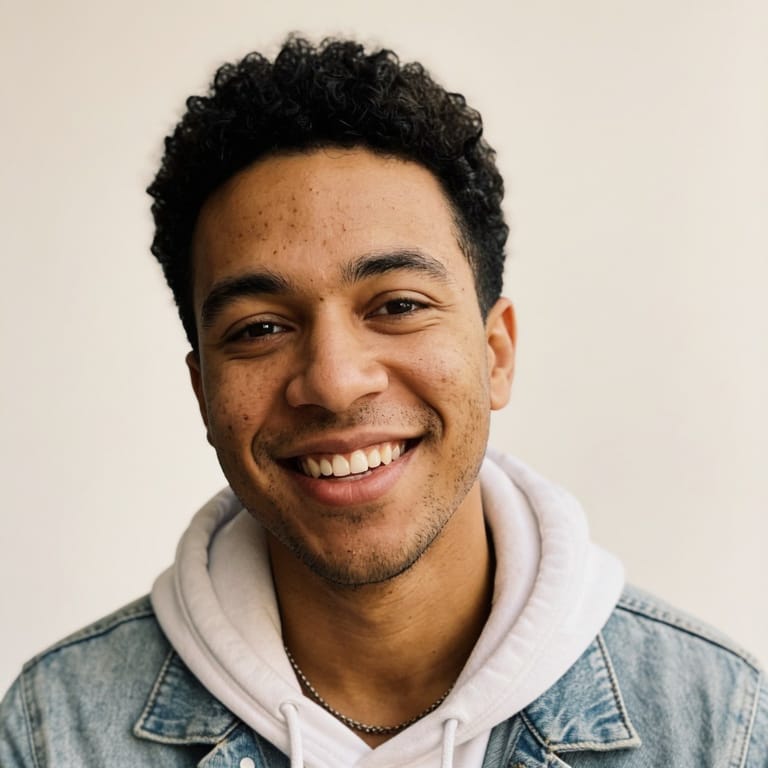
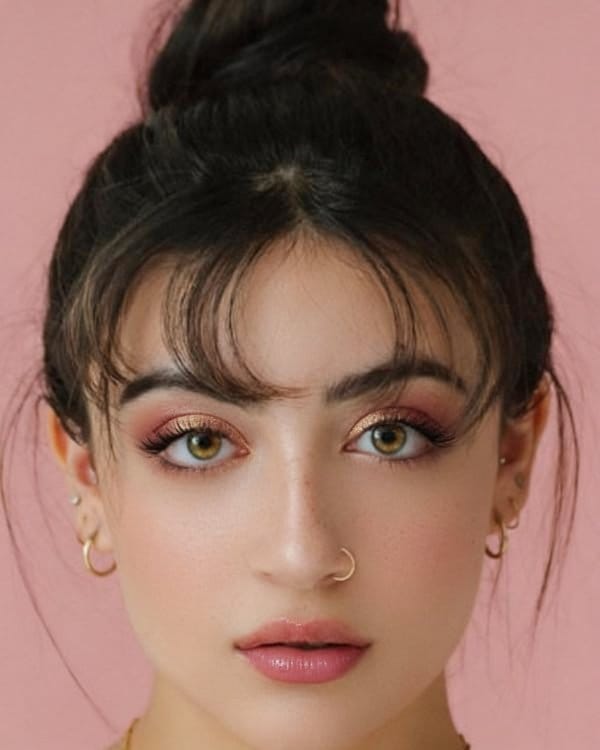
Eidora's Black Hair Filter shows a black shade on your own selfie before you color, so you can see how it works with your skin tone: jet black, blue black, soft black, natural black or brown black. Seedream 4.5, ByteDance's image model, applies it over your current hair color, usually in 20 to 60 seconds per shade. 6 credits when you sign up; each preview uses 4 credits.
Mira la transformación




¿Qué es Black Hair Filter?
A black hair filter lets you upload a selfie and preview different black hair shades — from high-contrast jet black to softer natural black — so you can see how dark hair impacts your overall complexion and facial features before coloring.
Lo que puedes crear
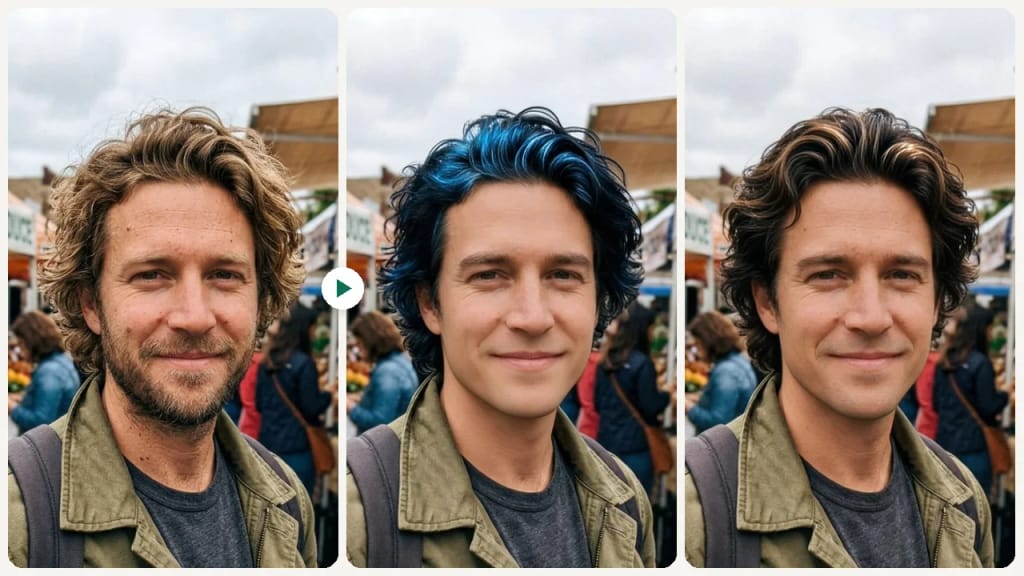
Dramatic Color Change Decision
Going from light to dark? Preview the contrast before committing to ensure black hair enhances rather than overwhelms your features.

Choosing Between Shades
Decide between the high-drama of jet black and the subtlety of soft black using a side-by-side comparison on your own face.
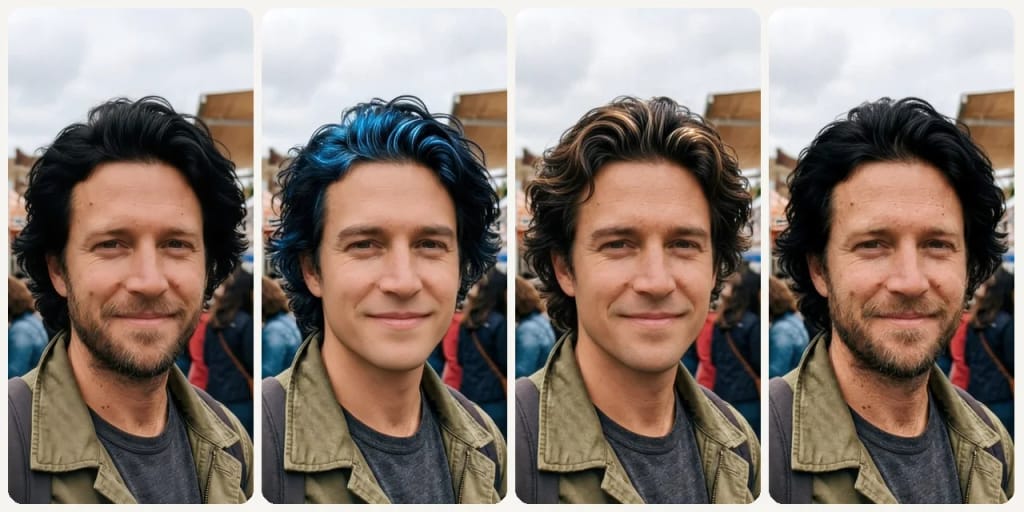
Skin Tone Impact Check
See how a dark hair color interacts with your specific skin tone and undertones before making a change.
Hecho distinto, hecho mejor
Tres pasos. Más o menos un minuto.

Upload Your Selfie
Upload a clear front-facing photo with your hair and face visible.
Choose a Black Shade
Select from jet black, blue black, soft black, natural black, or brown black.
Preview & Compare
Review how each shade looks on your skin tone and save your preferred option.
Preguntas frecuentes
Todo lo que necesitas saber. ¿No encuentras lo que buscas?
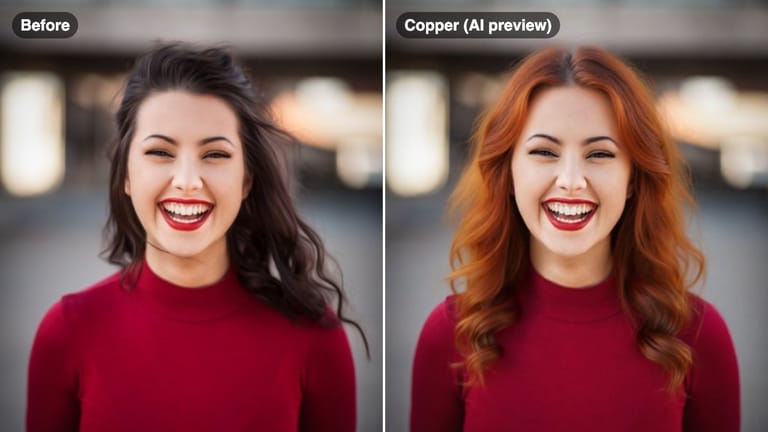
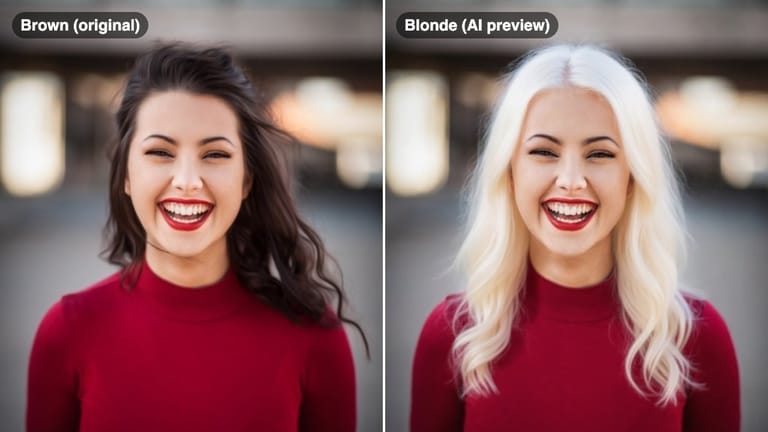




el tuyo?