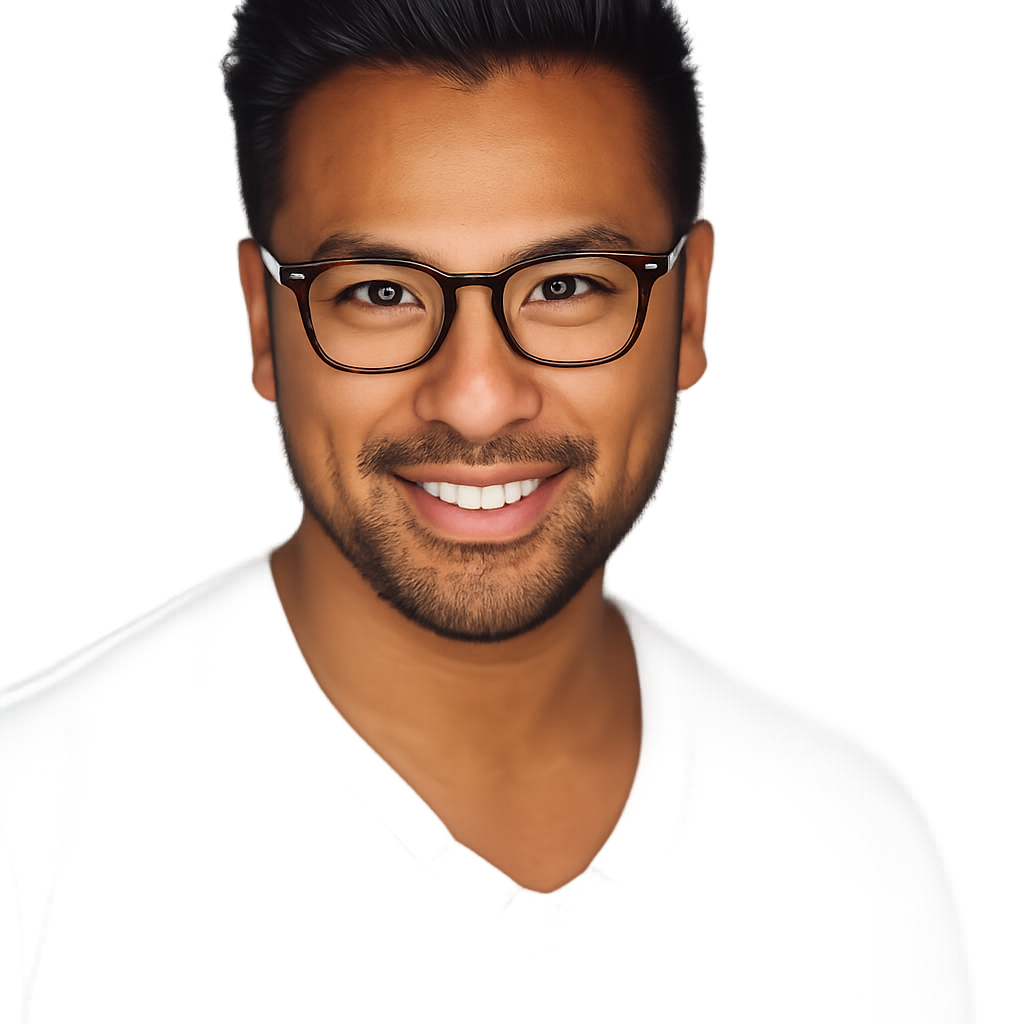
Black Hair Filter
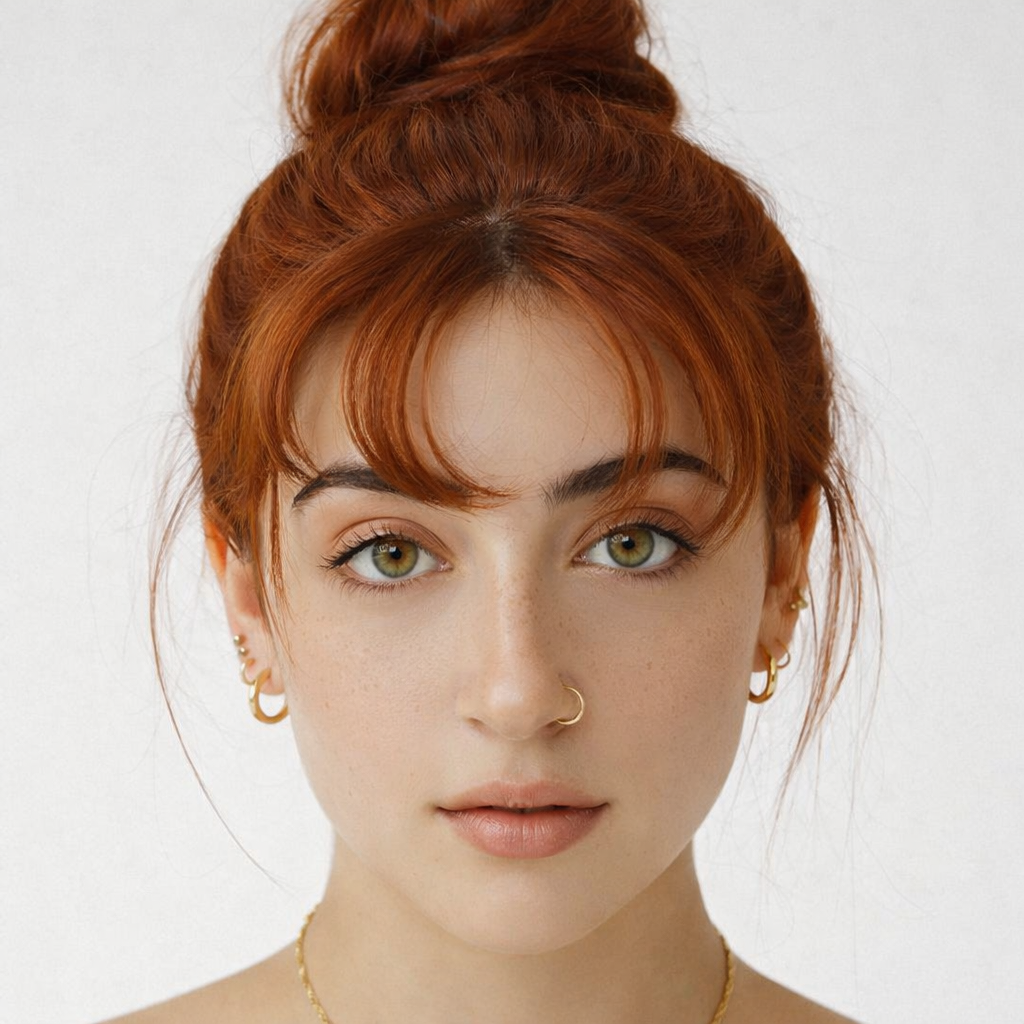
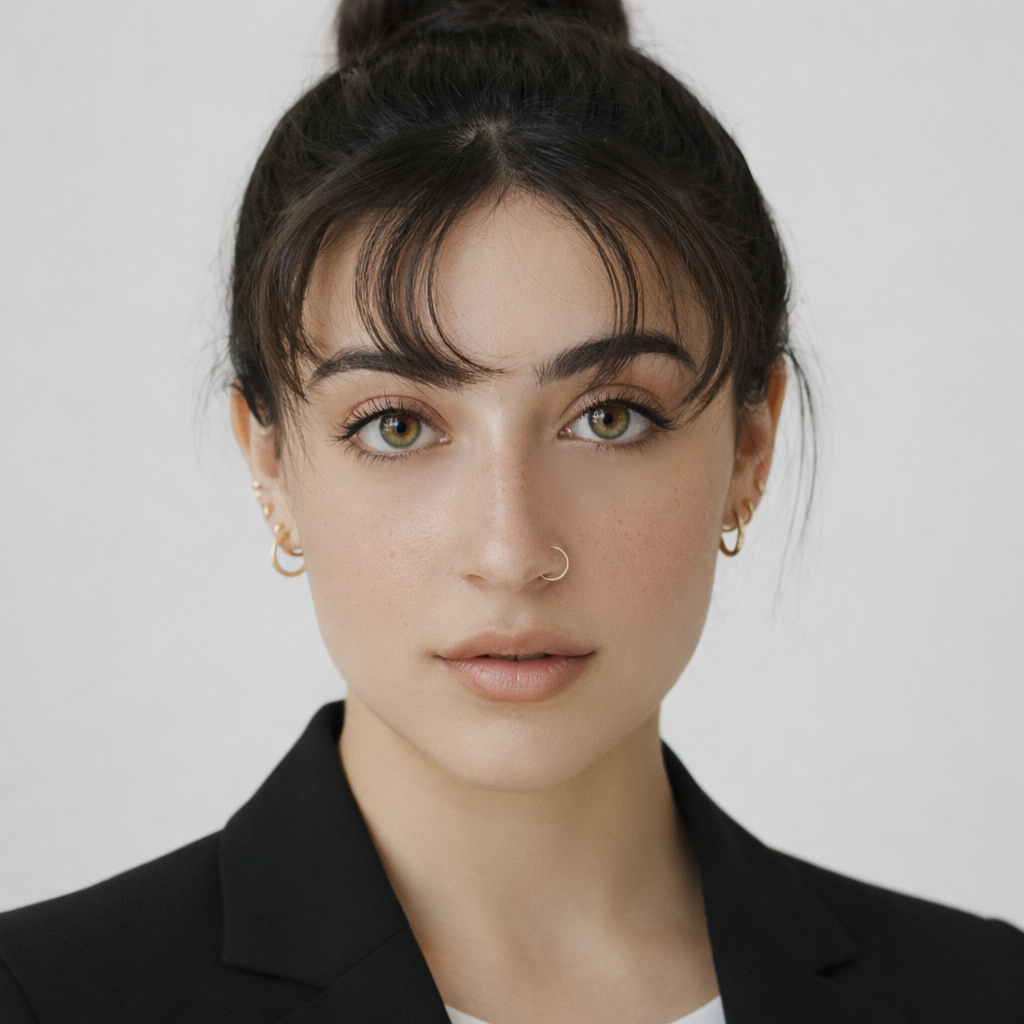
Preview jet black, blue black, soft black, natural black, and brown black on your skin tone with a fast AI result.
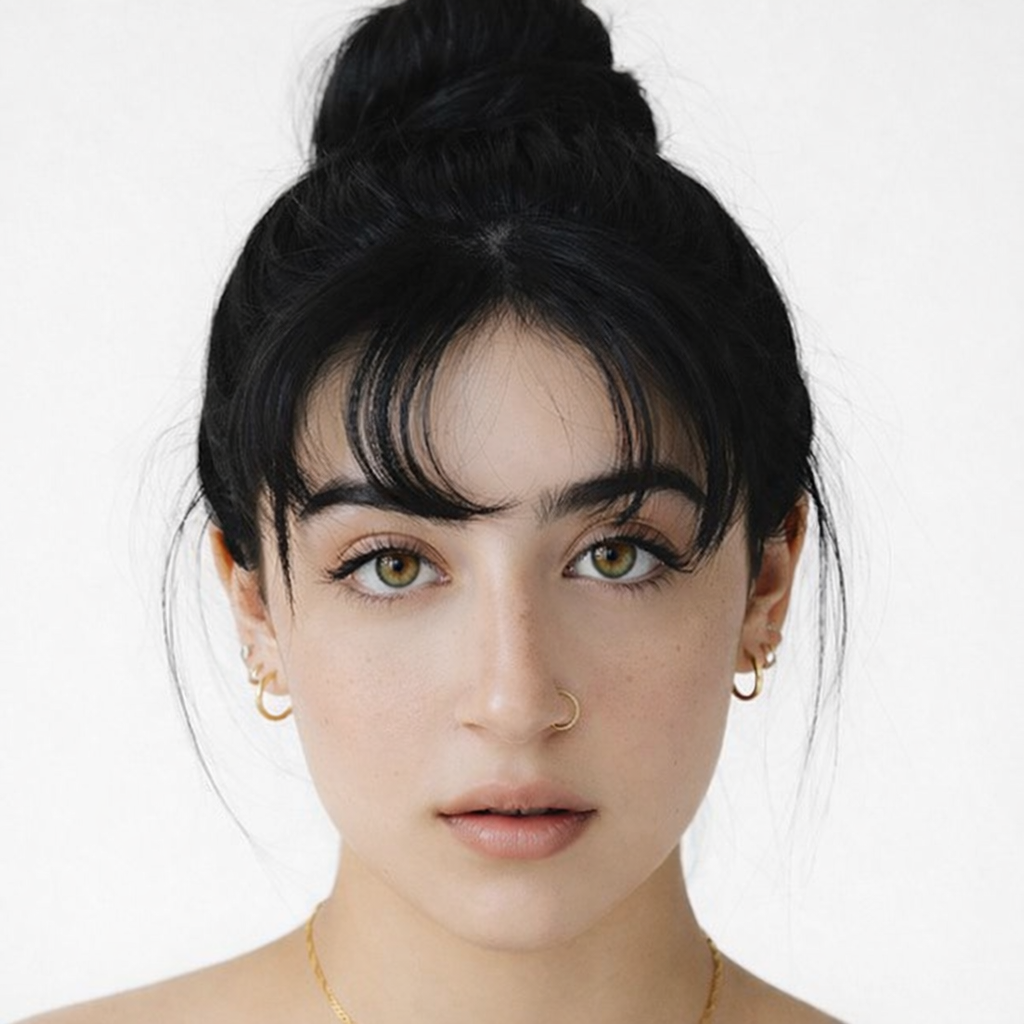
Preset route
Choose the public starting point before you open Studio
Or choose a popular preset:
Sample compare
See the promise before you move into execution
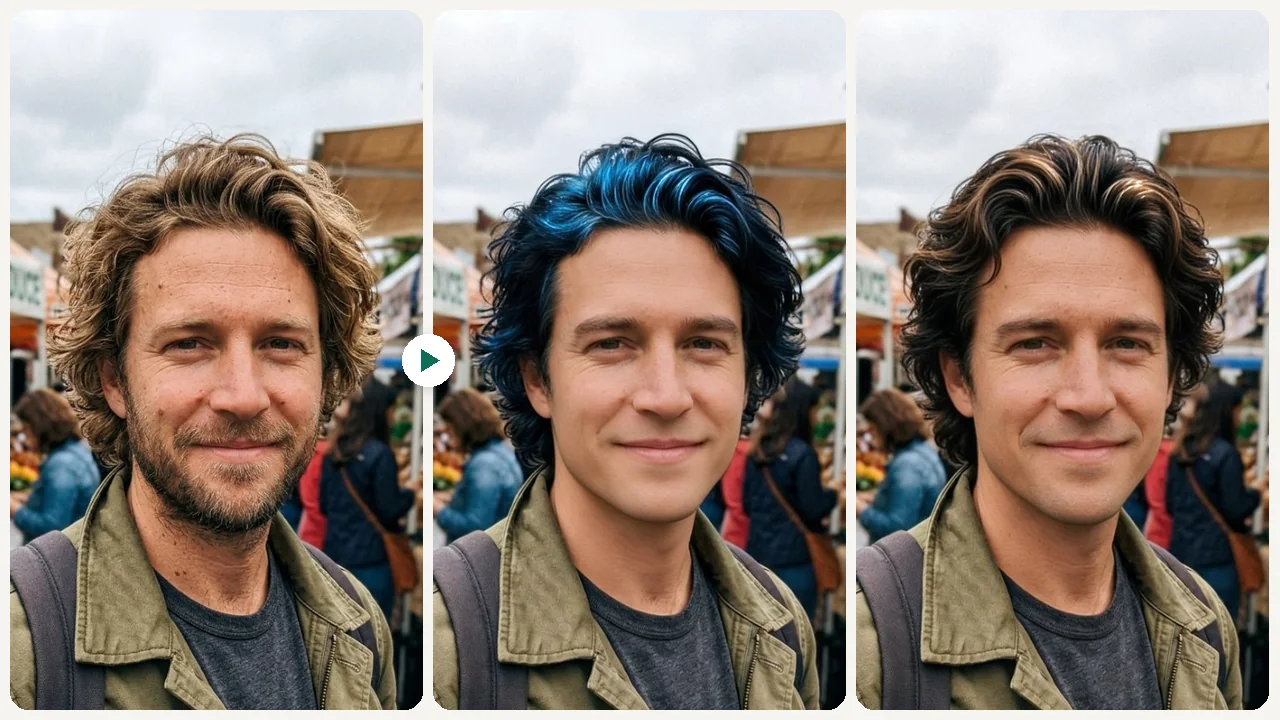
Before
AfterSee How Jet Black and Soft Black Hair Look on You example result
The public page explains the workflow. `/studio` remains the execution layer.
Sample Results
See what this tool can do with real photos.
Before
AfterSee How Jet Black and Soft Black Hair Look on You example result
User Reviews
Based on 462 reviews
Chloe W.
Salon Receptionist
"Every color client starts with a preview now. We waste less toner because clients actually know what they want upfront."
Tyler R.
Marketing Manager
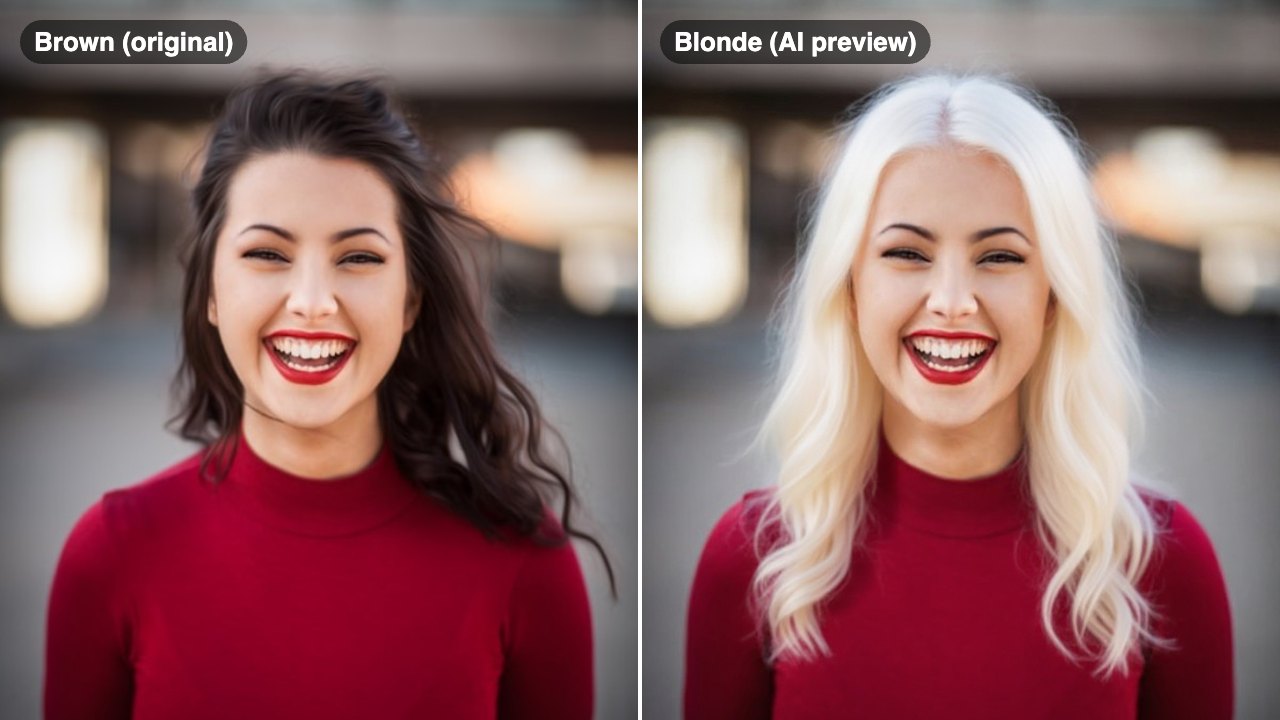
"My wife wanted to go platinum but was nervous. Showed her the preview on her own photo and she booked the appointment that day."
Diana L.
Photographer
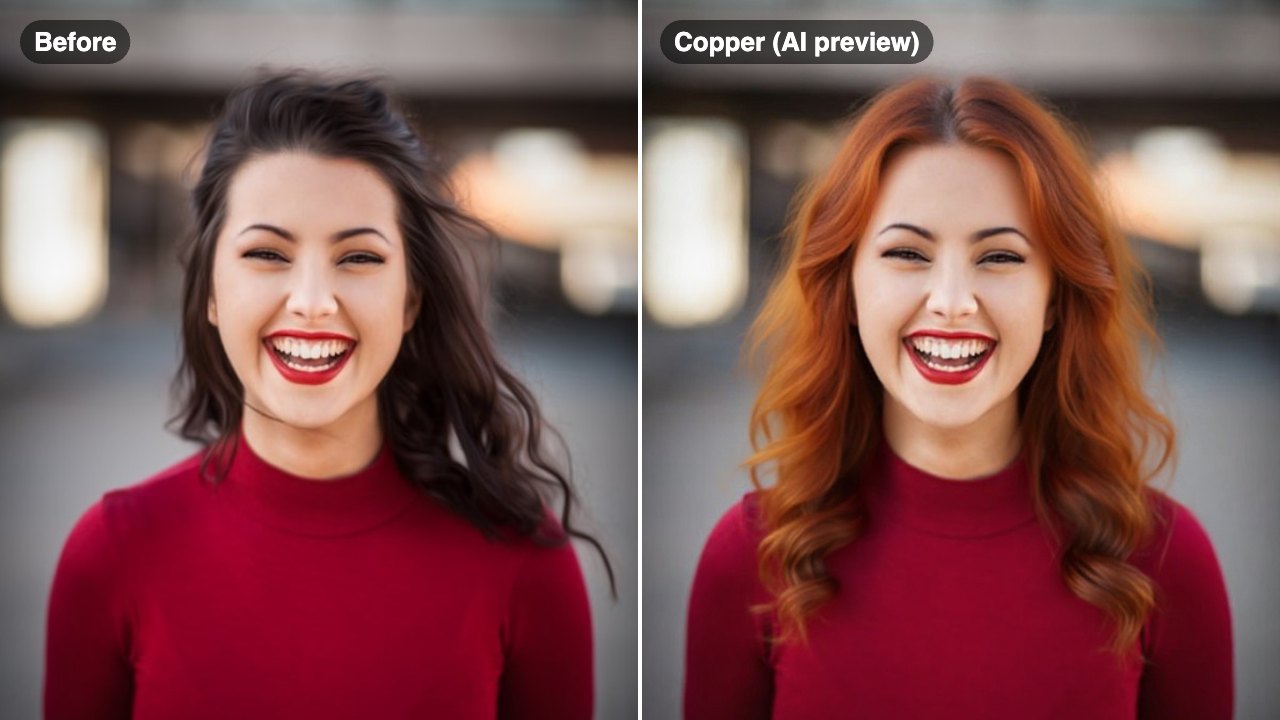
"Used it to plan wardrobe-to-hair combos for a shoot. The copper preview matched the final dye job almost perfectly."
What Is Black Hair Filter?
A black hair filter lets you upload a selfie and preview different black hair shades — from high-contrast jet black to softer natural black — so you can see how dark hair impacts your overall complexion and facial features before coloring.
Why Choose This Tool
Understand the Contrast on Your Skin
Dark hair creates different levels of contrast depending on your skin tone. Preview jet black versus soft black to see which level of contrast suits your face.
Compare Warm and Cool Black Tones
Blue black has cool, almost iridescent undertones. Soft black has a warmer, natural finish. See both and decide which direction suits your features.
Prepare for Your Color Appointment
Download the shade that resonates and show it to your colorist to align on the exact depth and tone before they mix a single formula.
Dark Hair Changes Everything About Your Look
Going dark is one of the most impactful hair changes you can make. Black hair can make skin look brighter or washed out, depending on tone and undertones. The difference between jet black and soft black is significant — one creates sharp contrast, the other blends more naturally. The black hair filter lets you see the exact impact before you commit.
How It Works
Upload Your Selfie
Upload a clear front-facing photo with your hair and face visible.
Choose a Black Shade
Select from jet black, blue black, soft black, natural black, or brown black.
Preview & Compare
Review how each shade looks on your skin tone and save your preferred option.
Who Is This For?
Popular use cases for this tool.
Dramatic Color Change Decision
Going from light to dark? Preview the contrast before committing to ensure black hair enhances rather than overwhelms your features.
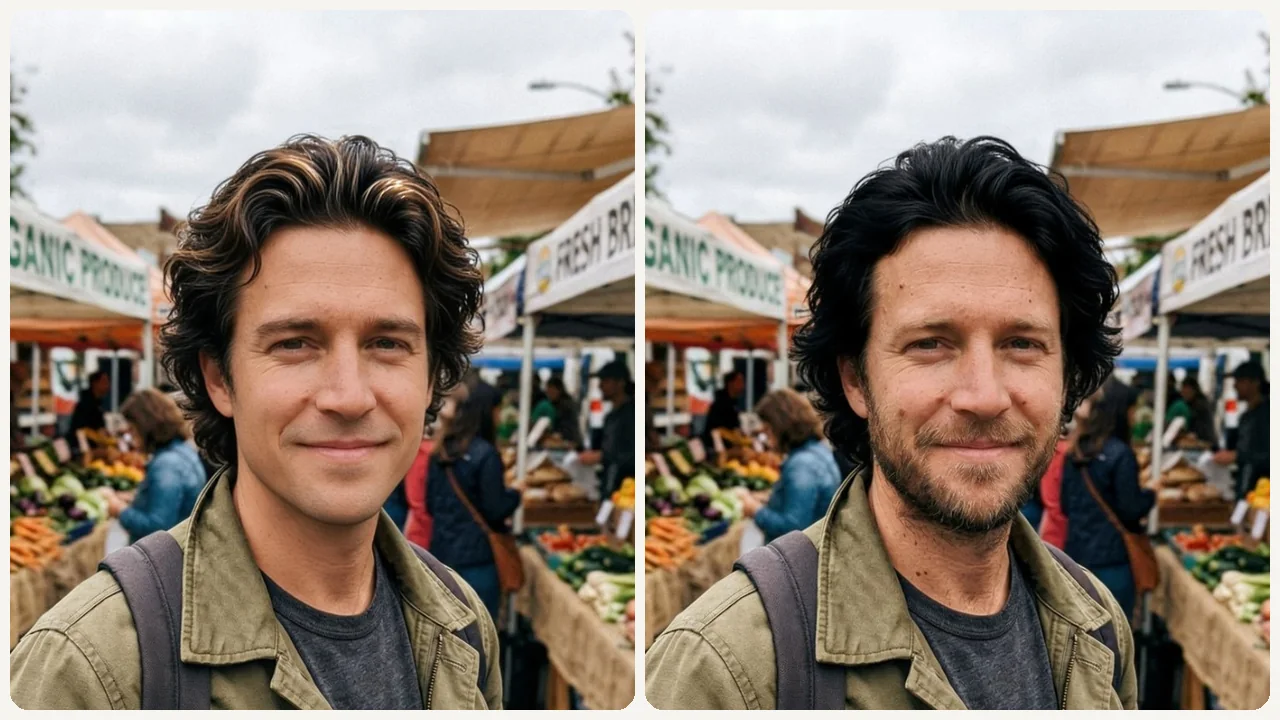
Choosing Between Shades
Decide between the high-drama of jet black and the subtlety of soft black using a side-by-side comparison on your own face.
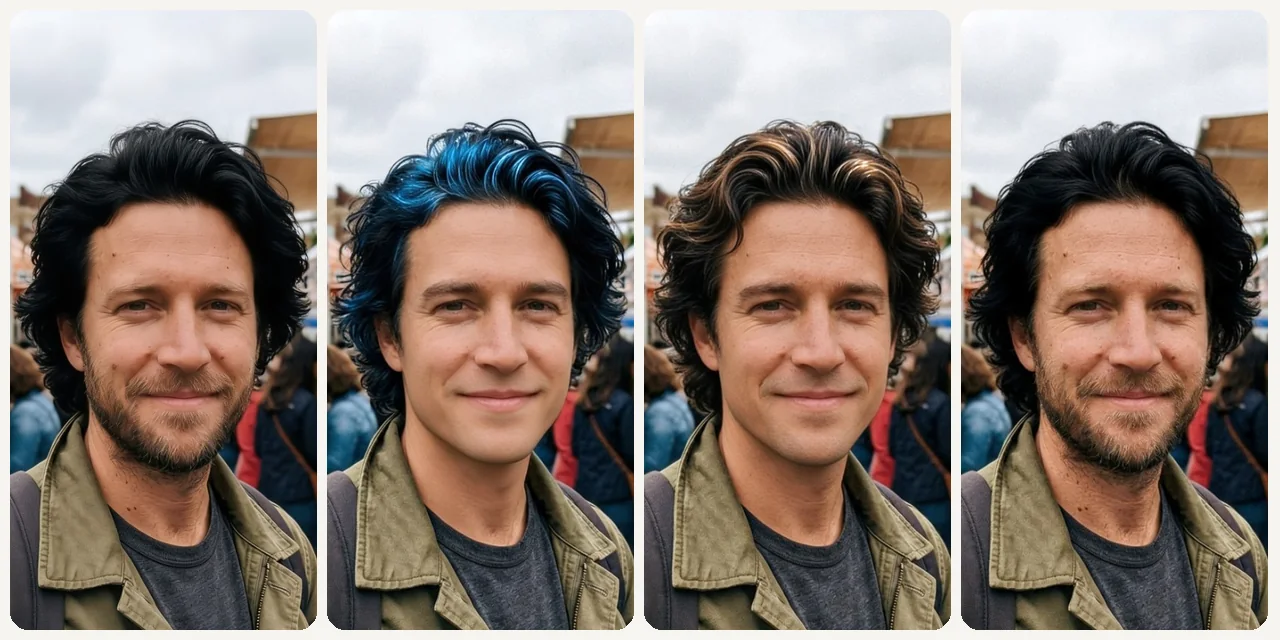
Skin Tone Impact Check
See how a dark hair color interacts with your specific skin tone and undertones before making a change.
Profile and Headshot Planning
Check whether darker hair improves your profile or headshot presence for professional or social platforms.
Frequently Asked Questions
What is the difference between jet black and blue black hair?
Jet black is a pure, high-contrast black with no visible undertone. Blue black has a subtle cool, almost navy iridescence visible in certain lighting — popular for a more dimensional, fashion-forward look.
Will black hair wash out my complexion?
It depends on your skin tone. The filter shows you exactly how each shade interacts with your complexion so you can see whether it enhances or overwhelms your features.
Can I preview black hair over dyed or highlighted hair?
Yes. The filter applies the selected black shade over your current hair color in the photo, giving you a realistic result regardless of your starting point.
Related Tools
Explore more AI photo tools you might like.