사진을 최대 10장까지 선택하거나 끌어다 놓으면 각각 같은 옵션을 적용합니다.
By uploading, you confirm you have the right to use this photo (see Acceptable Use).



같은 결과 만드는 방법
- Tool
- Black Hair Filter
- 스타일
- Jet Black
- 비율
- Not recorded
모델: Seedream 4.5 · 보통 20~60초
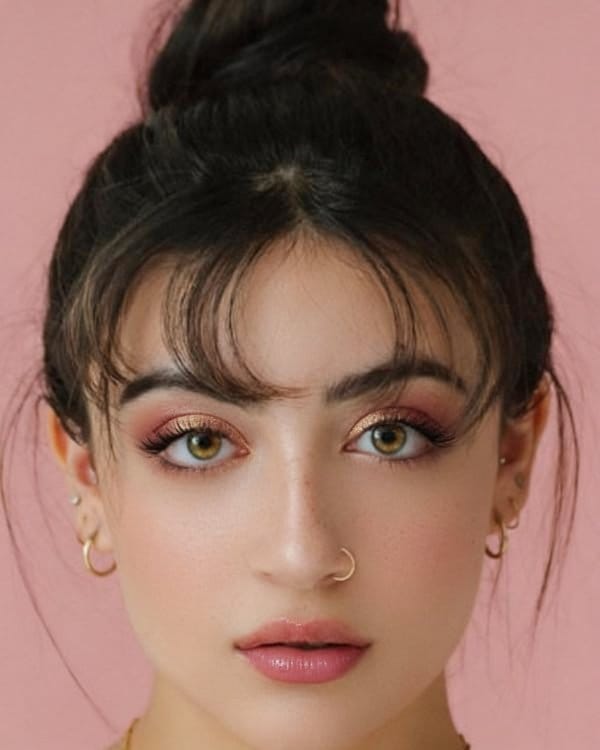
Eidora's Black Hair Filter shows a black shade on your own selfie before you color, so you can see how it works with your skin tone: jet black, blue black, soft black, natural black or brown black. Seedream 4.5, ByteDance's image model, applies it over your current hair color, usually in 20 to 60 seconds per shade. 6 credits when you sign up; each preview uses 4 credits.
확인해 보세요, 이 변화




Black Hair Filter란?
A black hair filter lets you upload a selfie and preview different black hair shades — from high-contrast jet black to softer natural black — so you can see how dark hair impacts your overall complexion and facial features before coloring.
당신이 만들 수 있는 것
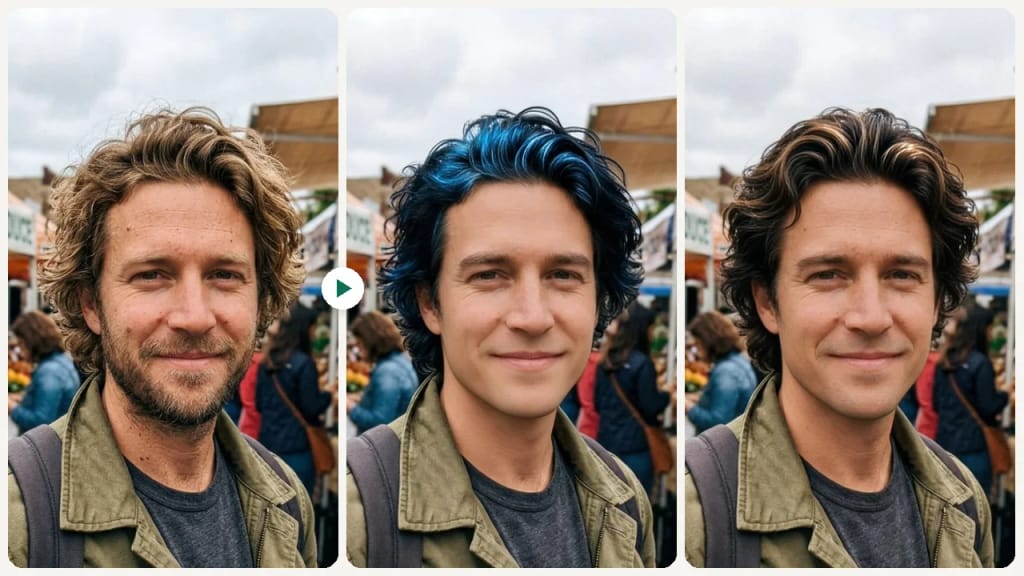
Dramatic Color Change Decision
Going from light to dark? Preview the contrast before committing to ensure black hair enhances rather than overwhelms your features.

Choosing Between Shades
Decide between the high-drama of jet black and the subtlety of soft black using a side-by-side comparison on your own face.
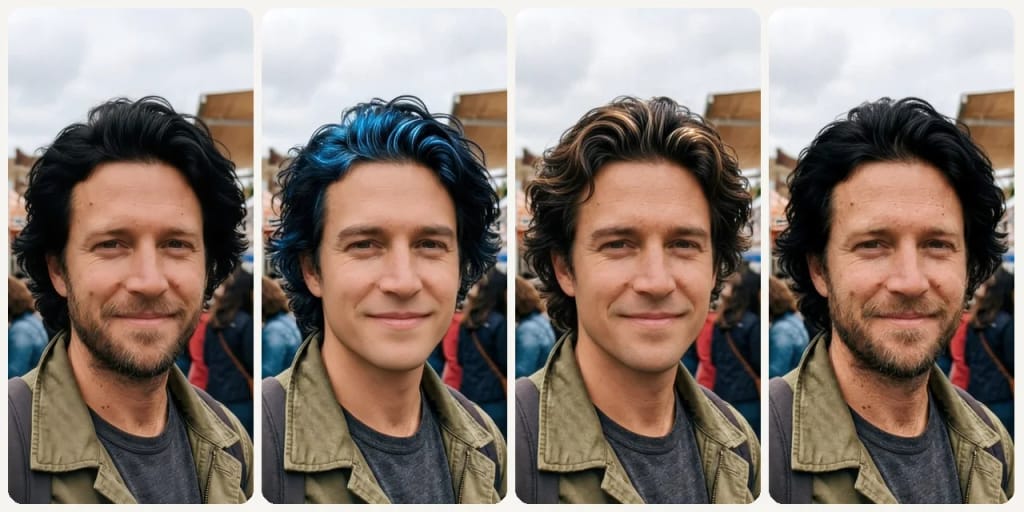
Skin Tone Impact Check
See how a dark hair color interacts with your specific skin tone and undertones before making a change.
만드는 방식이 다르고, 결과가 더 좋습니다
세 단계, 약 1분.

Upload Your Selfie
Upload a clear front-facing photo with your hair and face visible.
Choose a Black Shade
Select from jet black, blue black, soft black, natural black, or brown black.
Preview & Compare
Review how each shade looks on your skin tone and save your preferred option.





되셨나요?