Modelo de IA · hazlo en esta página
Flux Kontext Pro
Desde 4 créditos · Ideal para precise photo edits
Flux Kontext Pro allows anyone to precisely modify uploaded images using simple text commands, perfect for refining visuals without complex software.
Cómo hacer uno así
- Tool
- Flux Kontext Pro
- Proporción
- Not recorded
Cómo hacer uno así
- Tool
- Flux Kontext Pro
- Proporción
- Not recorded
 Muestra

Selecciona o suelta hasta 10 fotos para usar las mismas opciones en cada una.
By uploading, you confirm you have the right to use this photo (see Acceptable Use).

Modelo: FLUX.1 Kontext Pro · Normalmente 10-30 segundos
Eidora's Flux Kontext Pro page runs FLUX.1 Kontext Pro, Black Forest Labs' image-editing model, on your own photo: pick Photo Edit, Background Swap or Object Remove, describe the change in plain words, and it edits that part while keeping the rest, usually in 10 to 30 seconds. Upload a JPG, PNG, WebP or GIF up to 10MB. 6 credits when you sign up; each image uses 4 credits.
Mira el antes y el después


Where Flux Kontext Pro Fits
Flux Kontext Pro is an image-editing model that changes an uploaded photo from plain-language instructions while keeping the rest of the image.
Flux Kontext Pro is a context-aware image editing model built for precise, instruction-driven modifications. Unlike generation models, it takes your existing photo and applies targeted changes — background swaps, object removal, color adjustments, style transfers — while preserving everything else in the original image.
- Precise local and global edits from plain-language instructions
- Preserves original image context outside the edited region
- Handles complex requests: remove, replace, recolor, restyle
- Maintains subject identity and lighting consistency across edits
Lo que puedes editar

Optimize Product Images
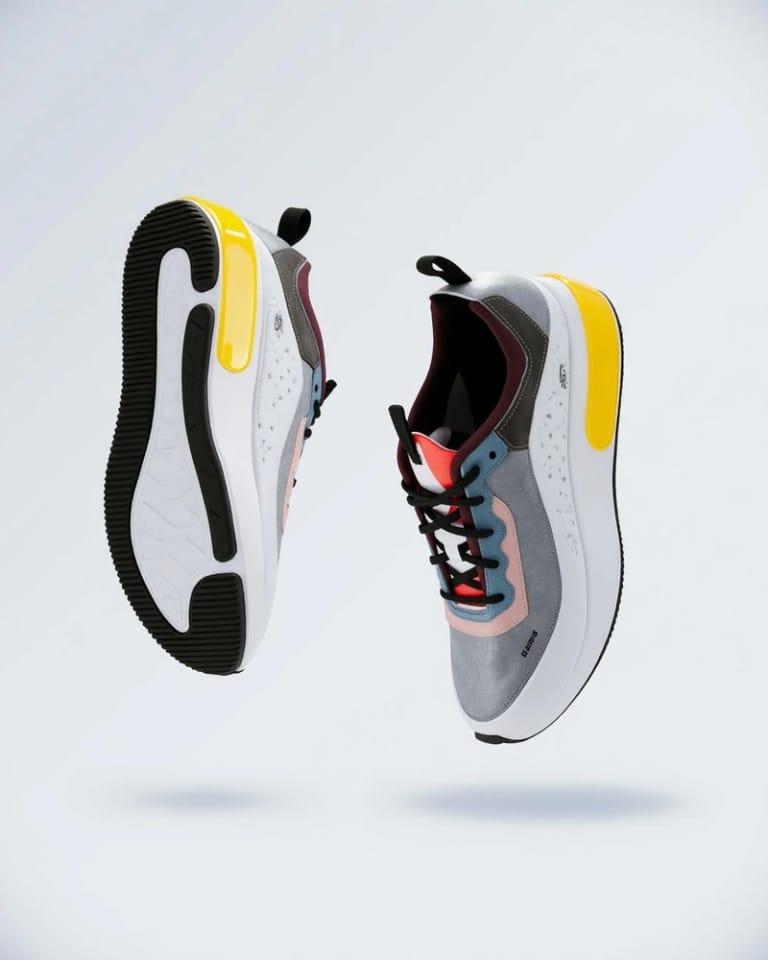
E-commerce Sellers often need to adjust product photos to meet platform standards or improve appeal. With Flux Kontext Pro, they can upload a product shot and simply type "change background to a clean white studio look" or "remove the small scratch from the item" to refine their inventory visuals in under 30 seconds.
Tailor Social Posts
Social Media Managers frequently need to quickly modify images for different platforms or campaign themes. Flux Kontext Pro allows them to upload an existing visual and describe changes like "make the colors more vibrant" or "add a subtle bokeh effect to the background," ensuring consistent brand messaging with minimal effort.
Refine Article Graphics
Content Creators require images that perfectly complement their written pieces, often needing specific adjustments that go beyond basic cropping. Using Flux Kontext Pro, they can upload an image and instruct it to "lighten the shadows in the foreground" or "add a vintage filter," ensuring their visuals align precisely with their article's mood and message.
Hecho distinto, hecho mejor
Tres ediciones. Resultados claros.

Upload Your Image
Start by uploading the image you wish to edit directly from your device into the Flux Kontext Pro interface.
Describe Your Edits
Type a clear, concise text description of the changes you want to apply, such as 'change background to a starry night' or 'remove the person on the left'.
Download Your Result
Check the result and download the image. Not quite right? Run it again.
Preguntas frecuentes
Todo lo que necesitas saber. ¿No encuentras lo que buscas?
También te puede gustar
 Create
 Create
 Create
 Edit
 Edit
 Portraits
el tuyo?