Herramienta · hazlo en esta página

AI Image Combiner

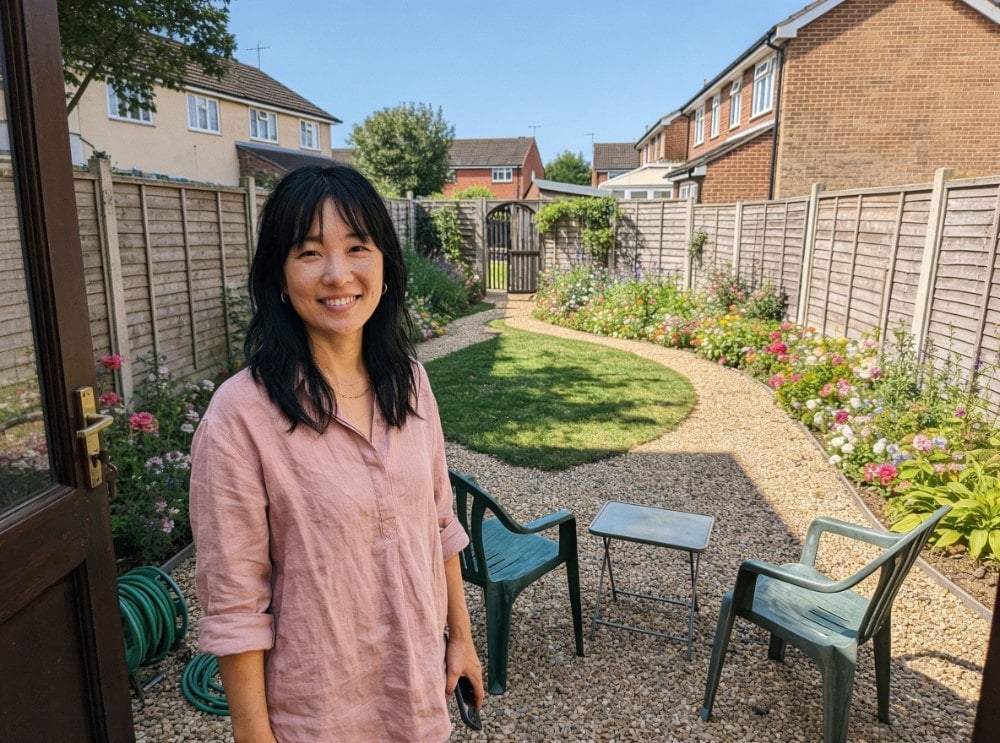
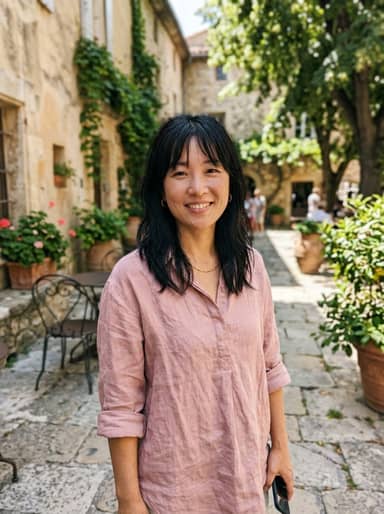
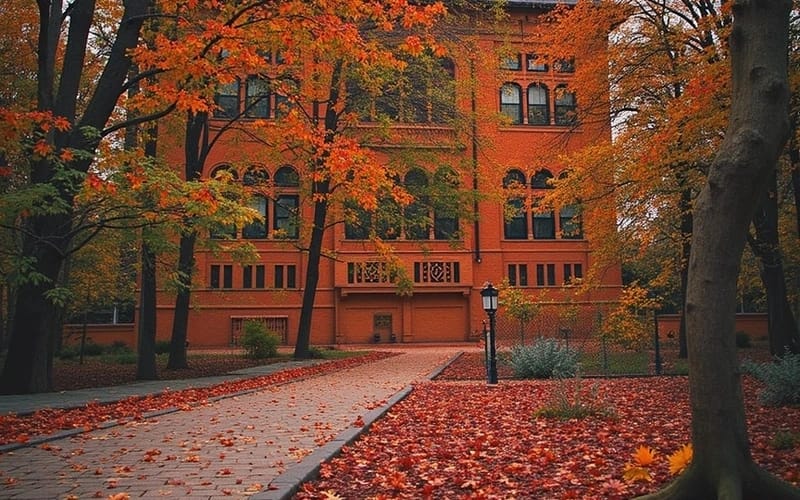
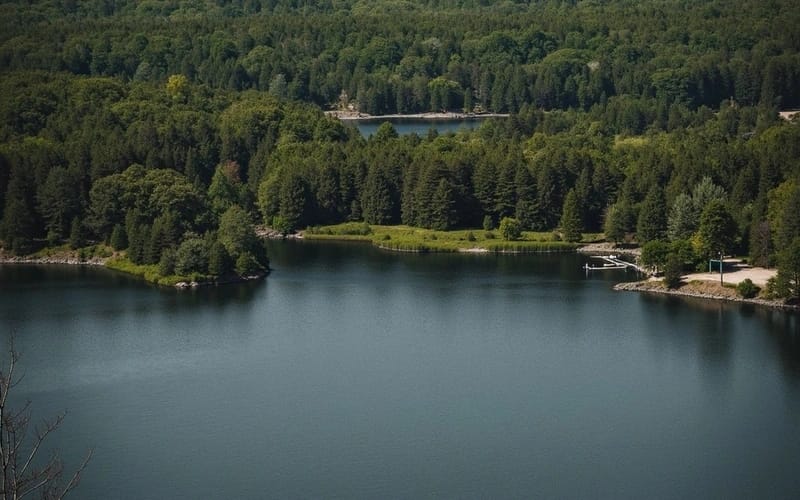
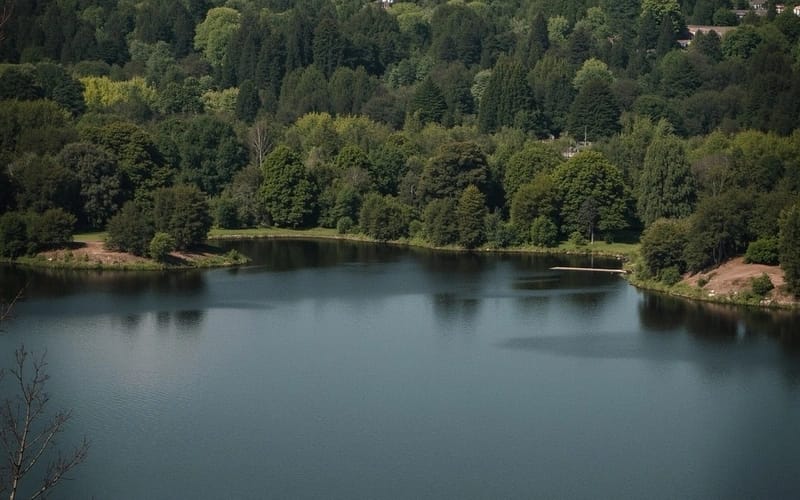
Upload two images and AI merges them into one: Blend puts the subject of the first into the scene of the second, and Style Merge repaints the first in the style of the second.

2 estilos
~20–60 segundos
EjemploMuestra
Cómo hacer uno así
Tool
AI Image Combiner
Proporción
Not recorded
✦ Combine Images Now
Cómo hacer uno así
Tool
AI Image Combiner
Proporción
Not recorded
AI Image Combiner AI result exampleMuestra
Foto original
Original

Selecciona o suelta hasta 10 fotos para usar las mismas opciones en cada una.

Sube la primera imagen

By uploading, you confirm you have the right to use this photo (see Acceptable Use).
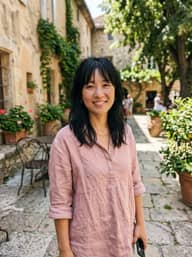
Sube la segunda imagen
Prueba con un ejemplo:
Ejemplo 1
Elige un estilo
4 créditos por imagen · 6 créditos al registrarte
Modelo: Seedream 4.5 · Normalmente 20-60 segundos

Eidora's AI Image Combiner merges two images into one in 2 modes: blend puts the main subject of the first image into the scene of the second, and style merge repaints the first in the style of the second. Seedream 4.5, ByteDance's image model, draws a single new image instead of pasting one on top of the other, usually in 20 to 60 seconds. 6 credits when you sign up; each combined image uses 4 credits.

Antes y después

Mira la transformación

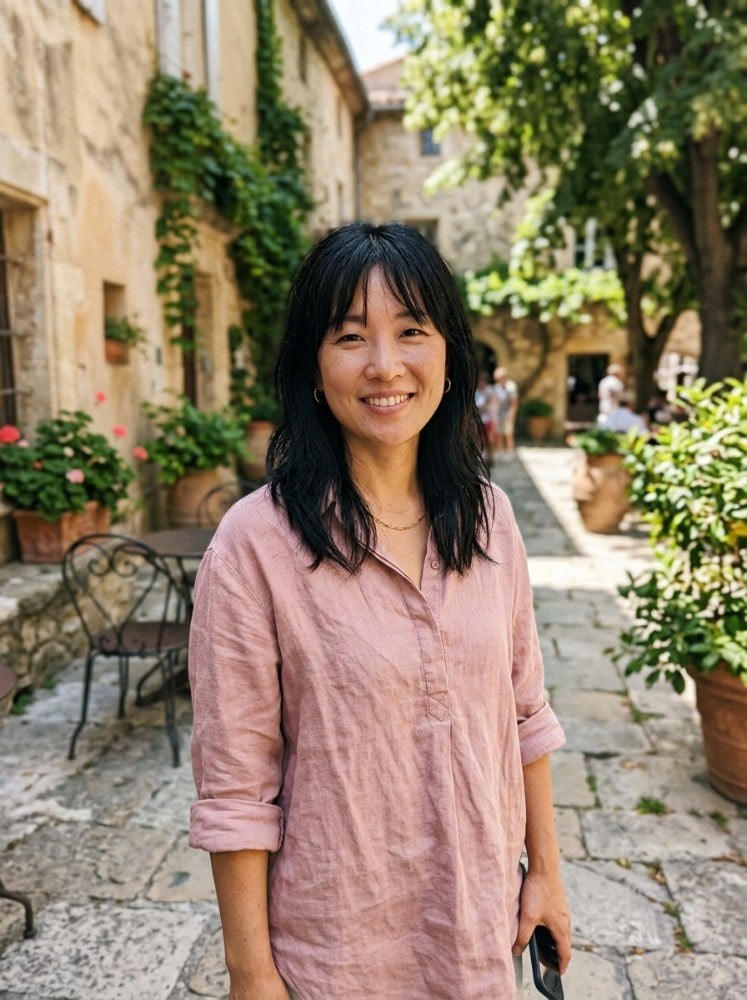
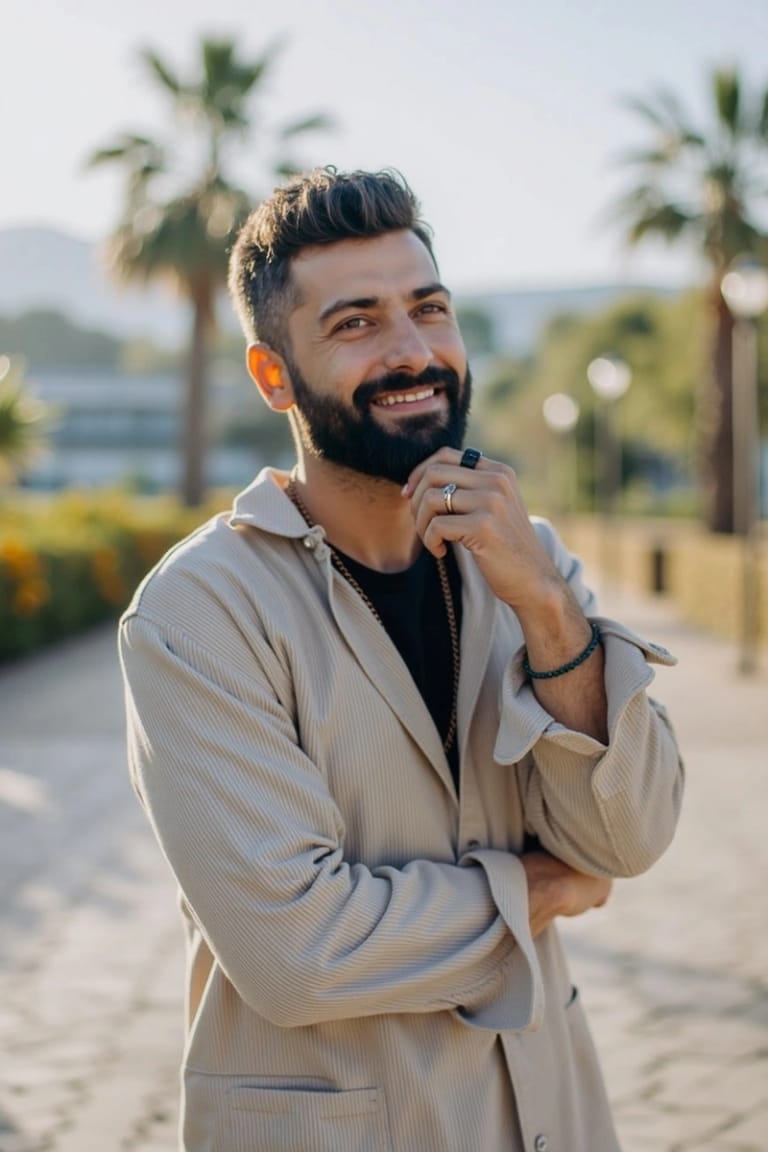
Original photo before AI Image Combiner - Blend style
Foto original
Antes
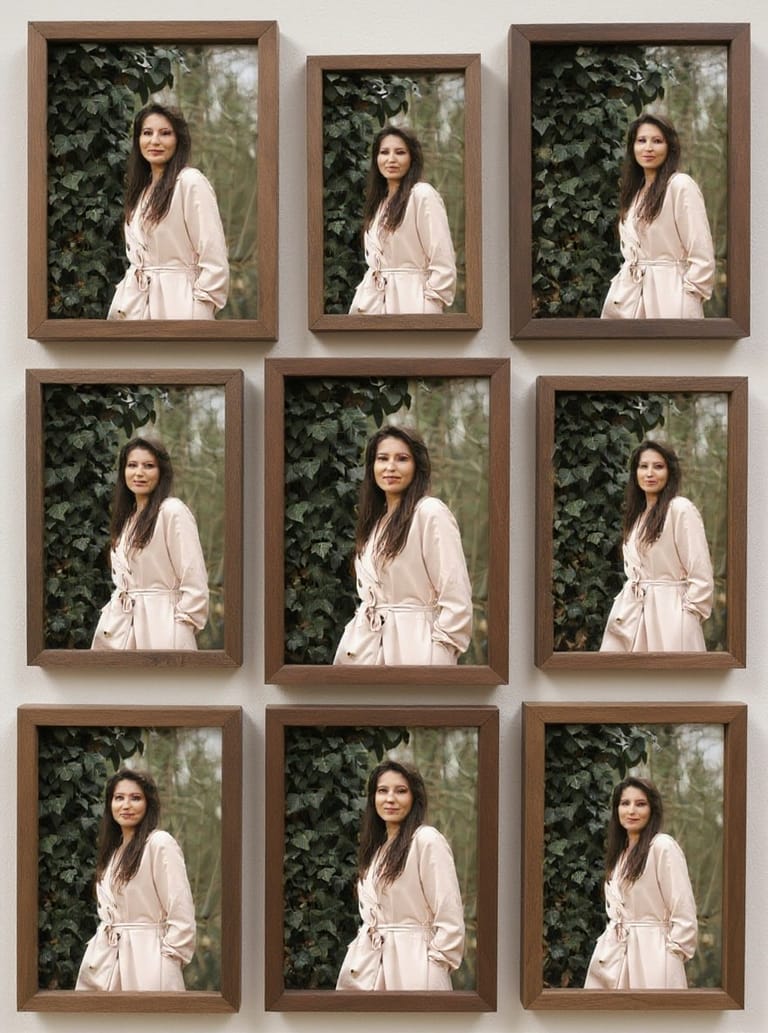
AI result in Blend style - AI Image Combiner
Resultado de muestra
Después
Estilo Blend
AI Image Combiner · Eidora AI
Qué es esta herramienta
AI Image Combiner overview

¿Qué es AI Image Combiner?

The AI Image Combiner merges two photos into one. Upload two pictures, for example a portrait and a background or a product and a scene, and choose Blend or Style Merge. Both images are given to ByteDance's Seedream 4.5 model, which draws a single new image that takes elements from each, instead of pasting one on top of the other. Add a short description of what you want for more control.

Casos de uso

Lo que puedes crear

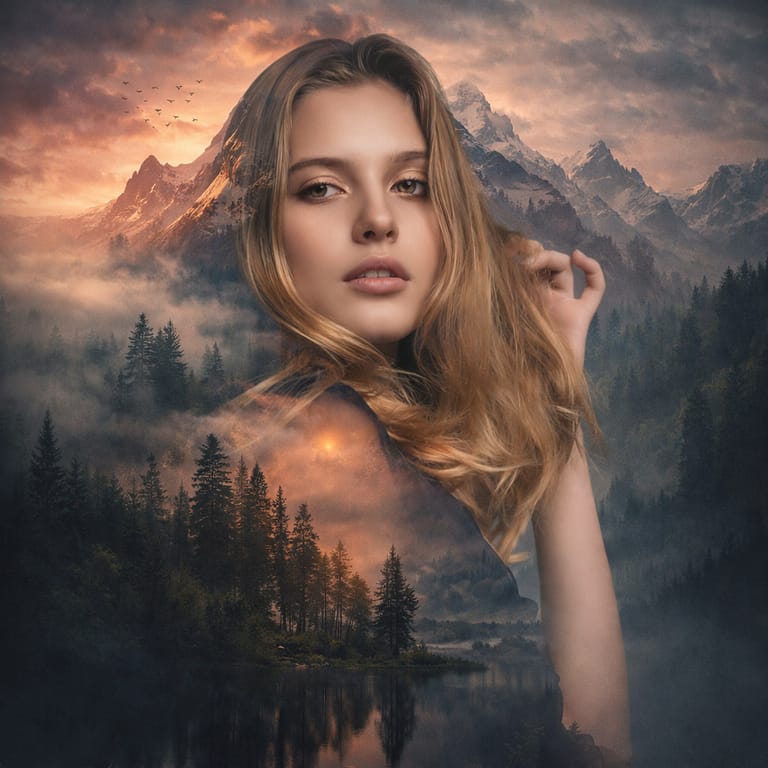
AI Image Combiner use case - Creative Double Exposures

Creative Double Exposures

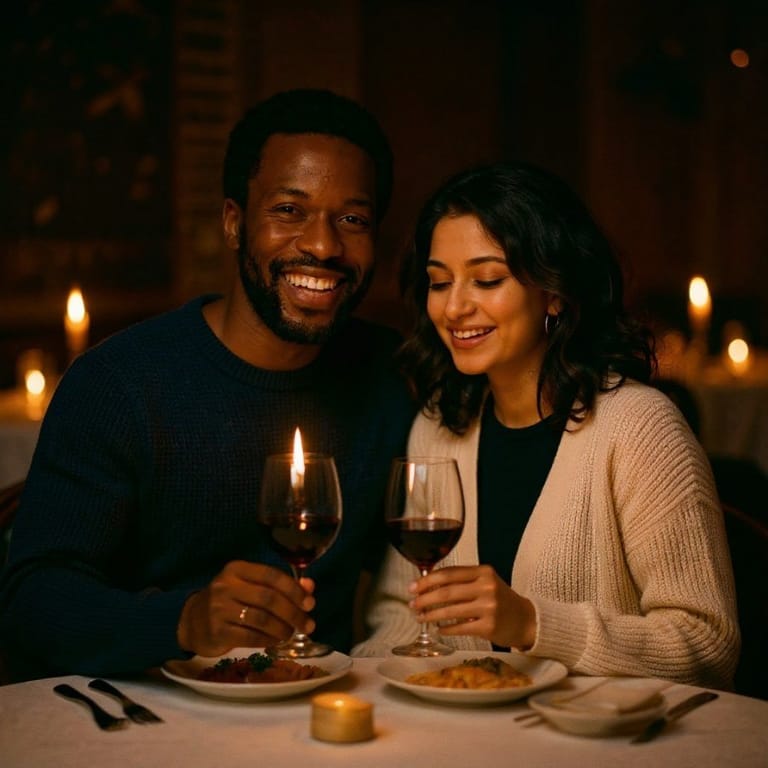
Photographers and content creators combine a portrait with a landscape, cityscape, or texture to create artistic double-exposure effects. The AI handles the blend so both elements remain recognizable and visually striking.

Product Composite Photography

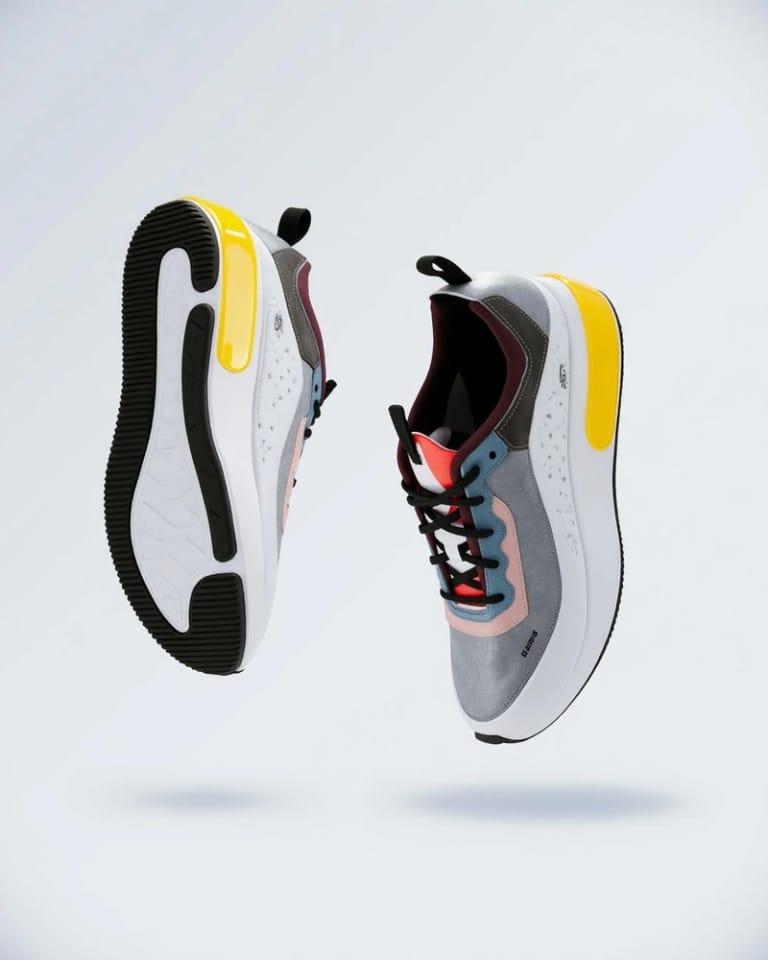
E-commerce sellers and marketers place products into lifestyle scenes by combining a clean product photo with a desired background or context. Get composite images that look professionally shot without scheduling a photoshoot.

Style Transfer and Artistic Blending

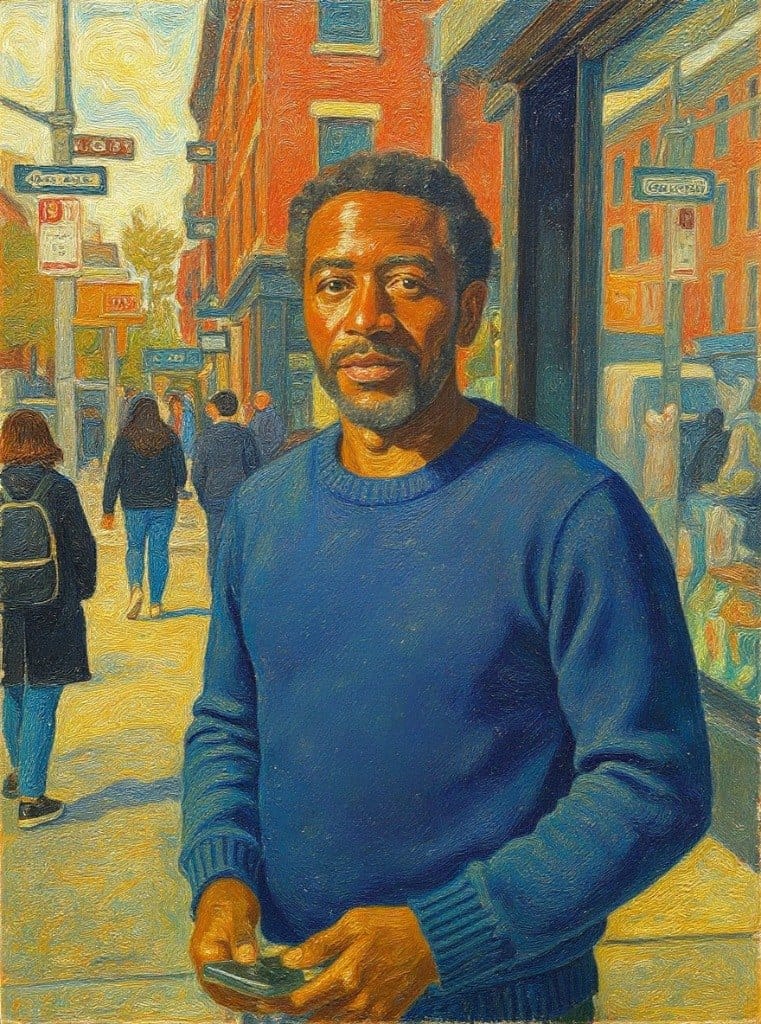
Artists and designers apply the color palette, texture, or visual style of one image to the content of another. Turn a photograph into a painting style, blend art references with real scenes, or create mood boards by combining visual elements.

Por qué Eidora

Hecho distinto, hecho mejor

Natural Placement
With Blend, the subject of the first photo is placed into the scene of the second with matching light, shadows and perspective, so it looks like one real photograph. No manual masking.
Two Ways to Combine
Blend puts one photo into the other. Style Merge repaints the first photo in the style, colors and texture of the second. Either way a result usually takes 20 to 60 seconds.
One Image, Not a Collage
Both photos go to ByteDance's Seedream 4.5, which draws a single new image instead of pasting one picture on top of the other, so colors and lighting match across the result.
Cómo funciona

Tres pasos. Más o menos un minuto.

AI Image Combiner: Upload First Image
  1. Upload First Image

    Select your primary image.

  2. Upload Second Image

    Upload the second image: the scene or style to combine with, then press Generate.

  3. Download Combined Result

    Check the result and download the image. Not quite right? Run it again.

Prueba AI Image Combiner ahora
✦ Generar · 4 créditos
Preguntas frecuentes

Preguntas frecuentes

Todo lo que necesitas saber. ¿No encuentras lo que buscas?

¿Todavía tienes preguntas?
Nuestro equipo de soporte te ayuda con gusto.
Contactar con soporte
Any two images — portraits, landscapes, products, artistic photos, textures, illustrations, or screenshots. The AI adapts its blending approach based on the content of both images.
AI analyzes the content, composition, lighting, and color palette of both images to find the most natural combination. It prioritizes keeping important elements like faces and text recognizable while creating smooth transitions.
There are two: Blend places the main subject of the first image into the scene of the second, matching light, shadows and perspective. Style Merge repaints the first image in the style, colors and texture of the second. Both use the same model with different instructions.
You can start with a free account: 6 credits when you sign up, enough to use this tool once (4 credits per combined image), with 2 left over. Free results carry an eidora.io watermark. After that, credits start at $1.99: a new account can buy 40 credits for $1.99 once, within 72 hours of signing up; credit packs start at $4.99 for 100 credits and plans at $9.9/month. Once you have paid, your results have no badge.
Upload JPG, PNG, WebP or GIF images up to 10MB each. The result downloads as an image.
No. The AI handles different sizes and aspect ratios automatically. For best results, use images with similar resolution and quality.
You must have the necessary rights to both input images. Permitted uses of the result also depend on applicable law and the selected third-party model or provider terms; an Eidora plan does not grant additional rights.
Most combinations take 20 to 60 seconds. Complex blends with many details can take a little longer.
Yes, the combiner works in any modern browser on phones, tablets, and desktops. No app installation required.
Your uploads, prompts and results are saved privately to your history so you can view and download them later, and only you can open them. To create a result, your input is sent to the AI model provider that runs the generation. We do not sell your content or use it to train AI models.
6 créditos al registrarte
¿Listo para hacer
el tuyo?
2 estilos · 4 créditos por imagen · 6 créditos al registrarte · sin tarjeta
6 créditos al registrarte · sin tarjeta
~20–60 segundos
6 créditos al registrarte