ツール · このページで作成
AI Image Combiner
Upload two images and AI merges them into one: Blend puts the subject of the first into the scene of the second, and Style Merge repaints the first in the style of the second.
同じものを作る方法
- Tool
- AI Image Combiner
- 比率
- Not recorded
同じものを作る方法
- Tool
- AI Image Combiner
- 比率
- Not recorded
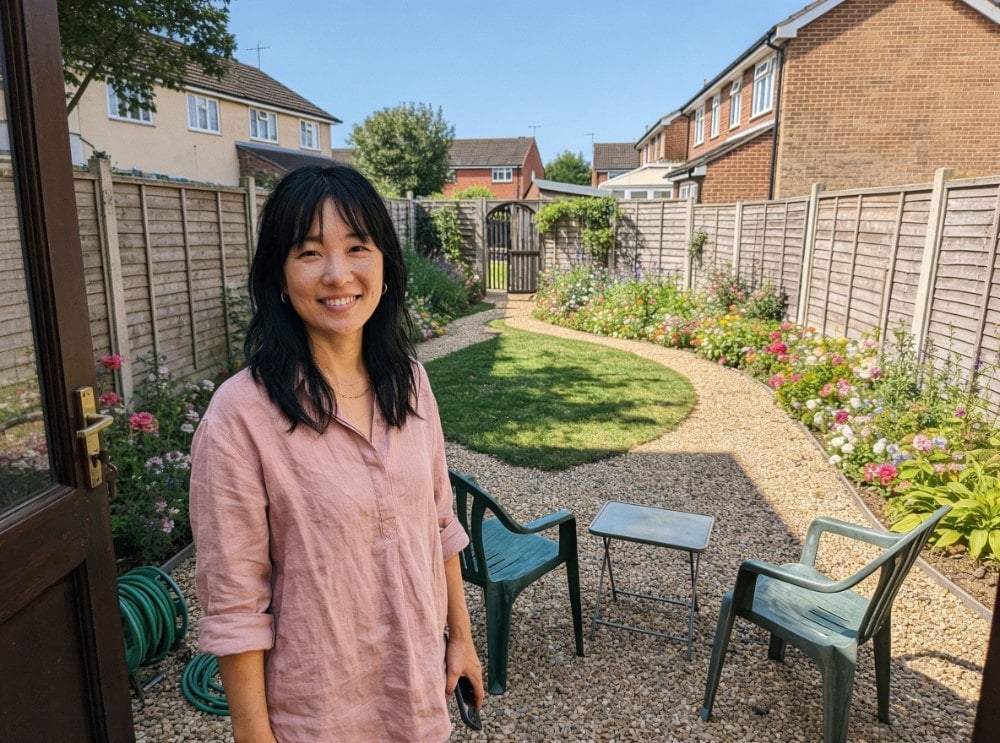 サンプル
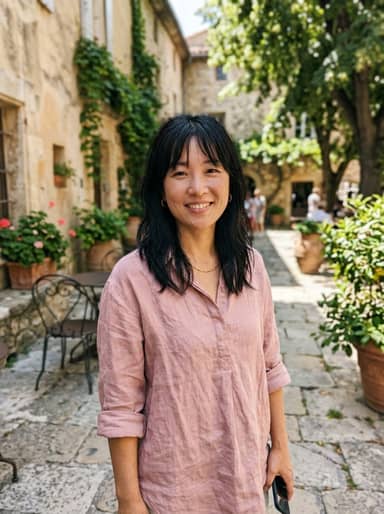
最大10枚の写真を選ぶかドロップすると、それぞれに同じ設定を使います。
By uploading, you confirm you have the right to use this photo (see Acceptable Use).
モデル:Seedream 4.5 · 通常20〜60秒
Eidora's AI Image Combiner merges two images into one in 2 modes: blend puts the main subject of the first image into the scene of the second, and style merge repaints the first in the style of the second. Seedream 4.5, ByteDance's image model, draws a single new image instead of pasting one on top of the other, usually in 20 to 60 seconds. 6 credits when you sign up; each combined image uses 4 credits.
見てください、 この変化
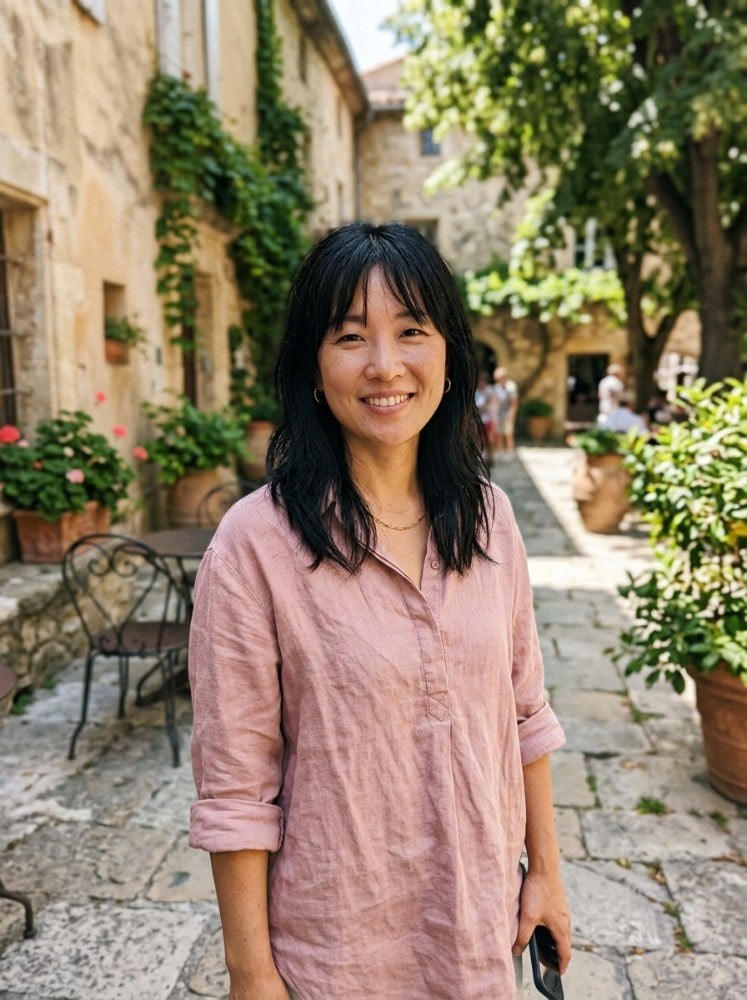
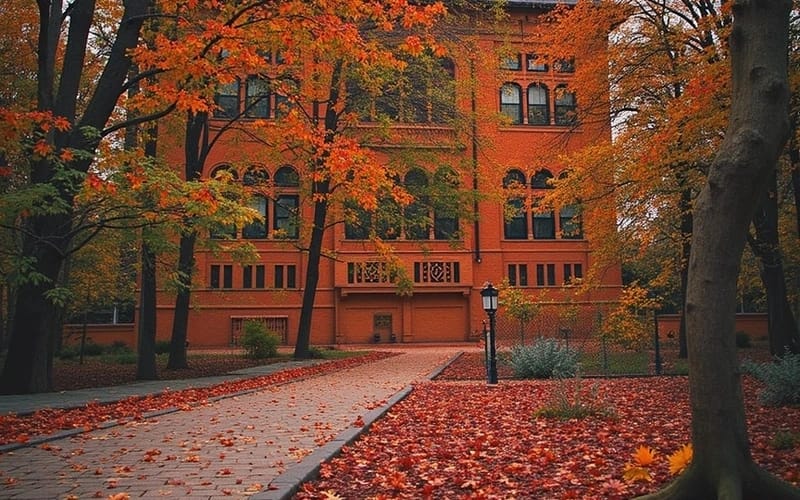
AI Image Combinerとは?
The AI Image Combiner merges two photos into one. Upload two pictures, for example a portrait and a background or a product and a scene, and choose Blend or Style Merge. Both images are given to ByteDance's Seedream 4.5 model, which draws a single new image that takes elements from each, instead of pasting one on top of the other. Add a short description of what you want for more control.
あなたが 作れるもの
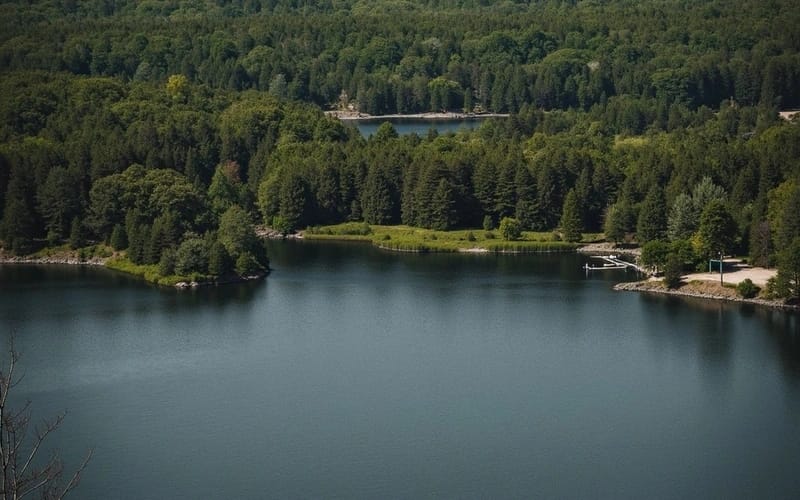
Creative Double Exposures
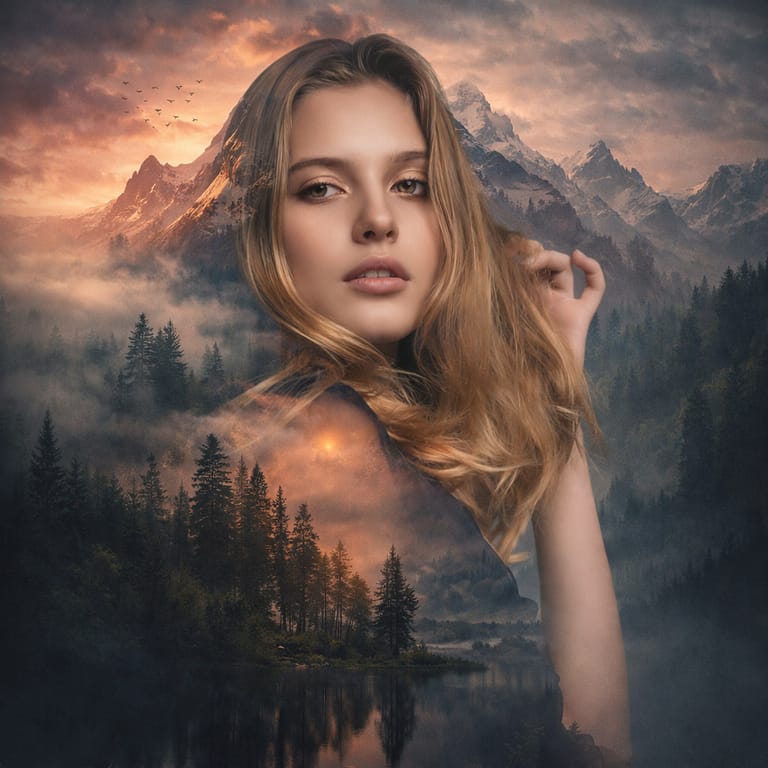
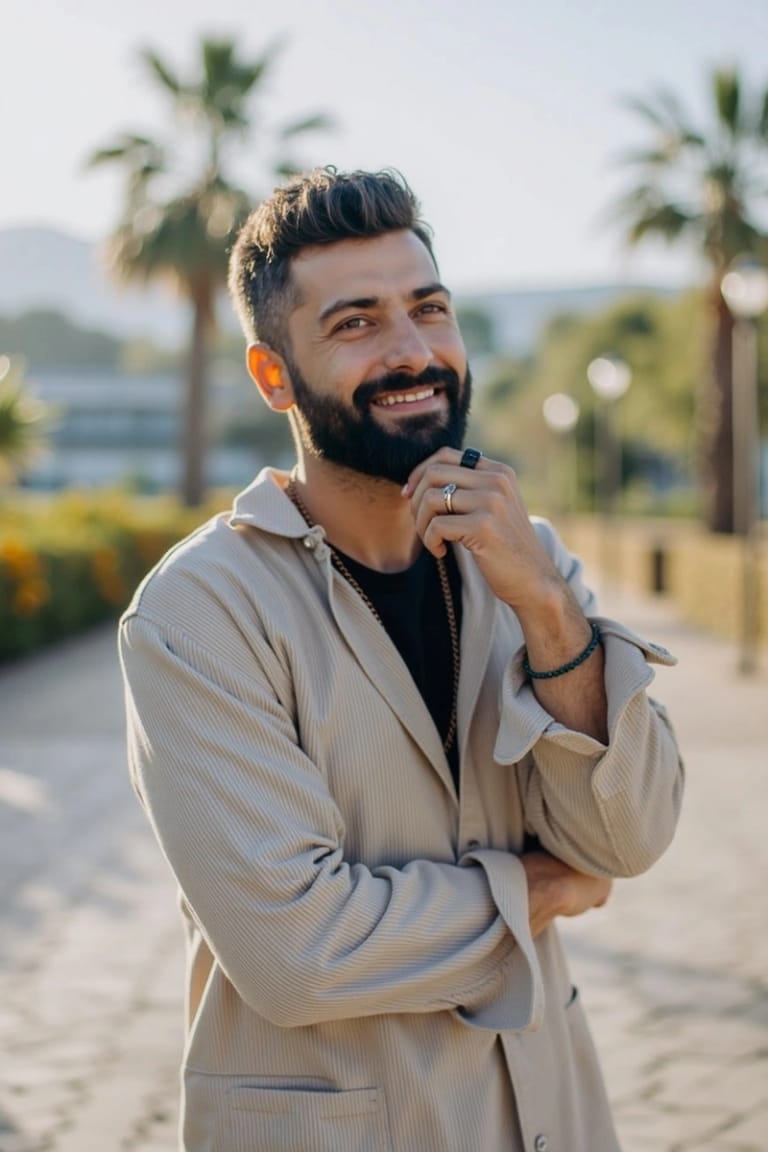
Photographers and content creators combine a portrait with a landscape, cityscape, or texture to create artistic double-exposure effects. The AI handles the blend so both elements remain recognizable and visually striking.
Product Composite Photography
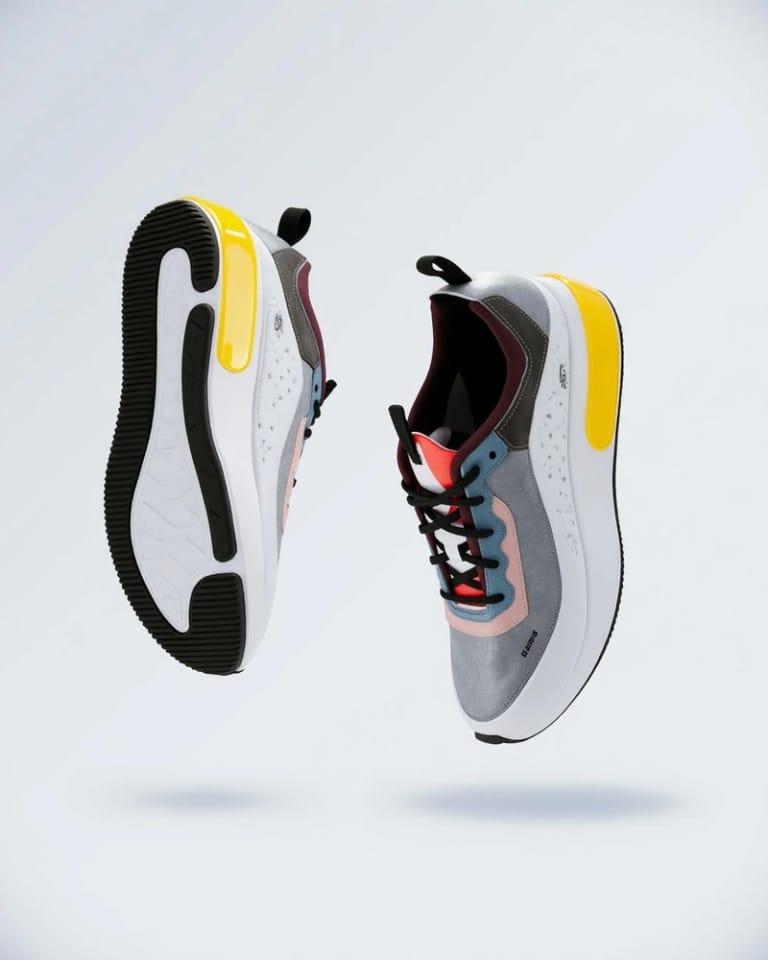
E-commerce sellers and marketers place products into lifestyle scenes by combining a clean product photo with a desired background or context. Get composite images that look professionally shot without scheduling a photoshoot.
Style Transfer and Artistic Blending
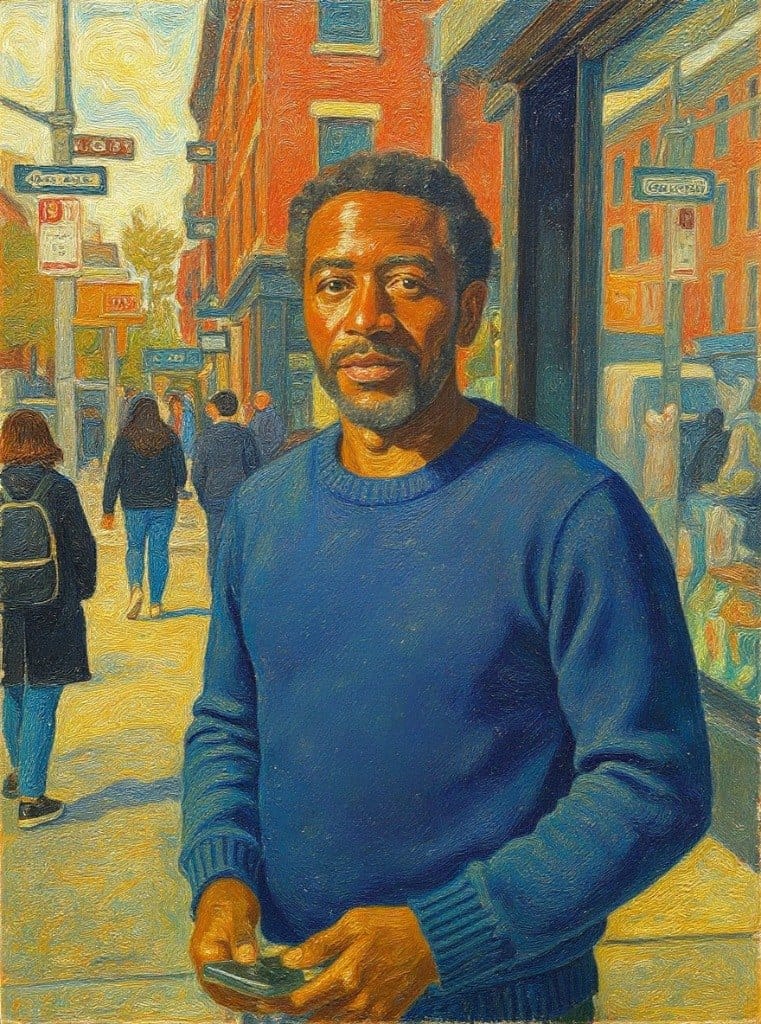
Artists and designers apply the color palette, texture, or visual style of one image to the content of another. Turn a photograph into a painting style, blend art references with real scenes, or create mood boards by combining visual elements.
作り方が違う、だから仕上がりがいい
3ステップ。 約1分。
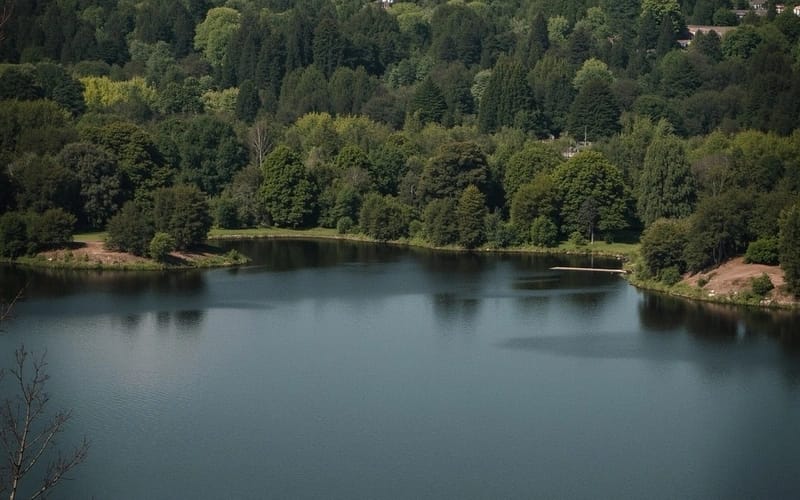
Upload First Image
Select your primary image.
Upload Second Image
Upload the second image: the scene or style to combine with, then press Generate.
Download Combined Result
Check the result and download the image. Not quite right? Run it again.
あなたの一枚を