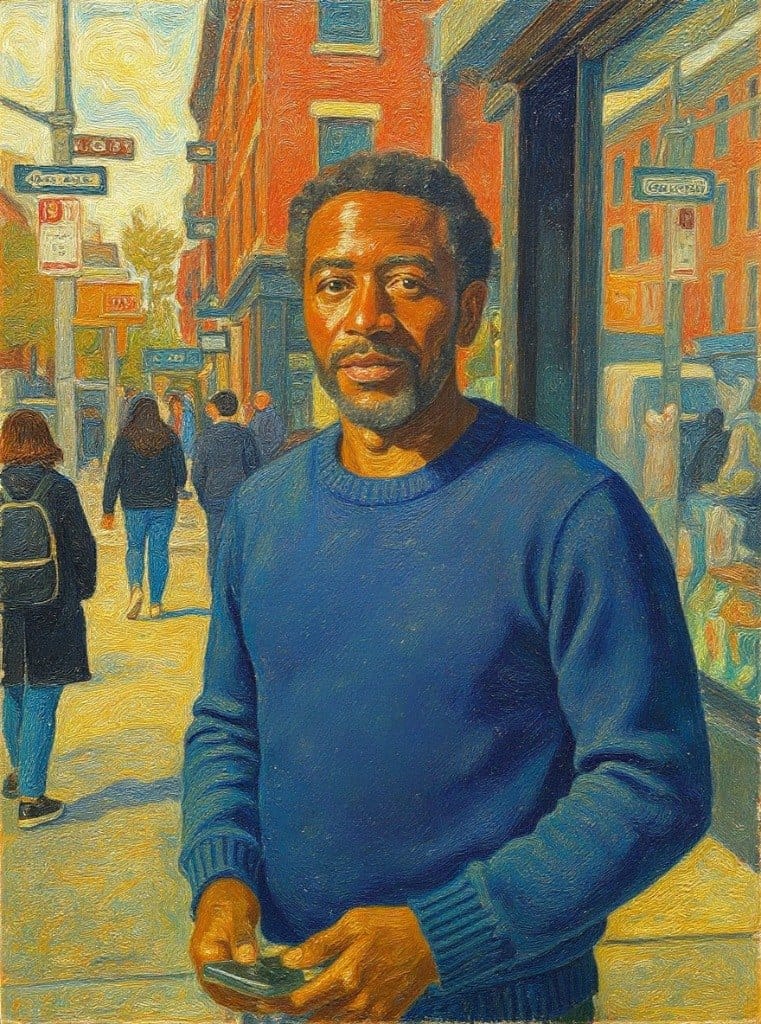
Image · effect

Free AI Photo to Cartoon Converter

Your photo as a cartoon

4 credits per imageFLUX.1 Kontext Pro

Selecione ou solte até 10 fotos para usar as mesmas opções em cada uma.

Envie sua foto

By uploading, you confirm you have the right to use this photo (see Acceptable Use).
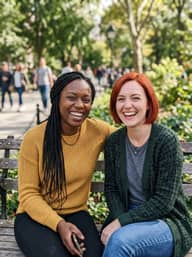
Experimente com um exemplo:
Exemplo 1
Example result
Como fazer um assim
Tool
Free AI Photo to Cartoon Converter
Estilo
Ghibli
Formato
Not recorded
Escolha o estilo
4 créditos por imagem · 6 créditos ao se cadastrar
Modelo: FLUX.1 Kontext Pro · Normalmente 10-30 segundos

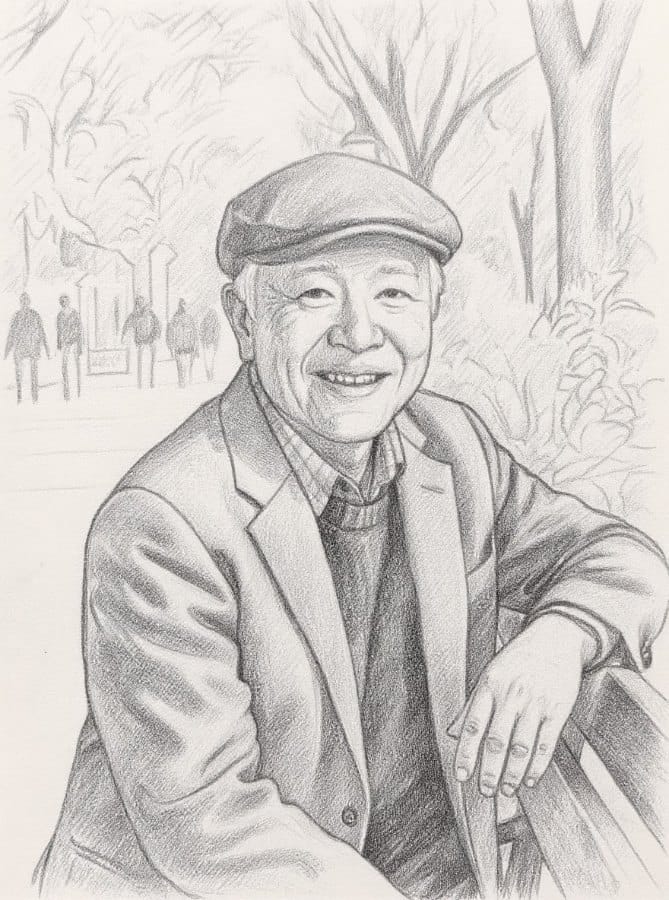
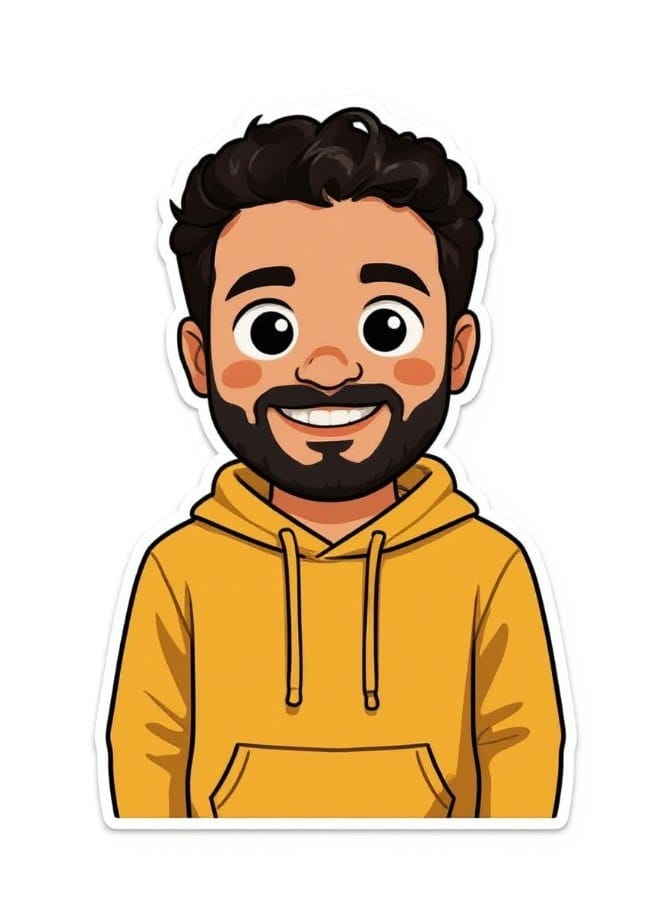
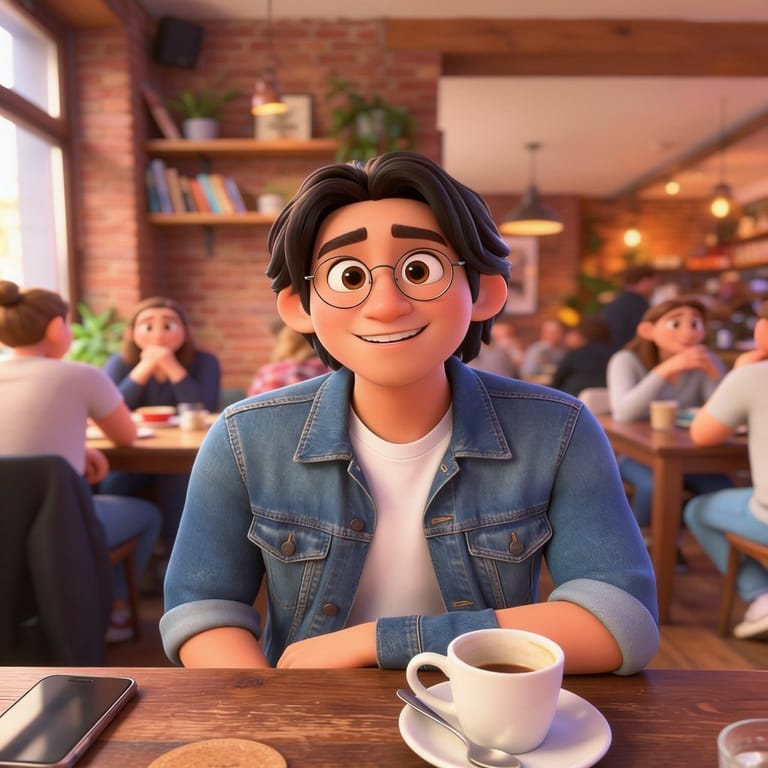
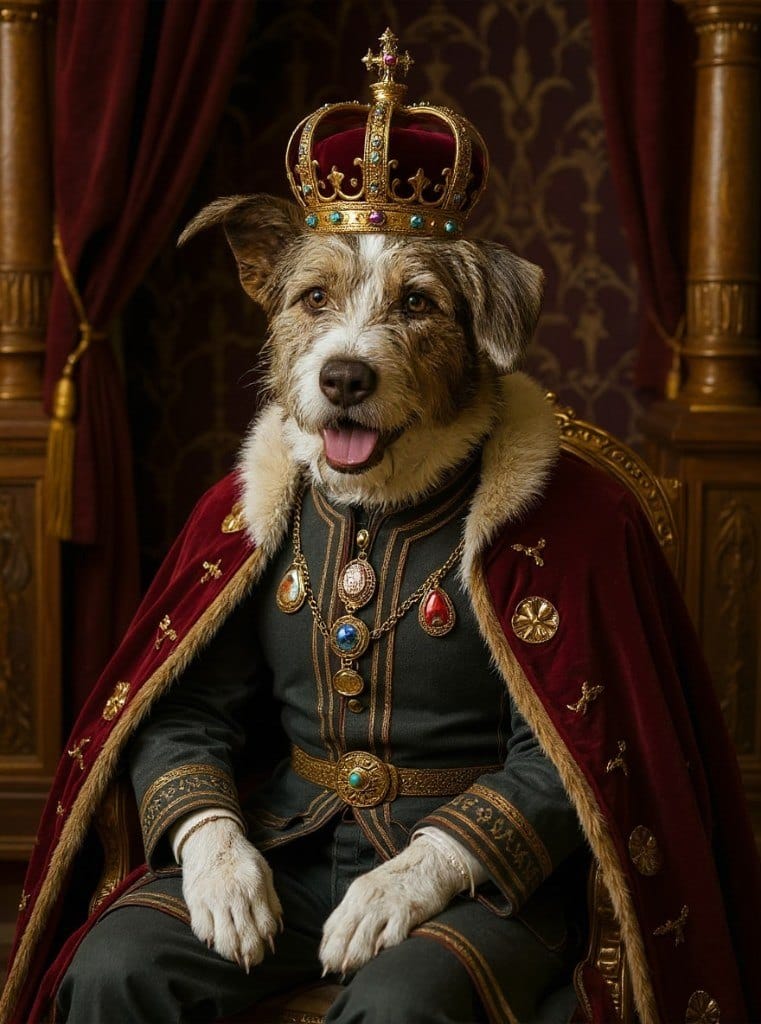
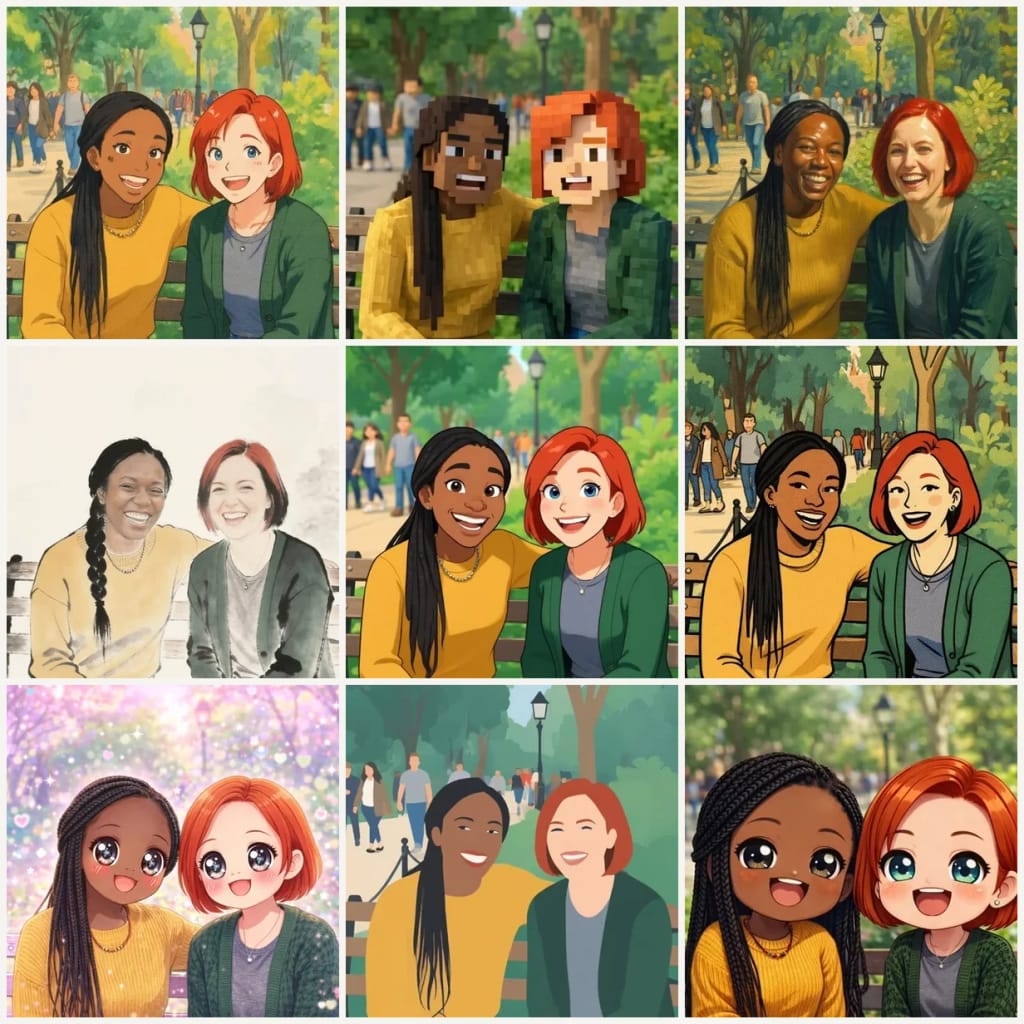
Eidora's AI Photo to Cartoon Converter redraws your photo as a cartoon of the same person, scene and pose in one of 9 styles, usually in 20 to 60 seconds. FLUX.1 Kontext Pro, Black Forest Labs' image-editing model, draws Ghibli, Blocky, Realistic Art, Cartoon, Classic and Minimalist; Chinese Ink runs on Seedream 4.5, ByteDance's image model, and Kawaii and Chibi on GPT Image 2.5, OpenAI's image model. 6 credits when you sign up; each image uses 4 credits.

Antes e depois

Veja a transformação

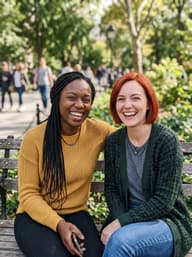
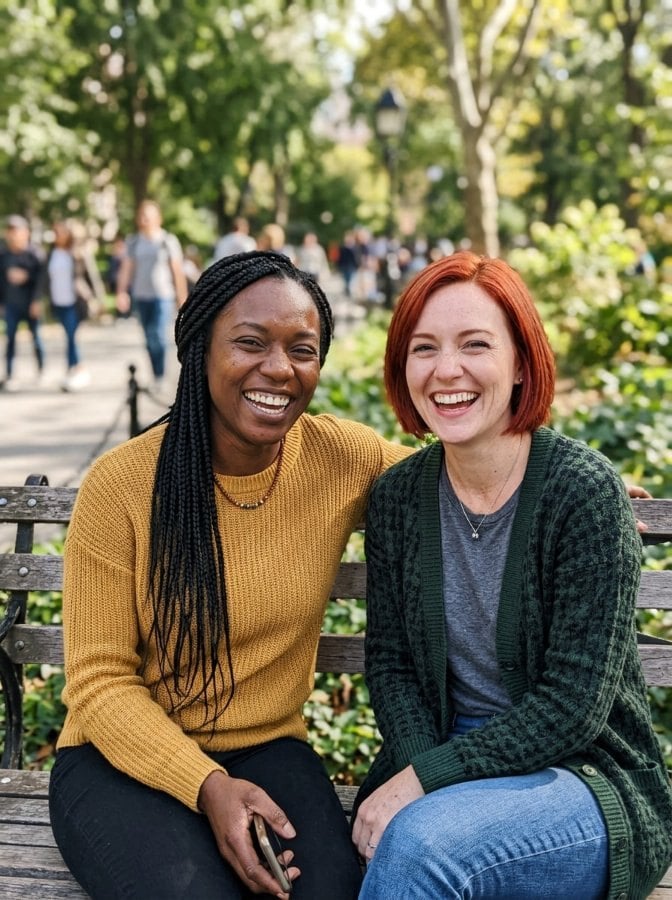
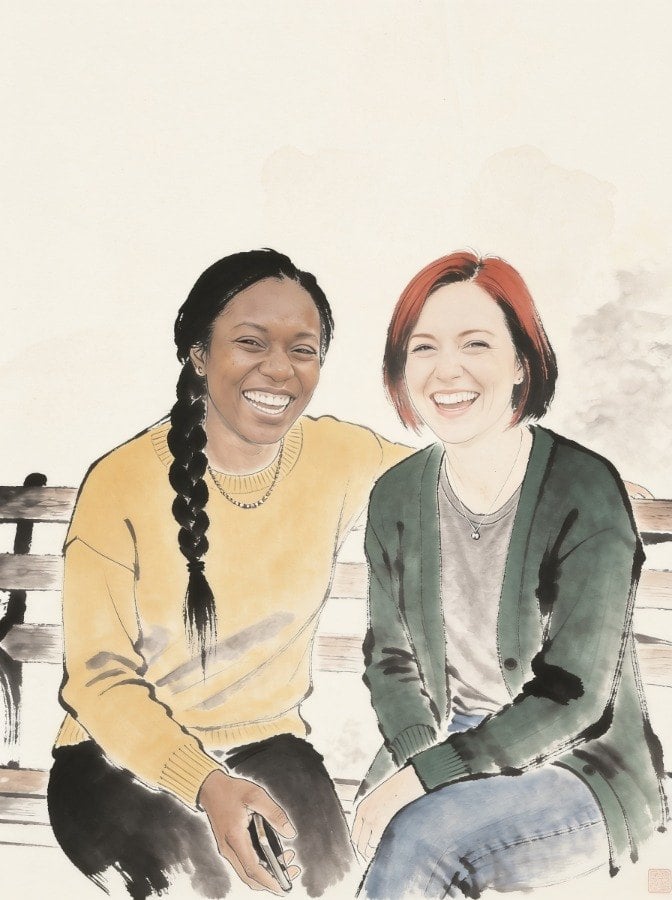
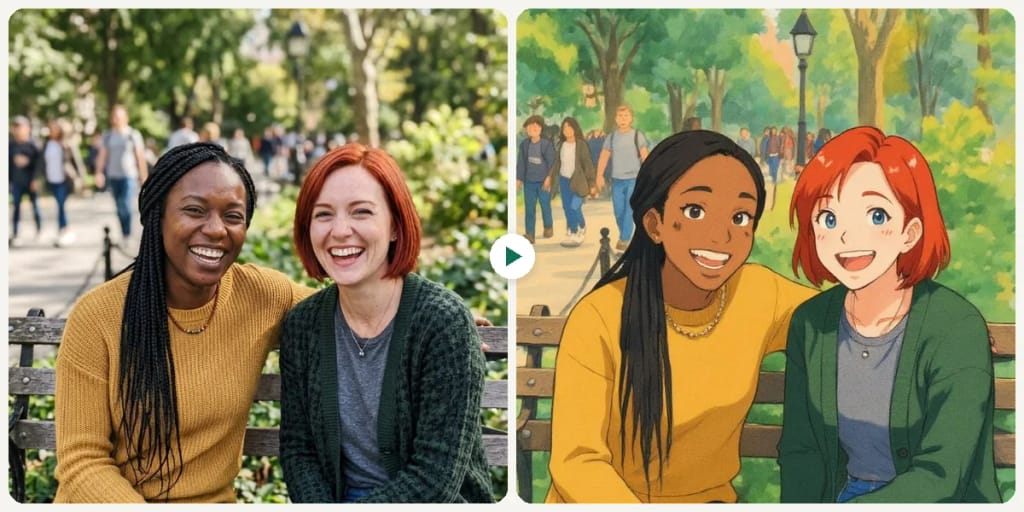
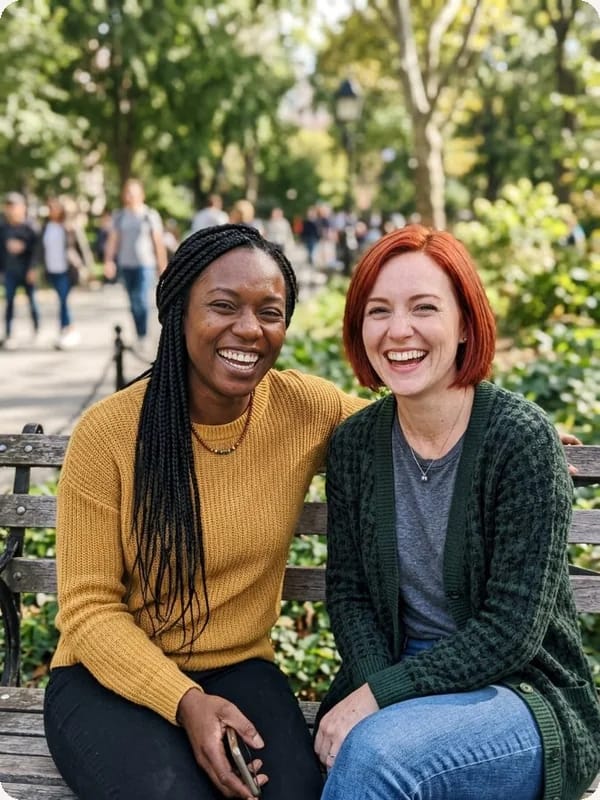
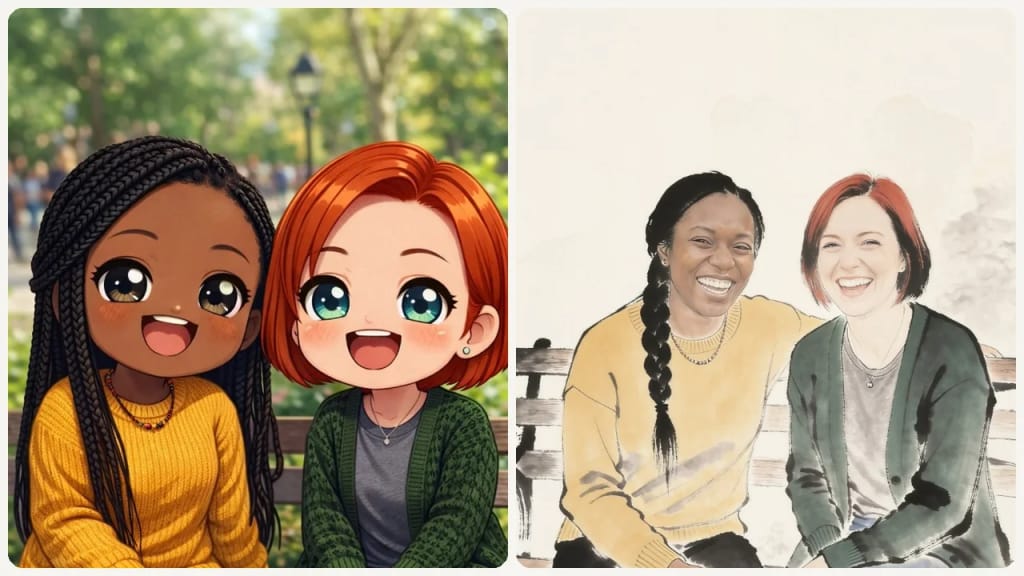
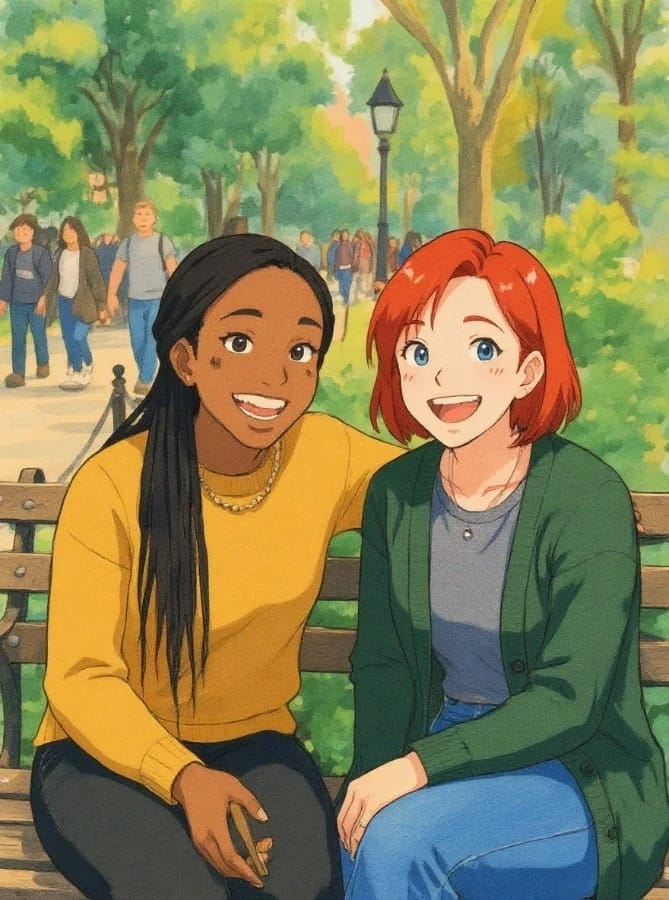
Original photo before Free AI Photo to Cartoon Converter - Ghibli styleOriginal photo before Free AI Photo to Cartoon Converter - Chinese Ink style
Foto original
Antes
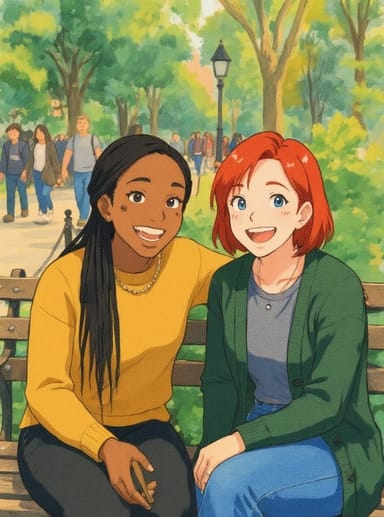
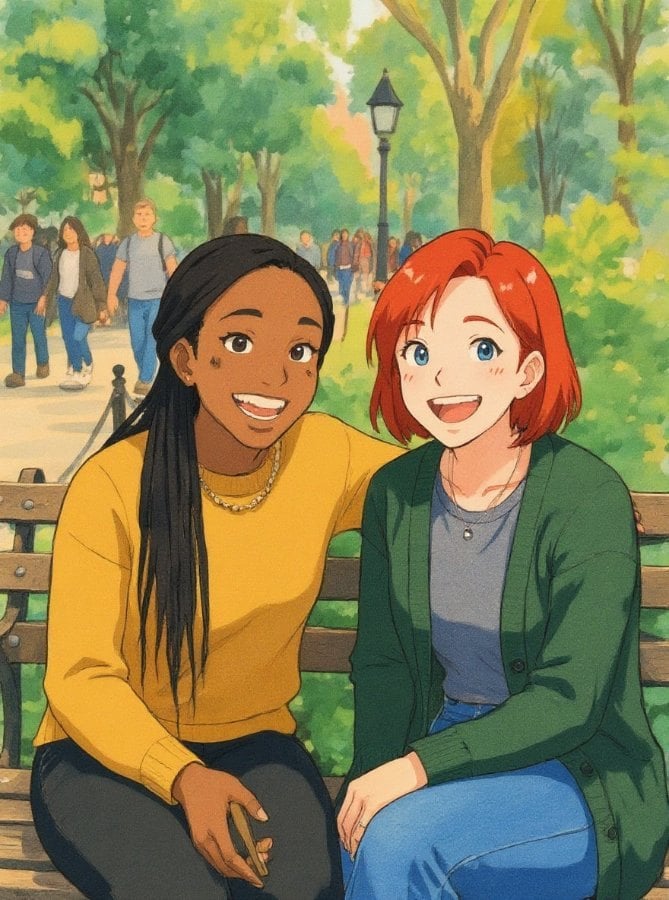
AI result in Ghibli style - Free AI Photo to Cartoon ConverterAI result in Chinese Ink style - Free AI Photo to Cartoon Converter
Resultado de exemplo
Depois
Estilo Ghibli
Free AI Photo to Cartoon Converter · Eidora AI
O que é esta ferramenta
Free AI Photo to Cartoon Converter overview

O que é Free AI Photo to Cartoon Converter?

This tool turns your everyday photos into vibrant, engaging cartoons. Whether you want to create a playful profile picture, turn a favorite memory into a cartoon portrait, or add a whimsical touch to your digital content, our Photo to Cartoon AI makes it simple. It's ideal for content creators seeking fresh visuals, individuals wanting a unique social media presence, or anyone looking to surprise friends with personalized cartoon art. Each run turns one photo into one cartoon image in the style you pick, usually in 20 to 60 seconds, with no drawing software needed.

Casos de uso

O que você pode criar

Free AI Photo to Cartoon Converter use case - Engaging Profile Pictures

Engaging Profile Pictures

Social media enthusiasts can transform their selfies into playful cartoon avatars, making their profiles stand out from the crowd. This adds a memorable and unique touch to personal branding across platforms.
Free AI Photo to Cartoon Converter use case - Unique Blog Visuals

Unique Blog Visuals

Bloggers and online content creators can convert ordinary photos into distinctive cartoon illustrations for their articles and posts. This helps capture reader attention and adds a consistent, branded aesthetic to their digital storytelling.
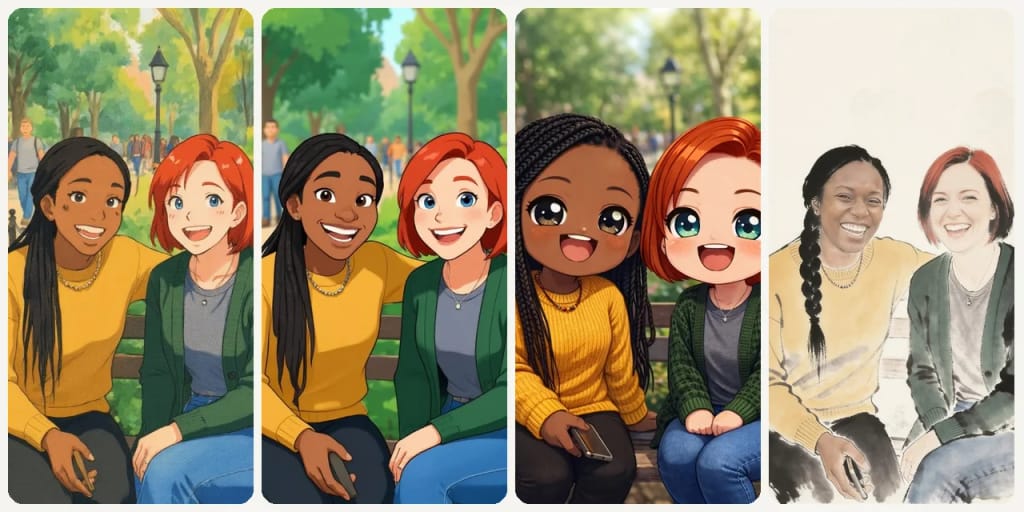
Free AI Photo to Cartoon Converter use case - Customized Gifts & Keepsakes

Customized Gifts & Keepsakes

Individuals looking for personalized presents can turn cherished family photos into charming cartoon portraits for unique gifts. This offers a creative way to commemorate special moments and create one-of-a-kind art pieces for loved ones.

Por que o Eidora

Feito diferente, feito melhor

Keeps You Recognizable
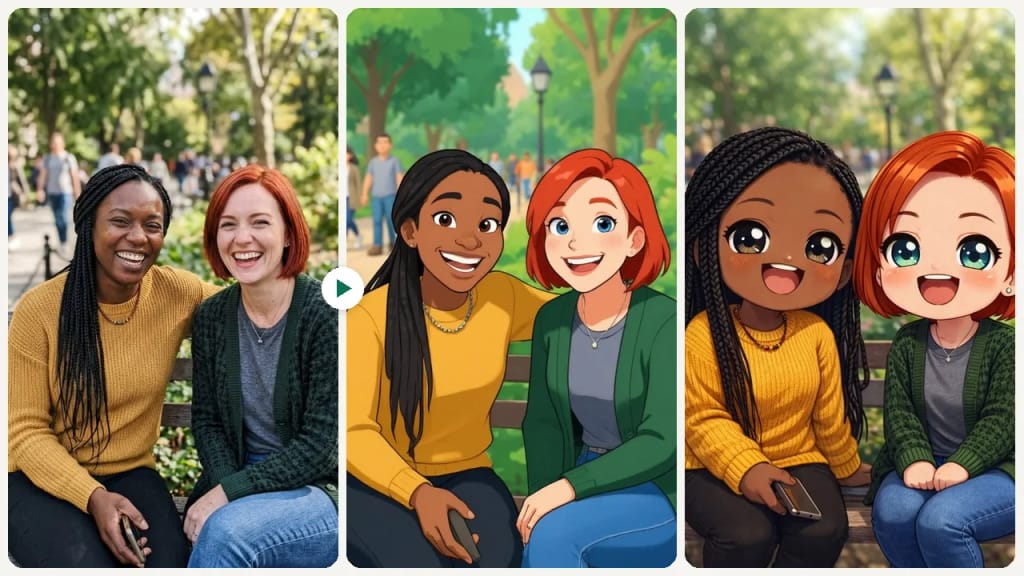
The AI redraws your photo in the style you pick and is told to keep each person's natural skin tone and any accessories they already wear. Some styles, like Chibi and Blocky, change proportions and features on purpose, so likeness varies by style.
Multiple Styles, One Click
Choose from 9 distinct cartoon styles — Ghibli, Chibi, Minimalist, and more. Pick a style and generate, then try another style to compare.
Fast Cartoon Results
Get your cartoon in about a minute. 6 credits when you sign up, enough for your first image; paid plans start from $9.9/month.
Como funciona

Três passos. Cerca de um minuto.

Step 1: Upload Your Image
01

Upload Your Image

Select the photo you want to convert to a cartoon directly from your device.
Step 2: Choose Cartoon Style
02

Choose Cartoon Style

Pick one of the 9 styles (Ghibli, Blocky, Realistic Art, Chinese Ink, Cartoon, Classic, Kawaii, Minimalist, Chibi), then press Generate.
Step 3: Download Your Cartoon
03

Download Your Cartoon

Download the image. Want a different look? Pick another style and run it again.

Experimente Free AI Photo to Cartoon Converter agora
✦ Gerar · 4 créditos
Experimente Free AI Photo to Cartoon Converter agora
6 créditos ao se cadastrar; o primeiro resultado em menos de um minuto. Para continuar, um pacote de créditos avulso, sem assinatura.
✦ Gerar · 4 créditos
Perguntas frequentes

Perguntas frequentes

Tudo o que você precisa saber. Não encontrou o que procura?
Ainda tem dúvidas?
Nossa equipe de suporte terá prazer em ajudar.
Falar com o suporte
Photos with clear subjects and good lighting tend to yield the best cartoon results. Portraits, pet photos, and simple scenes usually transform beautifully. While it works with many image types, very busy or low-resolution photos might produce less defined cartoon effects.
You can start with a free account: 6 credits when you sign up, enough to use this tool once (4 credits per image), with 2 left over. That is 4 credits per image, Chibi and Kawaii included (they run on a stronger model that keeps each person true to life, skin tone included). Free results carry an eidora.io watermark. After that, credits start at $1.99: a new account can buy 40 credits for $1.99 once, within 72 hours of signing up; credit packs start at $4.99 for 100 credits and plans at $9.9/month. Once you have paid, your results have no badge.
No, there is absolutely no software download required. Our Photo to Cartoon AI operates entirely online through your web browser. Simply upload your image directly on the page and get your cartoon version, usually in 20 to 60 seconds.
Usually 20 to 60 seconds, a little longer at busy times.
You must have the necessary rights to the original photo. Permitted uses of the cartoon result also depend on applicable law and the selected third-party model or provider terms.
You can upload a JPG, PNG, WebP or GIF image up to 10MB. The result is one cartoon image you can download.
The result is a new cartoon image, not a filtered copy of your photo, so it does not keep your original resolution. Its clarity suits web pages, profile pictures and social media. Results from free accounts carry an eidora.io watermark.
Currently, the tool offers a selection of distinct cartoon styles to choose from. While direct intensity sliders aren't available, you can experiment by applying different pre-defined styles to find the one that best suits your vision for the image.
Your uploads, prompts and results are saved privately to your history so you can view and download them later, and only you can open them. To create a result, your input is sent to the AI model provider that runs the generation. We do not sell your content or use it to train AI models.
Our Photo to Cartoon AI tool is designed for single image conversions to ensure optimal processing and quality for each transformation. You can easily process multiple images one after another by uploading them individually.
Uploads can be up to 10MB, in JPG, PNG, WebP or GIF format. There is no resolution setting for the result, and its clarity suits web pages and social media.
You upload one photo, pick a style and get a cartoon version of the same person, scene and pose, usually in 20 to 60 seconds. There are 9 styles, and you can describe your own in Custom.
6 créditos ao se cadastrar
Pronto para fazer
o seu?
9 estilos · 4 créditos por imagem · 6 créditos ao se cadastrar · sem cartão
6 créditos ao se cadastrar · sem cartão
~10–30 segundos
6 créditos ao se cadastrar