Selecione ou solte até 10 fotos para usar as mesmas opções em cada uma.
By uploading, you confirm you have the right to use this photo (see Acceptable Use).
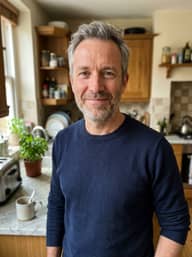

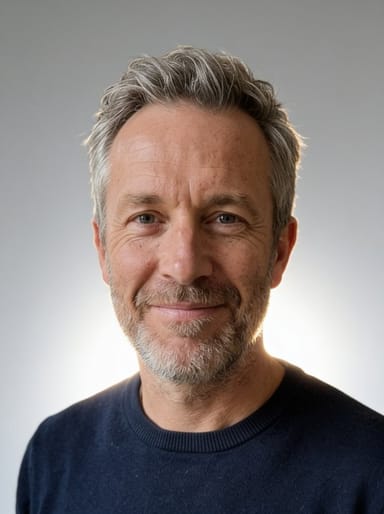
Como fazer um assim
- Tool
- AI Photo Studio
- Estilo
- Professional
- Formato
- Not recorded
Modelo: Seedream 4.5 · Normalmente 20-60 segundos
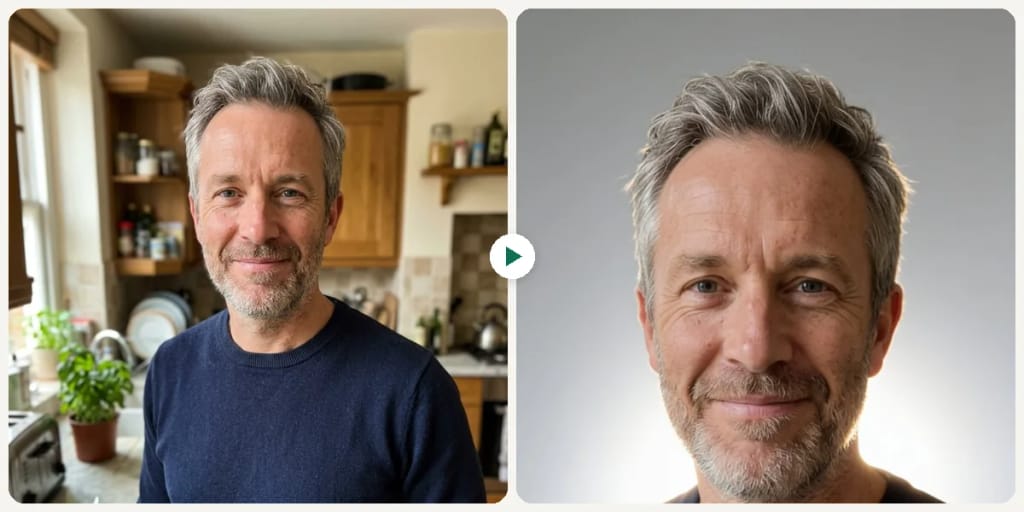
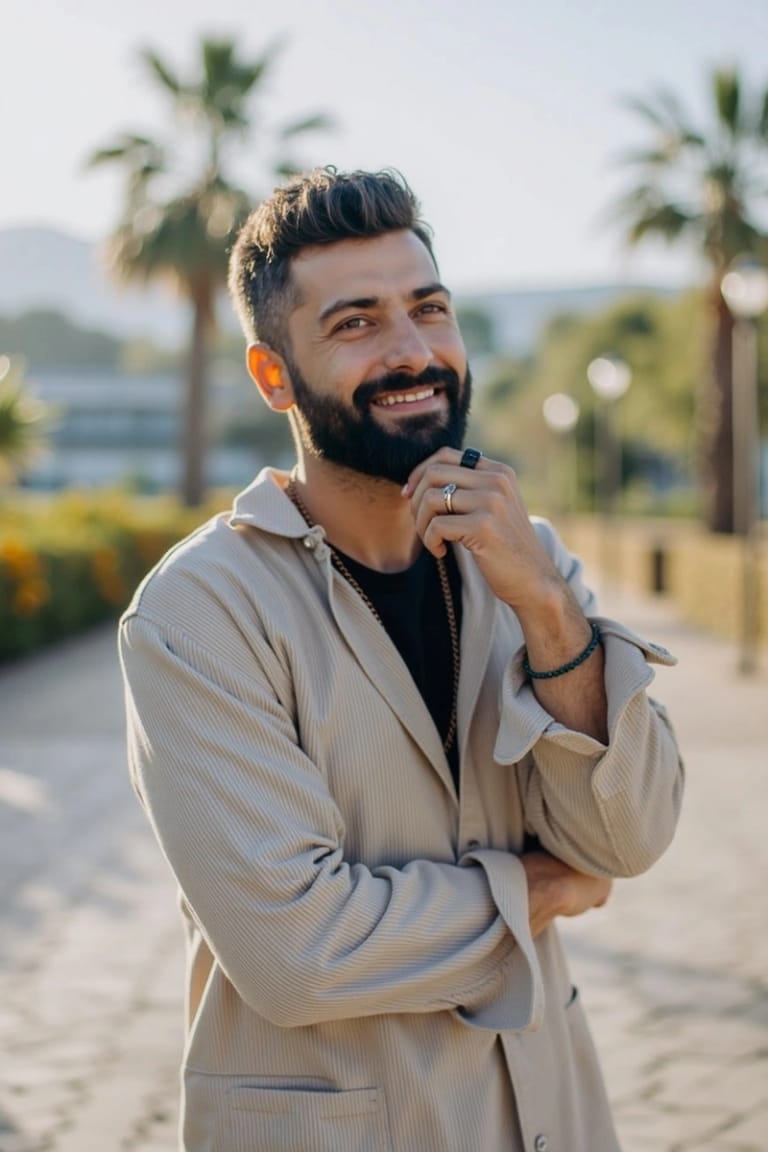
Eidora's AI Photo Studio turns a photo of a person, not a product, into a studio-style portrait in one of 6 looks: Professional, Business, Casual, Creative, Glamour or Natural. Seedream 4.5, ByteDance's image model, changes the backdrop, lighting, framing and, for some looks, your clothing while keeping your face, usually in 20 to 60 seconds. 6 credits when you sign up; each image uses 4 credits.
Veja a transformação
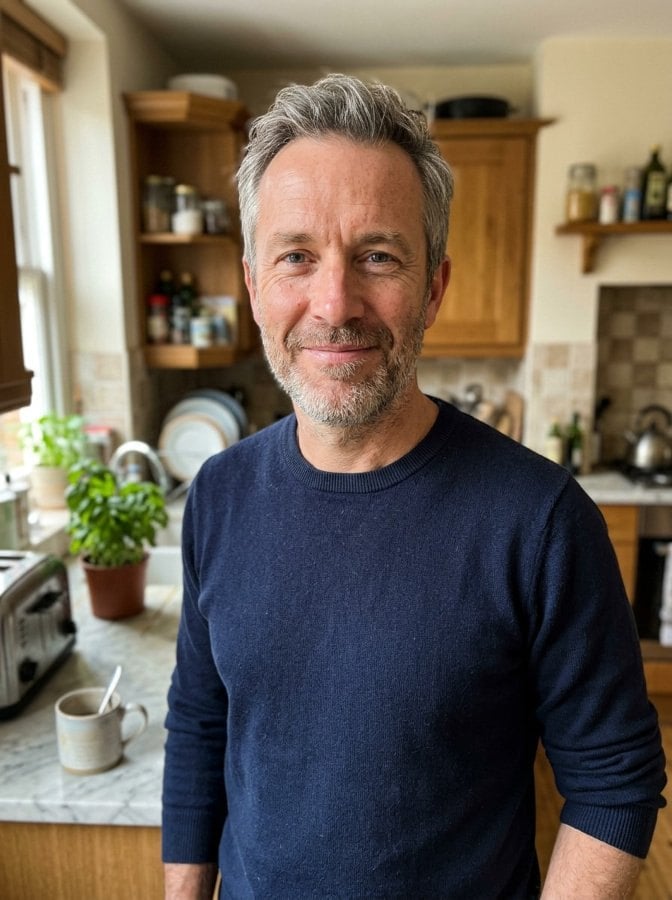
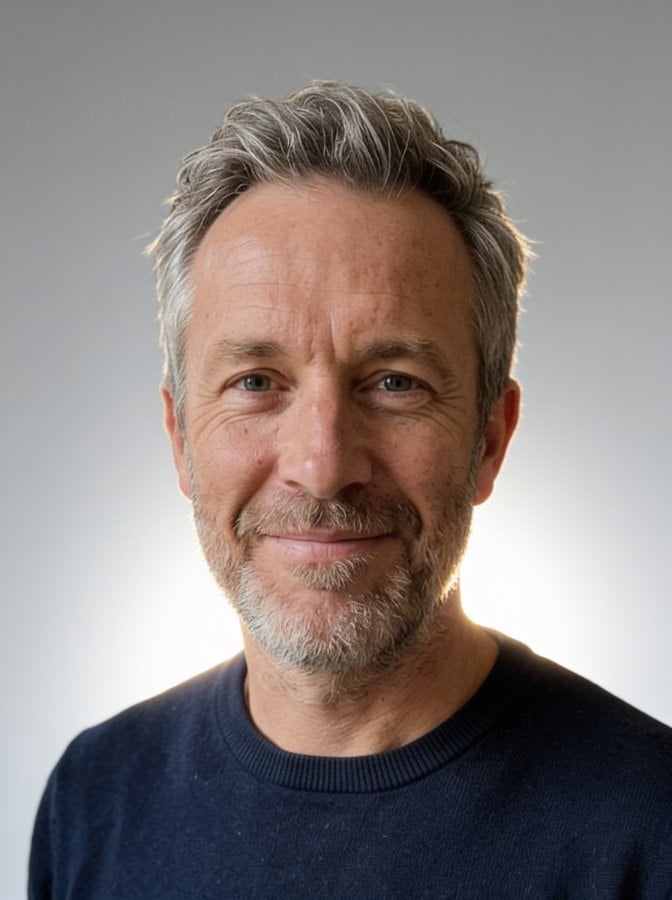
O que é AI Photo Studio?
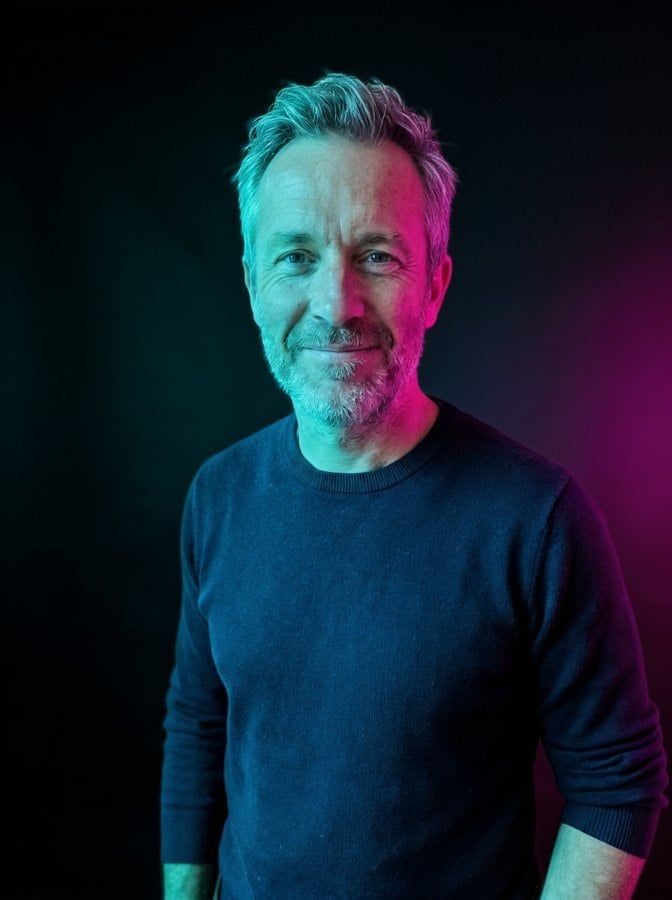
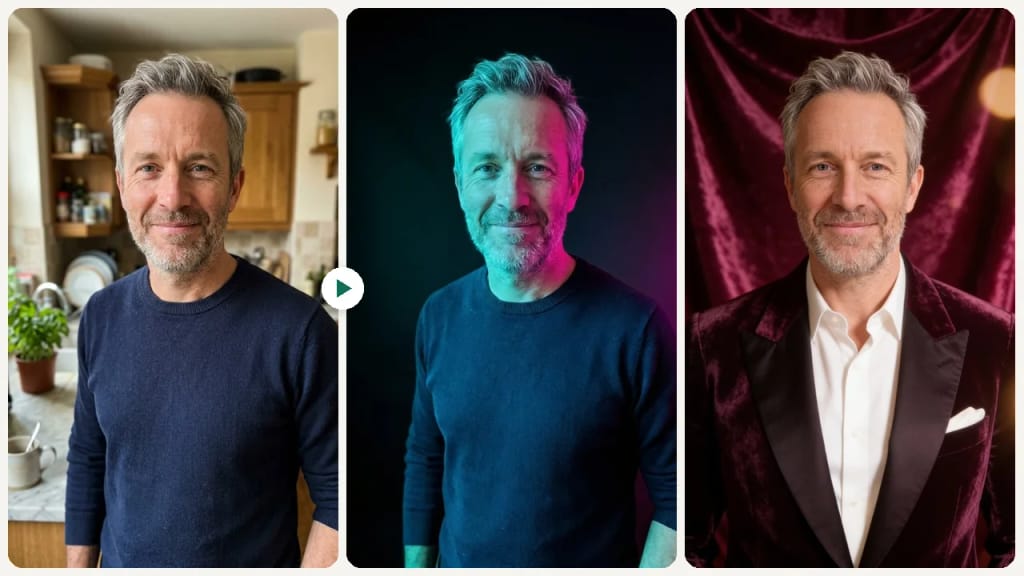
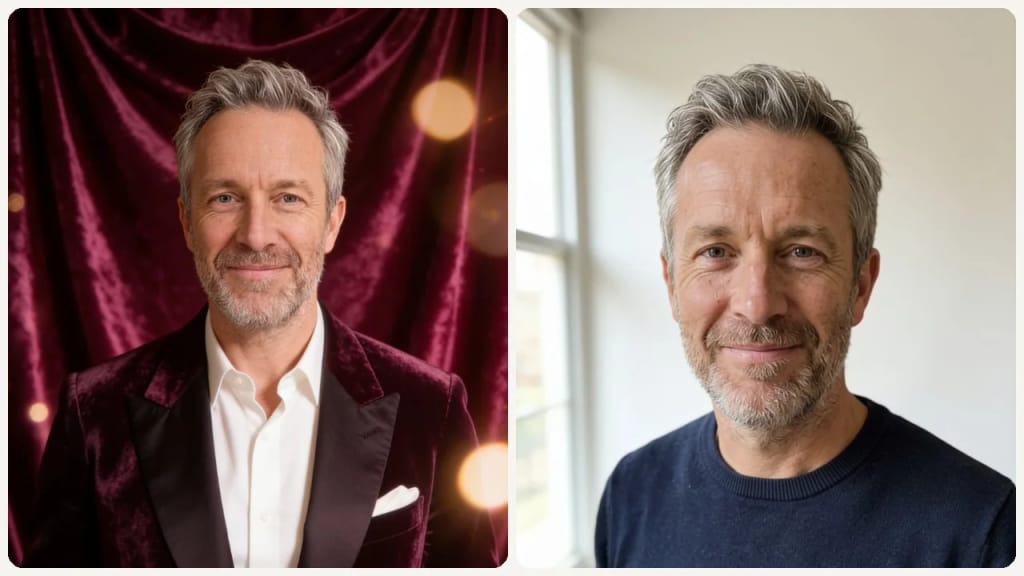
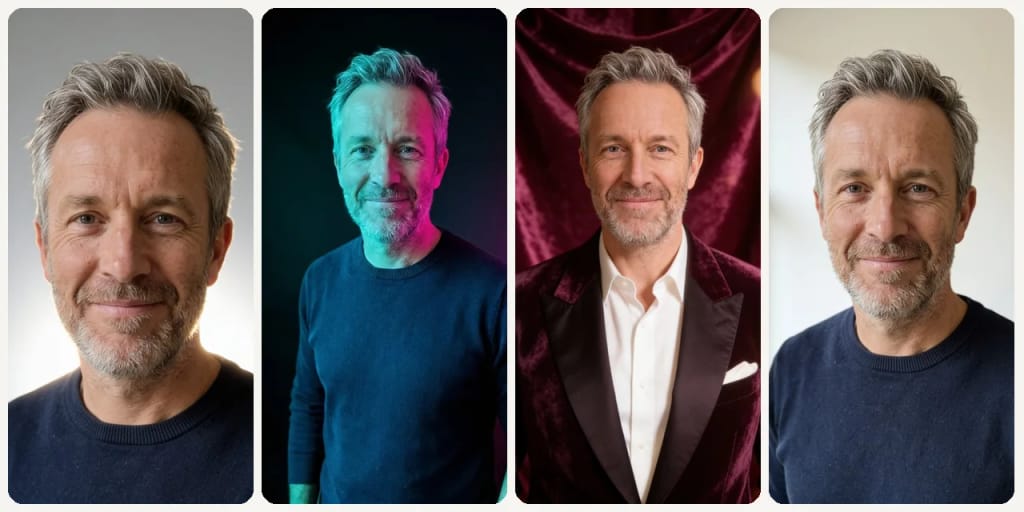
The AI Photo Studio turns a photo of a person into a studio-style portrait, without a photographer or a studio booking. Upload a photo and pick one of 6 looks: Professional (a clean portrait on a light-gray backdrop), Business (a dark blazer or crisp shirt in front of a softly blurred office), Casual (everyday clothes against a warm cream backdrop), Creative (an editorial portrait lit with teal and magenta gels against a dark backdrop), Glamour (an evening outfit against a deep velvet backdrop) or Natural (soft window daylight and minimal retouching). The AI may change the background, lighting, framing and, for some looks, your clothing, while keeping your face and identity the same. It is made for portraits, not product photos, and it does not cut your background out to transparent. Each run makes one image, usually in 20 to 60 seconds.
O que você pode criar
Editorial-Style Creative Portraits
Creators and artists can use the Creative or Glamour looks for an editorial-style portrait with colored gels or a velvet backdrop, without booking a studio.
Polished Professional Portraits
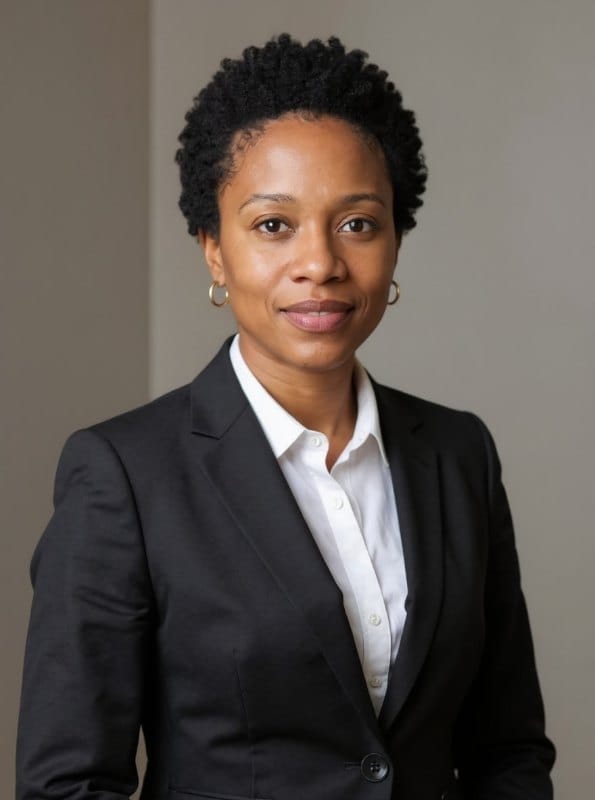
Job seekers and entrepreneurs can get a professional headshot for their LinkedIn profile or website without a studio visit. Simply upload a photo to achieve a refined, credible appearance.
Engaging Social Media Graphics
Social media managers and content creators can transform everyday photos into eye-catching visuals for posts and campaigns. Generate professional-looking content that captivates audiences and strengthens brand presence.
Feito diferente, feito melhor
Três passos. Cerca de um minuto.
Upload Your Photo
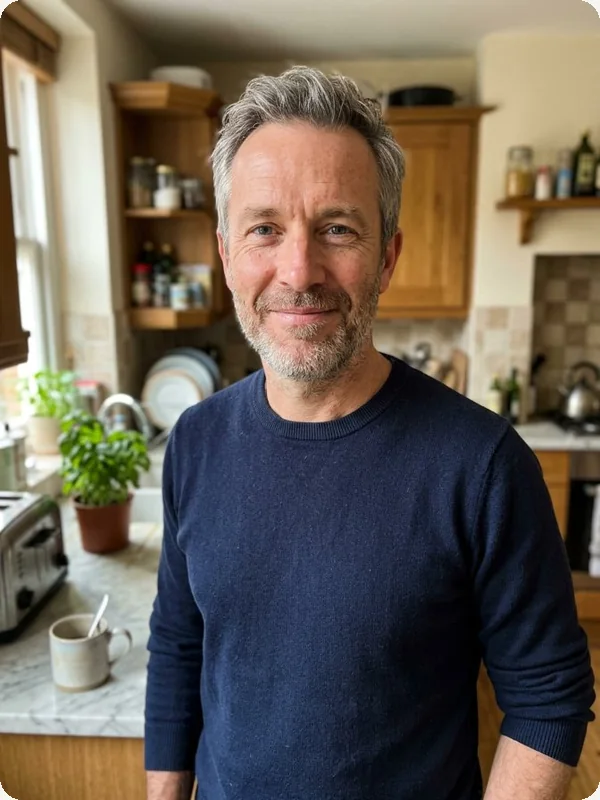
Select and upload the image you wish to transform from your device.
Choose a Style
Pick one of the 6 styles (Professional, Business, Casual, Creative, Glamour, Natural), then press Generate.
Download Your New Image
Download the image. Want a different look? Pick another style and run it again.
Perguntas frequentes
Tudo o que você precisa saber. Não encontrou o que procura?

o seu?