Image · effect

AI Photo Studio

A studio portrait of you

4 credits per imageSeedream 4.5

사진을 최대 10장까지 선택하거나 끌어다 놓으면 각각 같은 옵션을 적용합니다.

사진 업로드

By uploading, you confirm you have the right to use this photo (see Acceptable Use).

예시로 해 보기:
예시 1
Example result
같은 결과 만드는 방법
Tool
AI Photo Studio
스타일
Professional
비율
Not recorded
스타일 선택
이미지당 4크레딧 · 가입 시 6 크레딧
모델: Seedream 4.5 · 보통 20~60초

Eidora's AI Photo Studio turns a photo of a person, not a product, into a studio-style portrait in one of 6 looks: Professional, Business, Casual, Creative, Glamour or Natural. Seedream 4.5, ByteDance's image model, changes the backdrop, lighting, framing and, for some looks, your clothing while keeping your face, usually in 20 to 60 seconds. 6 credits when you sign up; each image uses 4 credits.

전후 비교

확인해 보세요, 이 변화

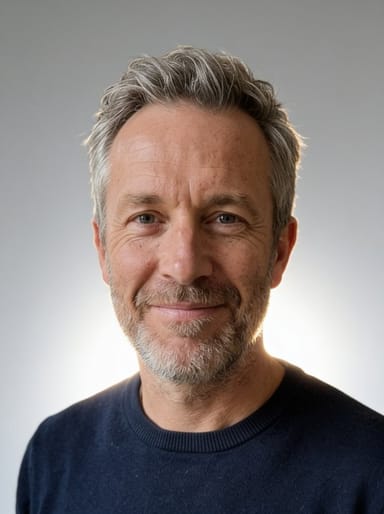
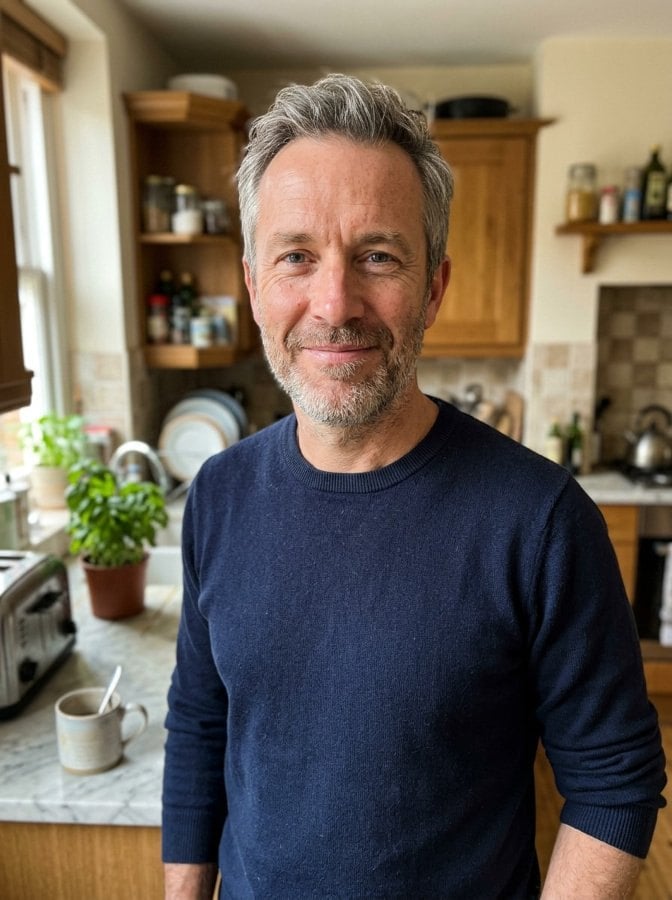
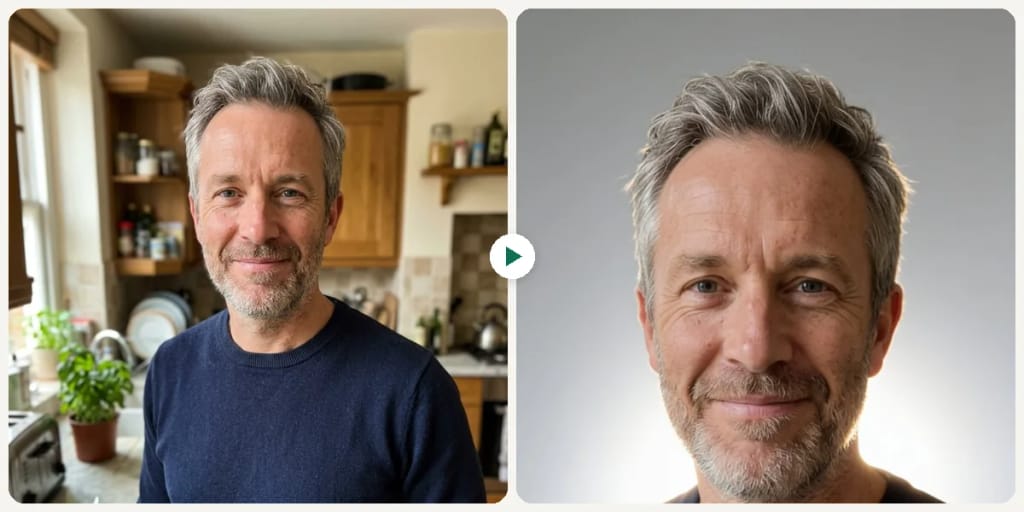
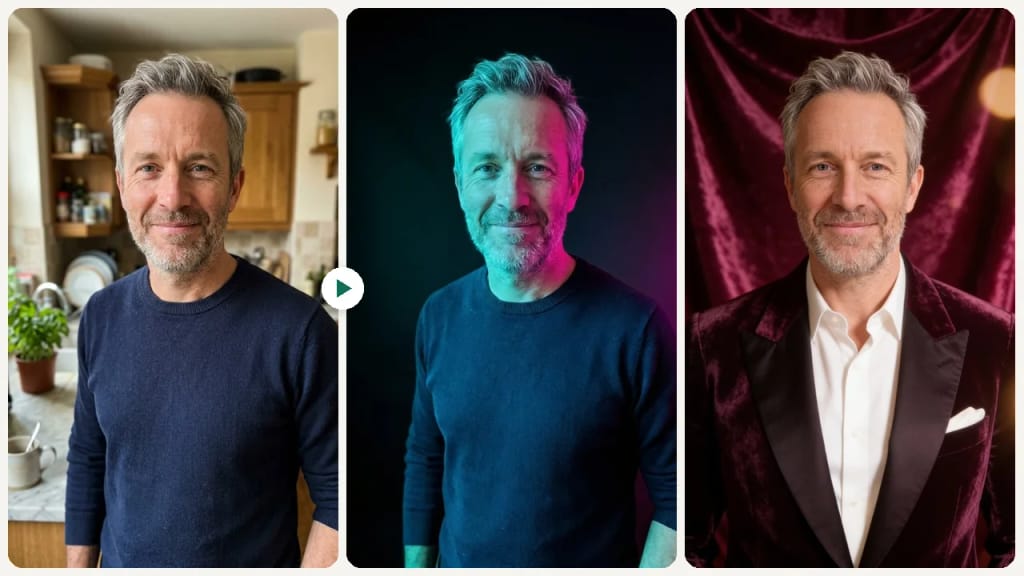
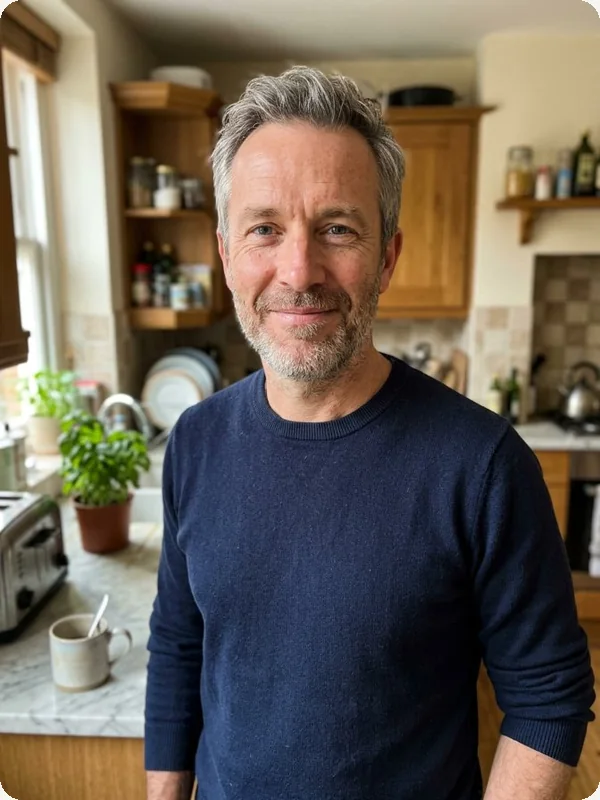
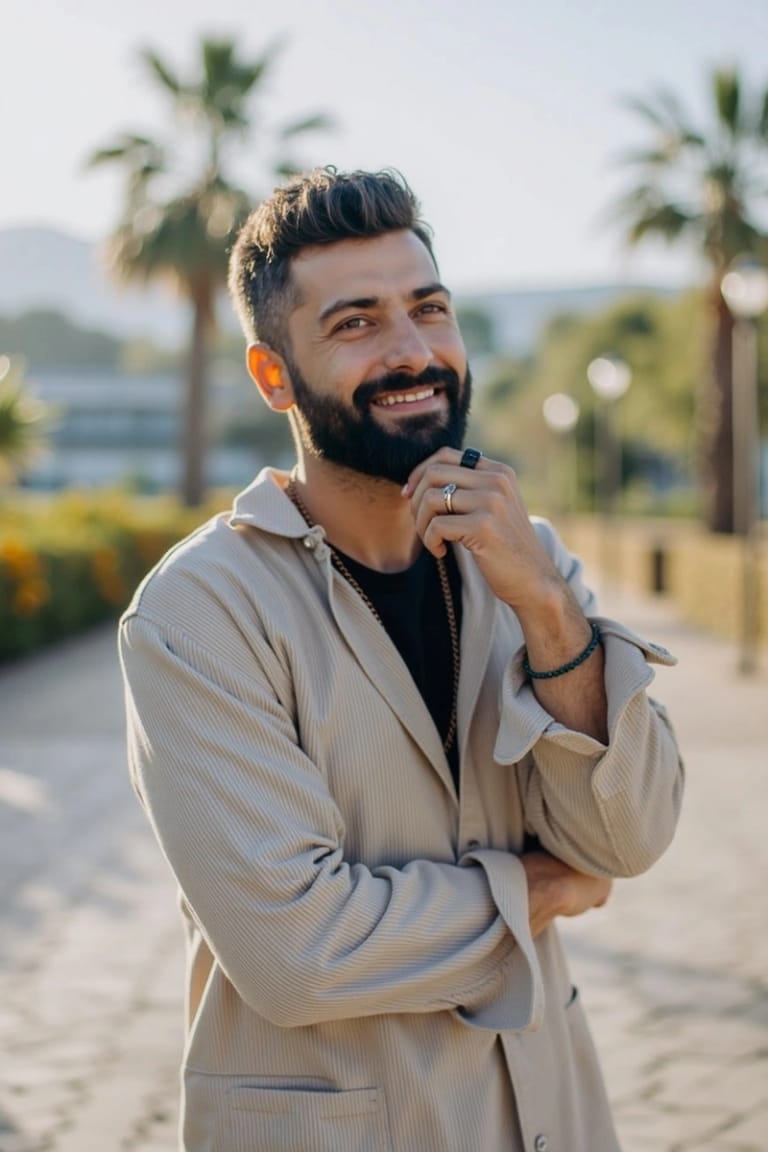
Original photo before AI Photo Studio - Professional styleOriginal photo before AI Photo Studio - Creative style
원본 사진
전
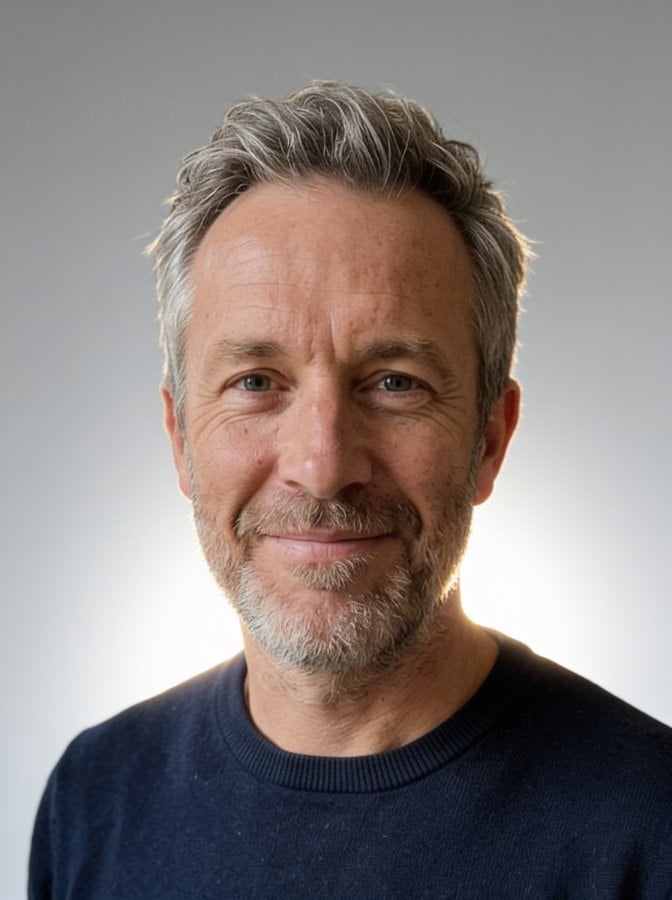
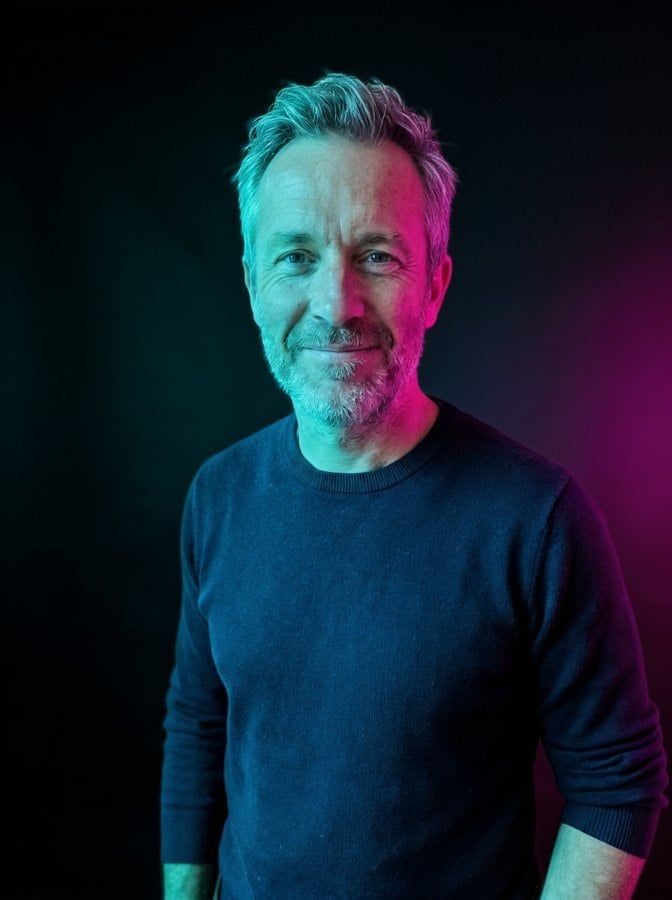
AI result in Professional style - AI Photo StudioAI result in Creative style - AI Photo Studio
샘플 결과
후
Professional 스타일
AI Photo Studio · Eidora AI
이 도구 소개
AI Photo Studio overview

AI Photo Studio란?

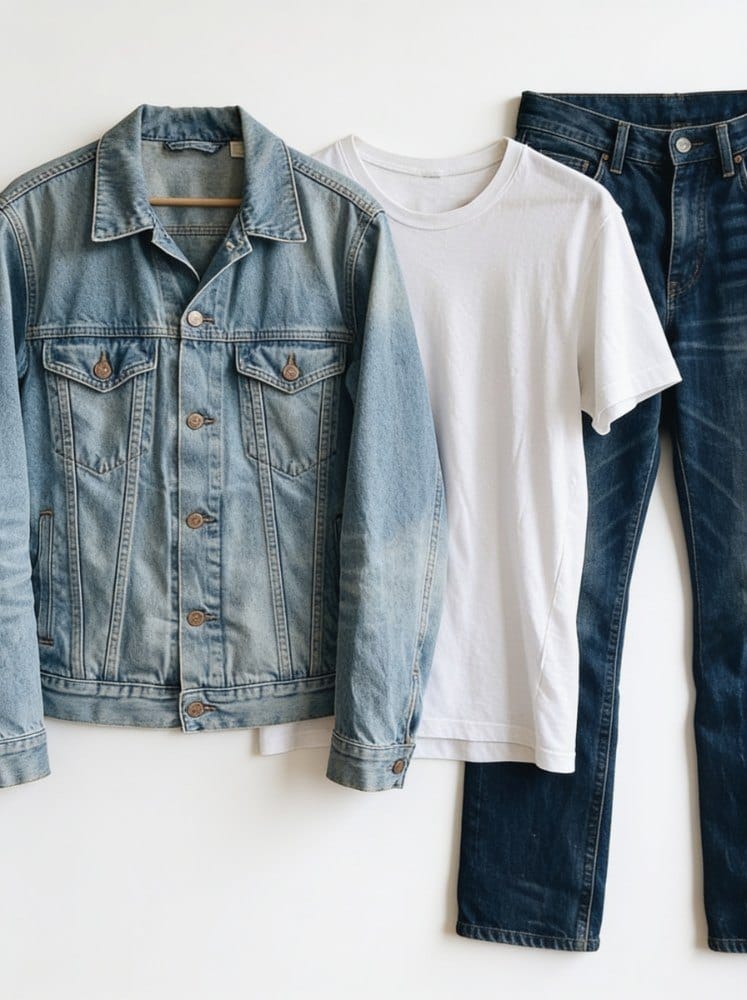
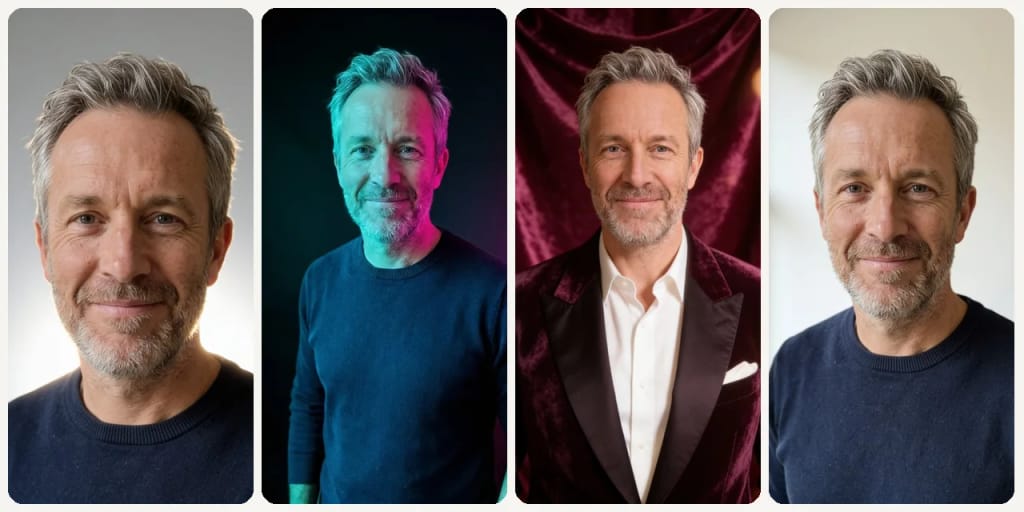
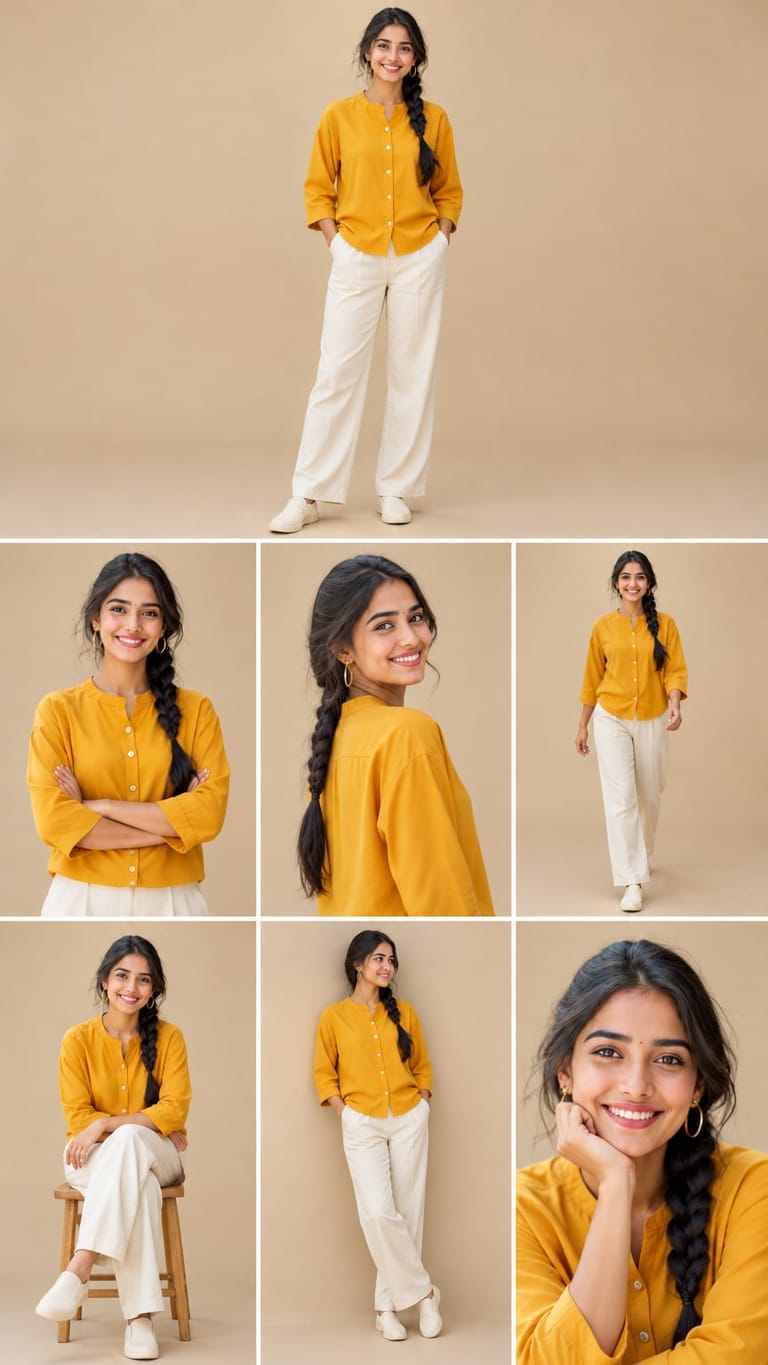
The AI Photo Studio turns a photo of a person into a studio-style portrait, without a photographer or a studio booking. Upload a photo and pick one of 6 looks: Professional (a clean portrait on a light-gray backdrop), Business (a dark blazer or crisp shirt in front of a softly blurred office), Casual (everyday clothes against a warm cream backdrop), Creative (an editorial portrait lit with teal and magenta gels against a dark backdrop), Glamour (an evening outfit against a deep velvet backdrop) or Natural (soft window daylight and minimal retouching). The AI may change the background, lighting, framing and, for some looks, your clothing, while keeping your face and identity the same. It is made for portraits, not product photos, and it does not cut your background out to transparent. Each run makes one image, usually in 20 to 60 seconds.

활용 사례

당신이 만들 수 있는 것

AI Photo Studio use case - Editorial-Style Creative Portraits

Editorial-Style Creative Portraits

Creators and artists can use the Creative or Glamour looks for an editorial-style portrait with colored gels or a velvet backdrop, without booking a studio.
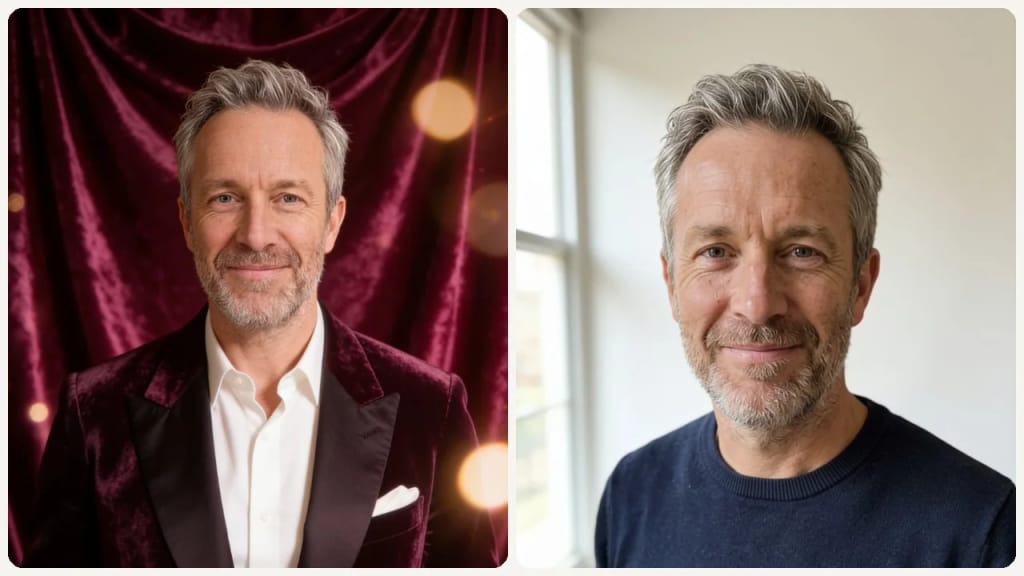
AI Photo Studio use case - Polished Professional Portraits

Polished Professional Portraits

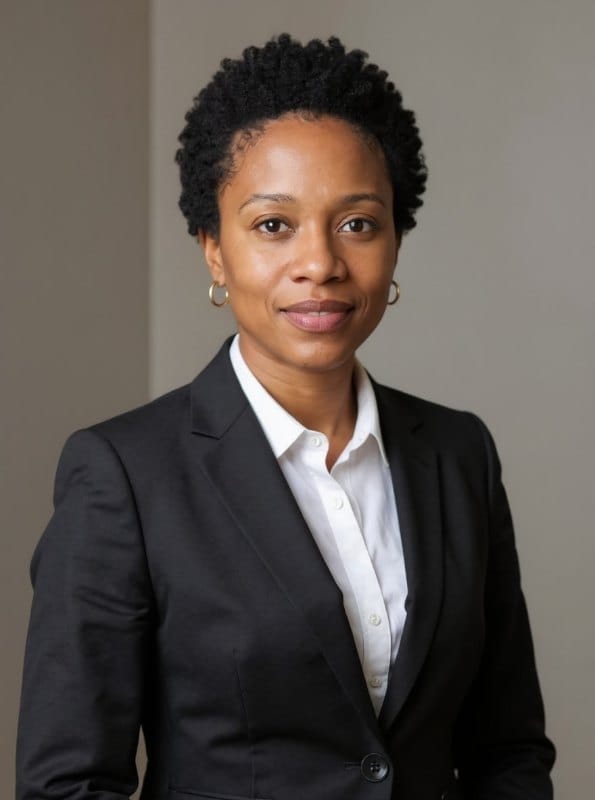
Job seekers and entrepreneurs can get a professional headshot for their LinkedIn profile or website without a studio visit. Simply upload a photo to achieve a refined, credible appearance.
AI Photo Studio use case - Engaging Social Media Graphics

Engaging Social Media Graphics

Social media managers and content creators can transform everyday photos into eye-catching visuals for posts and campaigns. Generate professional-looking content that captivates audiences and strengthens brand presence.

왜 Eidora인가

만드는 방식이 다르고, 결과가 더 좋습니다

Achieve Studio Quality
Turn an everyday photo of yourself into a polished studio-style portrait with professional lighting and a fitting backdrop.
Save Time & Effort
Skip hours of manual editing or complex software: upload a photo, pick a style and get the result in under a minute.
Affordable Professional Photos
Get high-quality, studio-level photographs without the expense of hiring a professional photographer or renting a physical studio space.
이용 방법

세 단계, 약 1분.

AI Photo Studio: Upload Your Photo
  1. Upload Your Photo

    Select and upload the image you wish to transform from your device.

  2. Choose a Style

    Pick one of the 6 styles (Professional, Business, Casual, Creative, Glamour, Natural), then press Generate.

  3. Download Your New Image

    Download the image. Want a different look? Pick another style and run it again.
지금 AI Photo Studio 써 보기
✦ 생성 · 4 크레딧
자주 묻는 질문

자주 묻는 질문

알아야 할 모든 것. 찾는 답이 없나요?

아직 궁금한 점이 있나요?
지원팀이 기꺼이 도와드립니다.
지원팀 문의
Our AI Photo Studio is an online tool that turns a photo of a person into a studio-style portrait. You pick one of 6 looks, and the AI changes the lighting, backdrop and framing to match while keeping your face and identity the same.
You can start with a free account: 6 credits when you sign up, enough to use this tool once (4 credits per image), with 2 left over. Free results carry an eidora.io watermark. After that, credits start at $1.99: a new account can buy 40 credits for $1.99 once, within 72 hours of signing up; credit packs start at $4.99 for 100 credits and plans at $9.9/month. Once you have paid, your results have no badge.
Upload a photo of a person, such as a portrait or selfie; the tool is made for portraits, not product photos. You can use JPG, PNG, WebP or GIF up to 10MB. For best results, use a clear, well-lit photo where the face is easy to see.
The AI redraws your photo as a studio portrait in the look you picked. It may change the background, lighting and framing, and for looks like Business or Glamour your outfit too, while it is told to keep your face, identity and skin tone the same.
Yes, but through the look you pick rather than a background menu. Each of the 6 looks comes with its own setting, from a light-gray studio backdrop to a softly blurred office. To put yourself in front of a background you describe, try the AI Background Changer.
No. The AI Photo Studio is made for portraits of people: it keeps the person's identity and restyles the lighting, backdrop and framing around them. For product images, the AI Background Changer is a better fit.
Each run returns one image that you can download and use on the web and social media. There is no format or resolution choice. Results from free accounts carry an eidora.io watermark.
Not at all. This tool is designed for ease of use. You simply upload your photo and choose a style; the AI handles all the complex editing and design work for you, no prior experience needed.
Your uploads, prompts and results are saved privately to your history so you can view and download them later, and only you can open them. To create a result, your input is sent to the AI model provider that runs the generation. We do not sell your content or use it to train AI models.
Most images take 20 to 60 seconds, a little longer at busy times.
Yes. The Professional and Business looks suit headshots for LinkedIn, resumes or company profiles. Check that the face matches the original before you use it.
A photo editor changes the photo you have; the AI Photo Studio redraws it as a new studio portrait, with new light, backdrop and sometimes clothes, while keeping your face. Check the face against the original before using it.
가입 시 6 크레딧
만들 준비가
되셨나요?
6 스타일 · 이미지당 4크레딧 · 가입 시 6 크레딧 · 카드 필요 없음
가입 시 6 크레딧 · 카드 필요 없음
약 20~60초
가입 시 6 크레딧