Ferramenta · faça nesta página
AI Background Changer
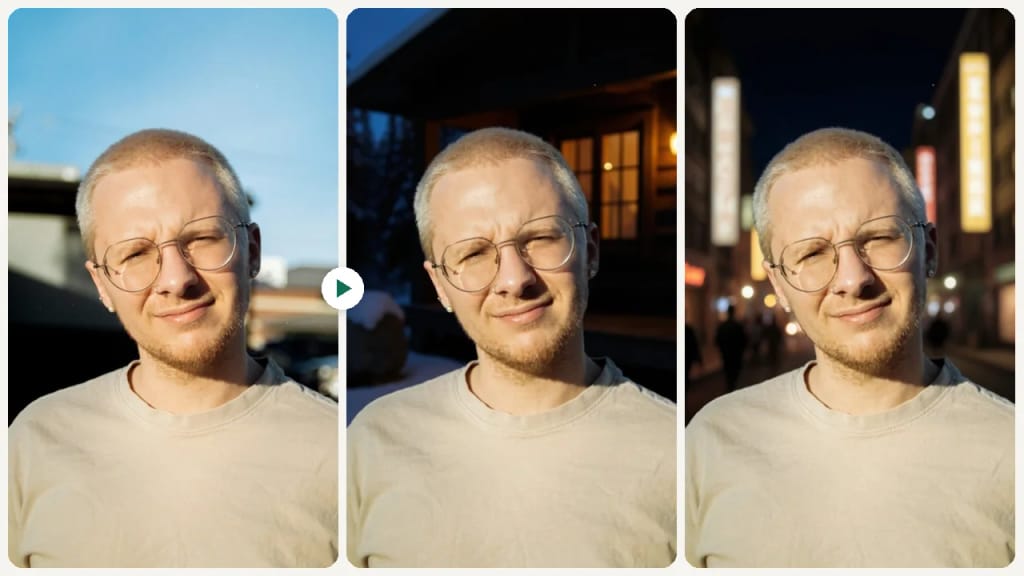
Upload a photo, describe the new background in one sentence, and get the same subject in a new scene. For product shots, headshots and social posts.
Como fazer um assim
- Tool
- AI Background Changer
- Formato
- Not recorded
Como fazer um assim
- Tool
- AI Background Changer
- Formato
- Not recorded
 Exemplo

Selecione ou solte até 10 fotos para usar as mesmas opções em cada uma.
By uploading, you confirm you have the right to use this photo (see Acceptable Use).

Modelo: FLUX.1 Kontext Pro · Normalmente 10-30 segundos
Eidora's AI Background Changer puts the person or product in your photo into a new scene that you describe in one sentence, such as "a sunset beach". FLUX.1 Kontext Pro, Black Forest Labs' image-editing model, keeps the subject and redraws the scene around it with matching light, usually in 10 to 30 seconds; it does not make transparent backgrounds. 6 credits when you sign up; each image uses 4 credits.
Veja a transformação



O que é AI Background Changer?
Changing a photo's background used to mean careful masking in Photoshop. Here you upload a photo and describe the new background in a sentence, such as "a sunset beach" or "a plain light gray studio wall". The edit is made by FLUX.1 Kontext Pro, which keeps the person or product and redraws the scene around them with matching light. It works for product shots, profile photos and social posts; for a transparent PNG, use the background remover instead.
O que você pode criar
E-commerce Product Photos
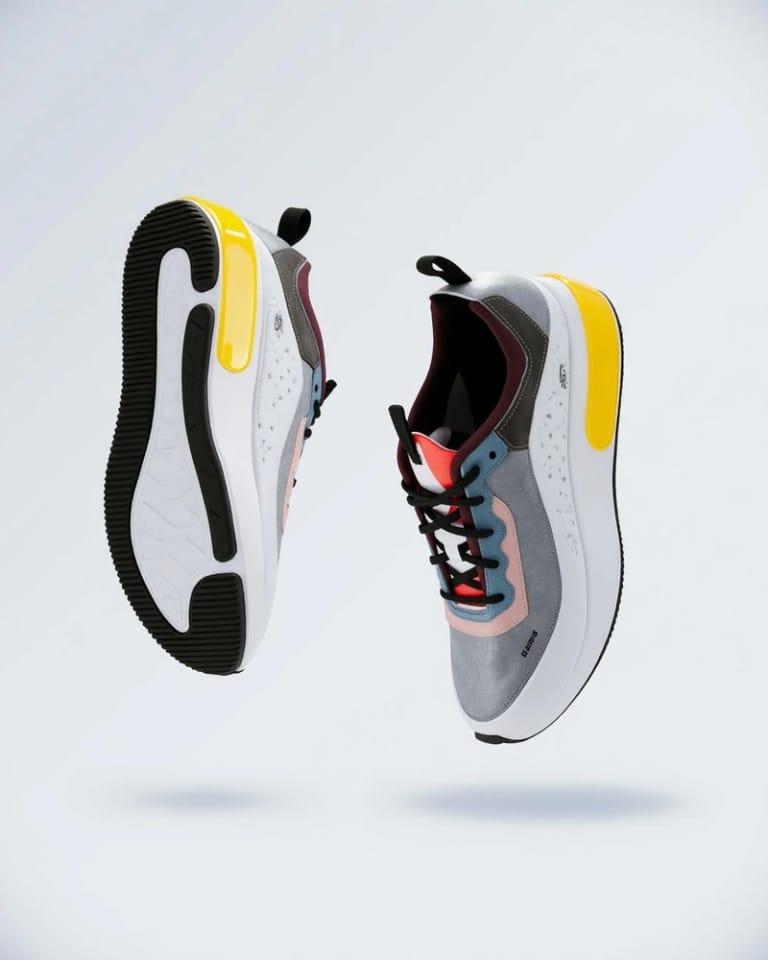
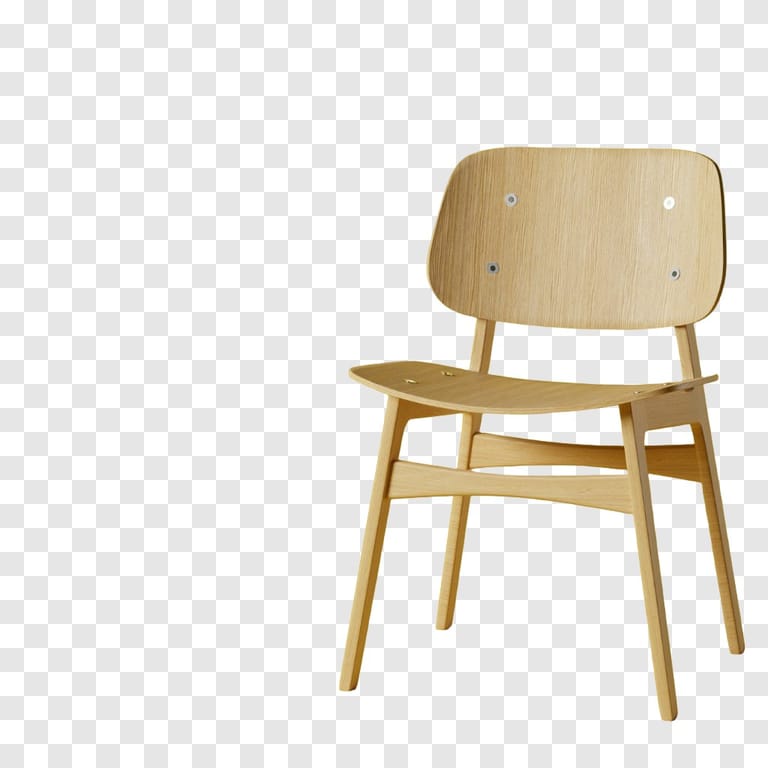
E-commerce Sellers can quickly isolate products from cluttered backgrounds, ensuring a consistent and professional look for online stores. This helps products stand out and improves visual appeal on listings.
Engaging Social Media Visuals
Social Media Managers can easily place subjects into various themed backdrops, making visuals more captivating for campaigns and posts. This allows for quick adaptation of images to suit different marketing messages or seasonal trends.
Professional Profile Pictures
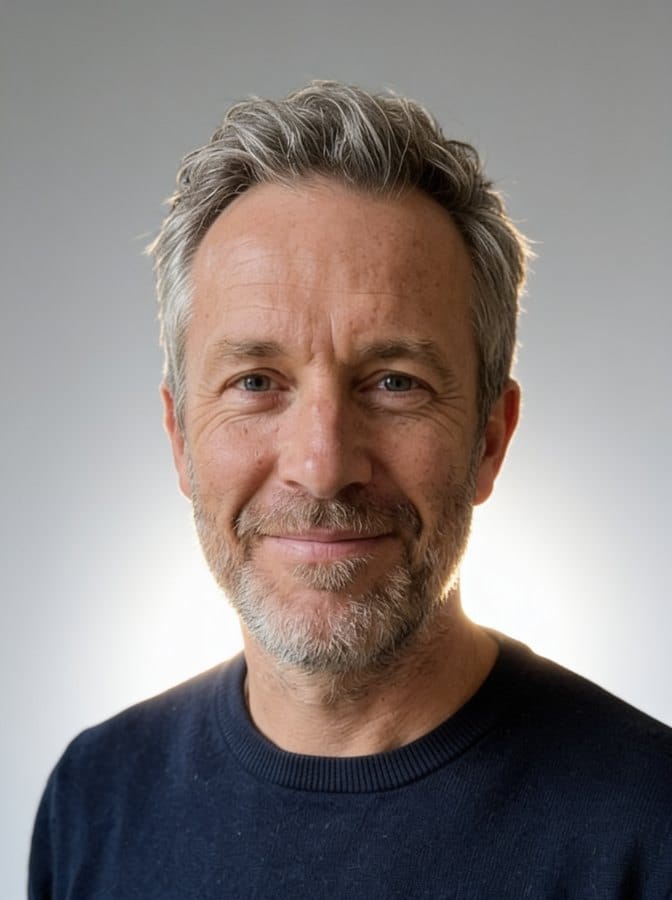
Individuals needing a professional appearance can change casual photo backgrounds to a clean, formal setting in under 30 seconds for resumes or professional profiles. This ensures a polished and serious impression without needing a studio.
Feito diferente, feito melhor
Três passos. Cerca de um minuto.

Upload Your Image
Upload your photo. JPG, PNG or WebP up to 10MB; a clear, well-lit photo works best.
Describe the Change
Describe the new background in one sentence, e.g. "a sunny beach at golden hour", then press Generate.
Download Your Result
Check the result and download the image. Not quite right? Run it again.
Perguntas frequentes
Tudo o que você precisa saber. Não encontrou o que procura?

o seu?