Selecciona o suelta hasta 10 fotos para usar las mismas opciones en cada una.
By uploading, you confirm you have the right to use this photo (see Acceptable Use).


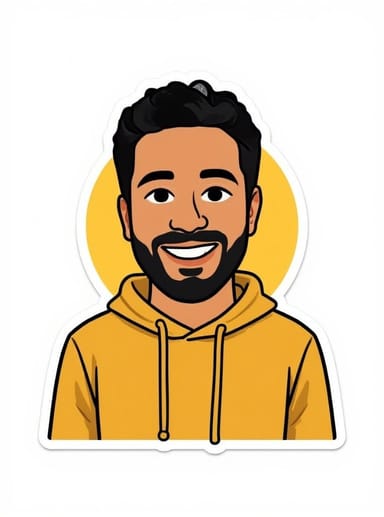
Cómo hacer uno así
- Tool
- AI Sticker Generator
- Estilo
- Emoticons
- Proporción
- Not recorded
Modelo: FLUX.1 Kontext Pro · Normalmente 10-30 segundos
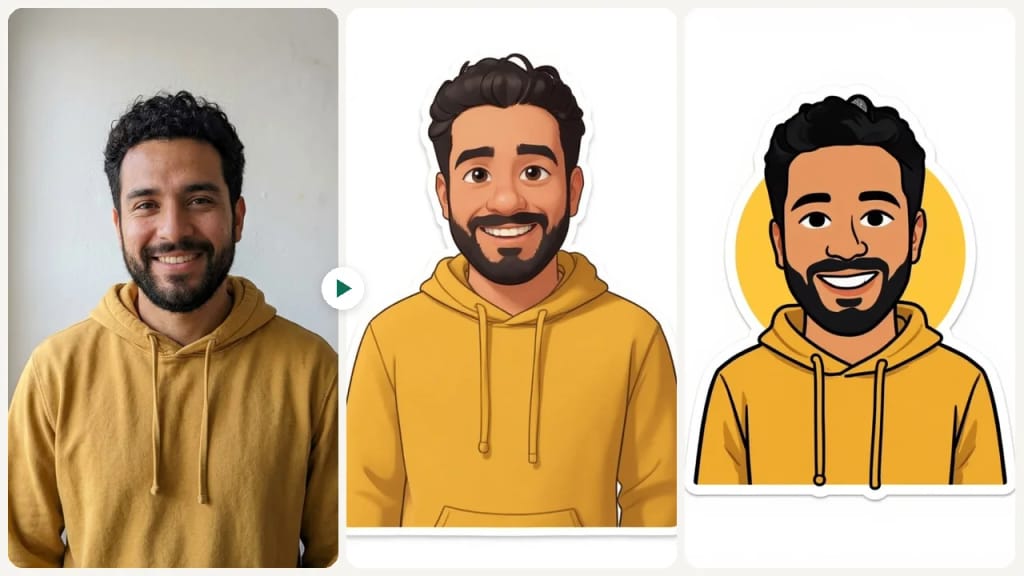
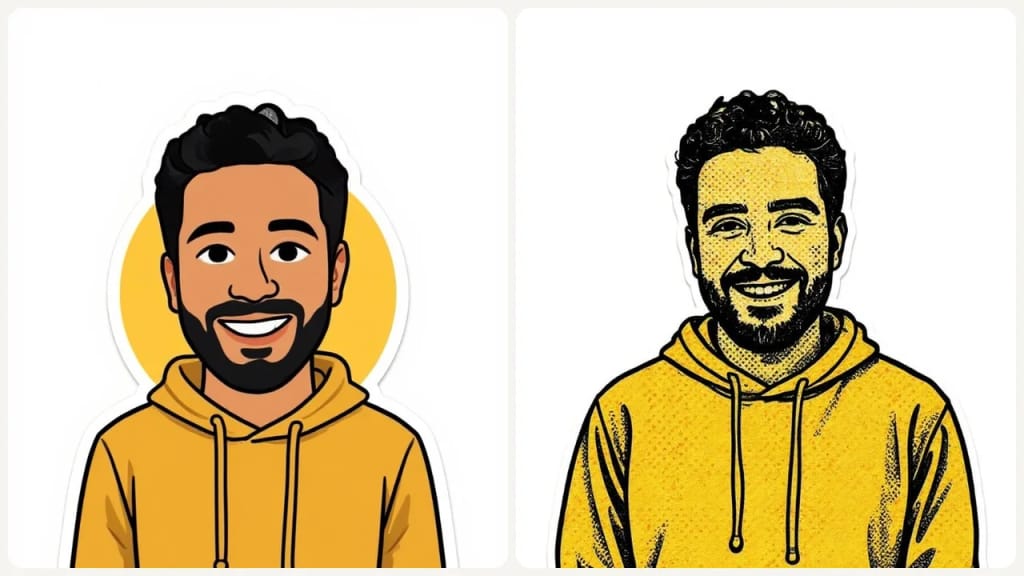
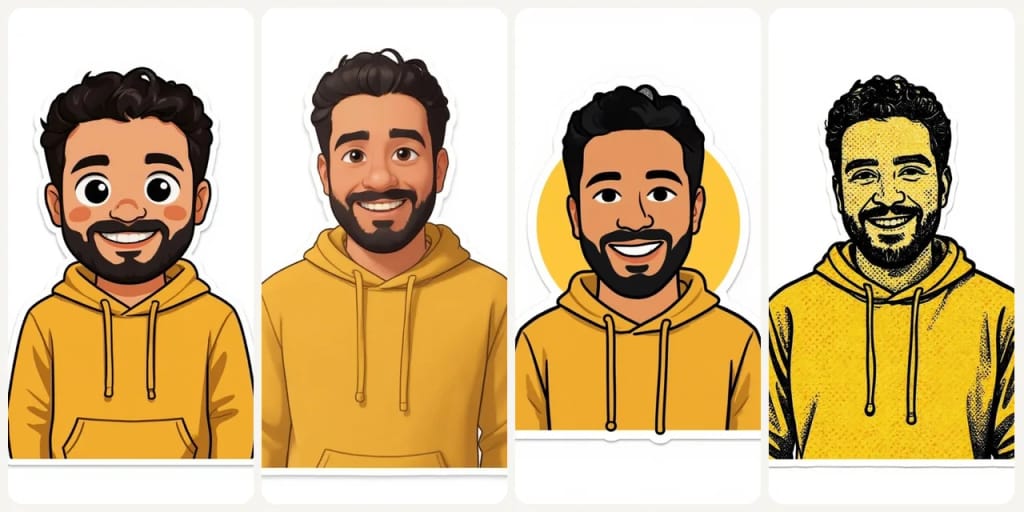
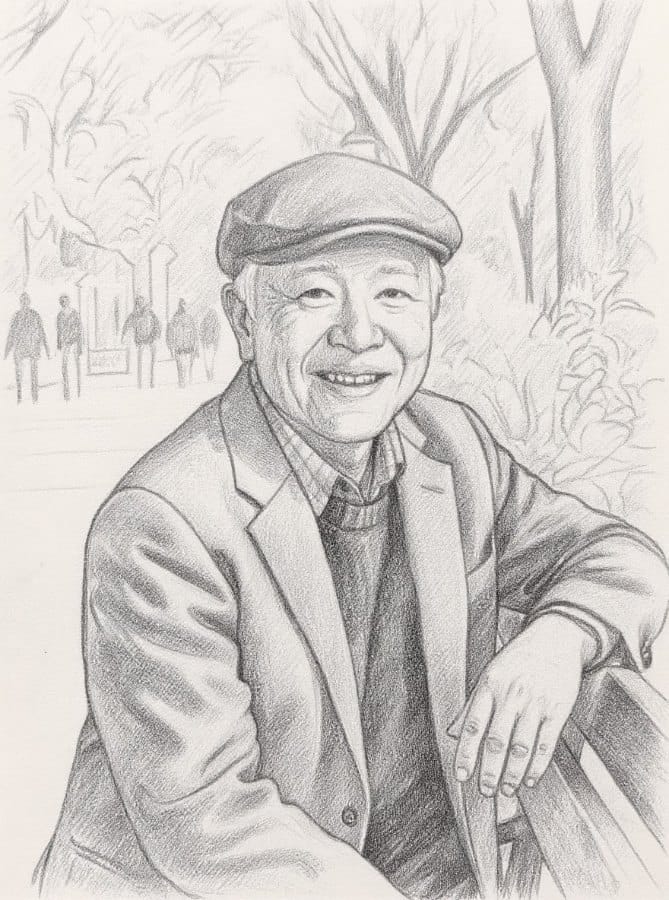
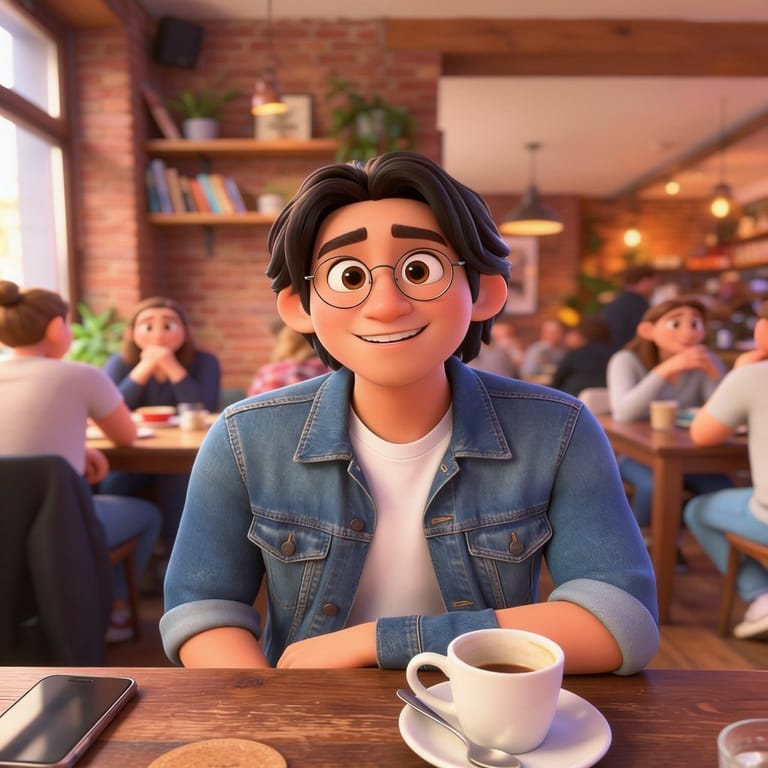
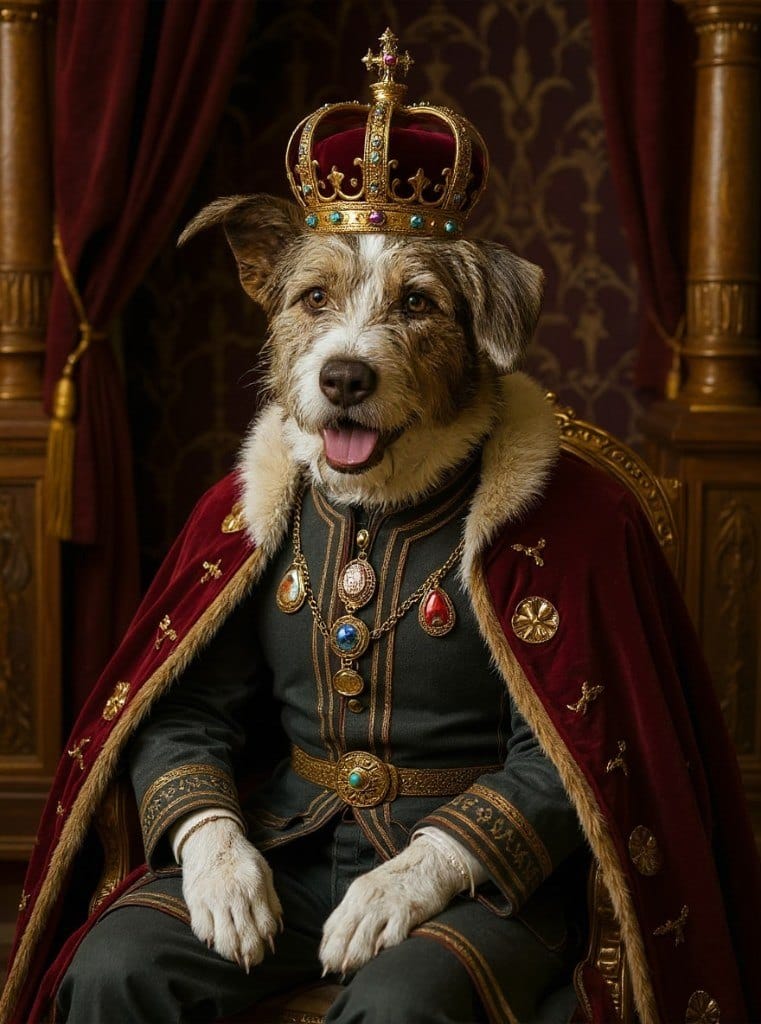
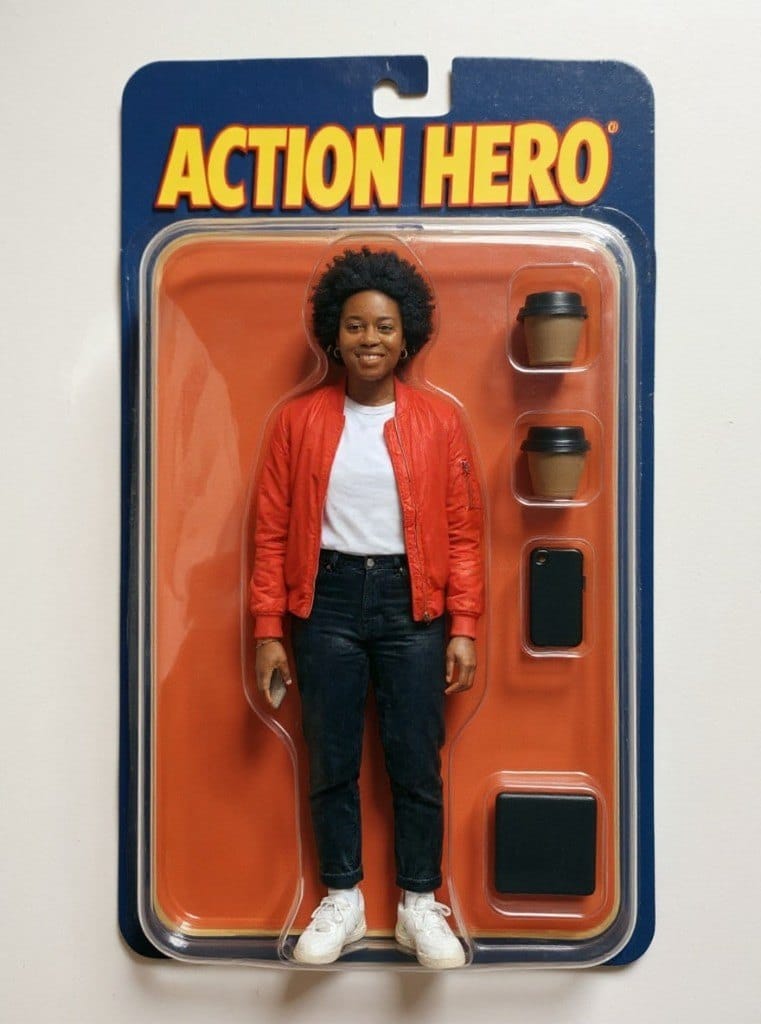
Eidora's AI Sticker Generator turns a photo of a person or pet into a sticker in one of 9 styles, such as Ghibli, Emoticons, Chibi, Texture Comic, Cartoon and Irasutoya. FLUX.1 Kontext Pro, Black Forest Labs' image-editing model, redraws it with a white die-cut border on a plain white background, not a transparent PNG, usually in 10 to 30 seconds. 6 credits when you sign up; each sticker uses 4 credits.
Mira la transformación
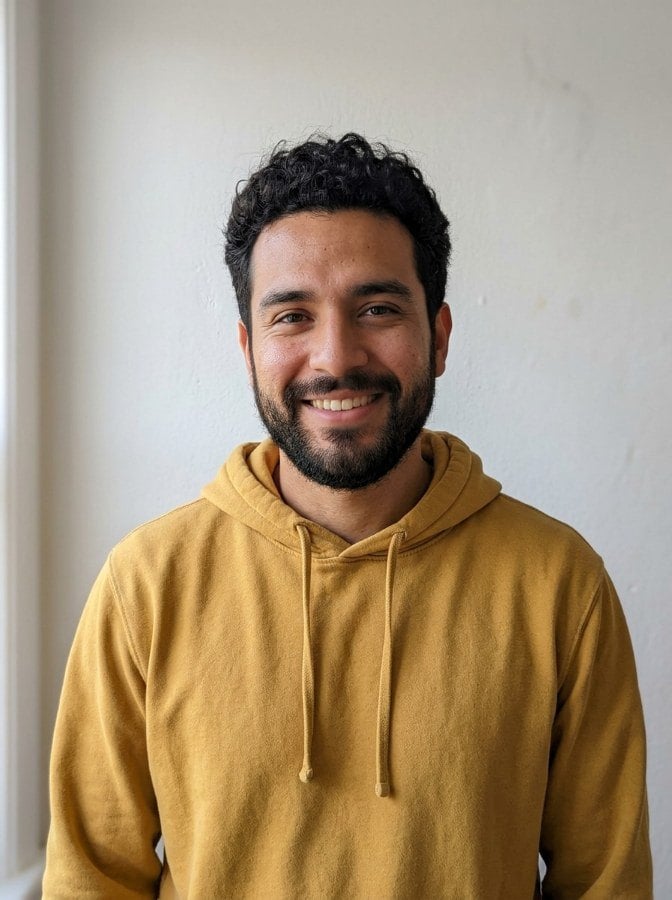
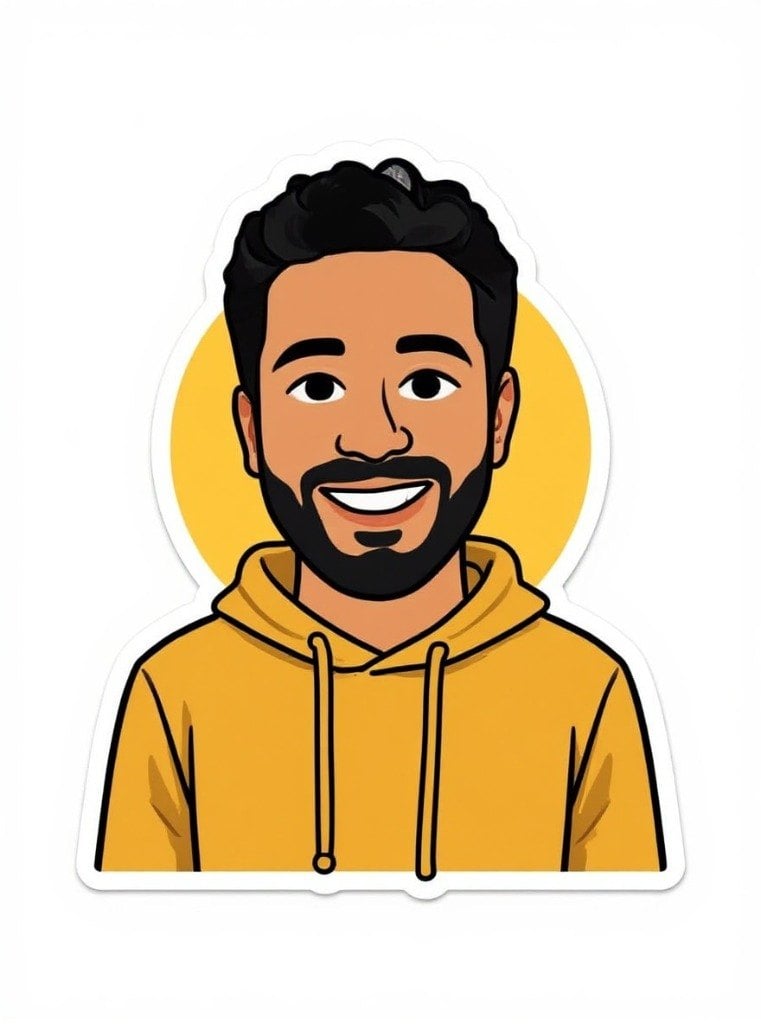
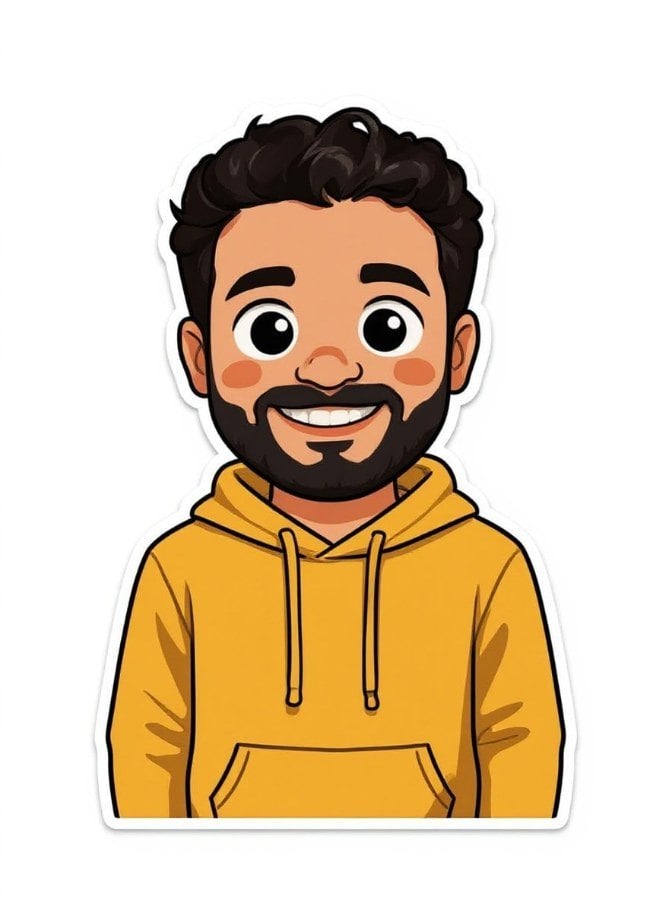

¿Qué es AI Sticker Generator?
Turn a photo into a sticker-style illustration in one of nine styles, including Ghibli-inspired, chibi, cartoon, Pixar-style 3D, comic and simple emoticon. Upload a photo of a person or pet, pick a style, and FLUX.1 Kontext, an image-editing model from Black Forest Labs redraws it as a sticker with a clean outline. The result is a regular image on a plain background; to print or share it as a cut-out sticker, remove the background with the background remover first.
Lo que puedes crear
Custom Messaging Stickers
Create personalized sticker packs from your photos for WhatsApp, Telegram, and iMessage. Turn selfies, pet photos, or inside jokes into unique chat stickers your friends will love.
Brand & Product Stickers
Small businesses can create branded stickers for packaging, social media, and marketing materials. Turn product photos or logos into professional die-cut stickers without a designer.
DIY Crafts & Gifts
Transform family photos, pet portraits, or travel memories into printable stickers for scrapbooks, greeting cards, water bottles, and personalized gifts for any occasion.
Hecho distinto, hecho mejor
Tres pasos. Más o menos un minuto.
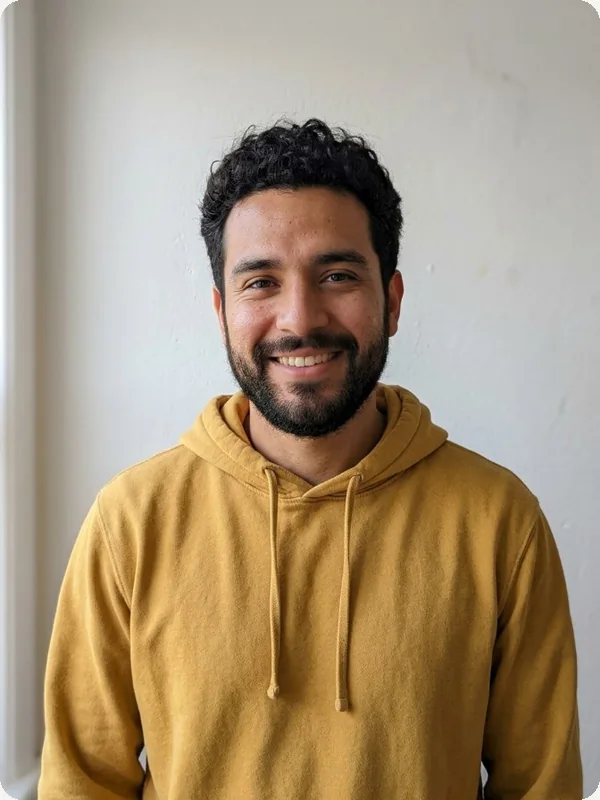
Upload Your Photo
Upload a photo of a person, pet or object. JPG, PNG, WebP or GIF up to 10MB; a clear, well-lit photo works best.
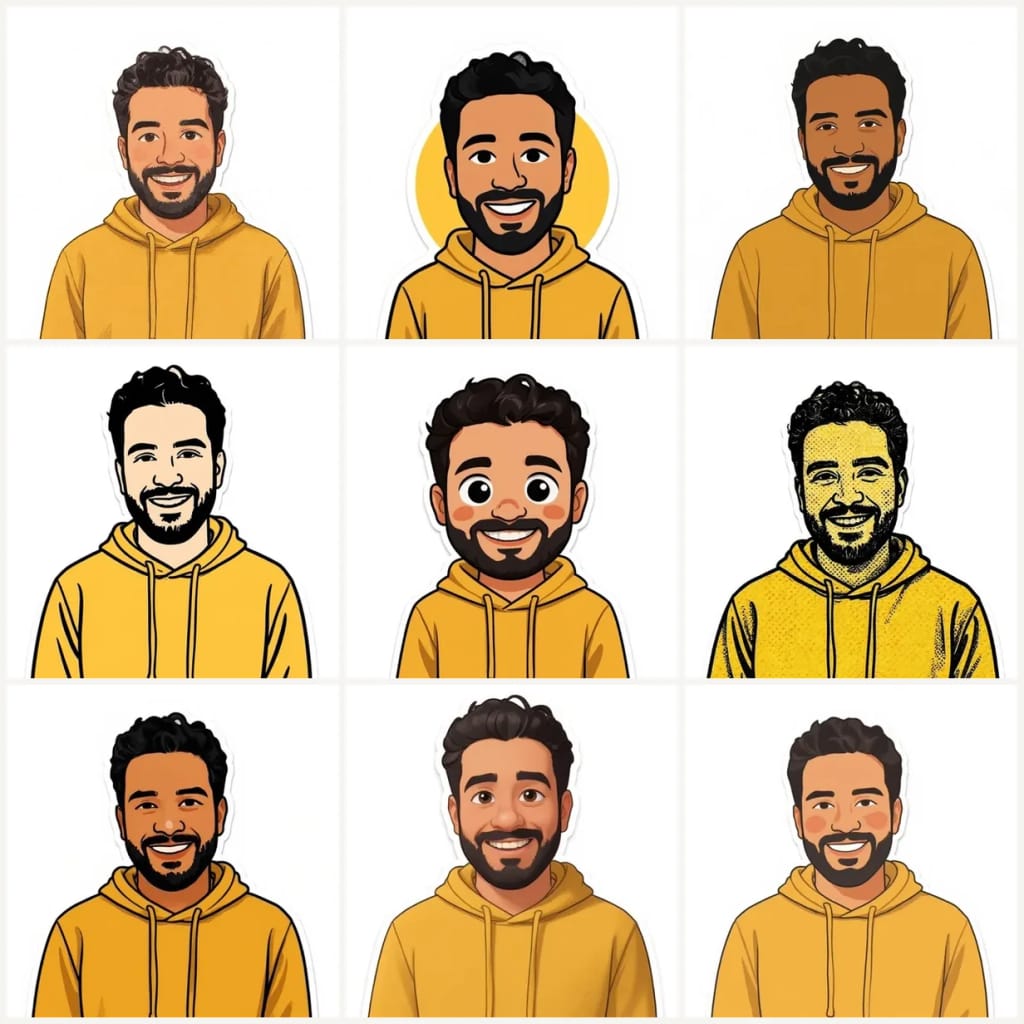
Choose Sticker Style
Pick one of the 9 styles (Ghibli, Emoticons, Illustration, Snoopy, Chibi, Texture Comic, Cartoon, Pixar, Irasutoya) and press Generate. In the Custom tab you can add a few words, such as an expression or an outfit, to the selected style.
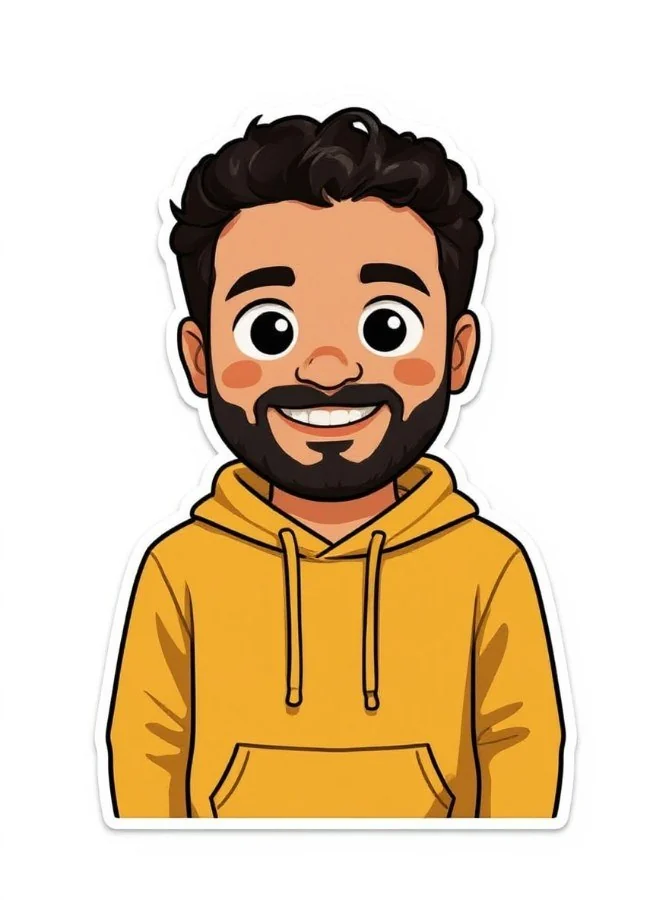
Download Your Sticker
Download the sticker image. For a cut-out with no background, run it through the background remover; for large prints, upscale it first.
Preguntas frecuentes
Todo lo que necesitas saber. ¿No encuentras lo que buscas?
el tuyo?