Image ยท effect

AI Sticker Generator

Turn a photo into a sticker

4 credits per imageFLUX.1 Kontext Pro

์‚ฌ์ง„์„ ์ตœ๋Œ€ 10์žฅ๊นŒ์ง€ ์„ ํƒํ•˜๊ฑฐ๋‚˜ ๋Œ์–ด๋‹ค ๋†“์œผ๋ฉด ๊ฐ๊ฐ ๊ฐ™์€ ์˜ต์…˜์„ ์ ์šฉํ•ฉ๋‹ˆ๋‹ค.

์‚ฌ์ง„ ์—…๋กœ๋“œ

By uploading, you confirm you have the right to use this photo (see Acceptable Use).

์˜ˆ์‹œ๋กœ ํ•ด ๋ณด๊ธฐ:
์˜ˆ์‹œ 1
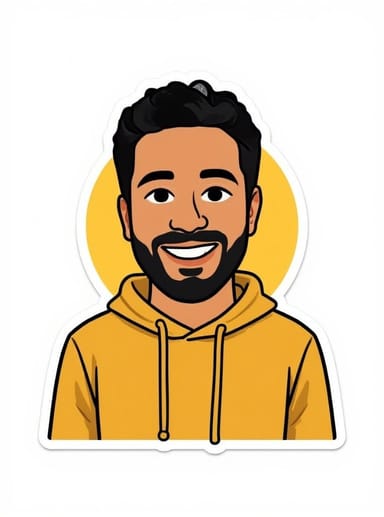
Example result
๊ฐ™์€ ๊ฒฐ๊ณผ ๋งŒ๋“œ๋Š” ๋ฐฉ๋ฒ•
Tool
AI Sticker Generator
์Šคํƒ€์ผ
Emoticons
๋น„์œจ
Not recorded
์Šคํƒ€์ผ ์„ ํƒ
์ด๋ฏธ์ง€๋‹น 4ํฌ๋ ˆ๋”ง ยท ๊ฐ€์ž… ์‹œ 6 ํฌ๋ ˆ๋”ง
๋ชจ๋ธ: FLUX.1 Kontext Pro ยท ๋ณดํ†ต 10~30์ดˆ

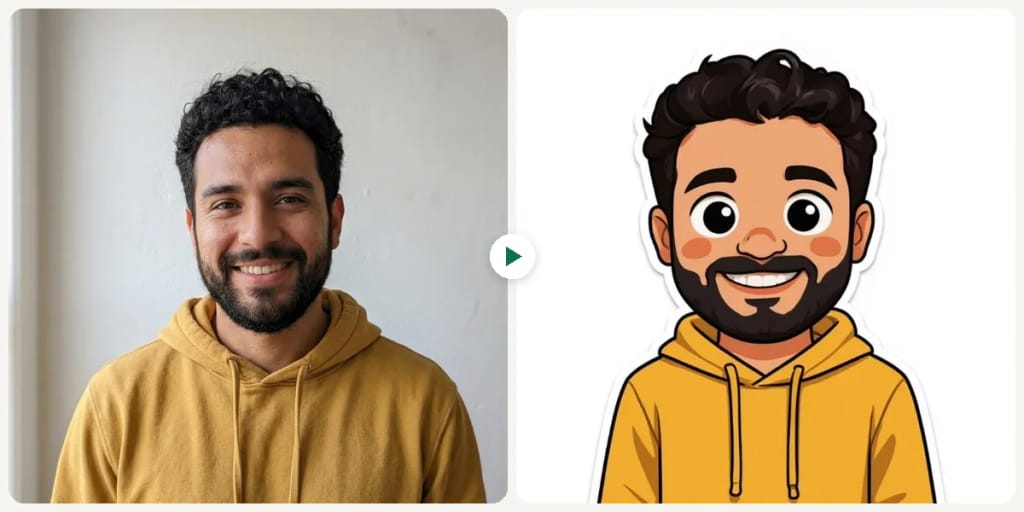
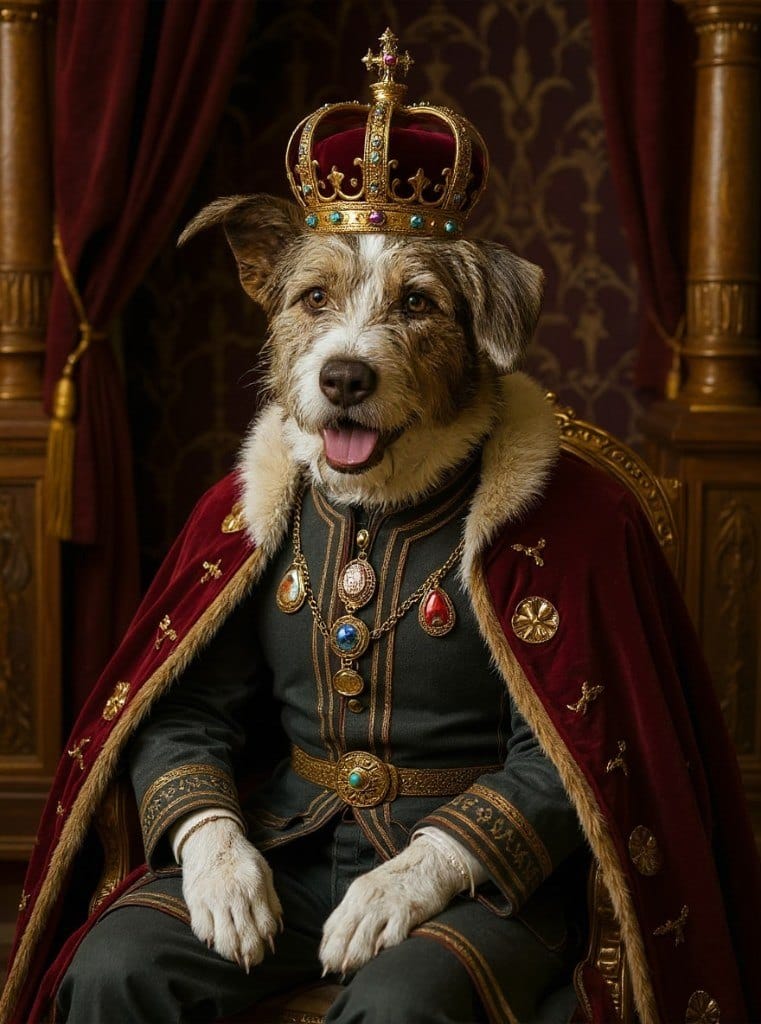
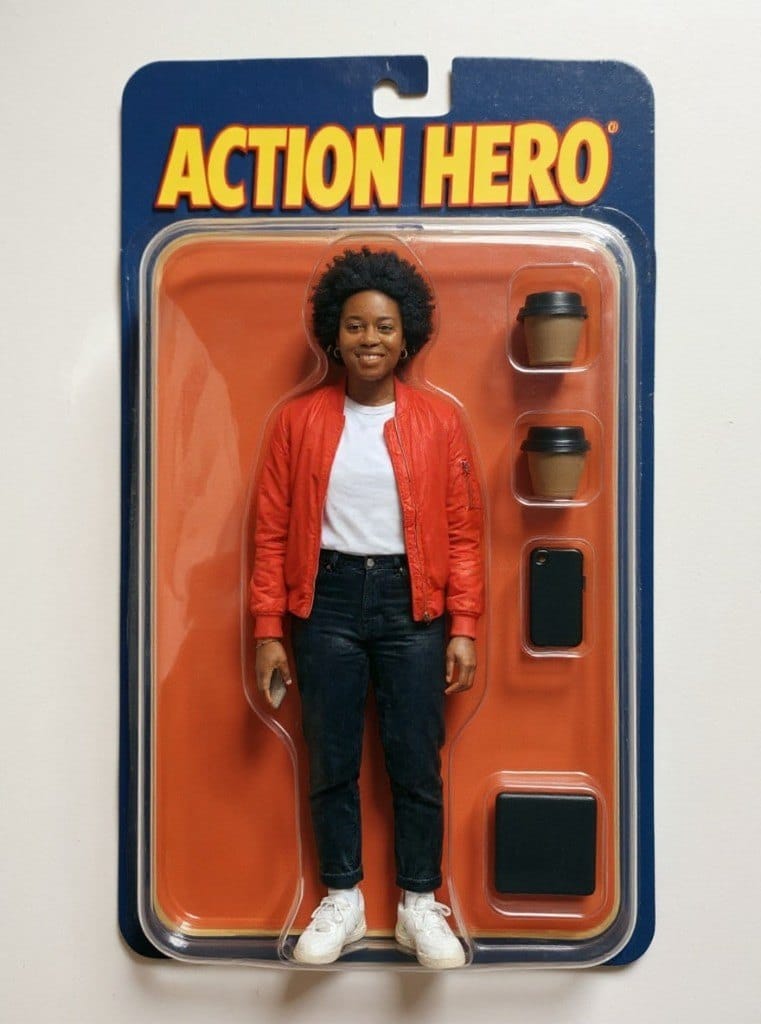
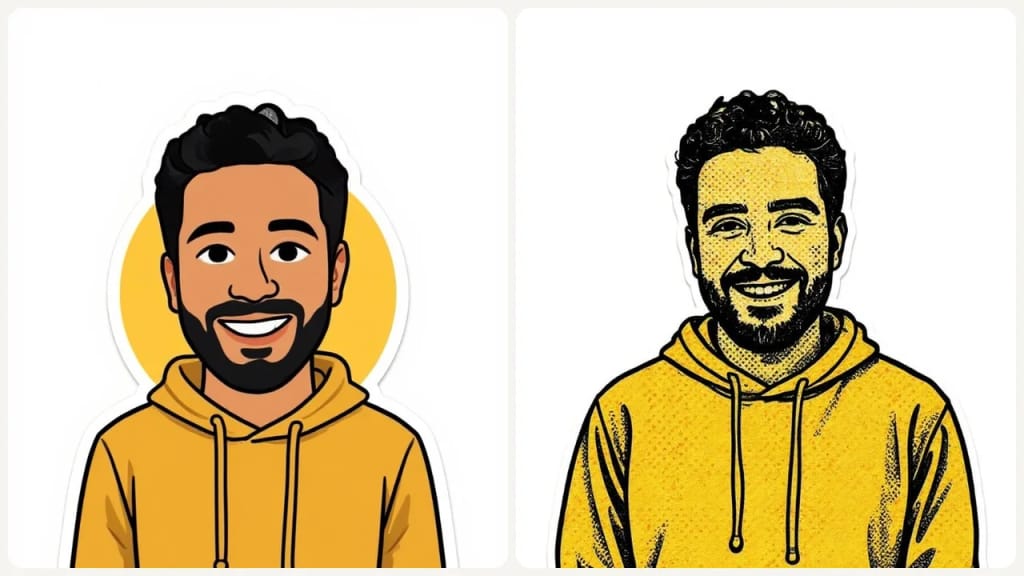
Eidora's AI Sticker Generator turns a photo of a person or pet into a sticker in one of 9 styles, such as Ghibli, Emoticons, Chibi, Texture Comic, Cartoon and Irasutoya. FLUX.1 Kontext Pro, Black Forest Labs' image-editing model, redraws it with a white die-cut border on a plain white background, not a transparent PNG, usually in 10 to 30 seconds. 6 credits when you sign up; each sticker uses 4 credits.

์ „ํ›„ ๋น„๊ต

ํ™•์ธํ•ด ๋ณด์„ธ์š”, ์ด ๋ณ€ํ™”

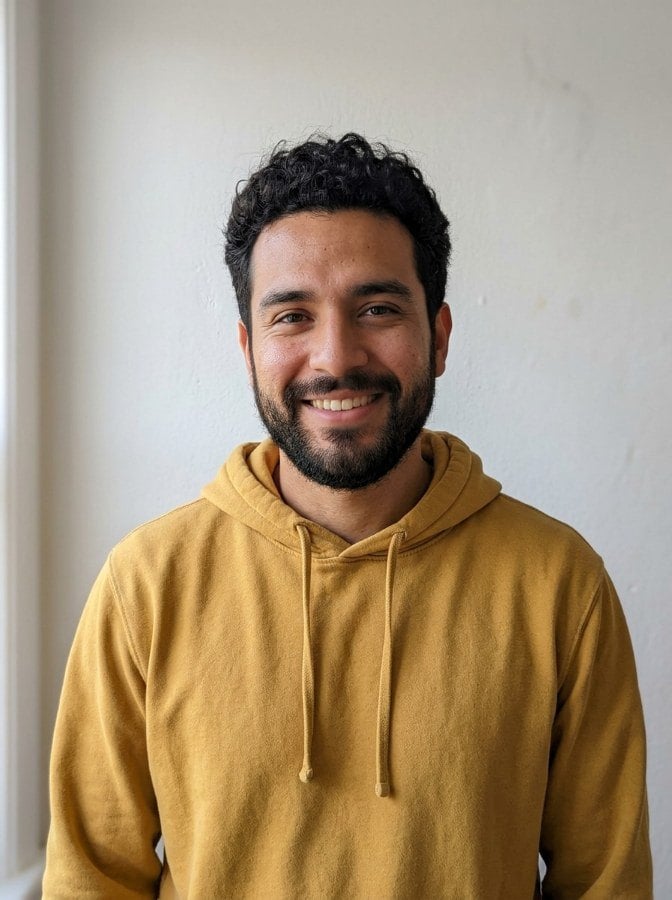
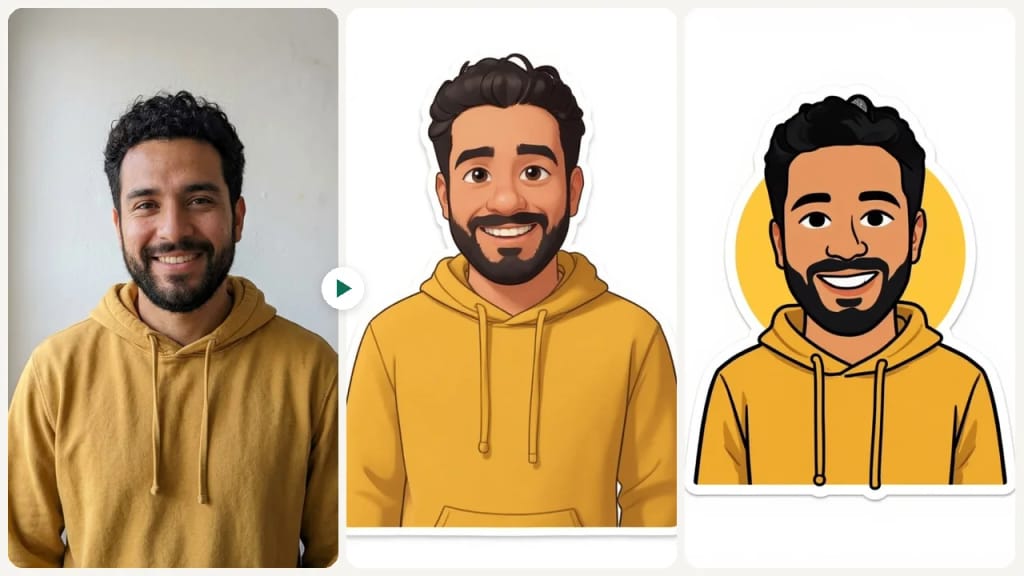
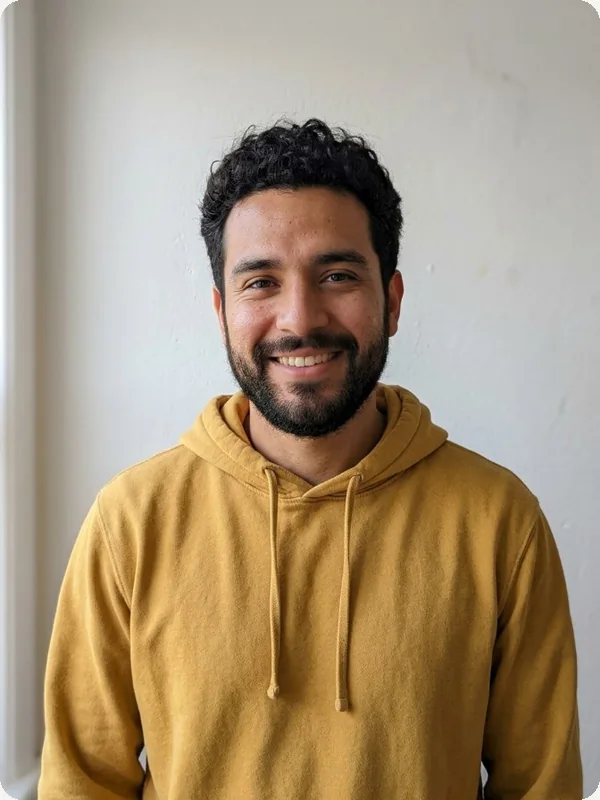
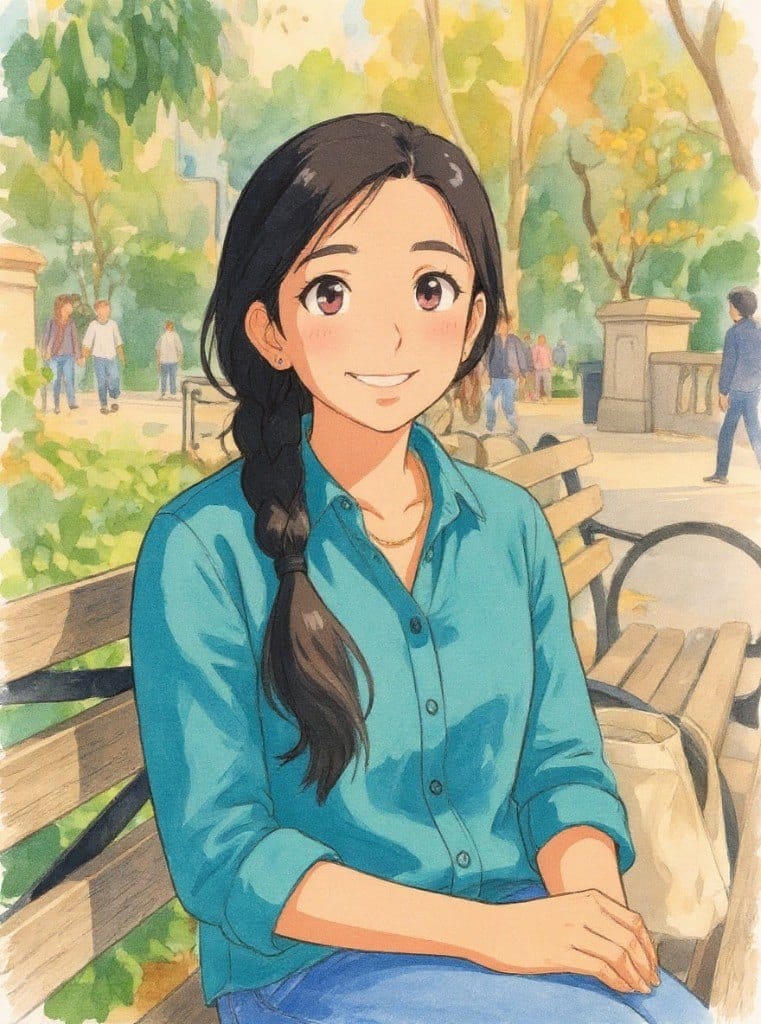
Original photo before AI Sticker Generator - Emoticons styleOriginal photo before AI Sticker Generator - Chibi style
์›๋ณธ ์‚ฌ์ง„
์ „
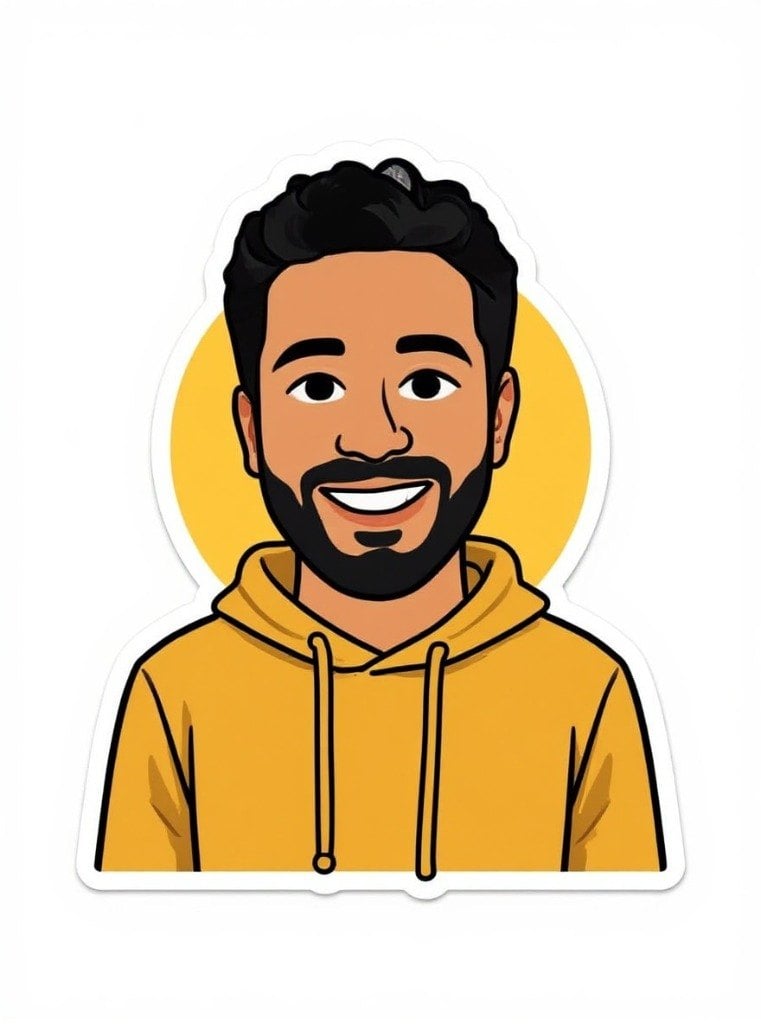
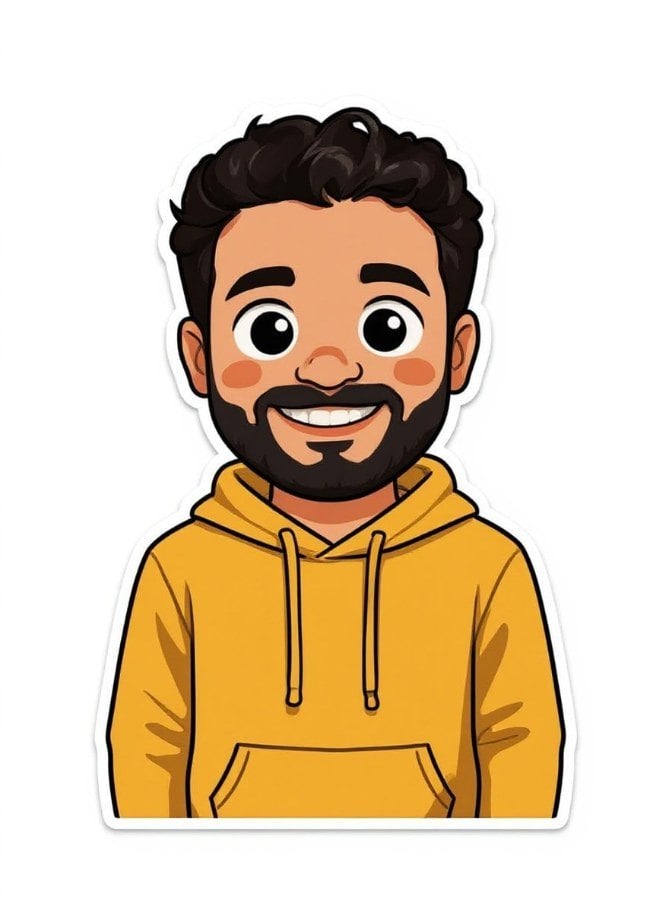
AI result in Emoticons style - AI Sticker GeneratorAI result in Chibi style - AI Sticker Generator
์ƒ˜ํ”Œ ๊ฒฐ๊ณผ
ํ›„
Emoticons ์Šคํƒ€์ผ
AI Sticker Generator ยท Eidora AI
์ด ๋„๊ตฌ ์†Œ๊ฐœ
AI Sticker Generator overview

AI Sticker Generator๋ž€?

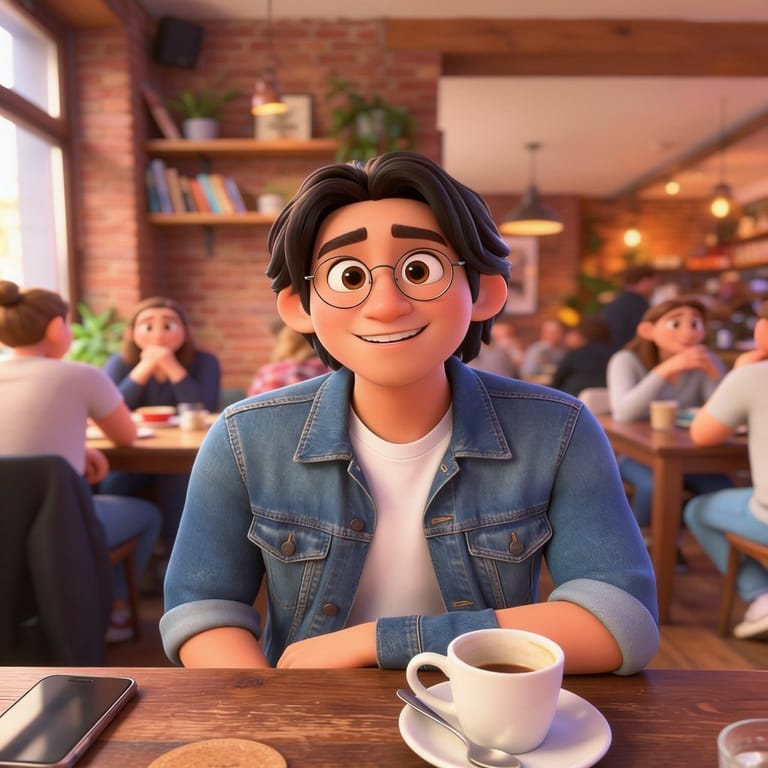
Turn a photo into a sticker-style illustration in one of nine styles, including Ghibli-inspired, chibi, cartoon, Pixar-style 3D, comic and simple emoticon. Upload a photo of a person or pet, pick a style, and FLUX.1 Kontext, an image-editing model from Black Forest Labs redraws it as a sticker with a clean outline. The result is a regular image on a plain background; to print or share it as a cut-out sticker, remove the background with the background remover first.

ํ™œ์šฉ ์‚ฌ๋ก€

๋‹น์‹ ์ด ๋งŒ๋“ค ์ˆ˜ ์žˆ๋Š” ๊ฒƒ

AI Sticker Generator use case - Custom Messaging Stickers

Custom Messaging Stickers

Create personalized sticker packs from your photos for WhatsApp, Telegram, and iMessage. Turn selfies, pet photos, or inside jokes into unique chat stickers your friends will love.
AI Sticker Generator use case - Brand & Product Stickers

Brand & Product Stickers

Small businesses can create branded stickers for packaging, social media, and marketing materials. Turn product photos or logos into professional die-cut stickers without a designer.
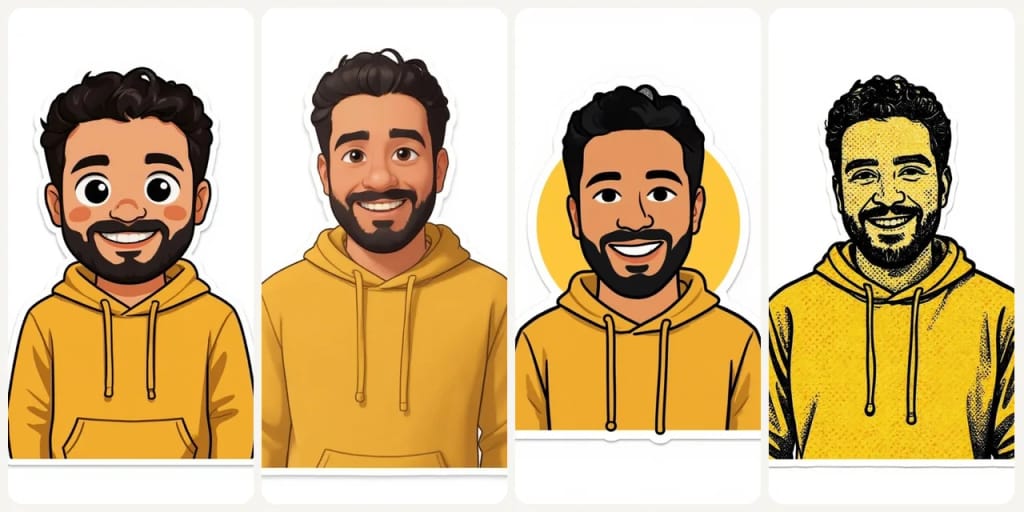
AI Sticker Generator use case - DIY Crafts & Gifts

DIY Crafts & Gifts

Transform family photos, pet portraits, or travel memories into printable stickers for scrapbooks, greeting cards, water bottles, and personalized gifts for any occasion.

์™œ Eidora์ธ๊ฐ€

๋งŒ๋“œ๋Š” ๋ฐฉ์‹์ด ๋‹ค๋ฅด๊ณ , ๊ฒฐ๊ณผ๊ฐ€ ๋” ์ข‹์Šต๋‹ˆ๋‹ค

9 Unique Sticker Styles
From Ghibli and Chibi to Pixar and Texture Comic, each style produces distinctly different sticker aesthetics.
Clean Sticker Look
A white die-cut border and defined edges on a plain white background, ready to share or to cut out for small prints.
Fast Sticker Results
Create stickers in under a minute. Upload a photo, preview the result, then create an account to save or export.
์ด์šฉ ๋ฐฉ๋ฒ•

์„ธ ๋‹จ๊ณ„, ์•ฝ 1๋ถ„.

Step 1: Upload Your Photo
01

Upload Your Photo

Upload a photo of a person, pet or object. JPG, PNG, WebP or GIF up to 10MB; a clear, well-lit photo works best.
Step 2: Choose Sticker Style
02

Choose Sticker Style

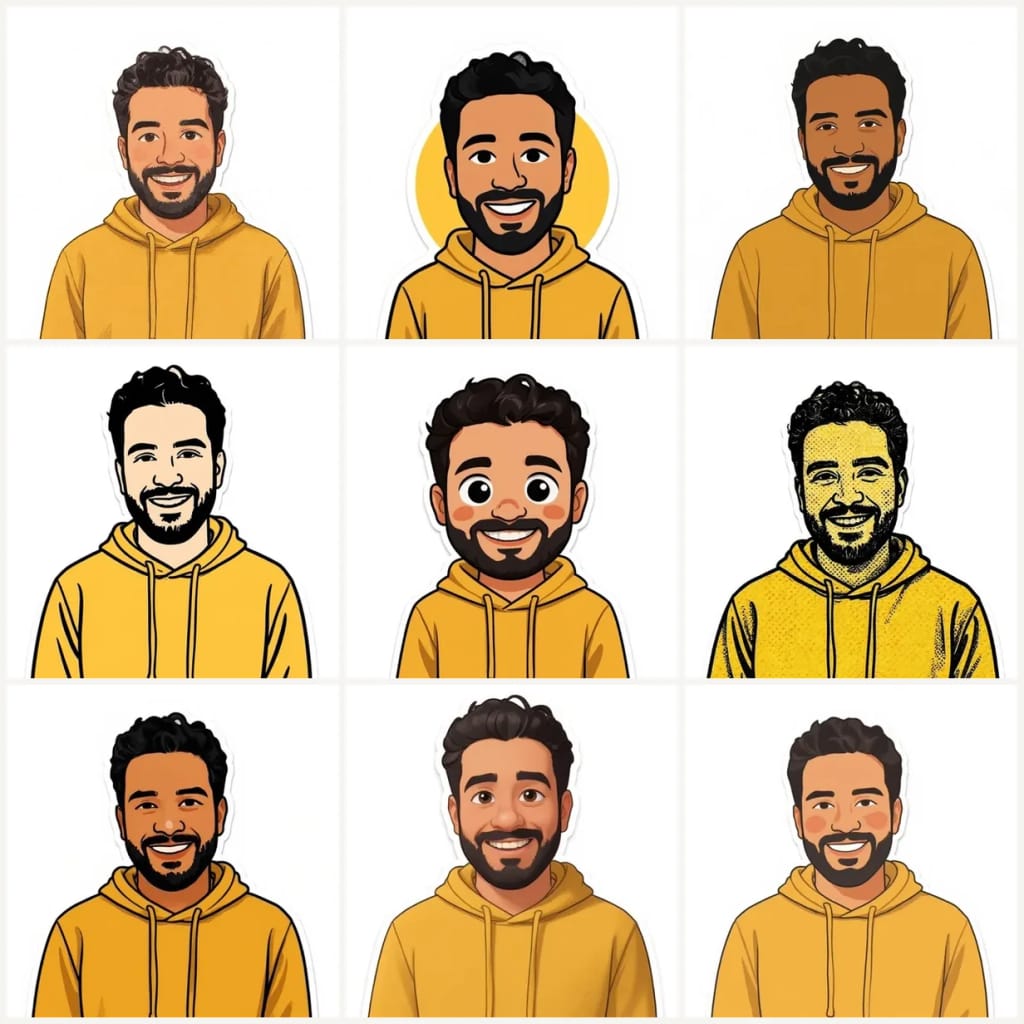
Pick one of the 9 styles (Ghibli, Emoticons, Illustration, Snoopy, Chibi, Texture Comic, Cartoon, Pixar, Irasutoya) and press Generate. In the Custom tab you can add a few words, such as an expression or an outfit, to the selected style.
Step 3: Download Your Sticker
03

Download Your Sticker

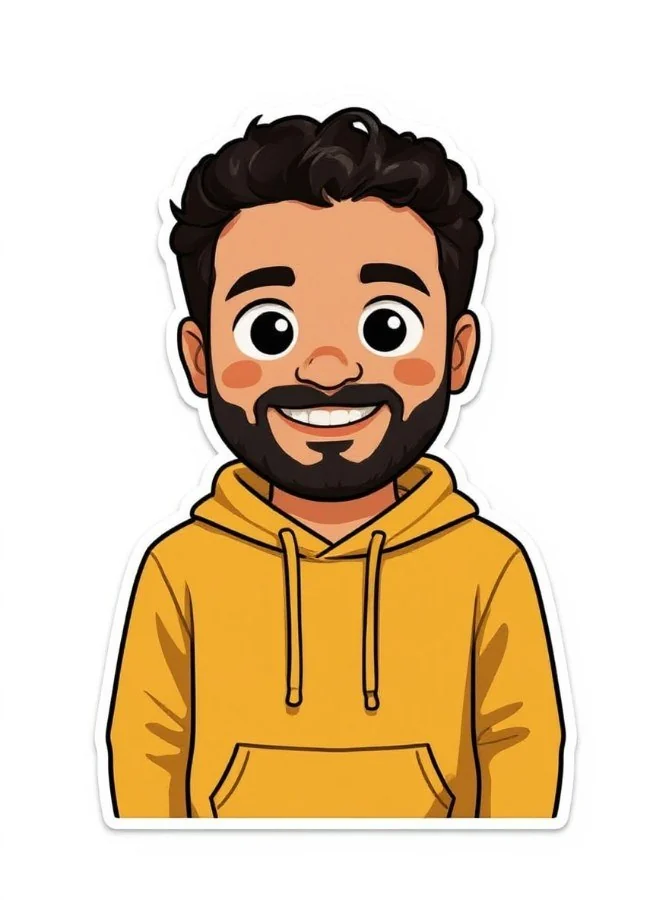
Download the sticker image. For a cut-out with no background, run it through the background remover; for large prints, upscale it first.
์ง€๊ธˆ AI Sticker Generator ์จ ๋ณด๊ธฐ
โœฆ ์ƒ์„ฑ ยท 4 ํฌ๋ ˆ๋”ง
์ง€๊ธˆ AI Sticker Generator ์จ ๋ณด๊ธฐ
๊ฐ€์ž… ์‹œ 6 ํฌ๋ ˆ๋”ง, ์ฒซ ๊ฒฐ๊ณผ๋Š” 1๋ถ„ ์•ˆ์— ๋‚˜์˜ต๋‹ˆ๋‹ค. ๊ณ„์†ํ•˜๋ ค๋ฉด ์ผํšŒ์„ฑ ํฌ๋ ˆ๋”ง ํŒฉ์„ ์‚ฌ๋ฉด ๋˜๊ณ  ๊ตฌ๋…์€ ํ•„์š” ์—†์Šต๋‹ˆ๋‹ค.
โœฆ ์ƒ์„ฑ ยท 4 ํฌ๋ ˆ๋”ง
์ž์ฃผ ๋ฌป๋Š” ์งˆ๋ฌธ

์ž์ฃผ ๋ฌป๋Š” ์งˆ๋ฌธ

์•Œ์•„์•ผ ํ•  ๋ชจ๋“  ๊ฒƒ. ์ฐพ๋Š” ๋‹ต์ด ์—†๋‚˜์š”?

์•„์ง ๊ถ๊ธˆํ•œ ์ ์ด ์žˆ๋‚˜์š”?
์ง€์›ํŒ€์ด ๊ธฐ๊บผ์ด ๋„์™€๋“œ๋ฆฝ๋‹ˆ๋‹ค.
์ง€์›ํŒ€ ๋ฌธ์˜
An AI sticker generator turns your photo into a sticker design. This one offers 9 styles, from Ghibli and Chibi to Pixar and Emoticons, and makes one sticker image per run with a white border on a plain white background (not a transparent PNG).
You can start with a free account: 6 credits when you sign up, enough to use this tool once (4 credits per image), with 2 left over. Free results carry an eidora.io watermark. After that, credits start at $1.99: a new account can buy 40 credits for $1.99 once, within 72 hours of signing up; credit packs start at $4.99 for 100 credits and plans at $9.9/month. Once you have paid, your results have no badge.
We offer 9 styles: Ghibli, Emoticons, Illustration, Snoopy, Chibi, Texture Comic, Cartoon, Pixar, and Irasutoya. Each creates a distinctly different sticker aesthetic.
Yes, for small prints. The result is a standard-size image on a white background: remove the background first if you need a cut-out, and for large prints run it through an image upscaler.
Photos with clear subjects, good lighting, and simple backgrounds work best. Portraits, pets, objects, and logos all convert well. The AI isolates the subject automatically.
Most results arrive in 10 to 30 seconds, depending on the style; the page shows the progress while it works.
Permitted uses depend on input rights, applicable law, and the selected third-party model or provider terms. Verify those terms and any depicted brands before selling merchandise or packaging.
No. Each sticker comes on a plain white background with a white border. For a transparent cut-out, run the result through the background remover.
Upload JPG, PNG, WebP or GIF images up to 10MB. The sticker downloads as an image on a white background.
Chibi gives your subject a huge head, about 60% of the figure's height, on a tiny stubby body, with enormous eyes. Cartoon is a classic Saturday-morning cartoon look: bright colors, thick rounded black outlines, smooth cel shading and playful, exaggerated expressions.
There is no separate limit; it works on credits. Each sticker uses 4 credits. A free account gets 6 credits to start, and Pro, Ultra and Max add 300 to 2,000 credits a month.
No design skills needed. Simply upload a photo, choose a sticker style, and the AI handles all the design work automatically.
๊ฐ€์ž… ์‹œ 6 ํฌ๋ ˆ๋”ง
๋งŒ๋“ค ์ค€๋น„๊ฐ€
๋˜์…จ๋‚˜์š”?
9 ์Šคํƒ€์ผ ยท ์ด๋ฏธ์ง€๋‹น 4ํฌ๋ ˆ๋”ง ยท ๊ฐ€์ž… ์‹œ 6 ํฌ๋ ˆ๋”ง ยท ์นด๋“œ ํ•„์š” ์—†์Œ
๊ฐ€์ž… ์‹œ 6 ํฌ๋ ˆ๋”ง ยท ์นด๋“œ ํ•„์š” ์—†์Œ
์•ฝ 10~30์ดˆ
๊ฐ€์ž… ์‹œ 6 ํฌ๋ ˆ๋”ง