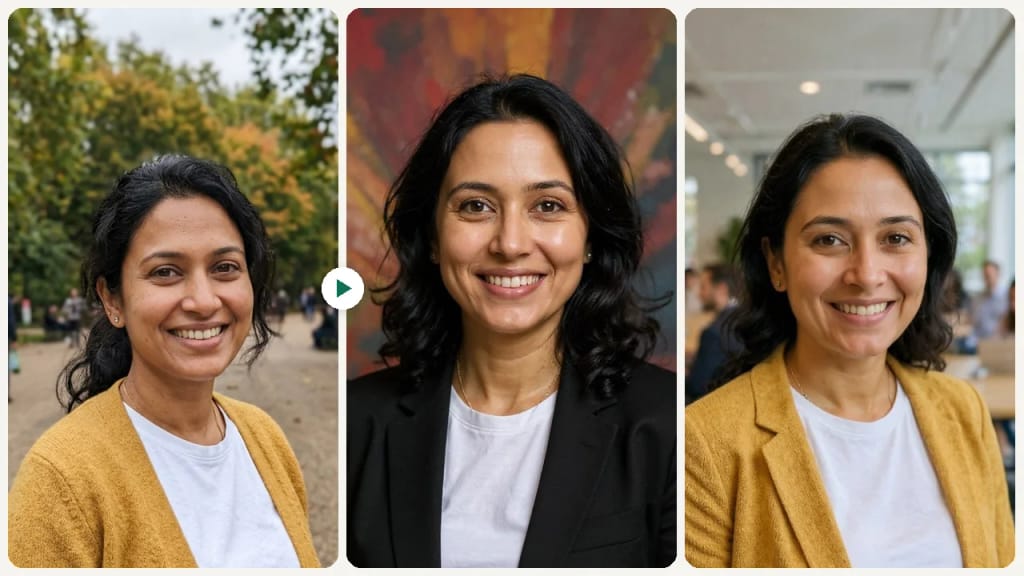
Image · effect

AI LinkedIn Photo Generator

A trustworthy LinkedIn photo

4 credits per imageFLUX.1 Kontext Pro

Selecciona o suelta hasta 10 fotos para usar las mismas opciones en cada una.

Sube tu foto

By uploading, you confirm you have the right to use this photo (see Acceptable Use).
Prueba con un ejemplo:
Ejemplo 1
Example result
Cómo hacer uno así
Tool
AI LinkedIn Photo Generator
Estilo
Classic
Proporción
Not recorded
Elige un estilo
4 créditos por imagen · 6 créditos al registrarte
Modelo: FLUX.1 Kontext Pro · Normalmente 10-30 segundos

Eidora's AI LinkedIn Photo Generator turns your selfie into a professional LinkedIn profile photo in one of 9 settings, such as classic, modern, urban corporate, open office, outdoor or academic. FLUX.1 Kontext Pro, Black Forest Labs' image-editing model, changes the attire and background and keeps your face recognizable, usually in 10 to 30 seconds per photo. 6 credits when you sign up; each photo uses 4 credits.

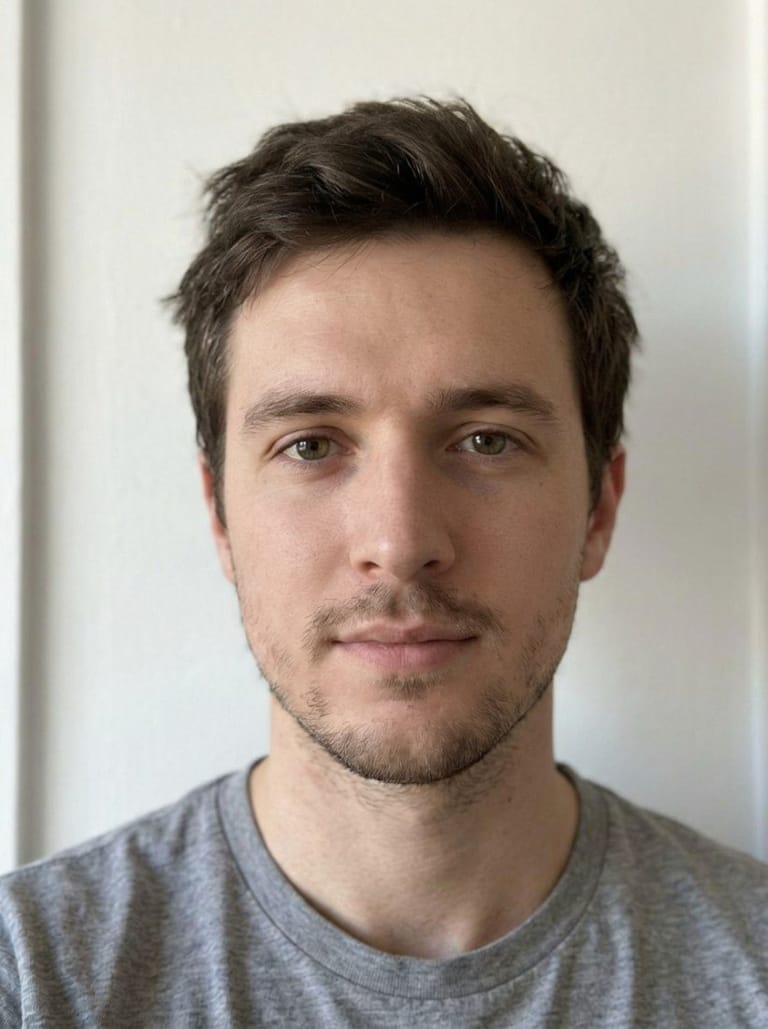
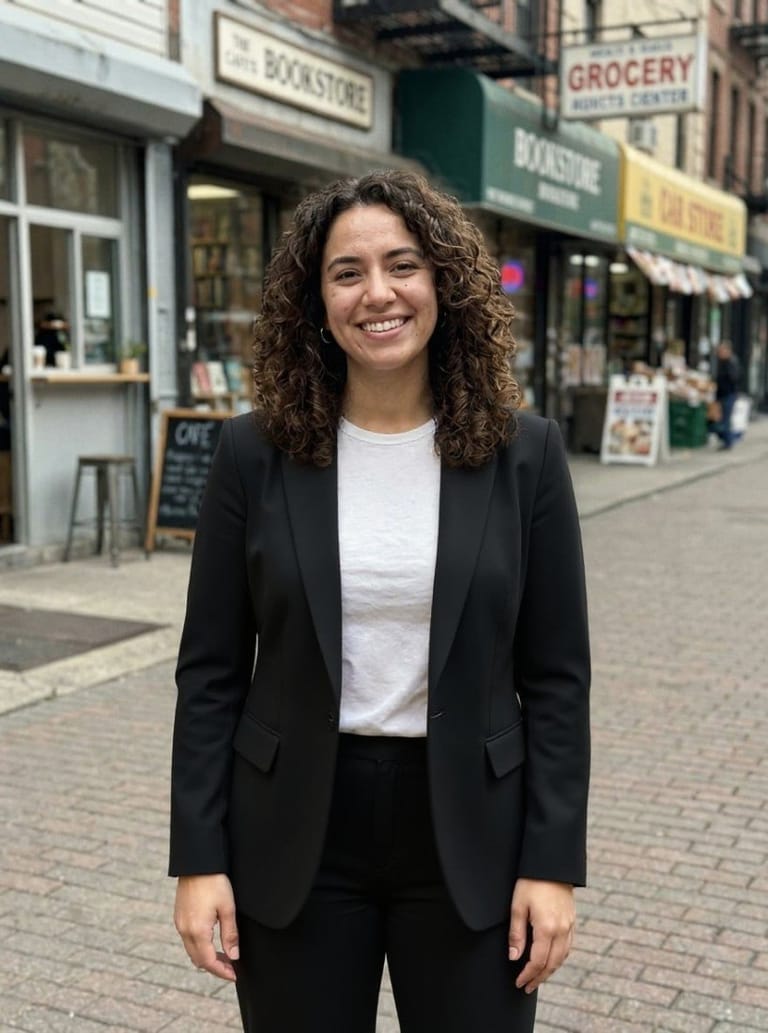
Antes y después

Mira la transformación

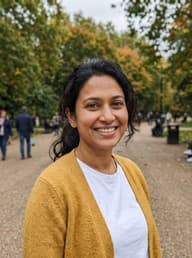
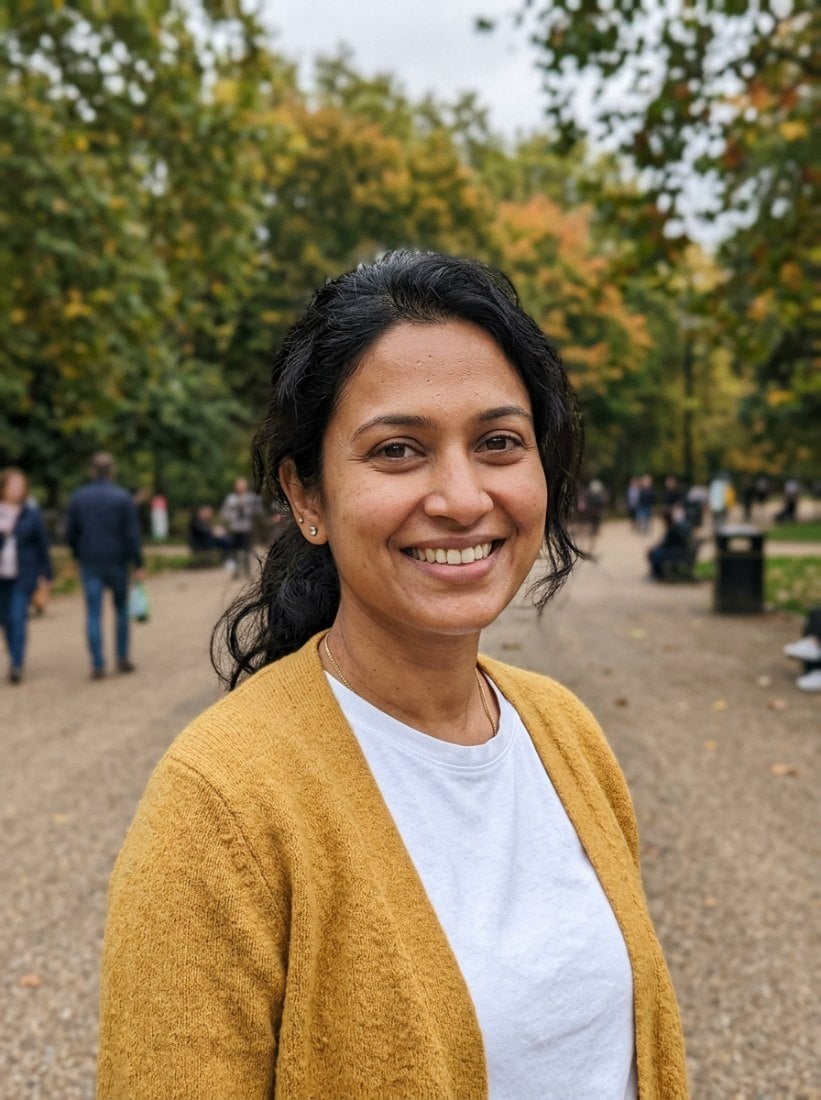
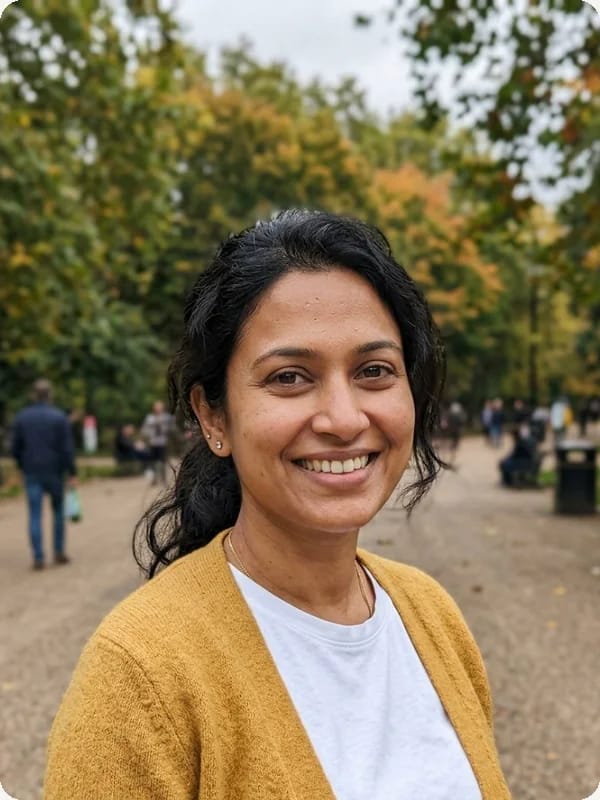
Original photo before AI LinkedIn Photo Generator - Classic styleOriginal photo before AI LinkedIn Photo Generator - Creative style
Foto original
Antes
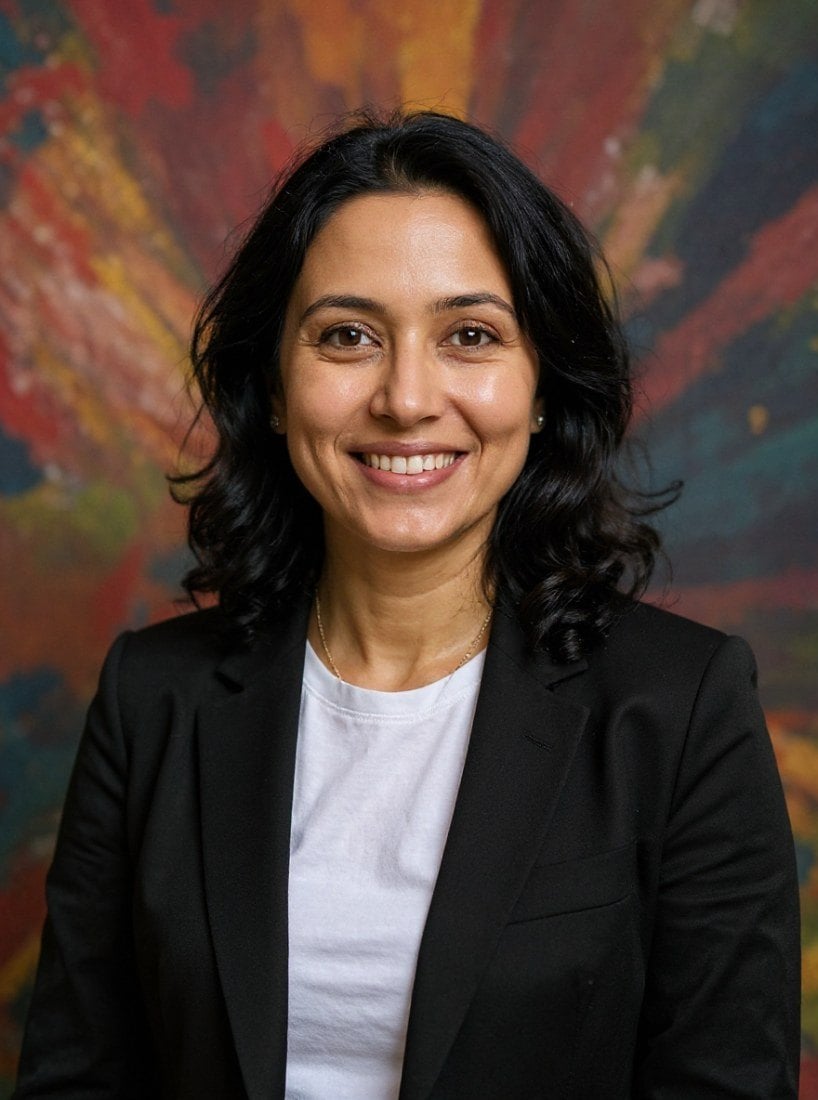
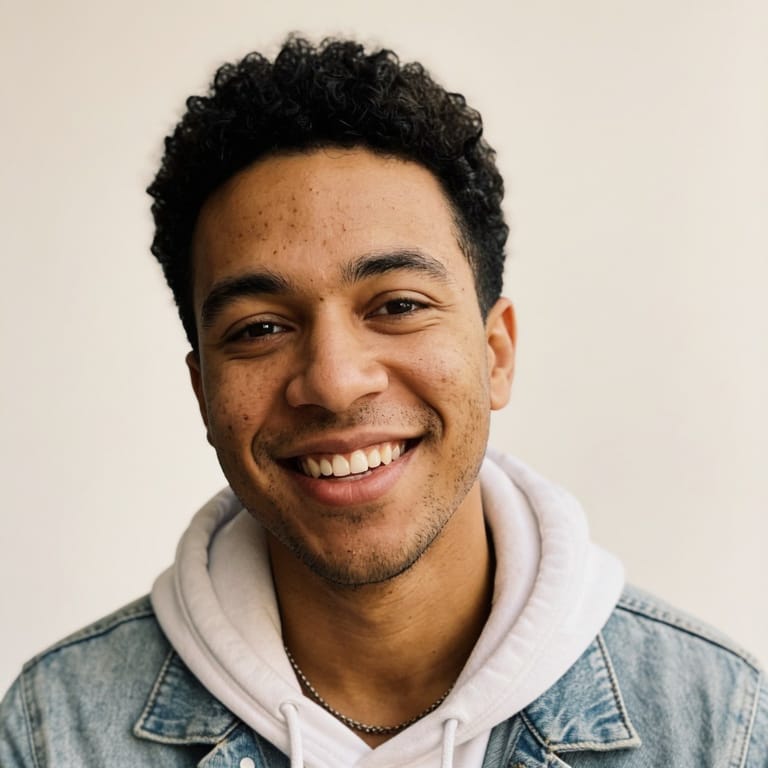
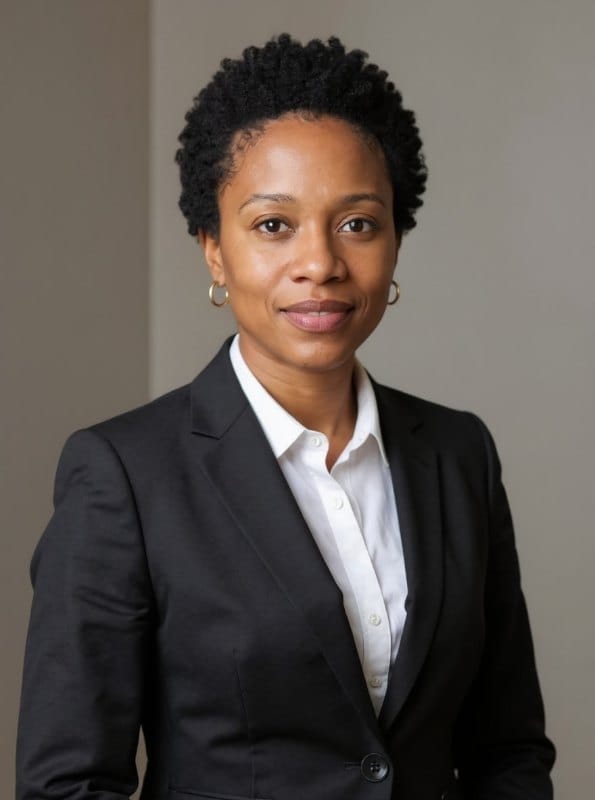
AI result in Classic style - AI LinkedIn Photo GeneratorAI result in Creative style - AI LinkedIn Photo Generator
Resultado de muestra
Después
Estilo Classic
AI LinkedIn Photo Generator · Eidora AI
Qué es esta herramienta
AI LinkedIn Photo Generator overview

¿Qué es AI LinkedIn Photo Generator?

An AI LinkedIn photo generator turns your selfie into a professional profile photo in one of nine settings. Classic gives a dark-suit portrait on a gray studio backdrop; Modern a clean, bright backdrop with contemporary attire; Elegant a dark backdrop with sculpted light; Urban Corporate a softly blurred glass-and-steel office; Creative a bold, colorful wall; Open Office a bright coworking space; Outdoor a park or city street in daylight; Gallery Minimalist a plain white wall; and Academic blurred bookshelves. Use the Female/Male tab to match the attire to you. Each photo is edited by FLUX.1 Kontext, an image-editing model from Black Forest Labs, and keeps your face recognizable. LinkedIn crops your photo to a circle, so pick a result with your head and shoulders centered.

Casos de uso

Lo que puedes crear

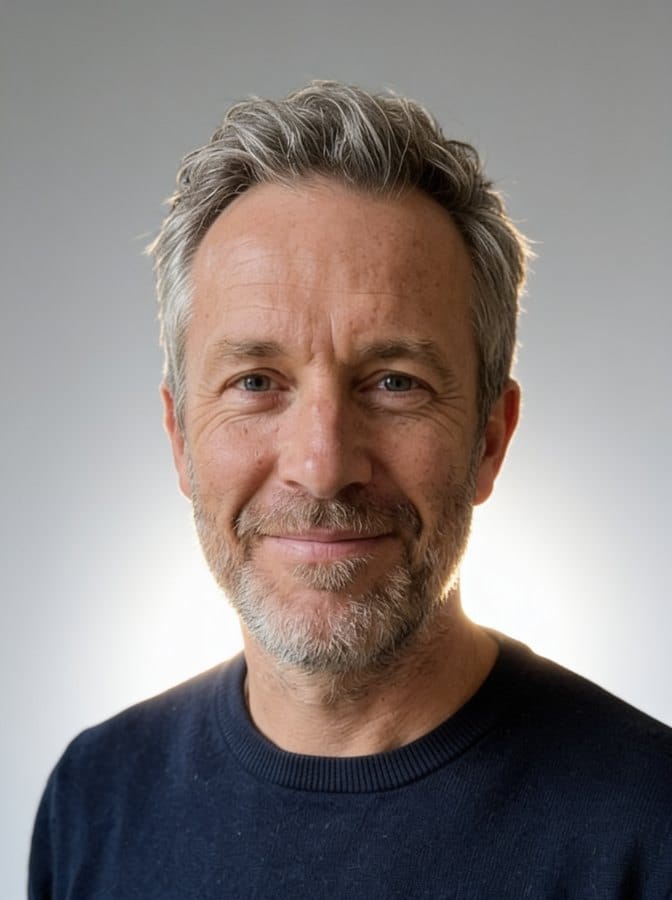
AI LinkedIn Photo Generator use case - Job Seekers

Job Seekers

Stand out to recruiters with a clean, professional LinkedIn profile photo that builds instant credibility.

AI LinkedIn Photo Generator use case - Founders & Consultants

Founders & Consultants

Project competence and approachability on your LinkedIn profile to attract clients and investors.

AI LinkedIn Photo Generator use case - Career Changers

Career Changers

Update your visual identity to match a new role, industry, or personal brand.

Por qué Eidora

Hecho distinto, hecho mejor

Build Profile Trust
A clear, current photo makes your profile look trustworthy to recruiters and clients.
Nine Professional Settings
Studio, office, skyline, coworking space, gallery wall, outdoors or bookshelves — pick the one that fits your field.
Female and Male Tabs
Switch the tab to get attire and framing that match you.
Cómo funciona

Tres pasos. Más o menos un minuto.

AI LinkedIn Photo Generator: Upload a Selfie
  1. Upload a Selfie

    Upload a clear portrait selfie.

  2. Choose a Preset

    Pick one of nine settings, such as Classic, Open Office or Academic, and generate.

  3. Download Your Photo

    Download the version that feels credible and approachable.

Prueba AI LinkedIn Photo Generator ahora
✦ Generar · 4 créditos
Preguntas frecuentes

Preguntas frecuentes

Todo lo que necesitas saber. ¿No encuentras lo que buscas?

¿Todavía tienes preguntas?
Nuestro equipo de soporte te ayuda con gusto.
Contactar con soporte
Simple background, clear face, natural expression, professional clothing, and framing that works well in a small circle avatar.
Both use the same editing model. This page offers settings for LinkedIn profiles, such as an office, a city skyline, a coworking space or bookshelves, while the headshot generator focuses on studio looks such as ID Photo and Sepia.
It depends on your role. A founder, consultant, engineer, and recruiter do not all need the same visual code — choose based on your industry and audience.
You can start with a free account: 6 credits when you sign up, enough to use this tool once (4 credits per photo), with 2 left over. Free results carry an eidora.io watermark. After that, credits start at $1.99: a new account can buy 40 credits for $1.99 once, within 72 hours of signing up; credit packs start at $4.99 for 100 credits and plans at $9.9/month. Once you have paid, your results have no badge.
Usually 10 to 30 seconds per photo.
Your uploads and results are saved privately to your history so you can view and download them later, and only you can open them. To create a result, your photo is sent to the AI model provider that runs the edit. We do not sell your content or use it to train AI models.
6 créditos al registrarte
¿Listo para hacer
el tuyo?
9 estilos · 4 créditos por imagen · 6 créditos al registrarte · sin tarjeta
6 créditos al registrarte · sin tarjeta
~10–30 segundos
6 créditos al registrarte