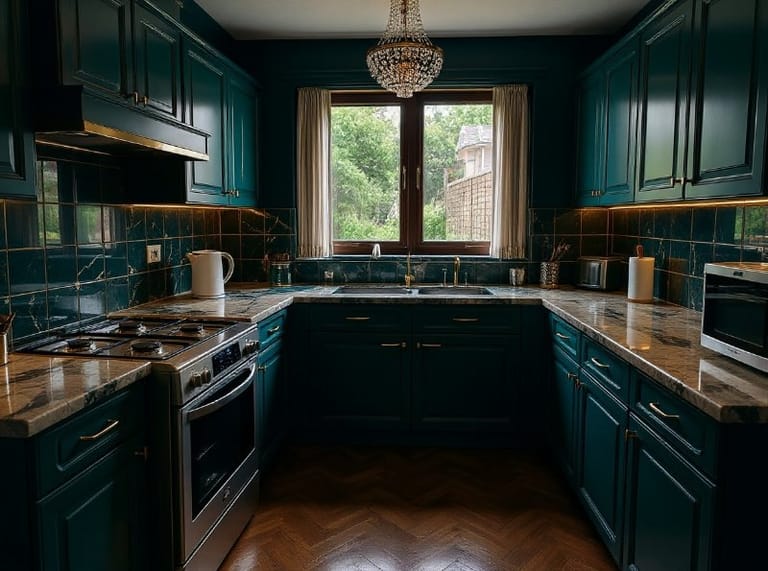
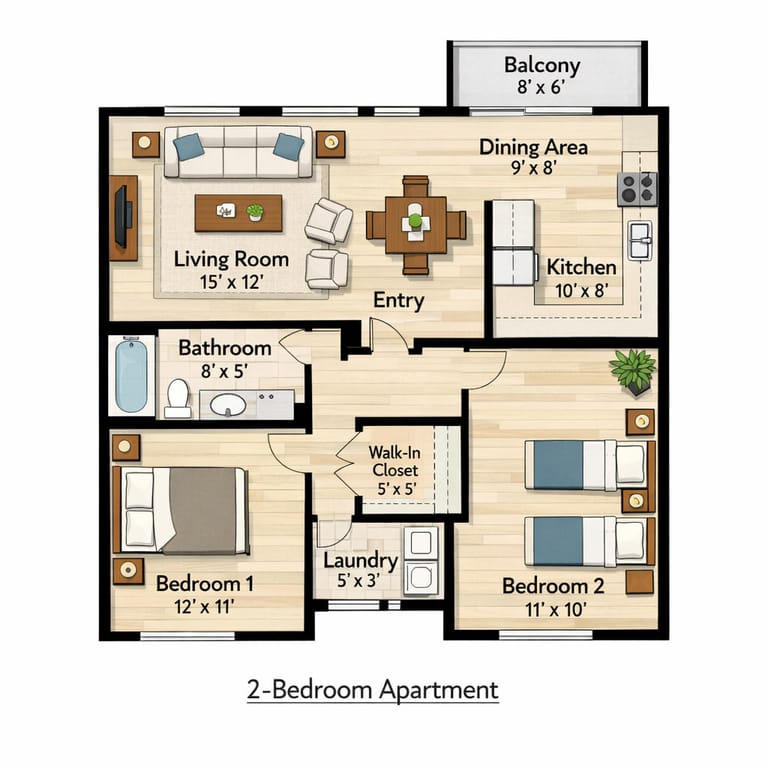
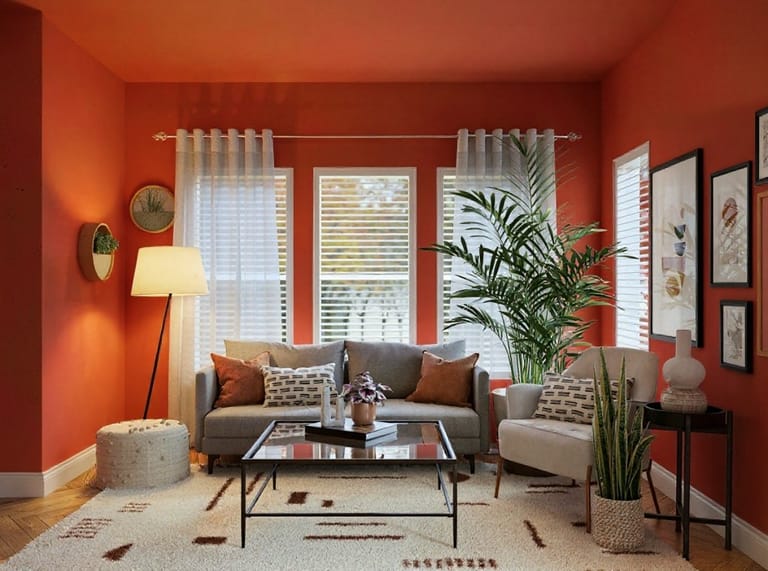
Selecciona o suelta hasta 10 fotos para usar las mismas opciones en cada una.

Herramienta · hazlo en esta página

AI 3D
Room Design

Upload one photo of any room, pick one of 6 looks, and get a 3D interior design render of the same room, redesigned with new furniture, materials and lighting.

Sube la foto de tu room

By uploading, you confirm you have the right to use this photo (see Acceptable Use).
Prueba con un ejemplo:
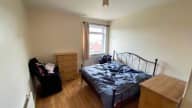
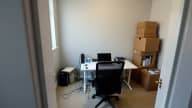
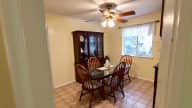
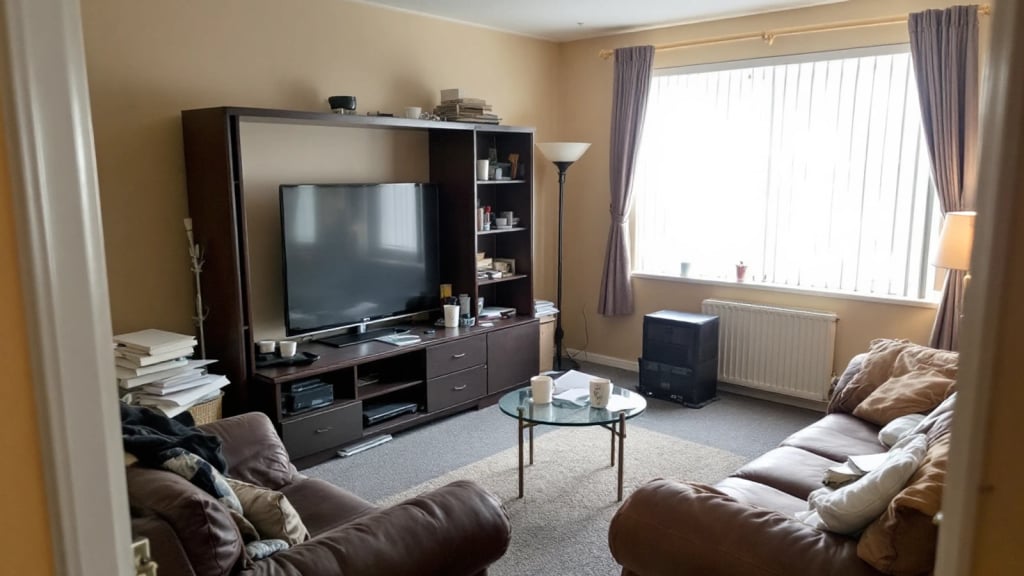
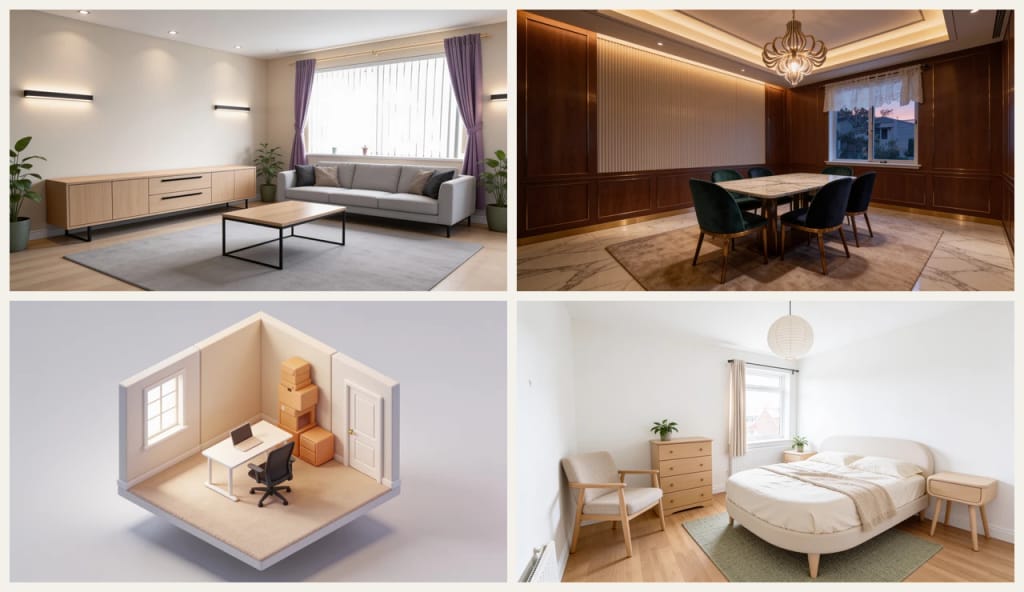
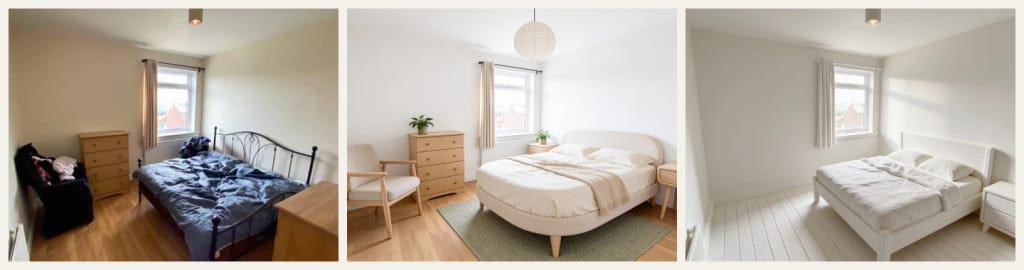
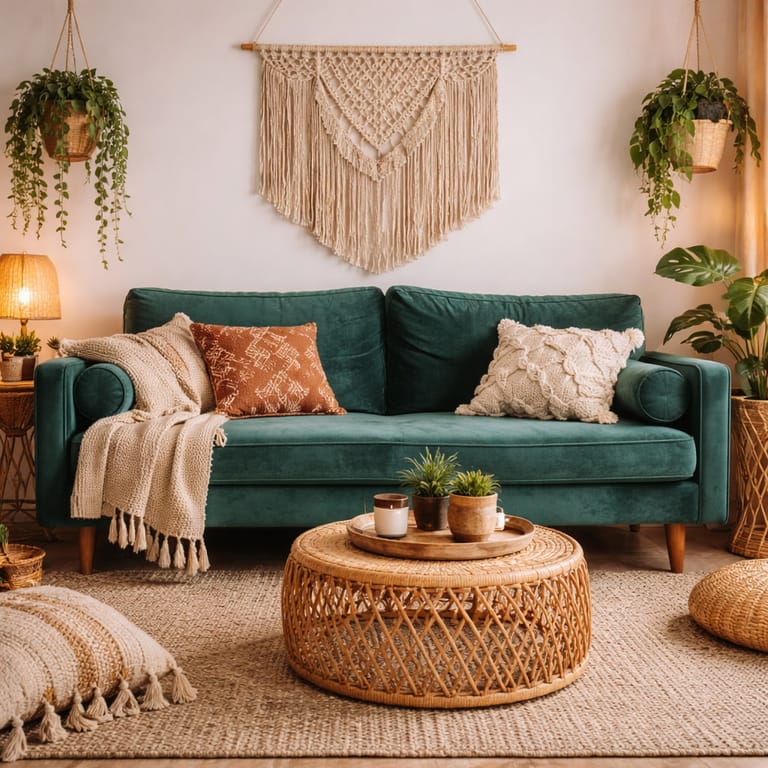
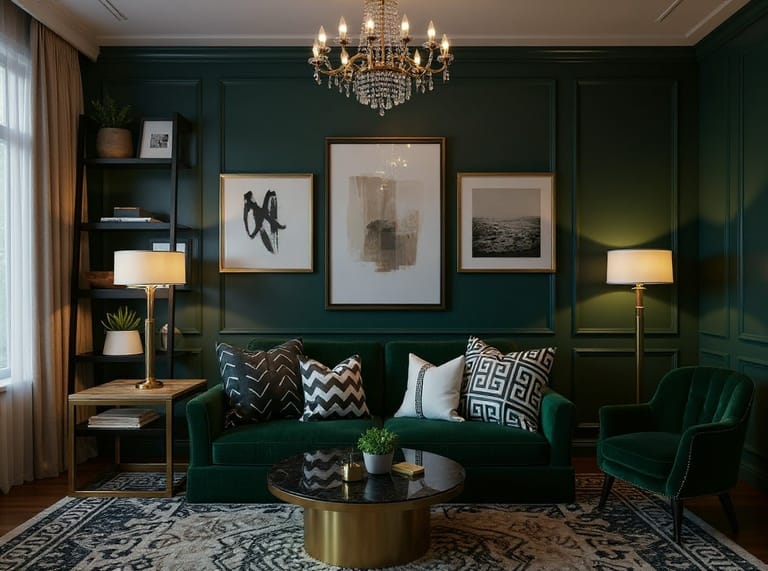
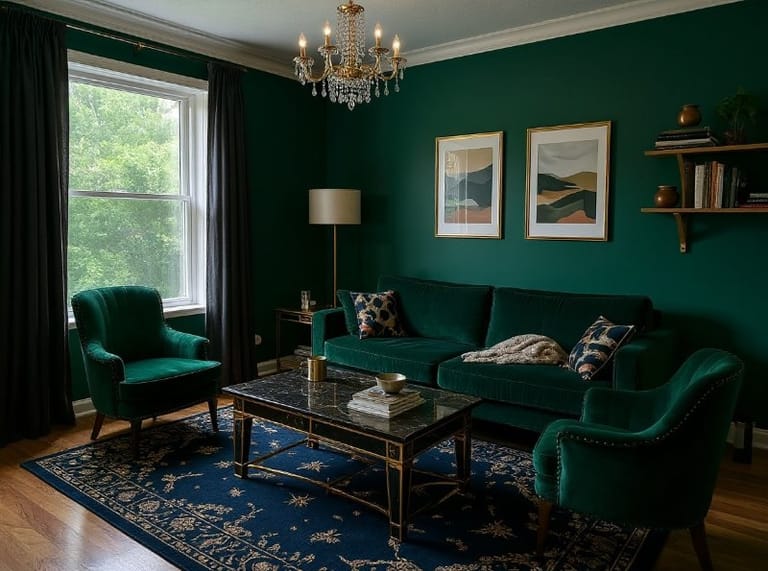
Ejemplo 1Ejemplo 2Ejemplo 3Ejemplo 4
Elige un estilo de diseño
4 créditos por imagen · 6 créditos al registrarte
Modelo: GPT Image 2.5 · Normalmente 10-30 segundos
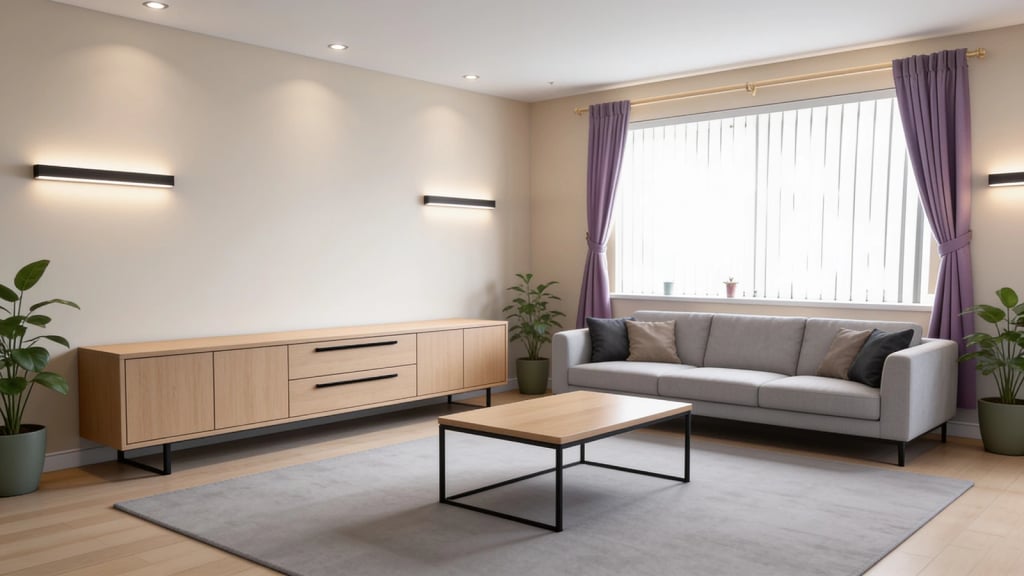
AI 3D Room Design result
Resultado de muestra
Muestra
Estilo Modern

Eidora's AI 3D Room Design tool turns a photo of your room into a 3D interior design render of that same room in one of 6 looks: modern, Scandinavian, Japandi, luxury, isometric 3D or clay model. GPT Image 2.5, OpenAI's image model, keeps the walls, windows and doors and adds new furniture, materials and lighting; the result is an image, not an editable 3D model file. 6 credits when you sign up; each render uses 4 credits.

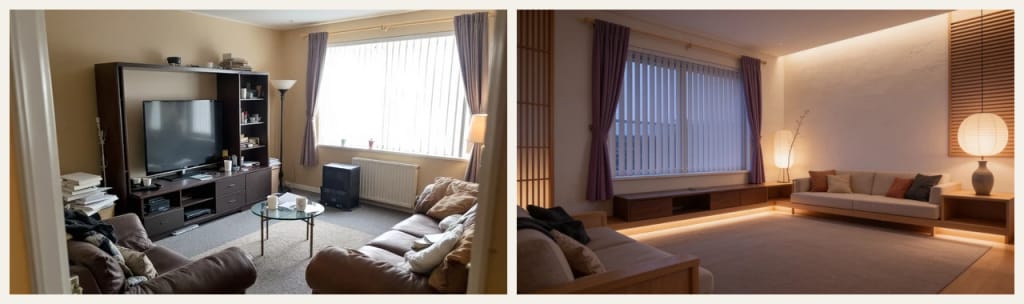
Antes y después

Mira la transformación

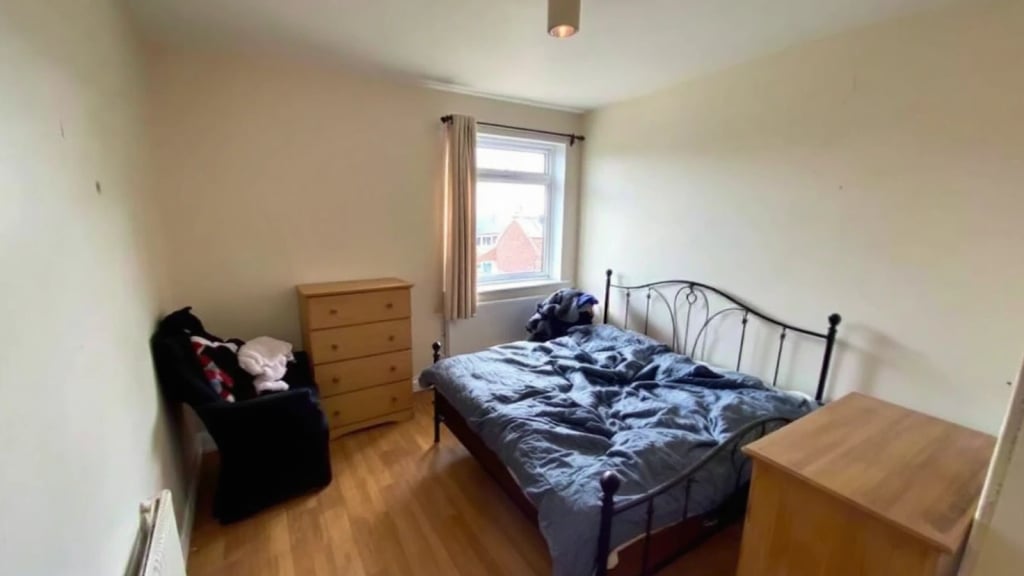
Original photo before AI 3D Room Design - Modern styleOriginal photo before AI 3D Room Design - Scandinavian style
Foto original
Antes
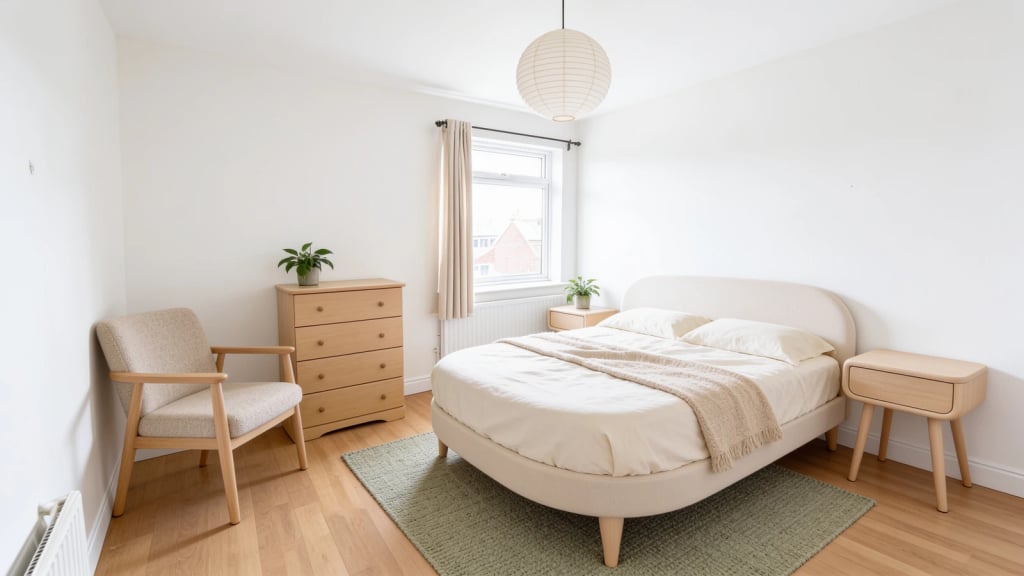
AI result in Modern style - AI 3D Room DesignAI result in Scandinavian style - AI 3D Room Design
Resultado de muestra
Después
Estilo Modern
AI 3D Room Design · Eidora AI
Qué es esta herramienta
AI 3D Room Design overview

¿Qué es AI 3D Room Design?

AI 3D room design turns an ordinary photo of a room into a 3D interior design render of that same room, redesigned. Upload one photo of a living room, bedroom, kitchen, dining room or home office, pick one of 6 looks (Modern, Scandinavian, Japandi, Luxury, Isometric 3D or Clay Model), and the AI keeps the walls, windows, doors and size of the room while replacing the furniture, materials, colours and lighting. The four style looks give a photorealistic render from the same viewpoint as your photo; Isometric 3D shows the room as a cutaway model seen from above, and Clay Model shows the new layout in plain white, like an architect's model. Each run makes one high-resolution image, usually in under a minute. It is a picture of a 3D design, not an editable 3D model file.

Casos de uso

Lo que puedes crear

AI 3D Room Design use case - Planning a Makeover

Planning a Makeover

Before buying furniture or paint, see a few complete directions for your own room and decide which one you actually like.

Landlords and Home Sellers

Show what an empty, dated or cluttered room could look like, to help buyers or tenants picture the space.

Talking to a Designer or Builder

Bring a render of your room in the style you want, so a designer, builder or partner understands the idea at a glance.

Por qué Eidora

Hecho distinto, hecho mejor

Your Room, Not a Catalogue Room
The render starts from your own photo, so the walls, windows, doors and size of the room stay the same. You see your space redesigned, not a showroom.
No 3D Software Needed
No modelling, no measuring, no SketchUp or Blender. Pick a look and press the button; use the Custom tab to ask for a colour or a piece of furniture.
Styles and 3D Views
Four interior styles as photoreal renders, plus an isometric dollhouse view and a white clay model that make the new layout easy to read.
Cómo funciona

Tres pasos. Más o menos un minuto.

AI 3D Room Design: Upload a Photo of the Room
  1. Upload a Photo of the Room

    A clear, well-lit photo taken from a corner or the doorway, with as much of the room in view as possible. A phone photo is fine; clutter is fine too.

  2. Pick a Look

    Choose Modern, Scandinavian, Japandi or Luxury for a photoreal render, or Isometric 3D or Clay Model for a 3D view of the new layout.

  3. Download and Compare

    Download the render. To compare ideas, run the same photo again with other looks, one look per run.

Prueba AI 3D Room Design ahora
✦ Generar · 4 créditos
Preguntas frecuentes

Preguntas frecuentes

Todo lo que necesitas saber. ¿No encuentras lo que buscas?

¿Todavía tienes preguntas?
Nuestro equipo de soporte te ayuda con gusto.
Contactar con soporte
It turns a photo of a real room into a 3D interior design render of that same room, redesigned: the walls, windows, doors and size stay, and the furniture, materials, colours and lighting are new.
No. You get one high-resolution image that looks like a render from 3D interior design software. It is not an editable 3D model, so you cannot rotate it or open it in SketchUp or Blender.
The AI is told to keep the walls, windows, doors, ceiling height and floor area, and to design for what the room is for, so a bedroom stays a bedroom. Furniture is replaced, so pieces may move. Results can vary; if a window or door moves, run it again or use a photo that shows more of the room.
Modern, Scandinavian, Japandi and Luxury are interior styles, rendered photorealistically from the same viewpoint as your photo. Isometric 3D shows the redesigned room as a cutaway model seen from above, and Clay Model shows the new layout in plain white, like an architect's model.
A clear, well-lit photo of one room, taken from a corner or the doorway so most of the room is in view. A normal phone photo is fine, and so is a messy room: the AI removes the clutter.
Yes. Switch to the Custom tab and add what you want, for example "green velvet sofa" or "dark wood floor". Your words are added to the look you selected, so they work best for adjusting it rather than describing a completely different room.
You can start with a free account: 6 credits when you sign up, enough to use this tool once (4 credits per render), with 2 left over. Free results carry an eidora.io watermark. After that, credits start at $1.99: a new account can buy 40 credits for $1.99 once, within 72 hours of signing up; credit packs start at $4.99 for 100 credits and plans at $9.9/month. Once you have paid, your results have no badge.
Your uploads and results are saved privately to your history so you can view and download them later, and only you can open them. To create a result, your photo is sent to the AI model provider that runs the generation. We do not sell your content or use it to train AI models.
6 créditos al registrarte
¿Listo para hacer
el tuyo?
6 estilos · 4 créditos por imagen · 6 créditos al registrarte · sin tarjeta
6 créditos al registrarte · sin tarjeta
~10–30 segundos
6 créditos al registrarte