사진을 최대 10장까지 선택하거나 끌어다 놓으면 각각 같은 옵션을 적용합니다.
도구 · 이 페이지에서 만들기
AI 3D
Room Design
Upload one photo of any room, pick one of 6 looks, and get a 3D interior design render of the same room, redesigned with new furniture, materials and lighting.
By uploading, you confirm you have the right to use this photo (see Acceptable Use).
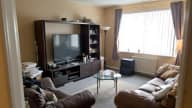
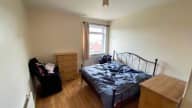
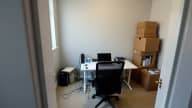
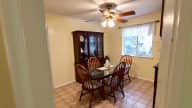
모델: GPT Image 2.5 · 보통 10~30초
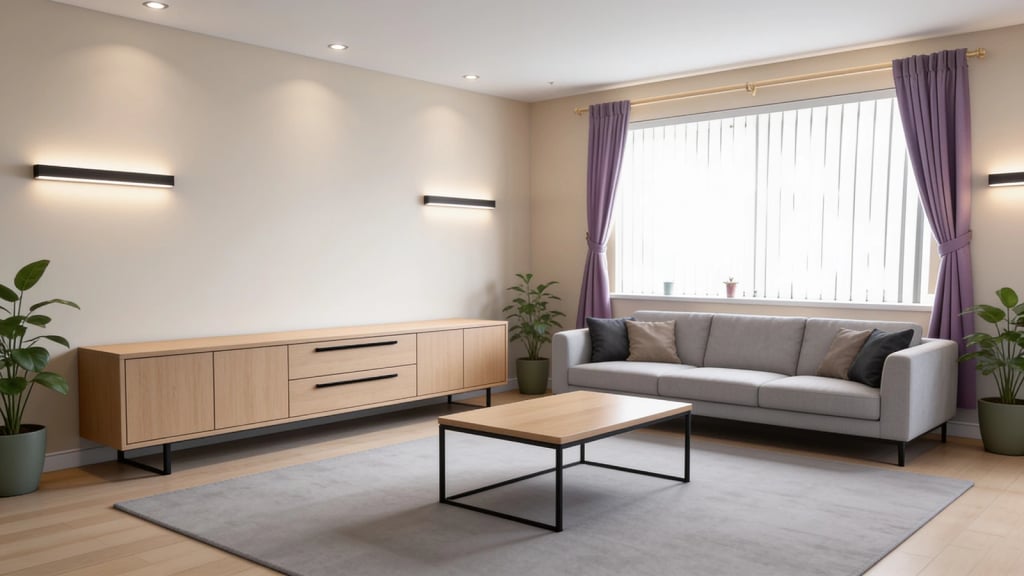
Eidora's AI 3D Room Design tool turns a photo of your room into a 3D interior design render of that same room in one of 6 looks: modern, Scandinavian, Japandi, luxury, isometric 3D or clay model. GPT Image 2.5, OpenAI's image model, keeps the walls, windows and doors and adds new furniture, materials and lighting; the result is an image, not an editable 3D model file. 6 credits when you sign up; each render uses 4 credits.
확인해 보세요, 이 변화
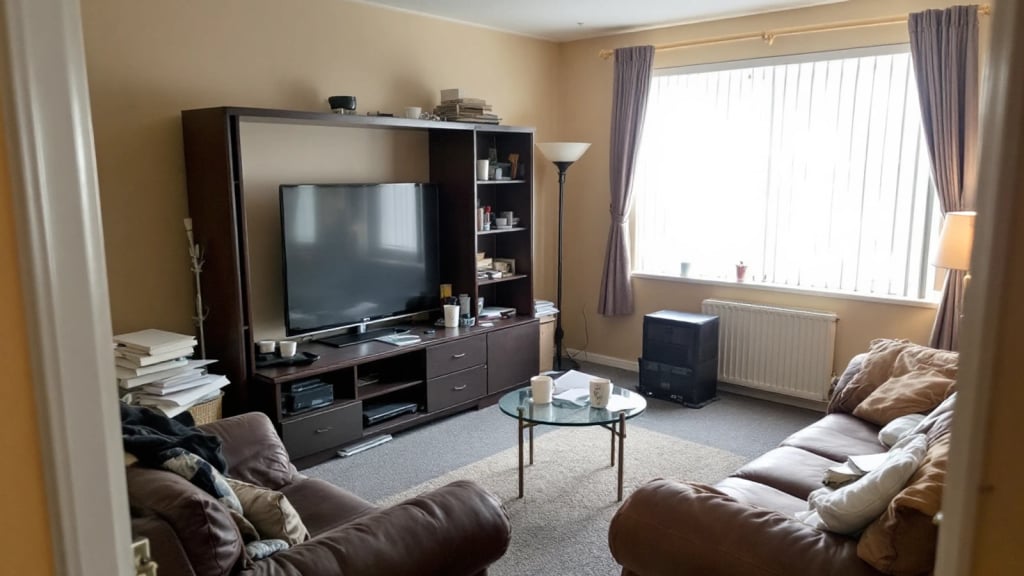
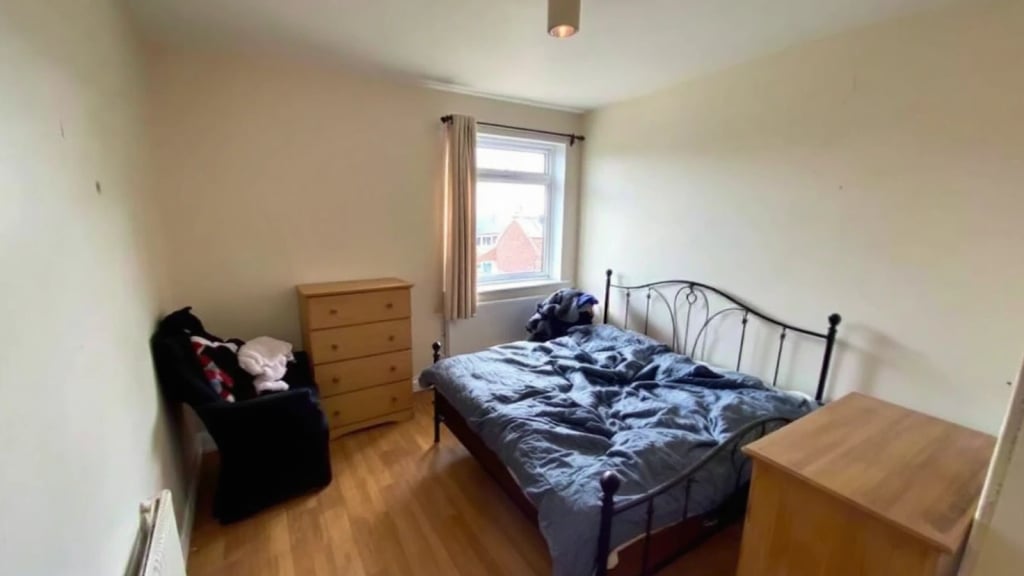
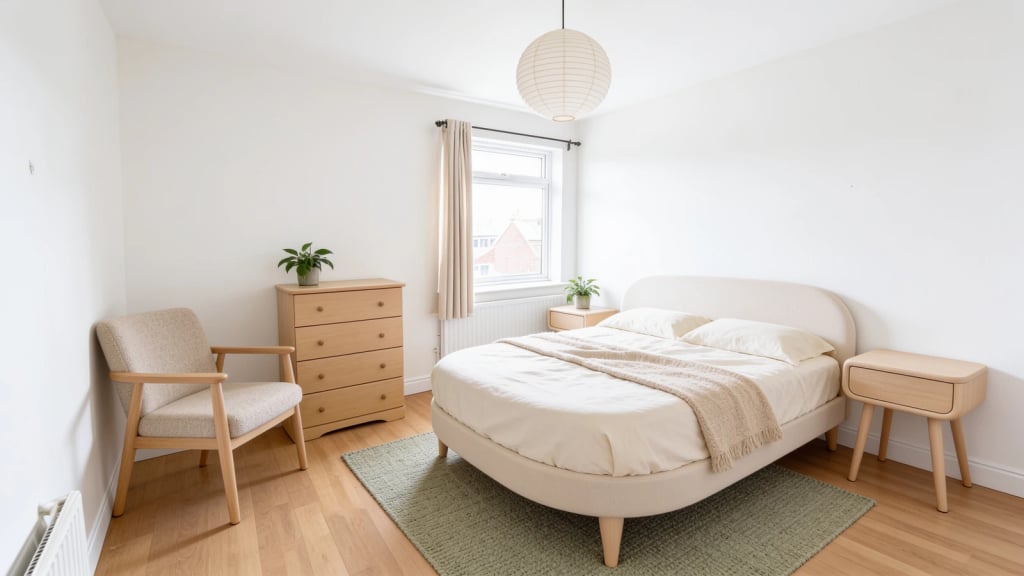
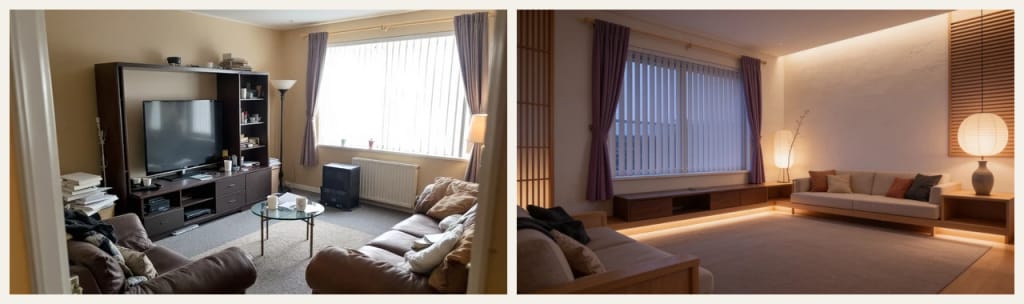
AI 3D Room Design란?
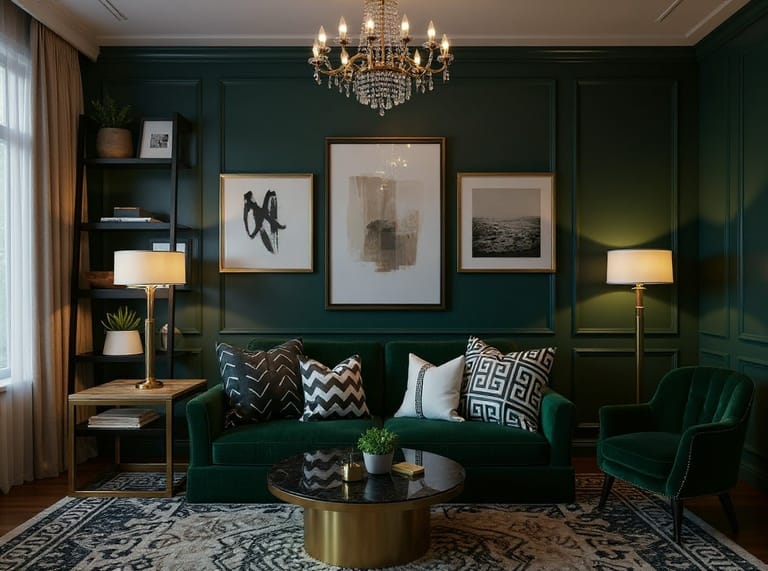
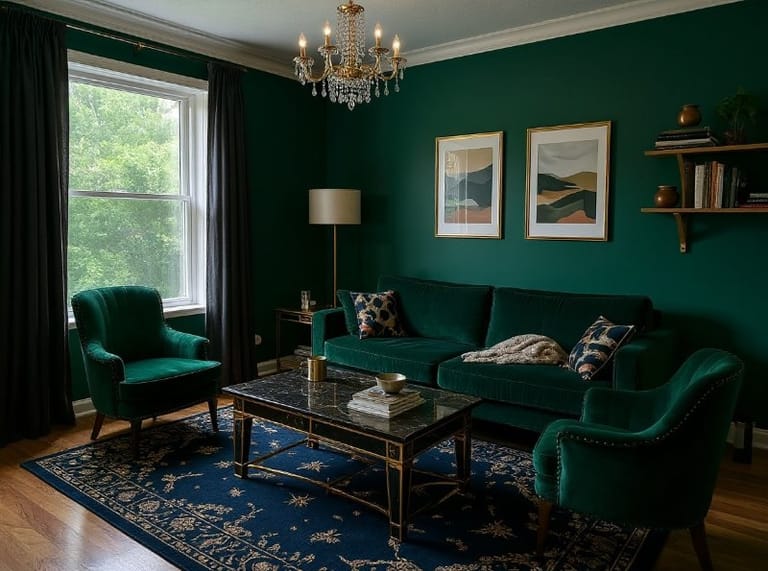
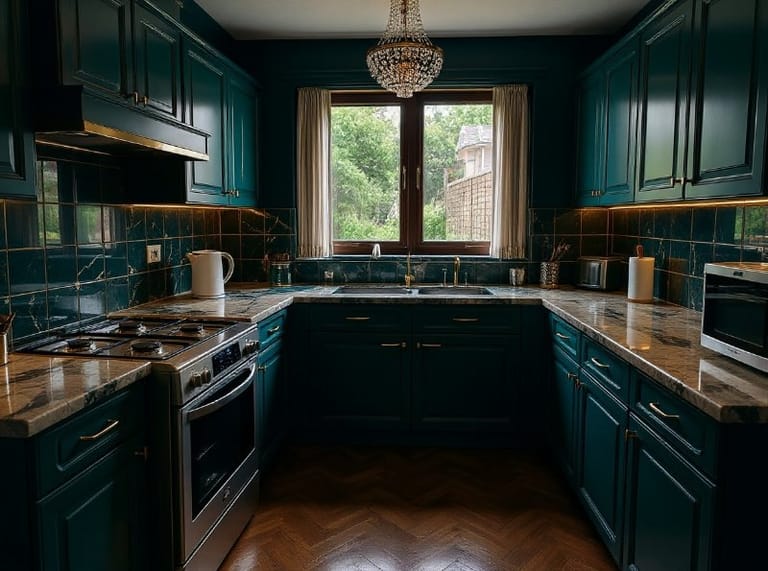
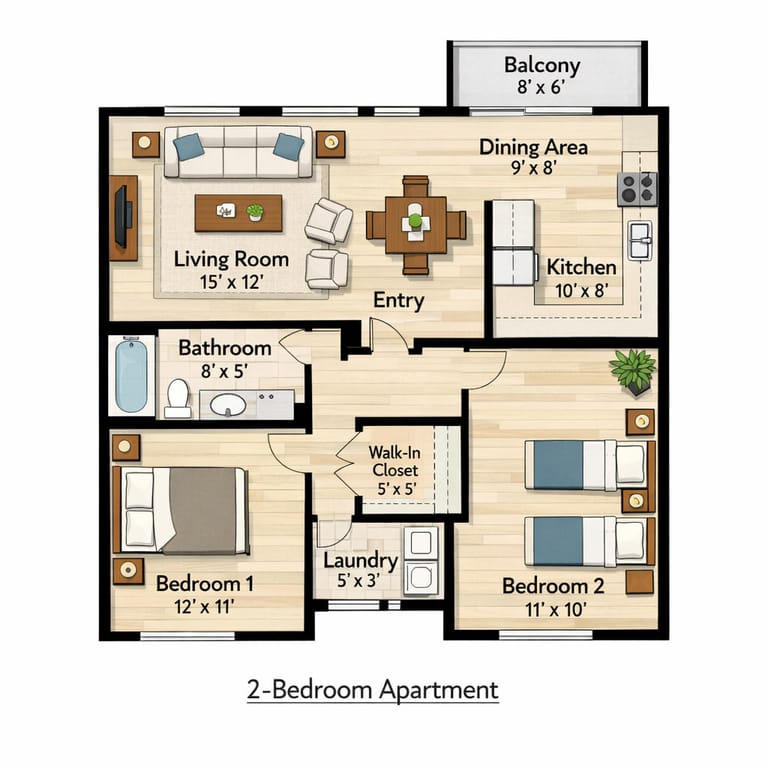
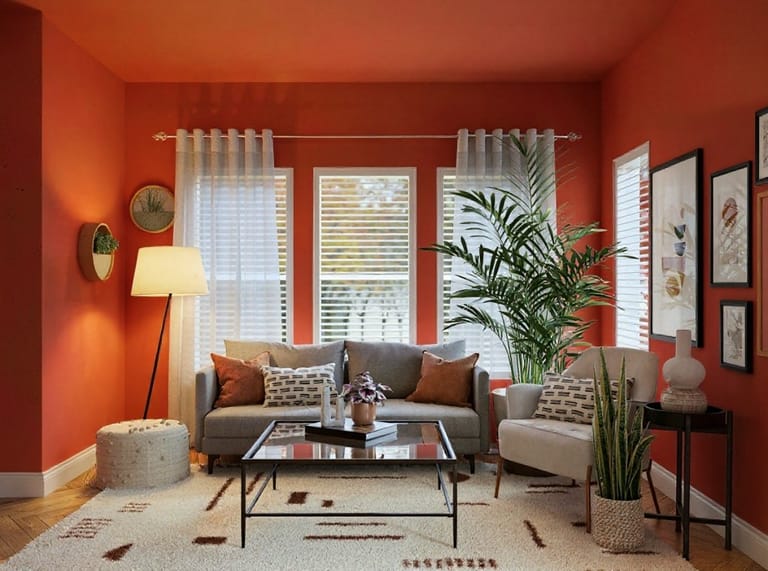
AI 3D room design turns an ordinary photo of a room into a 3D interior design render of that same room, redesigned. Upload one photo of a living room, bedroom, kitchen, dining room or home office, pick one of 6 looks (Modern, Scandinavian, Japandi, Luxury, Isometric 3D or Clay Model), and the AI keeps the walls, windows, doors and size of the room while replacing the furniture, materials, colours and lighting. The four style looks give a photorealistic render from the same viewpoint as your photo; Isometric 3D shows the room as a cutaway model seen from above, and Clay Model shows the new layout in plain white, like an architect's model. Each run makes one high-resolution image, usually in under a minute. It is a picture of a 3D design, not an editable 3D model file.
당신이 만들 수 있는 것
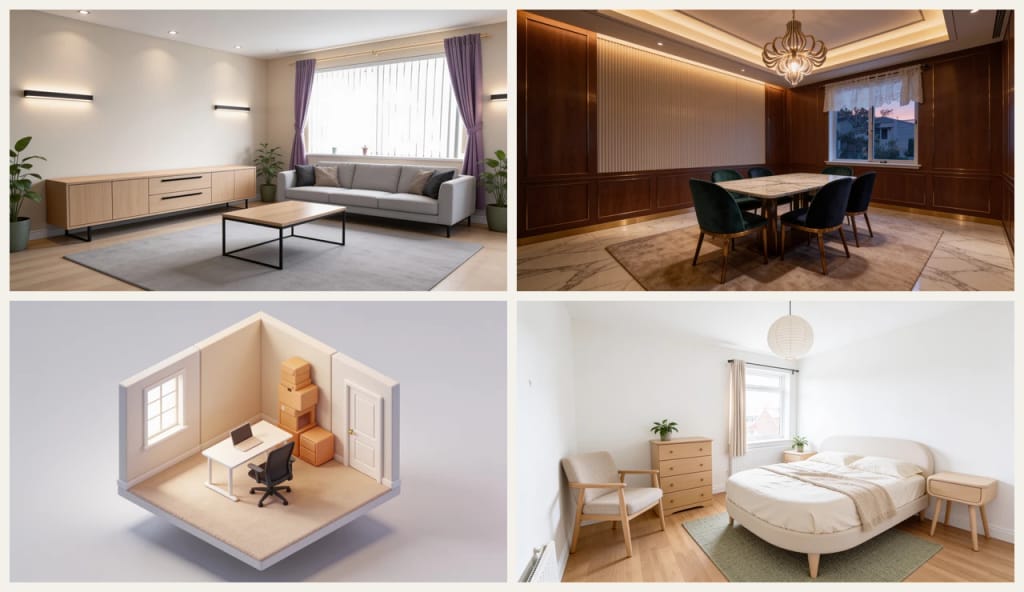
Planning a Makeover
Before buying furniture or paint, see a few complete directions for your own room and decide which one you actually like.
Landlords and Home Sellers
Show what an empty, dated or cluttered room could look like, to help buyers or tenants picture the space.
Talking to a Designer or Builder
Bring a render of your room in the style you want, so a designer, builder or partner understands the idea at a glance.
만드는 방식이 다르고, 결과가 더 좋습니다
세 단계, 약 1분.
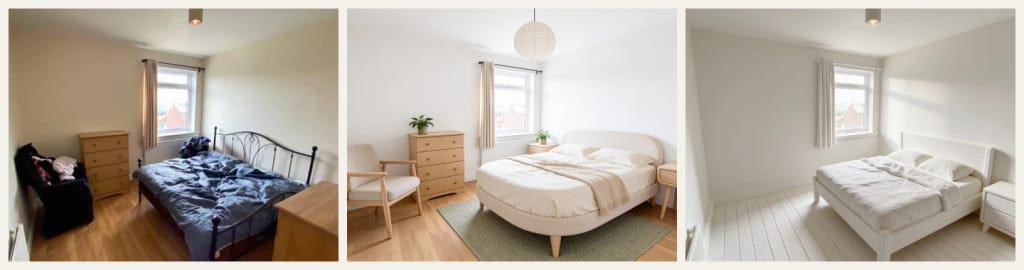
Upload a Photo of the Room
A clear, well-lit photo taken from a corner or the doorway, with as much of the room in view as possible. A phone photo is fine; clutter is fine too.
Pick a Look
Choose Modern, Scandinavian, Japandi or Luxury for a photoreal render, or Isometric 3D or Clay Model for a 3D view of the new layout.
Download and Compare
Download the render. To compare ideas, run the same photo again with other looks, one look per run.
되셨나요?