Ferramenta · faça nesta página
AI Halloween Photo Generator
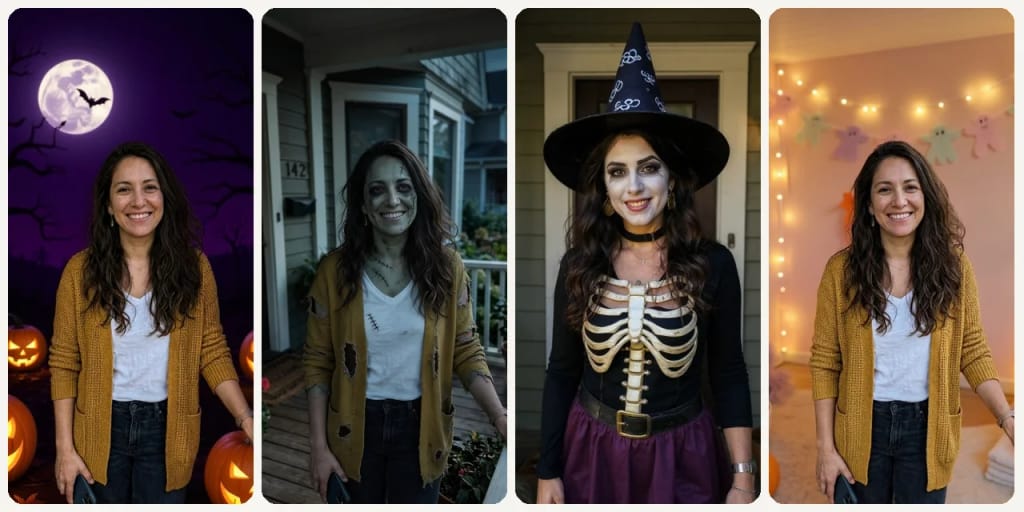
Upload one photo and get it back as a Halloween picture in one of 9 styles, from Cute to Zombie, usually in under a minute.
Como fazer um assim
- Tool
- AI Halloween Photo Generator
- Estilo
- Costume
- Formato
- Not recorded
Como fazer um assim
- Tool
- AI Halloween Photo Generator
- Estilo
- Classic
- Formato
- Not recorded
Como fazer um assim
- Tool
- AI Halloween Photo Generator
- Estilo
- Zombie
- Formato
- Not recorded
Como fazer um assim
- Tool
- AI Halloween Photo Generator
- Estilo
- Costume
- Formato
- Not recorded
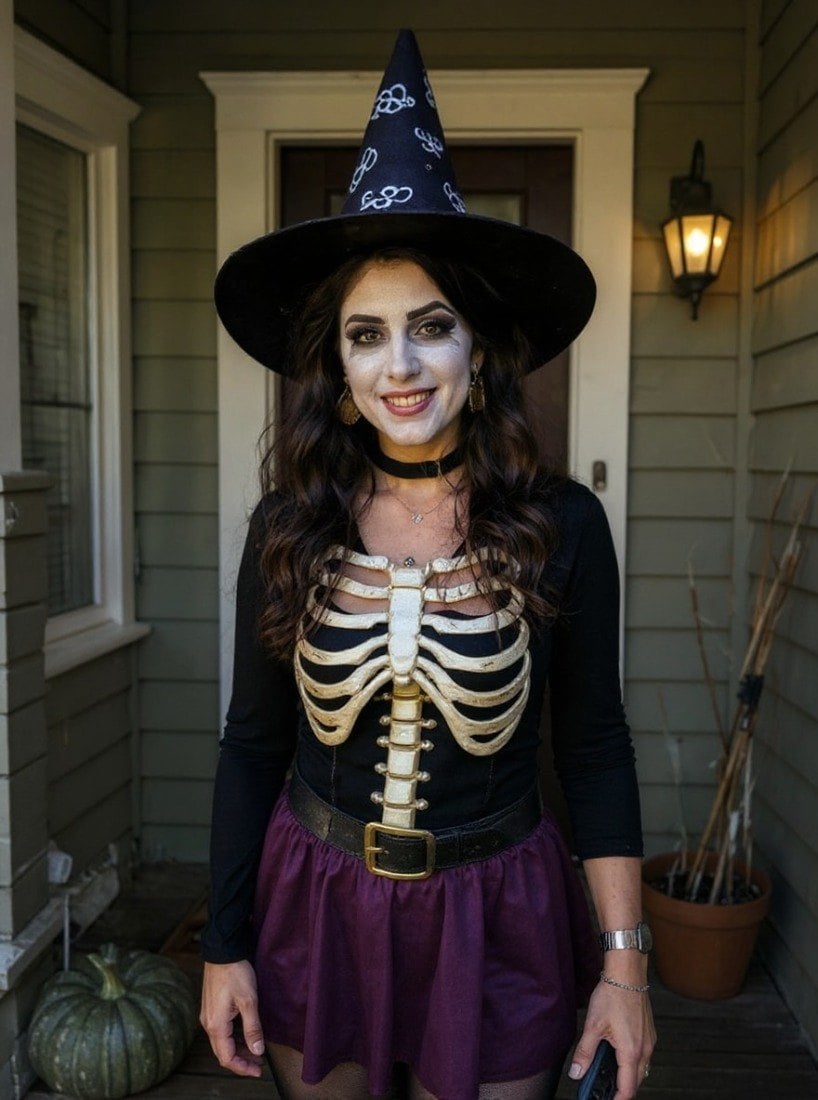 Exemplo
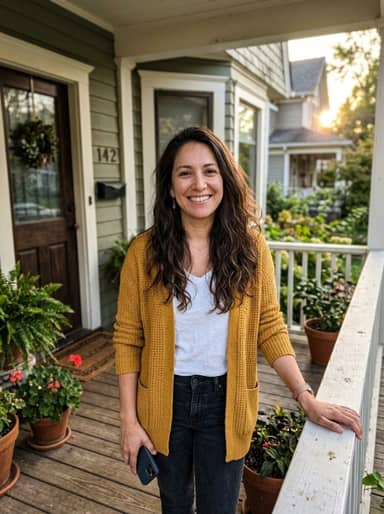
Selecione ou solte até 10 fotos para usar as mesmas opções em cada uma.
By uploading, you confirm you have the right to use this photo (see Acceptable Use).
Modelo: FLUX.1 Kontext Pro · Normalmente 10-30 segundos
Eidora's AI Halloween Photo Generator turns one photo into a Halloween picture in one of 9 styles, such as Classic, Cute, Harvest Festival, Haunted House, Spooky Fog or Zombie. Spooky Fog and Zombie run on Seedream 4.5, ByteDance's image model, and can take 20 to 60 seconds; the other 7 styles run on FLUX.1 Kontext Pro, Black Forest Labs' image-editing model, usually in 10 to 30 seconds. 6 credits when you sign up; each photo uses 4 credits.
Veja a transformação
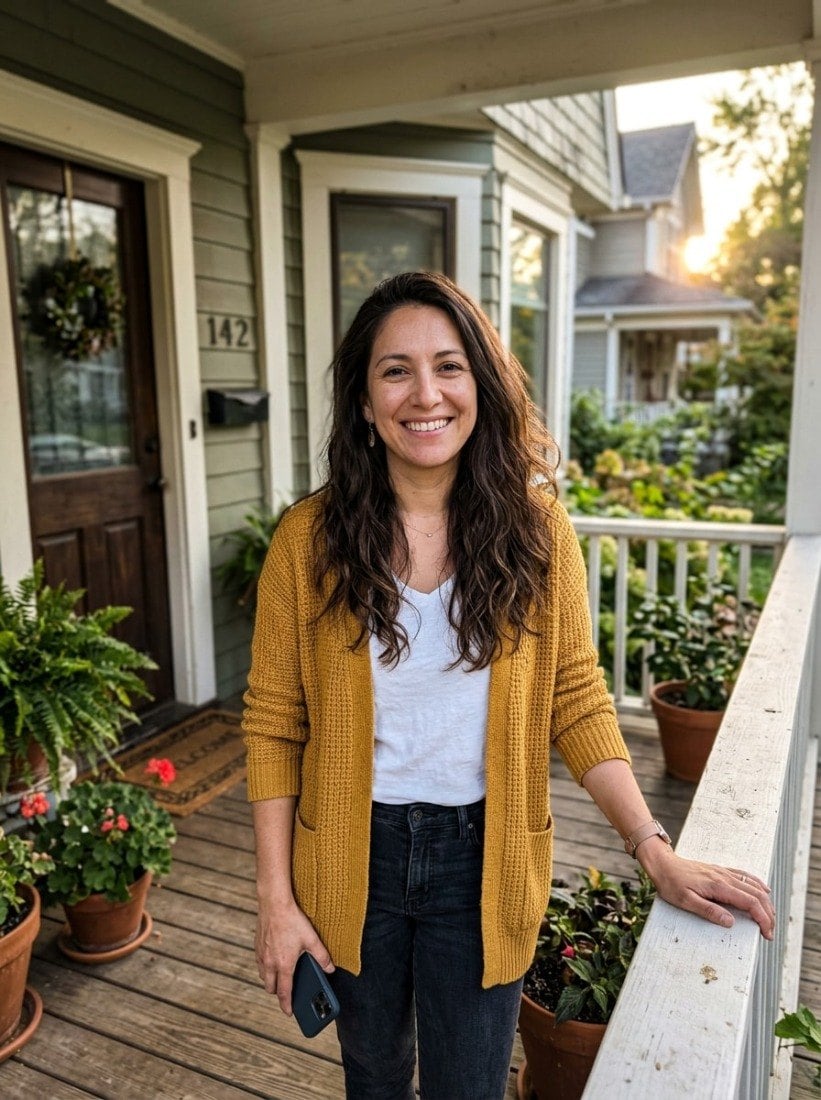
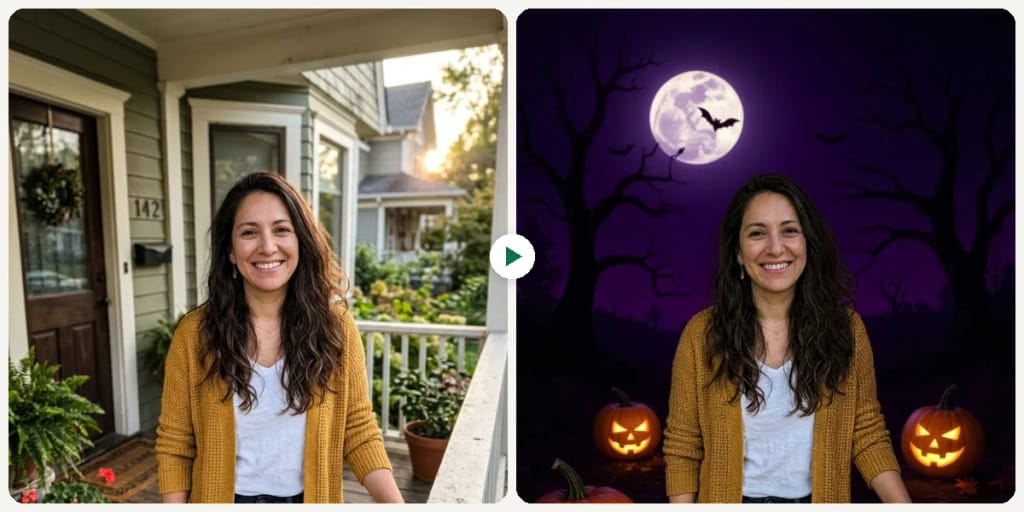
O que é AI Halloween Photo Generator?
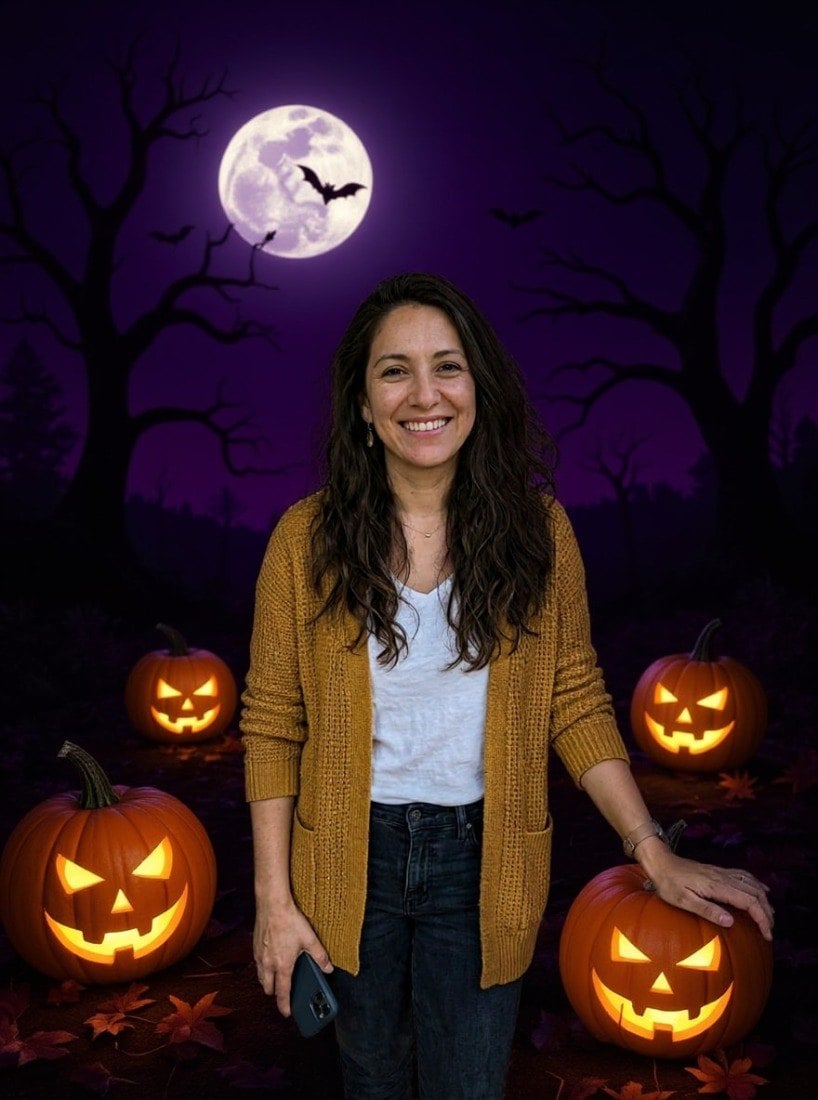
Choose from 9 Halloween worlds that span the entire scare spectrum — from Cute (a cosy party room with smiling pumpkins, a felt ghost garland and candy corn) to Zombie (gray-green skin, sunken eyes, tattered clothing with practical-effects realism). The AI doesn't just paste a background: it recolors lighting to match each scene, adjusts skin tones for moonlit or candlelit environments, and composites props like trick-or-treat buckets or fog machines into the scene naturally. Spooky Fog wraps your subject in dense ground mist with moonlight shafts; Harvest Festival shifts to golden-hour autumn warmth with hay bales and pumpkin patches; Haunted House places you in front of a crumbling Victorian mansion with lightning. Glasses, piercings and other accessories usually carry over, though costume styles may restyle hats and clothing. Built for last-minute costume content, neighborhood event flyers, pet Halloween accounts, and anyone who wants 9 distinct October looks from a single upload. For this season's viral looks, a witch flying on a broomstick and the zombie couple video, see AI Halloween Photos.
O que você pode criar
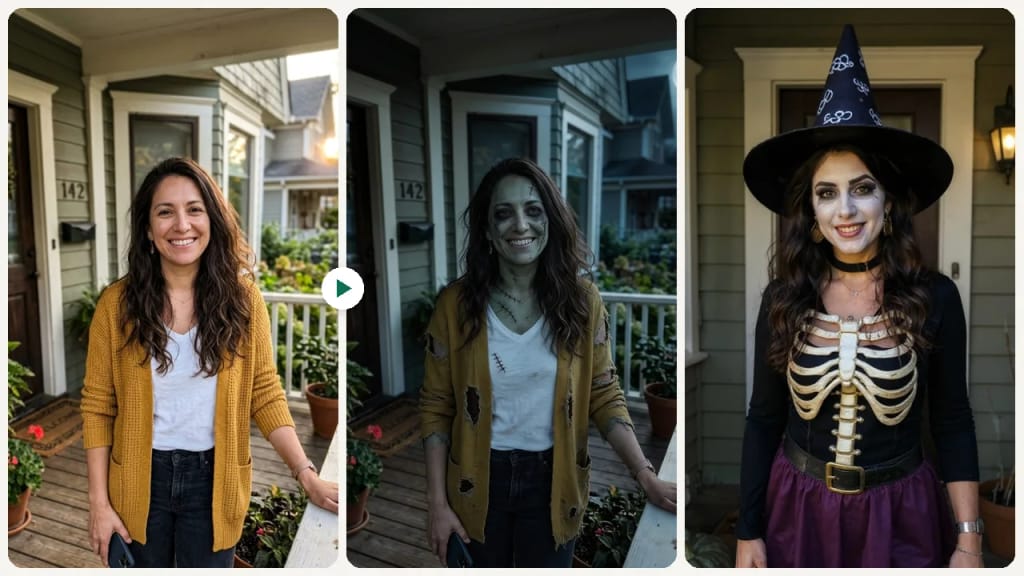
Personal Halloween Portraits
Individuals can effortlessly turn their favorite photos into fun Halloween-themed pictures without needing costumes or elaborate setups. This tool solves the problem of wanting festive seasonal content for social media or personal keepsakes without the time or expense of a real photoshoot.
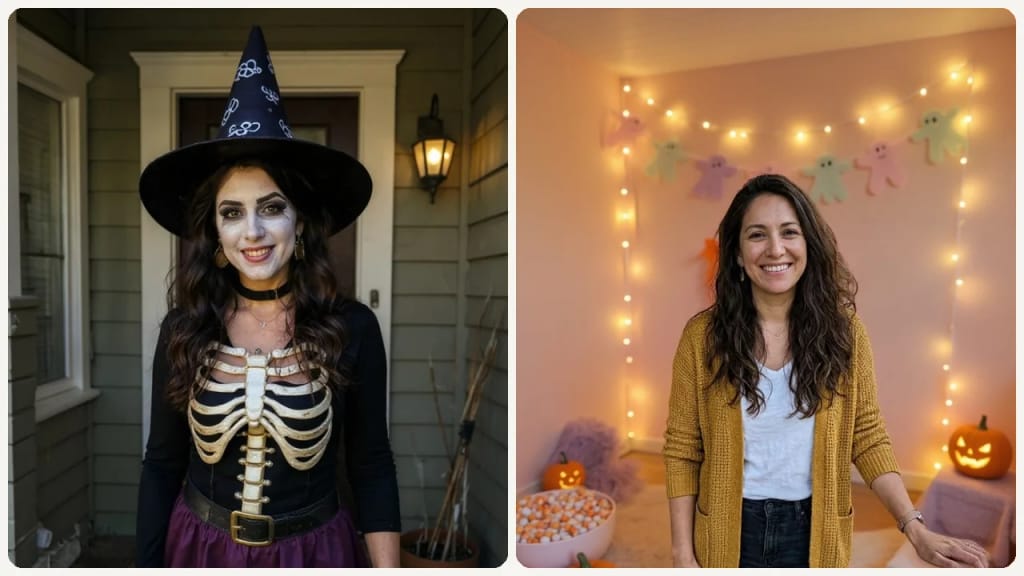
Event Marketing Graphics
Event Organizers can transform existing images of their venue or team into spooky or whimsical visuals for Halloween party promotions. This helps them quickly create engaging social media posts, flyers, and invitations that capture the holiday spirit and attract attendees.
Festive Small Business Content
Small Business Owners can easily add a Halloween touch to photos of their products, storefronts, or staff for seasonal marketing campaigns. This allows them to generate unique, holiday-themed content to promote special offers and connect with customers during the festive period.
Feito diferente, feito melhor
Três passos. Cerca de um minuto.
Upload Your Photo
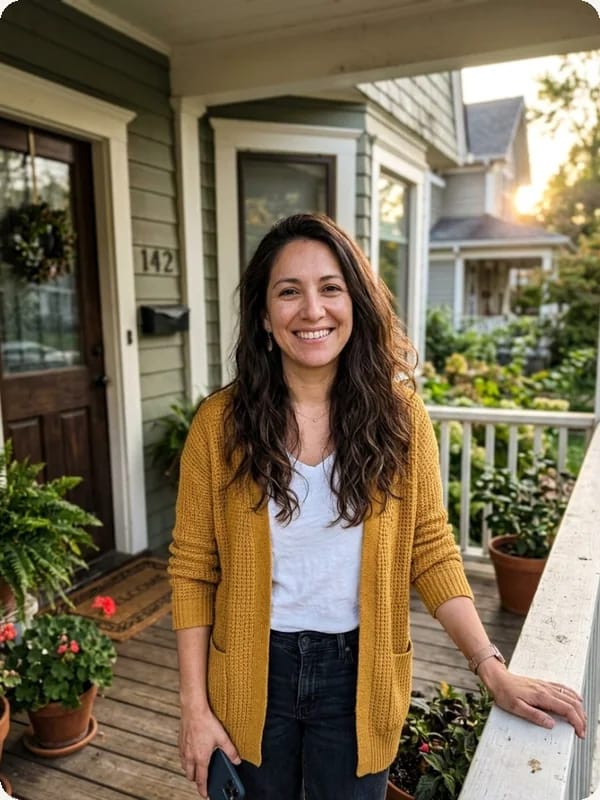
Select and upload a clear image of yourself or the subject you wish to transform into a Halloween scene.
Choose Your Spooky Theme
Pick one of the 9 styles (Classic, Cute, Fun, Spooky Fog, Harvest Festival, Costume, Zombie, Trick or Treat, Haunted House), then press Generate.
Generate & Download
Click to generate your AI Halloween photo, then download your unique, festive image directly to your device.
Perguntas frequentes
Tudo o que você precisa saber. Não encontrou o que procura?
Você também pode gostar
 Create
 Create
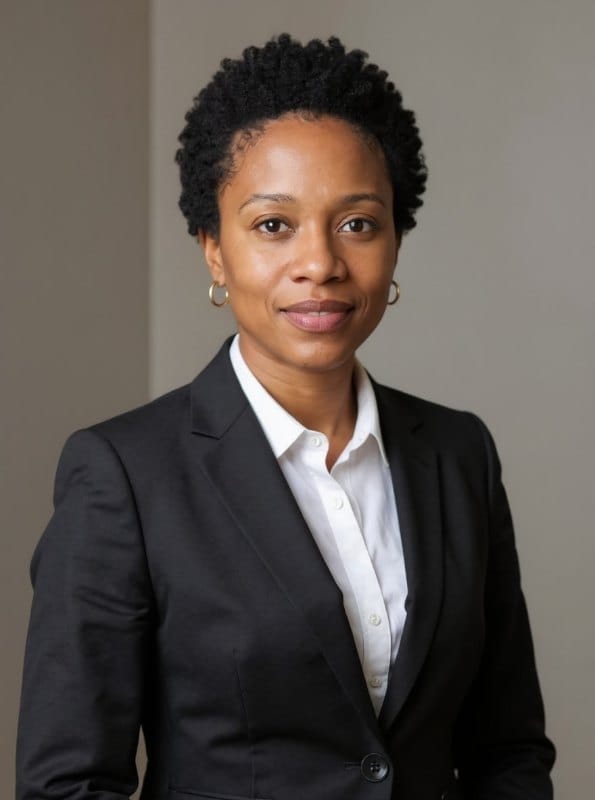 Portraits
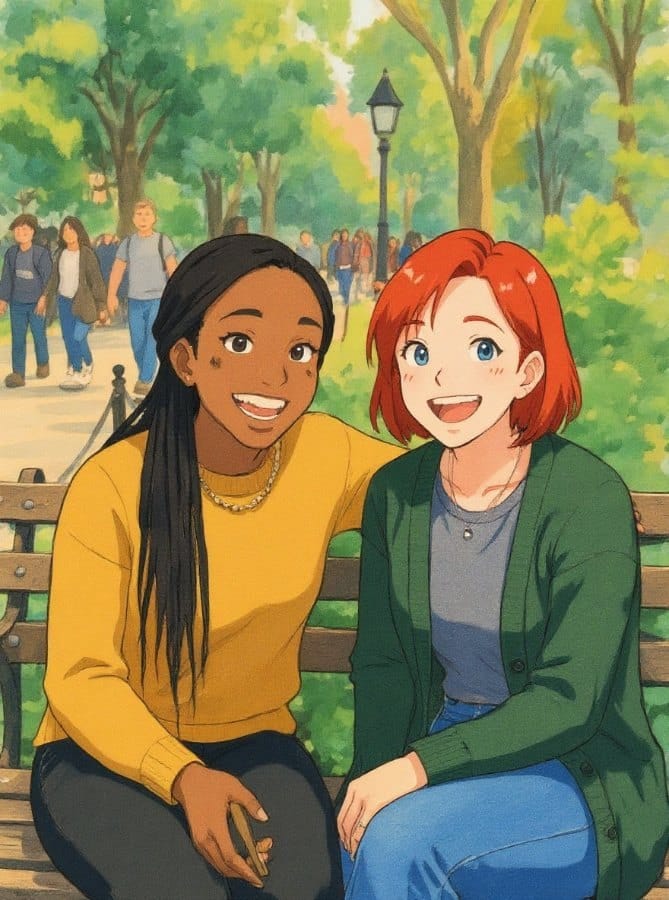 Create
o seu?