Natal · Tutorial
Christmas Photo Ideas for Dogs, and How to Make One from Your Photo
8 Christmas photo ideas for dogs you can shoot at home, and how to turn a photo you already have into a Christmas portrait. Steps, tips, and what it costs.
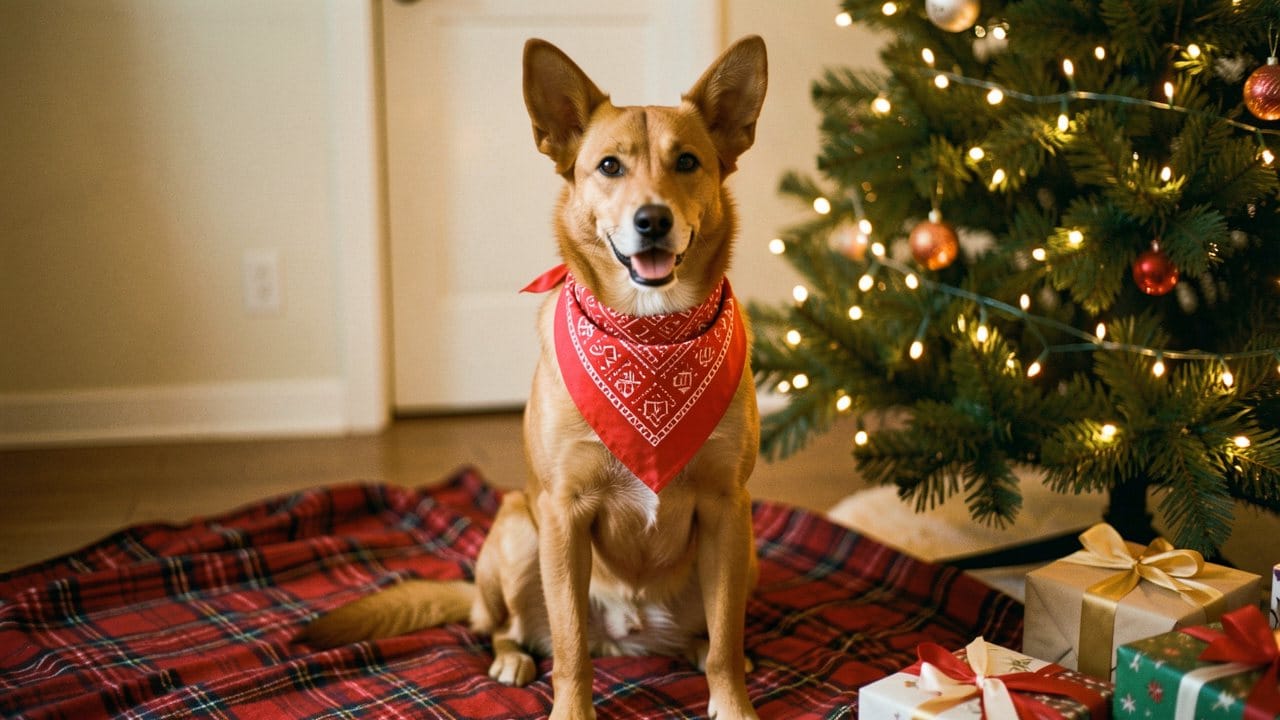
Christmas photo ideas for dogs range from simple phone shots by the tree to a finished holiday portrait you can print as a card. You can stage a real shoot with lights, a bandana and a calm treat, or upload a clear photo to Eidora's AI Christmas Pet Photo and press Generate.
On Eidora that portrait usually takes 10 to 30 seconds and uses 4 credits. A new account starts with 6 credits, no credit card required, and free results carry an eidora.io watermark. After that, a new account can buy 40 credits for $1.99 once, within 72 hours of signing up.
The pictures in this guide are labeled SAMPLE. They are illustrations we made for this article, not results from the tool.
AI Christmas Pet Photo
Experimente na sua própria foto
Escolha uma foto e clique no botão. A ferramenta abre e já começa com a sua foto.
By uploading, you confirm you have the right to use this photo (see Acceptable Use).
6 créditos ao se cadastrar, o suficiente para uma primeira imagem.
8 real Christmas photo ideas for dogs (no AI needed)
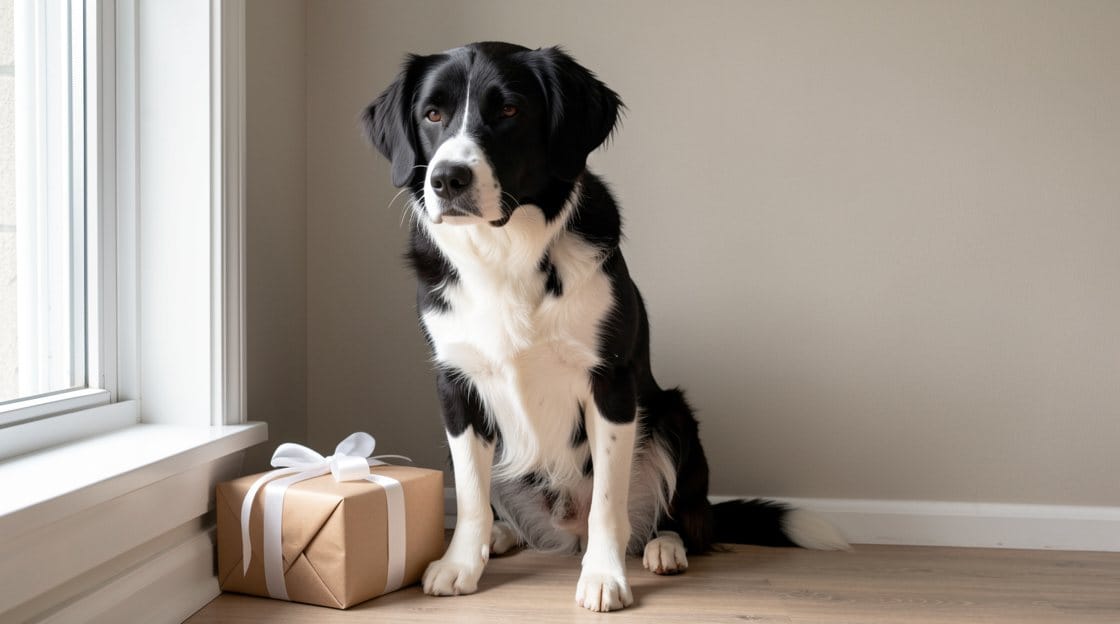
These work with a phone and what you already have at home. The AI tool further down makes one fixed scene, so most of these are shots you take yourself.
1. Tree base, soft lights only. Sit your dog a few feet in front of the tree so the lights stay behind them. Turn off harsh overhead bulbs and shoot from your dog's eye level. A red plaid throw on the floor adds a holiday look without clutter.
2. Red-and-white bandana, head free. Tie a bandana loosely around the neck and leave the ears uncovered. Ears are part of how you recognize your dog, and hats often slip or hide them. Have someone hold a treat just above the lens so the eyes look toward the camera.
3. Window light and one wrapped gift. Morning side light from a window is kinder than flash. Place one wrapped box beside your dog, not a pile that fills the frame, and keep the background simple.
4. Outdoor snow or a cold-weather walk. If you have snow or frost, shoot outdoors on a short leash. Keep it short and focus on the face rather than a busy street behind them.
5. Matching family colors, dog first. If people are in the shot, dress in one shared color such as cream, forest green or red, and put the dog in front. Kneel so faces sit on one line.
6. Treat-on-nose still. For dogs that will hold a sit, place a small treat on or just above the nose and count to three. Skip the frames where the treat is still showing if you plan to print.
7. Reflection in a glass ornament. Hold a large clear bauble low and catch your dog's face in the reflection. It works best with one strong light source, and it makes a playful detail shot rather than a portrait.
8. Stockings and a quiet hallway. Hang stockings at dog height in a hallway with even light and ask for a sit facing the camera. Avoid glossy wrapping paper right behind the head, which bounces flash.
Quick checklist
• Face and both ears visible
• Soft light, with no heavy backlight turning the face into a silhouette
• One prop at a time
• Short sessions with breaks
How to make a Christmas dog portrait from a photo you already have
If your dog won't sit for a shoot, or you only have an ordinary phone photo from last week, you can still get a holiday portrait.
The AI Christmas Pet Photo turns one clear photo of your dog or cat into one scene: a red-and-white bandana beside a lit tree, with wrapped presents and a plaid blanket. It is built to keep the same breed, coat, markings, eye colors and ears, and nothing is put on the head.
Step 1. Open the tool and upload a clear photo with the face and both ears visible. You can be in the photo too, and you stay in the result with your pet.
Step 2. Press Generate. Christmas Bandana is already selected, and there is no prompt to write. It usually takes 10 to 30 seconds, a little longer at busy times.
Step 3. Look closely at the result. In a blind review of fictional dogs and cats it kept the pet in 6 of 6, which is our own test and not an independent one. If something looks off, run it again with a sharper photo. Each run uses 4 credits.
What this tool does not do
It makes one scene, the bandana by the tree. It does not make the other ideas in the list above, and it does not add a Santa hat, because in our tests a hat hid or changed the ears.
For a whole family by the tree, use the AI Christmas Photo Generator. It keeps a pet that is in your family photo with its Family Card, With Santa and Christmas Morning scenes.
Turn the portrait into a printable card
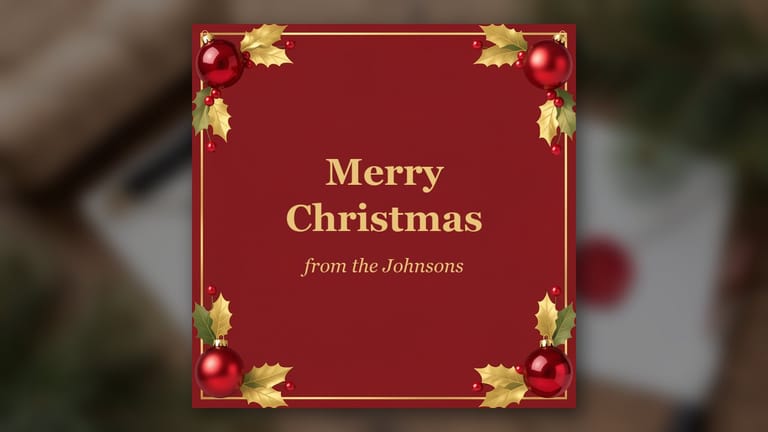
Under the result, type a greeting and an optional sign-off, pick Classic, Evergreen or Full photo, and download a 5×7 card at 300 dpi at no extra cost. A card made from a free account's picture keeps its eidora.io watermark.
Some greetings to start from:
• Warm light, warm paws. Wishing you a gentle Christmas from our pack to yours.
• May your tree stay upright and your treats stay plentiful.
• From under the tree: Merry Christmas and a quiet January.
• Same wag, new bandana. Happy holidays from all of us.
• Lights on, leash off for one evening. Merry Christmas.
Keep it short enough to sit cleanly on the card, and sign with names rather than hashtags or links.
What it costs
• First portrait: a new account gets 6 credits, no credit card required. One portrait uses 4, so 2 are left over, and the result has a watermark.
• New member pack: 40 credits for $1.99, once, within 72 hours of signing up. That is 10 portraits.
• Credit packs: from $4.99 for 100 credits.
• Plans: from $9.9 a month for 300 credits.
• The 5×7 card: no extra credits.
Common questions
Do I need a costume for my dog?
No. For a real shoot, a bandana is enough. For the tool, upload a normal photo and the bandana is added in the scene.
Does it work for cats too?
Yes. It was tested on dogs and cats.
Which AI model does it use?
GPT Image 2.5, OpenAI's image model.
Is my photo private?
Your uploads and results are saved privately to your history, and only you can open them. To make the picture, your photo is sent to the AI model provider that runs it. Eidora does not sell your content or use it to train AI models.
Are there other Christmas tools?
Yes. See AI Christmas photos for family photos, cards and short videos.