Selecciona o suelta hasta 10 fotos para usar las mismas opciones en cada una.

Herramienta · hazlo en esta página

AI Kitchen Planner

Visualize new kitchen styles by transforming your existing kitchen photos. Perfect for homeowners, renovators, and interior design enthusiasts planning their next project.

Sube la foto de tu room

By uploading, you confirm you have the right to use this photo (see Acceptable Use).

Prueba con un ejemplo:
Ejemplo 1
Elige un estilo de diseño
4 créditos por imagen · 6 créditos al registrarte
Modelo: FLUX.1 Kontext Pro · Normalmente 10-30 segundos
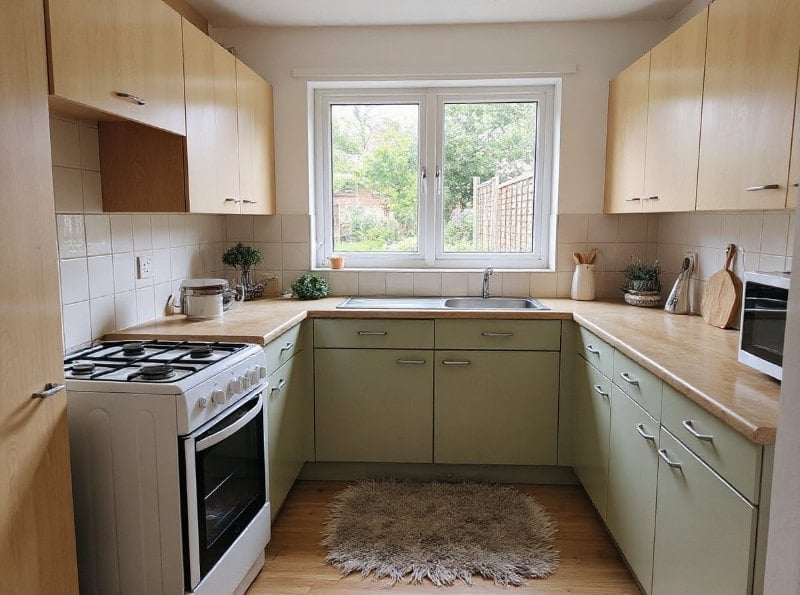
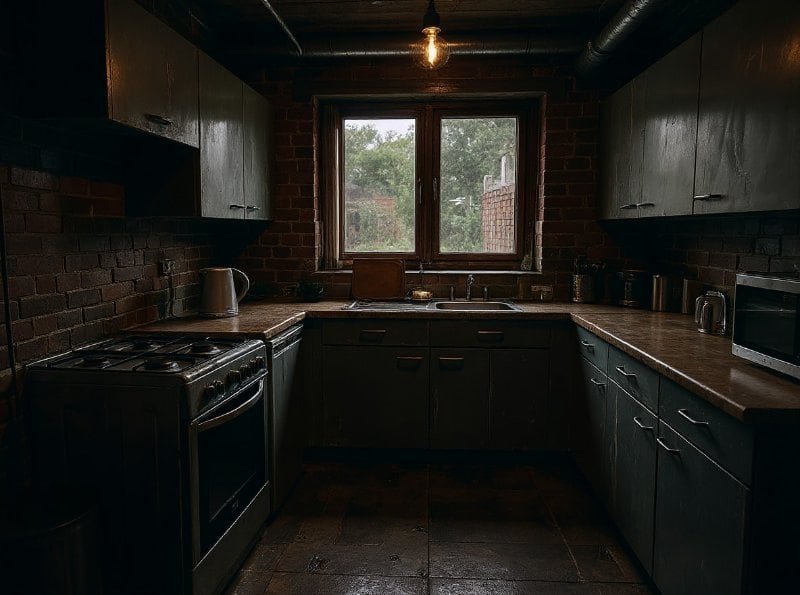
AI Kitchen Planner result
Resultado de muestra
Muestra
Estilo Modern

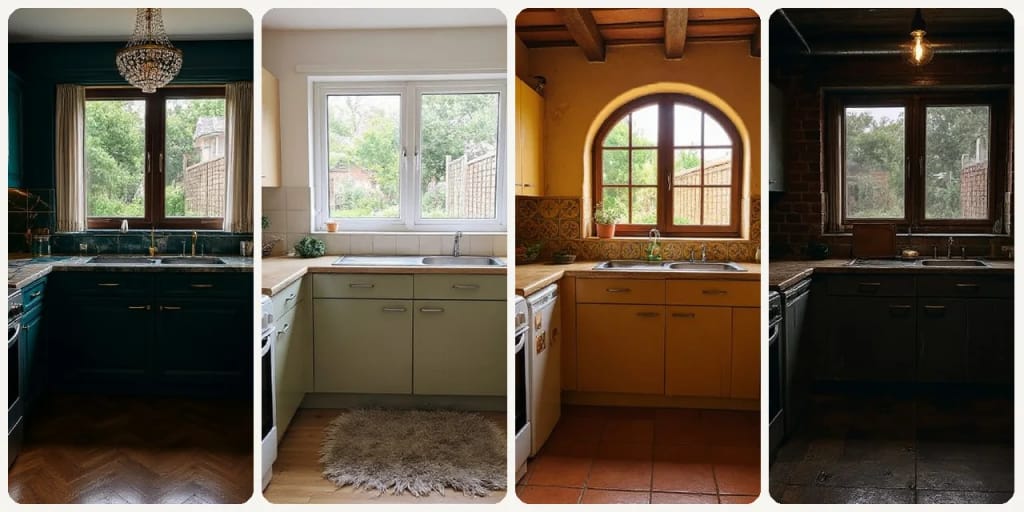
Eidora's AI Kitchen Planner redesigns a photo of your kitchen in one of 9 styles, such as Modern, Scandinavian, Industrial, Luxury, New Chinese or Mediterranean. FLUX.1 Kontext Pro, Black Forest Labs' image-editing model, changes the materials and colors while keeping the room's dimensions, usually in 10 to 30 seconds; it won't move your island or change the floor plan. 6 credits when you sign up; each design uses 4 credits.

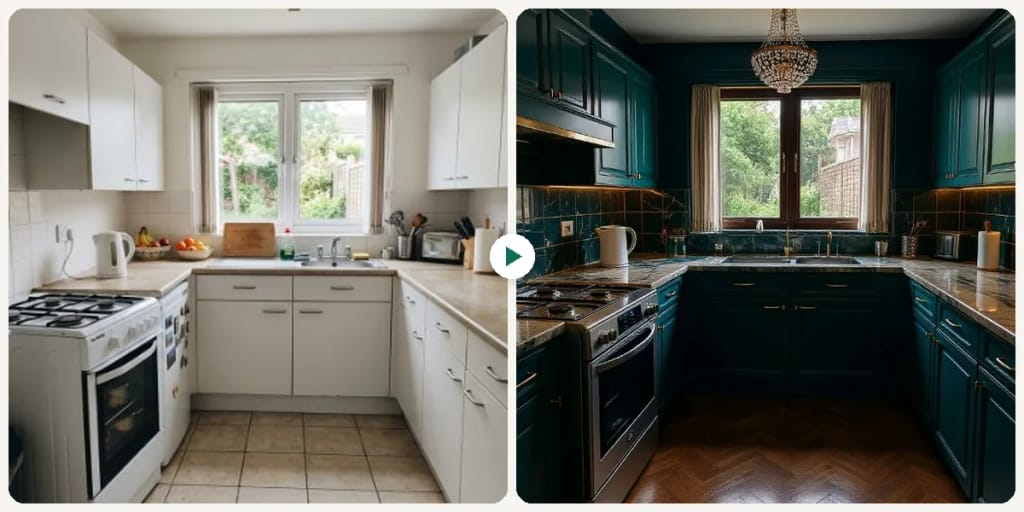
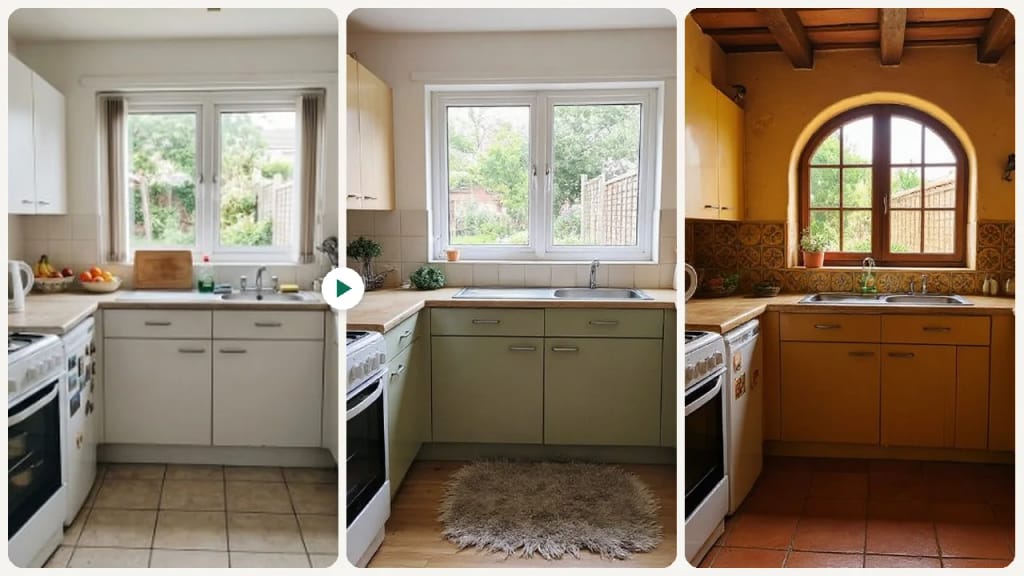
Antes y después

Mira la transformación

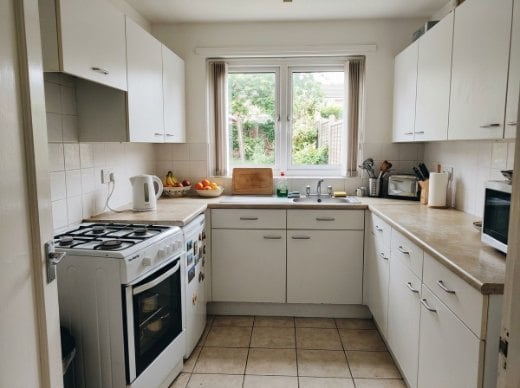
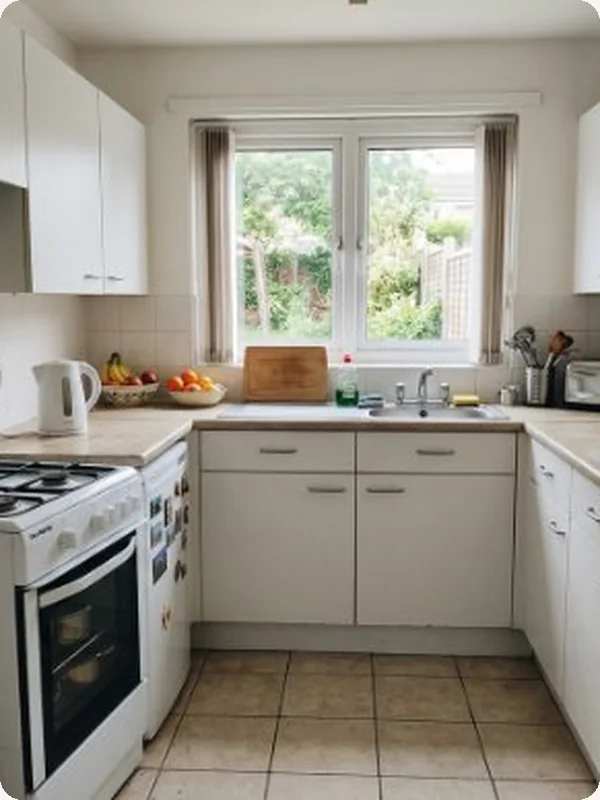
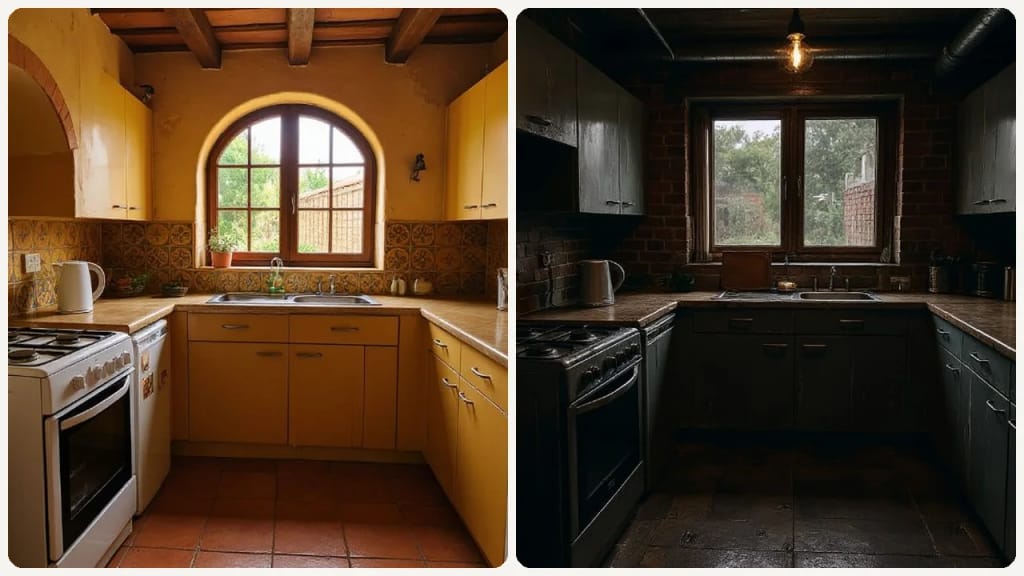
Original photo before AI Kitchen Planner - Scandinavian styleOriginal photo before AI Kitchen Planner - Industrial style
Foto original
Antes
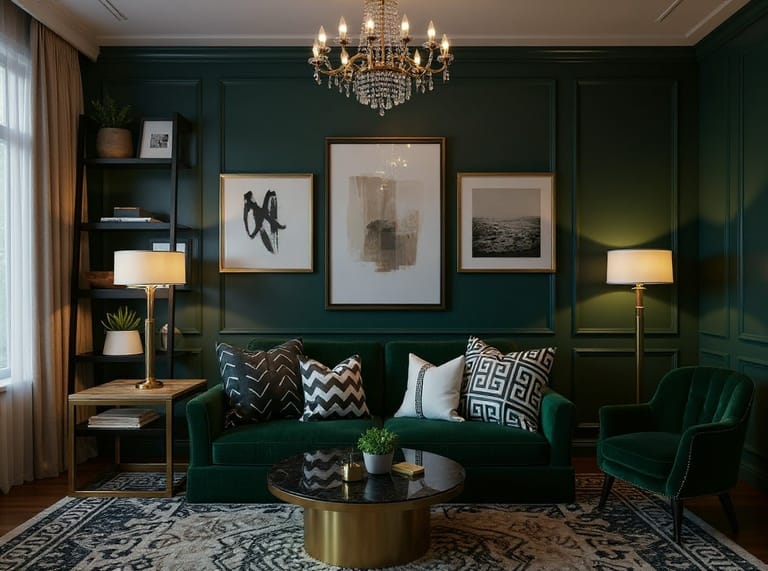
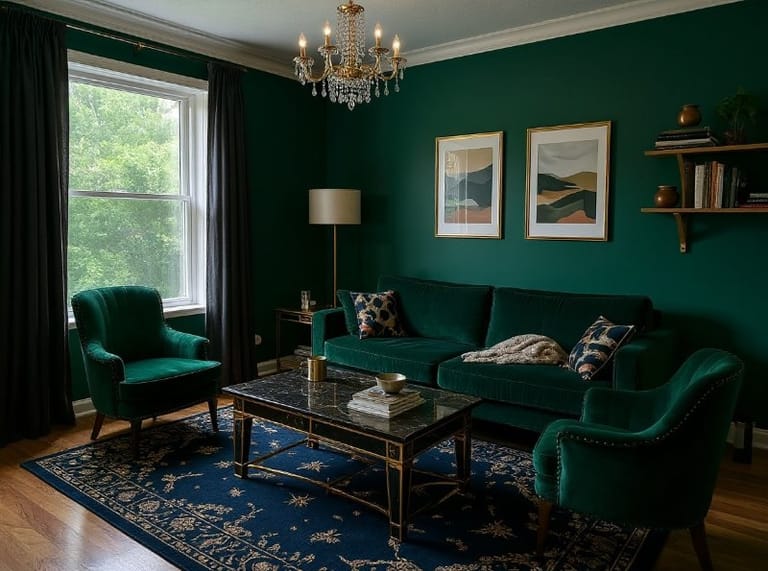
AI result in Scandinavian style - AI Kitchen PlannerAI result in Industrial style - AI Kitchen Planner
Resultado de muestra
Después
Estilo Scandinavian
AI Kitchen Planner · Eidora AI
Qué es esta herramienta
AI Kitchen Planner overview

¿Qué es AI Kitchen Planner?

The AI Kitchen Planner transforms your current kitchen photos into new design ideas, helping you explore different materials, colors and styles without expensive software or lengthy design consultations. Upload an image of your kitchen, pick one of 9 styles, from Modern and Scandinavian to Luxury and Mediterranean, and the AI redesigns the kitchen in that style while keeping the room's dimensions. Each run makes one realistic image, usually in 10 to 30 seconds. This tool is ideal for anyone considering a kitchen remodel, whether you're a DIY enthusiast trying out new cabinet colors, a homeowner comparing finishes, or a professional designer seeking quick inspiration for clients. It is a style preview, not a layout planner: it won't move your island or change the floor plan. It simplifies the early planning stage, letting you try ideas quickly before making any commitments.

Casos de uso

Lo que puedes crear

AI Kitchen Planner use case - Homeowners Visualizing Renovations

Homeowners Visualizing Renovations

Homeowners can upload a photo of their existing kitchen to see it in different styles, one image per run. This helps them compare the cabinets, countertops and flooring that come with each style before committing to any changes.
AI Kitchen Planner use case - Designers Presenting Client Concepts

Designers Presenting Client Concepts

Interior designers can use the tool to quickly show clients several style directions, running one style at a time to compare finishes and materials. This allows for rapid iteration and feedback, streamlining the initial design phase.
AI Kitchen Planner use case - Real Estate Agents Staging Kitchens

Real Estate Agents Staging Kitchens

Real estate agents can upload photos of kitchens in properties they are selling to show buyers how the space could look after an update. Label these images as AI concepts, not photos of the actual kitchen.

Por qué Eidora

Hecho distinto, hecho mejor

Visualize Design Ideas Quickly
See how new cabinets, countertops, or flooring would look in your actual kitchen space, eliminating guesswork.
Explore Styles Effortlessly
Experiment with 9 styles, from Modern and Scandinavian to European and Mediterranean, to find the right match for your home.
Save Time and Money
Avoid costly design mistakes and lengthy consultations by previewing changes before any physical work begins.
Cómo funciona

Tres pasos. Más o menos un minuto.

AI Kitchen Planner: Upload Your Kitchen Photo
  1. Upload Your Kitchen Photo

    Take a clear picture of your current kitchen space and upload it to our platform.

  2. Select Your Desired Style

    Pick one of the 9 styles (Modern, Scandinavian, Christmas, Industrial, Bohemian, Luxury, New Chinese, European, Mediterranean), then press Generate.

  3. Download Your Result

    Download the image. Want a different look? Pick another style and run it again.

Prueba AI Kitchen Planner ahora
✦ Generar · 4 créditos
Preguntas frecuentes

Preguntas frecuentes

Todo lo que necesitas saber. ¿No encuentras lo que buscas?

¿Todavía tienes preguntas?
Nuestro equipo de soporte te ayuda con gusto.
Contactar con soporte
The AI Kitchen Planner is an online tool that uses artificial intelligence to redesign your kitchen from an uploaded photo. You pick one of 9 styles, and it shows your kitchen in that style, with new materials and colors, while keeping the room's dimensions, so you can visualize ideas before starting any renovation work.
You can start with a free account: 6 credits when you sign up, enough to use this tool once (4 credits per design), with 2 left over. Free results carry an eidora.io watermark. After that, credits start at $1.99: a new account can buy 40 credits for $1.99 once, within 72 hours of signing up; credit packs start at $4.99 for 100 credits and plans at $9.9/month. Once you have paid, your results have no badge.
The result is a realistic style preview based on your photo, not a measured plan. Use it for ideas, and consult a professional for exact measurements and structural work.
For optimal results, upload a well-lit, clear photo of your kitchen taken from a straight-on angle. Ensure the entire kitchen area you want to redesign is visible in the frame.
There are no separate controls for cabinets, countertops, flooring or walls. Each style sets these together, so switching styles is how you compare finishes. You can't ask for something specific, such as white cabinets.
Absolutely not! The AI Kitchen Planner is designed for ease of use, making it accessible for homeowners, renters, and design enthusiasts of all skill levels. Simply follow the intuitive steps to create your designs.
Yes, once you generate a design you like, you will have the option to save or download the image. This allows you to easily share your ideas with family, friends, or contractors.
Usually 10 to 30 seconds, a little longer at busy times.
No problem! Run it again with the same style for a new take, or pick a different style. Each run makes one new image.
Only as a source of ideas. For a full overhaul, pick a style and the AI restyles the whole kitchen. You can't ask for just one smaller change, such as new paint or backsplash tiles, but comparing styles can still give you ideas for one.
Your uploads, prompts and results are saved privately to your history so you can view and download them later, and only you can open them. To create a result, your input is sent to the AI model provider that runs the generation. We do not sell your content or use it to train AI models.
You can upload a JPG, PNG, WebP or GIF image up to 10MB.
6 créditos al registrarte
¿Listo para hacer
el tuyo?
9 estilos · 4 créditos por imagen · 6 créditos al registrarte · sin tarjeta
6 créditos al registrarte · sin tarjeta
~10–30 segundos
6 créditos al registrarte