Image · effect

Blonde Hair Filter

Try shades of blonde

4 credits per imageSeedream 4.5

Selecciona o suelta hasta 10 fotos para usar las mismas opciones en cada una.

Sube tu foto

By uploading, you confirm you have the right to use this photo (see Acceptable Use).

Prueba con un ejemplo:
Ejemplo 1
Example result
Cómo hacer uno así
Tool
Blonde Hair Filter
Estilo
Platinum
Proporción
Not recorded
Elige un estilo
4 créditos por imagen · 6 créditos al registrarte
Modelo: Seedream 4.5 · Normalmente 20-60 segundos

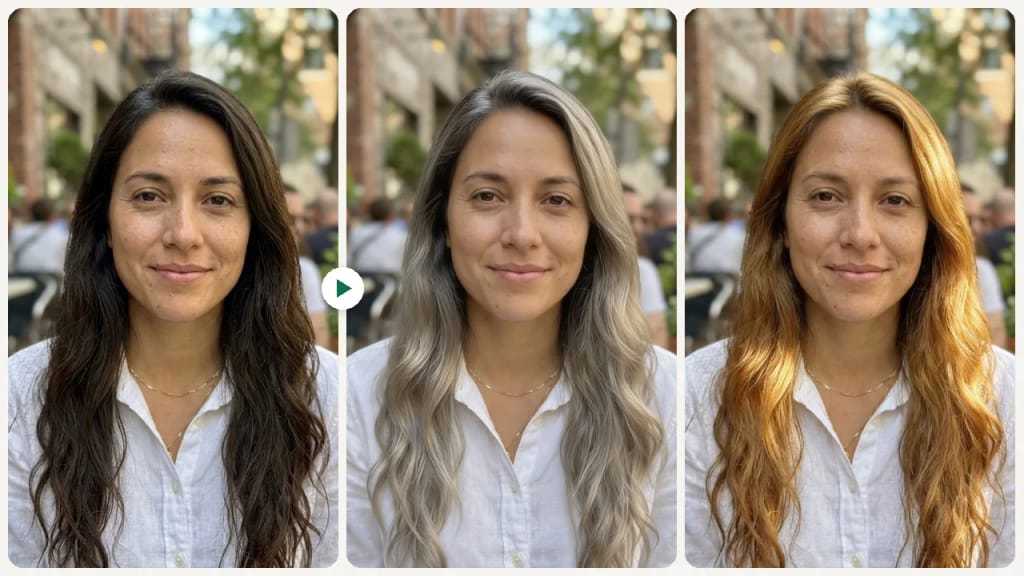
Eidora's Blonde Hair Filter shows a blonde shade on your own photo before you bleach or color: platinum, golden, ash, honey or beige blonde. Seedream 4.5, ByteDance's image model, applies it whatever your natural color, even very dark hair, usually in 20 to 60 seconds per preview. 6 credits when you sign up; each preview uses 4 credits.

Antes y después

Mira la transformación

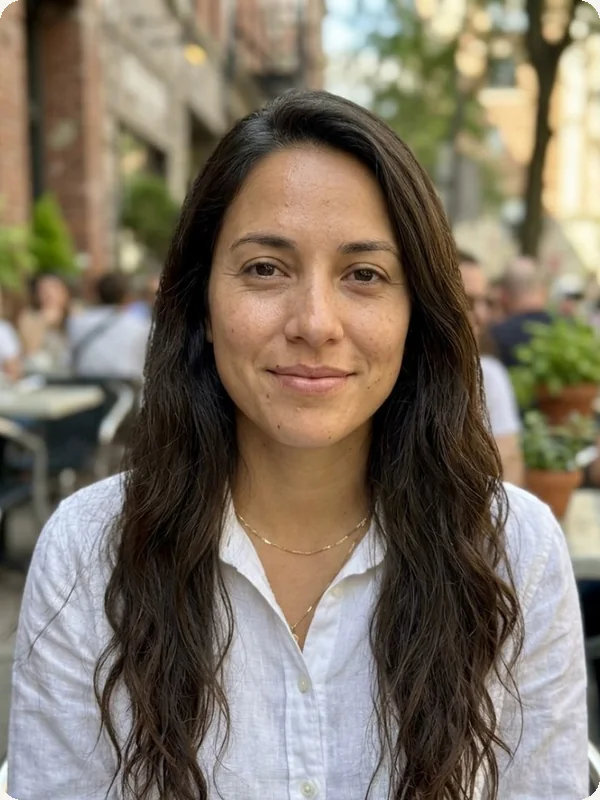
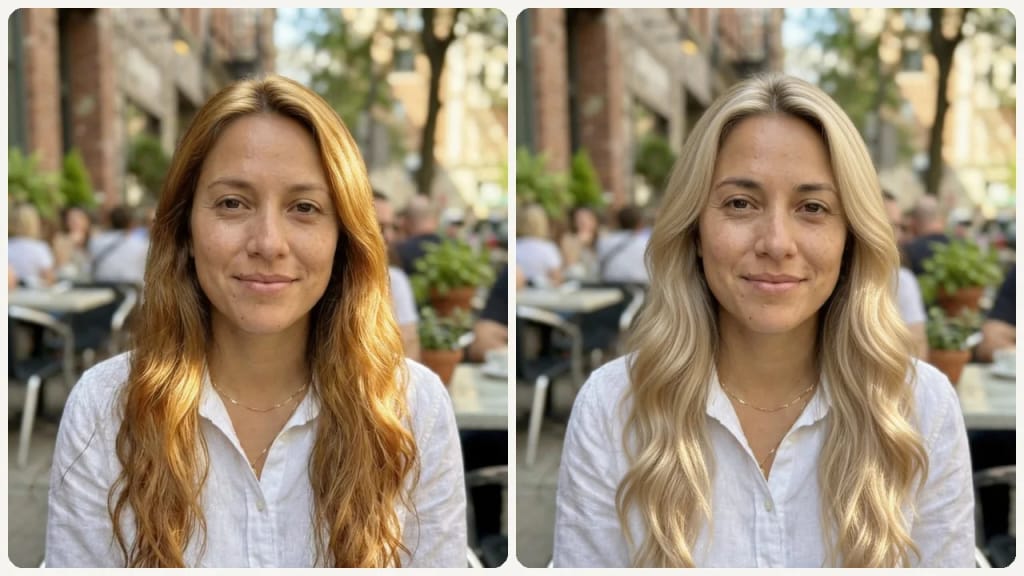
Original photo before Blonde Hair Filter - Platinum styleOriginal photo before Blonde Hair Filter - Ash style
Foto original
Antes
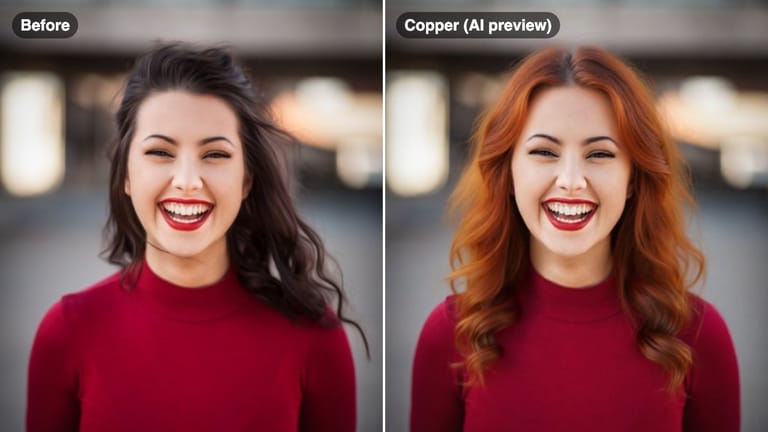
AI result in Platinum style - Blonde Hair FilterAI result in Ash style - Blonde Hair Filter
Resultado de muestra
Después
Estilo Platinum
Blonde Hair Filter · Eidora AI
Qué es esta herramienta
Blonde Hair Filter overview

¿Qué es Blonde Hair Filter?

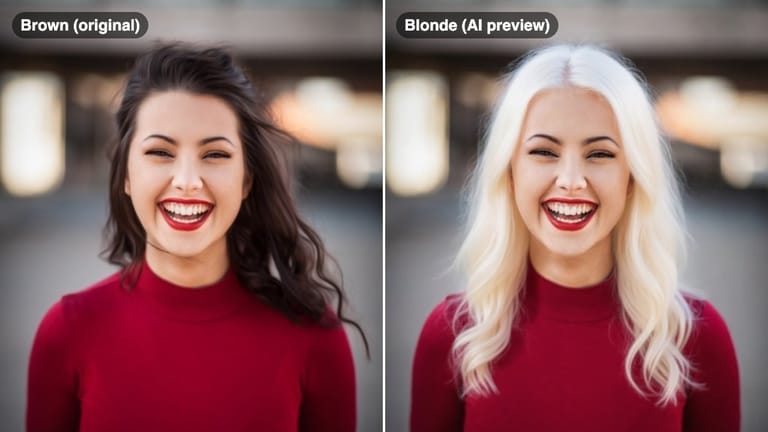
A blonde hair filter lets you preview different shades of blonde — from warm golden tones to cool platinum — on your own photo before bleaching or coloring your hair, so you can see which blonde actually suits your skin tone.

Casos de uso

Lo que puedes crear

Blonde Hair Filter use case - Pre-Bleach Shade Decision

Pre-Bleach Shade Decision

Confirm which blonde shade fits your skin tone before booking a bleach appointment.
Blonde Hair Filter use case - Summer Hair Color Planning

Summer Hair Color Planning

Preview a sun-kissed honey or golden blonde ahead of a summer transformation.
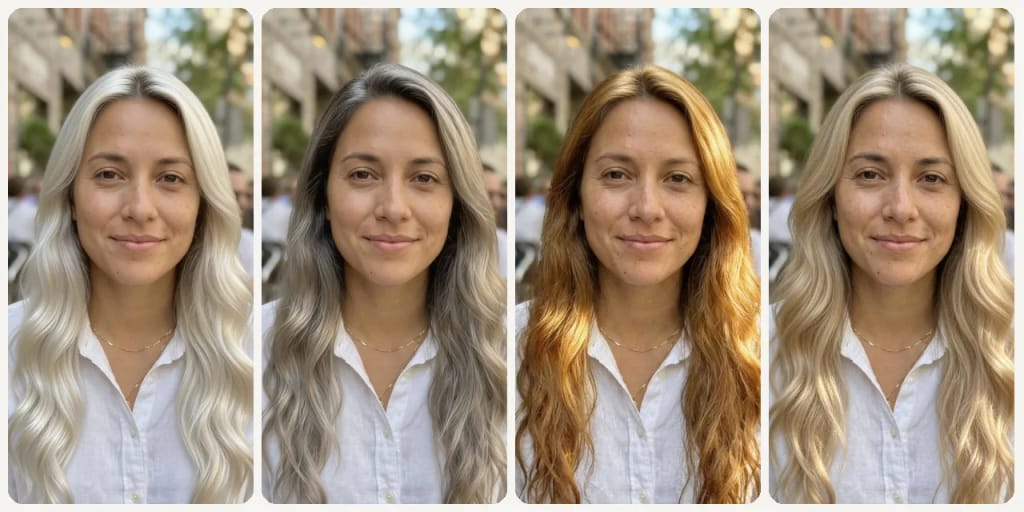
Blonde Hair Filter use case - Tone Comparison

Tone Comparison

Compare warm blondes like golden against cool blondes like ash to understand what works best with your natural coloring.

Por qué Eidora

Hecho distinto, hecho mejor

Find Your Blonde Before You Commit
Platinum, honey, and ash blonde look very different on warm versus cool skin tones. Preview each shade on your face before a costly bleach appointment.
Understand the Tone Difference
Warm blondes like golden and honey feel very different from cool blondes like ash and platinum. See both on your own photo.
Show Your Colorist What You Want
Download the preview that looks best and show it to your colorist to avoid miscommunication about tone, shade, and level.
Cómo funciona

Tres pasos. Más o menos un minuto.

Blonde Hair Filter: Upload Your Selfie
  1. Upload Your Selfie

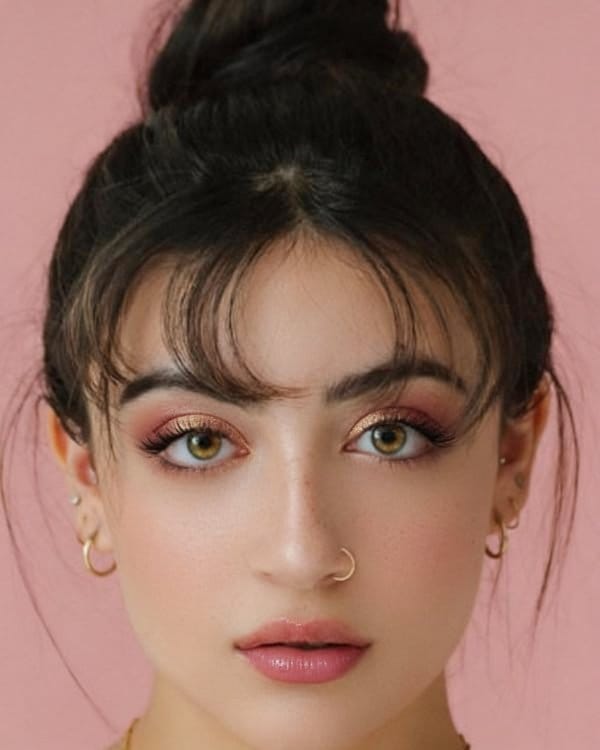
    Upload a clear front-facing photo with your hair visible.

  2. Pick a Blonde Shade

    Choose from platinum, golden, ash, honey, or beige blonde.

  3. Compare & Decide

    Compare shades side by side and save the result to share with your colorist.

Prueba Blonde Hair Filter ahora
✦ Generar · 4 créditos
Preguntas frecuentes

Preguntas frecuentes

Todo lo que necesitas saber. ¿No encuentras lo que buscas?
¿Todavía tienes preguntas?
Nuestro equipo de soporte te ayuda con gusto.
Contactar con soporte
Yes. The filter shows a preview of the blonde shade applied to your hair regardless of your natural color, giving you a realistic idea of the transformation goal.
Ash blonde has cool, slightly gray-toned undertones and works well on cooler skin tones. Platinum blonde is the lightest level of blonde — almost white — and creates a very striking, high-contrast look.
Yes. That is one of the most practical uses — download the shade preview and bring it to your appointment to align on the exact tone before work begins.
You can start with a free account: 6 credits when you sign up, enough to use this tool once (4 credits per blonde preview), with 2 left over. Free results carry an eidora.io watermark. After that, credits start at $1.99: a new account can buy 40 credits for $1.99 once, within 72 hours of signing up; credit packs start at $4.99 for 100 credits and plans at $9.9/month. Once you have paid, your results have no badge.
Usually 20 to 60 seconds per preview. Each run shows one shade; pick another and run it again to compare.
Your uploads, prompts and results are saved privately to your history so you can view and download them later, and only you can open them. To create a result, your input is sent to the AI model provider that runs the generation. We do not sell your content or use it to train AI models.
6 créditos al registrarte
¿Listo para hacer
el tuyo?
5 estilos · 4 créditos por imagen · 6 créditos al registrarte · sin tarjeta
6 créditos al registrarte · sin tarjeta
~20–60 segundos
6 créditos al registrarte