Selecciona o suelta hasta 10 fotos para usar las mismas opciones en cada una.
By uploading, you confirm you have the right to use this photo (see Acceptable Use).



Cómo hacer uno así
- Tool
- AI Hair Color Changer
- Estilo
- Blonde
- Proporción
- Not recorded
Modelo: FLUX.1 Kontext Pro · Normalmente 10-30 segundos
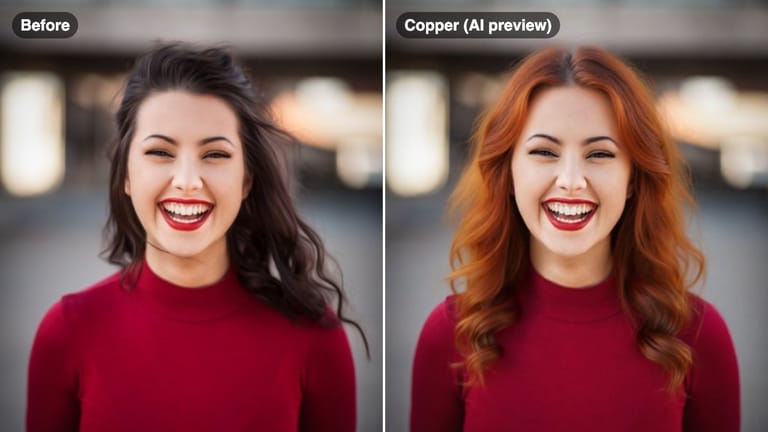
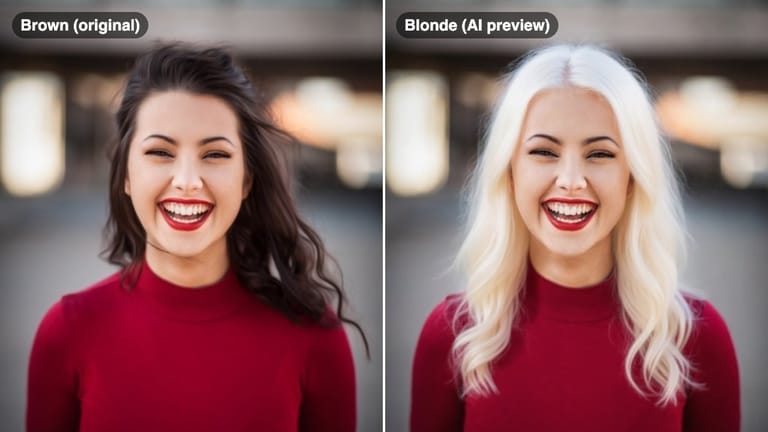
Eidora's AI Hair Color Changer previews a new hair color on your own photo in one of 6 colors: blonde, ash brown, copper, black, pastel pink or burgundy, one color per run. FLUX.1 Kontext Pro, Black Forest Labs' image-editing model, runs 5 of them, usually in 10 to 30 seconds per preview; pastel pink runs on Seedream 4.5, ByteDance's image model. 6 credits when you sign up; each preview uses 4 credits.
Mira la transformación




¿Qué es AI Hair Color Changer?
An AI hair color changer, also called an AI hair color filter or AI hair dye filter, lets you upload a selfie and preview different hair dye colors — from natural shades like blonde and ash brown to creative tones like pastel pink and burgundy — so you can make confident coloring decisions before visiting a salon.
Lo que puedes crear
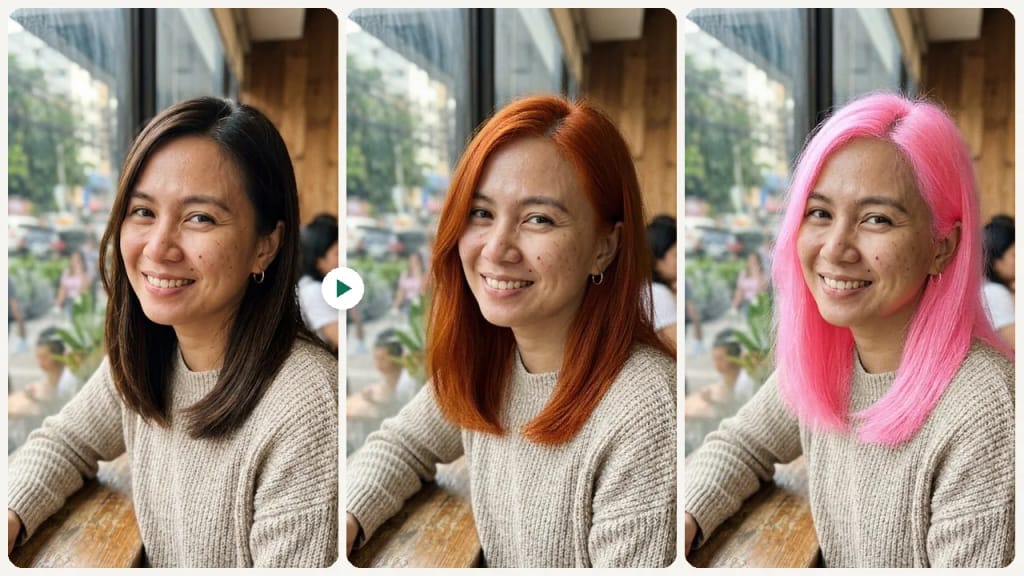
Pre-Salon Color Check
Show your stylist an AI preview to align on tone and shade before booking color work.
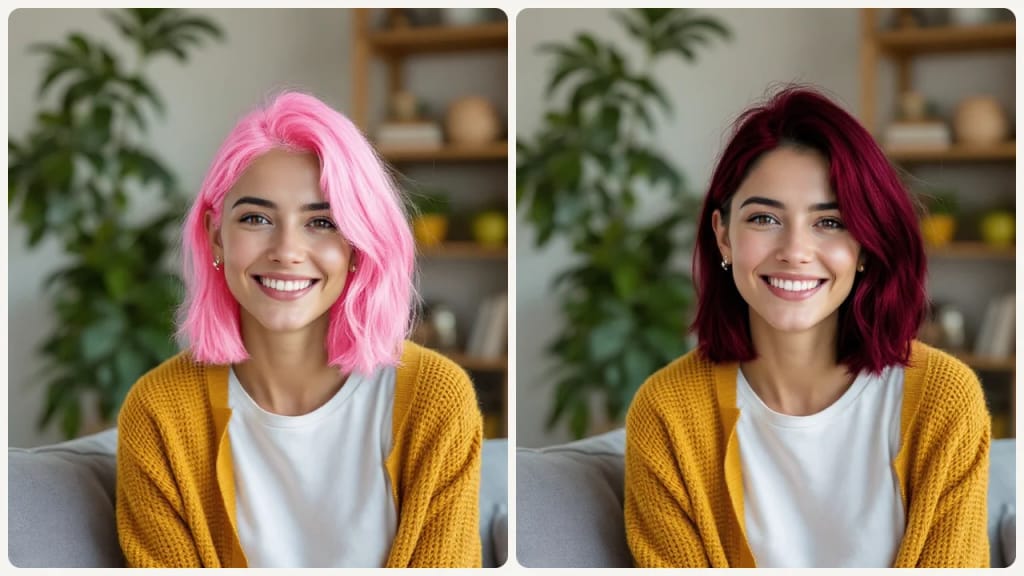
Fantasy Color Exploration
Try creative colors like Pastel Pink or Burgundy without any commitment, and compare them with natural shades on the same photo.
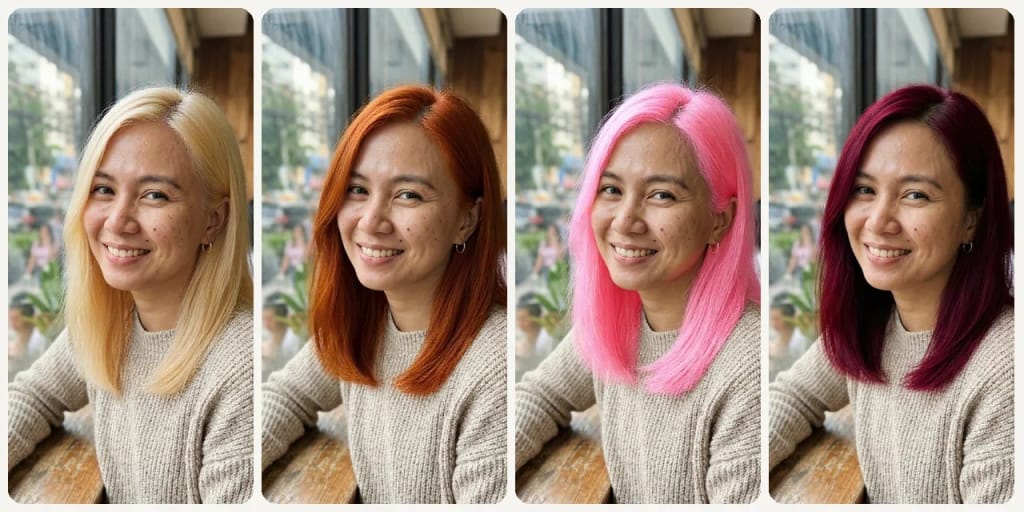
Skin Tone Matching
See how warm vs. cool tones work with your complexion before making a decision.
Hecho distinto, hecho mejor
Tres pasos. Más o menos un minuto.

Upload Your Photo
Upload your current photo.
Pick a Color
Pick one of 6 colors: Blonde, Ash Brown, Copper, Black, Pastel Pink or Burgundy. In the Custom tab you can add a note to the selected color, such as a lighter shade or darker roots.
Generate & Save
Generate your preview and save the best version.
Preguntas frecuentes
Todo lo que necesitas saber. ¿No encuentras lo que buscas?



el tuyo?