最大10枚の写真を選ぶかドロップすると、それぞれに同じ設定を使います。
ツール · このページで作成
AI Room Planner
Upload a photo of any room and see it in one of 9 styles, from Modern to Mediterranean, usually in 10 to 30 seconds. Perfect for homeowners, renters, and interior design enthusiasts looking for fresh ideas.
By uploading, you confirm you have the right to use this photo (see Acceptable Use).

モデル:FLUX.1 Kontext Pro · 通常10〜30秒
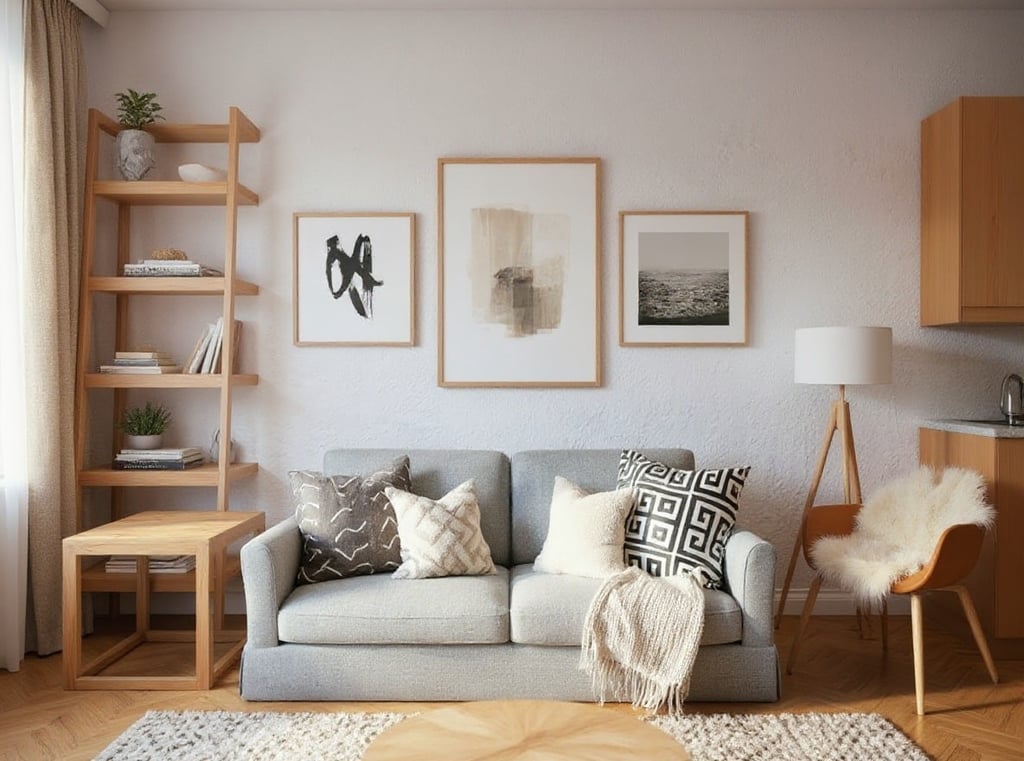
Eidora's AI Room Planner redesigns a photo of any room in one of 9 styles, such as Modern, Scandinavian, Christmas, Industrial, Luxury or New Chinese. FLUX.1 Kontext Pro, Black Forest Labs' image-editing model, adds new furniture, decor and colors, usually in 10 to 30 seconds; it is a style preview, so you can't move furniture or choose where things go. 6 credits when you sign up; each image uses 4 credits.
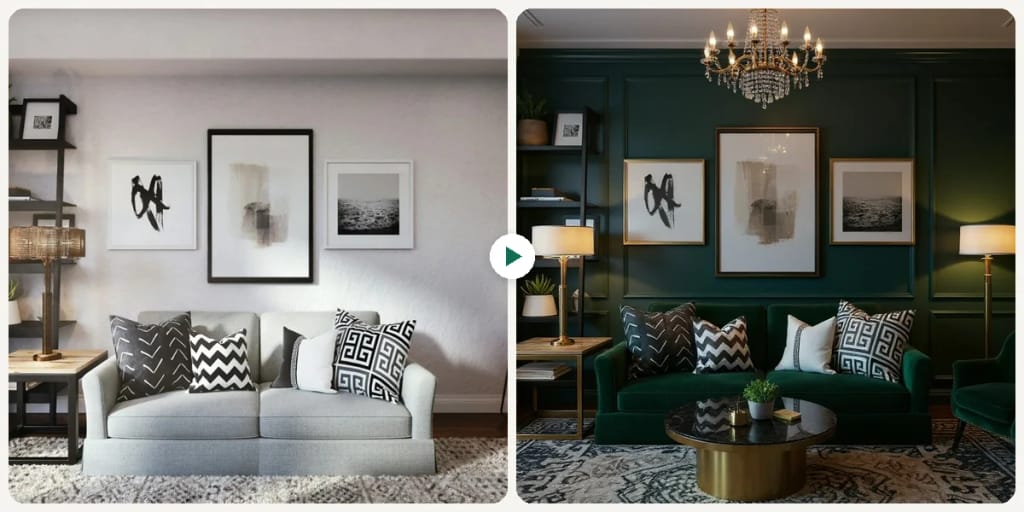
見てください、 この変化
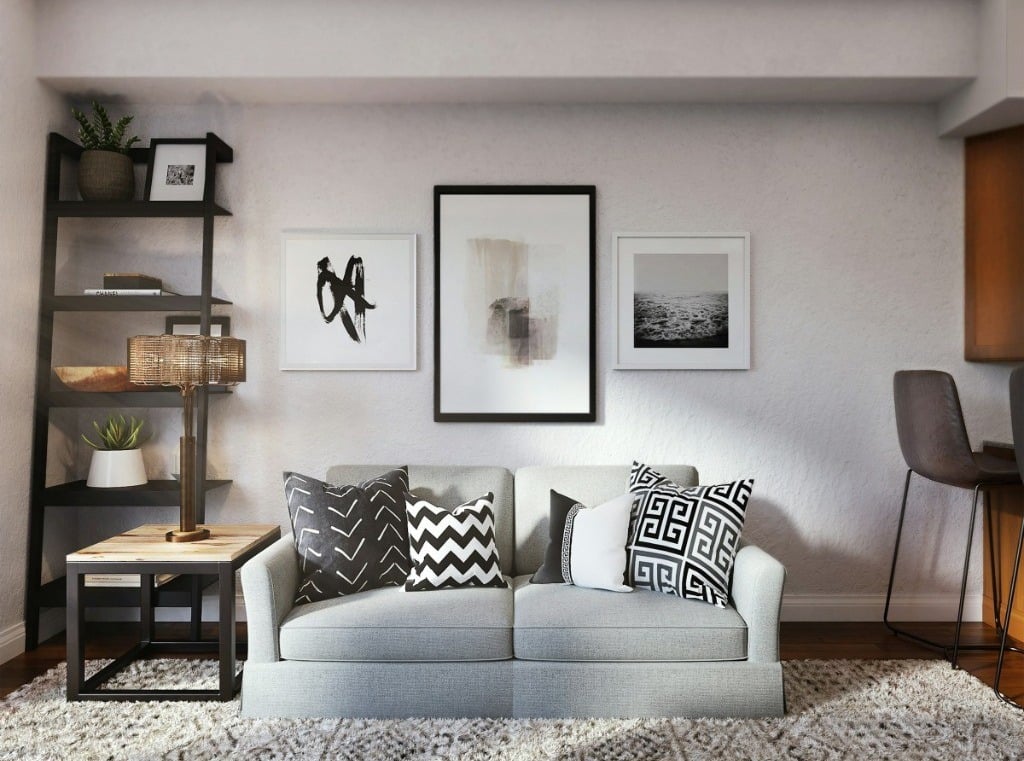
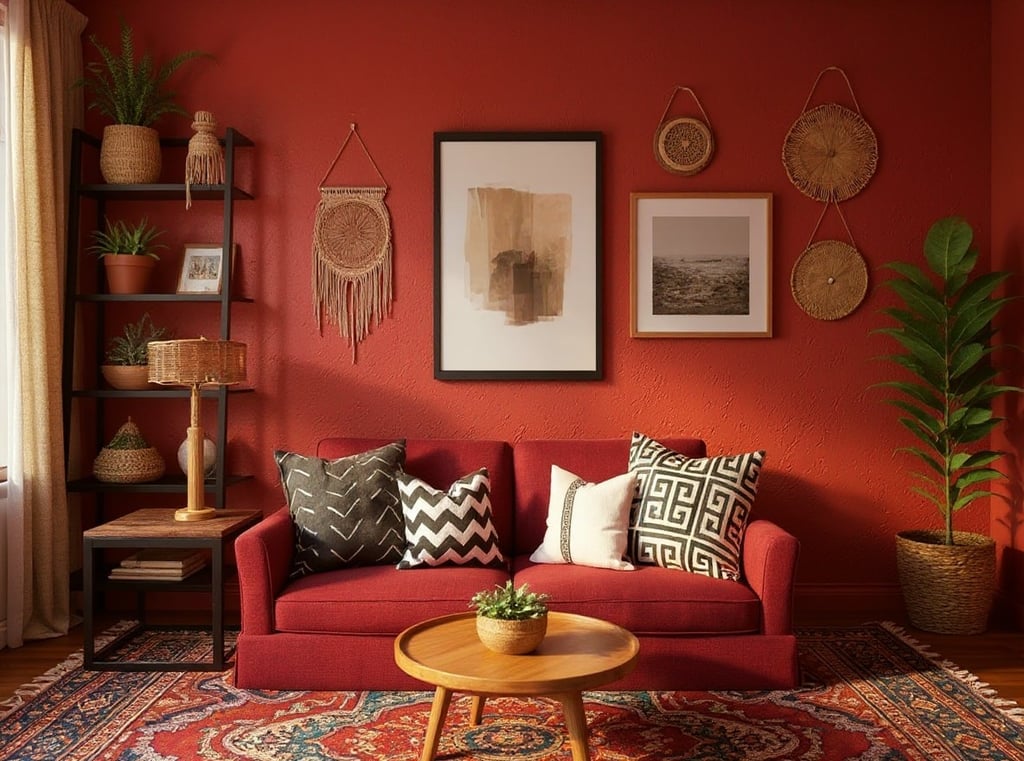
AI Room Plannerとは?
The AI Room Planner is an intuitive online tool that helps you visualize design changes for any room in your home. Simply upload a photo of your current space – be it a living room, bedroom, kitchen, or office – pick one of 9 styles, and our AI redesigns it with new furniture, decor and colors. Each run makes one image, usually in 10 to 30 seconds. It is a style preview, not a layout editor: you can't move furniture or choose where things go. This tool is ideal for homeowners planning a renovation, renters looking to personalize their space, or even real estate agents staging properties, offering quick design inspiration without costly consultations.
あなたが 作れるもの
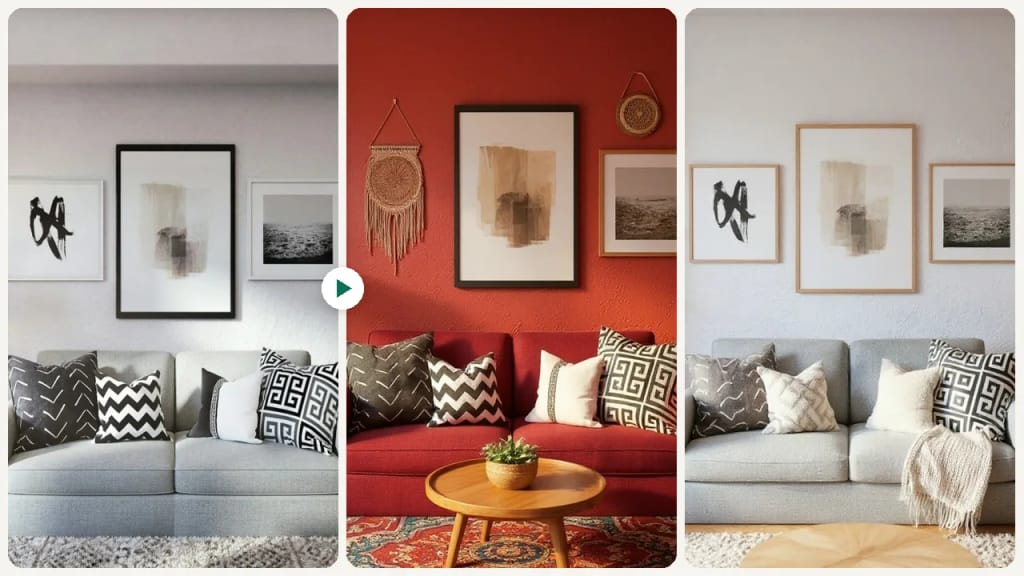
Visualize Home Redecoration Ideas
Homeowners can upload a photo of their living room or bedroom to see it redesigned in a new style, with new furniture, colors and decor. This helps them make confident design decisions before committing to purchases or physical changes.
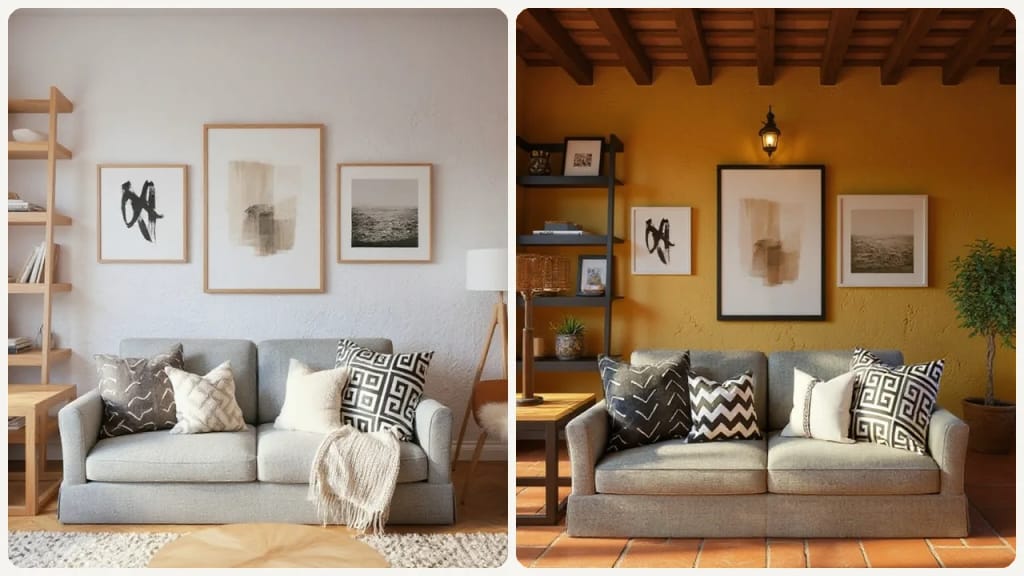
Present Design Concepts to Clients
Interior designers can use this tool to show a client's room in several style directions, one image per run, based on an uploaded room photo. It helps clients visualize proposed changes, like new furniture, flooring or colors, making the approval process smoother.
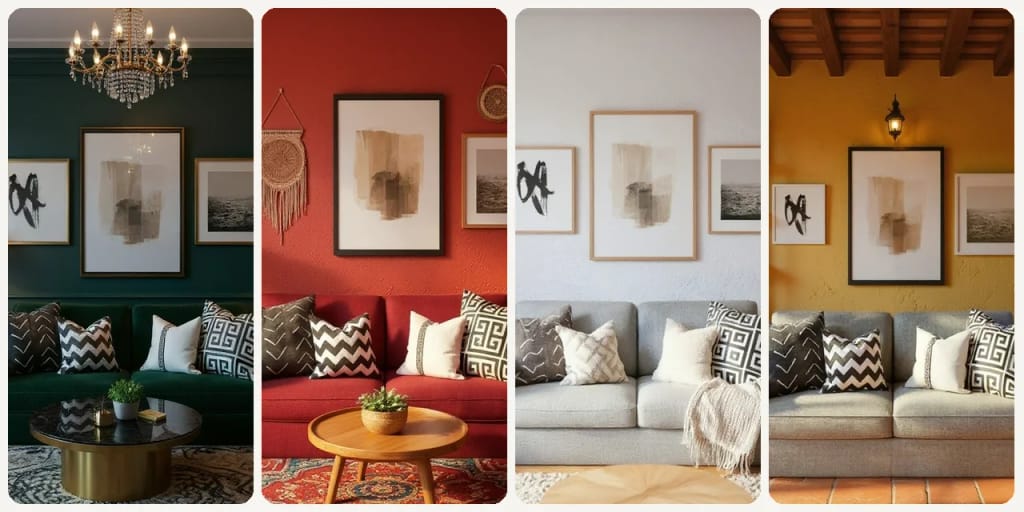
Virtual Staging for Property Listings
Real estate agents can upload photos of empty or outdated rooms from properties they are selling. The tool helps them virtually stage these spaces, showcasing their full potential to prospective buyers and making listings more appealing online.
作り方が違う、だから仕上がりがいい
3ステップ。 約1分。
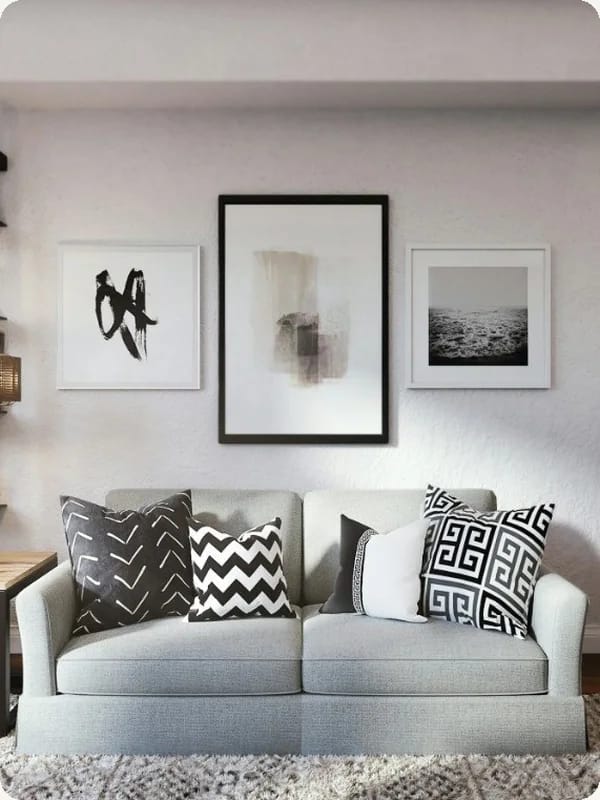
Upload Your Room Photo
Take a clear picture of your room and upload it directly to the AI Room Planner.
Choose Your Design Style
Pick one of the 9 styles (Modern, Scandinavian, Christmas, Industrial, Bohemian, Luxury, New Chinese, European, Mediterranean), then press Generate.
Download Your Result
Download the image. Want a different look? Pick another style and run it again.


あなたの一枚を