사진을 최대 10장까지 선택하거나 끌어다 놓으면 각각 같은 옵션을 적용합니다.

도구 · 이 페이지에서 만들기

AI Room Planner

Upload a photo of any room and see it in one of 9 styles, from Modern to Mediterranean, usually in 10 to 30 seconds. Perfect for homeowners, renters, and interior design enthusiasts looking for fresh ideas.

room 사진 업로드

By uploading, you confirm you have the right to use this photo (see Acceptable Use).

예시로 해 보기:
예시 1
디자인 스타일 선택
이미지당 4크레딧 · 가입 시 6 크레딧
모델: FLUX.1 Kontext Pro · 보통 10~30초
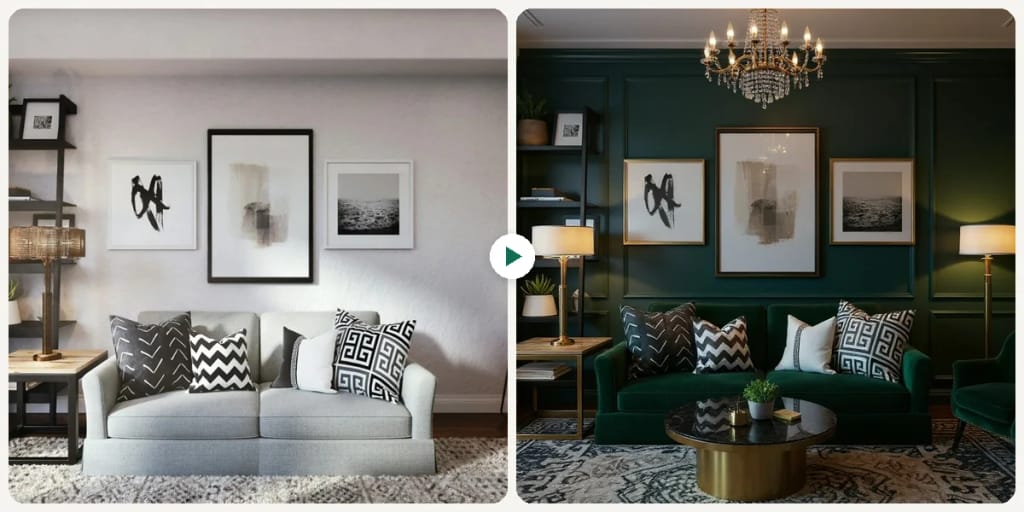
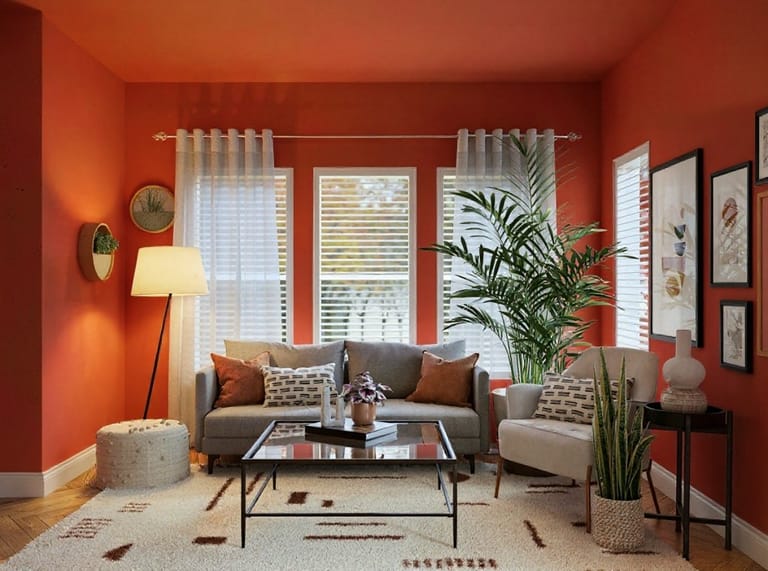
AI Room Planner result
샘플 결과
샘플
Modern 스타일

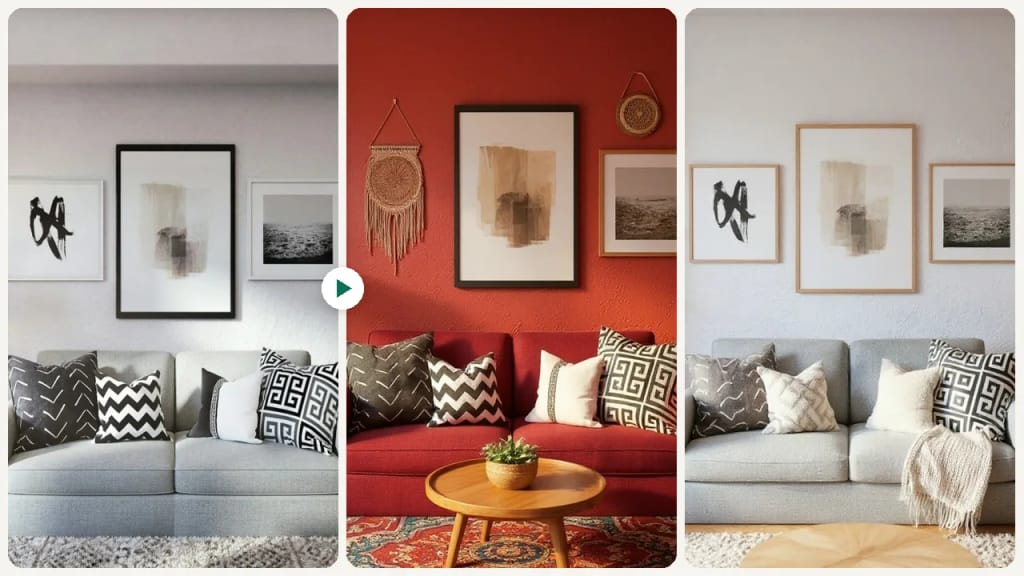
Eidora's AI Room Planner redesigns a photo of any room in one of 9 styles, such as Modern, Scandinavian, Christmas, Industrial, Luxury or New Chinese. FLUX.1 Kontext Pro, Black Forest Labs' image-editing model, adds new furniture, decor and colors, usually in 10 to 30 seconds; it is a style preview, so you can't move furniture or choose where things go. 6 credits when you sign up; each image uses 4 credits.

전후 비교

확인해 보세요, 이 변화

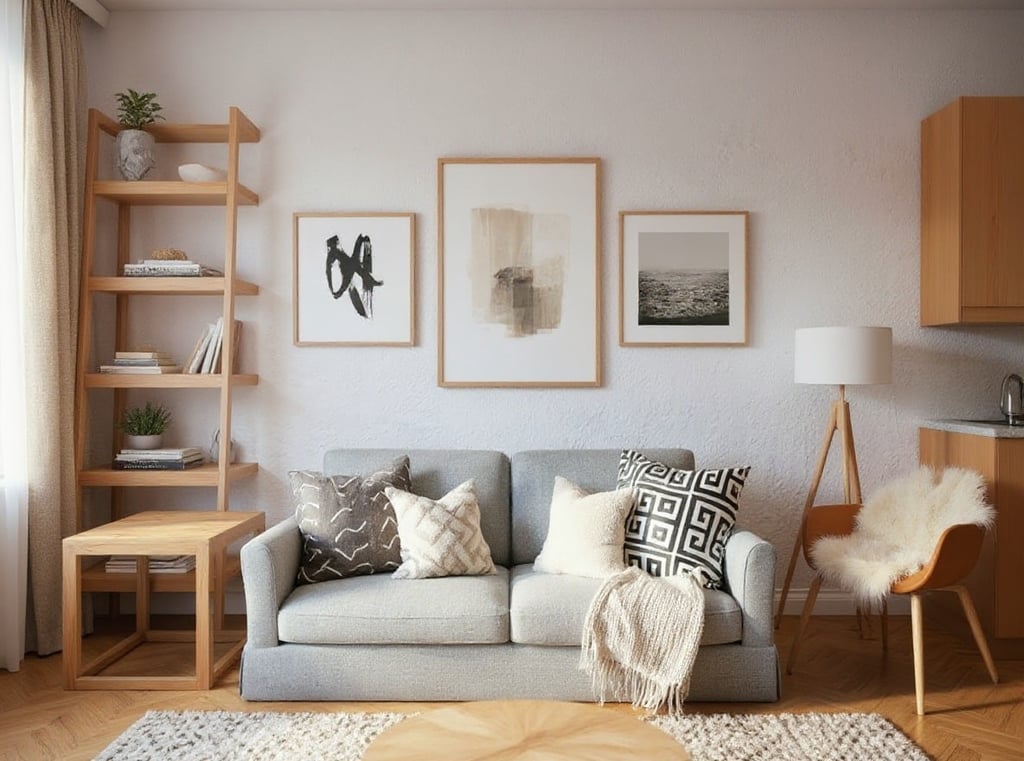
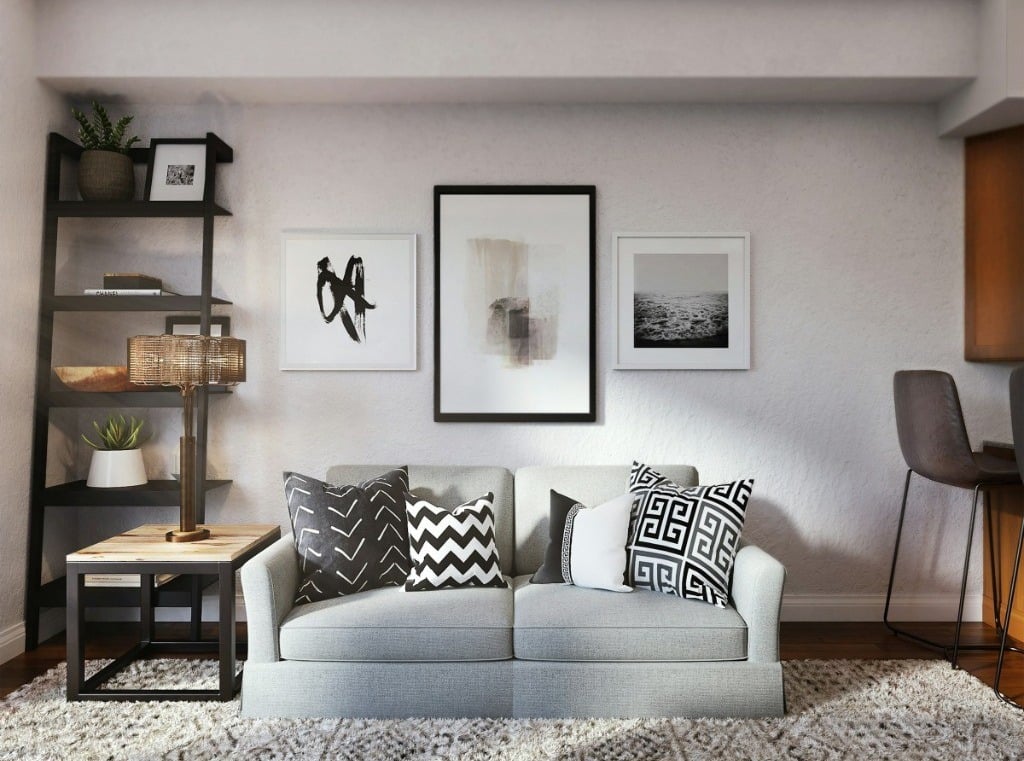
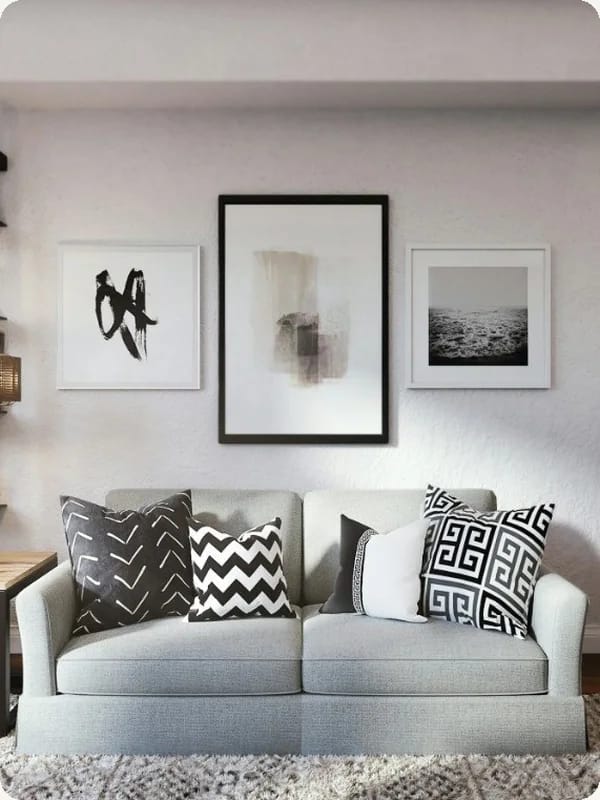
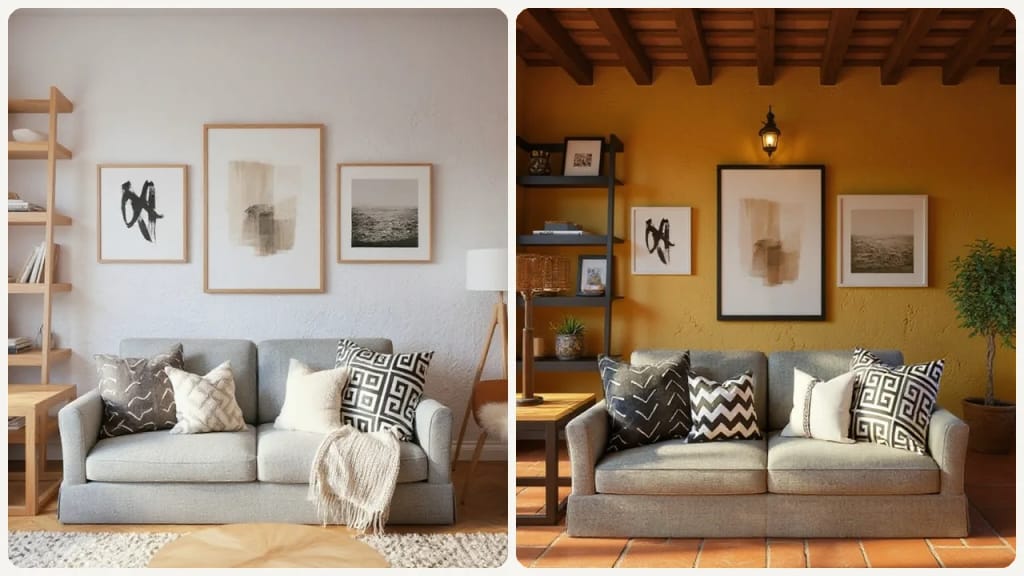
Original photo before AI Room Planner - Scandinavian styleOriginal photo before AI Room Planner - Bohemian style
원본 사진
전
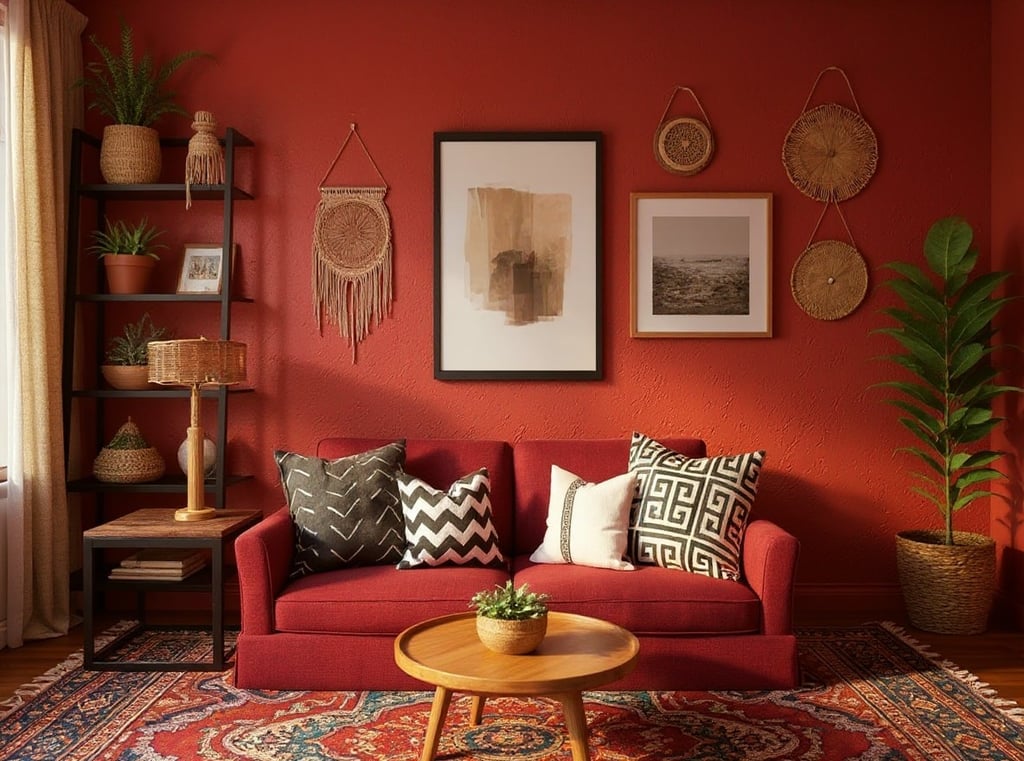
AI result in Scandinavian style - AI Room PlannerAI result in Bohemian style - AI Room Planner
샘플 결과
후
Scandinavian 스타일
AI Room Planner · Eidora AI
이 도구 소개
AI Room Planner overview

AI Room Planner란?

The AI Room Planner is an intuitive online tool that helps you visualize design changes for any room in your home. Simply upload a photo of your current space – be it a living room, bedroom, kitchen, or office – pick one of 9 styles, and our AI redesigns it with new furniture, decor and colors. Each run makes one image, usually in 10 to 30 seconds. It is a style preview, not a layout editor: you can't move furniture or choose where things go. This tool is ideal for homeowners planning a renovation, renters looking to personalize their space, or even real estate agents staging properties, offering quick design inspiration without costly consultations.

활용 사례

당신이 만들 수 있는 것

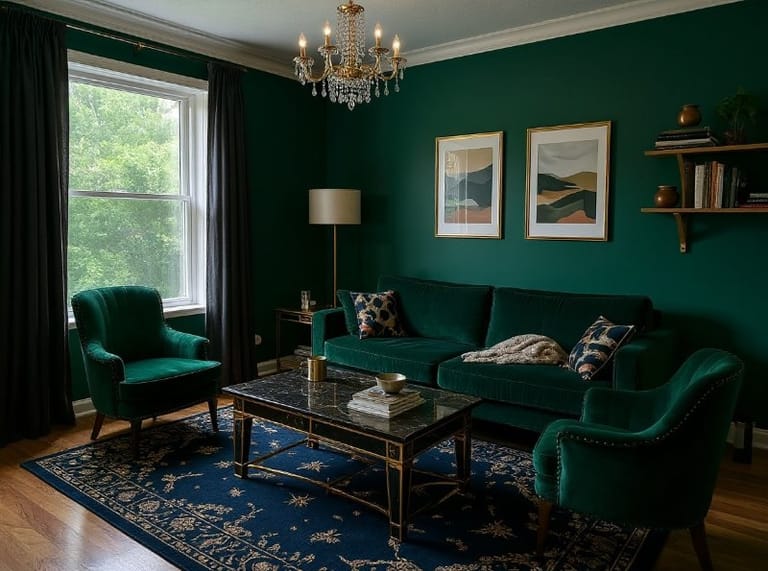
AI Room Planner use case - Visualize Home Redecoration Ideas

Visualize Home Redecoration Ideas

Homeowners can upload a photo of their living room or bedroom to see it redesigned in a new style, with new furniture, colors and decor. This helps them make confident design decisions before committing to purchases or physical changes.
AI Room Planner use case - Present Design Concepts to Clients

Present Design Concepts to Clients

Interior designers can use this tool to show a client's room in several style directions, one image per run, based on an uploaded room photo. It helps clients visualize proposed changes, like new furniture, flooring or colors, making the approval process smoother.
AI Room Planner use case - Virtual Staging for Property Listings

Virtual Staging for Property Listings

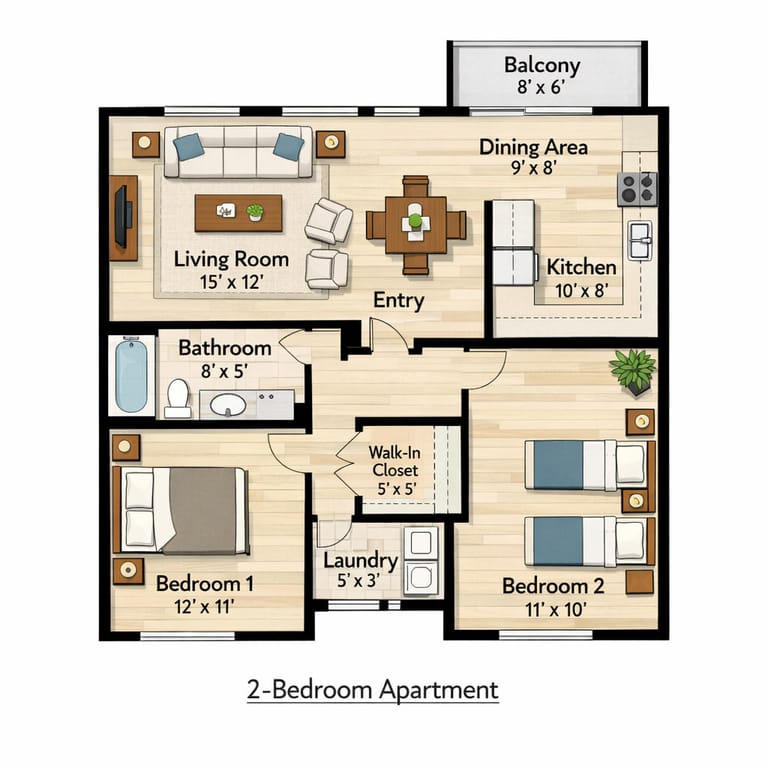
Real estate agents can upload photos of empty or outdated rooms from properties they are selling. The tool helps them virtually stage these spaces, showcasing their full potential to prospective buyers and making listings more appealing online.

왜 Eidora인가

만드는 방식이 다르고, 결과가 더 좋습니다

Quick Visualizations
Pick a style and see your room redesigned in about 10 to 30 seconds, one image per run.
Explore Design Styles
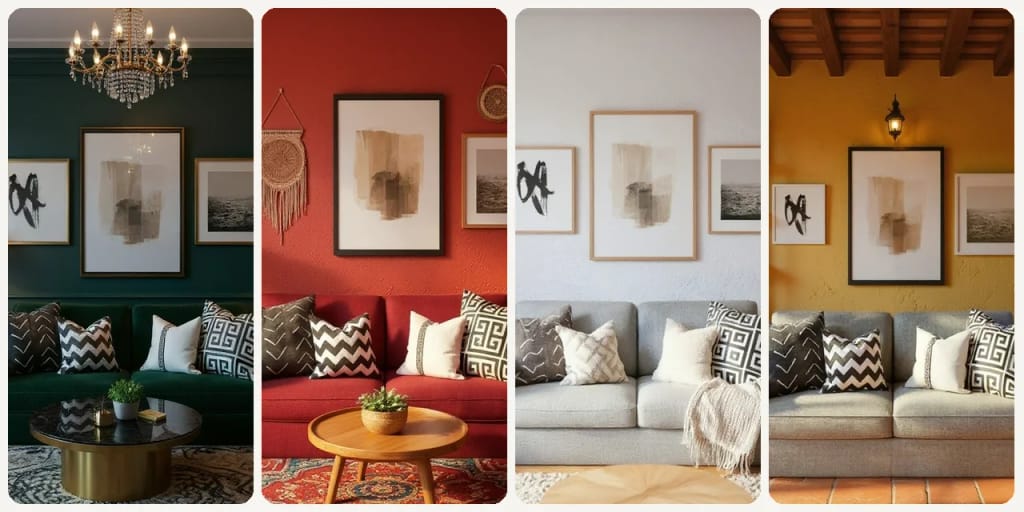
Experiment with 9 styles, including Modern, Scandinavian, Industrial, Bohemian and Luxury, to find what truly suits your taste.
Avoid Costly Mistakes
Preview new furniture styles, color palettes, and decor virtually before making any purchases or commitments.
이용 방법

세 단계, 약 1분.

AI Room Planner: Upload Your Room Photo
  1. Upload Your Room Photo

    Take a clear picture of your room and upload it directly to the AI Room Planner.

  2. Choose Your Design Style

    Pick one of the 9 styles (Modern, Scandinavian, Christmas, Industrial, Bohemian, Luxury, New Chinese, European, Mediterranean), then press Generate.

  3. Download Your Result

    Download the image. Want a different look? Pick another style and run it again.
지금 AI Room Planner 써 보기
✦ 생성 · 4 크레딧
자주 묻는 질문

자주 묻는 질문

알아야 할 모든 것. 찾는 답이 없나요?

아직 궁금한 점이 있나요?
지원팀이 기꺼이 도와드립니다.
지원팀 문의
It's an online tool that uses artificial intelligence to redesign your room based on an uploaded photo. You pick one of 9 styles and get one redesigned image per run to visualize potential changes before making any real-world alterations.
You can start with a free account: 6 credits when you sign up, enough to use this tool once (4 credits per image), with 2 left over. Free results carry an eidora.io watermark. After that, credits start at $1.99: a new account can buy 40 credits for $1.99 once, within 72 hours of signing up; credit packs start at $4.99 for 100 credits and plans at $9.9/month. Once you have paid, your results have no badge.
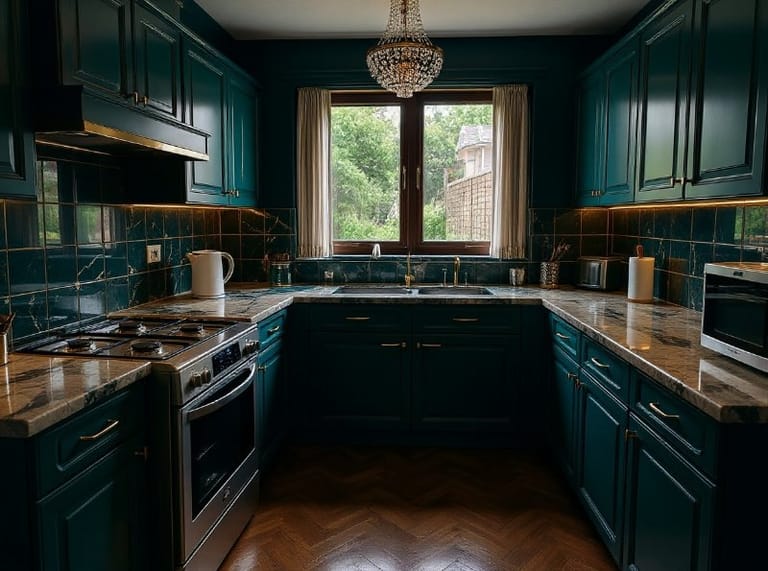
You can design virtually any room, including living rooms, bedrooms, kitchens, dining rooms, home offices, bathrooms, and even outdoor spaces like patios or balconies.
Not at all! The AI Room Planner is designed for everyone, from complete beginners to experienced designers. Its intuitive interface makes it easy to generate stunning room concepts.
The designs provide a realistic visual representation of how your room could look. While precise measurements aren't incorporated, it offers excellent stylistic and spatial inspiration for furniture and decor placement.
Not directly. There is no layout editor, so you can't move furniture or choose where things go. The AI may arrange furniture differently when it applies a style, so running the same style again or trying another style can show a different arrangement. Each run makes one image.
There are 9 styles: Modern, Scandinavian, Christmas, Industrial, Bohemian, Luxury, New Chinese, European and Mediterranean. Each style sets the furniture, colors and materials together; you can't add a style of your own.
Yes. Each result is saved to your history, and you can download the image to keep it or share it with others.
You can upload a JPG, PNG, WebP or GIF image up to 10MB. A clear, well-lit photo gives the best results.
Usually 10 to 30 seconds, a little longer at busy times.
Your uploads, prompts and results are saved privately to your history so you can view and download them later, and only you can open them. To create a result, your input is sent to the AI model provider that runs the generation. We do not sell your content or use it to train AI models.
While it's an excellent tool for inspiration and initial visualization, it's best used as a concept generator. Professional projects may require more precise tools for detailed planning and measurements.
가입 시 6 크레딧
만들 준비가
되셨나요?
9 스타일 · 이미지당 4크레딧 · 가입 시 6 크레딧 · 카드 필요 없음
가입 시 6 크레딧 · 카드 필요 없음
약 10~30초
가입 시 6 크레딧