動画ツール · このページで作成

AI Video Generator

Upload a photo or type a scene and get a 6-second clip with sound from MiniMax H3, usually in 2 to 5 minutes, or a quicker 4-second clip from Vidu Q2 (Vidu Q2 Turbo when you start from a photo).

有料プランとクレジットパック
約2〜5分
1本25クレジット

By uploading, you confirm you have the right to use this photo (see Acceptable Use).

モデル
アスペクト比
アイデア — クリックで試す
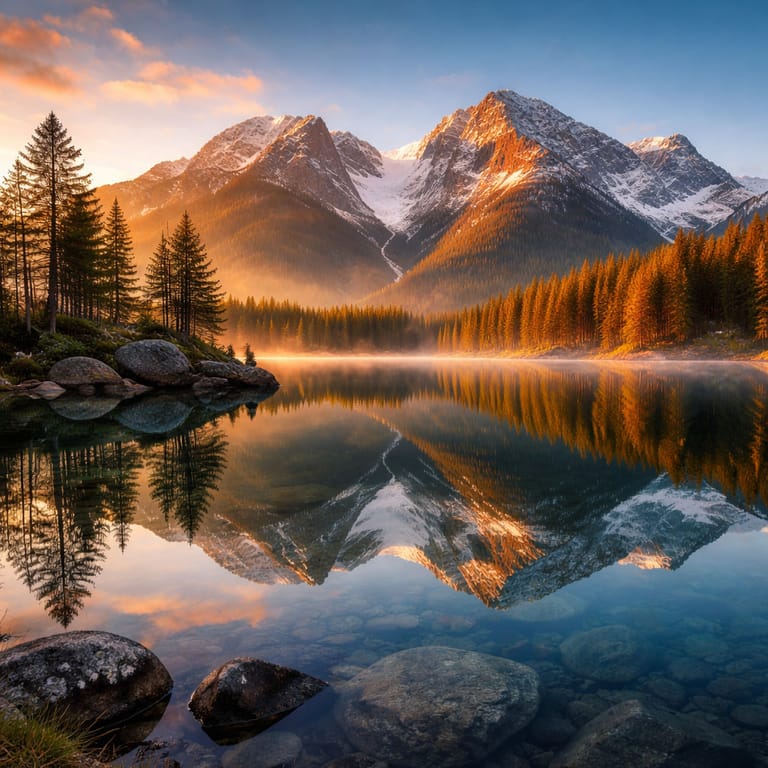
Inspiration 1
1本25クレジット · クレジットパックが必要($1.99から)
モデル:MiniMax H3 · 動画は通常2〜5分

Eidora's AI Video Generator turns a photo or a text prompt into a short MP4 clip. MiniMax H3, the default, makes a 6-second 768p clip with sound for 25 credits, usually in 2 to 5 minutes; Vidu Q2 makes a 4-second 720p clip without sound for 40 credits, a little quicker (from a photo it runs Vidu Q2 Turbo). A clip from a photo keeps the photo's shape; from text you pick 16:9, 9:16 or 1:1. It needs a paid plan or a credit pack.

ビフォー・アフター

見てください、 この変化

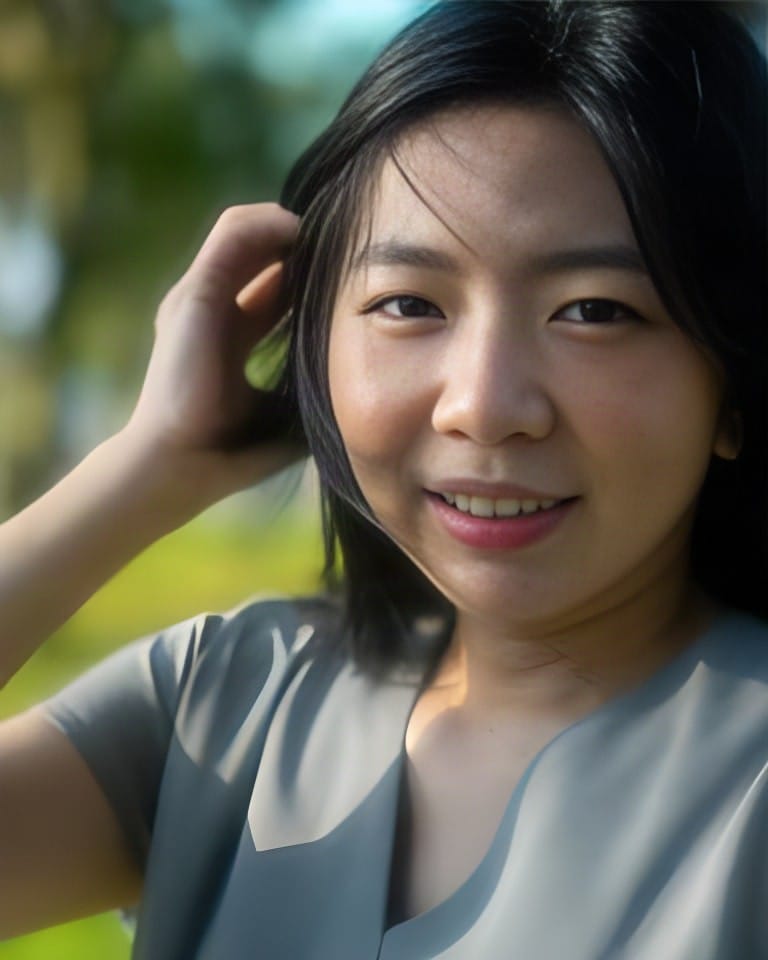
A photo of a woman at a cafe window, and the 6-second MiniMax H3 video made from it, where she tilts her head into a warm smile (before)
元の写真
ビフォー
サンプル結果
アフター
One photo, a 6-second video
She blinks, glances down, then tilts her head into a warm smile while the cafe stays still
このツールについて
AI Video Generator overview

AI Video Generatorとは?

AI Video Generator is a video-creation tool that turns a still image or text prompt into a short motion clip downloadable as an MP4.

Eidora's AI Video Generator turns a single still image or a text prompt into a short motion clip. By default it runs MiniMax H3, a 6-second clip at 768p with sound; pick Vidu Q2 for a 4-second 720p clip without sound. Upload a product photo and it adds camera movement, lighting shifts and subtle object motion, with no timeline or keyframes to set up. For text-only input, describe a scene and pick widescreen 16:9, vertical 9:16 or square 1:1. Each clip downloads as an MP4, ready for social posts, product pages or ad creative.

使い方の例

あなたが 作れるもの

AI Video Generator use case - Product Explainer Videos

Product Explainer Videos

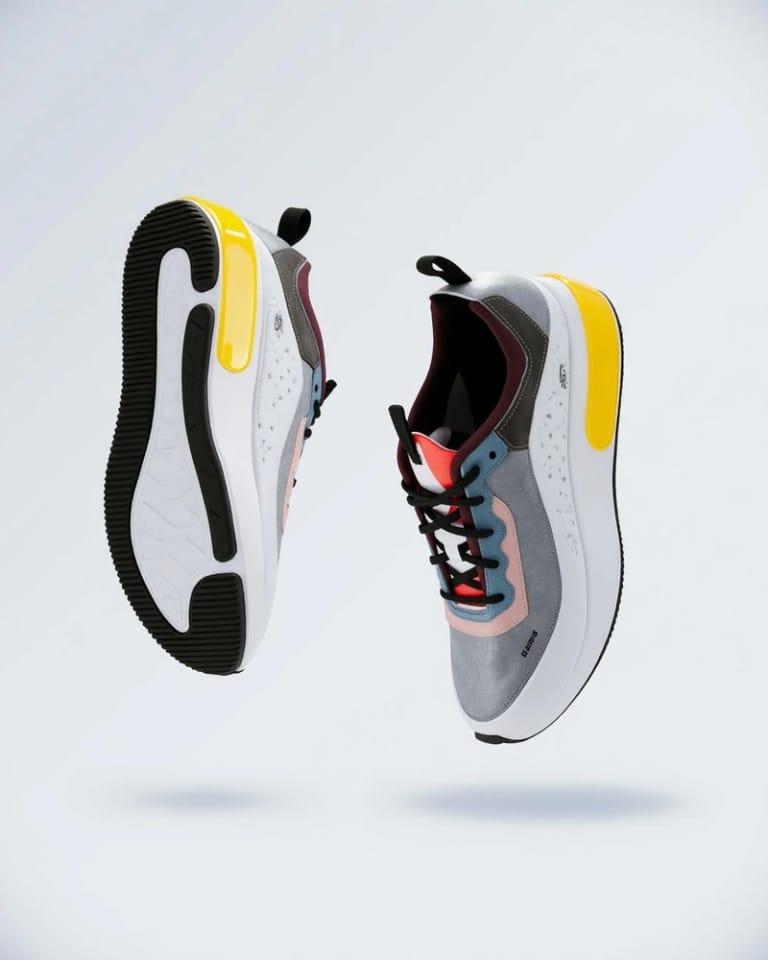
E-commerce Sellers can quickly generate short video clips to showcase new products effectively. Simply upload a product image or describe its key features to create engaging visual demonstrations for online listings.

Social Media Content Creation

Social Media Managers can easily produce eye-catching short videos for daily posts and stories across platforms. Transform a static image or a brief concept into dynamic visual content that captures audience attention.

Marketing Campaign Promos

Small Business Owners can create simple promotional videos for upcoming sales, events, or service introductions. Use a compelling image or a descriptive text prompt to generate quick announcements without needing video production skills.

Eidoraを選ぶ理由

作り方が違う、だから仕上がりがいい

Physics-Aware Motion
MiniMax H3 and Vidu Q2 move people, fabric, water and hair in a natural-looking way instead of warping them like simple morph tools.
Image-to-Video in Minutes
Upload one photo and get a 6-second clip with sound, usually in 2 to 5 minutes. No storyboard or timeline editor: the model handles the motion.
Standard MP4 Output
Clips download as MP4 files that play almost anywhere. For a text prompt you pick the shape: 16:9 for YouTube and websites, 9:16 for TikTok, Reels and Shorts, or square 1:1. A video made from a photo keeps the photo's shape.
使い方

3ステップ。 約1分。

AI Video Generator: Input Your Content
  1. Input Your Content

    Upload an image you want to animate or type a detailed text prompt describing your desired video scene.

  2. Generate Your Video

    Pick a model and press Generate; it usually takes 2 to 5 minutes.

  3. Download and Share

    Check the result and download the video. Not quite right? Run it again.
AI Video Generatorを今すぐ試す
✦ 今すぐ始める
よくある質問

よくある 質問

知りたいことはここにあります。答えが見つかりませんか?

まだ質問がありますか?
サポートチームがお手伝いします。
サポートに連絡
You can create short, dynamic video clips suitable for social media, marketing campaigns, quick explainers, or animating still images. The output is based directly on your image upload or text prompt, allowing for a wide range of creative possibilities.
Video is included in paid plans: Pro is $9.9/month for 300 credits. A MiniMax H3 video uses 25 credits and a Vidu Q2 video 40. Ultra and Max add more credits, or you can buy a one-time credit pack.
Absolutely not. This tool is designed for ease of use, requiring no prior video editing or design experience. Simply provide an image or text prompt, and the AI handles the complex video creation process for you.
The AI Video Generator accepts two primary input types: you can either upload an image that you wish to animate or provide a descriptive text prompt outlining the video you want to generate.
A MiniMax H3 clip usually takes 2 to 5 minutes, depending on server load; Vidu Q2 is a little quicker. Both render every frame rather than morphing the photo, which takes longer than simple image animation but gives more coherent motion.
MiniMax H3 makes a 6-second MP4 at 768p and Vidu Q2 a 4-second MP4 at 720p. For a text prompt you choose 16:9 (YouTube, websites, presentations), 9:16 (TikTok, Reels, Shorts) or 1:1; a video made from a photo keeps the photo's shape.
A cinemagraph or GIF loops a small moving part of a still image. Image-to-video generates new frames with camera and subject motion, so the result is a short new clip, not a looping still.
Describe the scene, camera movement, and mood rather than listing objects. For example: 'slow dolly forward through a neon-lit alley at night, rain on cobblestones' works better than 'alley, neon signs, rain, cobblestones.' The model responds well to cinematic direction language.
Permitted uses depend on your rights in the inputs, applicable law, and the terms of the selected third-party model or provider. An Eidora plan does not itself grant additional intellectual-property rights, so verify those terms before using an output in business or client work.
MiniMax H3, the default, makes clips with sound. Vidu Q2 clips come without sound; you can add music, voiceover or sound effects in any standard editor like CapCut or DaVinci Resolve, or in TikTok or Reels during upload.
Busy scenes such as landscapes, streets and interiors can work well because the model has more depth to move through, while a portrait on a plain background often gets gentler motion. Results vary, so try both and compare.
Your uploads, prompts and results are saved privately to your history so you can view and download them later, and only you can open them. To create a result, your input is sent to the AI model provider that runs the generation. We do not sell your content or use it to train AI models.
スターターパック:100クレジットで$4.99
さあ、
あなたの一枚を
1本25クレジット · 有料プランとクレジットパック
有料プランとクレジットパック
約2〜5分
1本25クレジット