Image · effect

AI Pose Generator

Redraw you in a new pose

4 credits per imageFLUX.1 Kontext Pro

最倧10枚の写真を遞ぶかドロップするず、それぞれに同じ蚭定を䜿いたす。

写真をアップロヌド

By uploading, you confirm you have the right to use this photo (see Acceptable Use).
䟋で詊す
䟋 1
Example result
同じものを䜜る方法
Tool
AI Pose Generator
スタむル
Side Profile Stand
比率
Not recorded
スタむルを遞ぶ
1枚4クレゞット · 登録で6クレゞット
モデルFLUX.1 Kontext Pro · 通垞10〜30秒

Eidora's AI Pose Generator redraws your photo in a new pose, one of 10: standing front or side, arms crossed, hands in pockets, seated, looking over the shoulder, walking, jumping, a close-up or a fashion pose. FLUX.1 Kontext Pro, Black Forest Labs' image-editing model, keeps your face, clothing and accessories, usually in 10 to 30 seconds. 6 credits when you sign up; each pose uses 4 credits.

ビフォヌ・アフタヌ

芋おください、 この倉化

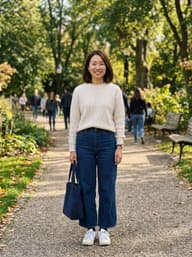
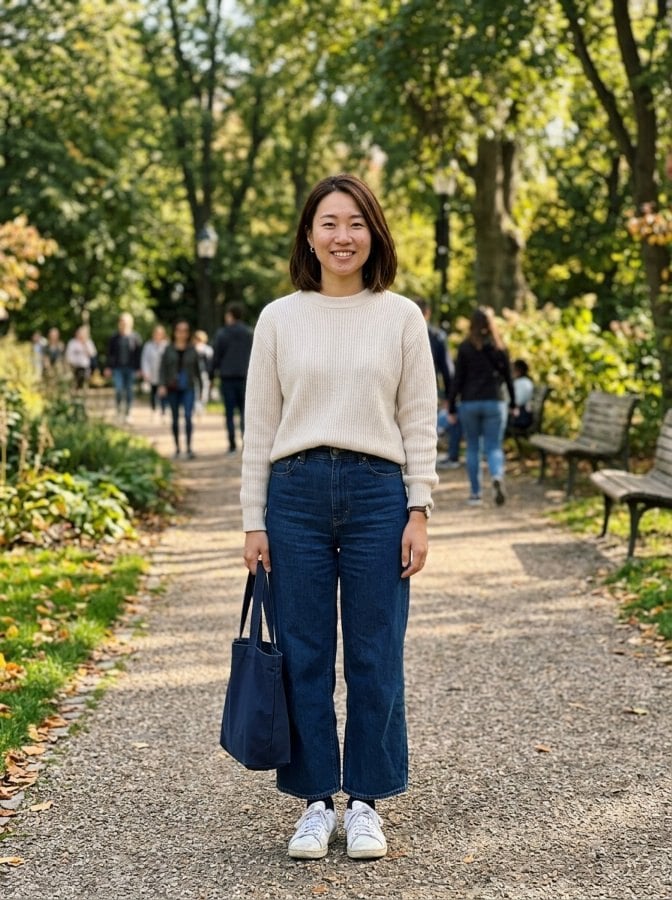
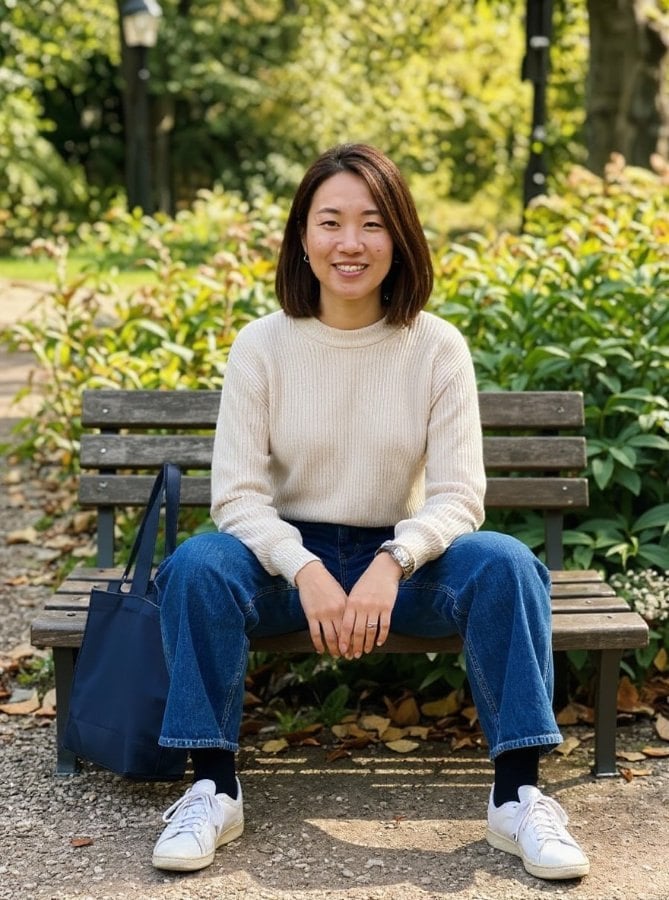
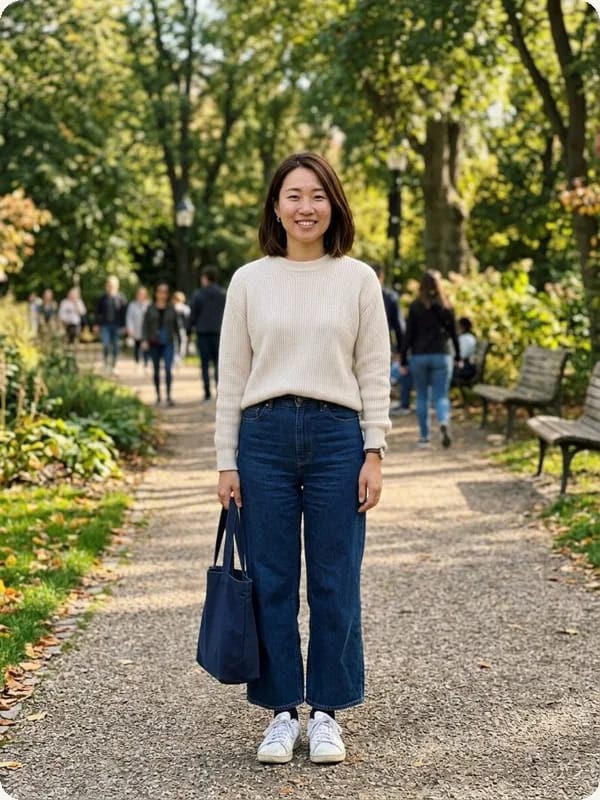
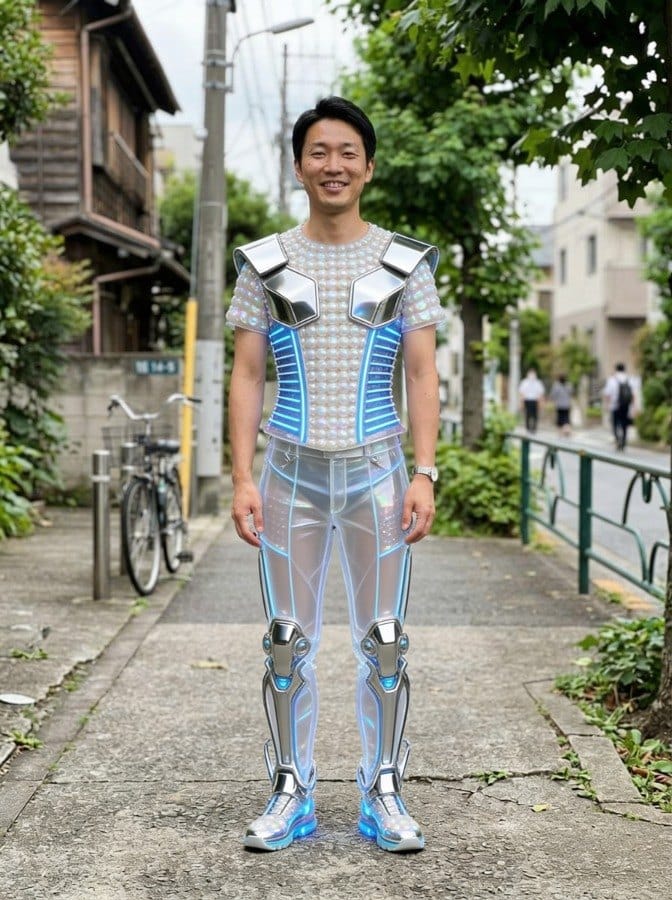
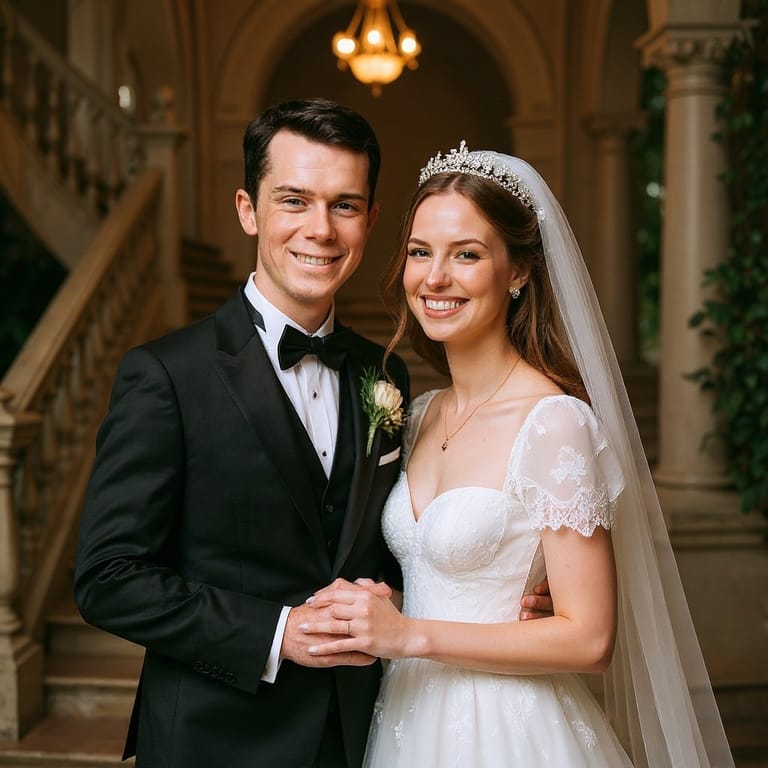
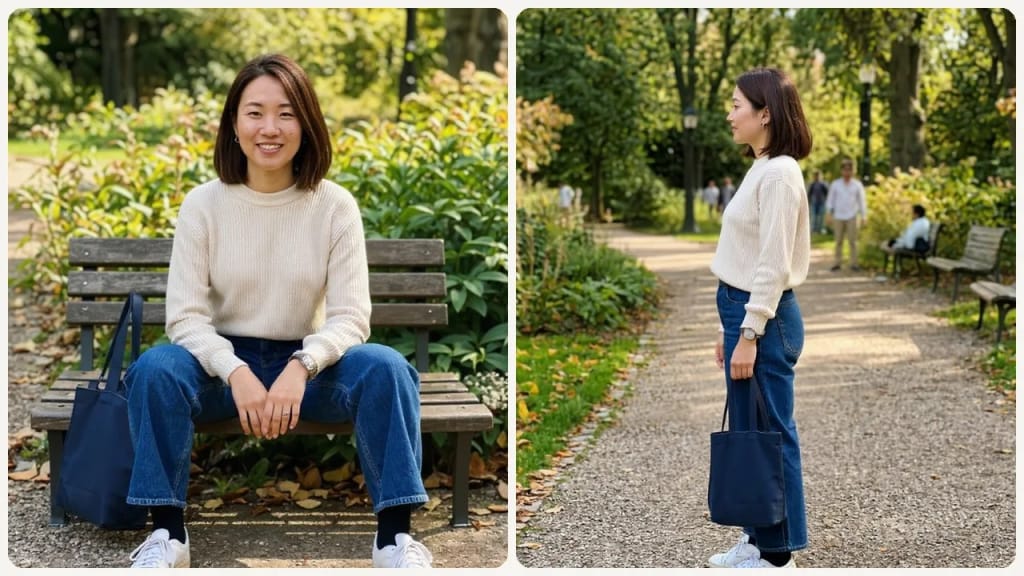
Original photo before AI Pose Generator - Side Profile Stand styleOriginal photo before AI Pose Generator - Natural Seated Pose style
元の写真
ビフォヌ
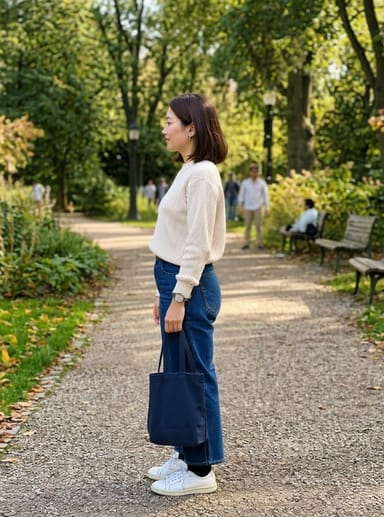
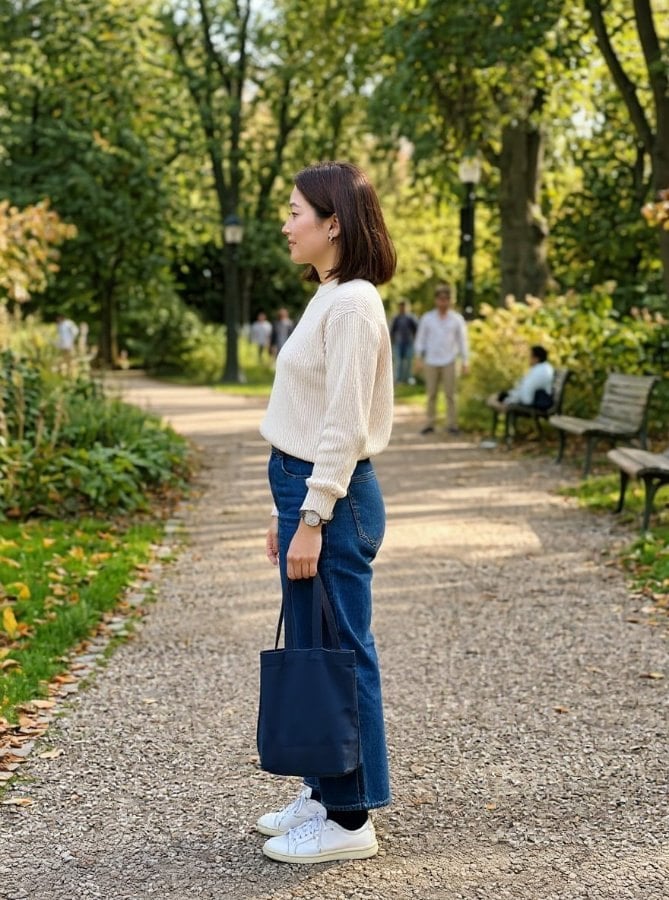
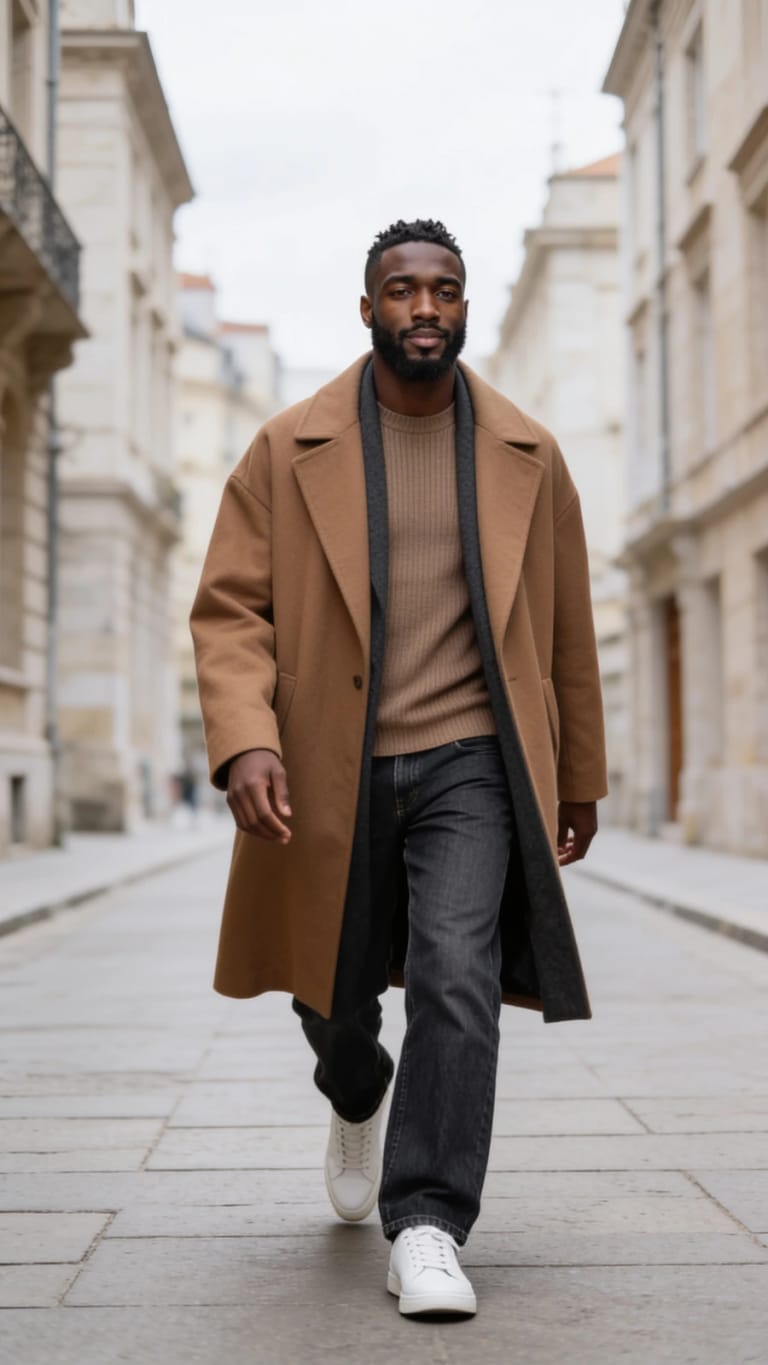
AI result in Side Profile Stand style - AI Pose GeneratorAI result in Natural Seated Pose style - AI Pose Generator
サンプル結果
アフタヌ
Side Profile Standスタむル
AI Pose Generator · Eidora AI
このツヌルに぀いお
AI Pose Generator overview

AI Pose Generatorずは

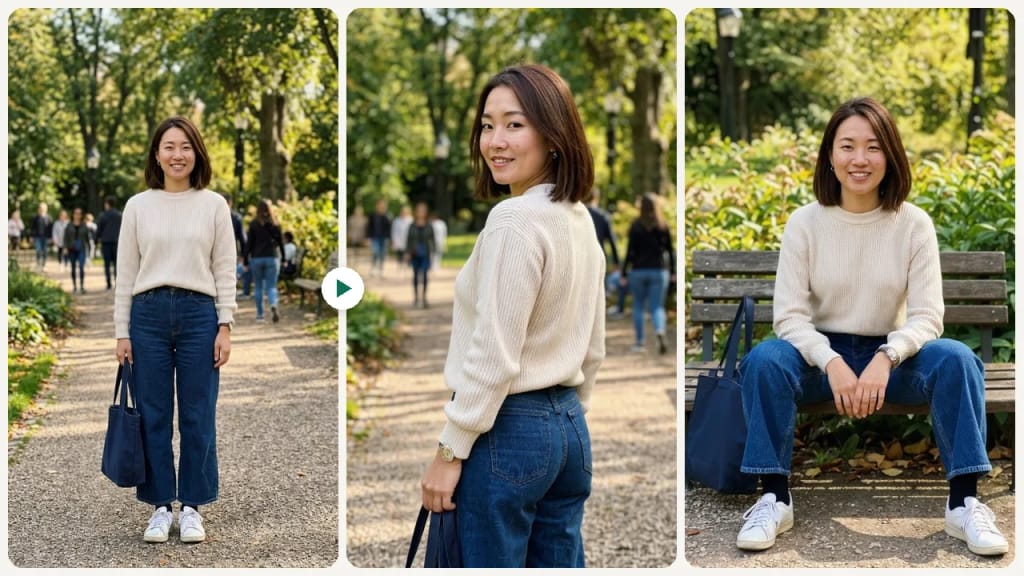
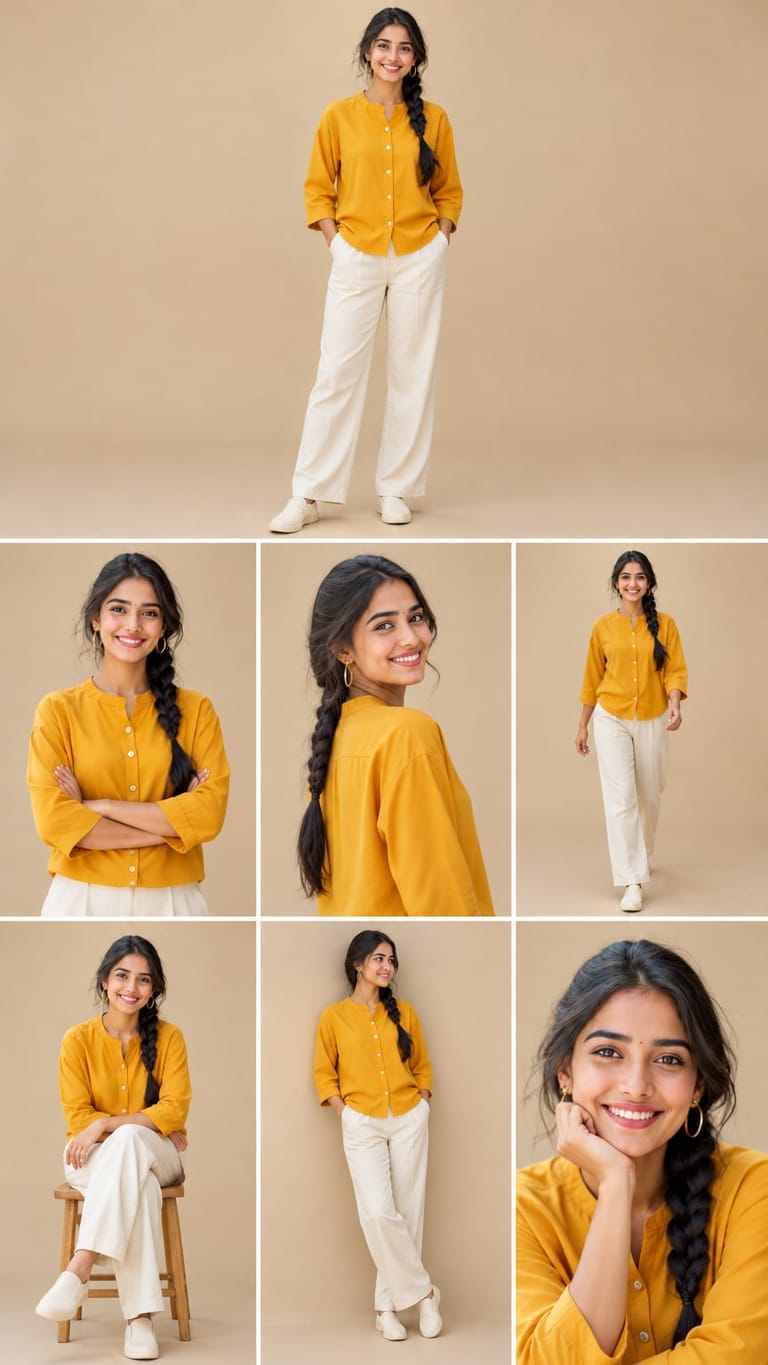
An AI pose generator takes one photo of a person and redraws them in a new pose. Pick one of 10 poses: Front Stand, Side Profile Stand, Arms Crossed, Hands in Pockets, Natural Seated Pose, Over-the-Shoulder Look, Walking Motion Pose, Jump Pose, Close-up or Stylish Fashion Pose. Stylish Fashion Pose is the model-style street photo people call pose photo editing AI: hand at the hair, weight on one hip, legs crossed. The AI keeps the person's identity, clothing and accessories and changes only the body pose and composition, so a stiff snapshot can become a relaxed seated shot, a mid-stride walking photo or a tight close-up. It does not fine-tune the pose you already have, such as moving one hand or straightening your shoulders; it re-poses you into the preset you choose. Each run makes one image, usually in 10 to 30 seconds.

䜿い方の䟋

あなたが 䜜れるもの

AI Pose Generator use case - LinkedIn and Professional Headshots

LinkedIn and Professional Headshots

Replace a stiff or awkward professional photo with a confident, well-posed portrait that signals credibility.
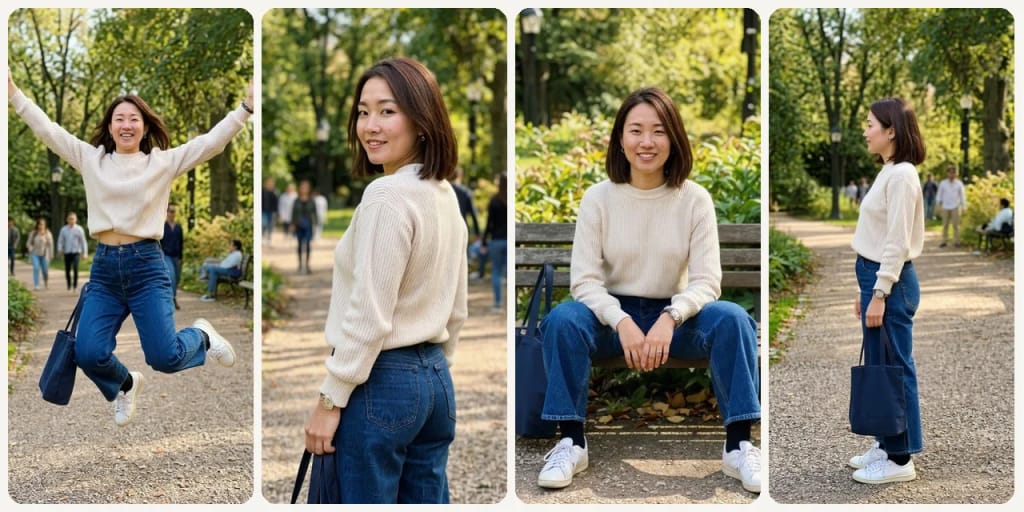
AI Pose Generator use case - Creator and Brand Photos

Creator and Brand Photos

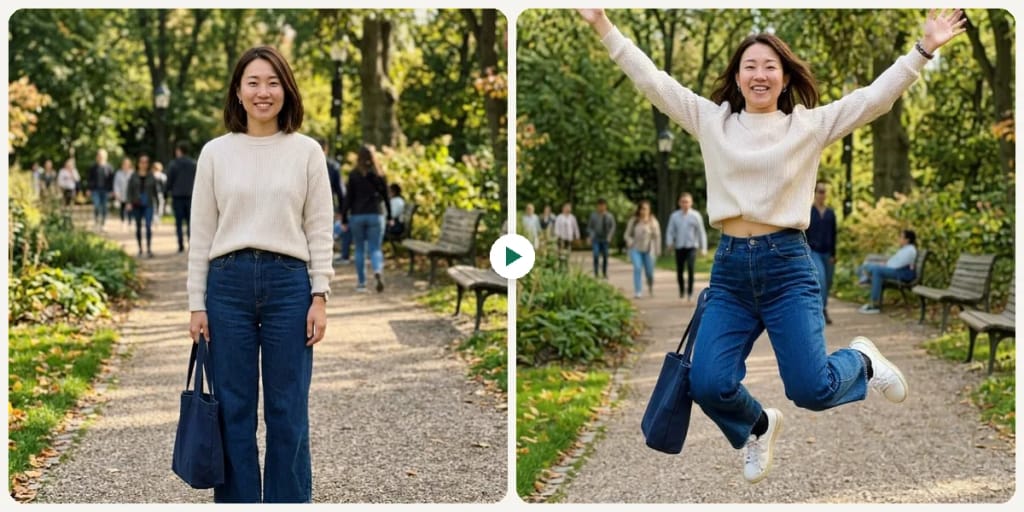
Try energetic poses like Jump Pose or Walking Motion Pose for YouTube thumbnails, brand partnership photos, or newsletter headers.
AI Pose Generator use case - Speaker and Bio Photos

Speaker and Bio Photos

Get a clean, confident pose for conference bios, podcast guest pages, and speaker materials.

Eidoraを遞ぶ理由

䜜り方が違う、だから仕䞊がりがいい

Try a New Pose Without a Reshoot
If you like a photo but not the pose, pick a new one and the AI redraws you in it, keeping your face, clothing and accessories. No need to book another session just to try a different stance.
Ten Ready-Made Poses
Choose from four standing poses (Front Stand, Side Profile Stand, Arms Crossed, Hands in Pockets), a Natural Seated Pose, an Over-the-Shoulder Look, two action poses (Walking Motion Pose, Jump Pose), a tight Close-up or a Stylish Fashion Pose.
Control the Body Language Your Photo Communicates
Each pose sets a different mood: Arms Crossed reads as confident, Hands in Pockets as relaxed, Jump Pose as playful. Pick the one that fits where the photo will be used.
䜿い方

3ステップ。 箄1分。

AI Pose Generator: Upload Your Portrait
  1. Upload Your Portrait

    Upload a portrait photo where your body and posture are visible.

  2. Choose a Pose Style

    Pick one of the 10 poses, such as Front Stand, Arms Crossed, Natural Seated Pose, Walking Motion Pose or Stylish Fashion Pose.

  3. Preview & Use

    Review the portrait in its new pose and download it for professional or social use.
AI Pose Generatorを今すぐ詊す
✩ 生成 · 4クレゞット
よくある質問

よくある 質問

知りたいこずはここにありたす。答えが芋぀かりたせんか

ただ質問がありたすか
サポヌトチヌムがお手䌝いしたす。
サポヌトに連絡
It changes your body pose and the composition to match the pose you pick. The AI is told to keep your identity, clothing and accessories, so your face should stay the same, though small differences can appear because the whole image is redrawn.
Portrait and half-body photos where your arms, shoulders, and upper body are visible produce the best results. Headshot-only photos have limited room for pose adjustment.
Yes. Phone photos are perfectly usable — what matters most is that the lighting is decent and your body positioning is partially visible in the frame.
You can start with a free account: 6 credits when you sign up, enough to use this tool once (4 credits per pose), with 2 left over. Free results carry an eidora.io watermark. After that, credits start at $1.99: a new account can buy 40 credits for $1.99 once, within 72 hours of signing up; credit packs start at $4.99 for 100 credits and plans at $9.9/month. Once you have paid, your results have no badge.
FLUX.1 Kontext Pro, an image-editing model from Black Forest Labs. It redraws your photo in the pose you pick and is told to keep your identity, clothing and accessories.
Your uploads, prompts and results are saved privately to your history so you can view and download them later, and only you can open them. To create a result, your input is sent to the AI model provider that runs the generation. We do not sell your content or use it to train AI models.
No. Each run makes one image in one pose, usually in 10 to 30 seconds. To compare poses, pick another one and run it again.
登録で6クレゞット
さあ、
あなたの䞀枚を
10 スタむル · 1枚4クレゞット · 登録で6クレゞット · カヌド䞍芁
登録で6クレゞット · カヌド䞍芁
箄10〜30秒
登録で6クレゞット