AIモデル · このペヌゞで䜜成

Seedream 5.0

写真線集は4クレゞットから · detailed landscapes and illustrationsに最適

Create detailed, high-resolution images from a text prompt with ByteDance's Seedream 5.0, or upload a photo and describe what to change.

箄20〜60秒

By uploading, you confirm you have the right to use this photo (see Acceptable Use).
アスペクト比
アむデア — クリックで詊す
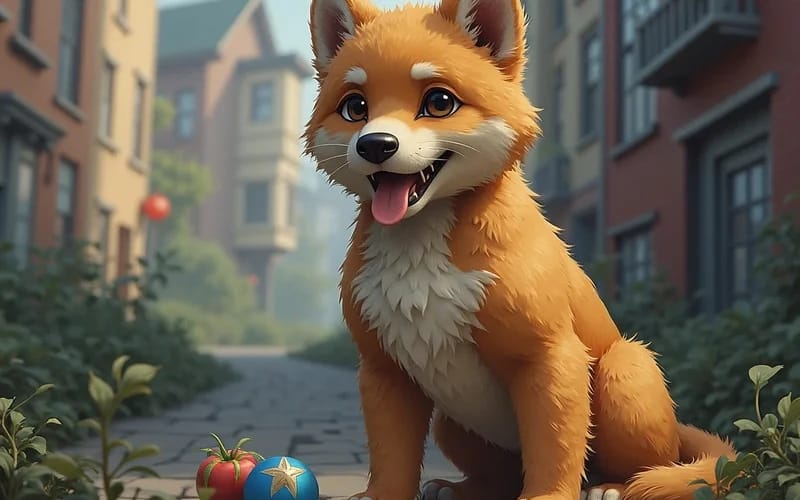
Inspiration 1
1枚8クレゞット · クレゞットパックが必芁$1.99から · 無料の遞択肢AI Image Generator
モデルSeedream 5.0 Pro · 通垞20〜60秒

Eidora's Seedream 5.0 page runs Seedream 5.0 Pro, ByteDance's image generation and editing model. A detailed, high-resolution image from a text prompt usually takes 20 to 60 seconds. Editing an uploaded photo usually takes 1 to 2 minutes. 6 credits when you sign up; each photo edit uses 4 credits, and each image from text uses 8 credits and needs a paid plan or a credit pack.

プロンプトず結果

プロンプトから 画像ぞ

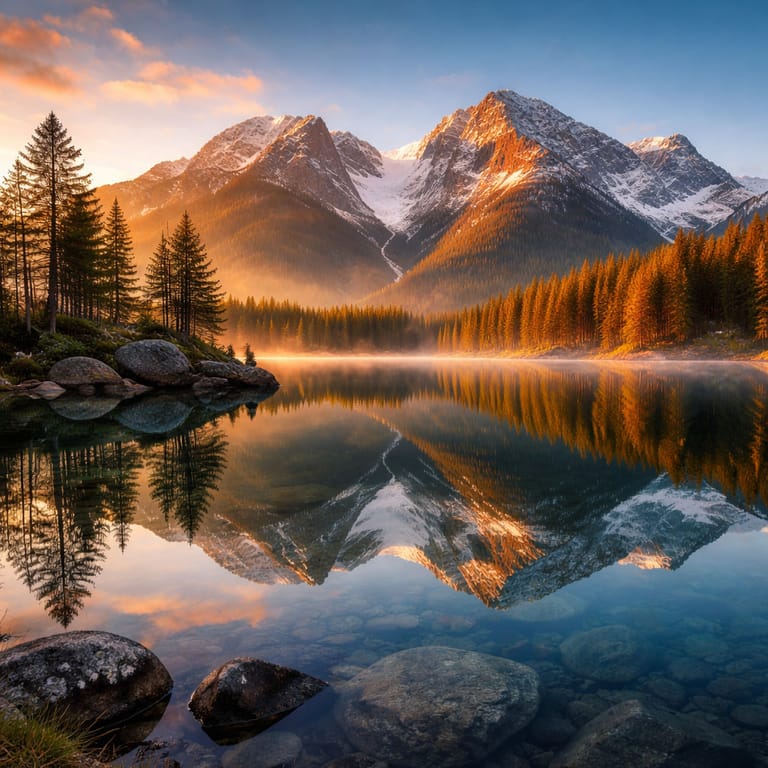
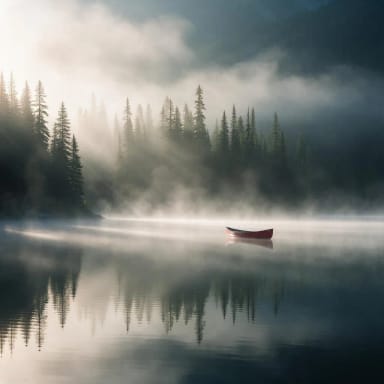
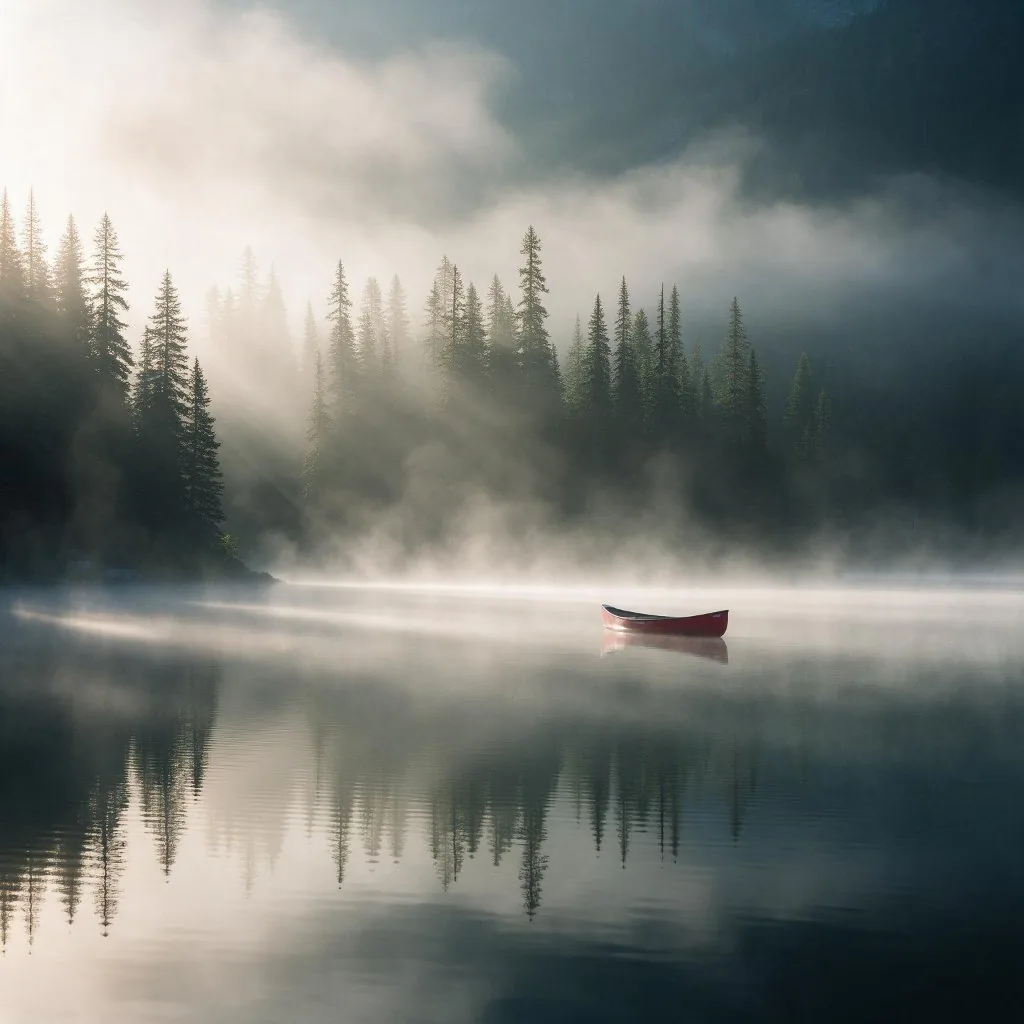
“A misty mountain lake at sunrise with a lone red canoe, pine forest reflections, soft volumetric light, cinematic landscape photography”
プロンプト
入力
Seedream 5.0 result: a misty mountain lake at sunrise with a red canoe
サンプル結果
アフタヌ
モデルの䜍眮づけ
Seedream 5.0 overview

About this model

Seedream 5.0 is an image generation and editing model that creates images from text prompts or edits an uploaded photo from written instructions.

Seedream 5.0 is ByteDance's image generation and editing model. It produces detailed, high-resolution images with natural lighting and works well for landscapes, illustration and stylized art as well as photo edits. On this page you can type a prompt to create an image, or upload a photo and say what to change. Eidora runs Seedream 5.0 Pro: from text through fal.ai, with square images at 1536×1536 and wide images up to 2048×1152; photo edits through kie.ai at about 1 megapixel, which usually take 1 to 2 minutes.

  • High-resolution, detailed output
  • Natural lighting and atmosphere
  • Illustration and stylized art
  • Edits uploaded photos from a prompt
おすすめ Landscapes, concept art, illustrations and wallpapers where resolution and detail matter.
䜿い方の䟋

あなたが 䜜れるもの

Seedream 5.0 use case - Product Design Mockups

Product Design Mockups

Product designers can use Seedream 5.0 to quickly visualize early-stage concepts for new products or user interface layouts. This helps in iterating on ideas faster and presenting initial designs to stakeholders without extensive manual rendering.

Story Scene Visualization

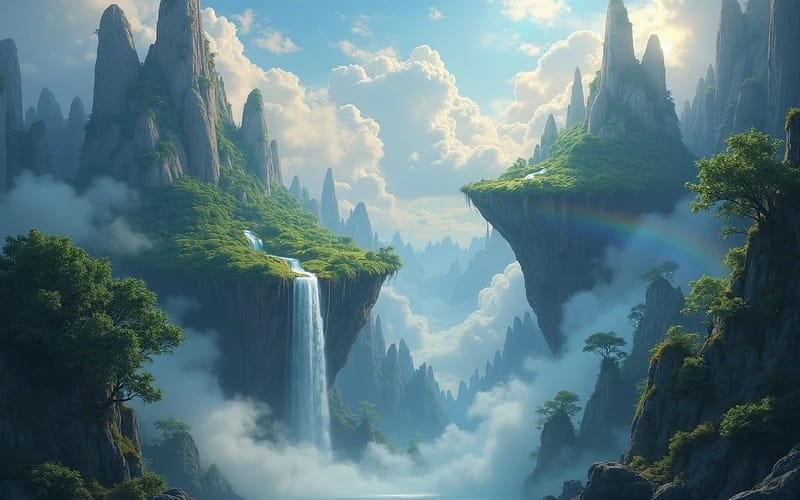
Authors and screenwriters can bring their narratives to life by generating images of characters, fantastical landscapes, or key plot moments. This assists in developing storyboards and ensuring consistent visual themes throughout their work.

Marketing Content Creation

Small business owners can generate unique visuals for social media posts, advertisements, or website banners that reflect their brand's message. This eliminates the need for stock photos and provides custom, on-brand imagery for various campaigns.

Eidoraを遞ぶ理由

䜜り方が違う、だから仕䞊がりがいい

Images from Text in Under a Minute
Generate unique images in under a minute from simple text descriptions, saving valuable time on design work and concept development.
Explore Diverse Styles
Experiment with various artistic aesthetics, from photorealistic to abstract, without needing specialized artistic or software skills.
Edit a Photo by Describing It
Upload a photo and say what to change, such as the light, the background or the style. Photo edits usually take 1 to 2 minutes.
䜿い方

3ステップ。 箄1分。

Seedream 5.0: Enter Your Prompt
  1. Enter Your Prompt

    Type a clear, descriptive text prompt outlining your desired image, including subjects, styles, and details.

  2. Generate Your Image

    Click the 'Generate' button to let Seedream 5.0 interpret your text and produce a unique visual creation.

  3. Download and Use

    Save your unique creation to your device and integrate it seamlessly into your projects or content.

Seedream 5.0を今すぐ詊す
✩ 今すぐ始める
よくある質問

よくある 質問

知りたいこずはここにありたす。答えが芋぀かりたせんか

ただ質問がありたすか
サポヌトチヌムがお手䌝いしたす。
サポヌトに連絡
Seedream 5.0 is ByteDance's image generation and editing model. It creates detailed, high-resolution images from text and can edit uploaded photos.
Yes. Your prompt is sent to ByteDance's Seedream 5.0 Pro through fal.ai, a model hosting provider. Eidora is not affiliated with ByteDance.
You can edit a photo with a free account: it uses 4 credits, and you get 6 credits when you sign up. Creating an image from text uses 8 credits and needs a paid plan or a credit pack. Free results carry an eidora.io watermark. After that, credits start at $1.99: a new account can buy 40 credits for $1.99 once, within 72 hours of signing up; credit packs start at $4.99 for 100 credits and plans at $9.9/month. Once you have paid, your results have no badge.
Square images are 1536×1536. Wide and tall images are up to 2048×1152 or 1152×2048. Pick 1:1, 16:9, 4:3 or 3:4 in the studio before you generate; the output follows that shape.
Yes. Upload an image and describe the change; the upload goes to Seedream 5.0's edit mode.
Images from text are usually ready in 20 to 60 seconds. Edits of an uploaded photo usually take 1 to 2 minutes, a little longer at busy times.
It depends on applicable law and the model provider's current terms. An Eidora plan changes generation limits and history retention; it does not grant extra intellectual-property rights.
Your uploads, prompts and results are saved privately to your history so you can view and download them later, and only you can open them. To create a result, your input is sent to the AI model provider that runs the generation. We do not sell your content or use it to train AI models.
Seedream 5 Flash is the fastest and cheapest Seedream 5 tier: 2 credits per 2K image, against 8 credits for Seedream 5 from text and 4 credits for photo edits on this page. Pick it on the Image page (/image).
スタヌタヌパック100クレゞットで$4.99
さあ、
あなたの䞀枚を
1枚8クレゞット · 有料プランずクレゞットパック
有料プランずクレゞットパック
箄20〜60秒
登録で6クレゞット