ツヌル · このペヌゞで䜜成

AI Menu Generator

Describe your cafe, restaurant or food truck, list your dishes and prices, and pick one of 9 layout and art styles to get a menu design you can post online or use as a print draft. No design skills needed.

9 スタむル
箄20〜60秒

By uploading, you confirm you have the right to use this photo (see Acceptable Use).
アヌトスタむル
アスペクト比
アむデア — クリックで詊す
Inspiration 1
1枚4クレゞット · 登録で6クレゞット
モデルGPT Image 2.5 · 通垞20〜60秒

Eidora's AI Menu Generator designs a restaurant menu from a description: your restaurant's name, cuisine, sections and a few dishes, in one of 9 layouts and drawing styles. GPT Image 2.5, OpenAI's image model, makes one menu image per run, usually in 20 to 60 seconds; check every word before you print. 6 credits when you sign up; each menu uses 4 credits.

プロンプトず結果

プロンプトから 画像ぞ

テキストから䜜成

プロンプト
入力
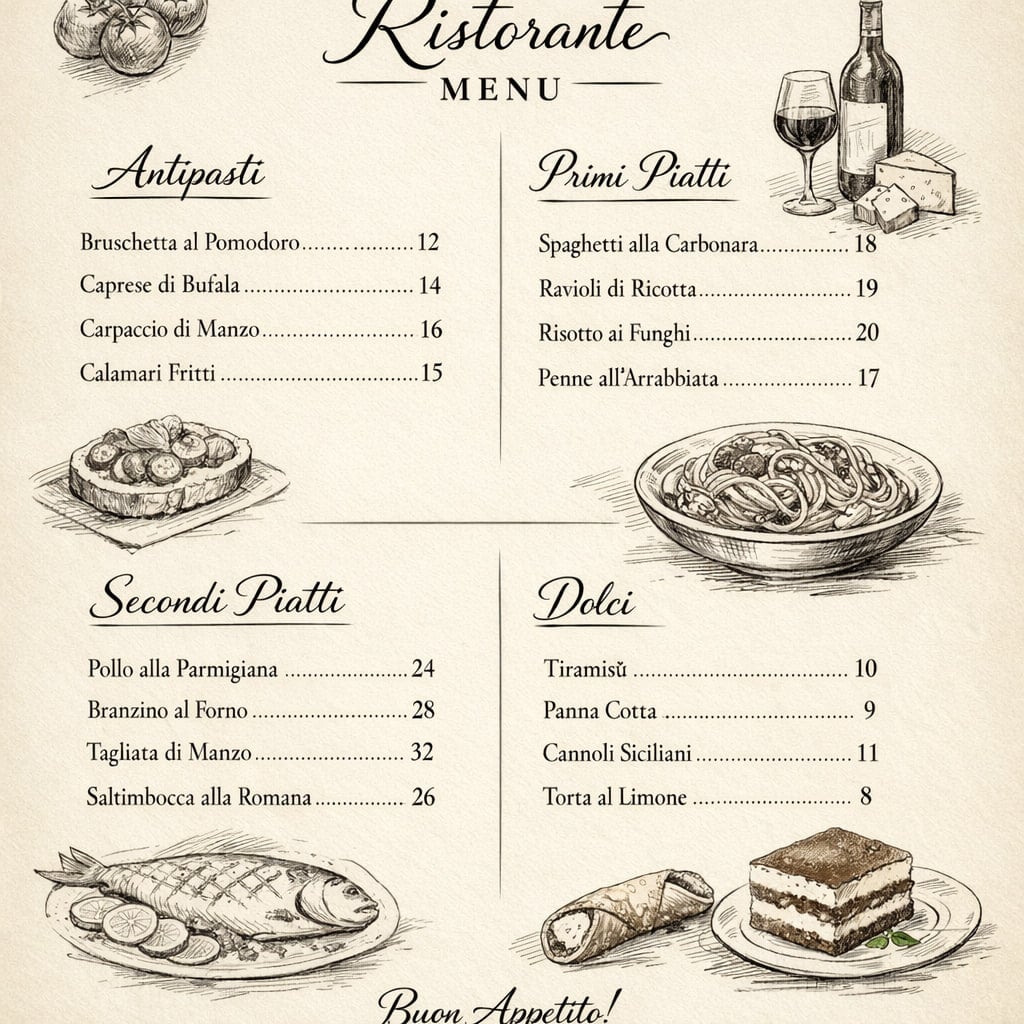
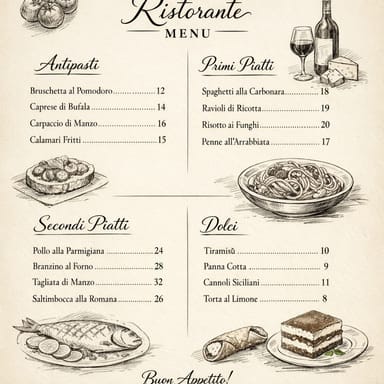
AI result in Vertical Category style - AI Menu Generator
サンプル結果
アフタヌ
Vertical Categoryスタむル
AI Menu Generator · Eidora AI
このツヌルに぀いお
AI Menu Generator overview

AI Menu Generatorずは

Designing and reprinting a menu every time prices or dishes change takes time. Describe your restaurant, dishes and the look you want, pick a style such as Vertical Category, Mirrored Dual Column, Line Art or Watercolor Artistic, and the AI Menu Generator creates a menu design with GPT Image 2.5, which sets the dish names and prices you write. Use it for ideas and drafts: AI image models can still misspell words and prices, so always check the text and finish the final version in a design tool before printing.

䜿い方の䟋

あなたが 䜜れるもの

AI Menu Generator use case - New Restaurant Menu Creation

New Restaurant Menu Creation

New Restaurant Owners can quickly generate a comprehensive menu for their grand opening without extensive design work. This saves significant time and resources during a busy launch phase.

Seasonal Menu Updates

Restaurant Managers can update seasonal offerings or daily specials with a fresh design whenever the menu changes. Check each dish name and price before it goes to print.

Themed Event Menus

Cafe & Bistro Owners can easily design unique menus for special events or themed evenings. This helps create a cohesive dining experience and enhances customer engagement for specific occasions.

Eidoraを遞ぶ理由

䜜り方が違う、だから仕䞊がりがいい

Cut Reprinting Turnaround from Days to Minutes
Instead of waiting days for a freelancer redesign, generate a new menu design in under a minute, so seasonal changes and daily specials can go out the same day. Check every dish name and price before printing.
Nine Layout and Art Styles
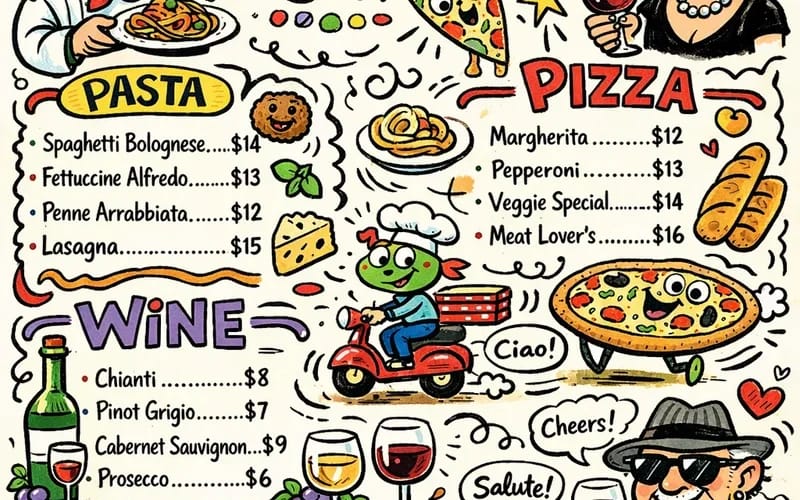
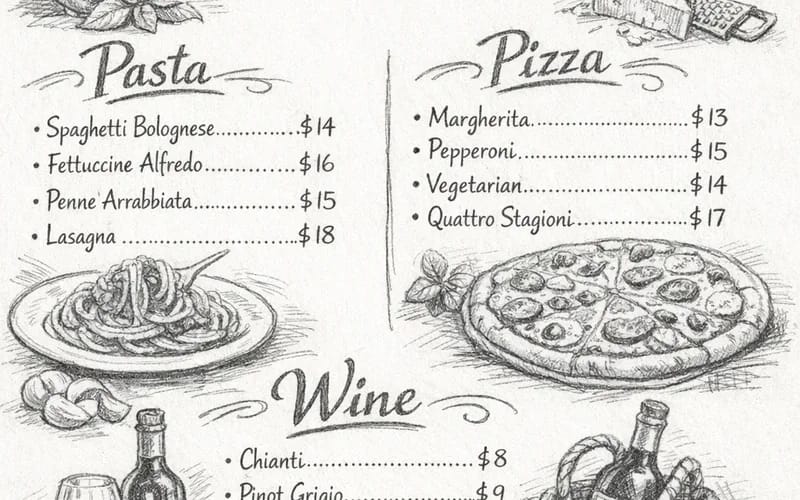
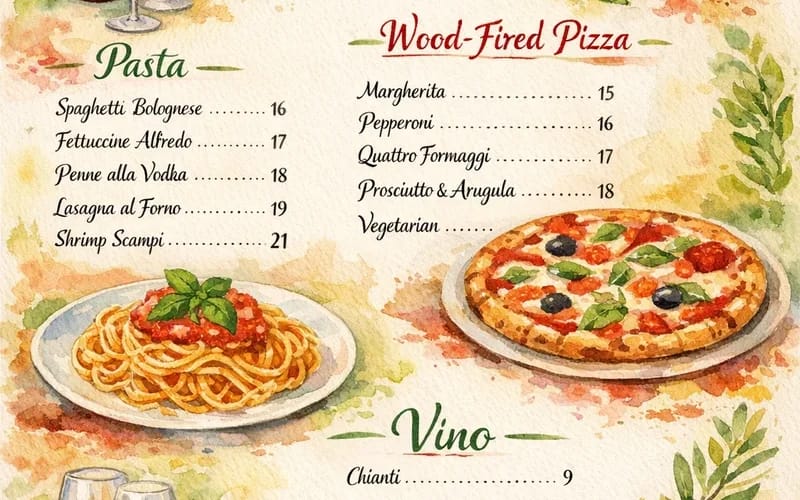
Pick a layout such as Vertical Category or Mirrored Dual Column, or an art style such as Watercolor Artistic or Pencil Sketch. Run it again in another style to compare looks.
Start from a Reference Image
Upload a photo of your current menu or a design you like, and the AI uses it as a visual starting point for the new menu. Your photo is not placed into the layout as-is.
䜿い方

3ステップ。 箄1分。

AI Menu Generator: Describe Your Menu or Upload Inspiration
  1. Describe Your Menu or Upload Inspiration

    Enter a text prompt detailing your desired menu style, cuisine, and items, or upload an image that sets the visual tone.

  2. Pick a Style and Generate

    Pick one of the 9 styles (Vertical Category, Mirrored Dual Column, Floating Frame, Balanced Split, Line Art, Watercolor Artistic, Refined Pen, Pencil Sketch, Whimsical Doodle) and press Generate; usually 20 to 60 seconds.

  3. Download Your Result

    Download the image. Want a different look? Pick another style and run it again.

AI Menu Generatorを今すぐ詊す
✩ 生成 · 4クレゞット
よくある質問

よくある 質問

知りたいこずはここにありたす。答えが芋぀かりたせんか

ただ質問がありたすか
サポヌトチヌムがお手䌝いしたす。
サポヌトに連絡
A free account gets 6 credits to start, and each menu uses 4 credits. Paid plans start at $9.9/month for 300 credits, or buy a one-time credit pack (the $4.99 Starter pack has 100 credits).
For best results, include details like your restaurant's name, cuisine type (e.g., 'Italian bistro,' 'vegan cafe'), ambiance (e.g., 'rustic,' 'modern minimalist'), specific menu sections (e.g., 'Appetizers,' 'Main Courses,' 'Desserts'), and a few key dish names. The more descriptive you are, the better the tool can tailor the design to your vision.
Yes. You can upload an image such as your current menu, an interior photo or a design you like, and the AI uses its colors and style as a starting point for the new menu. Everything is redrawn, so logos and text from the image will not be copied exactly.
Not in the tool. The result is a single image, so text and prices cannot be edited here. Run it again to try different wording, or use the image as a draft and finish the final menu in a design tool.
If the initial results aren't quite what you envisioned, you can easily adjust your text prompt or upload a different inspiration image and generate new options. Experimenting with different inputs often leads to discovering the perfect design for your needs.
Yes, the AI Menu Generator can be guided for any cuisine. By specifying 'sushi restaurant menu,' 'gluten-free bakery menu,' or 'Mexican street food menu' in your text prompt, the AI will adapt its design suggestions to match the appropriate style and content for your specific offerings.
You can write your description in another language. To keep a dish name exactly as written, put it in quotes. Image models often misspell text, especially non-Latin scripts such as Chinese or Arabic, so check every word and set the final text in a design tool.
You can upload your logo as a reference image, and the AI will try to work it into the design. It redraws the logo rather than placing your file, so add your real logo in a design tool before printing.
The menu downloads as one image file. There is no PDF export; to print, use the image directly and check its size for large formats.
Each run makes one menu design and usually takes 20 to 60 seconds. To compare looks, pick another style and run it again.

No, you do not need any special software. Our AI Menu Generator is a web-based tool, meaning you can access and use it directly from your internet browser on any device. Simply open your browser, visit the page, and start creating.
Your uploads, prompts and results are saved privately to your history so you can view and download them later, and only you can open them. To create a result, your input is sent to the AI model provider that runs the generation. We do not sell your content or use it to train AI models.
登録で6クレゞット
さあ、
あなたの䞀枚を
9 スタむル · 1枚4クレゞット · 登録で6クレゞット · カヌド䞍芁
登録で6クレゞット · カヌド䞍芁
箄20〜60秒
登録で6クレゞット