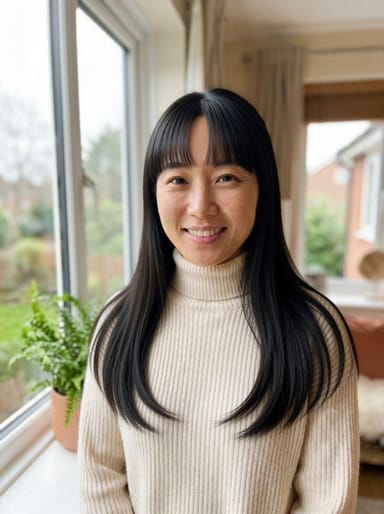
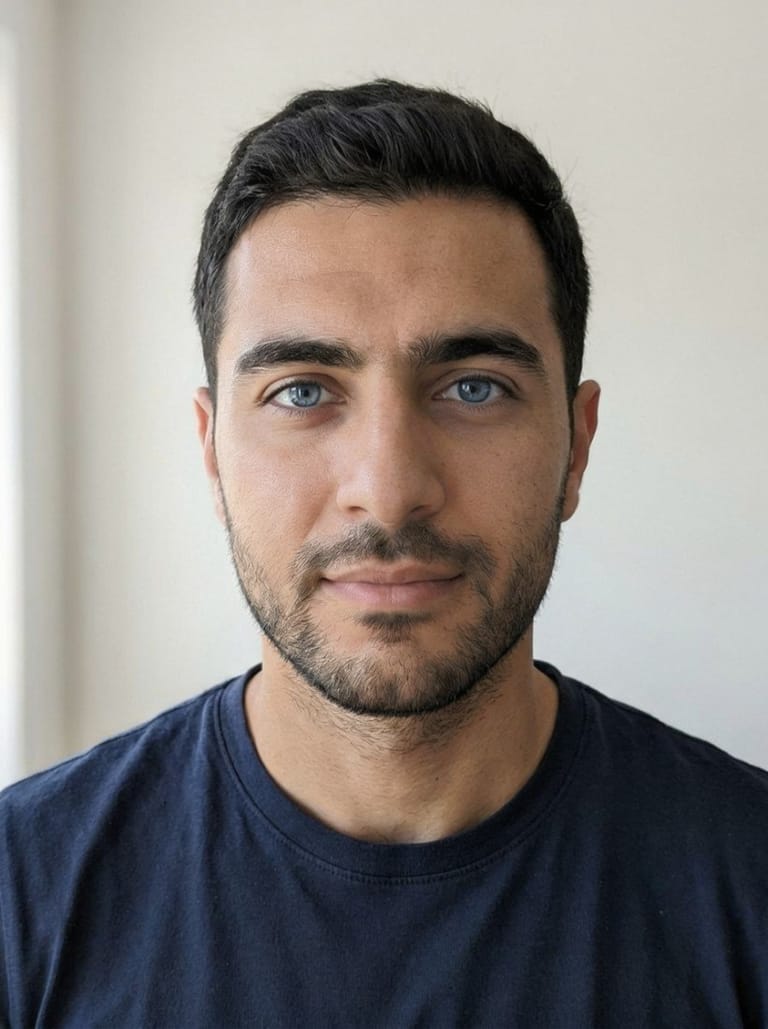
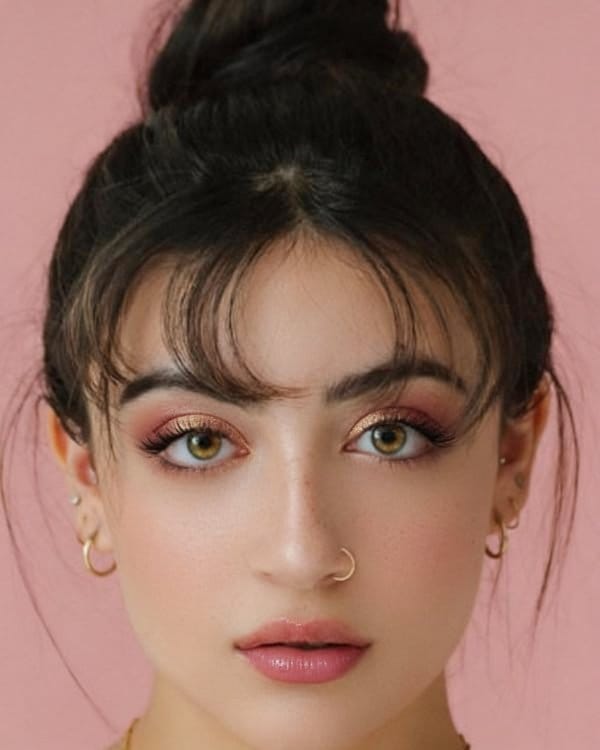
Image · effect

Bangs Filter

Try bangs before you cut

4 credits per imageSeedream 4.5

اختر أو أفلت حتى 10 صور لاستخدام الخيارات نفسها على كل منها.

ارفع صورتك

By uploading, you confirm you have the right to use this photo (see Acceptable Use).

جرّب بمثال:
مثال 1
Example result
كيف تصنع مثل هذا
Tool
Bangs Filter
النمط
Curtain
الشكل
Not recorded
اختر النمط
4 نقطة لكل صورة · 6 نقطة عند التسجيل
النموذج: Seedream 4.5 · عادةً 20-60 ثانية

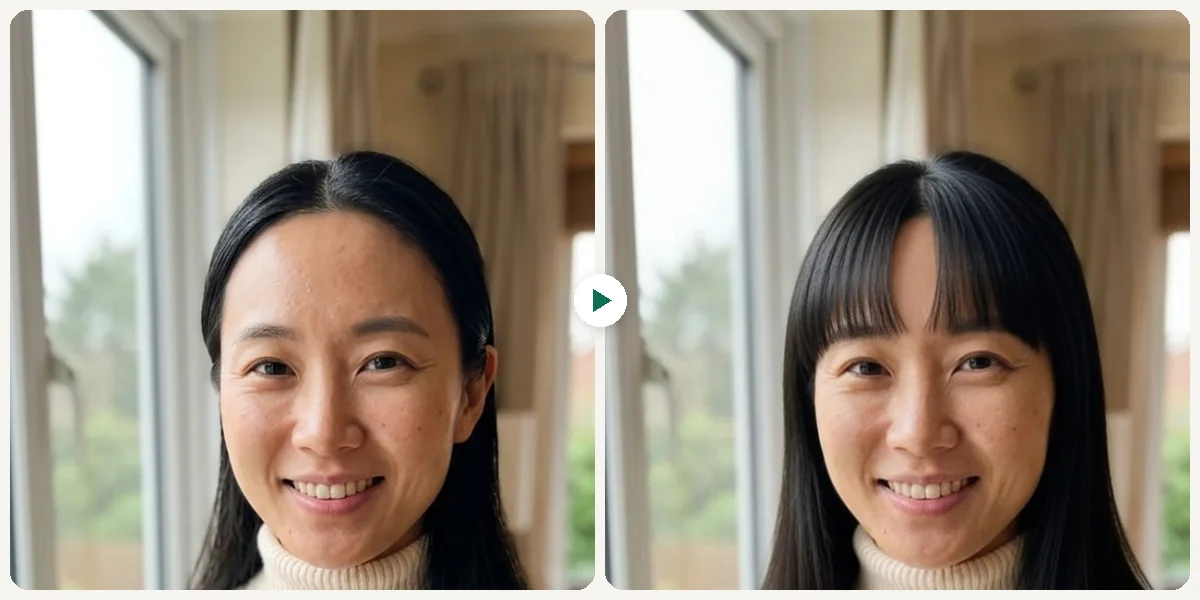
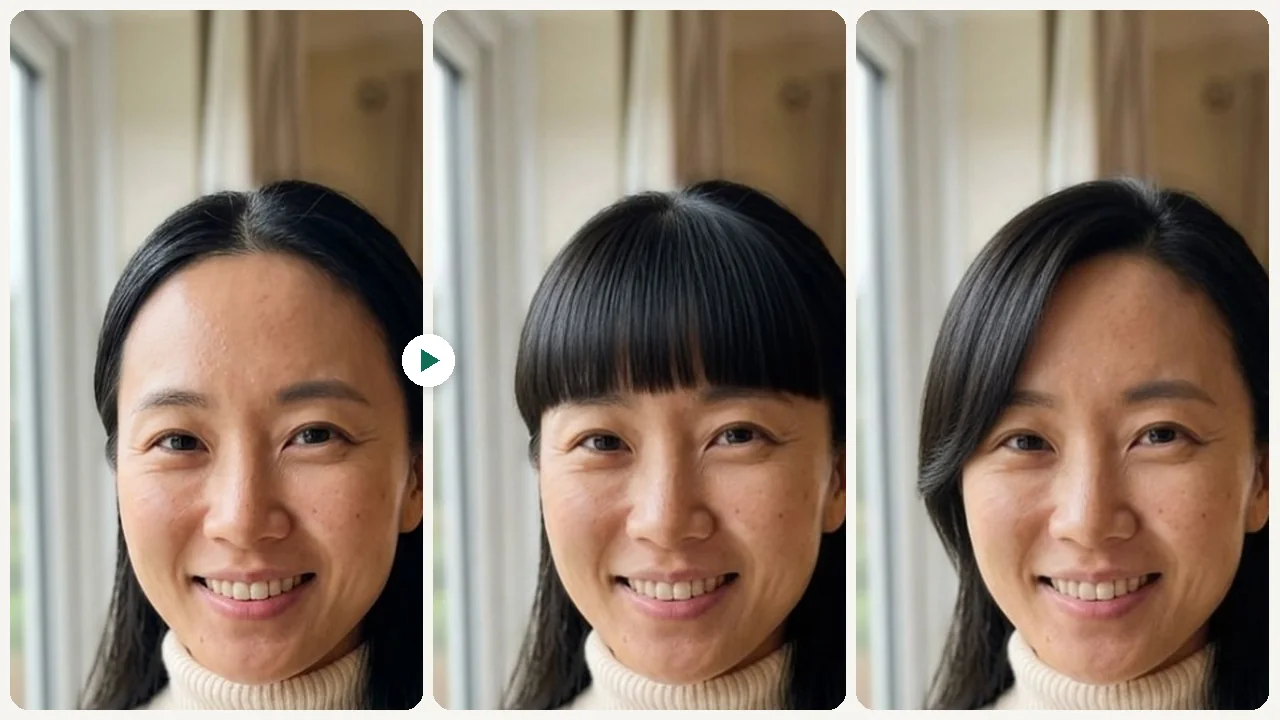
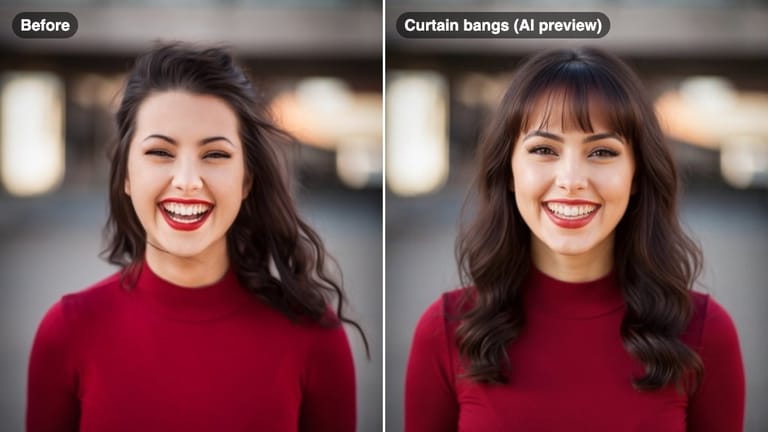
Eidora's Bangs Filter shows bangs on your own selfie before you cut: curtain, blunt, wispy, side or baby bangs. Seedream 4.5, ByteDance's image model, makes one style per run, usually in 20 to 60 seconds per preview; a front-facing selfie with your forehead visible works best. 6 credits when you sign up; each preview uses 4 credits.

قبل وبعد

شاهد التحوّل

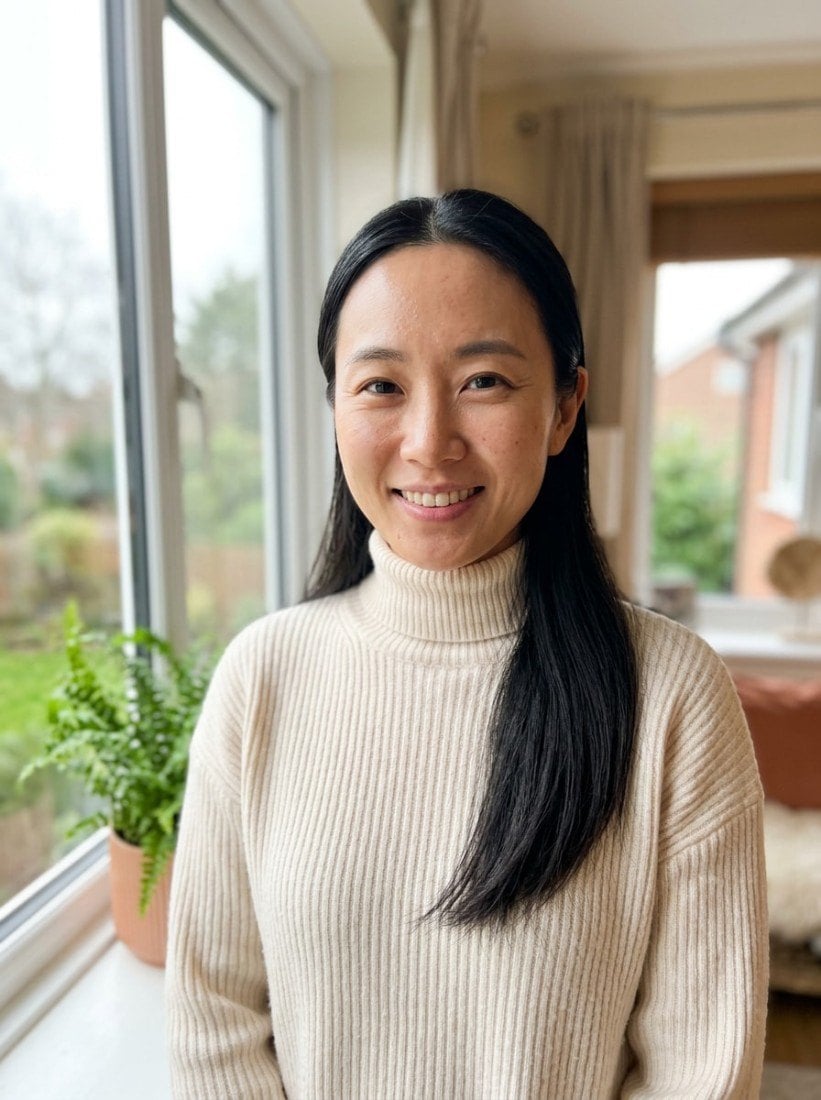
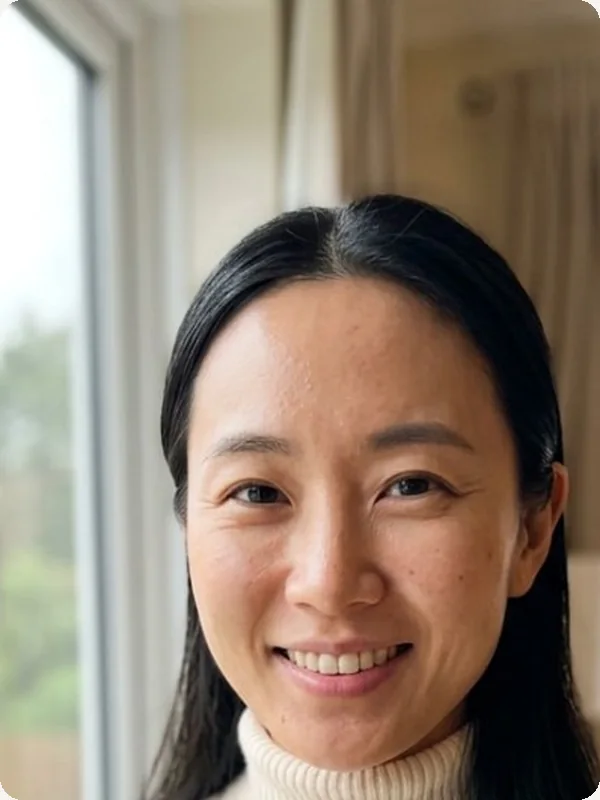
Original photo before Bangs Filter - Curtain styleOriginal photo before Bangs Filter - Blunt style
الصورة الأصلية
قبل
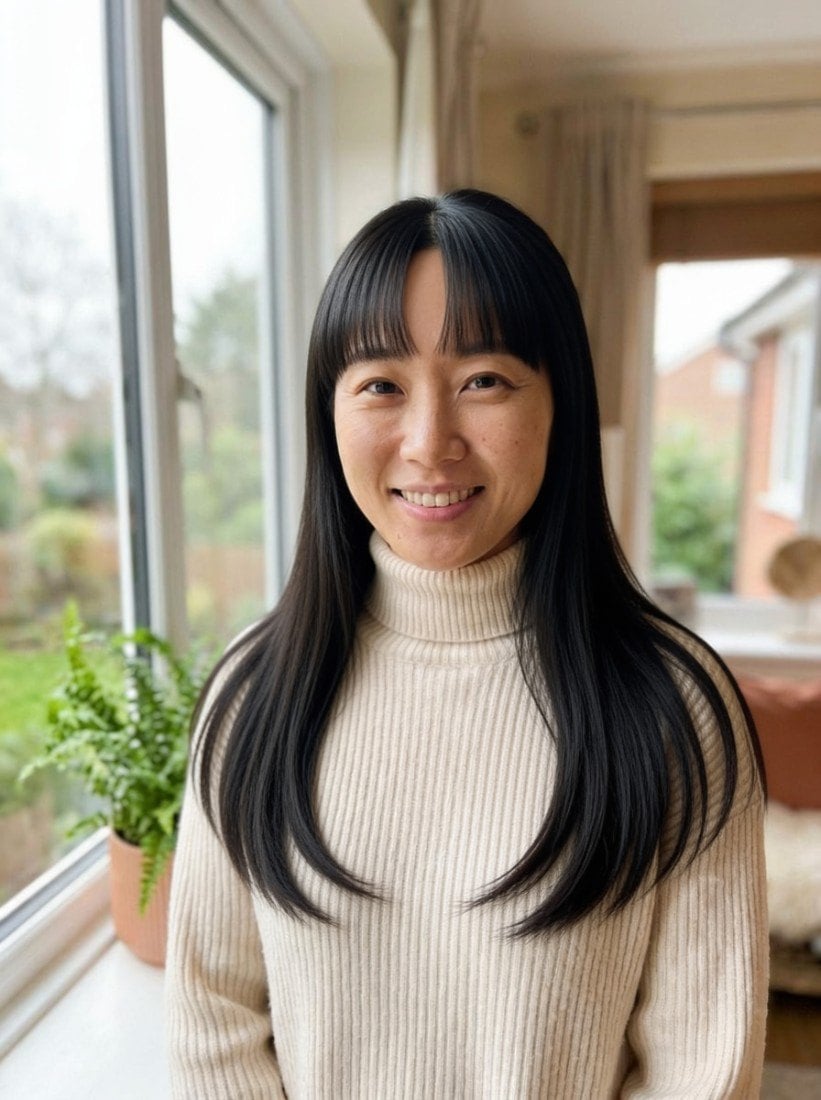
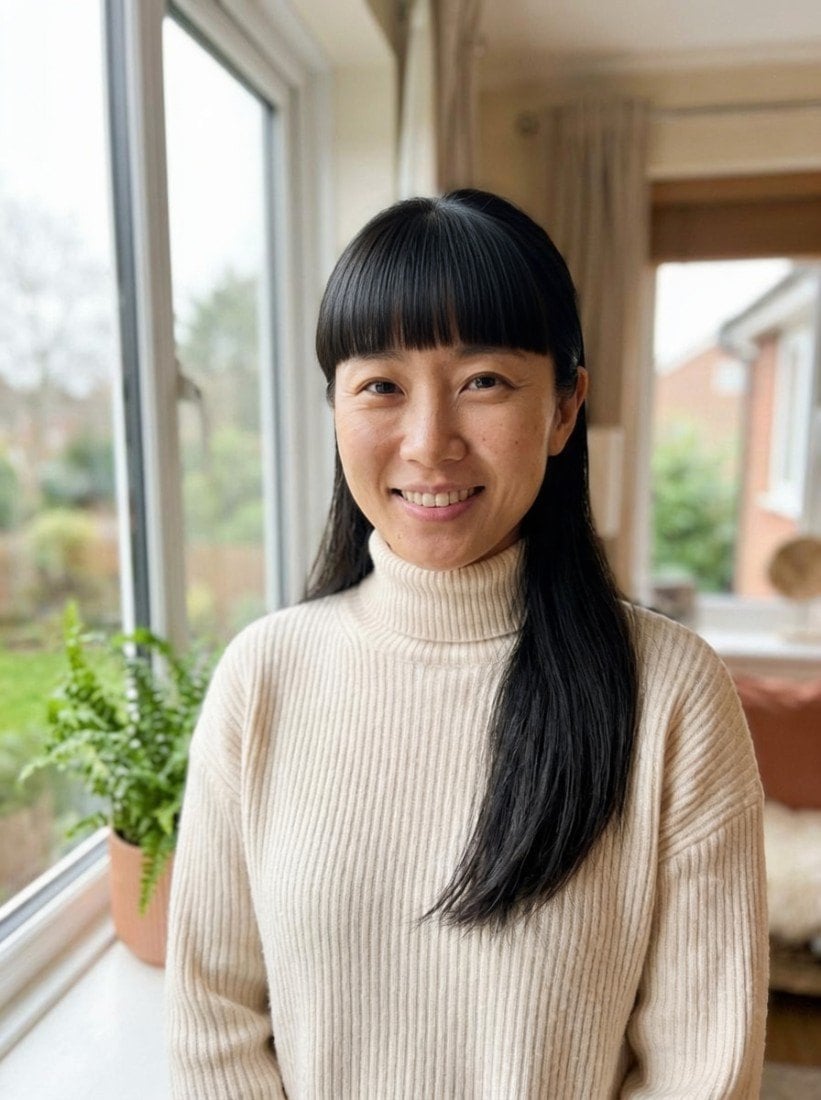
AI result in Curtain style - Bangs FilterAI result in Blunt style - Bangs Filter
نتيجة نموذجية
بعد
نمط Curtain
Bangs Filter · Eidora AI
ما هذه الأداة
Bangs Filter overview

ما هو Bangs Filter؟

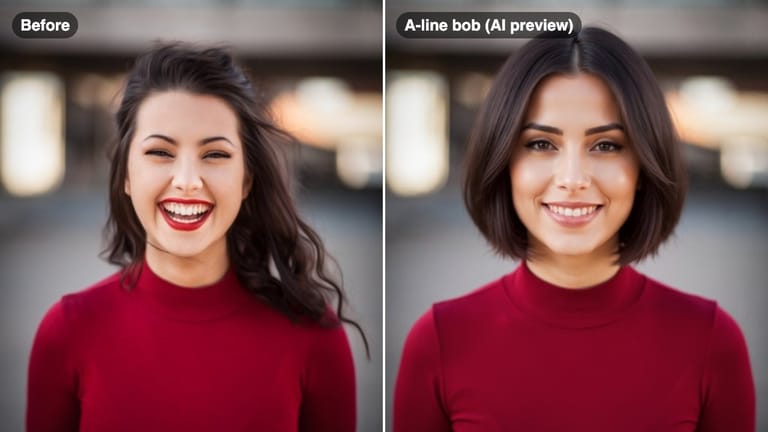
A bangs filter lets you upload a selfie and preview, in under a minute, how different types of bangs look on your face — from soft curtain bangs to sharp blunt cuts — so you can decide before committing to the scissors.

حالات الاستخدام

ما يمكنك صنعه

Bangs Filter use case - Before a Haircut Appointment

Before a Haircut Appointment

Show your stylist the exact bangs style you want and avoid miscommunication at the salon.
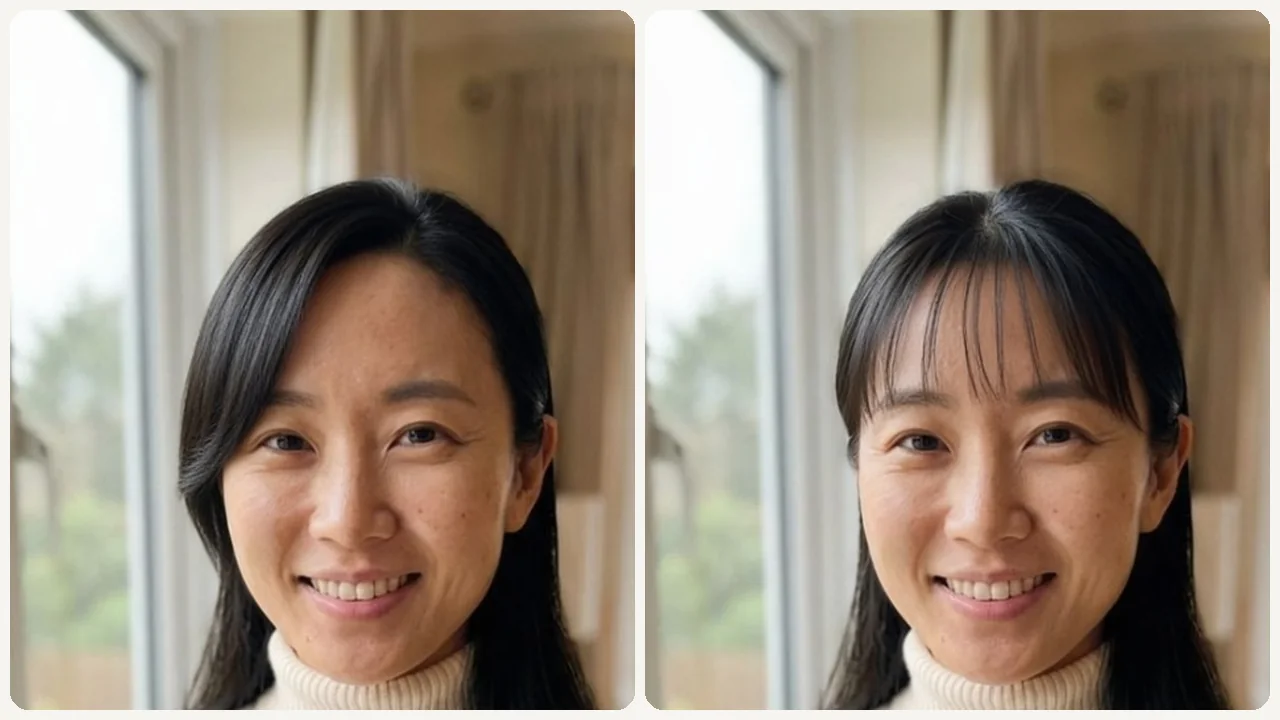
Bangs Filter use case - Considering a Big Change

Considering a Big Change

Test dramatic bangs like blunt or baby bangs before you commit to a look that will take months to grow out.
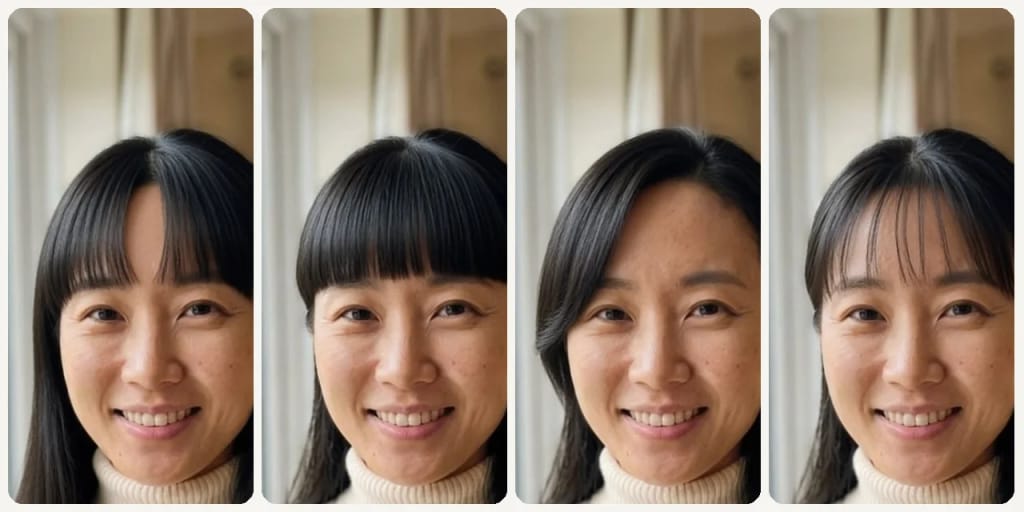
Bangs Filter use case - Social Media Try-On Content

Social Media Try-On Content

Create a before/after bangs post to ask your followers which style suits you.

لماذا Eidora

مصنوع بشكل مختلف، ونتيجته أفضل

Test Every Bangs Style Risk-Free
Try curtain, blunt, wispy, and baby bangs to find the one that suits your face shape without a single snip.
See the Real Impact on Your Face
Bangs dramatically change how your forehead and features appear. Preview the actual change on your photo before committing.
Share and Get Feedback
Send the before/after result to friends or your stylist so you both agree on the look before your appointment.
كيف يعمل

ثلاث خطوات. نحو دقيقة.

Bangs Filter: Upload Your Selfie
  1. Upload Your Selfie

    Upload a clear front-facing selfie with your forehead visible.

  2. Pick a Bangs Style

    Choose from curtain, blunt, wispy, side bangs, or baby bangs.

  3. Compare & Decide

    Review the preview, compare styles, and download your favorite.

جرّب Bangs Filter الآن
✦ إنشاء · 4 نقطة
الأسئلة الشائعة

الأسئلة الشائعة

كل ما تحتاج معرفته. لم تجد ما تبحث عنه؟
هل لديك أسئلة أخرى؟
يسعد فريق الدعم بمساعدتك.
تواصل مع الدعم
Yes, a free account: it starts with 6 credits, each bangs preview uses 4 credits, and your history is kept for 3 days.
A front-facing selfie with a clear forehead and even lighting produces the most realistic bangs preview. Avoid hats or hair covering the forehead area.
Yes. You can run the tool multiple times with different styles and compare results side by side before deciding.
Each bangs preview uses 4 credits. A free account gets 6 credits to start. Free results carry an eidora.io watermark; paid plans start at $9.9/month for 300 credits.
Usually 20 to 60 seconds per preview. Each run shows one bangs style; pick another and run it again to compare.
Your uploads, prompts and results are saved privately to your history so you can view and download them later, and only you can open them. To create a result, your input is sent to the AI model provider that runs the generation. We do not sell your content or use it to train AI models.
6 نقطة عند التسجيل
مستعد لصنع
نسختك؟
5 أنماط · 4 نقطة لكل صورة · 6 نقطة عند التسجيل · دون بطاقة
6 نقطة عند التسجيل · دون بطاقة
نحو 20–60 ثانية
6 نقطة عند التسجيل