Image ยท effect

AI Text Enhancer for Images

Make blurry text readable

4 credits per imageSeedream 4.5

Sharpens the text inside a picture. It does not rewrite your writing.

์‚ฌ์ง„์„ ์ตœ๋Œ€ 10์žฅ๊นŒ์ง€ ์„ ํƒํ•˜๊ฑฐ๋‚˜ ๋Œ์–ด๋‹ค ๋†“์œผ๋ฉด ๊ฐ๊ฐ ๊ฐ™์€ ์˜ต์…˜์„ ์ ์šฉํ•ฉ๋‹ˆ๋‹ค.

์ด๋ฏธ์ง€ ์—…๋กœ๋“œ
์ด๋ฏธ์ง€ ์ข…๋ฅ˜
๋ฐฐ๊ฒฝ
ํŠนํžˆ ์‹ ๊ฒฝ ์“ธ ๋ถ€๋ถ„

By uploading, you confirm you have the right to use this photo (see Acceptable Use).
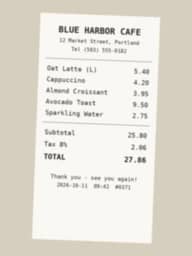
์˜ˆ์‹œ๋กœ ํ•ด ๋ณด๊ธฐ:
์˜ˆ์‹œ 1์˜ˆ์‹œ 2์˜ˆ์‹œ 3
๊ฒฐ๊ณผ ๋ฏธ๋ฆฌ๋ณด๊ธฐ
์ƒ˜ํ”Œ
์•„์ด๋””์–ด๋ฅผ ๋ณด์—ฌ ์ฃผ๋Š” ์ƒ˜ํ”Œ์ž…๋‹ˆ๋‹ค. ์ด๋ฏธ์ง€๋ฅผ ์˜ฌ๋ฆฌ๊ณ  ์•„๋ž˜ ๋ฒ„ํŠผ์„ ๋ˆ„๋ฅด๋ฉด ์ง์ ‘ ๋งŒ๋“ค ์ˆ˜ ์žˆ์Šต๋‹ˆ๋‹ค.
๊ฐ™์€ ๊ฒฐ๊ณผ ๋งŒ๋“œ๋Š” ๋ฐฉ๋ฒ•
Tool
AI Text Enhancer
๋น„์œจ
Not recorded
์ „์ฒด ํฌ๊ธฐ ๊ฒฐ๊ณผ๋ฅผ ๋‹ค์šด๋กœ๋“œํ•ฉ๋‹ˆ๋‹ค.
์ด๋ฏธ์ง€๋‹น 4ํฌ๋ ˆ๋”ง ยท ๊ฐ€์ž… ์‹œ 6 ํฌ๋ ˆ๋”ง
๋ชจ๋ธ: Seedream 4.5 ยท ๋ณดํ†ต 20~60์ดˆ

Eidora's AI Text Enhancer makes blurry or compressed text in screenshots, scans and photos easier to read: upload the image and Seedream 4.5 redraws it with sharper letters and less noise, usually in 20 to 60 seconds, trying to keep every word and number as it was (check important numbers against the original). 6 credits when you sign up; each image uses 4 credits.

์ „ํ›„ ๋น„๊ต

ํ™•์ธํ•ด ๋ณด์„ธ์š”, ์ด ๋ณ€ํ™”

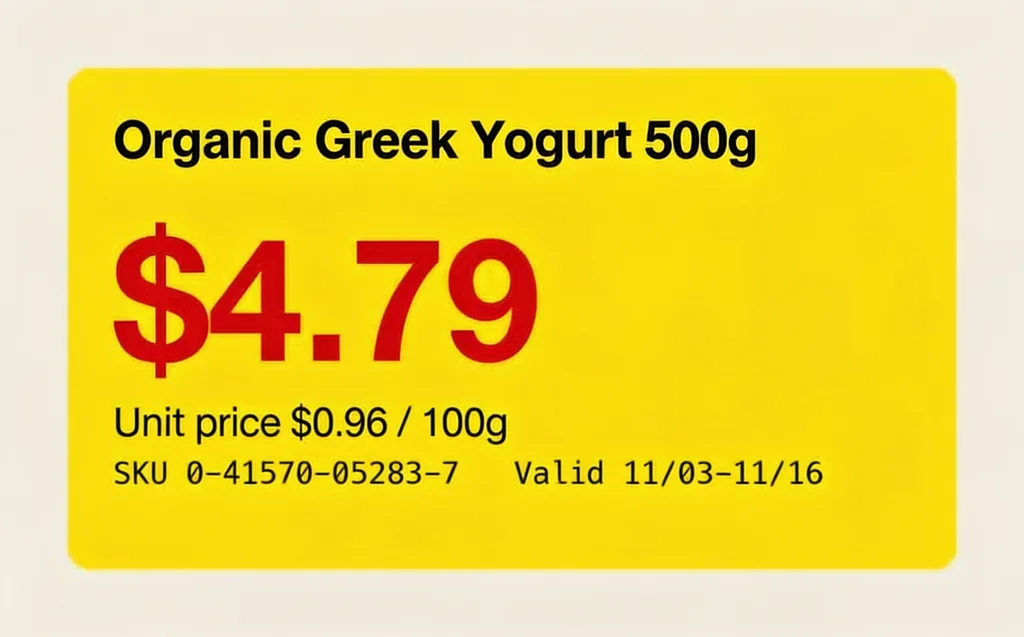
AI Text Enhancer example result (before)A blurry yellow shelf price tag for Organic Greek Yogurt 500g at $4.79, and the same tag redrawn with sharp text (before)
์›๋ณธ ์‚ฌ์ง„
์ „
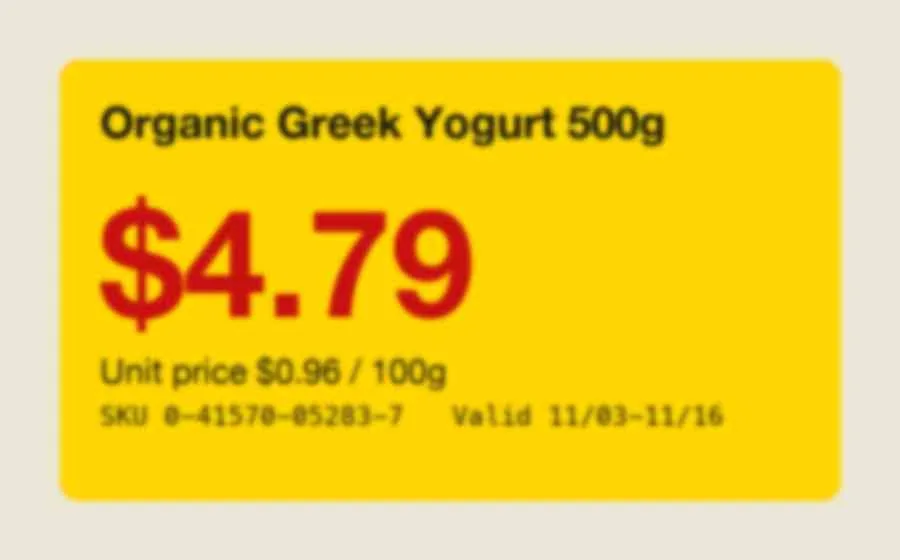
AI Text Enhancer example resultA blurry yellow shelf price tag for Organic Greek Yogurt 500g at $4.79, and the same tag redrawn with sharp text
์ƒ˜ํ”Œ ๊ฒฐ๊ณผ
ํ›„
์ด ๋„๊ตฌ ์†Œ๊ฐœ
AI Text Enhancer overview

AI Text Enhancer๋ž€?

AI Text Enhancer is an image-editing tool that redraws blurry text more clearly while aiming to preserve the original words and numbers.

Blurry or compressed text in screenshots, scans and photos is hard to read. Upload the image and the AI Text Enhancer redraws it with sharper, cleaner text and less noise. It uses ByteDance's Seedream 4.5 and is told to keep every character, word and number exactly as it is, without translating or rewriting anything. Always compare important numbers with the original, since the model redraws the image rather than reading it.

ํ™œ์šฉ ์‚ฌ๋ก€

๋‹น์‹ ์ด ๋งŒ๋“ค ์ˆ˜ ์žˆ๋Š” ๊ฒƒ

AI Text Enhancer use case - Faded Receipts and Labels

Faded Receipts and Labels

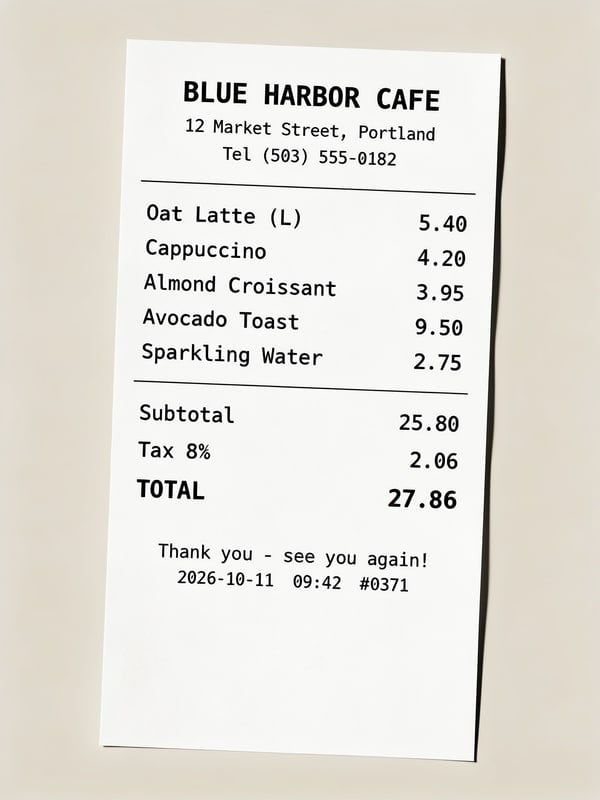
Make a faded receipt or label easier to read before you file it. The AI may guess characters it cannot see, so check every number against the original.

Whiteboard Photos

Sharpen a phone photo of a whiteboard so labels, neat handwriting and bullet points are easier to read before you share it with the team.

Compressed Screenshots

Clean up a blurry, recompressed screenshot so its text is easier to read in a slide or a doc. For code or logs, copy the text from the source rather than trusting a redrawn image.

์™œ Eidora์ธ๊ฐ€

๋งŒ๋“œ๋Š” ๋ฐฉ์‹์ด ๋‹ค๋ฅด๊ณ , ๊ฒฐ๊ณผ๊ฐ€ ๋” ์ข‹์Šต๋‹ˆ๋‹ค

Keeps Every Character It Can ยท Check Key Numbers
The model is told to keep every letter, word and number exactly as it is while making the text sharper and the background cleaner. It redraws the image rather than reading it, so a character can still change: check key numbers against the original.
Sharper, Clearer Text
Blurry, low-contrast text is redrawn sharp and easy to read, keeping the original layout, fonts and colors.
Less Noise and Blur
Noise, blur and blocky JPEG compression around the letters are reduced. Text too blurry to read in the original cannot be recovered reliably, so compare important numbers with the original.
์ด์šฉ ๋ฐฉ๋ฒ•

์„ธ ๋‹จ๊ณ„, ์•ฝ 1๋ถ„.

AI Text Enhancer: Upload Your Image
  1. Upload Your Image

    Upload the image with hard-to-read text. JPG, PNG, WebP or GIF up to 10MB; a clear, well-lit photo works best.

  2. Process with AI

    Press Generate. The AI redraws the image with sharper text and is told to keep every character as it is; this usually takes 20 to 60 seconds.

  3. Download Enhanced Image

    Check the result and download the image. Not quite right? Run it again.
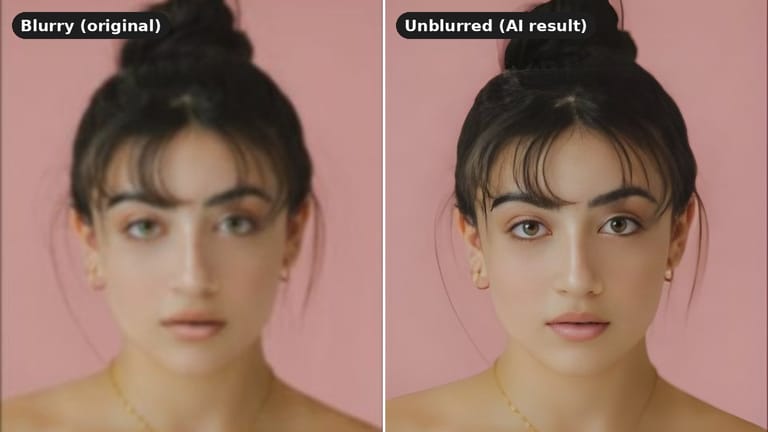
์ง€๊ธˆ AI Text Enhancer ์จ ๋ณด๊ธฐ
โœฆ ์ƒ์„ฑ ยท 4 ํฌ๋ ˆ๋”ง
์ž์ฃผ ๋ฌป๋Š” ์งˆ๋ฌธ

์ž์ฃผ ๋ฌป๋Š” ์งˆ๋ฌธ

์•Œ์•„์•ผ ํ•  ๋ชจ๋“  ๊ฒƒ. ์ฐพ๋Š” ๋‹ต์ด ์—†๋‚˜์š”?

์•„์ง ๊ถ๊ธˆํ•œ ์ ์ด ์žˆ๋‚˜์š”?
์ง€์›ํŒ€์ด ๊ธฐ๊บผ์ด ๋„์™€๋“œ๋ฆฝ๋‹ˆ๋‹ค.
์ง€์›ํŒ€ ๋ฌธ์˜
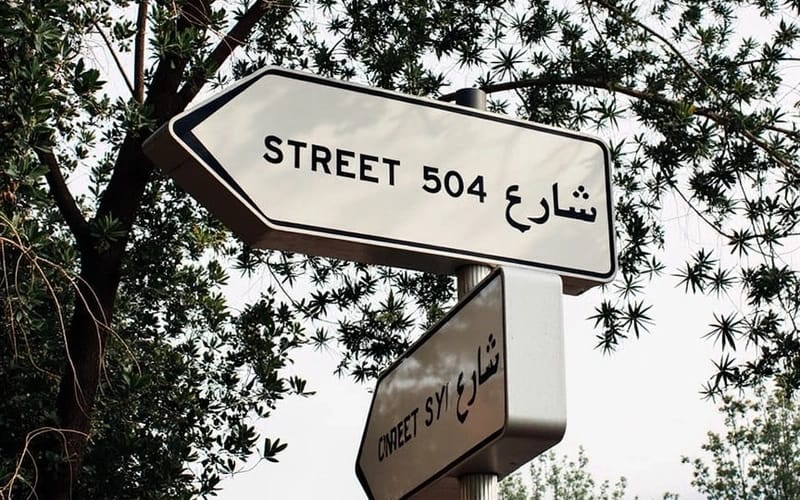
You can upload any image file containing text, such as screenshots, photos of documents, scanned pages, or images with embedded graphics. The tool is designed to work best on text that is blurry, pixelated, or has low contrast.
While the AI Text Enhancer primarily focuses on printed or digital text for optimal results, it may offer some clarity improvements for very neat, legible handwriting. However, its main strength is in enhancing machine-generated text.
You can upload a JPG, PNG, WebP or GIF up to 10MB.
You get a high-resolution JPG (around 2K pixels on the long side) with significantly clearer text, ready to save or share.
No. The AI Text Enhancer redraws the whole image, and you cannot select a region. To focus on one area, crop the image before you upload it.
The AI redraws the whole image with sharper text, keeping the same layout, fonts, colors and background. It is told to keep every character as written, but it does not read the text, so check important numbers against the original.
You can start with a free account: 6 credits when you sign up, enough to use this tool once (4 credits per image), with 2 left over. Free results carry an eidora.io watermark. After that, credits start at $1.99: a new account can buy 40 credits for $1.99 once, within 72 hours of signing up; credit packs start at $4.99 for 100 credits and plans at $9.9/month. Once you have paid, your results have no badge.
No, this is a web-based tool. You can access and use the AI Text Enhancer directly through your browser on any device, without needing to download or install any software.
Usually 20 to 60 seconds, a little longer at busy times.
Your uploads, prompts and results are saved privately to your history so you can view and download them later, and only you can open them. To create a result, your input is sent to the AI model provider that runs the generation. We do not sell your content or use it to train AI models.
It can make text easier for OCR software to read, but because the image is redrawn, a character may change. For documents that matter, run OCR on the original as well and compare.
Text that is too small or blurry to read in the original cannot be recovered reliably, and the AI may guess a character from context. For receipts, invoices and other documents, double-check important numbers against the original. If a result still isn't clear enough, try a sharper or closer photo of the text.
๊ฐ€์ž… ์‹œ 6 ํฌ๋ ˆ๋”ง
๋งŒ๋“ค ์ค€๋น„๊ฐ€
๋˜์…จ๋‚˜์š”?
์ด๋ฏธ์ง€๋‹น 4ํฌ๋ ˆ๋”ง ยท ๊ฐ€์ž… ์‹œ 6 ํฌ๋ ˆ๋”ง ยท ์นด๋“œ ํ•„์š” ์—†์Œ
๊ฐ€์ž… ์‹œ 6 ํฌ๋ ˆ๋”ง ยท ์นด๋“œ ํ•„์š” ์—†์Œ
์•ฝ 20~60์ดˆ
๊ฐ€์ž… ์‹œ 6 ํฌ๋ ˆ๋”ง