Image · effect

Photo to Sketch Converter

Pencil, charcoal or ink

4 credits per imageFLUX.1 Kontext Pro

最大10枚の写真を選ぶかドロップすると、それぞれに同じ設定を使います。

写真をアップロード

By uploading, you confirm you have the right to use this photo (see Acceptable Use).

例で試す:
例 1
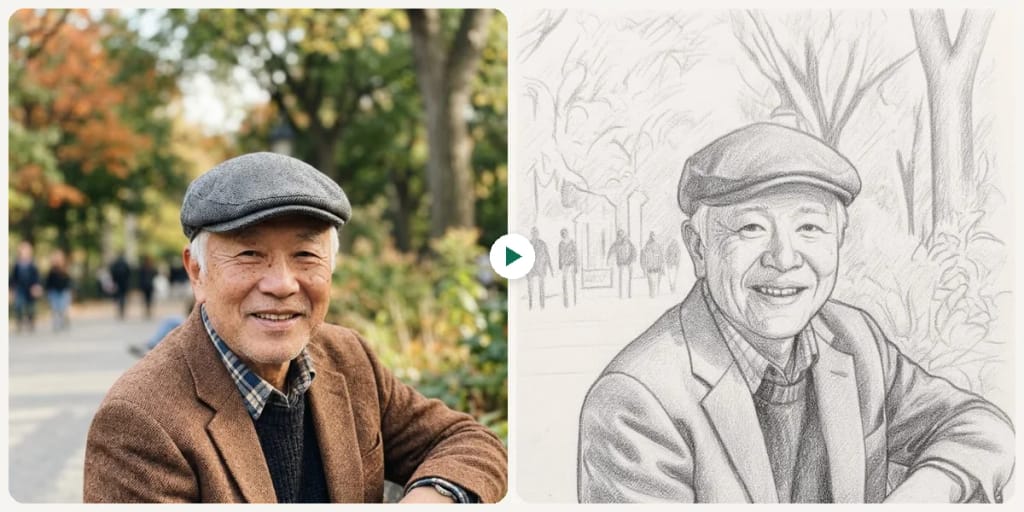
Example result
同じものを作る方法
Tool
Photo to Sketch Converter
スタイル
Pencil Sketch
比率
Not recorded
スタイルを選ぶ
1枚4クレジット · 登録で6クレジット
モデル:FLUX.1 Kontext Pro · 通常10〜30秒

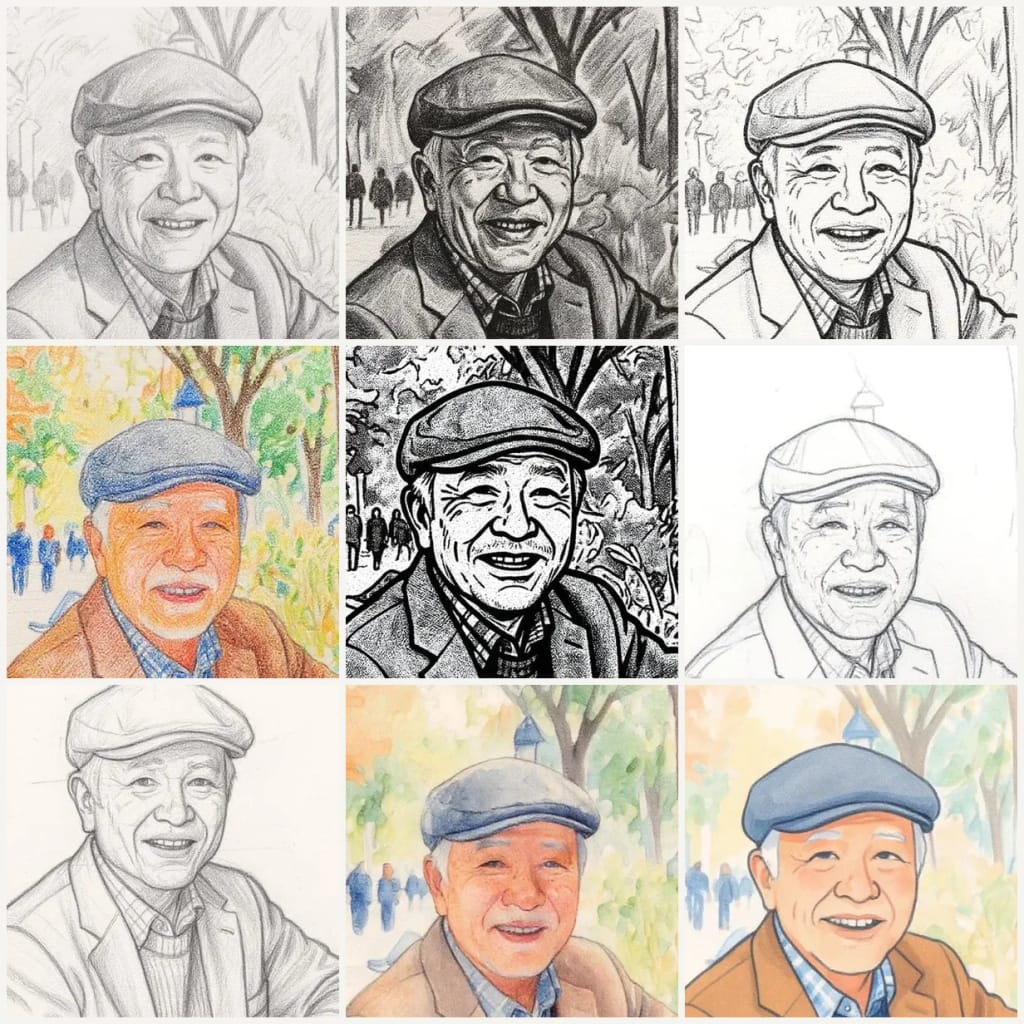
Eidora's Photo to Sketch Converter redraws your photo as a hand-drawn sketch in one of 9 styles: pencil, charcoal, ink, colored pencil, comic, concept, figure, watercolor or digital. FLUX.1 Kontext Pro, Black Forest Labs' image-editing model, keeps the faces and composition of your photo, usually in 10 to 30 seconds. 6 credits when you sign up; each sketch uses 4 credits.

ビフォー・アフター

見てください、 この変化

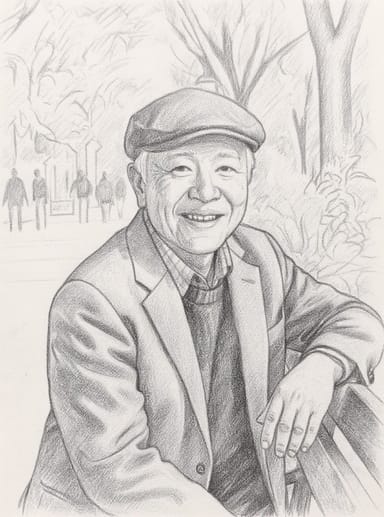
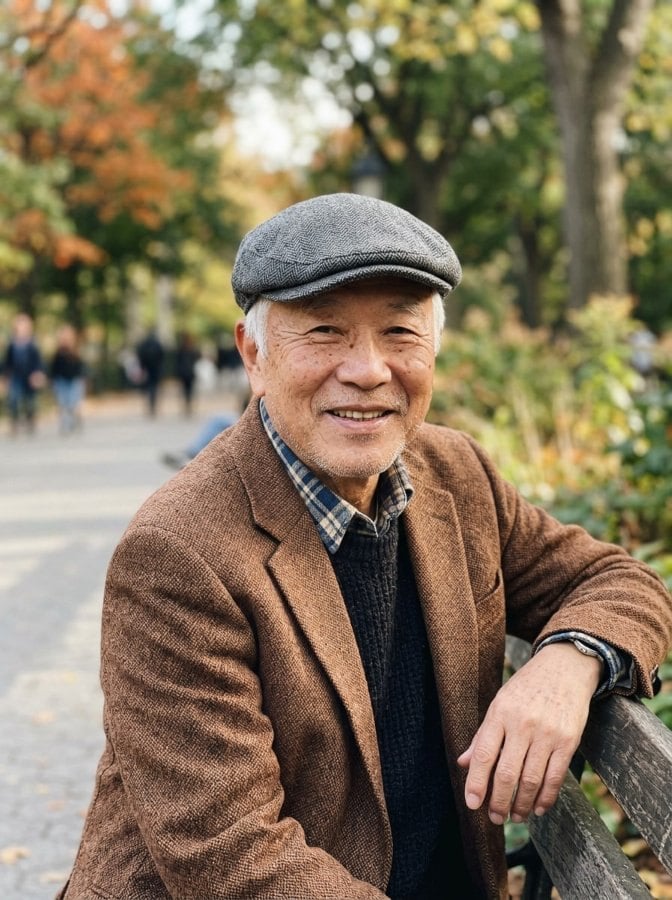
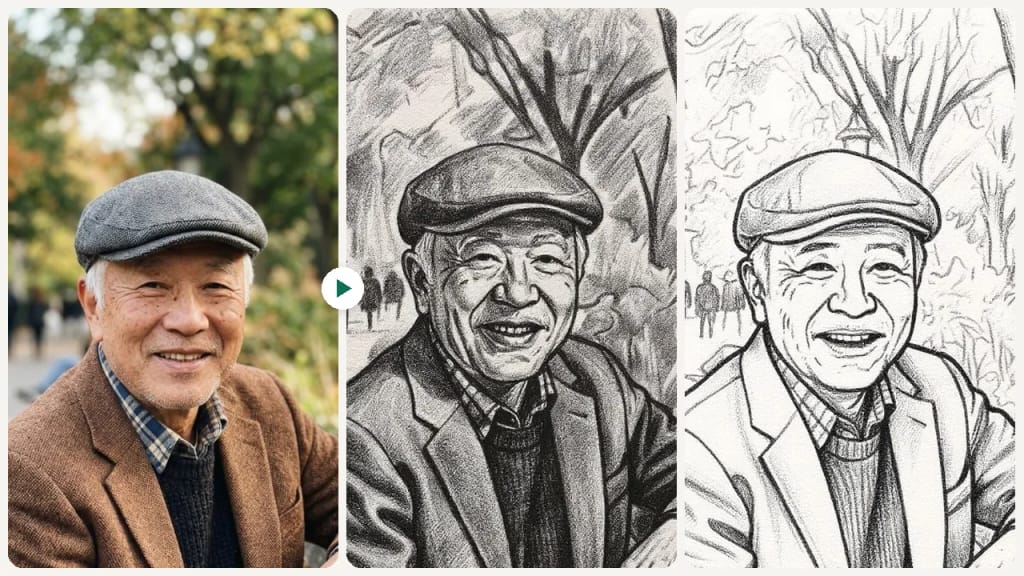
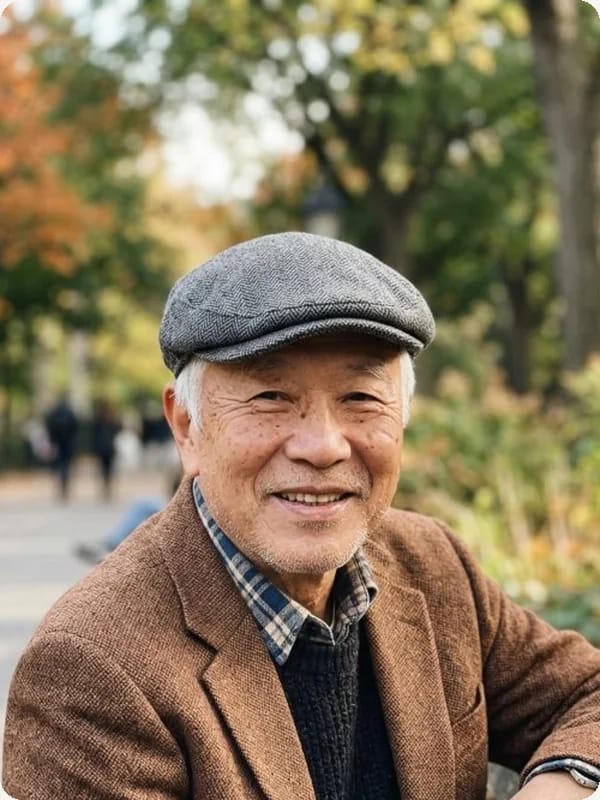
Original photo before Photo to Sketch Converter - Pencil Sketch styleOriginal photo before Photo to Sketch Converter - Charcoal Sketch style
元の写真
ビフォー
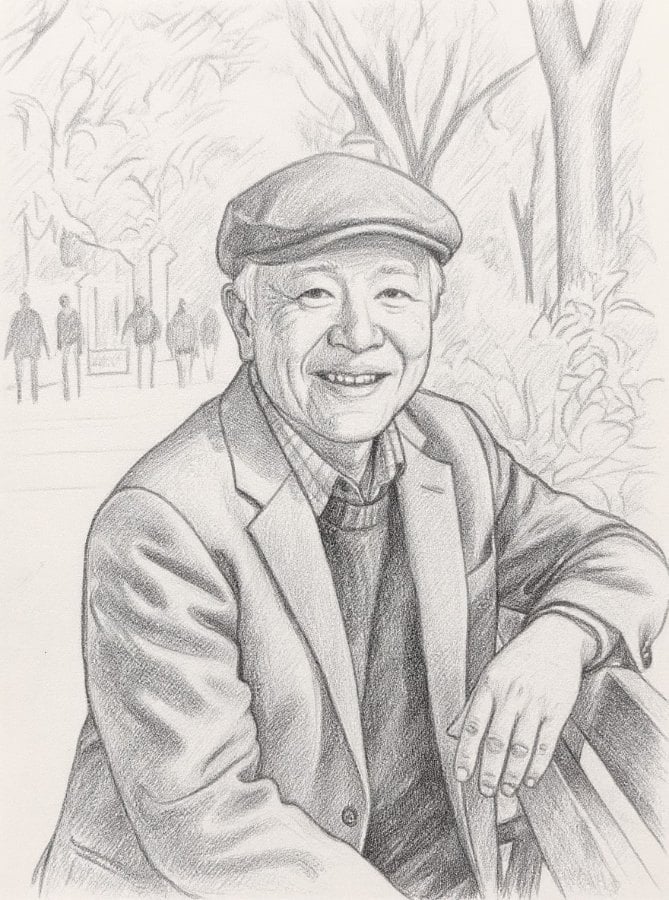
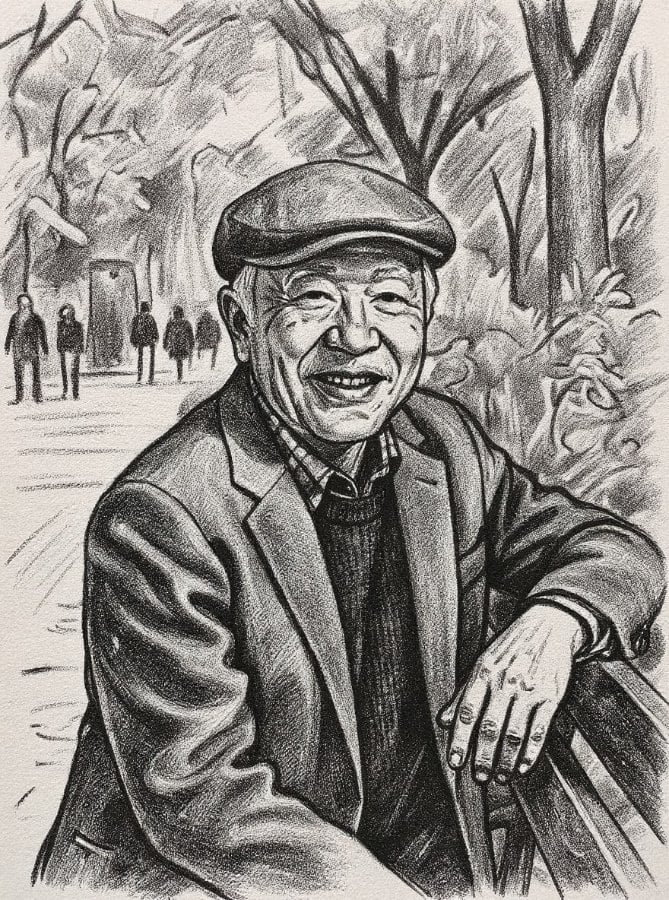
AI result in Pencil Sketch style - Photo to Sketch ConverterAI result in Charcoal Sketch style - Photo to Sketch Converter
サンプル結果
アフター
Pencil Sketchスタイル
Photo to Sketch Converter · Eidora AI
このツールについて
Photo to Sketch Converter overview

Photo to Sketch Converterとは?

Turn a photo into a drawing in one of nine styles: pencil, charcoal, ink, colored pencil, comic, concept sketch, figure sketch, watercolor or digital sketch. Upload a photo, pick a style, and FLUX.1 Kontext, an image-editing model from Black Forest Labs redraws it as artwork while keeping the subject and composition. It is a quick way to make a gift, a reference for your own drawing or a profile picture with a hand-drawn look.

使い方の例

あなたが 作れるもの

Photo to Sketch Converter use case - Artist Reference Creation

Artist Reference Creation

Artists and illustrators can quickly generate sketch references from photos. Use the output as a starting point for traditional or digital artwork, saving hours of initial sketching and outlining.
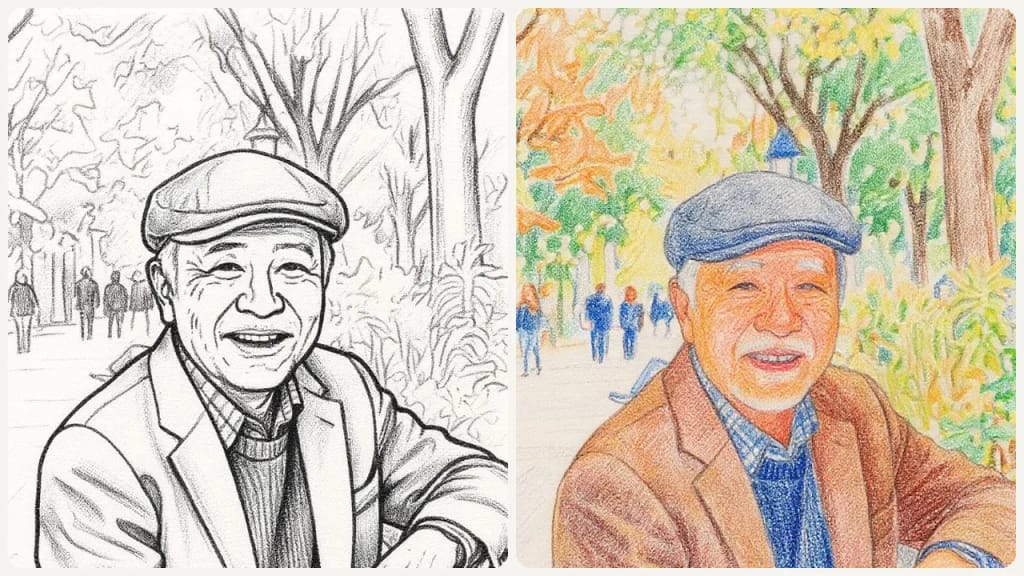
Photo to Sketch Converter use case - Unique Visual Content

Unique Visual Content

Designers and content creators can produce distinctive sketch-style visuals for websites, social media, and print materials. Stand out with hand-drawn aesthetics that catch the eye.
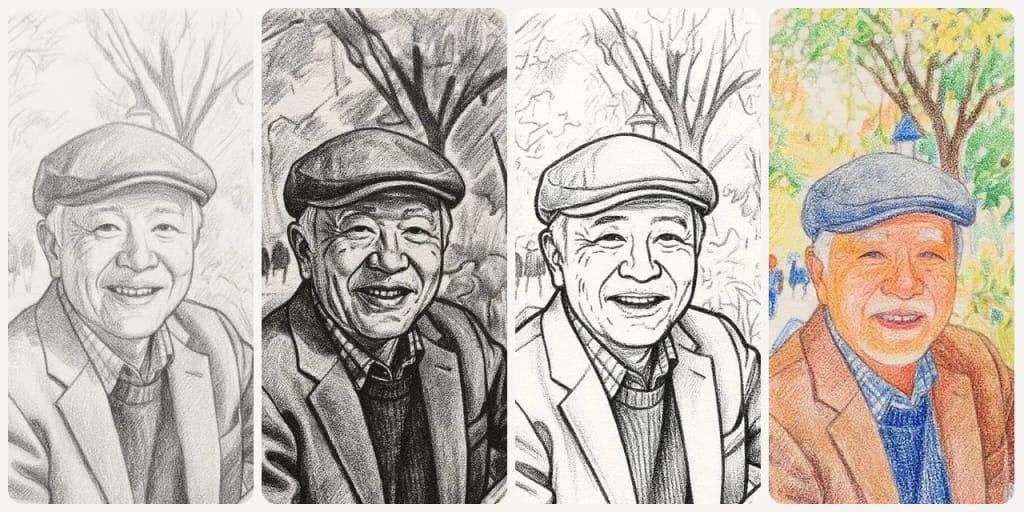
Photo to Sketch Converter use case - Personalized Sketch Gifts

Personalized Sketch Gifts

Transform cherished photos of family, friends, or pets into beautiful sketch portraits. Print and frame them for thoughtful, one-of-a-kind gifts for any occasion.

Eidoraを選ぶ理由

作り方が違う、だから仕上がりがいい

9 Authentic Drawing Styles
From classic graphite pencil and charcoal to comic, figure and watercolor sketches, nine styles that imitate real drawing media.
True Artistic Quality
AI analyzes your photo's structure to create genuine linework, crosshatching, and shading, not just a cheap filter overlay.
Fast Sketch Results
Get your sketch in under a minute. Upload a photo, preview the result, then create an account to save or export.
使い方

3ステップ。 約1分。

Step 1: Upload Your Photo
01

Upload Your Photo

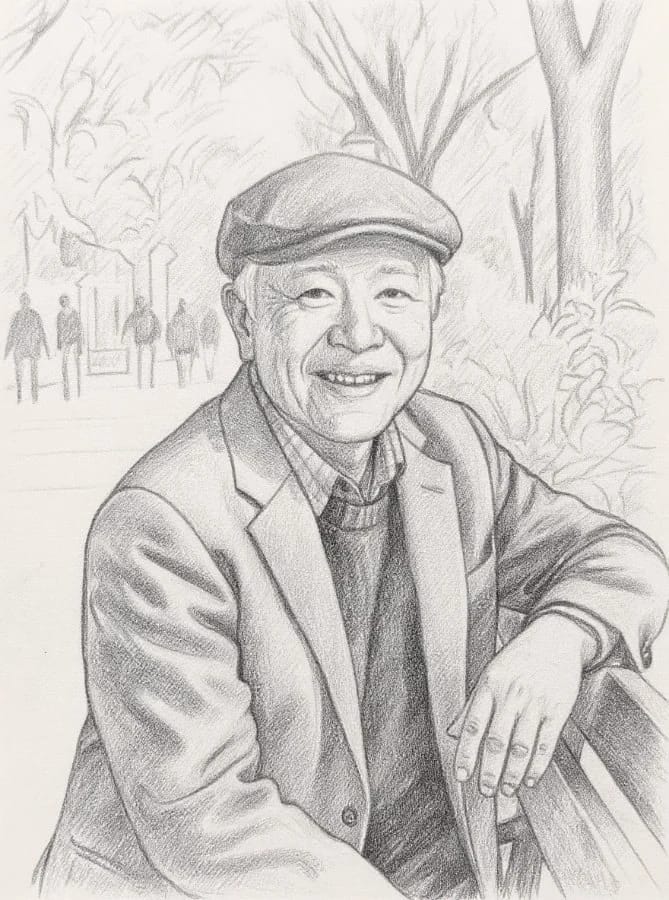
Upload a photo. JPG, PNG or WebP up to 10MB; a clear, well-lit photo works best.
Step 2: Choose Sketch Style
02

Choose Sketch Style

Pick one of the 9 styles (Pencil Sketch, Charcoal Sketch, Ink Sketch, Colored Pencil, Comic Sketch, Concept Sketch, Figure Sketch, Watercolor, Digital Sketch) or switch to Custom and describe your own, then press Generate.
Step 3: Download Your Sketch
03

Download Your Sketch

Download your sketch to share, or run it through the Image Upscaler first if you want to print it large.
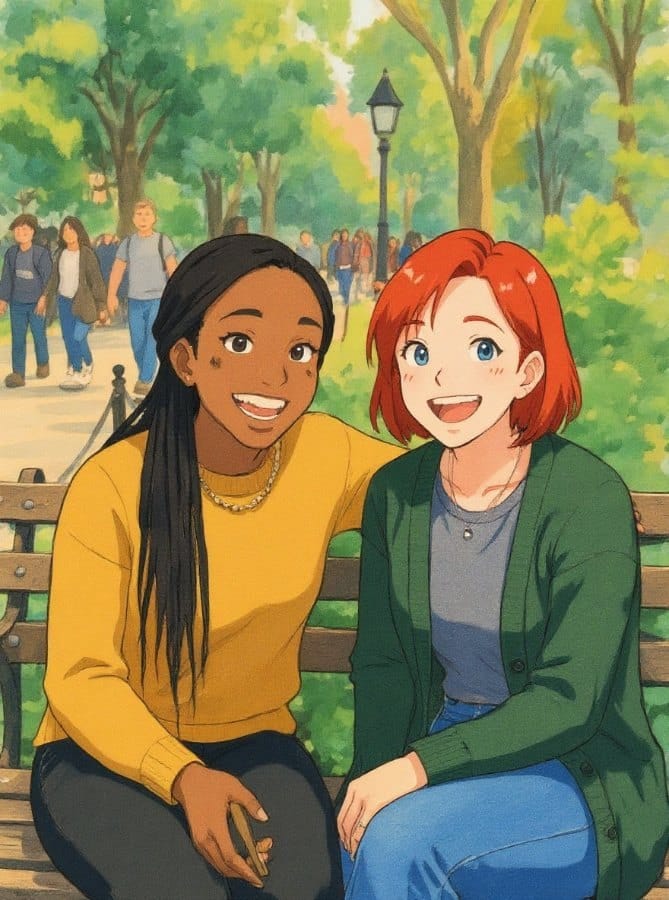
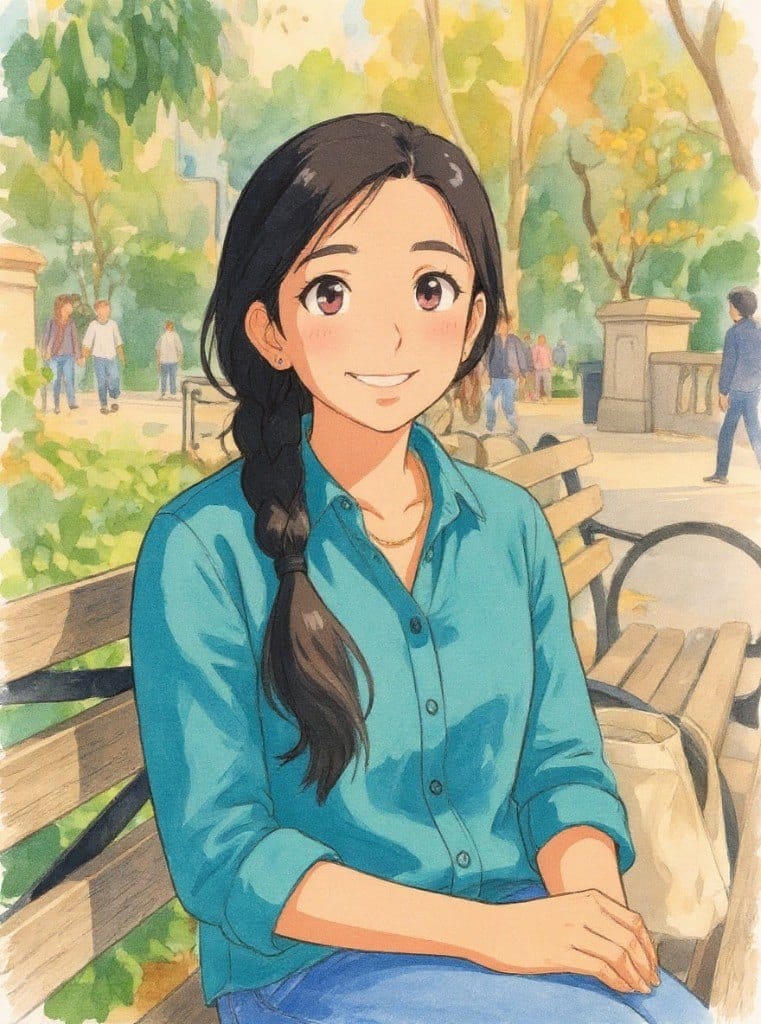
Photo to Sketch Converterを今すぐ試す
✦ 生成 · 4クレジット
Photo to Sketch Converterを今すぐ試す
登録で6クレジット。最初の結果は1分以内に。続けるなら買い切りのクレジットパックで、サブスクは不要です。
✦ 生成 · 4クレジット
よくある質問

よくある 質問

知りたいことはここにあります。答えが見つかりませんか?

まだ質問がありますか?
サポートチームがお手伝いします。
サポートに連絡
Photos with clear subjects and good contrast produce the best results. Portraits, landscapes, and objects with well-defined edges transform beautifully into sketches.
You can start with a free account: 6 credits when you sign up, enough to use this tool once (4 credits per image), with 2 left over. Free results carry an eidora.io watermark. After that, credits start at $1.99: a new account can buy 40 credits for $1.99 once, within 72 hours of signing up; credit packs start at $4.99 for 100 credits and plans at $9.9/month. Once you have paid, your results have no badge.
We offer 9 distinct sketch styles: Pencil Sketch, Charcoal Sketch, Ink Sketch, Colored Pencil, Comic Sketch, Concept Sketch, Figure Sketch, Watercolor, and Digital Sketch.
Conversion typically takes 10 to 30 seconds depending on the image size and selected style.
Permitted uses depend on your rights in the source image, applicable law, and the selected third-party model or provider terms. Eidora plans change limits and history retention but do not themselves grant additional rights.
You can upload JPG, PNG, WebP or GIF images up to 10MB. Each sketch downloads as an image.
Your original photo is never modified. The tool creates a new sketch version while preserving the key features and composition of your original image.
Pencil Sketch uses fine crosshatching with subtle shading for a classic, delicate look. Charcoal produces bold, high-contrast drawings with expressive gestural strokes and dramatic light-dark interplay.
No, the photo to sketch converter works entirely in your browser. No downloads, plugins, or installations needed. It works on desktop, tablet, and mobile devices.
Unlike basic filters that overlay an effect, our AI analyzes the image structure to create authentic linework, shading, and crosshatching that mimics real drawing techniques.
There is no separate cap; it works on credits. Each sketch uses 4 credits; a free account starts with 6 credits, and paid plans add 300 to 2,000 credits a month.
Sketches suit screens and small prints. The result does not keep your photo's full resolution, so for a large print, run it through the Image Upscaler first.
登録で6クレジット
さあ、
あなたの一枚を
9 スタイル · 1枚4クレジット · 登録で6クレジット · カード不要
登録で6クレジット · カード不要
約10〜30秒
登録で6クレジット