最大10枚の写真を選ぶかドロップすると、それぞれに同じ設定を使います。
By uploading, you confirm you have the right to use this photo (see Acceptable Use).
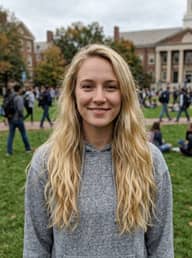
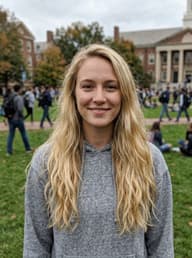
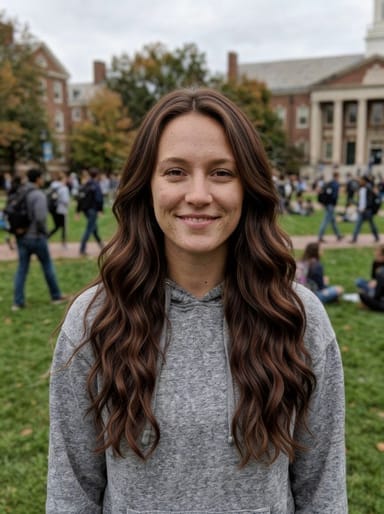
同じものを作る方法
- Tool
- Brown Hair Filter
- スタイル
- Chestnut
- 比率
- Not recorded
モデル:Seedream 4.5 · 通常20〜60秒
Eidora's Brown Hair Filter shows a brown shade on your own photo before you color: chestnut, chocolate, mocha, caramel or espresso. Seedream 4.5, ByteDance's image model, works on natural or dyed hair, usually in 20 to 60 seconds per shade; very light hair may need a second try. 6 credits when you sign up; each preview uses 4 credits.
見てください、 この変化
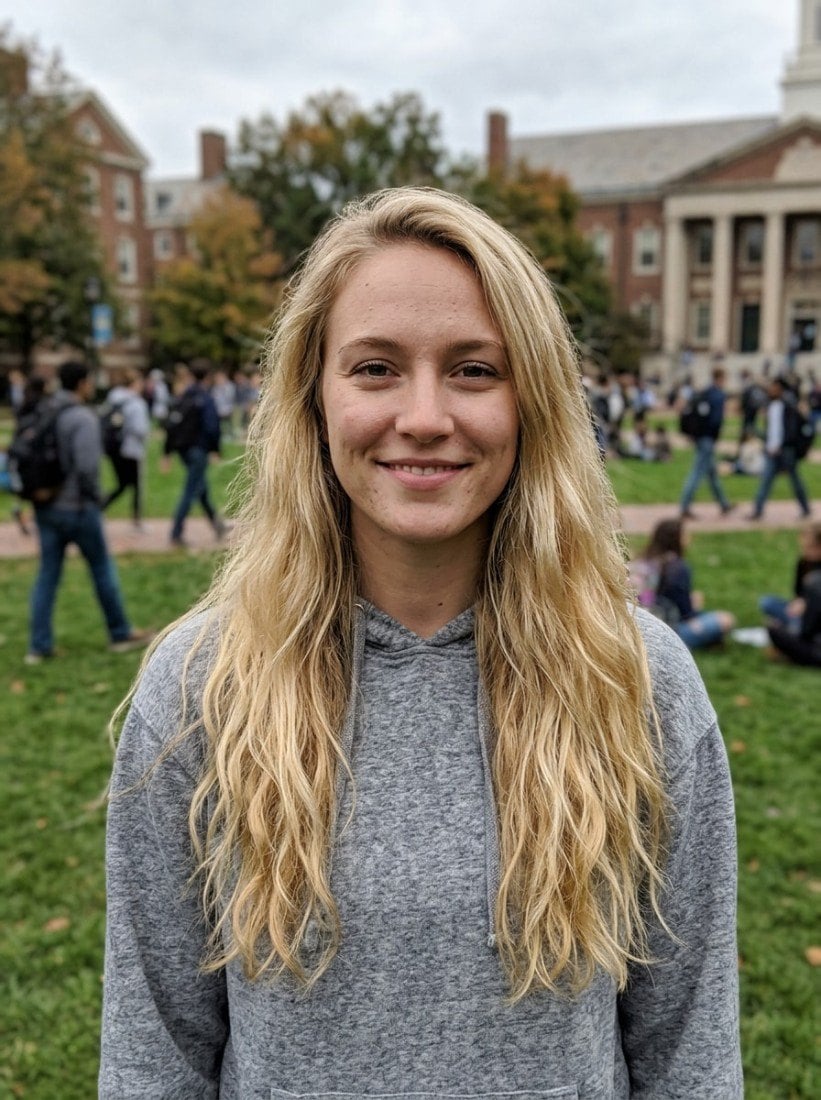
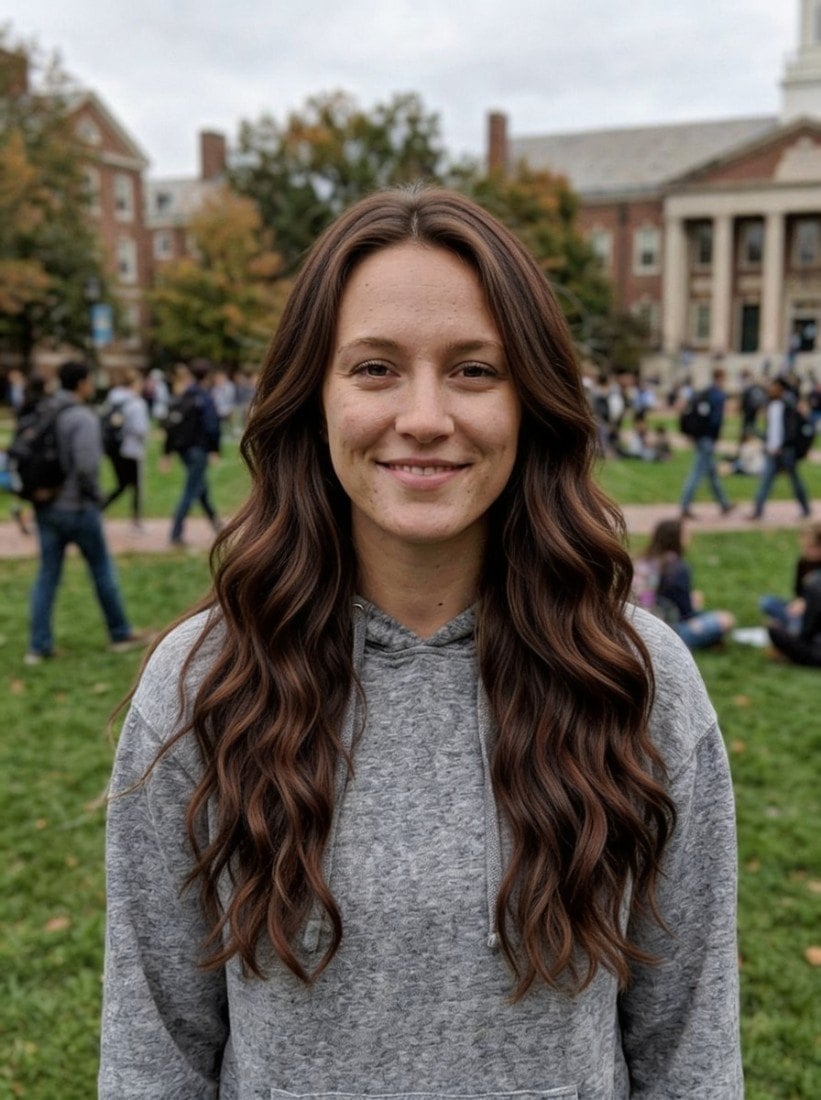
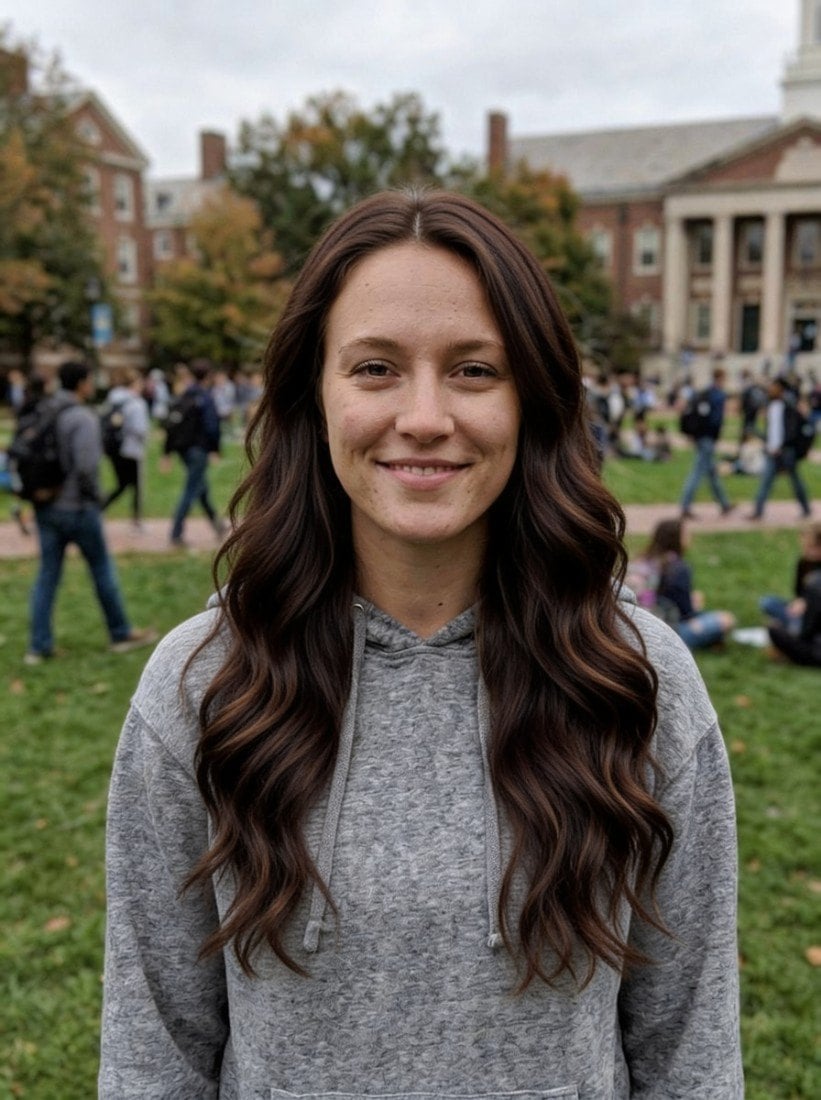

Brown Hair Filterとは?
A brown hair filter lets you preview different brown hair shades — from warm caramel to deep espresso — on your own photo before coloring, so you can find the exact shade that complements your skin tone without trial and error at the salon.
あなたが 作れるもの
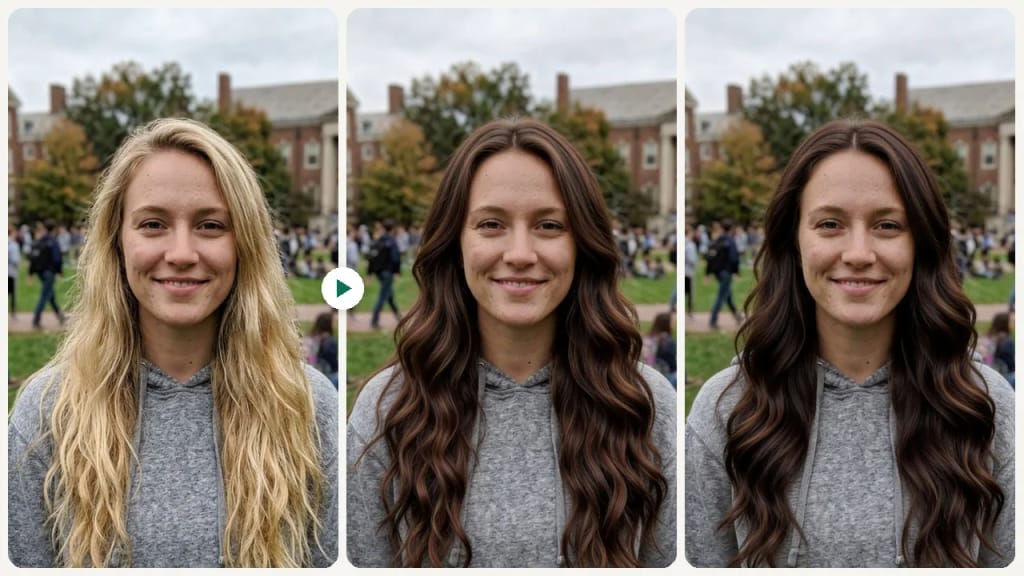
Pre-Color Consultation
Narrow down your preferred brown shade before your salon appointment to save time and avoid color corrections.
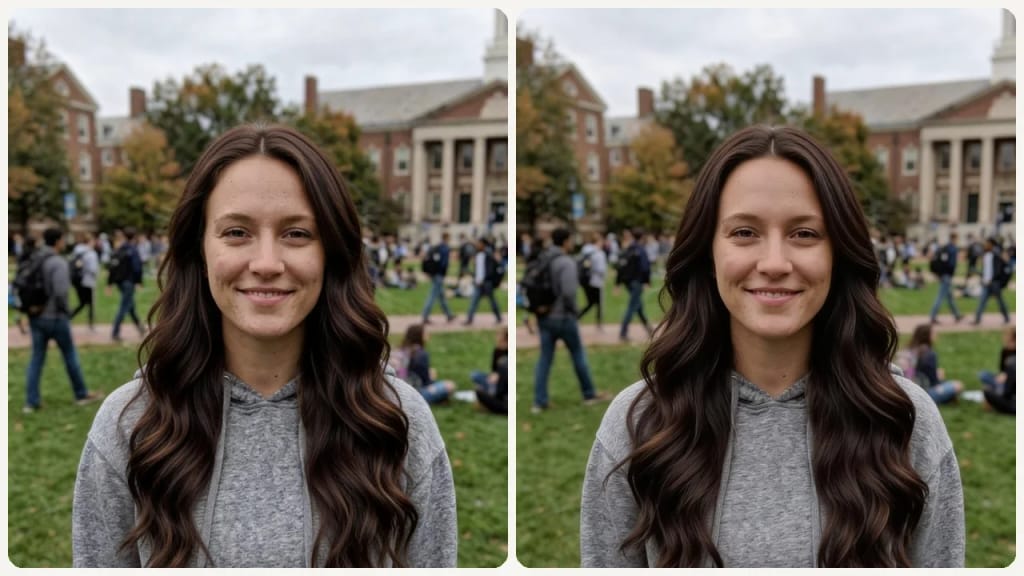
Going Back to Brown
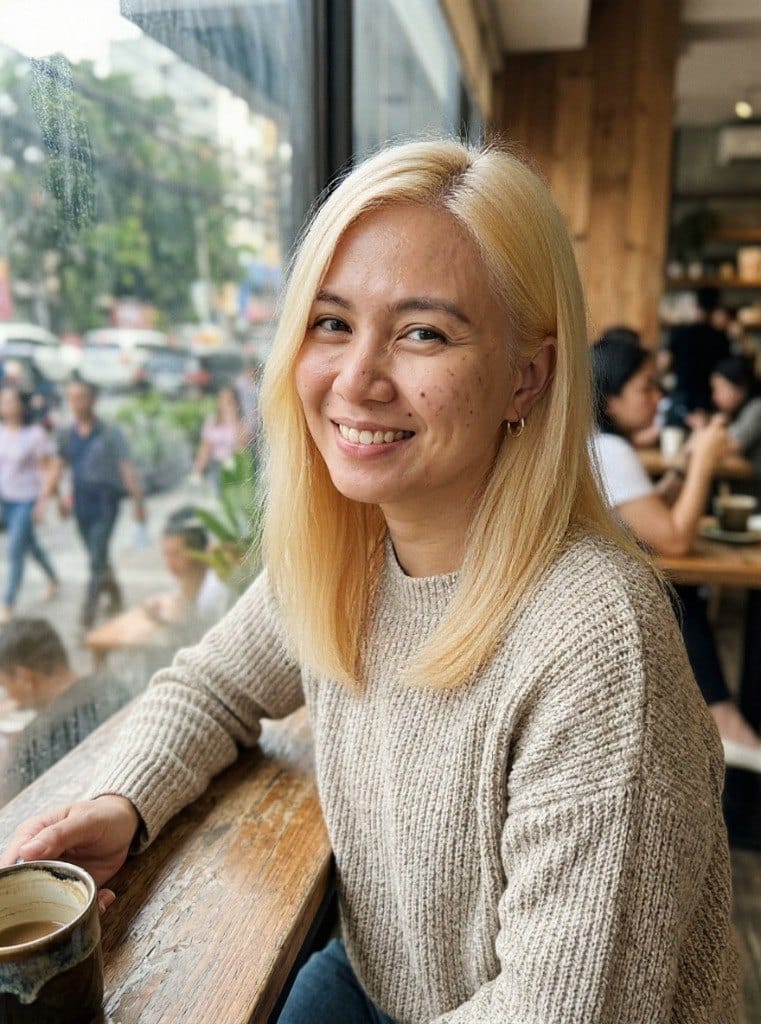
Transitioning back to a natural brown from blonde or a brighter color? Preview the right shade to ease back into your natural range.
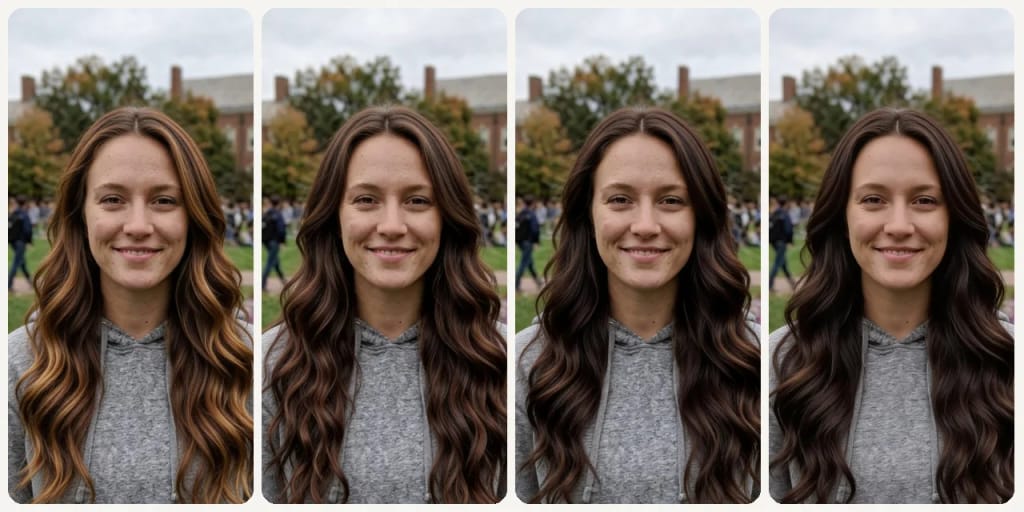
Warm vs. Cool Tone Decision
Test warm caramel and chestnut against cooler mocha and deep espresso to see which direction suits you.
作り方が違う、だから仕上がりがいい
3ステップ。 約1分。
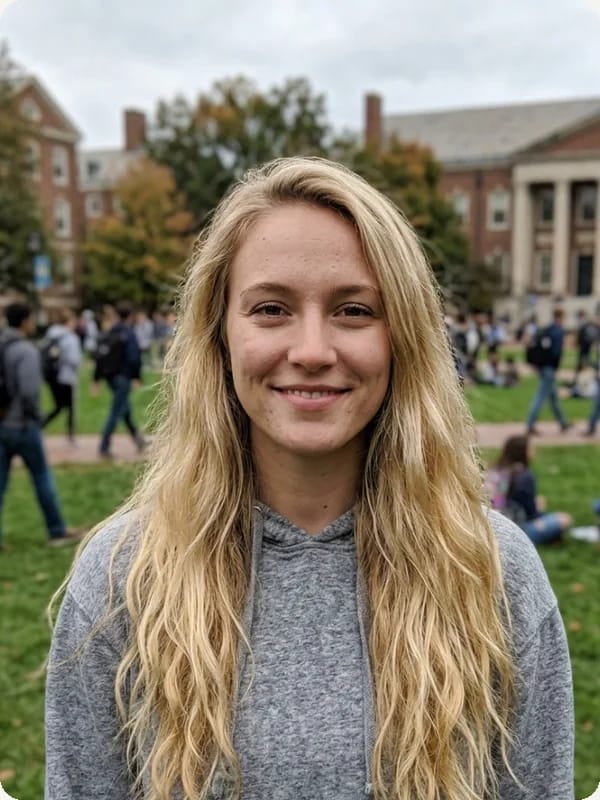
Upload Your Selfie
Upload a clear front-facing photo with your hair and face visible.
Choose a Brown Shade
Select from chestnut, chocolate, mocha, caramel, or espresso.
Compare & Save
Compare your brown shades and save the one that fits best.
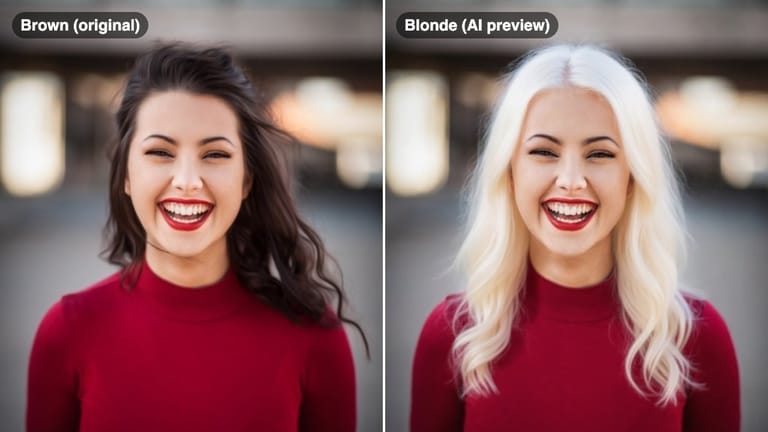
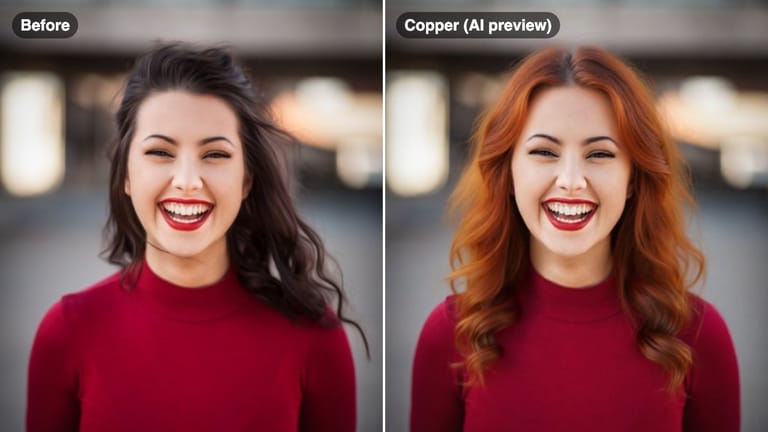




あなたの一枚を