Image · effect

AI Wedding Photo Generator

A wedding portrait from a photo

4 credits per imageFLUX.1 Kontext Pro

最倧10枚の写真を遞ぶかドロップするず、それぞれに同じ蚭定を䜿いたす。

写真をアップロヌド

By uploading, you confirm you have the right to use this photo (see Acceptable Use).

䟋で詊す
䟋 1
Example result
同じものを䜜る方法
Tool
AI Wedding Photo Generator
スタむル
Classic
比率
Not recorded
スタむルを遞ぶ
1枚4クレゞット · 登録で6クレゞット
モデルFLUX.1 Kontext Pro · 通垞10〜30秒

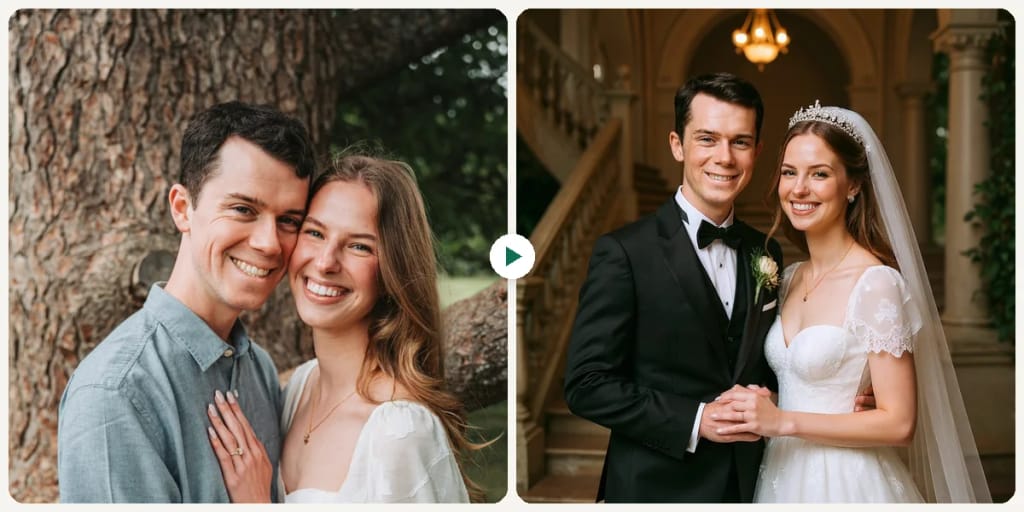
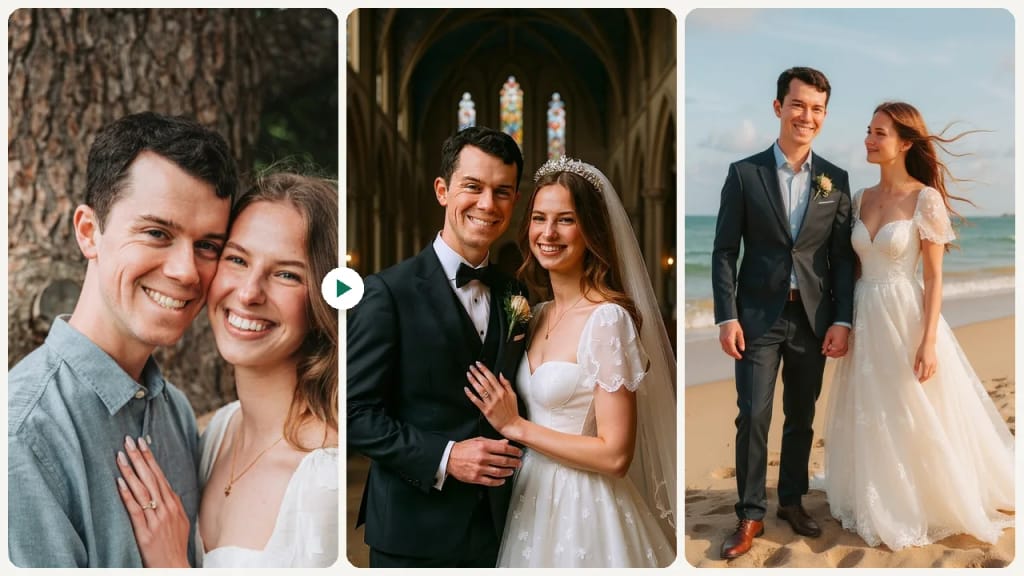
Eidora's AI Wedding Photo Generator turns your portrait or couple photo into a wedding portrait in one of 9 styles, such as Classic, Beach, Cathedral, Golden Garden, Magazine Style or Midnight. FLUX.1 Kontext Pro, Black Forest Labs' image-editing model, makes one style per run, usually in 10 to 30 seconds per portrait, and keeps exactly the people in your photo without adding a partner. 6 credits when you sign up; each portrait uses 4 credits.

ビフォヌ・アフタヌ

芋おください、 この倉化

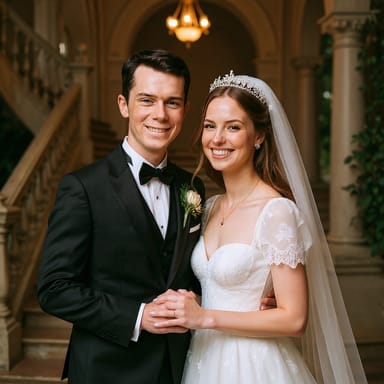
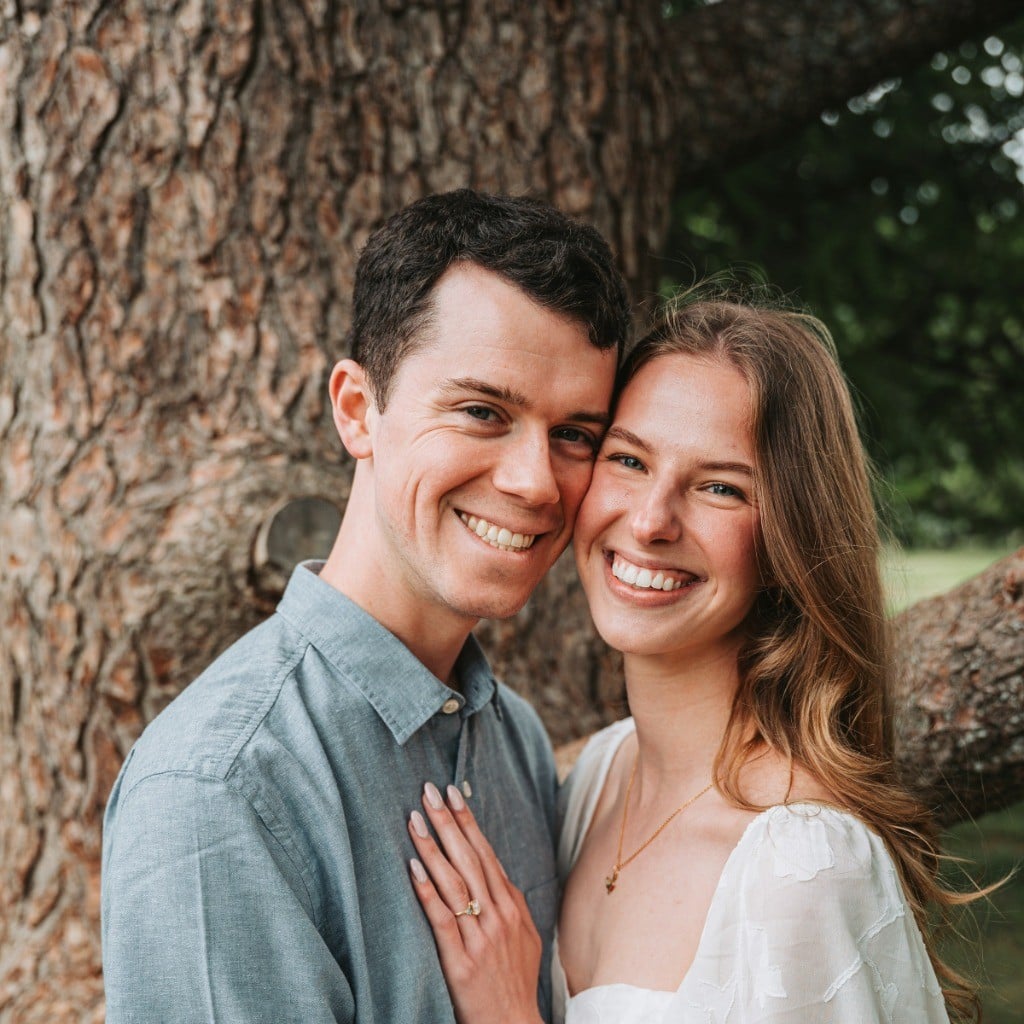
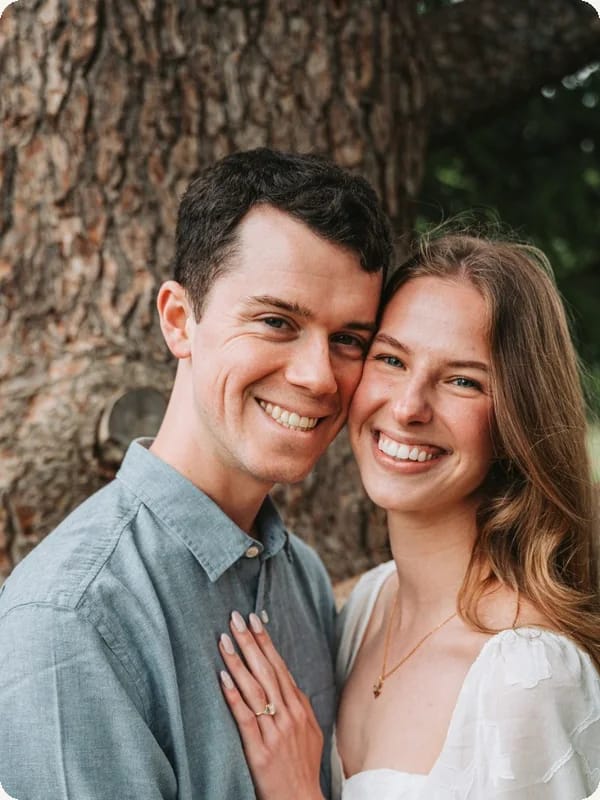
Original photo before AI Wedding Photo Generator - Classic styleOriginal photo before AI Wedding Photo Generator - Beach style
元の写真
ビフォヌ
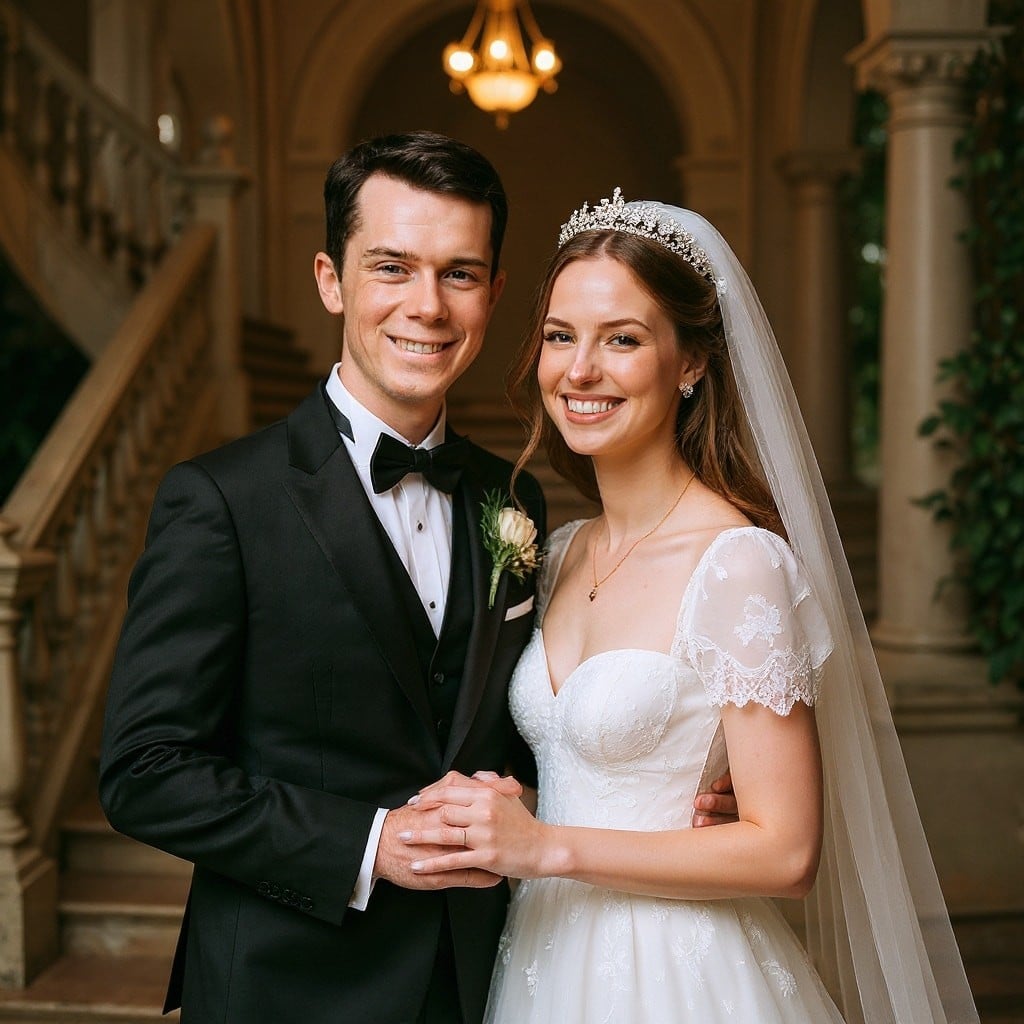
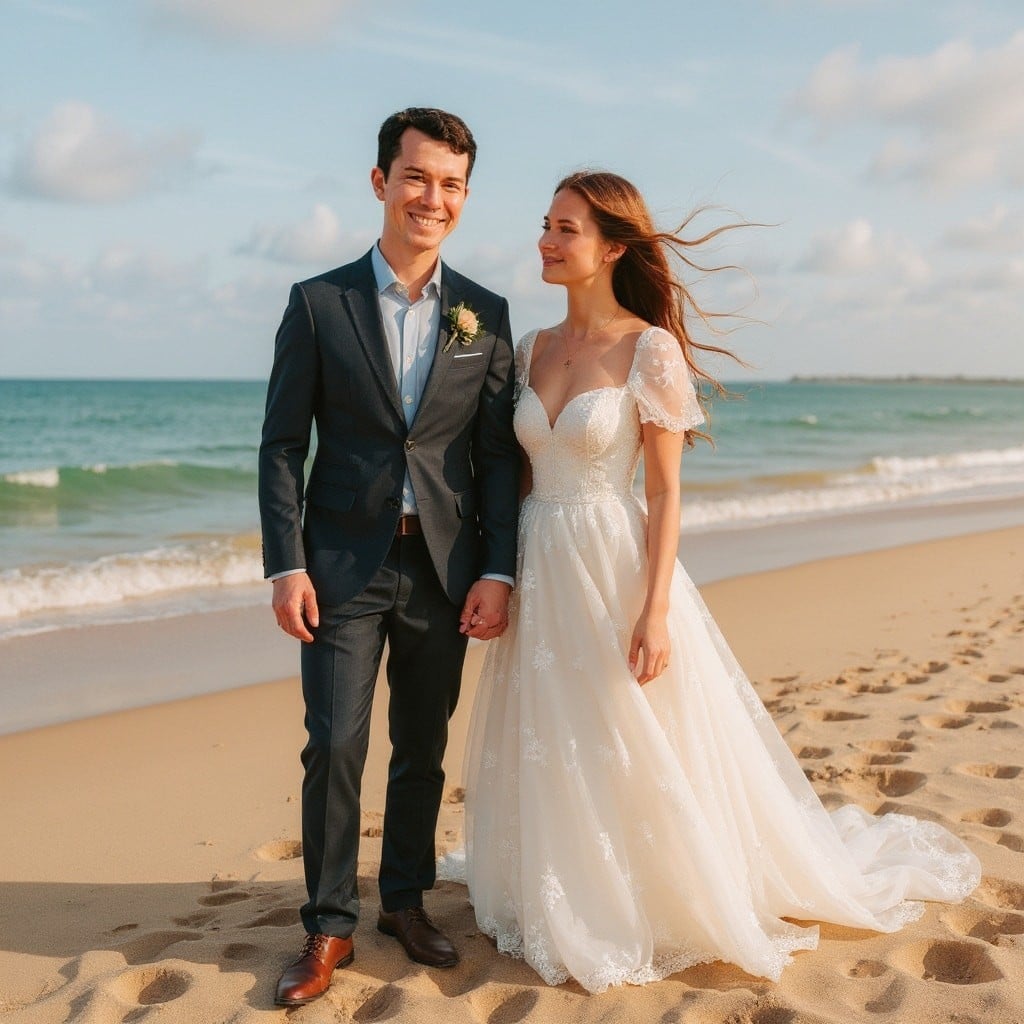
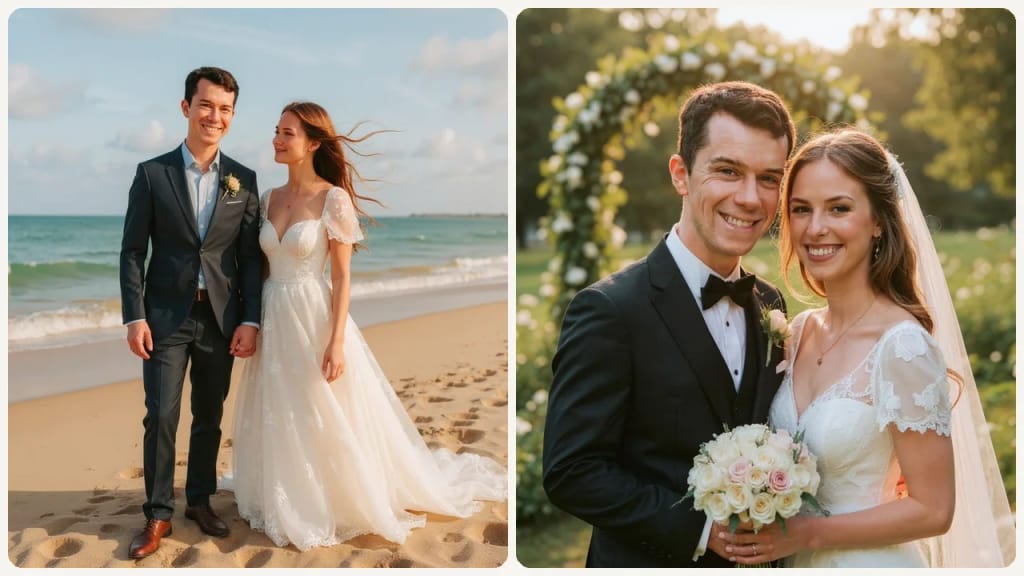
AI result in Classic style - AI Wedding Photo GeneratorAI result in Beach style - AI Wedding Photo Generator
サンプル結果
アフタヌ
Classicスタむル
AI Wedding Photo Generator · Eidora AI
このツヌルに぀いお
AI Wedding Photo Generator overview

AI Wedding Photo Generatorずは

This AI wedding photo generator transforms your portrait or couple photo into 9 distinct wedding photography styles. Classic renders a timeless chapel ceremony with white floral arches and soft diffused window light. Urban Street stages a modern cityscape backdrop with industrial textures and editorial posing. Beach places you on golden sand with ocean waves, barefoot elegance, and warm sunset tones. Cathedral creates a grand interior with gothic arches, stained glass, and dramatic overhead lighting. Glamorous produces a high-fashion editorial look with sequined gowns, dramatic makeup, and studio rim lighting. Golden Garden sets a lush outdoor scene with warm golden-hour light filtering through garden archways. Magazine Style outputs a polished cover-ready composition with clean framing and professional color grading. Meadow captures a wildflower field with soft natural light and a relaxed bohemian aesthetic. Midnight creates a moody after-dark portrait with moonlight, lanterns, and deep navy blue tones.

䜿い方の䟋

あなたが 䜜れるもの

AI Wedding Photo Generator use case - Wedding Style Planning

Wedding Style Planning

Preview how you look in different wedding styles before making expensive decisions about attire and photography direction.
AI Wedding Photo Generator use case - Social Media and Content Sharing

Social Media and Content Sharing

Post a wedding-style portrait to announce an engagement or mark an anniversary.
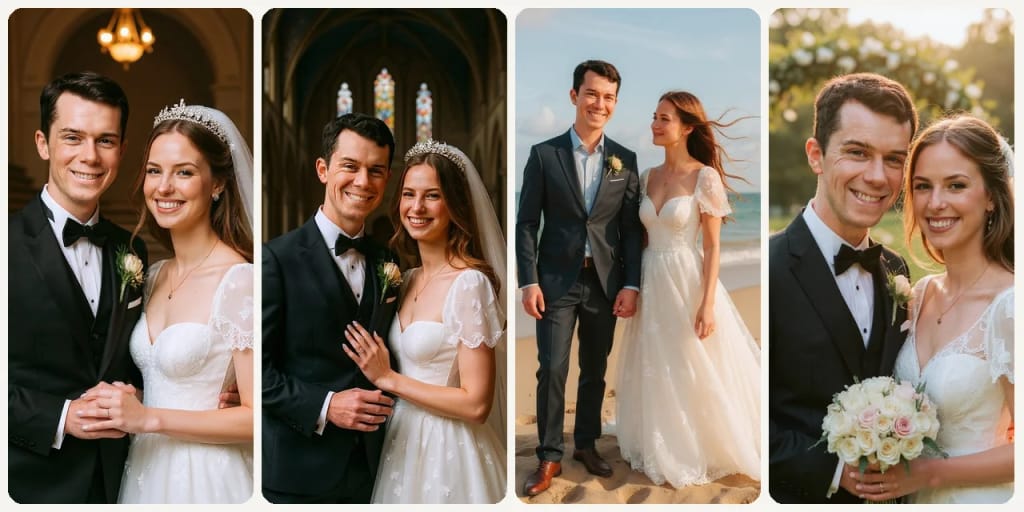
AI Wedding Photo Generator use case - Save-the-Date and Invitation Content

Save-the-Date and Invitation Content

Use a stylized AI wedding portrait as creative material for your save-the-date cards or digital invitations.

Eidoraを遞ぶ理由

䜜り方が違う、だから仕䞊がりがいい

Preview Wedding Looks Before the Day
See how you look in bridal or groom styles before committing to attire, and share the preview with your partner or planner.
A Wedding Portrait to Share
Make a wedding-style portrait to share for an engagement announcement or an anniversary, usually in 10 to 30 seconds, without a photoshoot.
Explore Multiple Wedding Styles
Compare indoor styles (Classic, Cathedral, Glamorous) with outdoor ones (Beach, Golden Garden, Meadow) and night or city looks (Midnight, Urban Street).
䜿い方

3ステップ。 箄1分。

AI Wedding Photo Generator: Upload Your Photo
  1. Upload Your Photo

    Upload a portrait or couple photo with faces clearly visible.

  2. Choose a Wedding Style

    Pick one of 9 styles: Classic, Urban Street, Beach, Cathedral, Glamorous, Golden Garden, Magazine Style, Meadow or Midnight.

  3. Preview & Download

    Review your wedding portrait and download it. To compare, pick another style and run it again.

AI Wedding Photo Generatorを今すぐ詊す
✩ 生成 · 4クレゞット
よくある質問

よくある 質問

知りたいこずはここにありたす。答えが芋぀かりたせんか

ただ質問がありたすか
サポヌトチヌムがお手䌝いしたす。
サポヌトに連絡
Many people use AI wedding photos for invitations, social media, and personal mementos. For your official wedding album, we recommend a professional photographer — but this tool is perfect for previewing, planning, and sharing.
Not yet. The tool takes one photo: upload a picture with both of you in it to get a couple wedding photo, or a photo of one person for a solo bridal or groom portrait. It keeps exactly the people in your photo and never adds a partner.
A clean portrait with good lighting and a neutral expression works best. The AI handles attire and background transformation — you just need a clear face.
Classic renders a timeless chapel ceremony with white floral arches and soft diffused light for a traditional, airy look. Cathedral creates a grander interior with gothic arches, stained-glass windows, and dramatic overhead lighting for a more formal and majestic feel.
Beach, Golden Garden, and Meadow are all outdoor styles. Beach features ocean waves and warm sunset tones for a tropical feel. Golden Garden uses golden-hour light through garden archways for a lush romantic look. Meadow captures a wildflower field with a relaxed bohemian aesthetic.
You can start with a free account: 6 credits when you sign up, enough to use this tool once (4 credits per wedding portrait), with 2 left over. Free results carry an eidora.io watermark. After that, credits start at $1.99: a new account can buy 40 credits for $1.99 once, within 72 hours of signing up; credit packs start at $4.99 for 100 credits and plans at $9.9/month. Once you have paid, your results have no badge.
Usually 10 to 30 seconds per portrait. Each run makes one style; pick another style and run it again to compare.
Your uploads, prompts and results are saved privately to your history so you can view and download them later, and only you can open them. To create a result, your input is sent to the AI model provider that runs the generation. We do not sell your content or use it to train AI models.
登録で6クレゞット
さあ、
あなたの䞀枚を
9 スタむル · 1枚4クレゞット · 登録で6クレゞット · カヌド䞍芁
登録で6クレゞット · カヌド䞍芁
箄10〜30秒
登録で6クレゞット