AIモデル · このページで作成
Kling 3.0
70クレジットから · turning photos into short videosに最適
Kling 3.0 enables content creators, marketers, and educators to effortlessly convert static images or text prompts into dynamic video content, making visual storytelling accessible to all.
同じものを作る方法
- Tool
- Kling 3.0
- 比率
- Not recorded
同じものを作る方法
- Tool
- Kling 3.0
- 比率
- Not recorded


モデル:Kling 3.0 · 動画は通常2〜5分
Eidora's Kling 3.0 page runs Kuaishou's AI video model: upload a photo to animate it or describe a scene, pick one of 3 modes (Animate Image, Cinematic Motion or Smooth Video), and get one 5-second clip with sound, usually in 2 to 5 minutes. The clip downloads as an MP4; for a longer video, join several clips in an editor. It needs a paid plan or a credit pack; each video uses 70 credits.
ビフォー &アフター

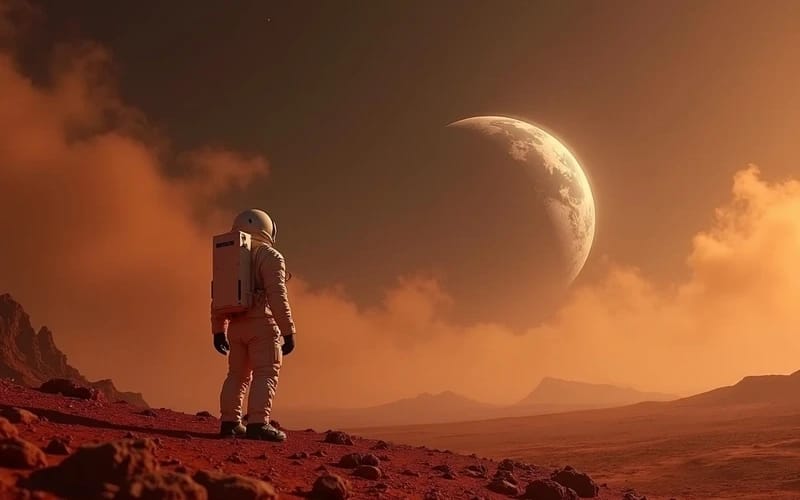
Kling 3.0とは?
Kling 3.0 is Kuaishou's AI video model. Upload a photo to animate it, or describe a scene, and it makes one 5-second clip with sound, usually in 2 to 5 minutes. Pick a mode (Animate Image, Cinematic Motion or Smooth Video) and press Generate. Each clip uses 70 credits and needs a paid plan or a credit pack. Eidora is not affiliated with Kuaishou.
あなたが 編集できるもの
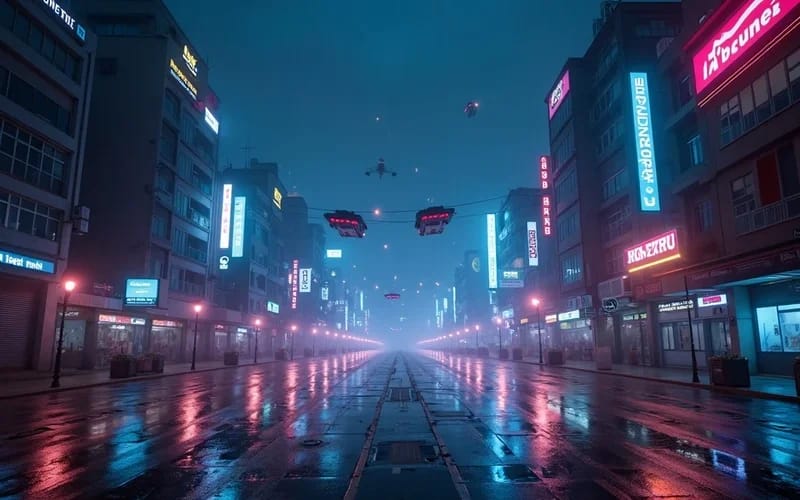
Social Media Content Boost
Social Media Managers can transform static brand images or promotional text into captivating short videos. This eliminates the need for complex editing software, allowing for rapid content deployment across various platforms.
Product Showcase Videos
E-commerce Sellers can easily generate engaging product videos from existing photos to highlight features and benefits. This helps potential customers visualize products in action, leading to increased interest and conversions.
Blog & Article Visuals
Content Creators can enrich their blog posts and articles by converting static images or written concepts into dynamic video segments. This enhances reader engagement and provides a more immersive experience without requiring video production expertise.
作り方が違う、だから仕上がりがいい
3回の編集で、 はっきりした結果。
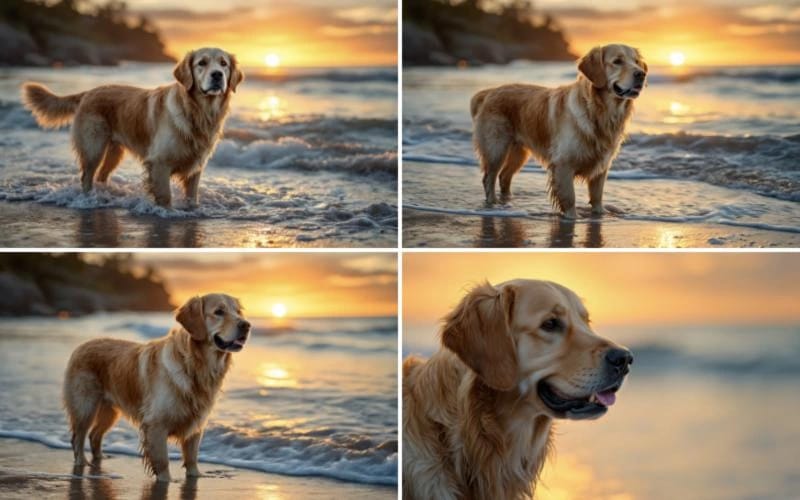
Upload Your Image or Enter Text Prompt
Begin by either uploading an image you wish to animate or typing a detailed text description of the video you envision.
Pick a Mode and Generate
Pick one of the 3 modes (Animate Image, Cinematic Motion, Smooth Video) and press Generate; usually 2 to 5 minutes.
Generate and Download Your Video
Download the video. Want a different look? Pick another mode and run it again.



あなたの一枚を