사진을 최대 10장까지 선택하거나 끌어다 놓으면 각각 같은 옵션을 적용합니다.
By uploading, you confirm you have the right to use this photo (see Acceptable Use).



같은 결과 만드는 방법
- Tool
- Virtual Try On Glasses
- 스타일
- Round
- 비율
- Not recorded
모델: Seedream 4.5 · 보통 20~60초
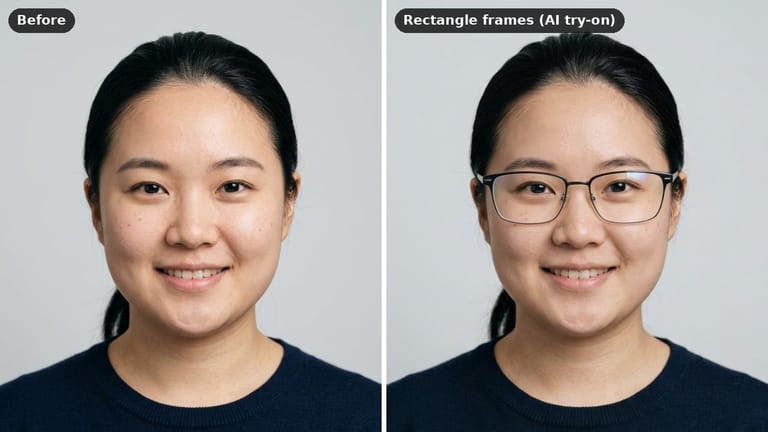
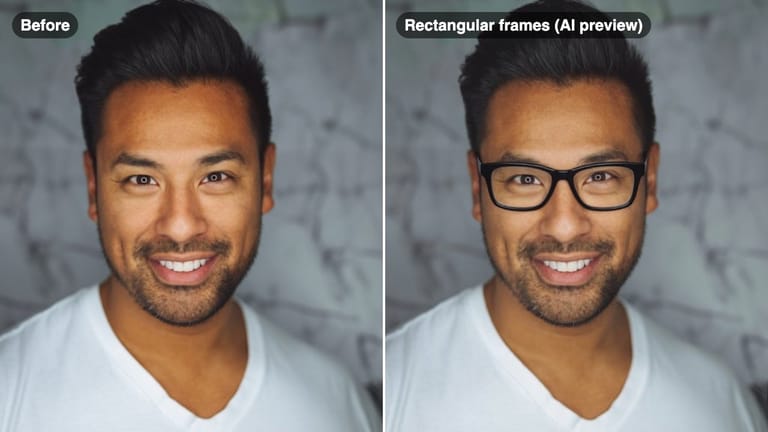
Eidora's Virtual Try On Glasses puts a pair of frames on your own selfie, so you can see a shape on your face before you buy: a classic frame, round, square, rectangle, cat-eye or thin metal frames. Seedream 4.5, ByteDance's image-editing model, keeps your face and hair, usually in 20 to 60 seconds. It shows the look, not the size or fit. 6 credits when you sign up; each try-on uses 4 credits.
확인해 보세요, 이 변화




Virtual Try On Glasses란?
A virtual glasses try-on tool lets you upload a selfie and preview how different eyeglass frames look on your face before purchasing — from bold acetate to thin metal, round to cat-eye — so you buy frames that genuinely fit your look.
당신이 만들 수 있는 것
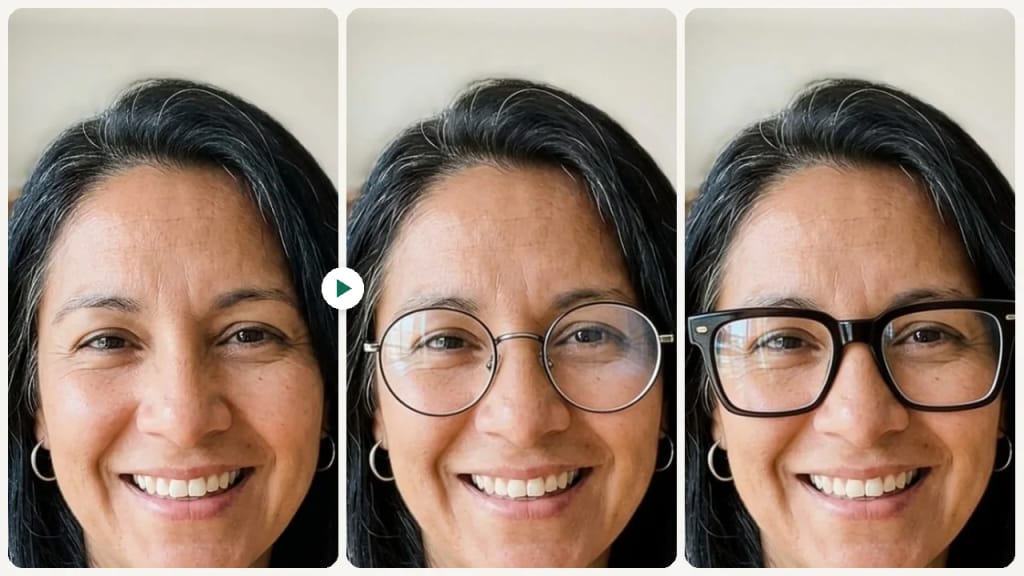
Online Glasses Shopping
Preview frames before buying from an online retailer, reducing the risk of a poor fit or style mismatch.
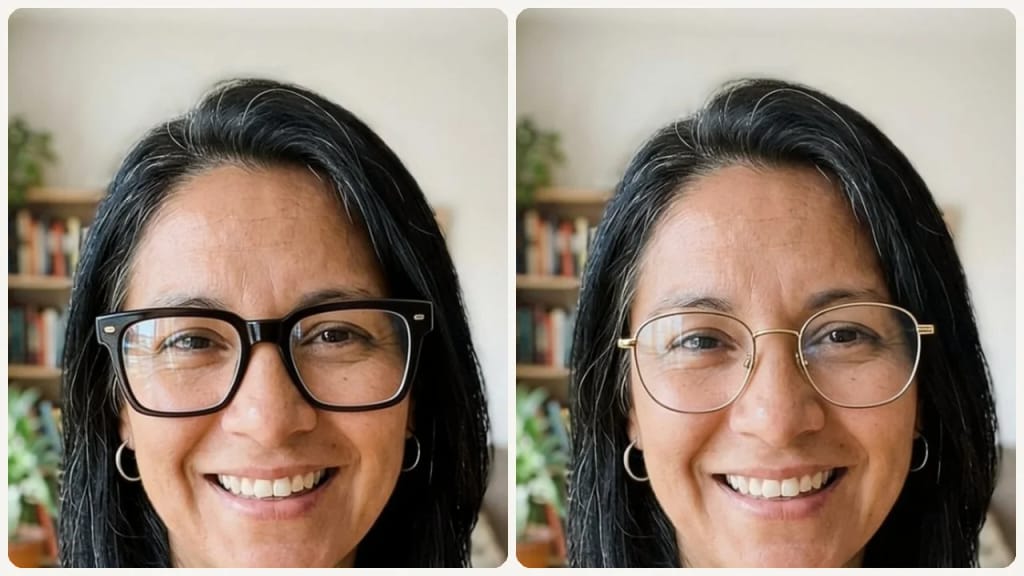
Prescription Eyewear Upgrade
Test bold new frames when updating your prescription so you can commit to a fresh look confidently.
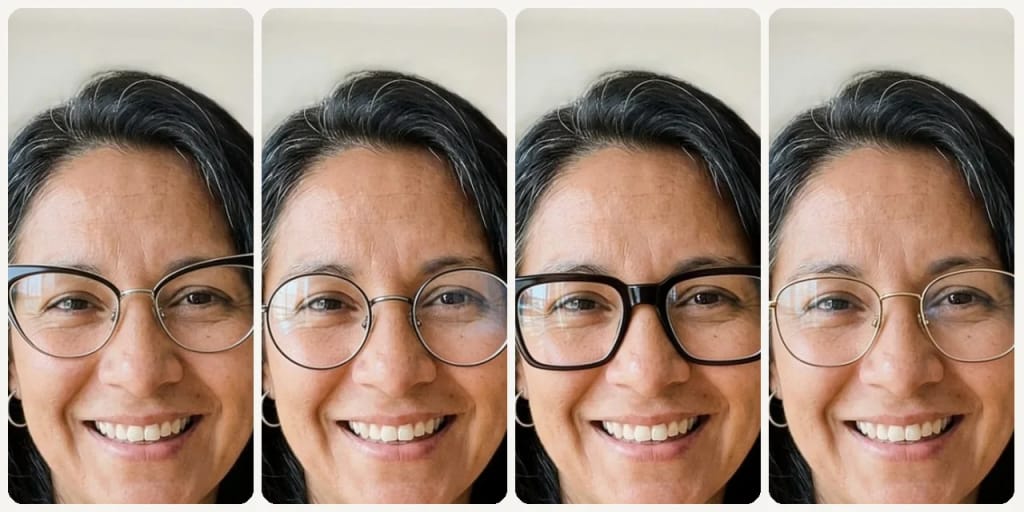
Sunglasses Selection
Pick a frame shape and add 'dark tinted lenses' in the Custom tab to get a rough idea of which sunglass shape suits your face.
만드는 방식이 다르고, 결과가 더 좋습니다
세 단계, 약 1분.

Upload Your Selfie
Upload a clear front-facing photo with your face fully visible.
Pick a Frame Style
Select a frame shape like round, square, cat-eye, or metal.
Compare & Decide
Preview, compare multiple styles, and save or share your favorites.





되셨나요?