Image · effect

AI Polaroid Photo

A polaroid look for any photo

4 credits per imageFLUX.1 Kontext Pro

사진을 최대 10장까지 선택하거나 끌어다 놓으면 각각 같은 옵션을 적용합니다.

사진 업로드

By uploading, you confirm you have the right to use this photo (see Acceptable Use).
예시로 해 보기:
예시 1
Example result
같은 결과 만드는 방법
Tool
AI Polaroid Photo
스타일
Classic Instant
비율
Not recorded
스타일 선택
이미지당 4크레딧 · 가입 시 6 크레딧
모델: FLUX.1 Kontext Pro · 보통 10~30초

Eidora's AI Polaroid Photo tool turns your photo into a polaroid-style instant photo with a white border and film grain, in one of 9 scenes, from Classic Instant to Road Trip or Rainy. FLUX.1 Kontext Pro, Black Forest Labs' image-editing model, makes 8 of them, usually in 10 to 30 seconds; Warm Embrace runs on Seedream 4.5, ByteDance's image model, and takes 20 to 60 seconds. 6 credits when you sign up; each polaroid photo uses 4 credits.

전후 비교

확인해 보세요, 이 변화

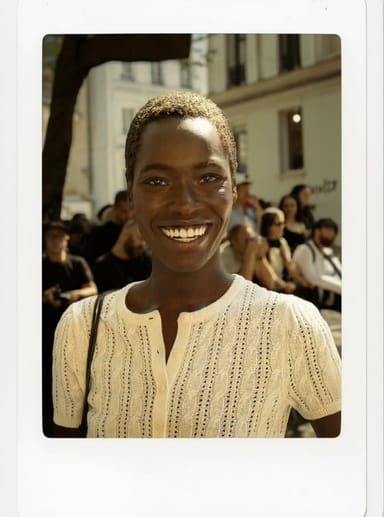
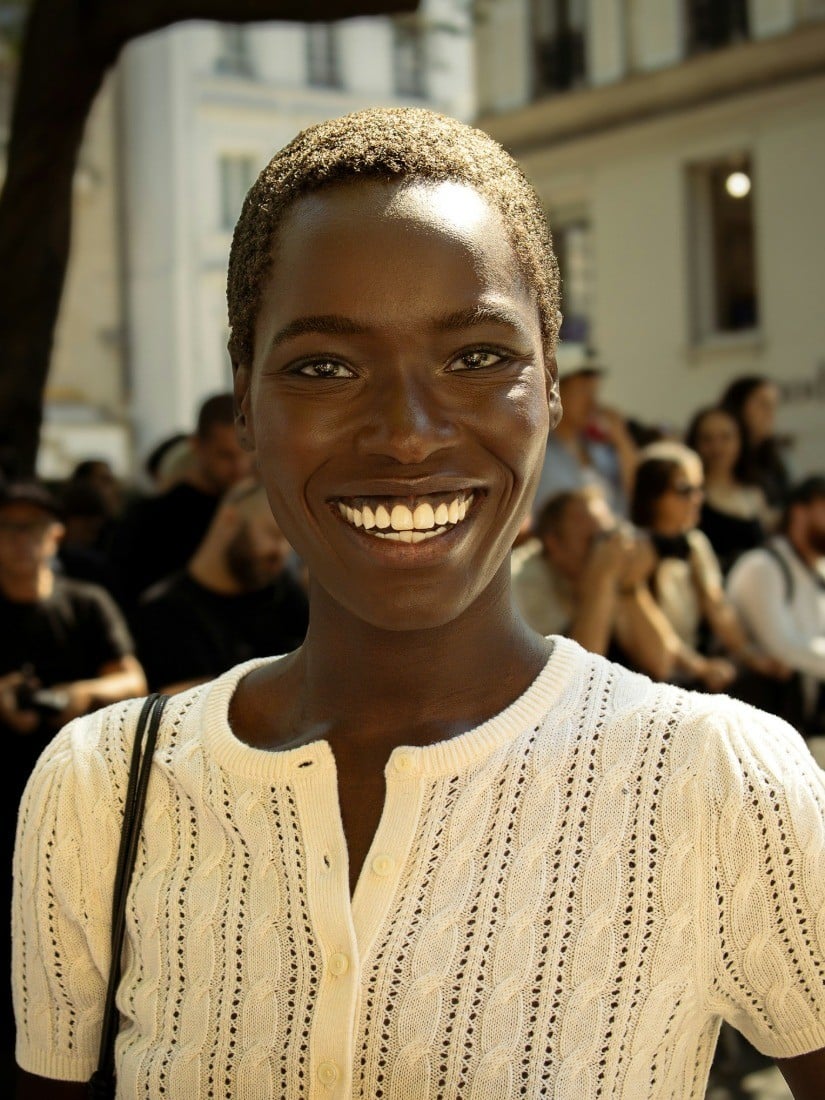
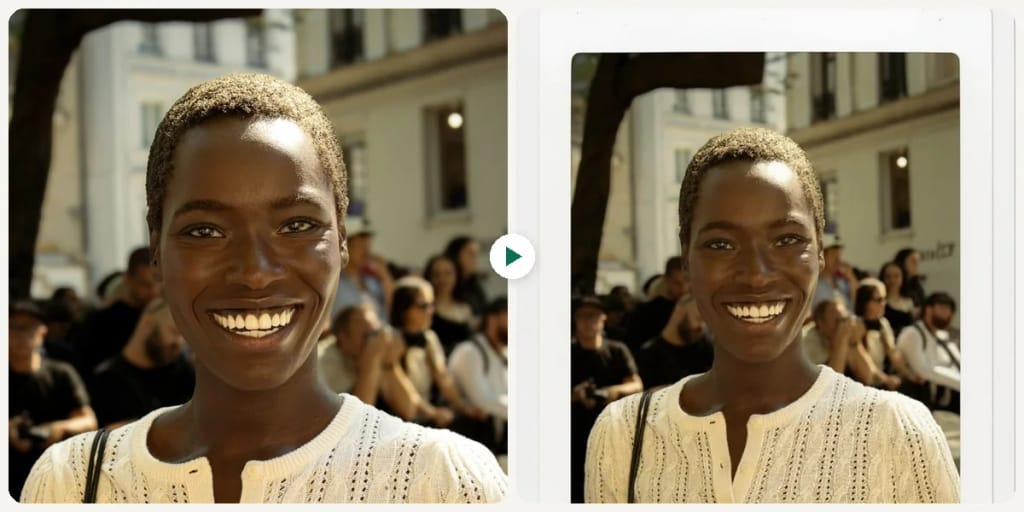
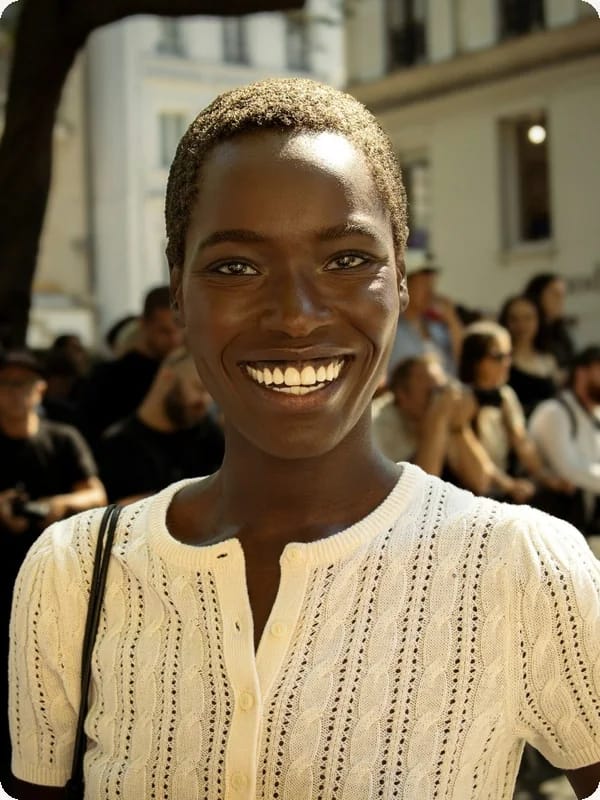
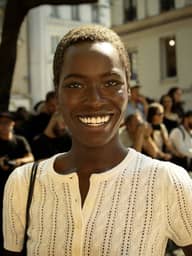
Original photo before AI Polaroid Photo - Classic Instant styleOriginal photo before AI Polaroid Photo - Warm Embrace style
원본 사진
전
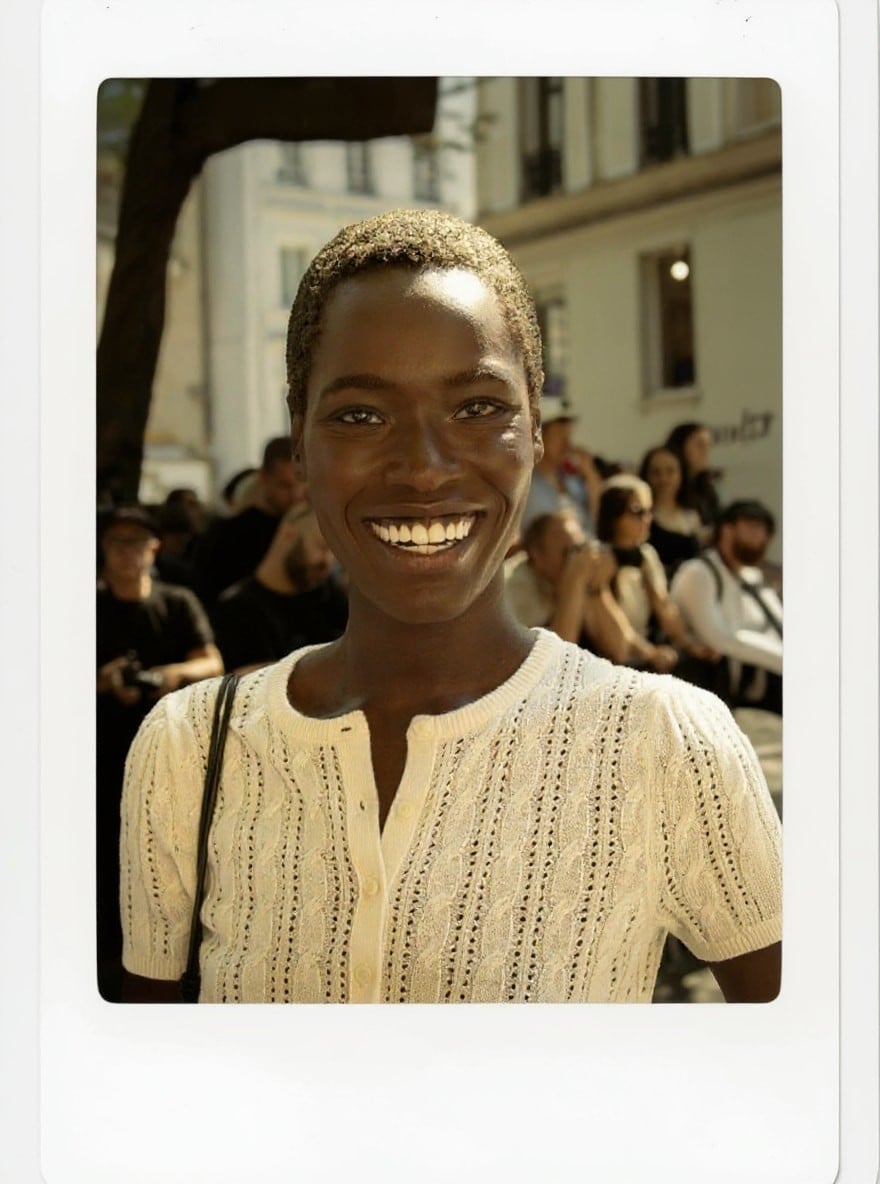
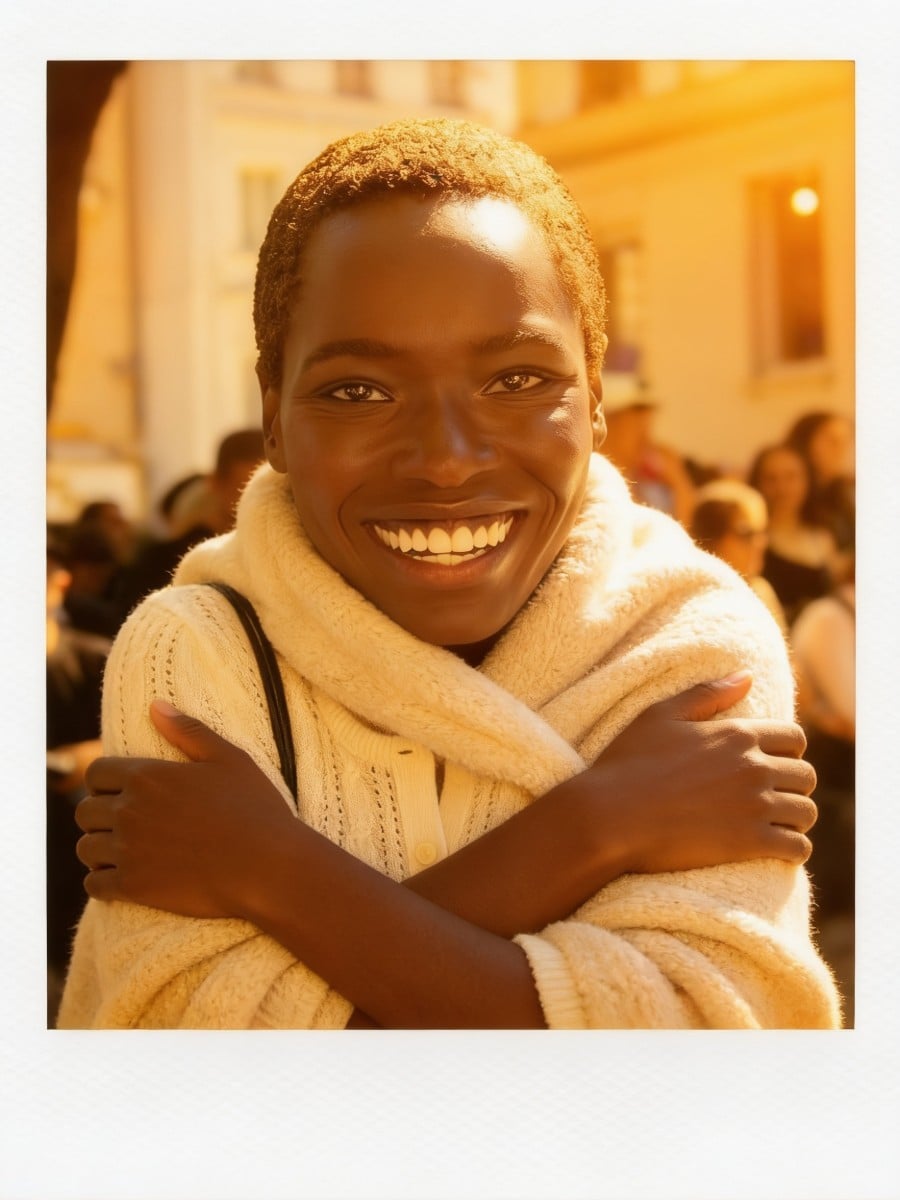
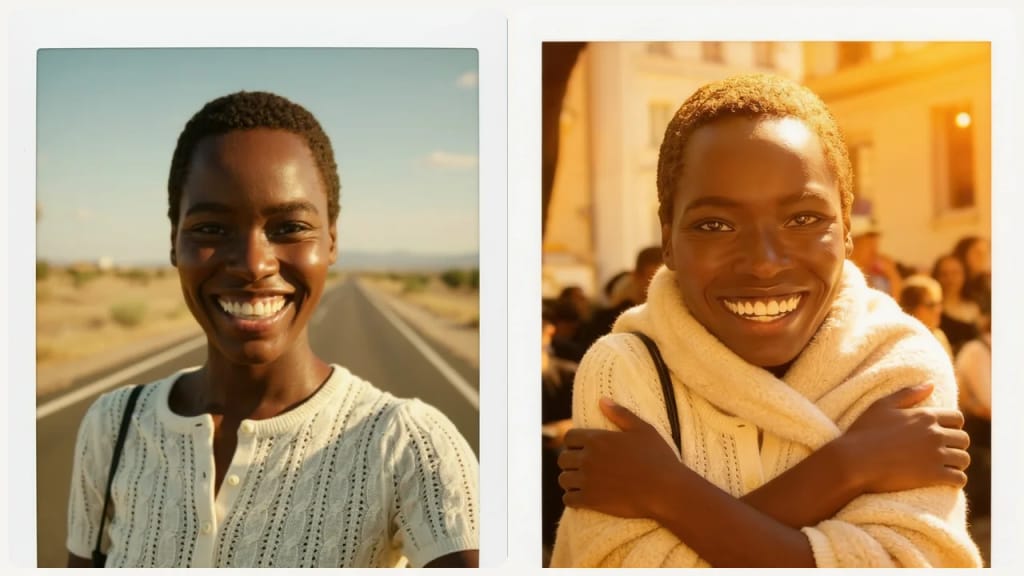
AI result in Classic Instant style - AI Polaroid PhotoAI result in Warm Embrace style - AI Polaroid Photo
샘플 결과
후
Classic Instant 스타일
AI Polaroid Photo · Eidora AI
이 도구 소개
AI Polaroid Photo overview

AI Polaroid Photo란?

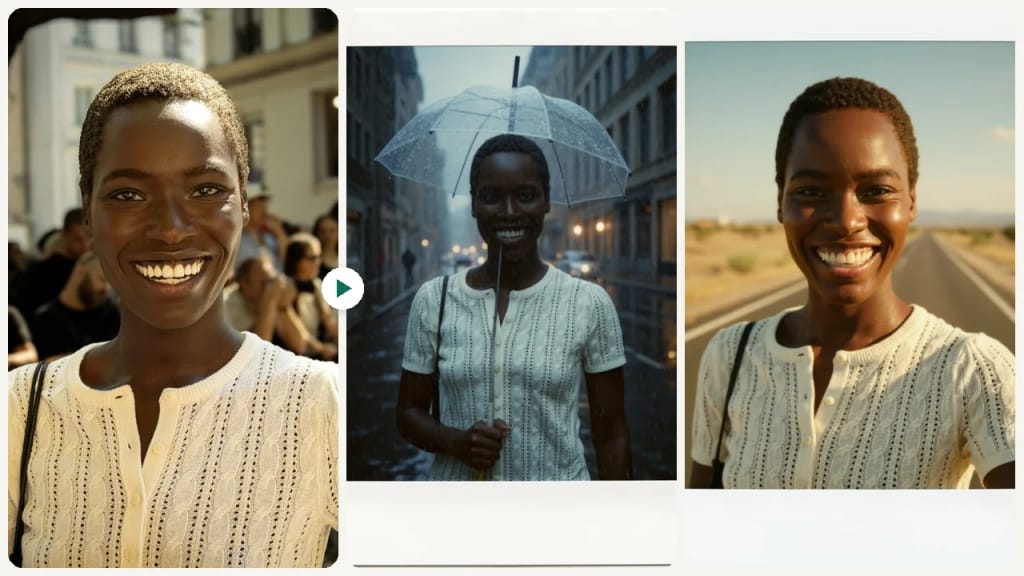
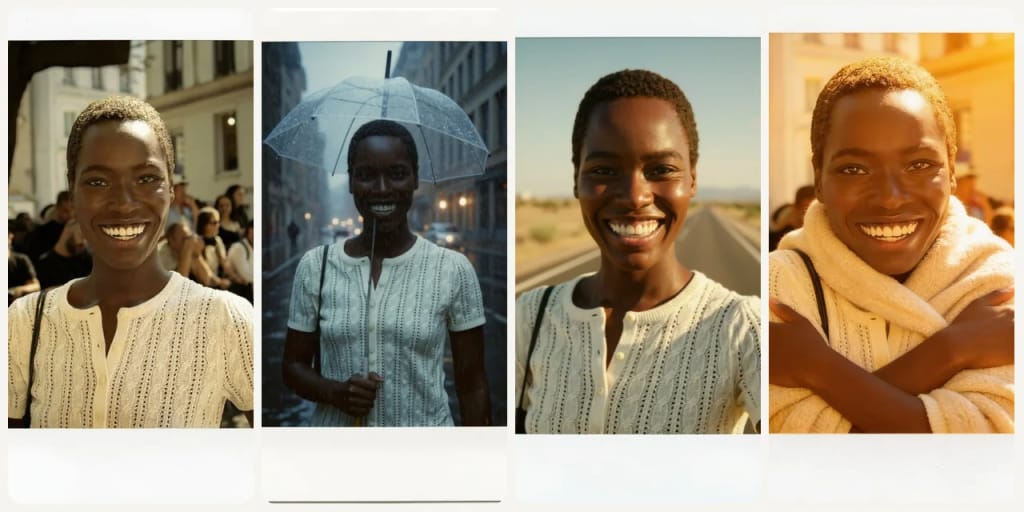
This AI Polaroid Photo tool turns one of your photos into a polaroid-style instant photo: the white instant-film border with a wider bottom edge, warm, slightly faded instant-film color, film grain and a candid snapshot feel. Pick Classic Instant for the plain instant-photo look, or choose one of 8 scenes that restage your photo as a moment: Warm Embrace, Vinyl Vibes, Road Trip, Mirror Selfie, Party, Birthday, Rainy or Park. Rainy, for example, puts you on a city street in light rain holding a clear umbrella. Each run makes one image, usually in 10 to 30 seconds (20 to 60 for Warm Embrace), ready to share on social media or add to a digital scrapbook.

활용 사례

당신이 만들 수 있는 것

AI Polaroid Photo use case - Create Nostalgic Social Posts

Create Nostalgic Social Posts

Social Media Enthusiasts can transform their everyday photos into charming polaroid-style images, adding a unique, vintage touch to their feeds. This makes their content more distinctive and evokes a sense of nostalgia for their audience.
AI Polaroid Photo use case - Make Retro Photo Memories

Make Retro Photo Memories

Memory Keepers can give their digital photos a retro, instant-print feel for digital albums, scrapbook pages, and personalized greetings.
AI Polaroid Photo use case - Enhance Blog & Website Visuals

Enhance Blog & Website Visuals

Lifestyle Bloggers can add a distinctive, vintage aesthetic to their articles and web pages by converting standard images into retro instant prints. These unique visuals help set a particular mood and make content more engaging for readers.

왜 Eidora인가

만드는 방식이 다르고, 결과가 더 좋습니다

No Film or Instant Camera Needed
Get the instant-print look from a digital photo without buying film packs or a vintage camera.
Nine Instant-Photo Scenes
Not just a color filter. Choose Classic Instant for the plain instant-film look, or a scene like Vinyl Vibes, Road Trip, Party or Rainy, and the AI restages your photo as that moment inside the white instant-film border.
Ride the Analog Revival Trend
The polaroid look adds a nostalgic, candid feel that fits right in on Instagram and TikTok.
이용 방법

세 단계, 약 1분.

AI Polaroid Photo: Upload Your Image
  1. Upload Your Image

    Select the digital photo you wish to convert into a classic polaroid print from your device.

  2. Choose a Scene

    Pick one of the 9 scenes (Classic Instant, Warm Embrace, Vinyl Vibes, Road Trip, Mirror Selfie, Party, Birthday, Rainy, Park), then press Generate.

  3. Download Your Result

    Save your newly generated AI polaroid photo directly to your computer or mobile device.
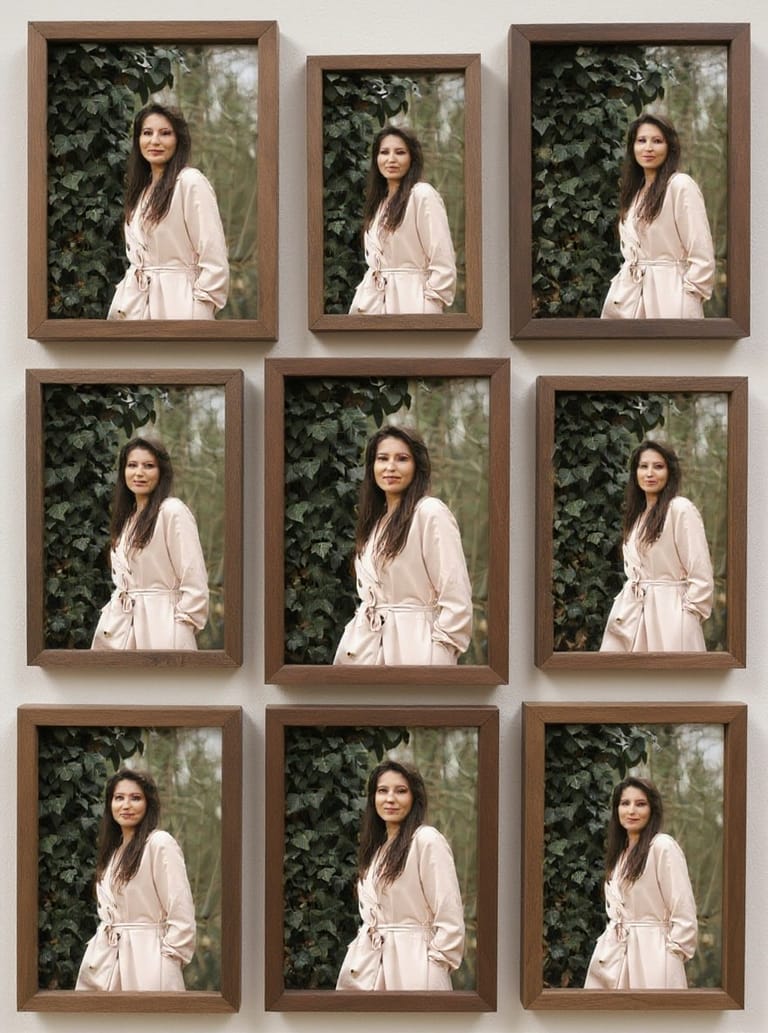
지금 AI Polaroid Photo 써 보기
✦ 생성 · 4 크레딧
자주 묻는 질문

자주 묻는 질문

알아야 할 모든 것. 찾는 답이 없나요?

아직 궁금한 점이 있나요?
지원팀이 기꺼이 도와드립니다.
지원팀 문의
An AI Polaroid Photo Generator is an online tool that uses artificial intelligence to transform your regular digital photos into images that mimic the classic look of instant polaroid prints. It automatically adds the distinctive white border, unique color shifts, and vintage feel associated with instant cameras, all from your uploaded image.
You can start with a free account: 6 credits when you sign up, enough to use this tool once (4 credits per image), with 2 left over. Free results carry an eidora.io watermark. After that, credits start at $1.99: a new account can buy 40 credits for $1.99 once, within 72 hours of signing up; credit packs start at $4.99 for 100 credits and plans at $9.9/month. Once you have paid, your results have no badge.
While any image can be transformed, photos with clear subjects and good lighting tend to produce the most striking polaroid effects. Portraits, landscapes, and everyday moments often look fantastic with the added vintage charm. Experiment with different types of photos to see what you like best.
There are no sliders or frame settings. You pick one of the 9 scenes, and on the Custom tab you can add a short note in your own words, which is added to the scene you picked. The AI is asked to give every result the white instant-photo border.
There is no resolution setting, and the result is not a copy of your photo at its original resolution. Each run returns one image that works well for the web and social media. Results from free accounts carry an eidora.io watermark.
Usually 10 to 30 seconds; the Warm Embrace scene takes 20 to 60 seconds.
Permitted uses depend on your rights in the photos you upload, the consent of anyone pictured, applicable law, and the model provider's current terms. An Eidora plan changes generation limits and history retention; it does not grant extra intellectual-property rights.
Yes, the tool automatically adds the distinctive thick white border that is characteristic of classic instant polaroid prints. This frame is an integral part of the authentic vintage aesthetic, giving your digital photos that recognizable, physical print feel.
Your uploads, prompts and results are saved privately to your history so you can view and download them later, and only you can open them. To create a result, your input is sent to the AI model provider that runs the generation. We do not sell your content or use it to train AI models.
A filter only shifts the colors of your photo. This tool redraws your photo as a polaroid-style instant photo, with the white border, instant-film color and grain, and, if you pick a scene like Road Trip or Party, a new setting around you.
Our AI Polaroid Photo Generator is designed for single image transformations at a time to ensure optimal quality and focus on each individual result. If you wish to convert multiple photos, simply process them one by one.
Yes, a free one: a free account gets 6 credits to start, and each polaroid photo uses 4 credits.
가입 시 6 크레딧
만들 준비가
되셨나요?
9 장면 · 이미지당 4크레딧 · 가입 시 6 크레딧 · 카드 필요 없음
가입 시 6 크레딧 · 카드 필요 없음
약 10~30초
가입 시 6 크레딧