Image ยท effect

Curly Hair Filter

Try curls and waves

4 credits per imageFLUX.1 Kontext Pro

์‚ฌ์ง„์„ ์ตœ๋Œ€ 10์žฅ๊นŒ์ง€ ์„ ํƒํ•˜๊ฑฐ๋‚˜ ๋Œ์–ด๋‹ค ๋†“์œผ๋ฉด ๊ฐ๊ฐ ๊ฐ™์€ ์˜ต์…˜์„ ์ ์šฉํ•ฉ๋‹ˆ๋‹ค.

์‚ฌ์ง„ ์—…๋กœ๋“œ

By uploading, you confirm you have the right to use this photo (see Acceptable Use).
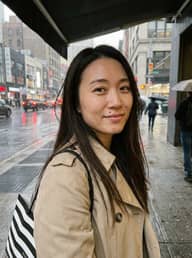
์˜ˆ์‹œ๋กœ ํ•ด ๋ณด๊ธฐ:
์˜ˆ์‹œ 1
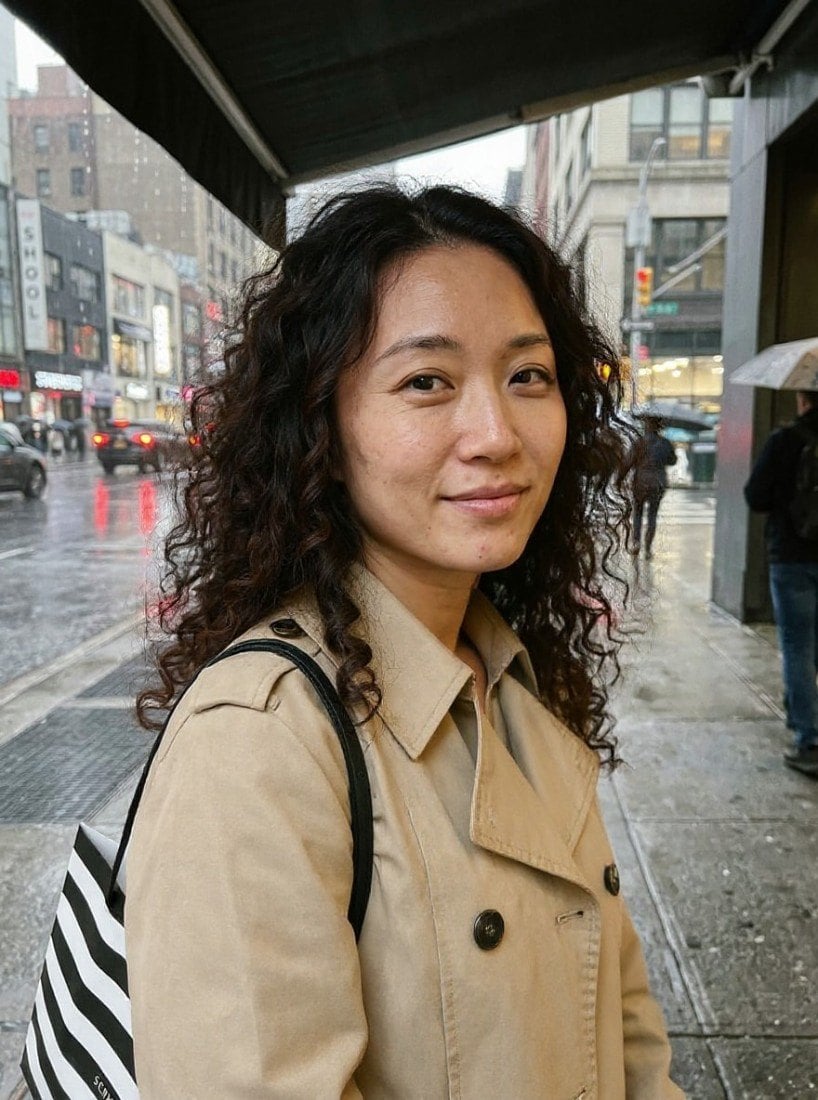
Example result
๊ฐ™์€ ๊ฒฐ๊ณผ ๋งŒ๋“œ๋Š” ๋ฐฉ๋ฒ•
Tool
Curly Hair Filter
์Šคํƒ€์ผ
Loose Curls
๋น„์œจ
Not recorded
์Šคํƒ€์ผ ์„ ํƒ
์ด๋ฏธ์ง€๋‹น 4ํฌ๋ ˆ๋”ง ยท ๊ฐ€์ž… ์‹œ 6 ํฌ๋ ˆ๋”ง
๋ชจ๋ธ: FLUX.1 Kontext Pro ยท ๋ณดํ†ต 10~30์ดˆ

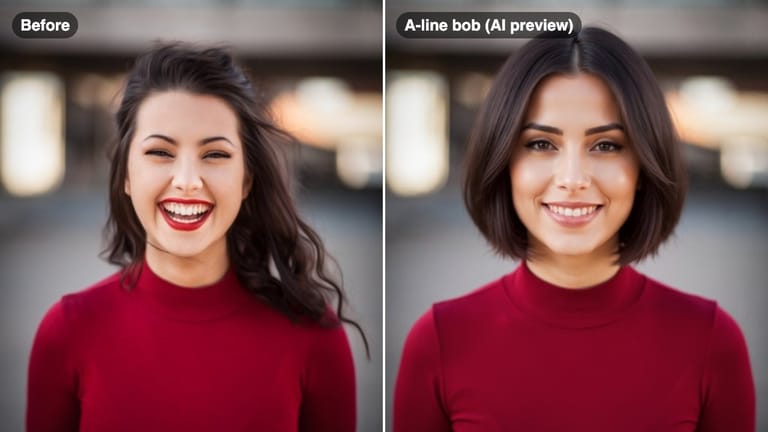
Eidora's Curly Hair Filter shows a curl pattern on your own selfie before a perm or a new curl routine: loose curls, waves, tight curls, perm or beach wave, even if your hair is straight now. FLUX.1 Kontext Pro, Black Forest Labs' image-editing model, makes each preview, usually in 10 to 30 seconds per style. 6 credits when you sign up; each preview uses 4 credits.

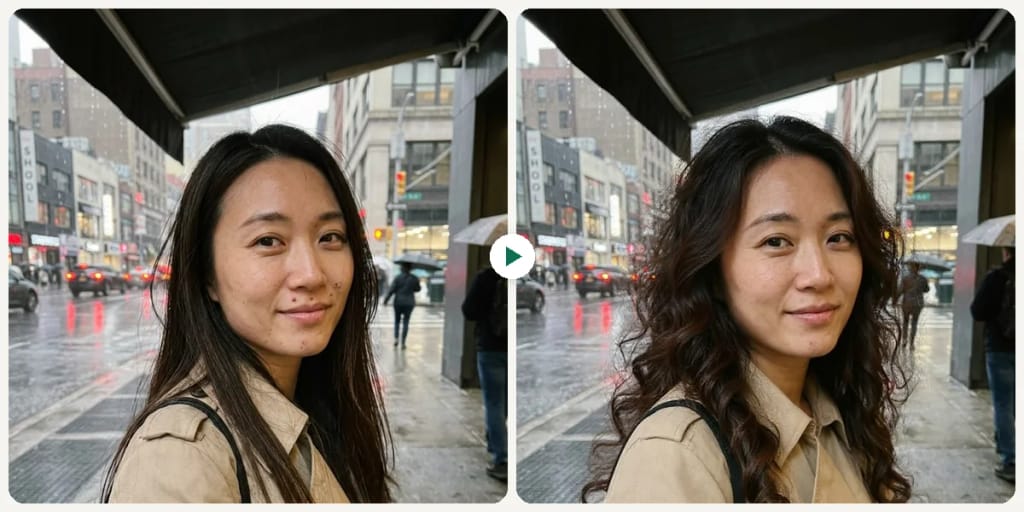
์ „ํ›„ ๋น„๊ต

ํ™•์ธํ•ด ๋ณด์„ธ์š”, ์ด ๋ณ€ํ™”

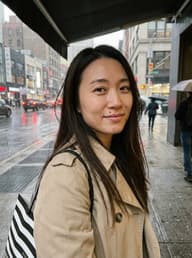
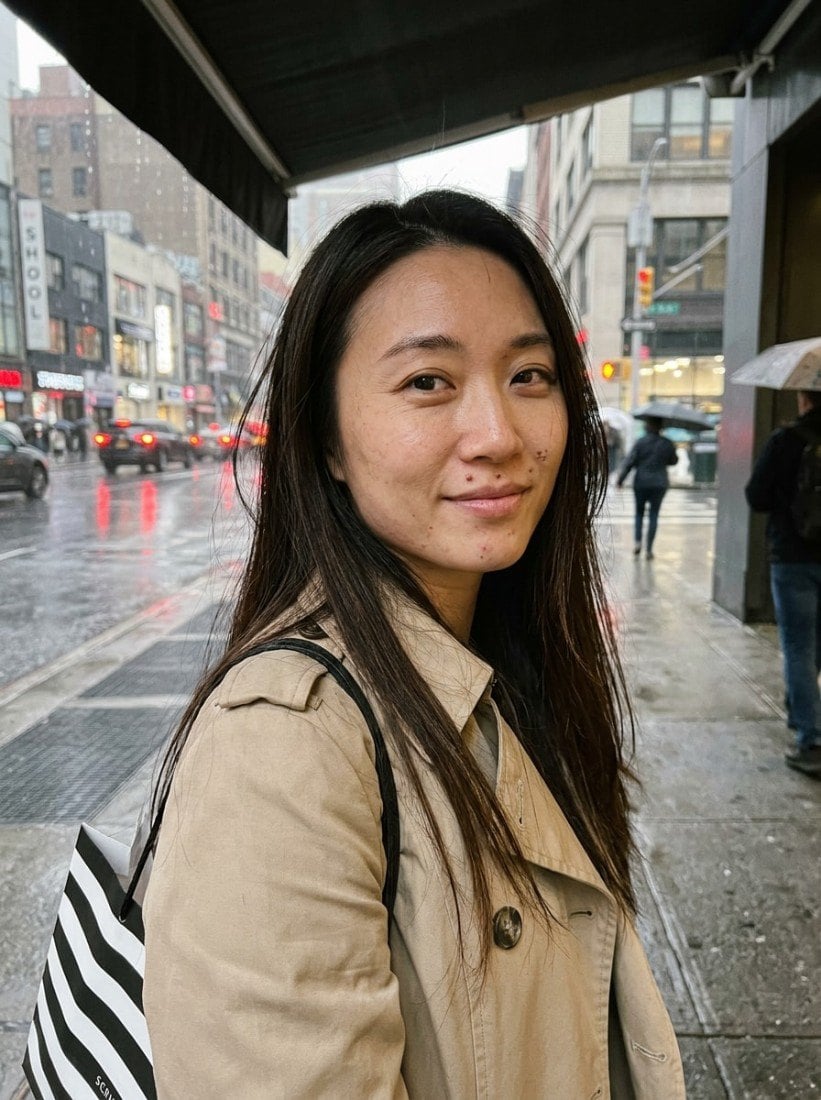
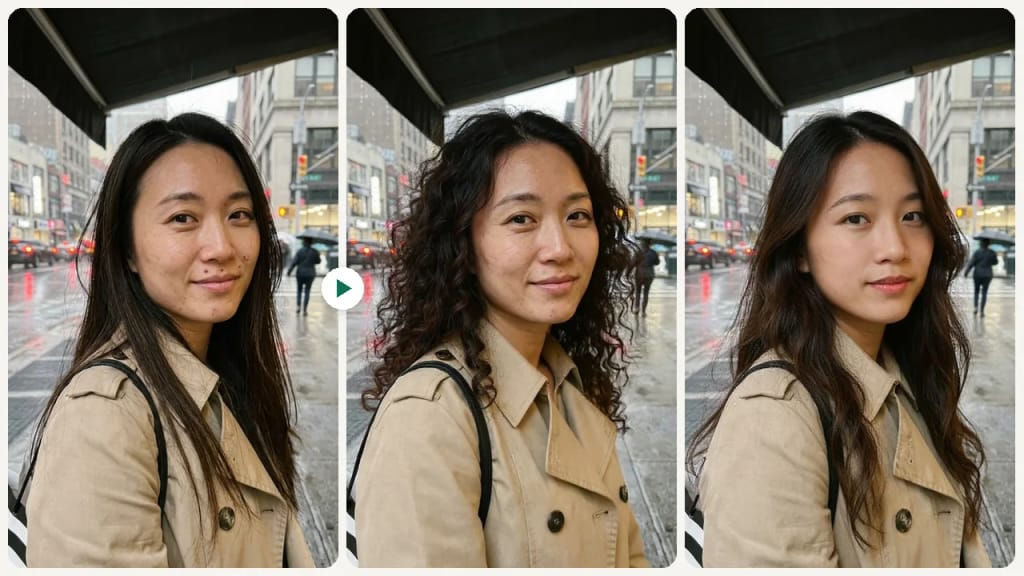
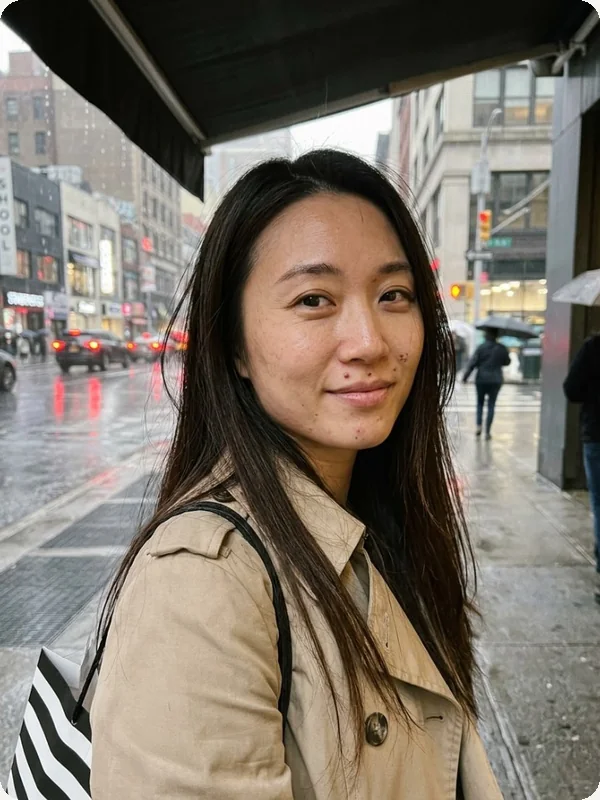
Original photo before Curly Hair Filter - Loose Curls styleOriginal photo before Curly Hair Filter - Tight Curls style
์›๋ณธ ์‚ฌ์ง„
์ „
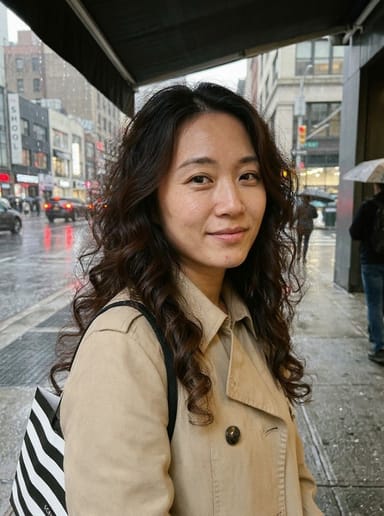
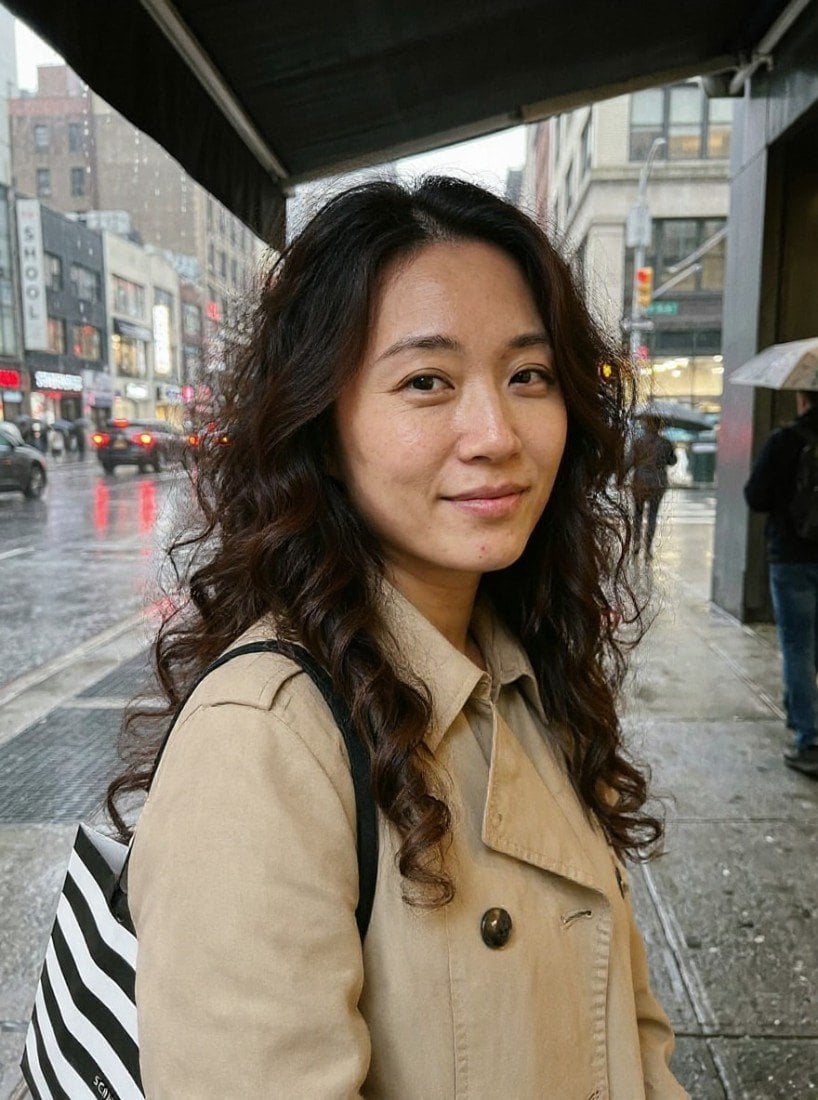
AI result in Loose Curls style - Curly Hair FilterAI result in Tight Curls style - Curly Hair Filter
์ƒ˜ํ”Œ ๊ฒฐ๊ณผ
ํ›„
Loose Curls ์Šคํƒ€์ผ
Curly Hair Filter ยท Eidora AI
์ด ๋„๊ตฌ ์†Œ๊ฐœ
Curly Hair Filter overview

Curly Hair Filter๋ž€?

A curly hair filter lets you upload a selfie and preview how different curl patterns and textures look on your face โ€” from beachy waves to tight coils โ€” so you can decide the right curl level before getting a perm or investing in a styling routine.

ํ™œ์šฉ ์‚ฌ๋ก€

๋‹น์‹ ์ด ๋งŒ๋“ค ์ˆ˜ ์žˆ๋Š” ๊ฒƒ

Curly Hair Filter use case - Perm Pre-Decision

Perm Pre-Decision

See how a perm would look on your face and hair length before booking a chemical texture service.
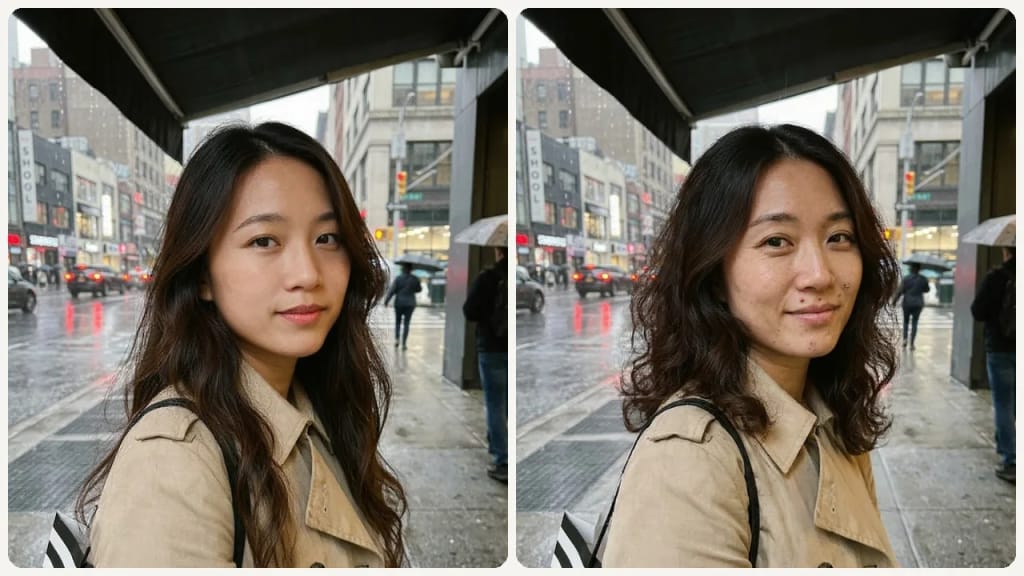
Curly Hair Filter use case - Natural Curl Embrace

Natural Curl Embrace

Considering embracing your natural curl texture? Preview the final look to set expectations before ditching the flat iron.
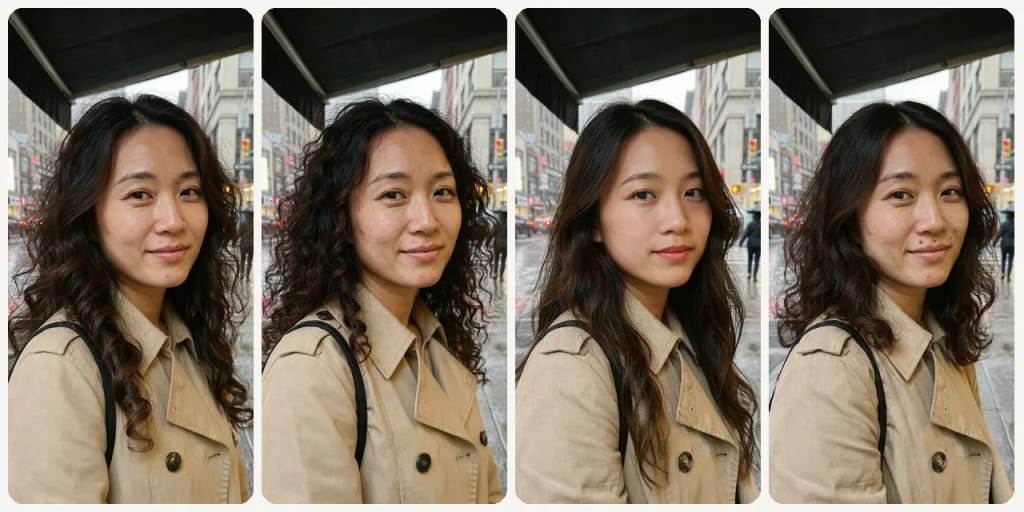
Curly Hair Filter use case - Curl Type Comparison

Curl Type Comparison

Compare loose beach waves to tighter coils to understand the volume and texture difference on your specific face shape.

์™œ Eidora์ธ๊ฐ€

๋งŒ๋“œ๋Š” ๋ฐฉ์‹์ด ๋‹ค๋ฅด๊ณ , ๊ฒฐ๊ณผ๊ฐ€ ๋” ์ข‹์Šต๋‹ˆ๋‹ค

Find Your Curl Type Before Committing
Loose beach waves and tight curls create entirely different looks on the same face. Preview your options before a perm or embracing a curl routine.
See How Volume Changes Your Proportions
Curly hair adds significant volume that reshapes how your face appears. Preview the volume level that complements your face shape best.
Prepare for a Curl Consultation
Use the preview to show your stylist exactly which curl pattern and texture you are aiming for before a perm or texture service.
์ด์šฉ ๋ฐฉ๋ฒ•

์„ธ ๋‹จ๊ณ„, ์•ฝ 1๋ถ„.

Curly Hair Filter: Upload Your Selfie
  1. Upload Your Selfie

    Upload a clear front-facing photo with your current hair visible.

  2. Choose a Curl Style

    Pick from loose curls, waves, tight curls, perm, or beach waves.

  3. Compare & Save

    Compare your curl options and download the preview that feels right.
์ง€๊ธˆ Curly Hair Filter ์จ ๋ณด๊ธฐ
โœฆ ์ƒ์„ฑ ยท 4 ํฌ๋ ˆ๋”ง
์ž์ฃผ ๋ฌป๋Š” ์งˆ๋ฌธ

์ž์ฃผ ๋ฌป๋Š” ์งˆ๋ฌธ

์•Œ์•„์•ผ ํ•  ๋ชจ๋“  ๊ฒƒ. ์ฐพ๋Š” ๋‹ต์ด ์—†๋‚˜์š”?

์•„์ง ๊ถ๊ธˆํ•œ ์ ์ด ์žˆ๋‚˜์š”?
์ง€์›ํŒ€์ด ๊ธฐ๊บผ์ด ๋„์™€๋“œ๋ฆฝ๋‹ˆ๋‹ค.
์ง€์›ํŒ€ ๋ฌธ์˜
Yes. The filter previews perm-like curl results on your photo, so you can show your stylist the exact texture and volume you want before the treatment.
Beach waves are softer, more irregular, and give a casual windswept look. Loose curls are more defined spiral or S-shaped coils that look more structured and styled.
Yes. The AI generates a realistic preview of curly or wavy hair on your photo regardless of your current texture, showing you the full transformation.
You can start with a free account: 6 credits when you sign up, enough to use this tool once (4 credits per preview), with 2 left over. Free results carry an eidora.io watermark. After that, credits start at $1.99: a new account can buy 40 credits for $1.99 once, within 72 hours of signing up; credit packs start at $4.99 for 100 credits and plans at $9.9/month. Once you have paid, your results have no badge.
Usually 10 to 30 seconds per style, a little longer at busy times.
Your uploads, prompts and results are saved privately to your history so you can view and download them later, and only you can open them. To create a result, your input is sent to the AI model provider that runs the generation. We do not sell your content or use it to train AI models.
๊ฐ€์ž… ์‹œ 6 ํฌ๋ ˆ๋”ง
๋งŒ๋“ค ์ค€๋น„๊ฐ€
๋˜์…จ๋‚˜์š”?
5 ์Šคํƒ€์ผ ยท ์ด๋ฏธ์ง€๋‹น 4ํฌ๋ ˆ๋”ง ยท ๊ฐ€์ž… ์‹œ 6 ํฌ๋ ˆ๋”ง ยท ์นด๋“œ ํ•„์š” ์—†์Œ
๊ฐ€์ž… ์‹œ 6 ํฌ๋ ˆ๋”ง ยท ์นด๋“œ ํ•„์š” ์—†์Œ
์•ฝ 10~30์ดˆ
๊ฐ€์ž… ์‹œ 6 ํฌ๋ ˆ๋”ง