Image · effect

Free AI Anime Generator

Your photo as anime

4 credits per imageFLUX.1 Kontext Pro

사진을 최대 10장까지 선택하거나 끌어다 놓으면 각각 같은 옵션을 적용합니다.

사진 업로드

By uploading, you confirm you have the right to use this photo (see Acceptable Use).
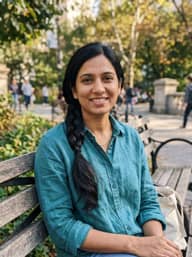
예시로 해 보기:
예시 1
Example result
같은 결과 만드는 방법
Tool
Free AI Anime Generator
스타일
Ghibli
비율
Not recorded
스타일 선택
스타일 강도
닮은 정도
배경
이미지당 4크레딧 · 가입 시 6 크레딧
모델: FLUX.1 Kontext Pro · 보통 10~30초

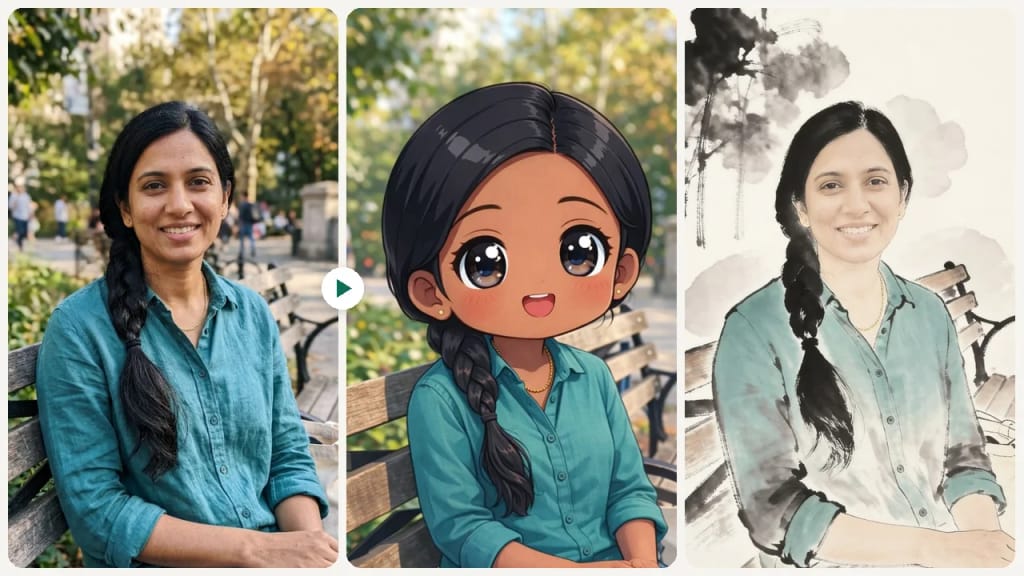
Eidora's AI Anime Generator turns your photo into an anime-style picture in one of 10 styles, including Ghibli, Chinese ink, chibi, kawaii and modern anime, or a look you describe yourself. FLUX.1 Kontext Pro draws six of the styles, Chinese Ink runs on ByteDance's Seedream 4.5, and Chibi, Kawaii and Modern Anime run on GPT Image 2.5, OpenAI's image model, which keeps the proportions and your skin tone. It usually takes 20 to 60 seconds. 6 credits when you sign up; each image uses 4 credits.

전후 비교

확인해 보세요, 이 변화

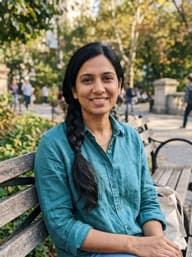
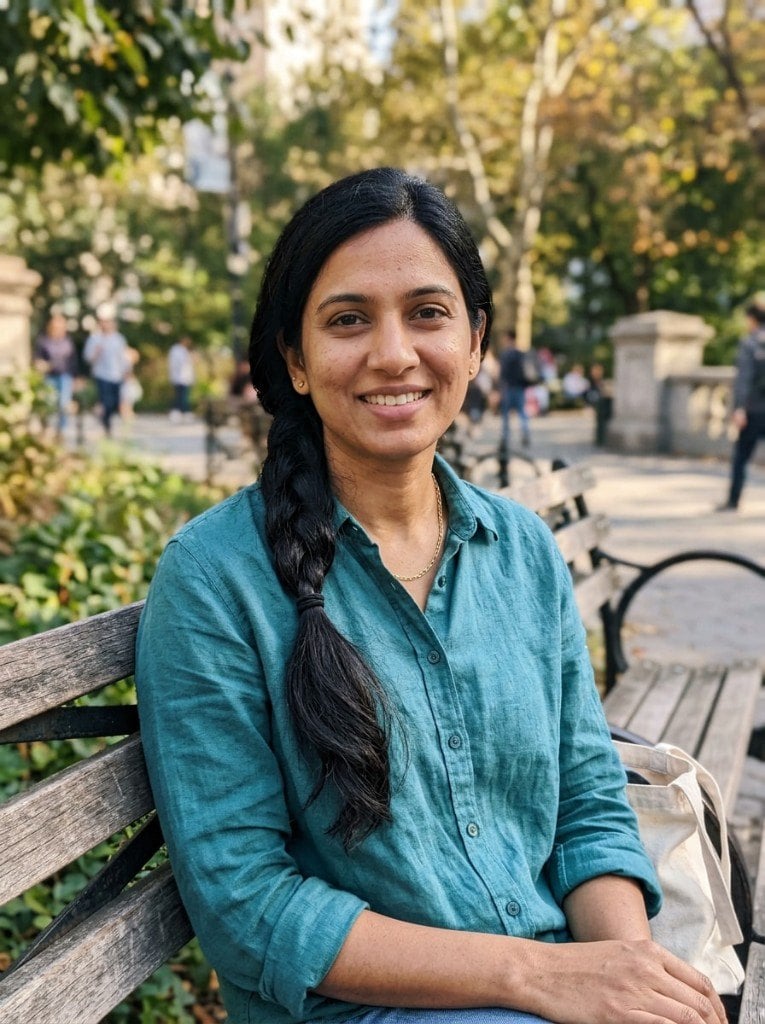
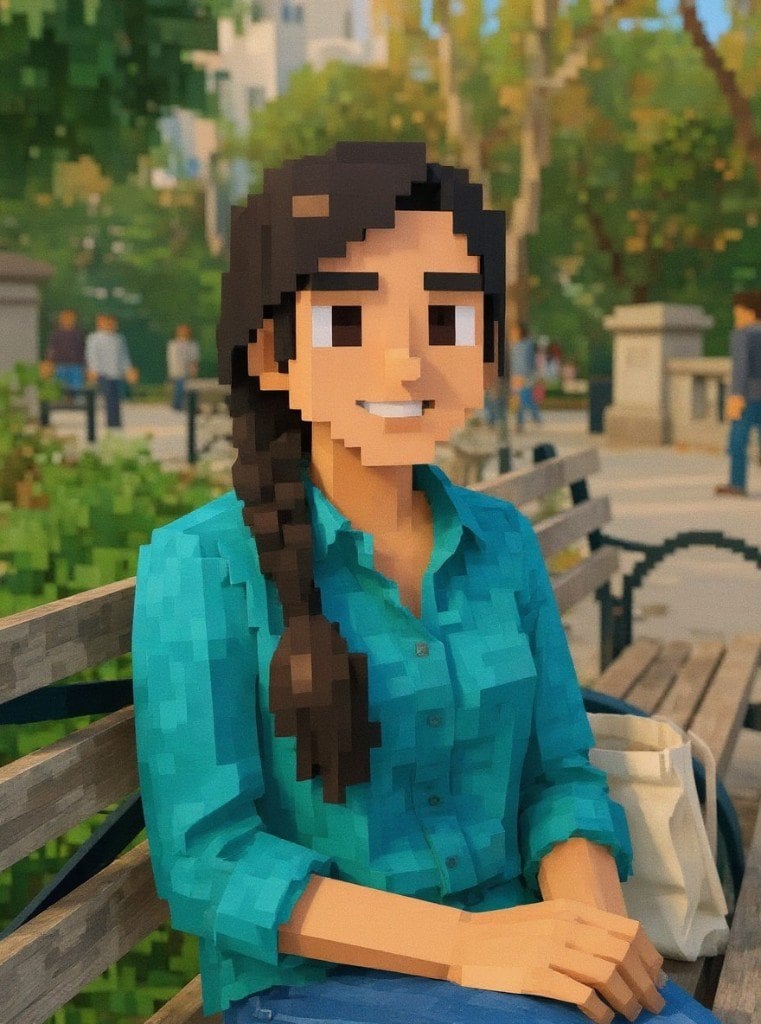
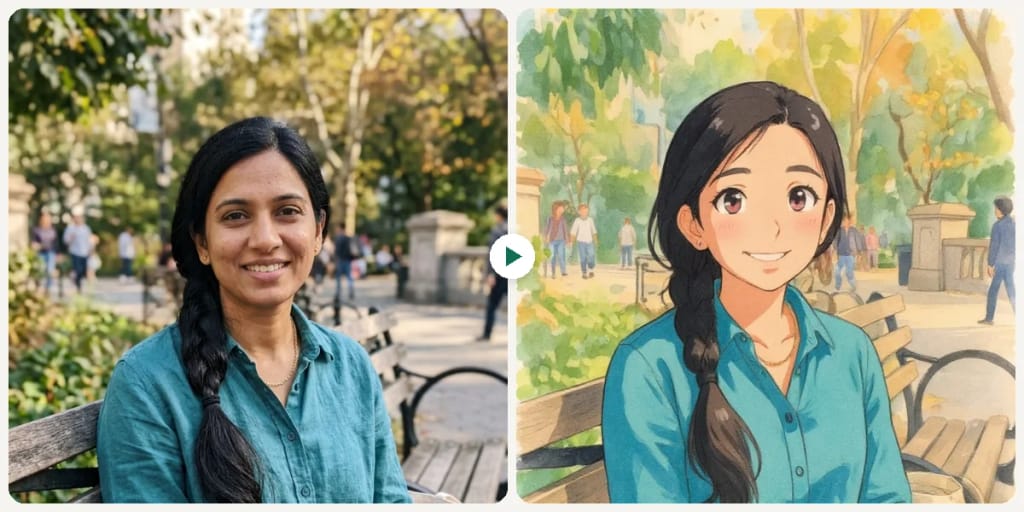
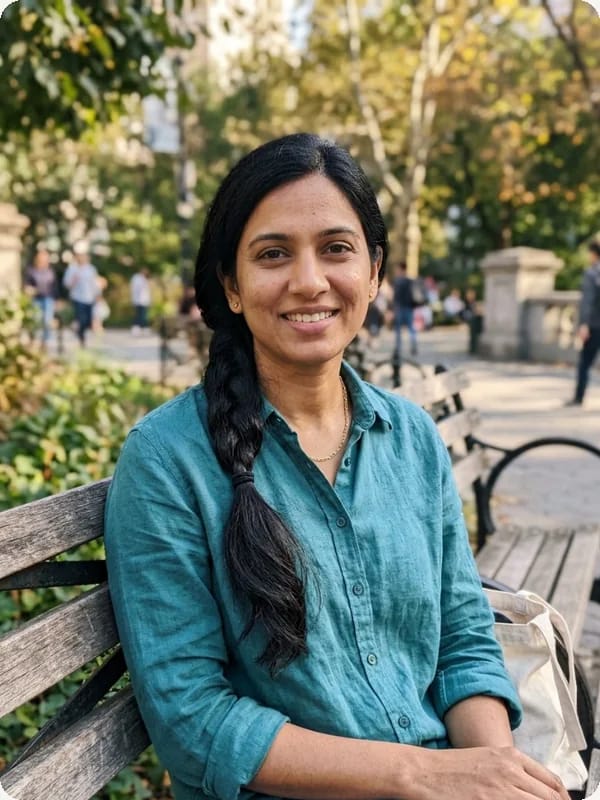
Original photo before Free AI Anime Generator - Ghibli styleOriginal photo before Free AI Anime Generator - Blocky style
원본 사진
전
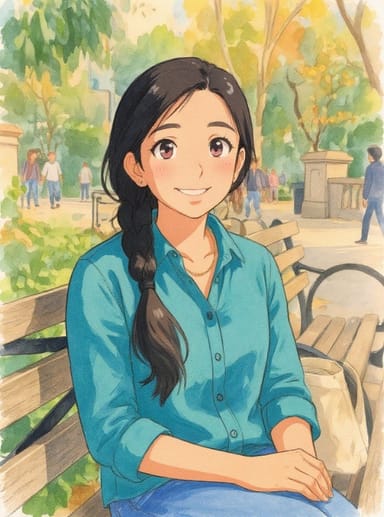
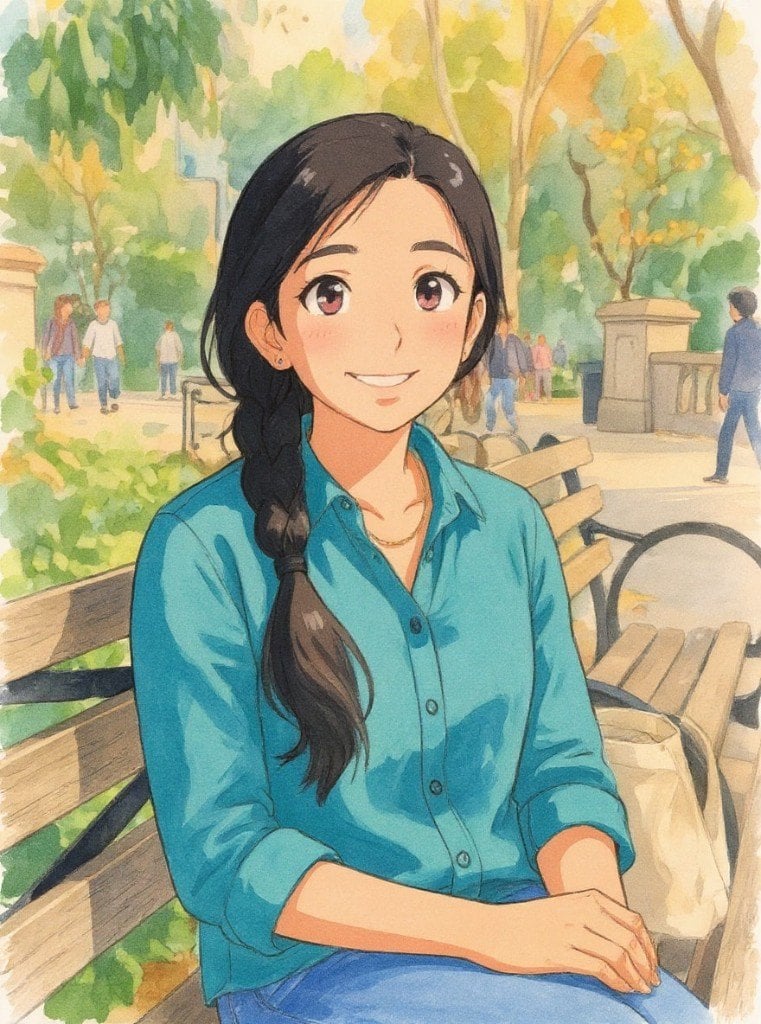
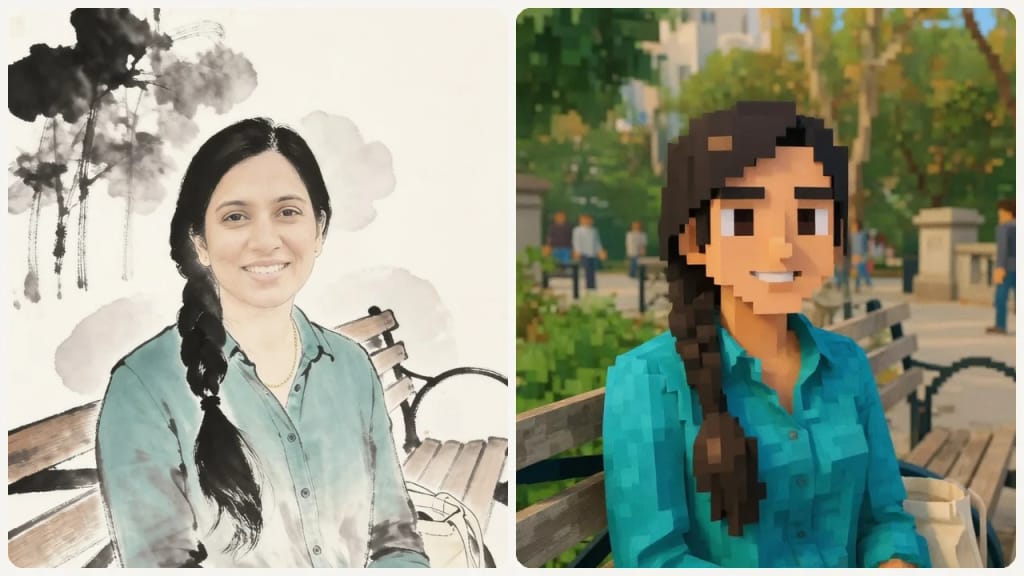
AI result in Ghibli style - Free AI Anime GeneratorAI result in Blocky style - Free AI Anime Generator
샘플 결과
후
Ghibli 스타일
Free AI Anime Generator · Eidora AI
이 도구 소개
Free AI Anime Generator overview

Free AI Anime Generator란?

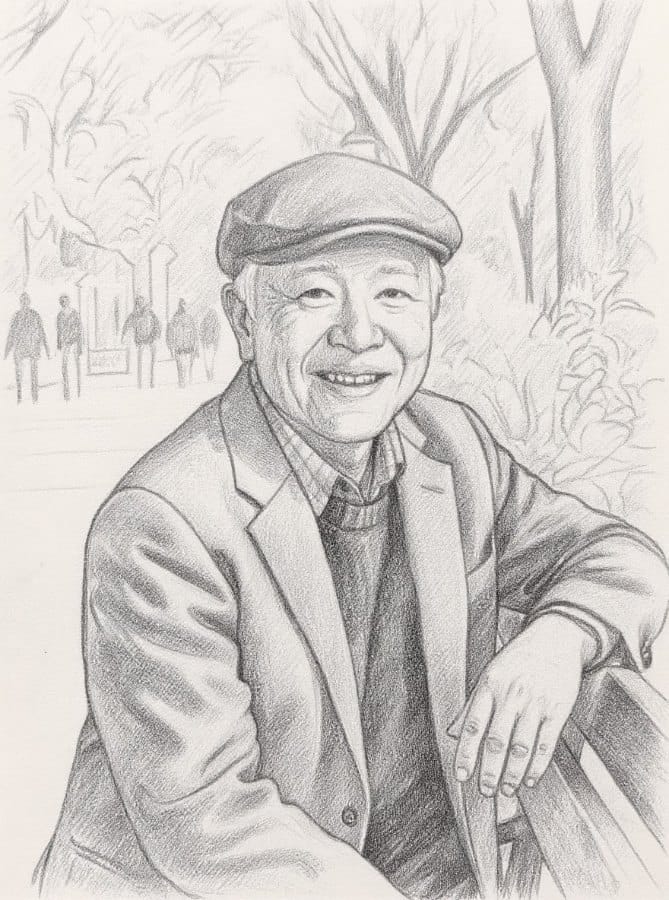
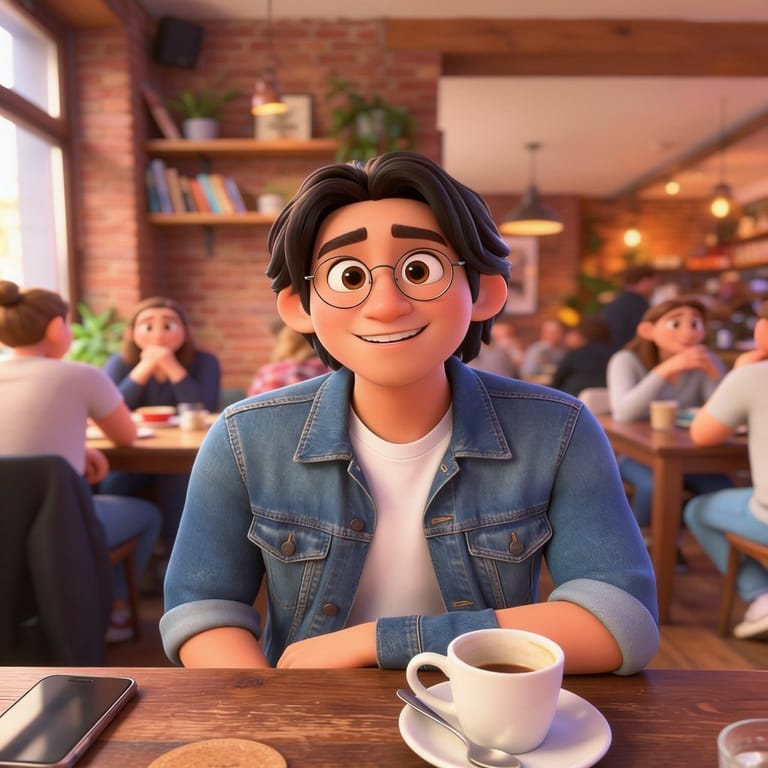
The AI Anime Generator turns a photo, such as a selfie, a pet picture or a landscape, into anime art in one of 10 styles, including Ghibli-inspired, modern anime (the clean, cel-shaded look of today's TV anime), kawaii, chibi, Chinese ink and minimalist. Upload a photo, pick a style, and an image-editing model redraws it in that style while keeping the pose, clothes and key features: FLUX.1 Kontext for most styles, Seedream 4.5 for Chinese ink, and GPT Image 2.5 for Kawaii, Chibi and Modern Anime, which kept faces and skin tone truest in our tests. It is great for profile pictures, gifts and fan art. To create anime art from a text description instead of a photo, use the Niji-style anime generator.

활용 사례

당신이 만들 수 있는 것

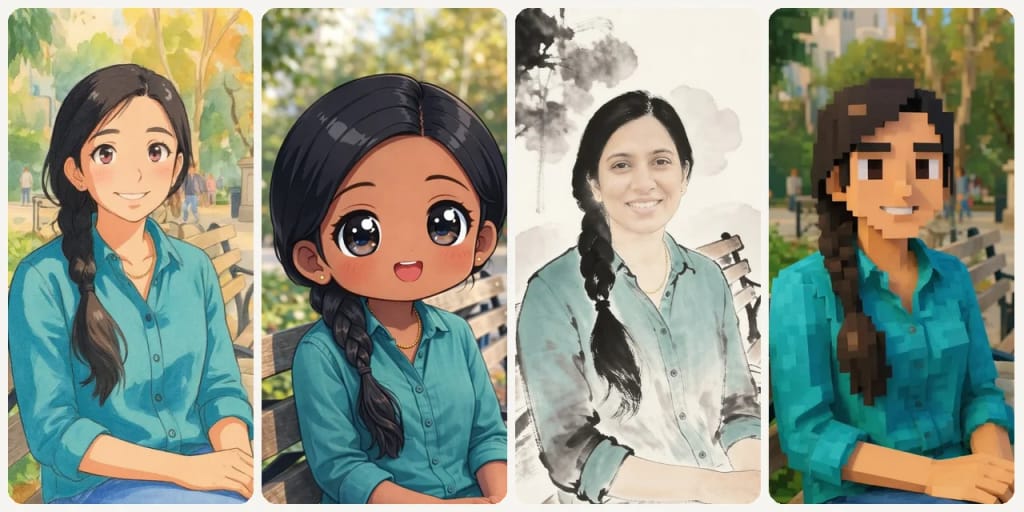
Free AI Anime Generator use case - Anime Avatars & Profile Pictures

Anime Avatars & Profile Pictures

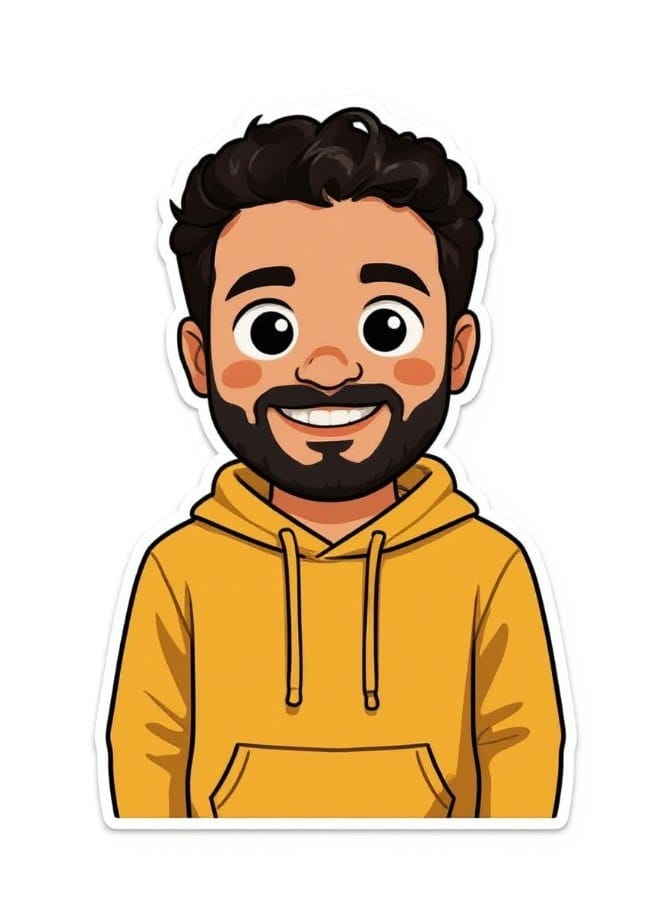
Transform selfies into eye-catching anime avatars for social media, gaming profiles, or messaging apps. Each avatar preserves your unique features while adding the charm of anime aesthetics.
Free AI Anime Generator use case - Fan Art & Character Design

Fan Art & Character Design

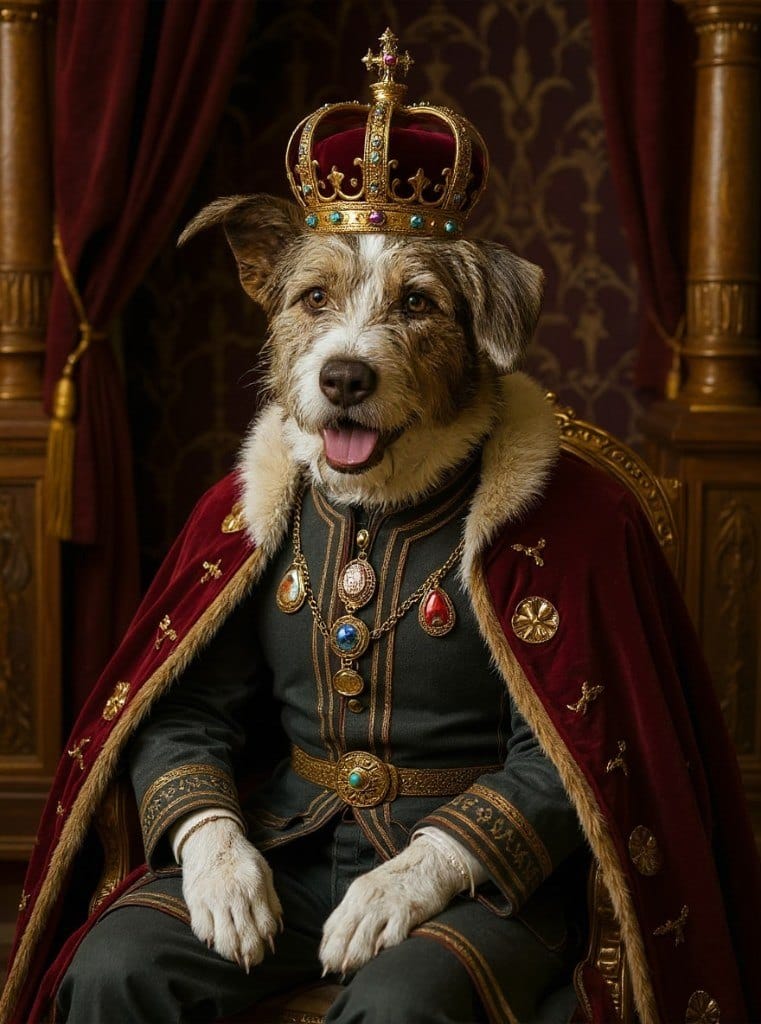
Bring your original characters to life or reimagine existing ones in different anime styles. Perfect for fan fiction, webcomics, and creative projects.
Free AI Anime Generator use case - Anime Wallpapers & Digital Art

Anime Wallpapers & Digital Art

Turn your favorite photos into anime-style wallpapers for phone and desktop backgrounds.

왜 Eidora인가

만드는 방식이 다르고, 결과가 더 좋습니다

Photo to Anime in Under a Minute
Upload any photo and watch it transform into detailed anime art with expressive eyes, clean lines, and vibrant colors — no drawing skills needed.
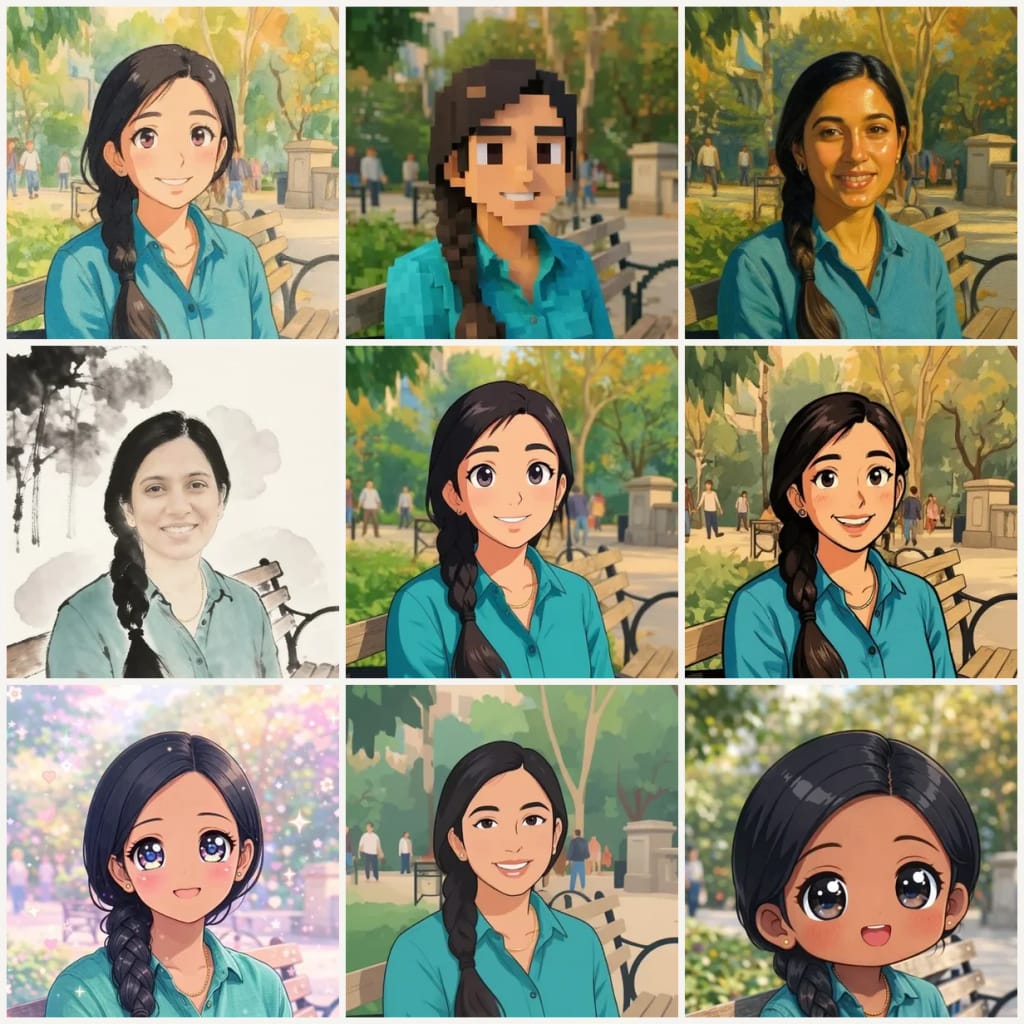
10 Anime Styles to Explore
Ghibli, Blocky, Realistic Art, Chinese Ink, Cartoon, Classic, Kawaii, Minimalist, Chibi and Modern Anime — or describe your own look in Advanced.
Fast Anime Results
Generate anime art online with Free plan credits available. Preview the result, then create an account to save or export.
이용 방법

세 단계, 약 1분.

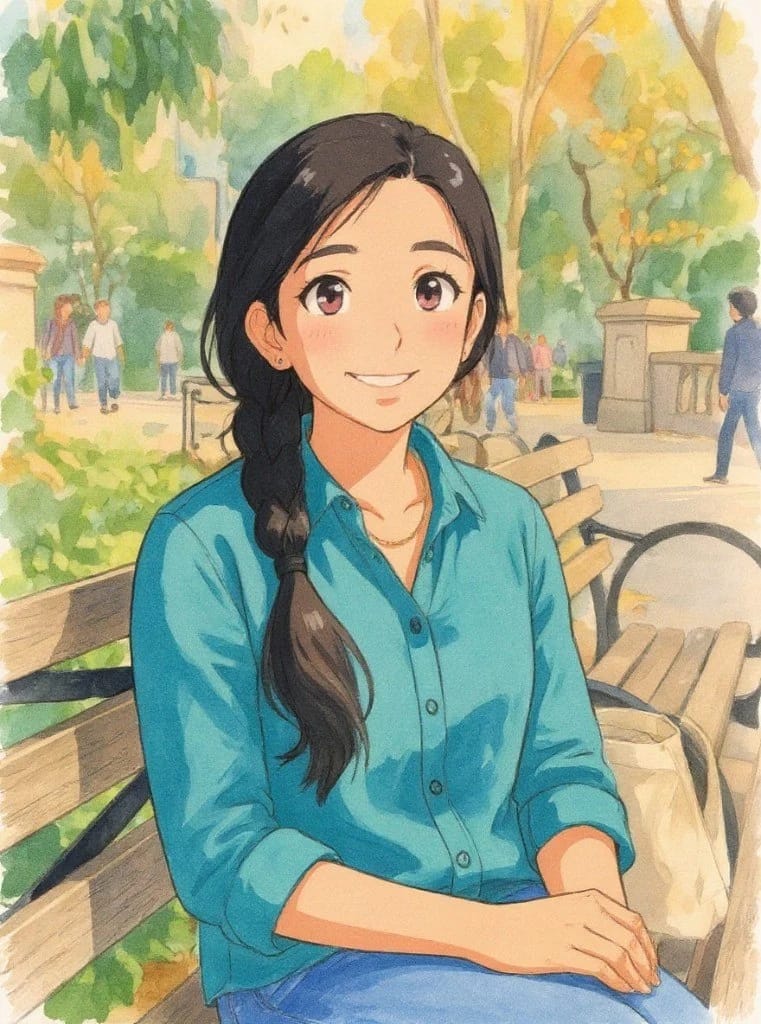
Step 1: Upload Your Photo
01

Upload Your Photo

Upload a selfie, portrait, or any photo you want to transform into anime art.
Step 2: Choose Anime Style
02

Choose Anime Style

Pick one of the 10 styles (Ghibli, Blocky, Realistic Art, Chinese Ink, Cartoon, Classic, Kawaii, Minimalist, Chibi, Modern Anime) or open Advanced and describe your own, then press Generate.
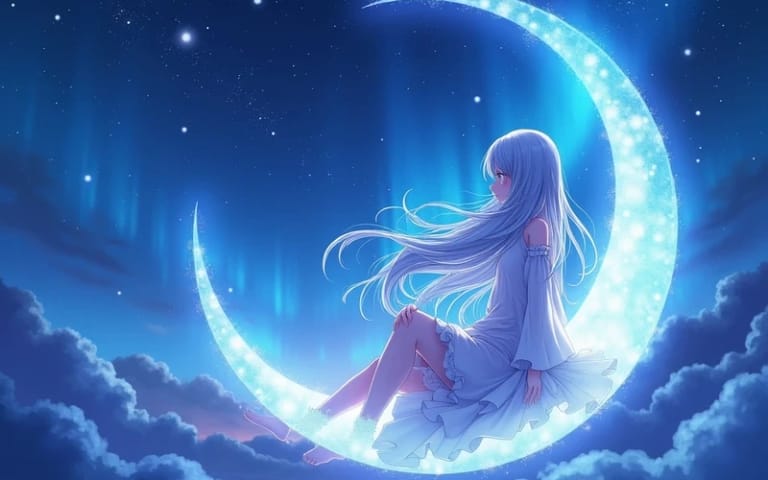
Step 3: Download Your Anime Art
03

Download Your Anime Art

Get your anime version in about a minute, in high quality, ready for sharing, avatars or wallpapers.
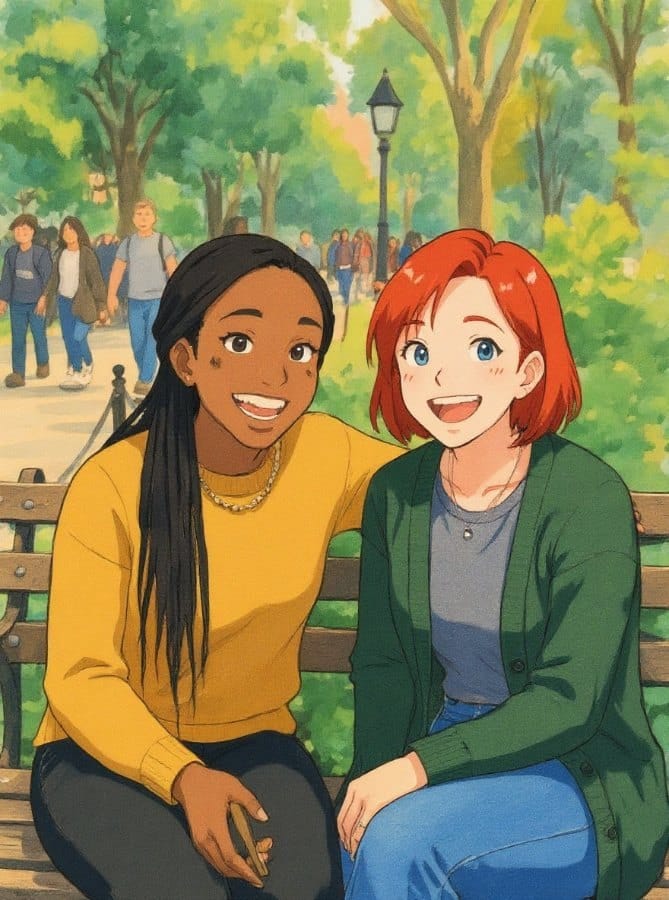
지금 Free AI Anime Generator 써 보기
✦ 생성 · 4 크레딧
지금 Free AI Anime Generator 써 보기
가입 시 6 크레딧, 첫 결과는 1분 안에 나옵니다. 계속하려면 일회성 크레딧 팩을 사면 되고 구독은 필요 없습니다.
✦ 생성 · 4 크레딧
자주 묻는 질문

자주 묻는 질문

알아야 할 모든 것. 찾는 답이 없나요?

아직 궁금한 점이 있나요?
지원팀이 기꺼이 도와드립니다.
지원팀 문의
Our AI analyzes facial features, expressions, and scene elements in your photo, then redraws them in your chosen anime style with clean lines, expressive eyes, and vibrant colors. It usually takes 20 to 60 seconds.
There are 10 styles: Ghibli, Blocky, Realistic Art, Chinese Ink, Cartoon, Classic, Kawaii, Minimalist, Chibi and Modern Anime. You can also choose the style strength, the likeness and the background, or open Advanced and describe your own anime look.
You can start with a free account: 6 credits when you sign up, enough to use this tool once (4 credits per image), with 2 left over. That is 4 credits per image, Chibi, Kawaii and Modern Anime included (they run on a stronger model that gets the proportions right and keeps your skin tone). Free results carry an eidora.io watermark. After that, credits start at $1.99: a new account can buy 40 credits for $1.99 once, within 72 hours of signing up; credit packs start at $4.99 for 100 credits and plans at $9.9/month. Once you have paid, your results have no badge.
Absolutely! Upload a clear selfie or portrait photo, choose your preferred anime style, and the AI will create a personalized anime version of you while preserving your distinctive features.
Clear, well-lit photos with visible facial features produce the best results. Portraits, selfies, and pet photos work particularly well. Avoid heavily filtered or very dark images.
Yes. Open Advanced and describe the look you want, for example "soft pastel colors with sparkly eyes". You still upload a photo; the AI redraws it in the style you describe. To make anime art from text alone, use the Niji-style anime generator.
You can upload JPG, PNG, WebP or GIF images up to 10MB.
You must have the necessary rights to the original photo. Permitted uses of the result also depend on applicable law and the selected third-party model or provider terms; take particular care with protected characters and styles.
가입 시 6 크레딧
만들 준비가
되셨나요?
10 스타일 · 이미지당 4크레딧 · 가입 시 6 크레딧 · 카드 필요 없음
가입 시 6 크레딧 · 카드 필요 없음
약 10~30초
가입 시 6 크레딧