Graffiti Art Generator

Graffiti Art Generator

Upload a photo or describe an idea, pick one of 6 graffiti styles from Street Mural to Neon Glow, and get one spray-paint style picture in under a minute.
6 styles
~10–30 seconds
Art style
Aspect ratio
Inspiration — click to try
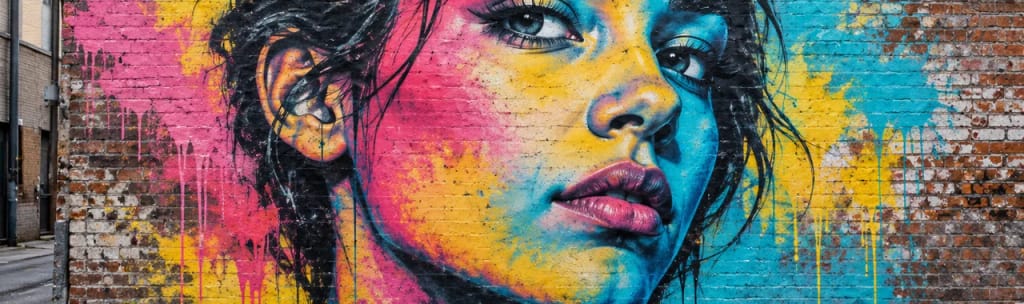
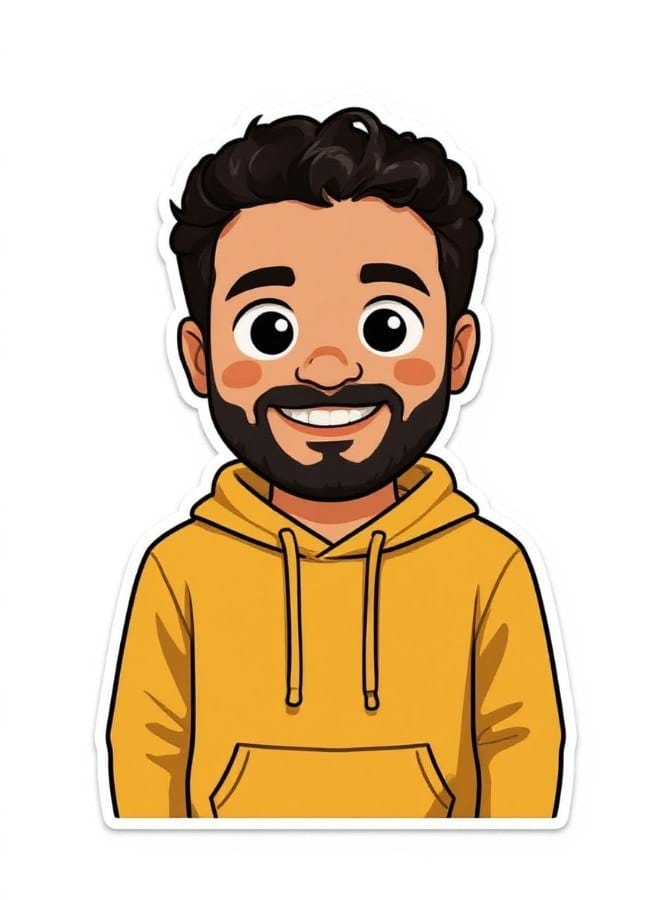
Inspiration 1
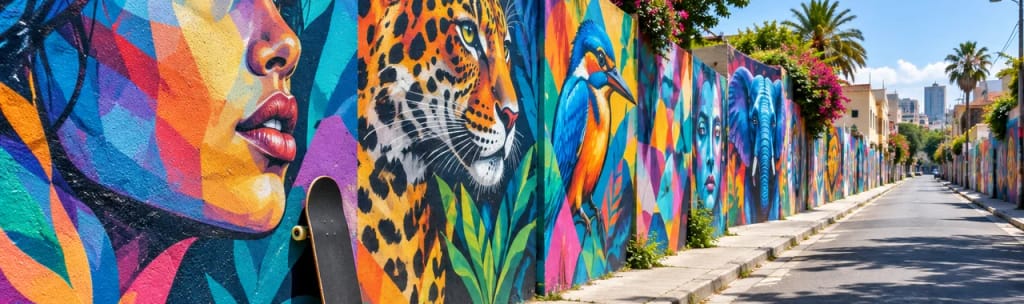
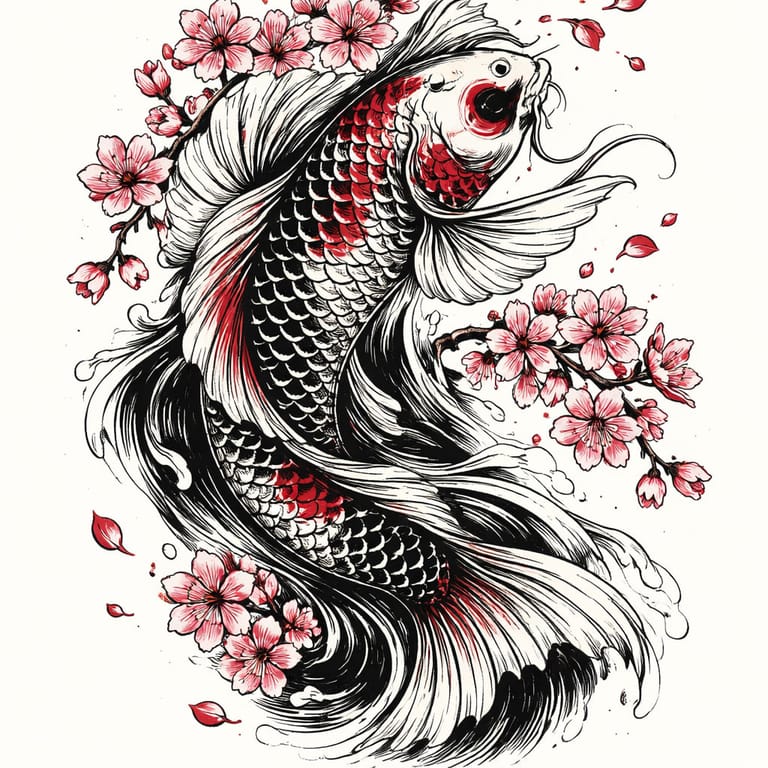
Inspiration 2
Inspiration 3
Inspiration 4
4 credits per image · sign up free · first image free
Model: FLUX 1.1 Pro · Usually 10-30 seconds

Eidora's Graffiti Art Generator turns a photo or a text description into a spray-paint graffiti picture: street mural, stencil, cartoon graffiti, neon glow and more, 6 styles in all. Sign up free for 6 credits; each image uses 4 credits.

Before & After

See the transformation

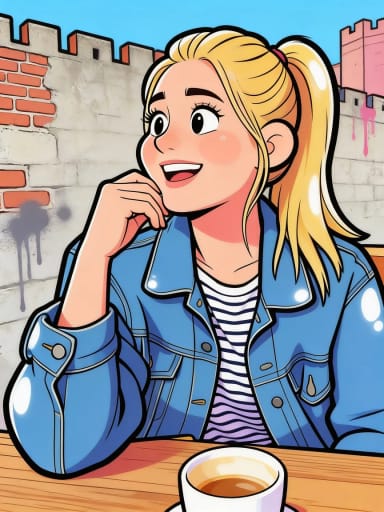
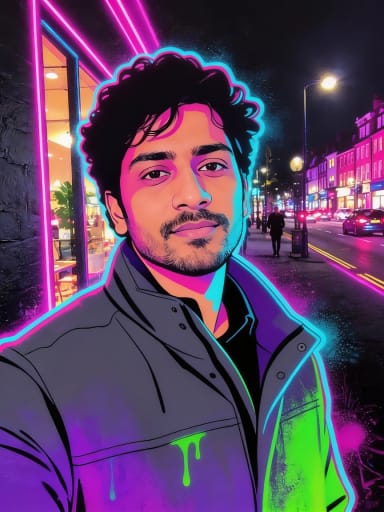
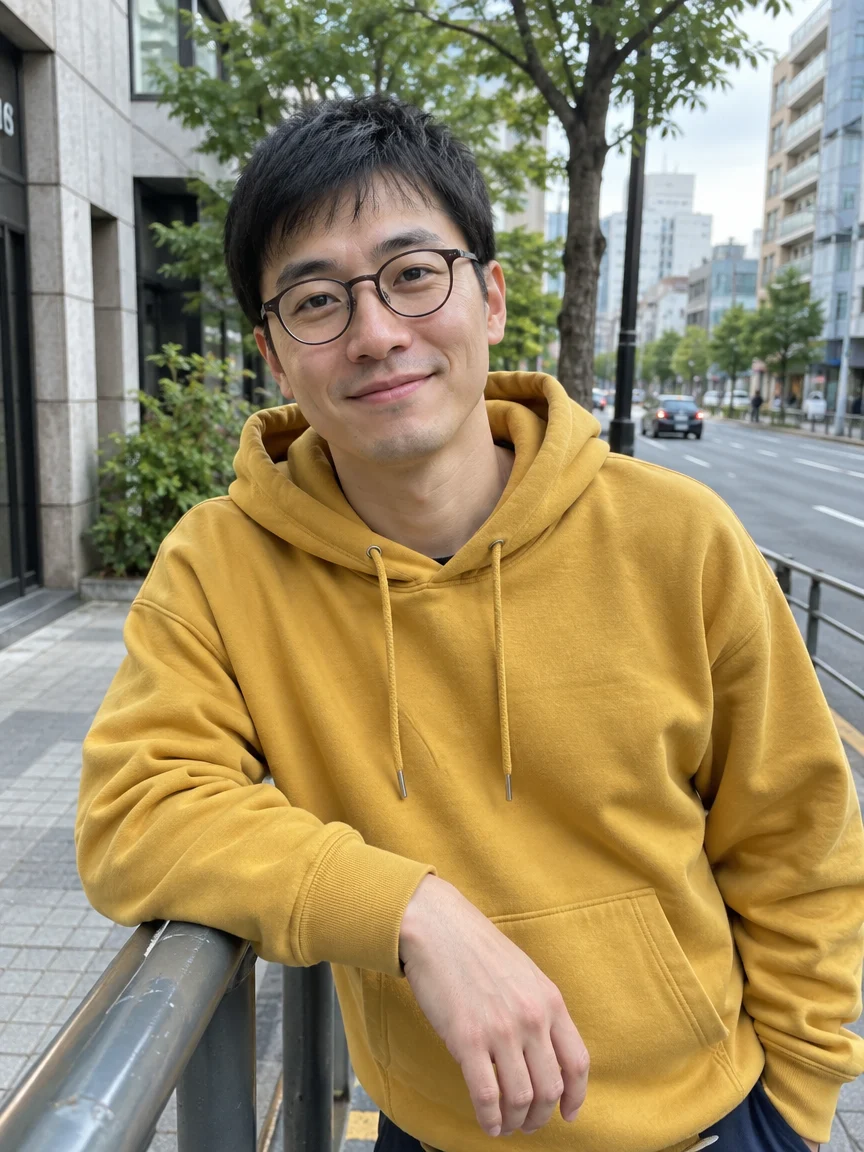
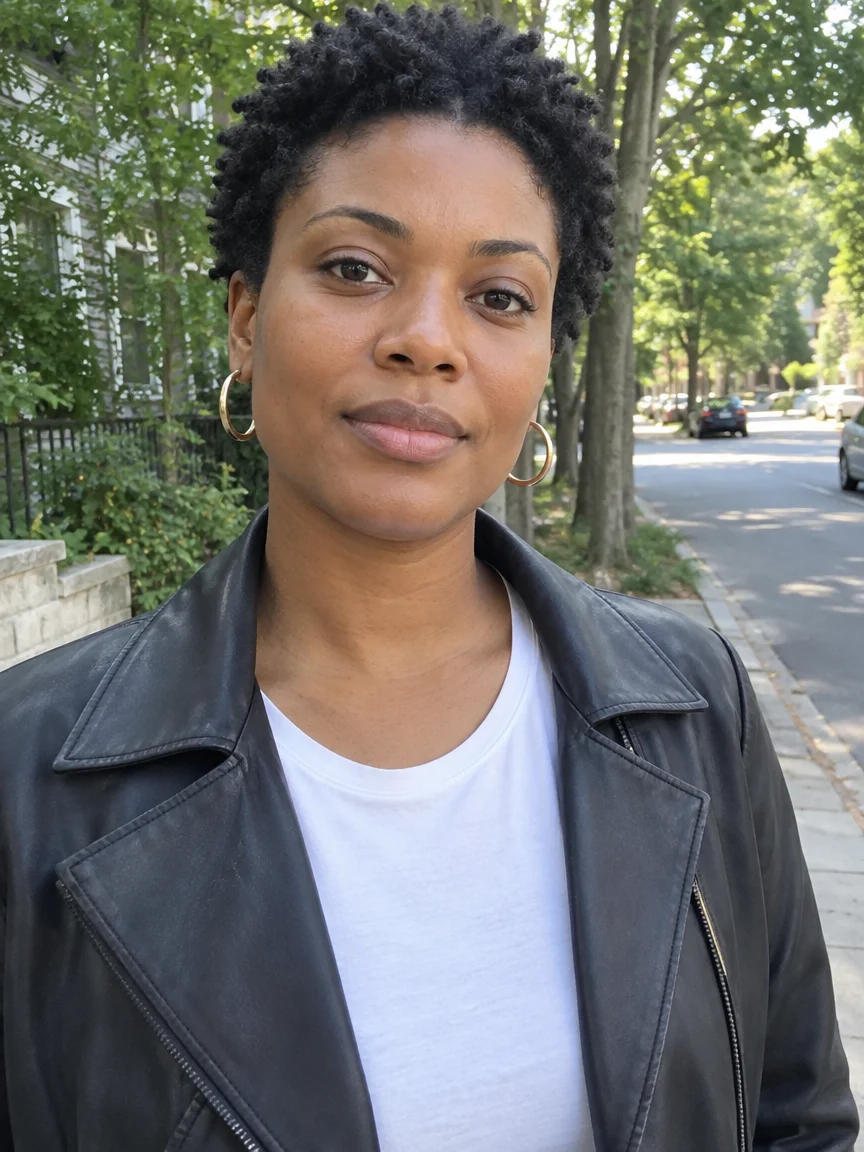
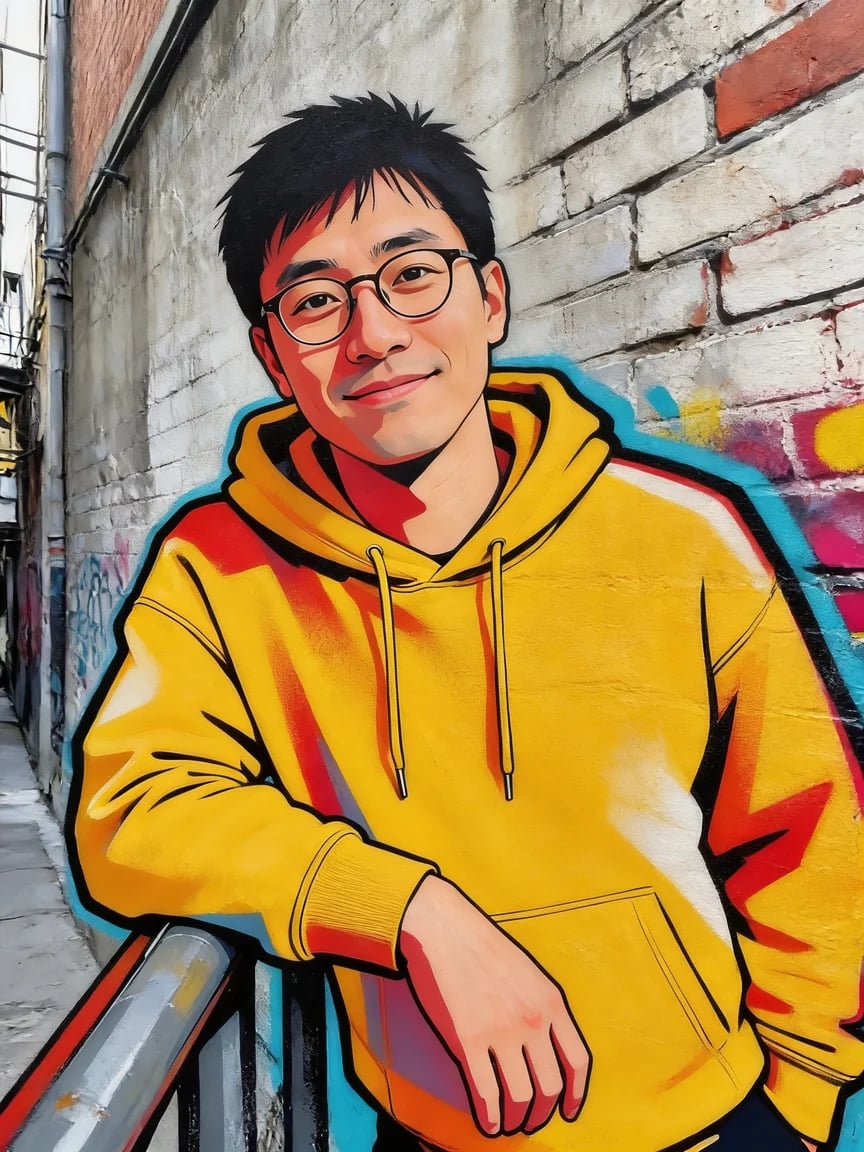
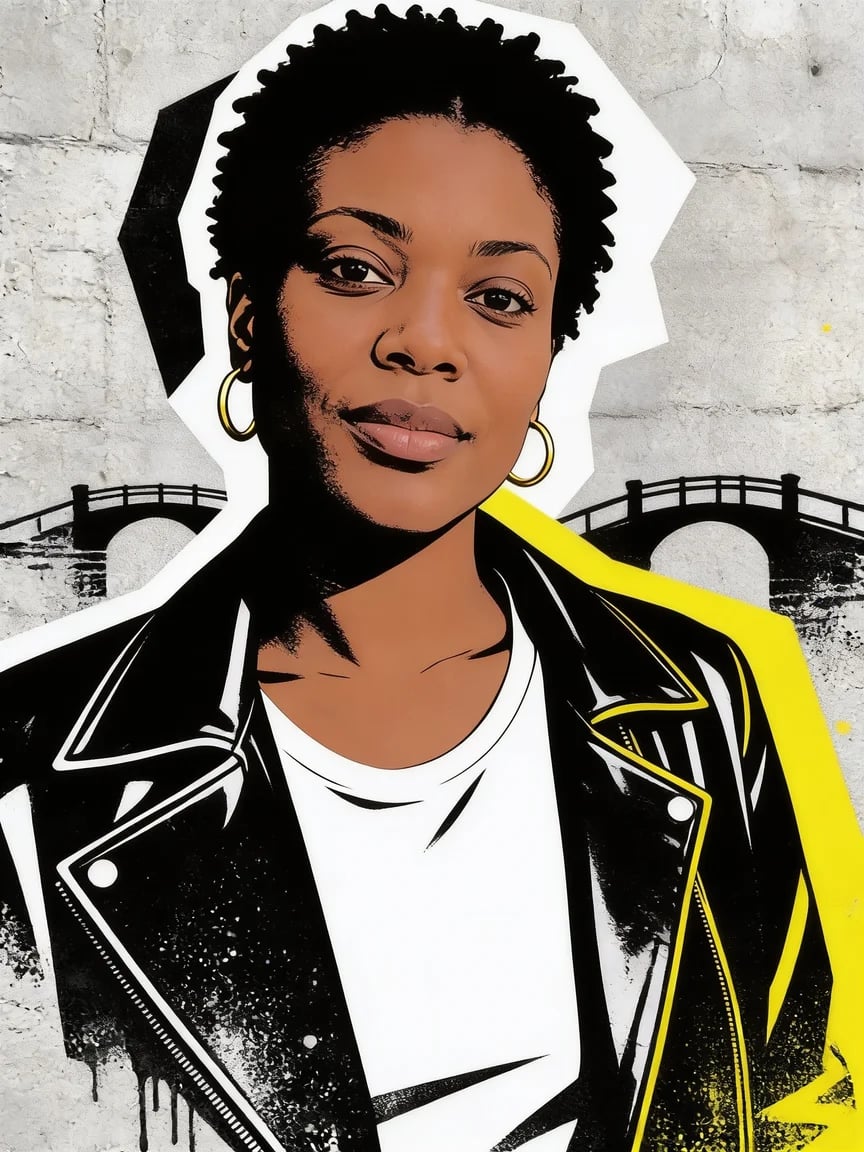
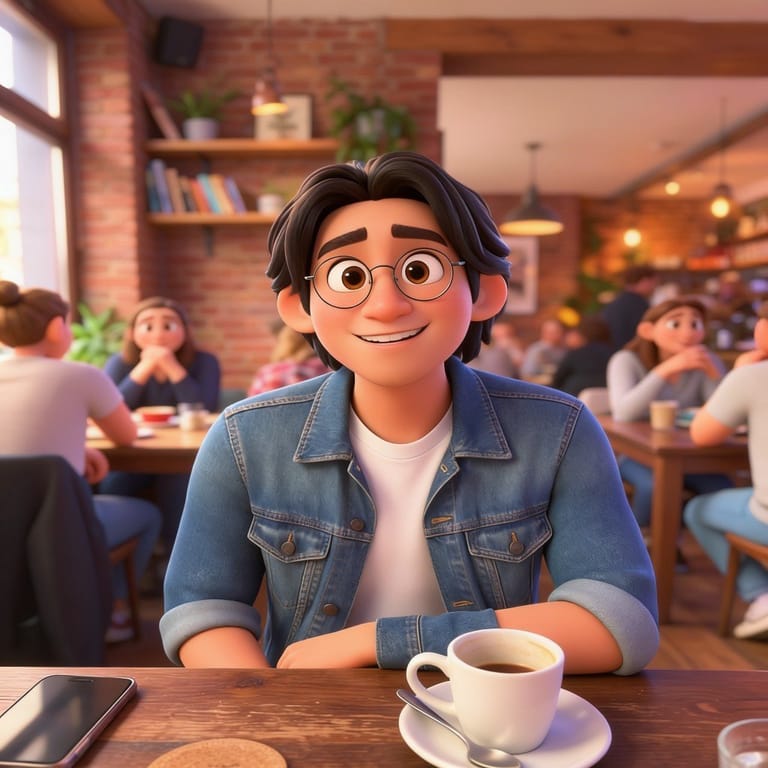
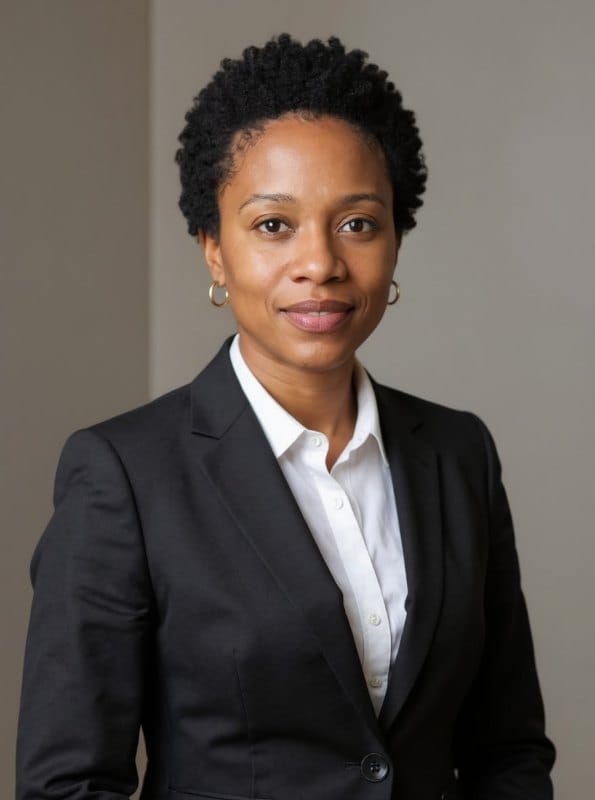
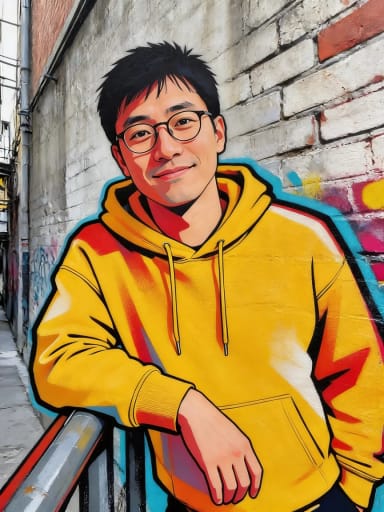
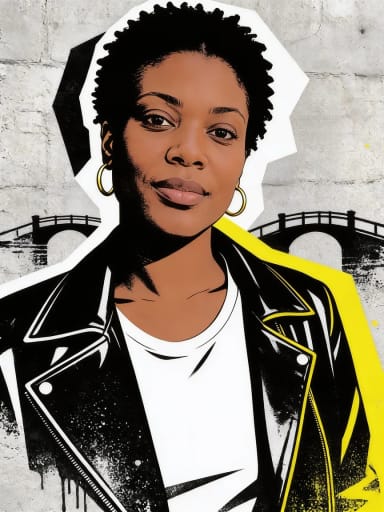
Original photo before Graffiti Art Generator - Street Mural styleOriginal photo before Graffiti Art Generator - Stencil style
Original photo
Before
AI result in Street Mural style - Graffiti Art GeneratorAI result in Stencil style - Graffiti Art Generator
AI result
After
Street Mural Style
Graffiti Art Generator · Eidora AI
What Is This Tool
Graffiti Art Generator overview

What Is Graffiti Art Generator?

A graffiti art generator turns a photo or a short description into a picture that looks like spray-paint street art. Upload a photo and pick one of 6 styles (Street Mural, Stencil, Cartoon Graffiti, Neon Glow, Drip & Splatter or Sketchbook), and the AI redraws what is in the photo, with the same people, pose and clothes, as a painted graffiti piece. With no photo, type what you want to see, such as a lion in a leather jacket, and the AI paints it in the style you picked. Each run makes one image, usually in under a minute. The result is a normal picture, not a vector file or a font, so letters and names you type may be spelled wrongly.

Use Cases

What you can create

Graffiti Art Generator use case - Profile Pictures and Social Posts

Profile Pictures and Social Posts

Turn a selfie into a street-art portrait for an avatar, a story or a cover image that stands out from ordinary photos.

Posters, Gifts and Room Decor

Make a graffiti portrait of a friend, a pet or yourself as a birthday card, a poster idea or wall art to print.

Ideas for Artists and Designers

Try colours, outlines and compositions before you pick up a spray can or a stylus, or use a result as a mood board image.

Why Eidora

Built different, built better

Photo or Words
Start from your own photo and keep the people, pose and clothes, or start from a few words and let the AI invent the picture. The same 6 styles work for both.
Six Real Graffiti Looks
Wall murals, black and white stencils, cartoon characters, neon, drips and splatter, and a marker sketchbook page, each described with the paint, outlines and surface of that look.
No Spray Cans, No Wall
No sketching, no tracing and no design software. Pick a style and press the button; use the Custom tab to add a colour, a place or an idea.
How it works

Three steps. About a minute.

Graffiti Art Generator: Upload a Photo or Describe an Idea
  1. Upload a Photo or Describe an Idea

    Upload a clear photo of one or two people, a pet or an object, or switch to Custom and type what you want to see. A phone photo is fine.

  2. Pick a Graffiti Style

    Choose Street Mural, Stencil, Cartoon Graffiti, Neon Glow, Drip & Splatter or Sketchbook, then press Generate. It usually takes under a minute.

  3. Download or Try Another Style

    Download the picture. To compare looks, run the same photo again with another style, one style per run.

Try Graffiti Art Generator Now
✦ Try It Free Now
FAQ

Frequently
asked questions

Everything you need to know. Can't find what you're looking for?
Still have questions?
Our support team is happy to help.
Contact Support
It is a tool that turns a photo or a text description into a picture in a spray-paint graffiti style. You choose one of 6 styles, and the AI draws one image in that style.
Yes. Upload a photo, pick a style and press Generate. The AI is told to keep the same people, pose, clothes and framing, and to paint the whole figure, face included, as graffiti. Results can vary, so if the face or pose is off, run it again.
Yes. Without a photo, type what you want to see, for example a fox in a leather jacket, and pick a style. Use the Custom tab to add colours, a place or other details to the style you selected.
Street Mural is a painted brick wall, Stencil is black and white with one accent colour, Cartoon Graffiti is bubbly with thick outlines, Neon Glow uses fluorescent paint on a dark wall, Drip & Splatter is loose and energetic, and Sketchbook is a marker drawing on paper.
You can type a name or a word in the Custom tab, but the AI draws letters as part of the picture, so they may be misspelled or shaped oddly. By default the styles add no lettering, so check any text carefully before you use the result.
Yes, within the free credits: a free account gets 6 credits to start, and each image uses 4 credits. Free results carry a small eidora.io badge; paid plans start at $9.9/month for 300 credits and give clean results.
A clear photo with the face or subject in view and decent light. One or two people work best, from a close-up to a full-length shot. A dark or blurry photo still works, but the face will be less accurate.
Permitted uses depend on applicable law and the selected third-party model or provider terms. Eidora plans change generation limits and history retention but do not themselves grant additional rights.
Your uploads and results are saved privately to your history so you can view and download them later, and only you can open them. To create a result, your photo is sent to the AI model provider that runs the generation. We do not sell your content or use it to train AI models.
Your first one is free
Ready to create
your masterpiece?
6 styles · 4 credits per image · Free to try · no card needed
Free to try · no card needed
~10–30 seconds
Sign up free · first image free