圣诞 · 教程
如何用一张照片做 AI 圣诞全家福
上传一张全家照,选全家福贺卡或和圣诞老人合影等场景,通常 10 到 30 秒出图。这里有步骤、选照片的要点和价格。
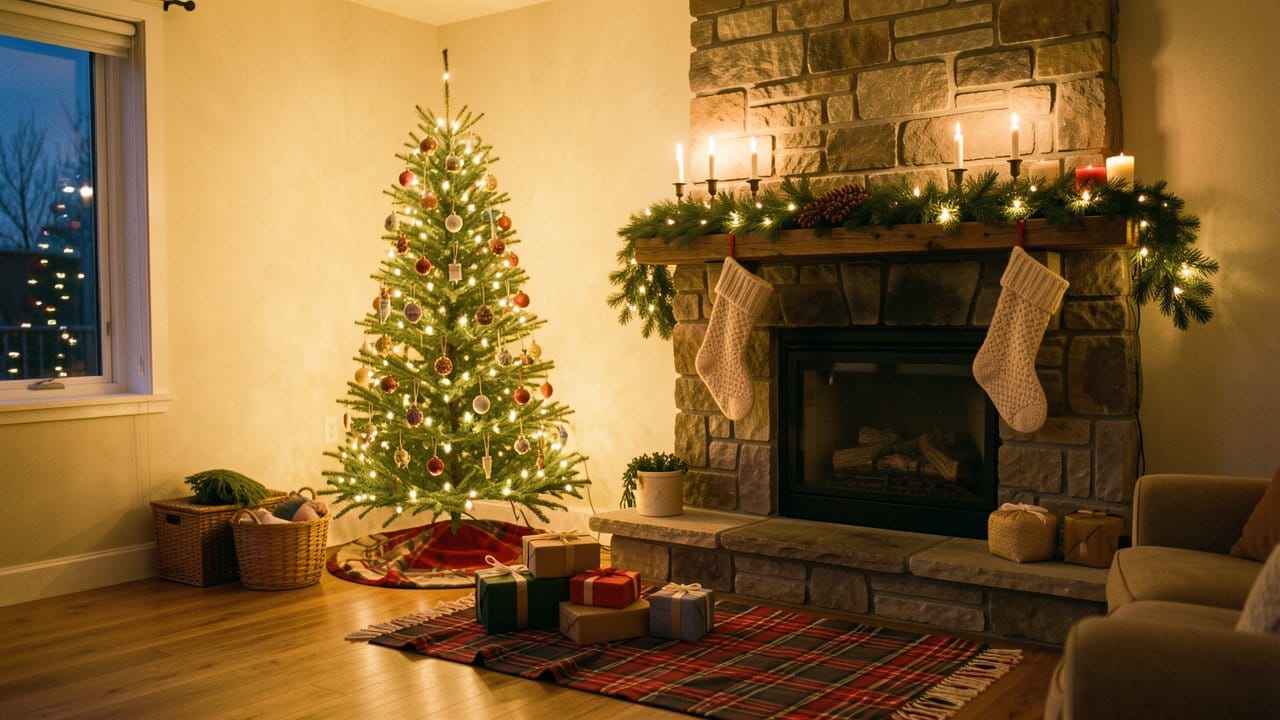
An AI Christmas family photo is a new holiday picture of your own family, made from one photo you already have. You upload the photo, pick a scene such as a card portrait by the tree or a photo with Santa, and the tool draws the same people into it.
On Eidora's AI Christmas Photo Generator that usually takes 10 to 30 seconds and uses 4 credits. A new account starts with 6 credits, enough for one photo, and that photo carries an eidora.io watermark. After that, a new account can buy 40 credits for $1.99 once, within 72 hours of signing up.
The pictures in this guide are labeled SAMPLE. They are illustrations we made for this article, not results from the tool.
AI 圣诞照片生成器
用你自己的照片试试
选一种风格,选一张照片,然后点按钮。 工具页会打开,并直接用这张照片开始生成。
风格
上传即表示你有权使用这张照片(见使用规范)
注册送 6 积分,够做第一张。
What you need before you start
• One photo with everyone in it. Every face visible, well lit, and not cut off at the edge.
• The right to use it. Upload a child's photo only if you are their parent or guardian, or with a parent's OK.
• An account. You sign in before generating. No software or design skills, and you don't write a prompt unless you want a custom scene.
• A JPG, PNG or WebP file.
How to pick the photo
You don't need a studio session. You need a clear group shot.
Get everyone in one frame. A phone on a timer or a neighbor with your phone both work. Pets can stay in the shot.
Keep faces visible. Glasses are fine. A face behind hair, or someone turned away, gives the tool less to work with.
Mind the group size. Family Card, With Santa and Christmas Morning were tested with 2 to 7 people in one photo, including grandparents, toddlers and a dog. Larger groups can work, but faces get small. If someone is cut off or hidden in your photo, the result can miss them.
Use the sharpest photo you have. A sharp, well-lit picture works better than a dark or blurry one.
Step 1: Upload and pick a scene

Open the AI Christmas Photo Generator and upload the photo. There are 14 Christmas scenes:
Family Card: a portrait by the tree, the classic card photo.
With Santa: one classic Santa standing by the tree, with your family around him in their own clothes. Children stand beside him or stay in a parent's arms, never on his lap.
Christmas Morning: the whole family in matching red-and-white plaid pajamas by the tree.
Couple Lights: two people in winter coats on a snowy street strung with lights.
Pet Christmas: your dog or cat by the tree in a red-and-white bandana.
Nine more: Cozy, Snow Play, Festive Group, Holiday Baking, Gifts, Market Street, Soft, Snowy Cabin and Snow Travel. These work best with one or two people.
If none fits, describe your own scene in the Custom tab.
Step 2: Generate and check every face
Press Generate. A photo usually takes 10 to 30 seconds, a little longer at busy times.
Look at each person at full size before you share it. Family Card, With Santa and Christmas Morning are built so each person keeps their own face, skin tone, hair and glasses, and children stay the same age. In our own blind reviews on fictional test families of 2 to 7 people, 17 of 18 results kept every person. That is our test, not an independent one, and it means a result can still miss.
If a face looks off, run it again with the same scene or pick another. Each run uses 4 credits.
Step 3: Add a greeting and download a 5×7 card
Under the result, type your greeting and an optional sign-off, pick Classic, Evergreen or Full photo, and download a 5×7 card at 300 dpi at no extra cost. The words are set in a real font rather than drawn by the AI, so they are never misspelled, but check that you typed every name the way you want it.
You can also download just the photo. The photo is suited to web pages and social media, and it is not guaranteed to match your original's resolution or to be print quality. For printing, use the 5×7 card.
A card made from a free account's picture keeps its eidora.io watermark. Once you have paid, your results have no badge.
What it costs
• First photo: a new account gets 6 credits. One photo uses 4, so 2 are left over, and the result has a watermark.
• New member pack: 40 credits for $1.99, once, within 72 hours of signing up. That is 10 photos.
• Credit packs: from $4.99 for 100 credits.
• Plans: from $9.9 a month for 300 credits.
• The 5×7 card: no extra credits.
Is it safe to upload photos of my kids?
Your photo and results are private to your account. To make the picture, the photo is sent to the AI model provider that runs it. Eidora does not sell your content or use it to train AI models. You can delete a result in History, or your whole account from your Account page.
If you would rather check the quality first, start with a photo of adults only.
Common questions
Which AI model does it use?
Family Card, With Santa and Christmas Morning run on GPT Image 2.5, OpenAI's image model. Nine of the other scenes run on FLUX.1 Kontext Pro.
Can I include the dog?
Yes. A pet in your family photo stays in the picture with Family Card, With Santa and Christmas Morning. For a pet on its own, use Pet Christmas or the AI Christmas Pet Photo page.
Can I use it for a business?
That depends on your rights in the photo, the law, the model provider's terms and the consent of the people pictured. Check those before you publish or sell a result.
What if I want a designed card from words, with no portrait?
Use the AI Christmas Card Generator. For everything else, see AI Christmas photos.